
Elementor UI Kit
Copy and paste 450+ professionally designed sections that work together as a cohesive design system, for classic Elementor (V3) and Elementor V4. Consistent spacing, a lean structure, and responsive behavior built in. Creating websites with Elementor has never been this easy.
 Join 4,000+ users building with Element UI
UI kit
More than just templates
Most Elementor template libraries are just collections of mismatched layouts. Drop two sections on a page and the spacing is off, the typography clashes, and nothing feels like it belongs together.
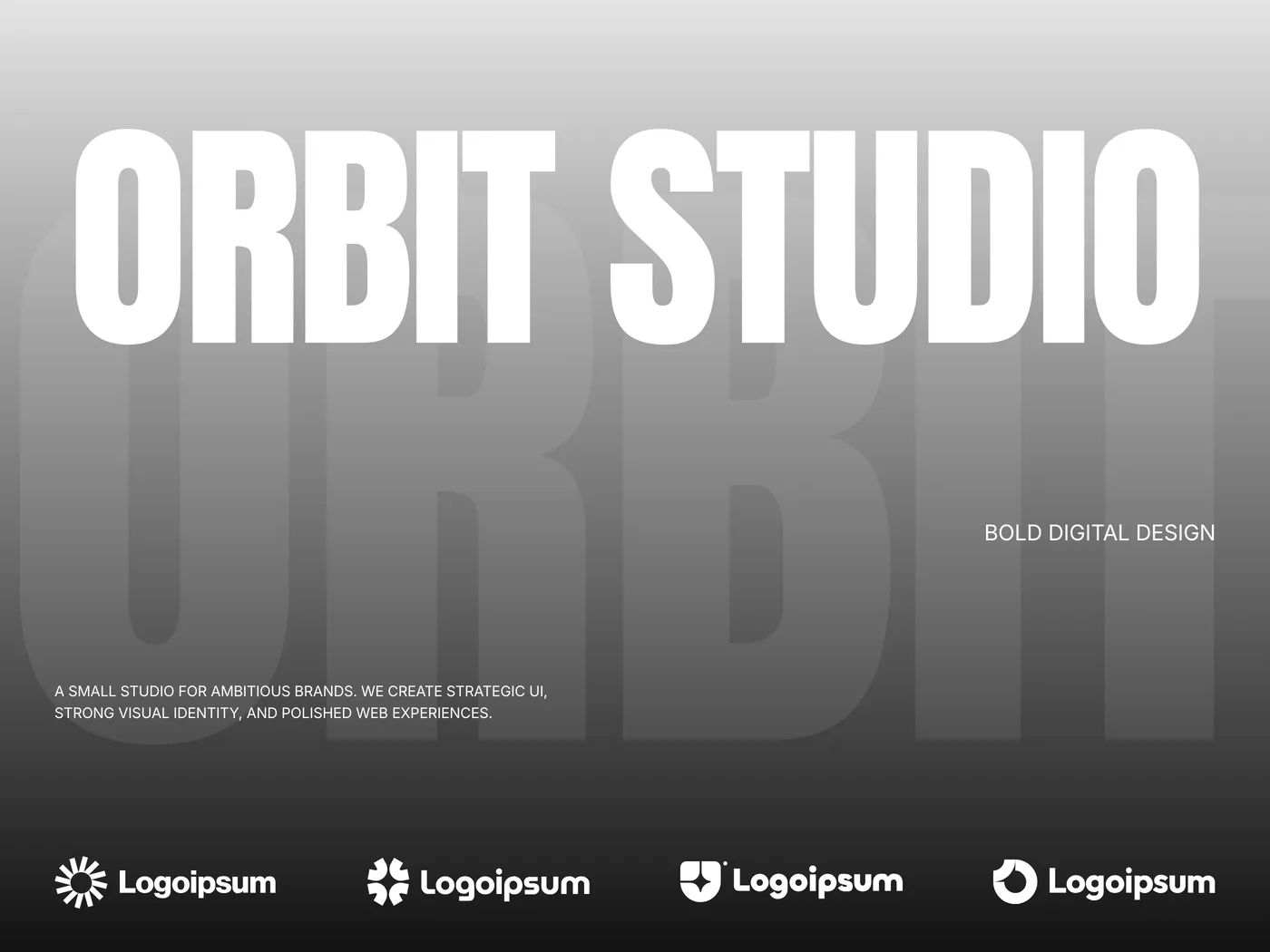
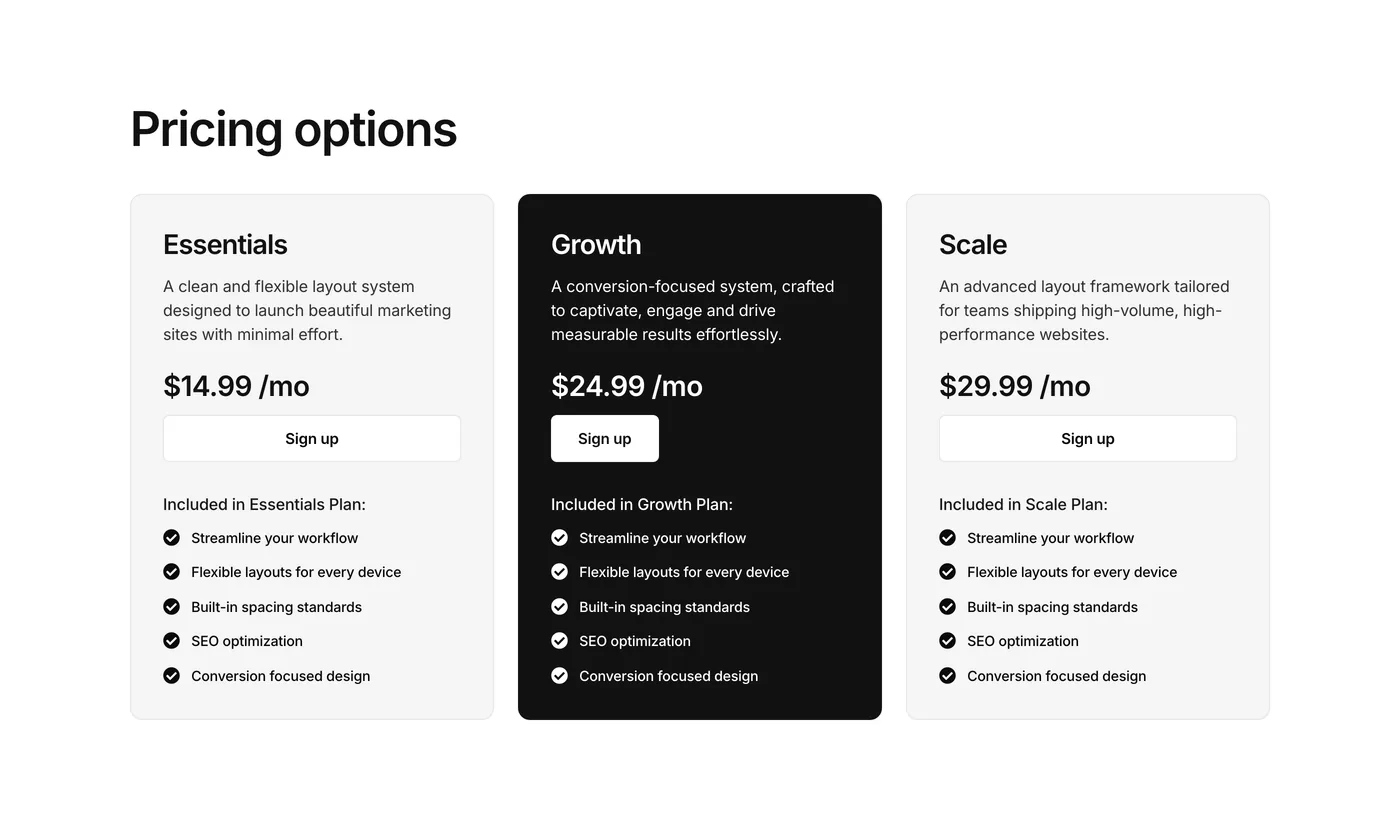
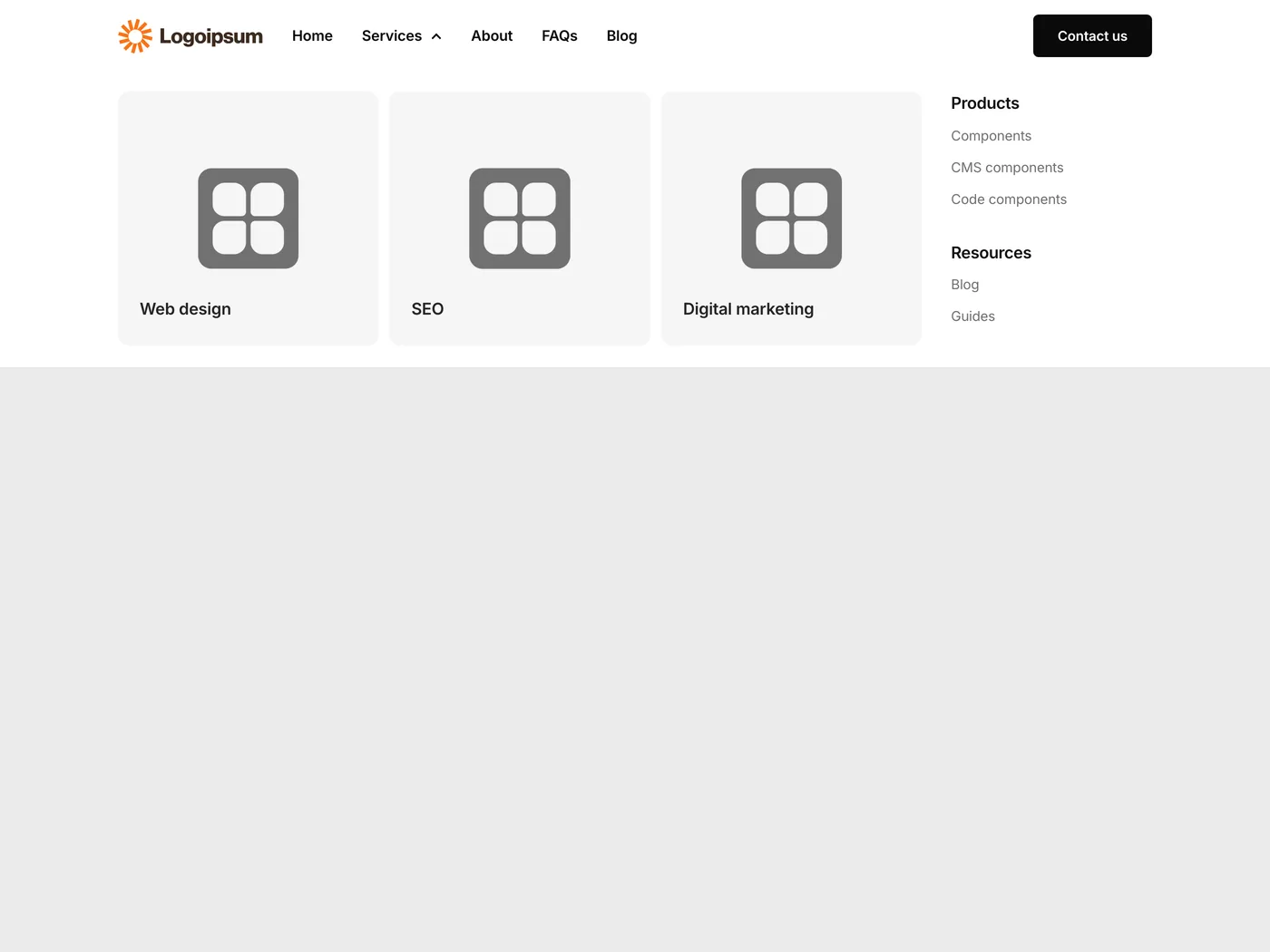
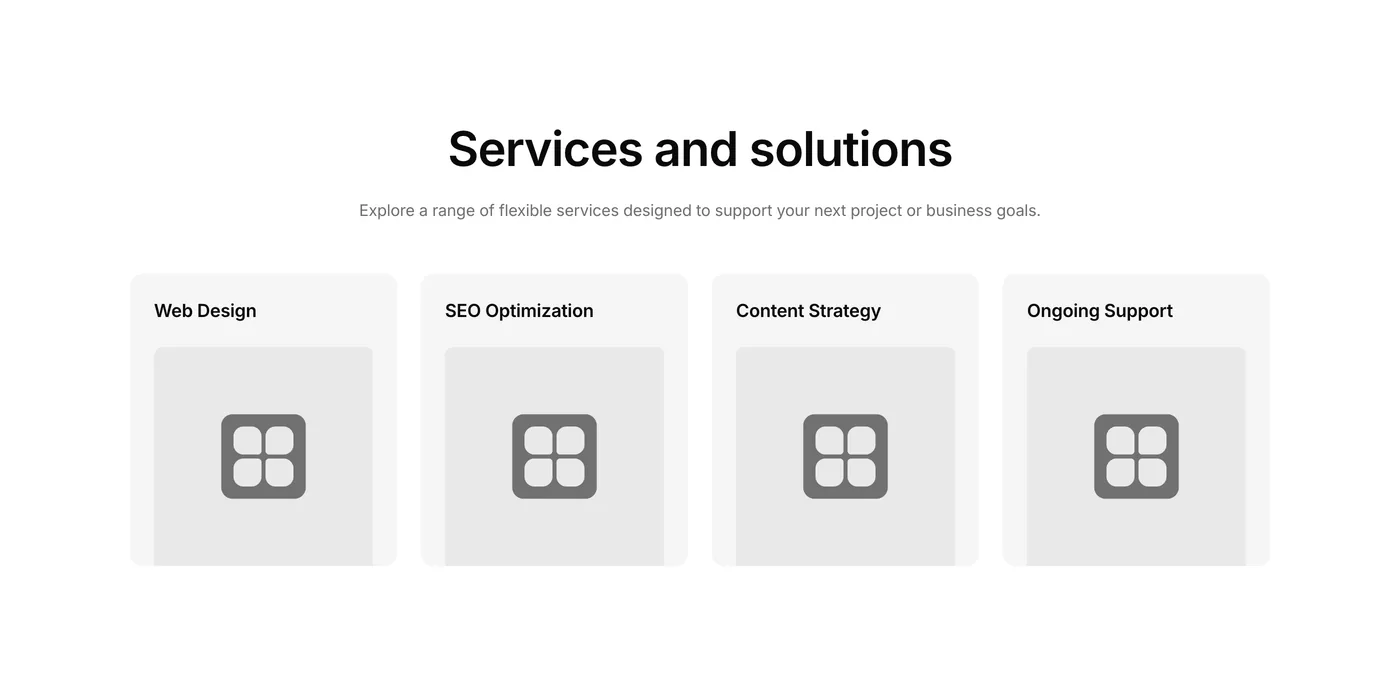
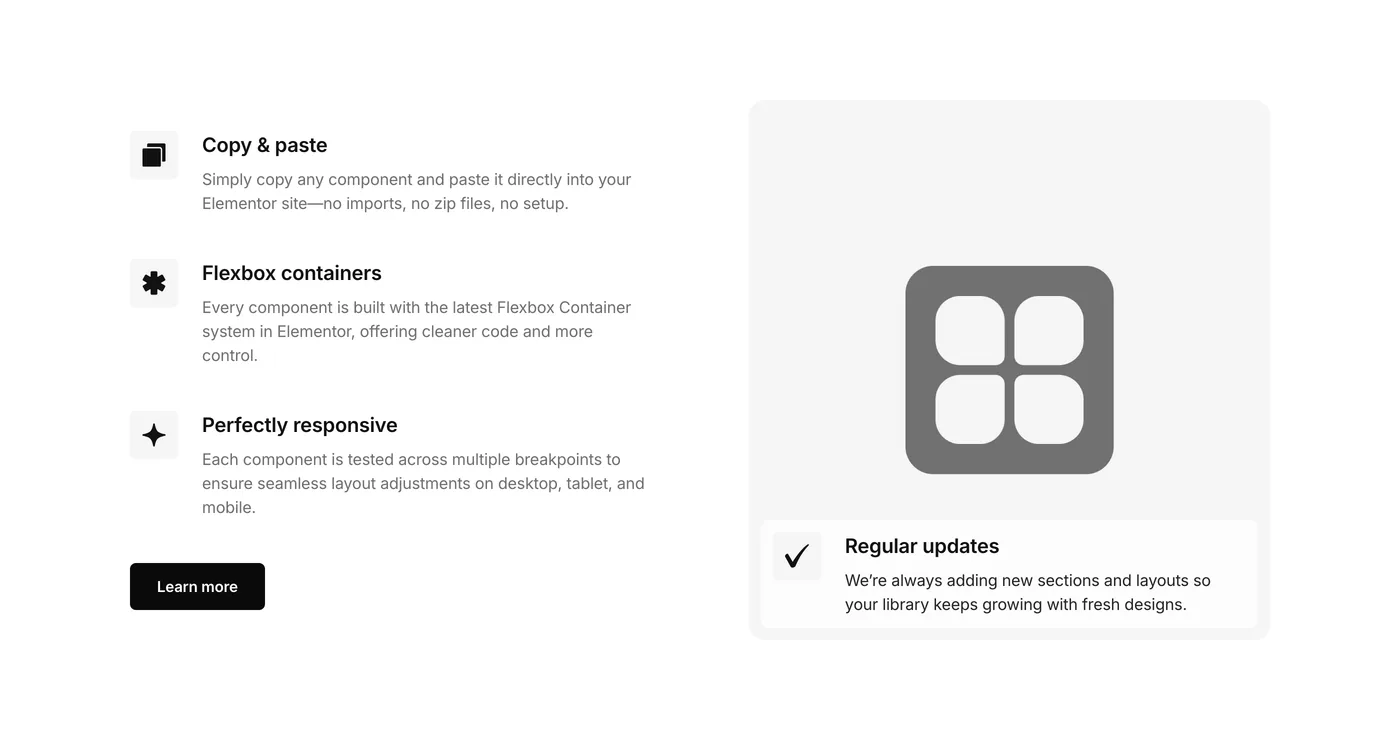
Element UI is different. Every section in this kit follows the same design system with consistent spacing scales, unified typography hierarchy, and matching visual styles.
Pick any combination of sections and they look like they were designed for the same site. That’s the difference between a random template pack and this Elementor UI Kit.

Features
Why Element UI is different
Most component libraries compete on volume. Thousands of templates, hundreds of variations, endless scrolling.
The problem? Quantity rarely means quality.
You end up sifting through bloated layouts, inconsistent spacing, and outdated code.
Element UI takes the opposite approach.


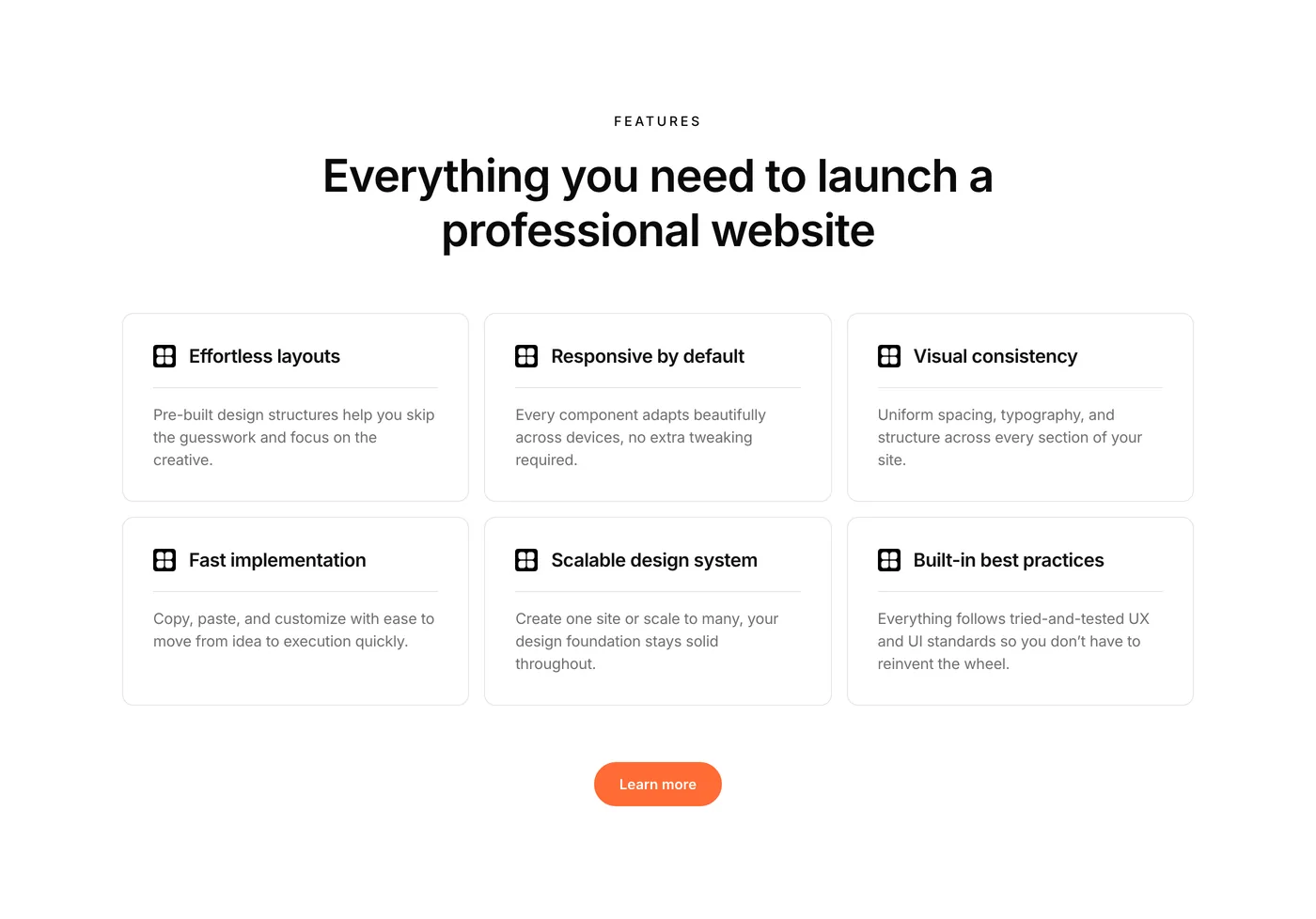
Fully responsive
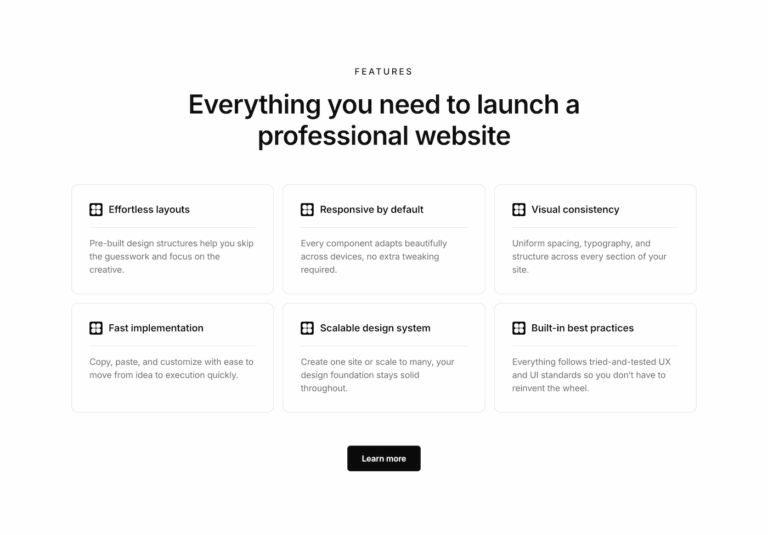
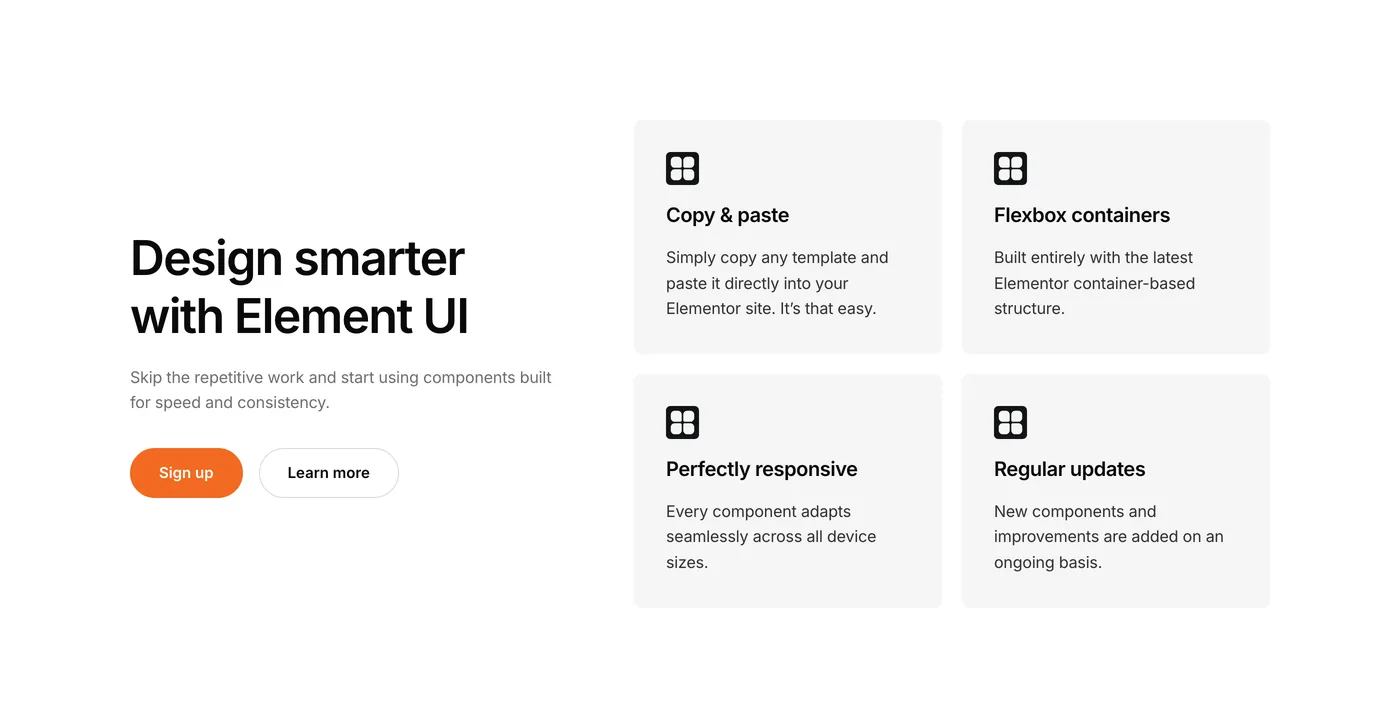
Every section, V3 and V4, comes with its tablet and mobile layouts already set up and tested. Mobile layouts that work properly, not desktop designs that awkwardly shrink.
Built for V3 and V4
V3 sections use Flexbox containers and widgets. V4 sections use Elementor V4’s atomic elements, laid out with Flexbox and Grid. Both keep a lean structure with no unnecessary nesting.
Consistent design system
Every section, V3 and V4, follows the same spacing scale and type hierarchy. Drop multiple sections on a page and they just work together.
Your own variables and classes (V4)
V4 components use local styles only, so they paste without adding global classes or variables to your site. Keep the local styles, or connect your own variables and classes.
A note from the founder
Built by an Elementor expert 👋
Element UI is built by Paul, an Elementor developer with years of experience building websites. This isn’t a template farm churning out layouts for volume. Every section in this UI kit comes from real project work. The spacing system exists because mismatched templates waste time. The Flexbox structure exists because legacy sections and columns cause problems. The responsive behavior exists because broken mobile views are frustrating.
This is an Elementor design system built by someone who uses it daily.
How it works
Copy, paste, and apply your brand styles
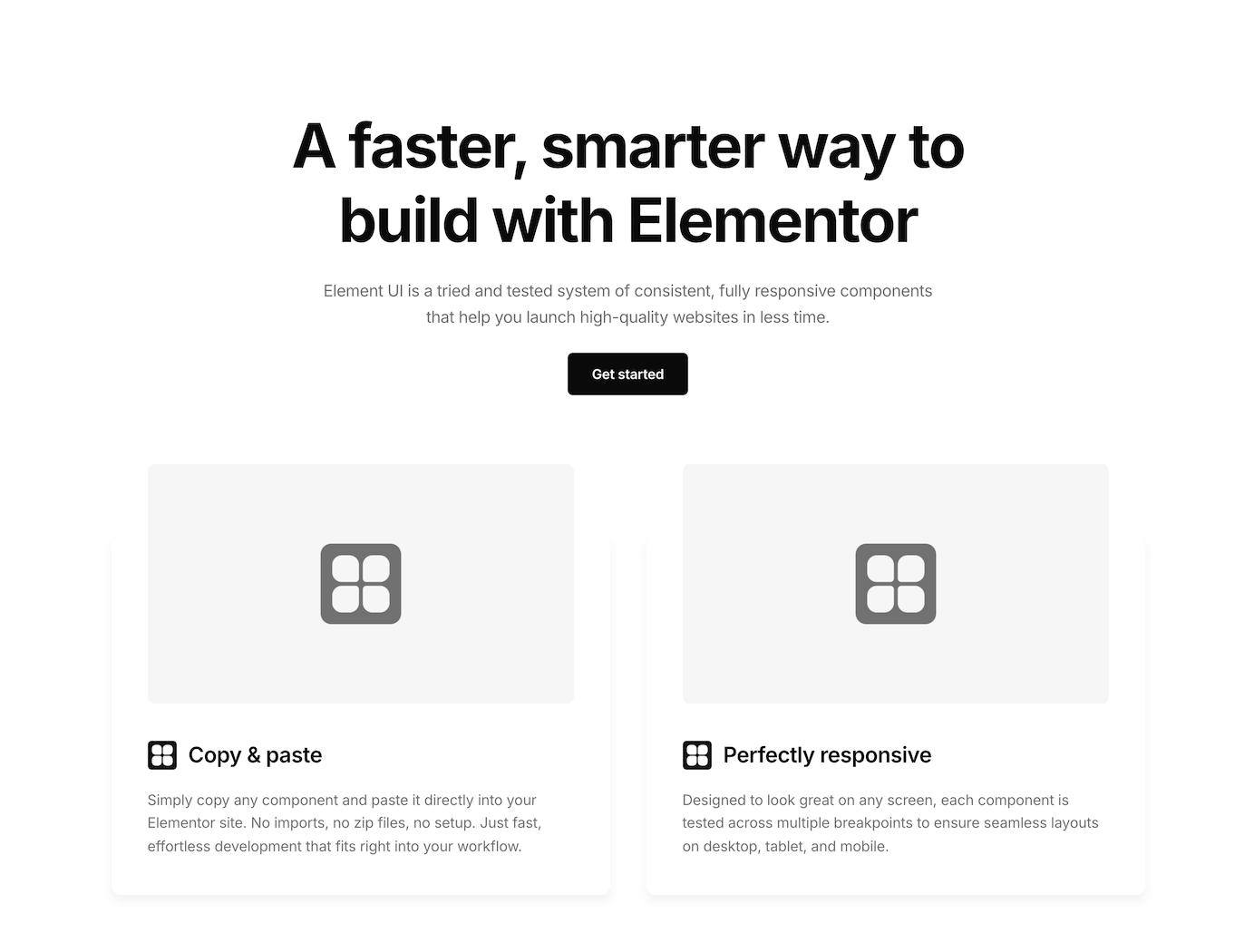
No plugins to install. No theme dependencies. Just copy sections directly into any Elementor project.
- 01
Browse the library
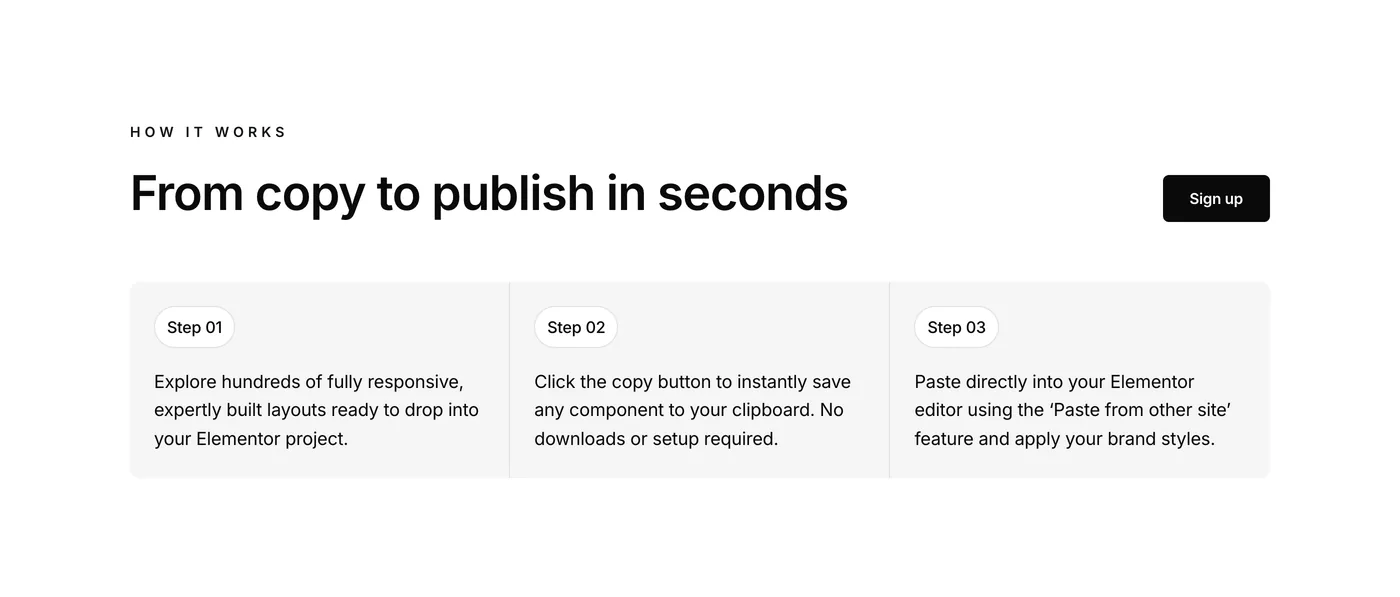
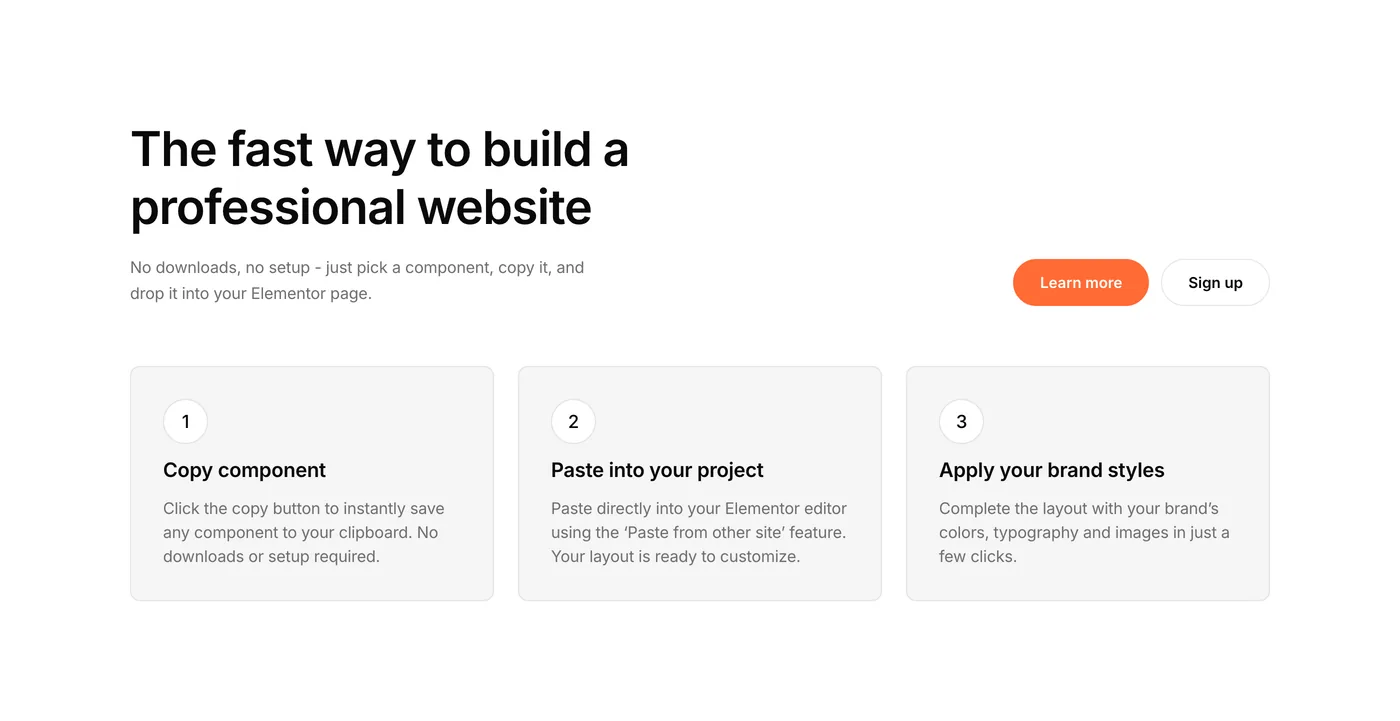
Explore 450+ sections organized by category, in V3 and V4. Find layouts for any page type or content block.
- 02
Click copy
Click the copy button. The component is saved to your clipboard.
- 03
Paste into Elementor
Right-click in the Elementor editor and choose “Paste from other site.” The section lands with its spacing and styles in place, ready for your brand.
A complete Elementor design system for incredible value. Copy, paste, and build sites that look professionally designed.
Reviews
Who is Element UI for?
Freelancers, agencies, and site owners rely on Element UI to deliver quality work efficiently. Here’s why it works for them and what they have to say.
Maintain consistency across multiple pages
Scale your business by taking on more projects
Impress clients with professional, polished designs
“The easy copy-and-paste feature has cut my project time in half. The pre-built sections are designed with a professional touch that aligns perfectly with my high standards.”
Arjun Elementor Developer
“As a freelancer, time is money, and Element UI has easily paid for itself over and over again. The design system keeps everything clean, and I can focus on delivering results faster than ever.”
Lucas D. Freelance Developer
“What impressed me most about Element UI was how the expert utilization of flexbox containers has helped to speed up our sites, which is crucial for ranking well. The structures are also clean and easy to navigate.”
Jonathan SEO expert
“Element UI has completely changed how I approach client projects. What used to take me days now takes just a few hours. Clients love the results, and I love how easy it is to build consistent, beautiful sites.”
Jordan M. Freelance Web Designer
“Element UI has become an indispensable resource for our agency. The copy and paste feature is brilliant!“
David Agency owner
“I can’t emphasize enough how much time I save with Element UI. Building sites from scratch used to take up most of my schedule, but now I can launch professional sites much faster, allowing me to take on more clients and projects.”
Sofia Freelance Developer
“This library has saved me countless hours. I just copy, paste, and everything falls into place. It’s like having a secret weapon that makes every project look more professional without the extra work.”
Rachel Elementor Specialist
“We’ve integrated Element UI into our agency’s workflow, and the impact has been incredible. Our team now delivers projects faster, with higher consistency, and clients are thrilled with the designs.”
Alex W. Creative Agency Director
“I run a small SEO/Paid Ads business and came across Element UI Kit when searching for pre-built Elementor solutions. I’ve been using the tool for a few months and it’s easily saved 20+dev hours plus the cost of a dev. We’ve used it on landing pages and will soon use the pre-built websites. The components are easy to use and there is lots of variety. Support from Paul was also fast and helpful. Recommended!”
William Smith Agency Founder
Launch a professional site from day one without hiring a designer
Save thousands in development costs
Update your site yourself without a steep learning curve
“I needed a way to improve my website without spending thousands on a web agency. Element UI was the perfect solution: within a day, I had a polished, modern site that feels totally custom to my brand.”
Daniel S. Founder
“Launching marketing sites for each of our app releases is a breeze with Element UI. We can maintain brand consistency while rolling out feature-rich sites in record time.”
Jamal Startup founder
“We needed to hit the market fast, and Element UI was our secret weapon. Within a week, our in-house team used the Elementor components to create a responsive, professional website ready to showcase our healthcare app.”
Elena Startup CEO
“Element UI helped me launch my business website so much faster than I expected. The components are simple to use, and I was able to make a site that looks amazing without any tech headaches.”
Olivia M. Startup Founder
“As a small publishing startup, our budget was tight. Element UI’s professional solution helped us mockup the design for our website which we passed over to a developer who created a stunning online bookstore.”
Andrej Pavlov Entrepreneur
“As a small business owner, I don’t have the time or budget to hire a designer for every website update. Element UI lets me create professional-looking pages quickly, and it’s easy enough for me to use on my own.”
Amanda Reynolds Small business owner
“I frequently update my business site with new pages. Element UI’s easy-to-use interface means I don’t need a web developer on retainer, perfect for a bootstrapped solopreneur like me.”
Maria Johnson Saas business owner
“Speed to market is critical for us. With Element UI, our small team was able to launch a complete marketing site in just a few days, which was crucial for our product launch. The ease of making changes and updating content means we can adapt our strategies on the fly without delays.”
Lukas Moreno Startup CEO
“Element UI’s components have allowed us to quickly launch our eco-friendly product line online. The ability to update and customize swiftly keeps our site as innovative as our products.”
Sophia Martin Co-Founder
Start with proven layouts and best practices
Learn by example with professionally built sections
Create professional results from your first project
“I decided to start a blog about my travels. Element UI was recommended by a friend, and it’s incredibly beginner-friendly! I’ve been able to build a beautiful site that my family and friends love to visit.”
Jacob H. Blogger
“Having the ability to build websites faster has really helped me to deliver a higher standard of work and take on more projects.”
Helena Martin Freelancer
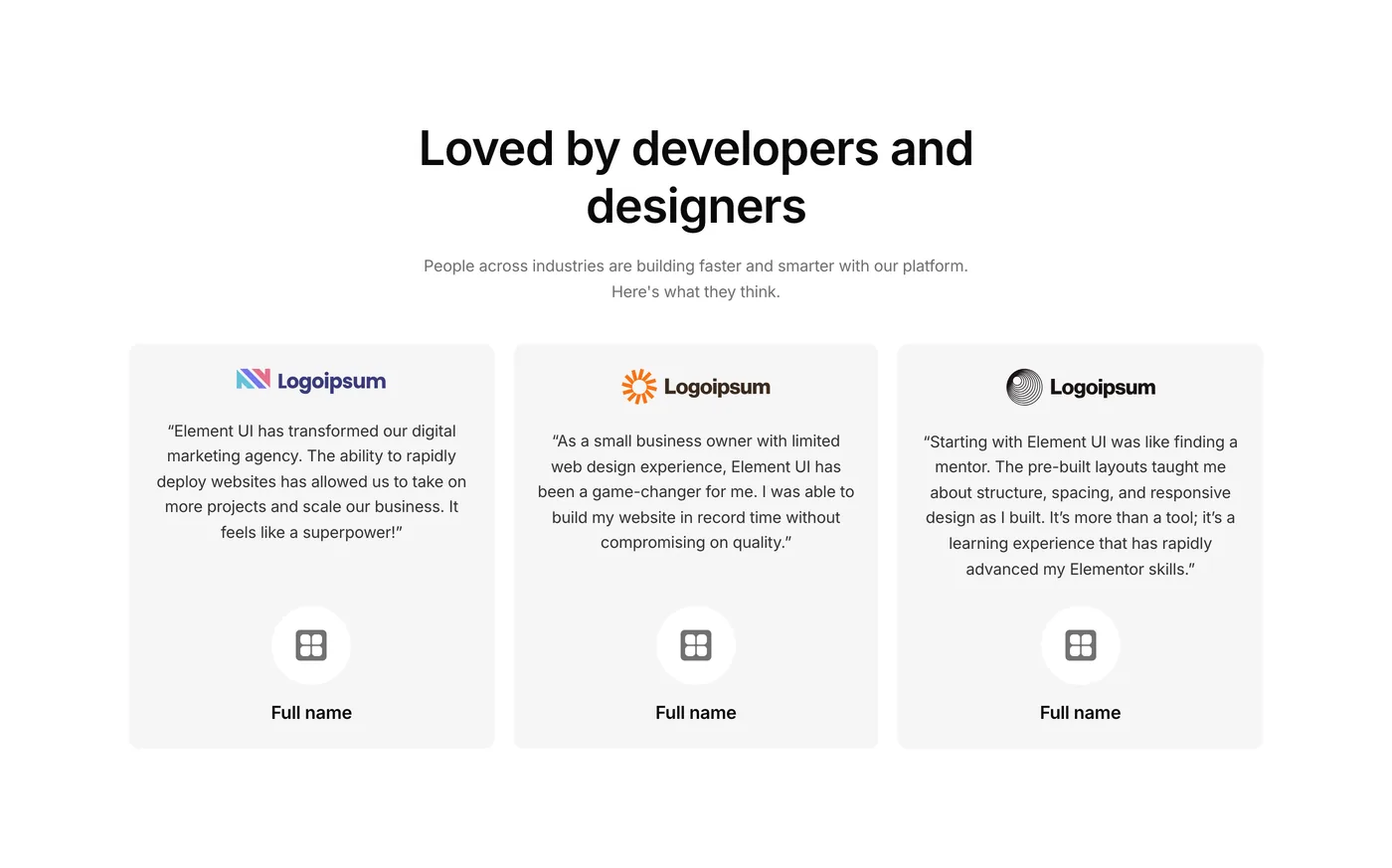
“Starting with Element UI was like finding a mentor. The pre-built layouts taught me about structure, spacing, and responsive design as I built. It’s more than a tool; it’s a learning experience that has rapidly advanced my Elementor skills.”
Xiao Li Freelancer
“As someone new to Elementor, Element UI has been a fantastic learning tool. It’s one thing to study best practices, but to see them implemented in these components has accelerated my learning curve tremendously.”
Ben J. Junior web developer
“Diving into website development was a big step for me but Element UI helped me quickly improve my Elementor skillset. Now, I can produce professional-looking websites with confidence. The comprehensive components have been crucial in learning Elementor basics and layout best practices.”
Jordan H Freelancer
“I wanted to start a food blog but had no idea where to begin with the website part. Element UI was the perfect starting point. It’s amazing how quickly I was able to get it up and running and start sharing my recipes.”
Natalie Wei Entrepreneur
“Element UI has been a total lifesaver! I used to struggle with layouts and spacing, but now I just copy a template, tweak the colors, and it looks like a pro built it. It’s made learning so much easier.”
Chris L. Elementor beginner
“Building a website from scratch was a daunting task for me, but Element UI made it so easy and enjoyable. The components are incredibly intuitive to use. I managed to create a website that looks like it was made by a professional.”
Sarah W. Elementor beginner
“I’m still pretty new to web design, but Element UI has given me so much confidence. The components are easy to use, and I’ve learned a ton just by seeing how everything is set up.”
Sam Price Aspiring Web Designer
This is the secret weapon for Elementor power users. Join 4,000+ creators today.
Components
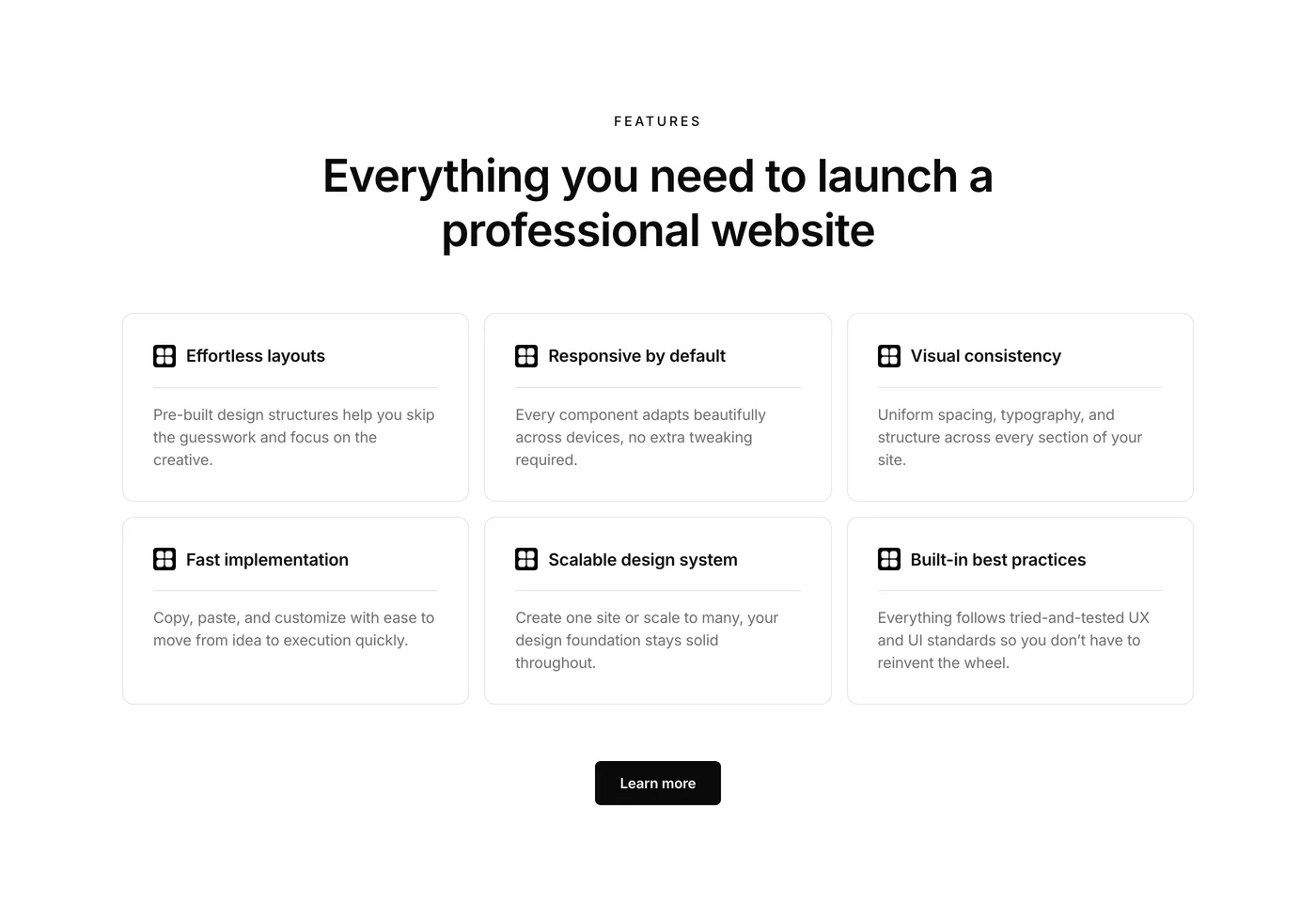
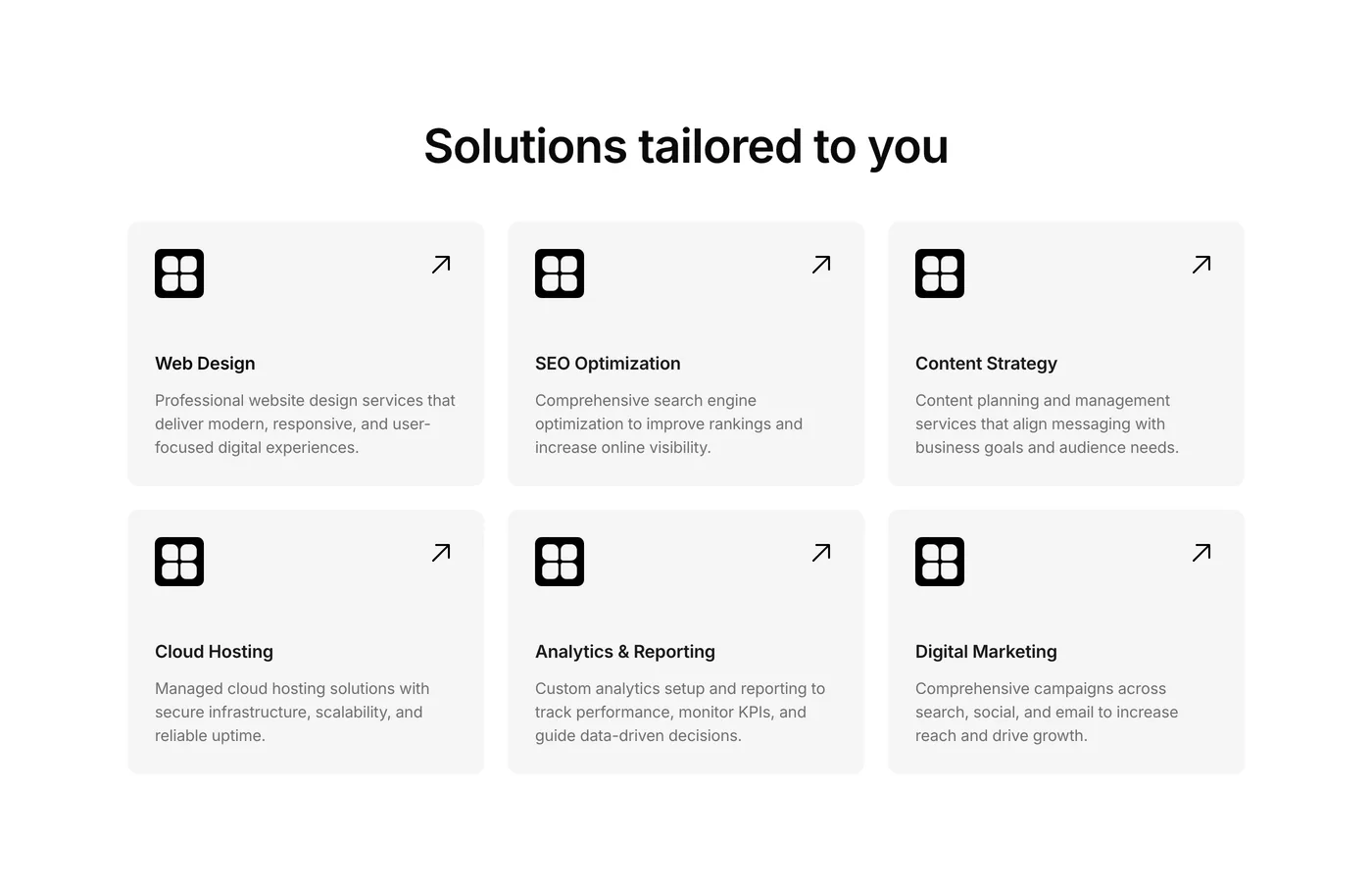
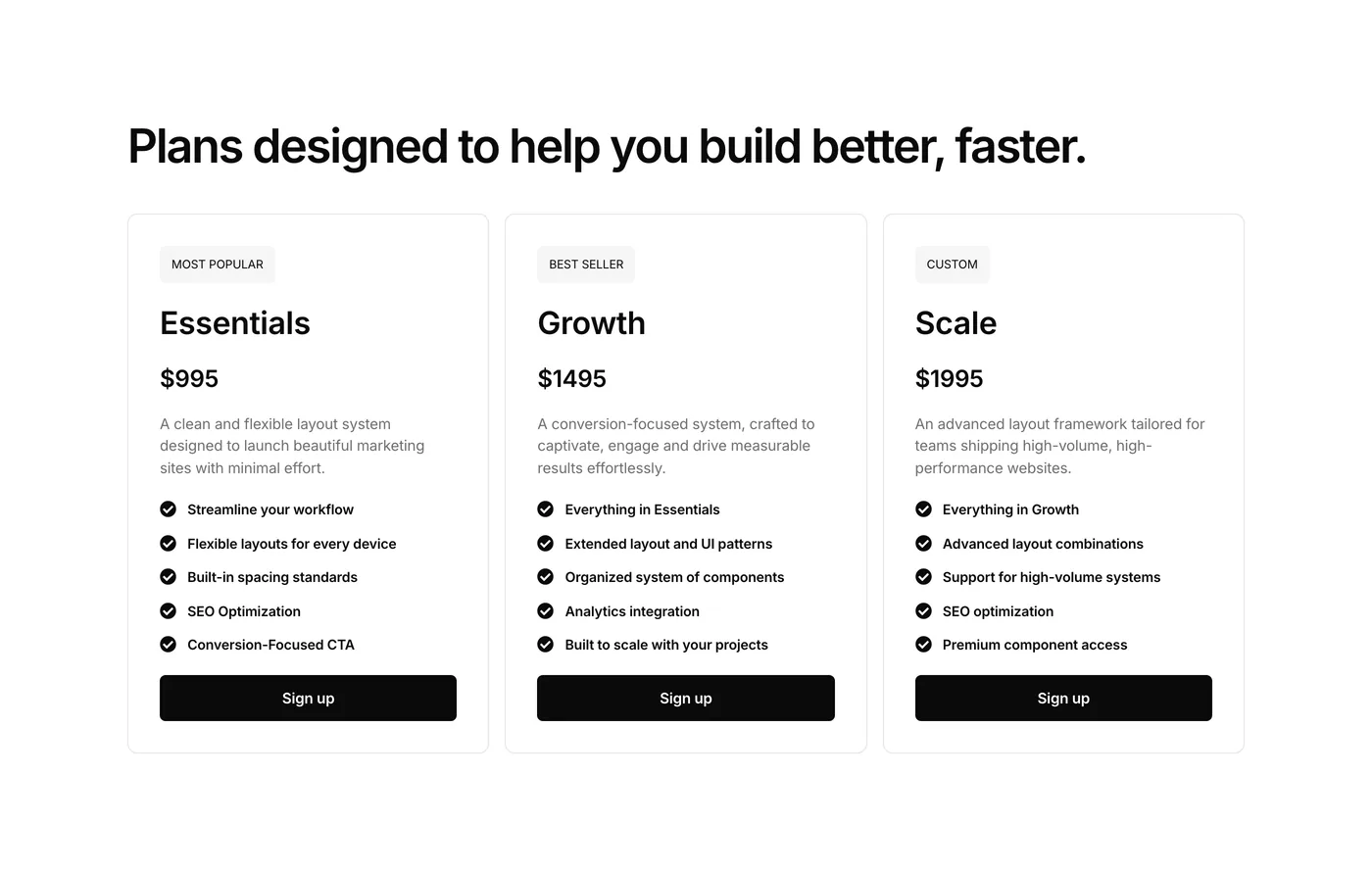
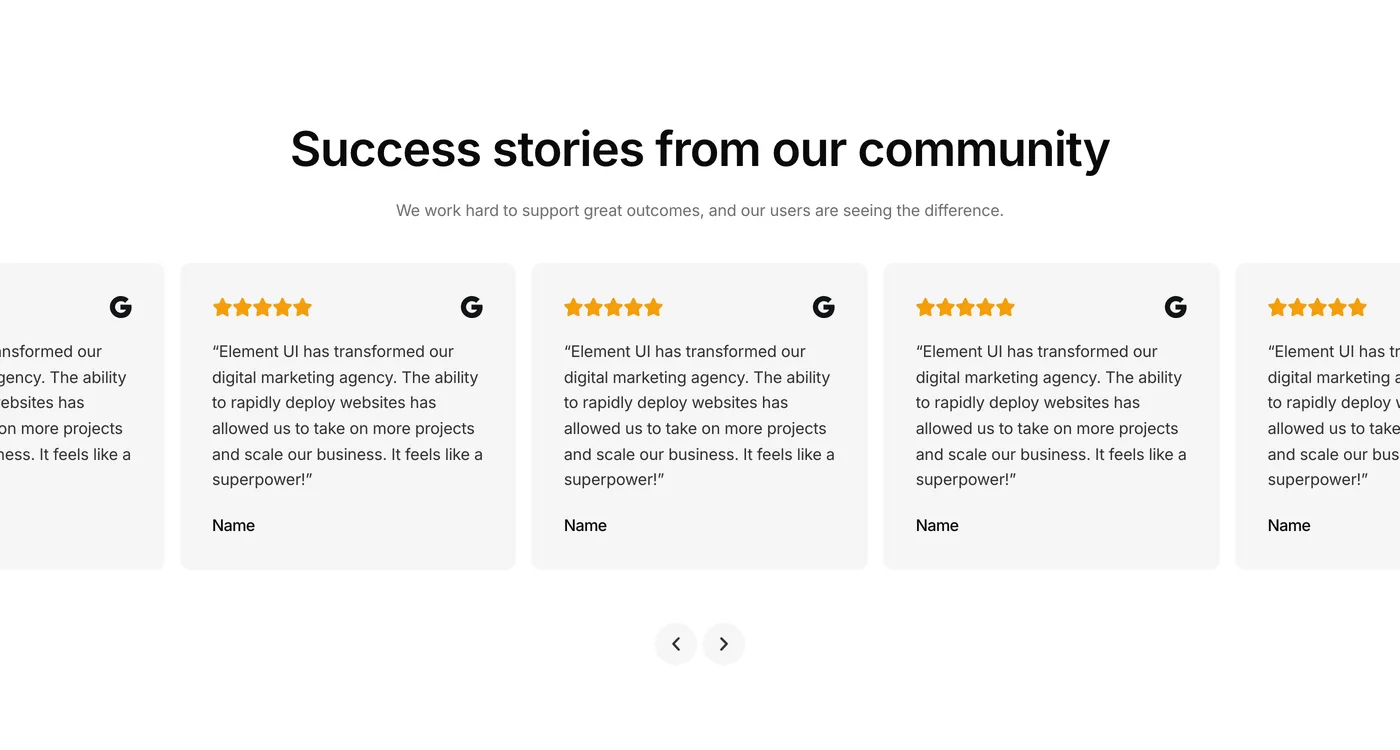
Everything you need to build complete websites
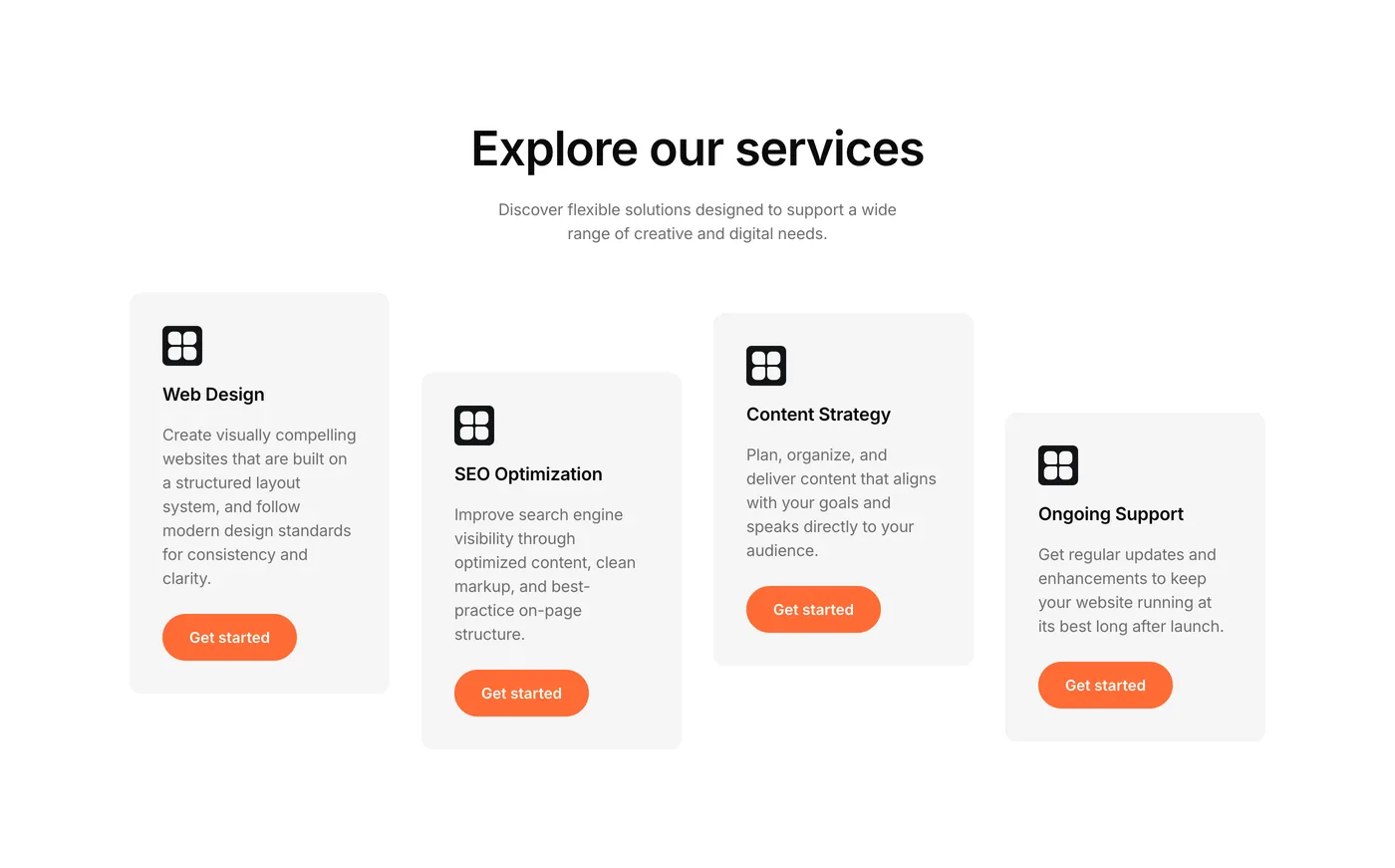
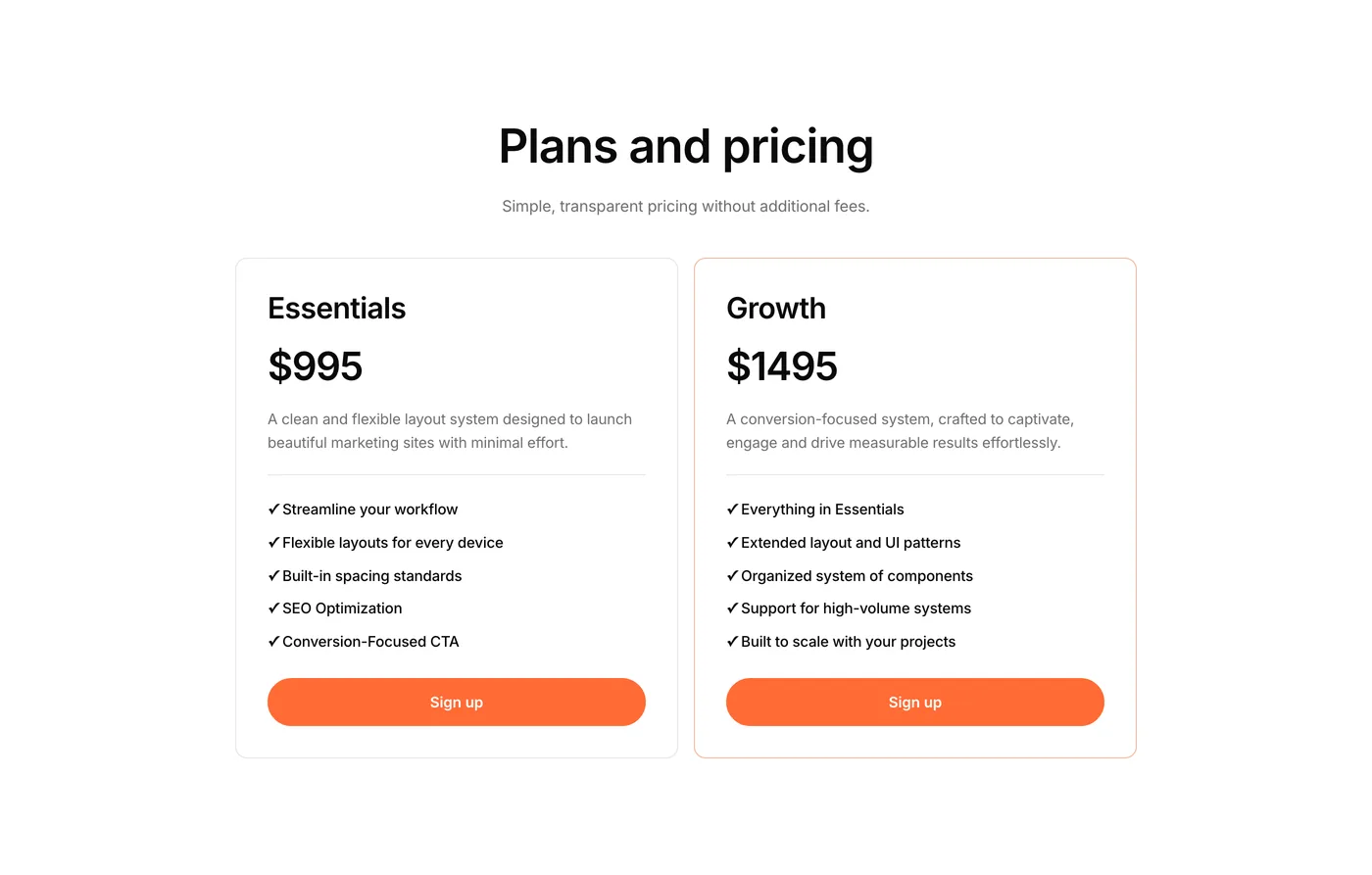
Components are the foundation of Element UI. Access 450+ professionally created components for classic Elementor (V3) and Elementor V4, ready to copy, paste, and customize.
- 477 components for V3 and V4
- Consistent spacing and layout system
- Fully responsive by default
- Lightly styled for easy adaptability
Stop building from scratch. Start building faster with Element UI.
Why Element UI?
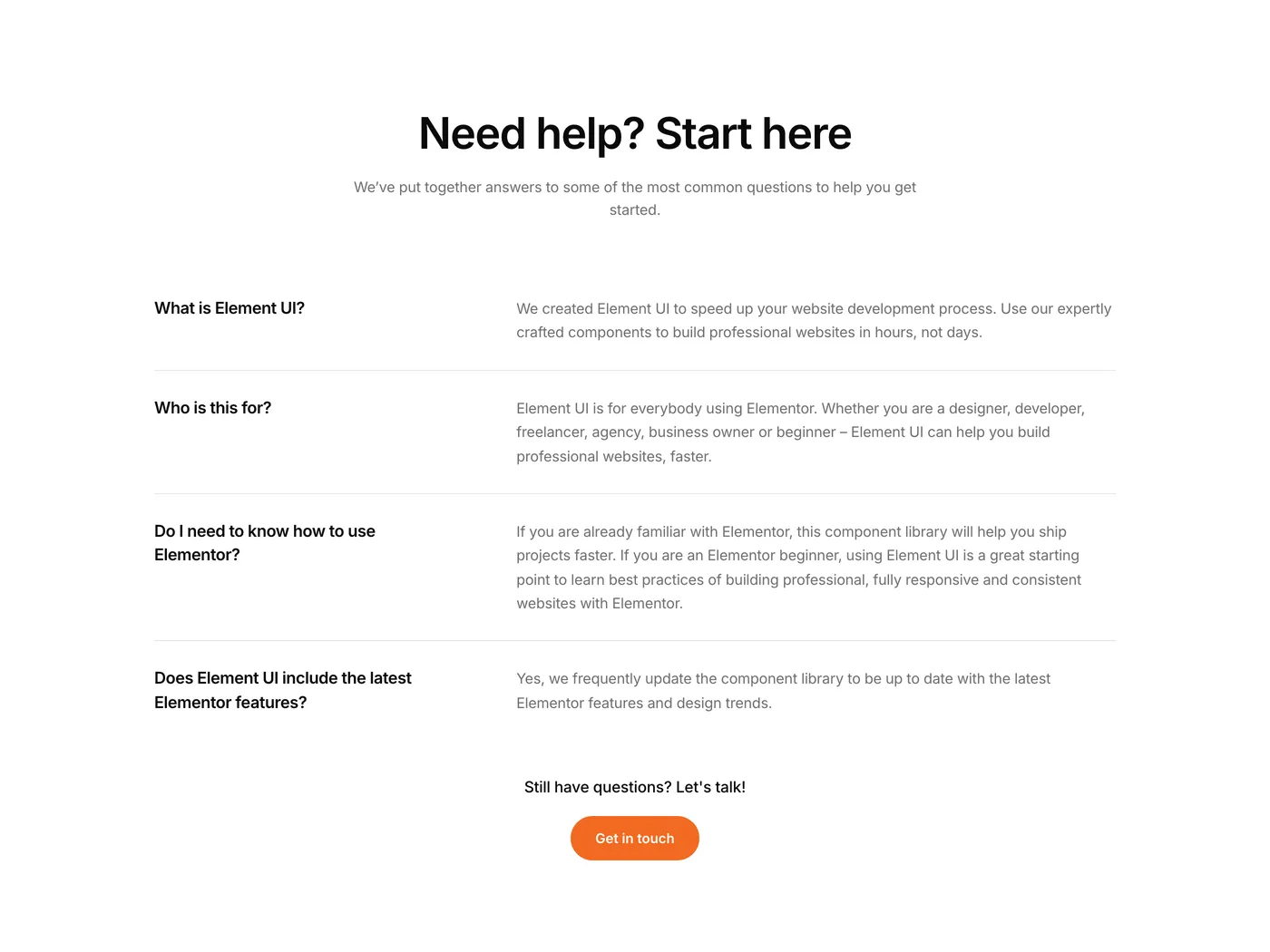
Element UI makes building with Elementor faster and easier. Instead of starting from scratch, you can copy and paste ready-made sections to create a professional website in hours, not days.
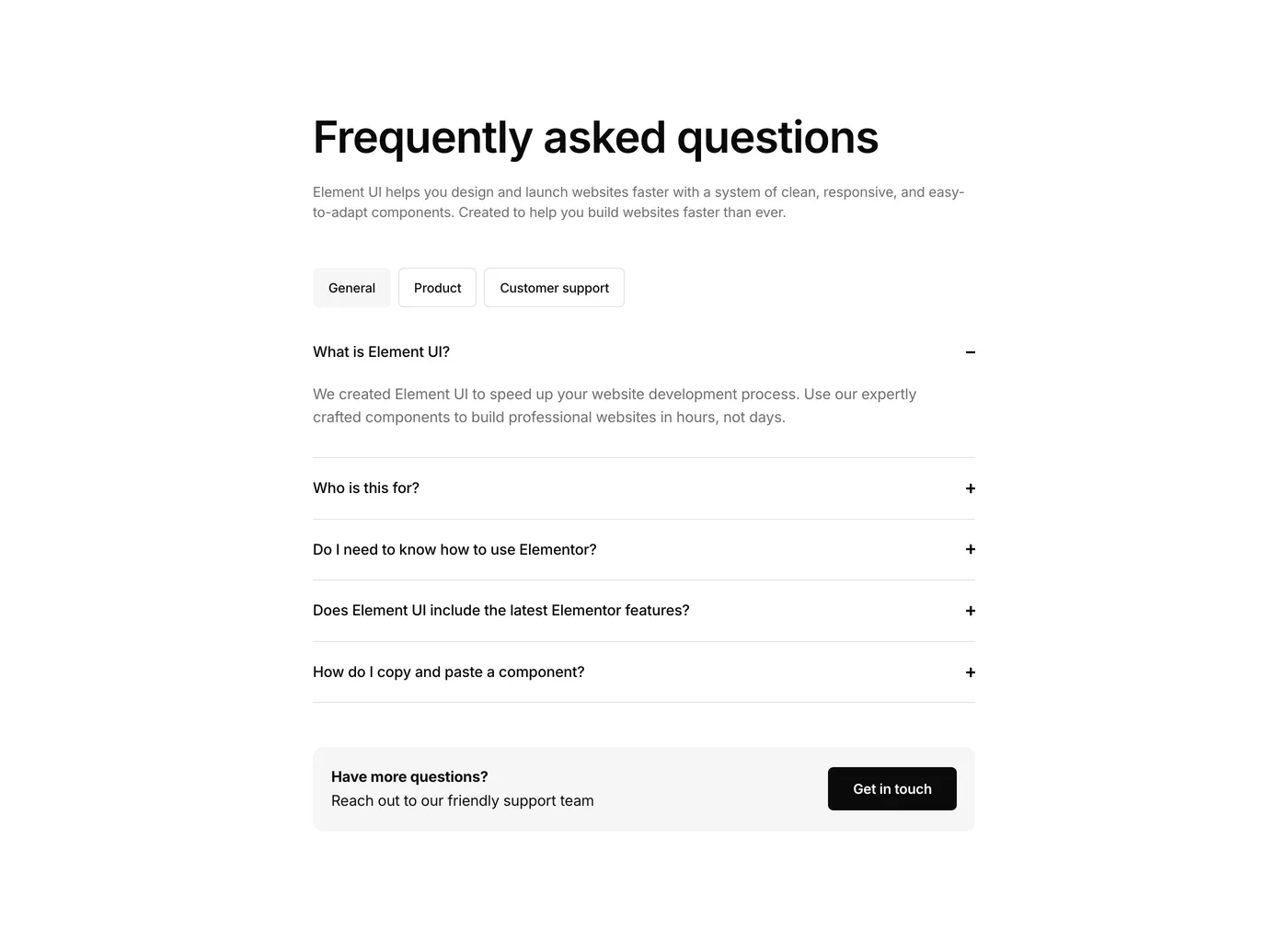
Who is this for?
Anyone using Elementor. Whether you’re a beginner, small business owner, freelancer, or agency, Element UI helps you build professional websites quickly and confidently.
Do I need to know how to use Elementor?
If you’re familiar with Elementor, you’ll finish projects much faster. If you’re brand new, Element UI is a great way to learn. You’ll see best practices in action and enjoy a hands on learning experience right away.
How do I import a template into Elementor?
It’s as easy as copy and paste. Click the Copy button on a component, then paste it directly into your Elementor editor using “Paste from other site.” Simple.
Does Element UI include the latest Elementor features?
Yes. We regularly update the library so all templates use the latest Elementor features and follow modern design trends.
Will there be new components and updates?
Absolutely. We’re always adding new sections and layouts so your library keeps growing with fresh designs.
How does support work?
We have a support page with helpful guides and tutorials. And if you ever need a hand, you can email us directly at hello@elementuikit.com.
Get started
The ultimate UI Kit for Elementor
Get instant access to 477 components built to speed up your development process with Elementor