Element UI is best viewed on desktop

Changelog

Get the latest updates and improvements to Element UI.

Version 2.8
Product updates
July 10, 2026

Weekly update: July 10th, 2026

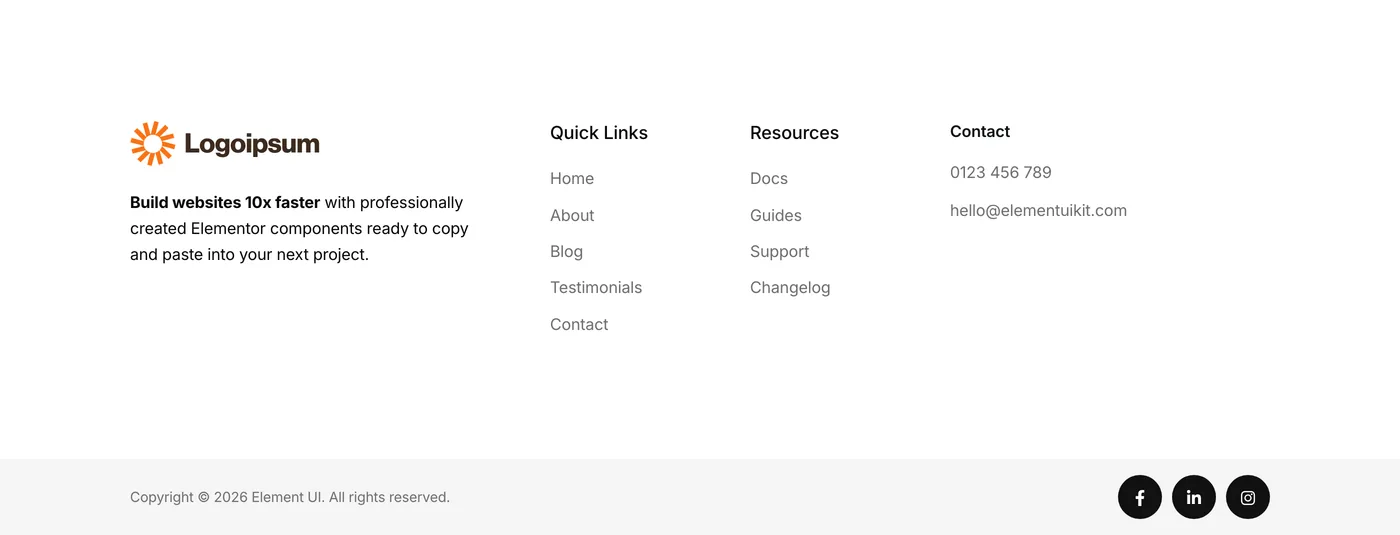
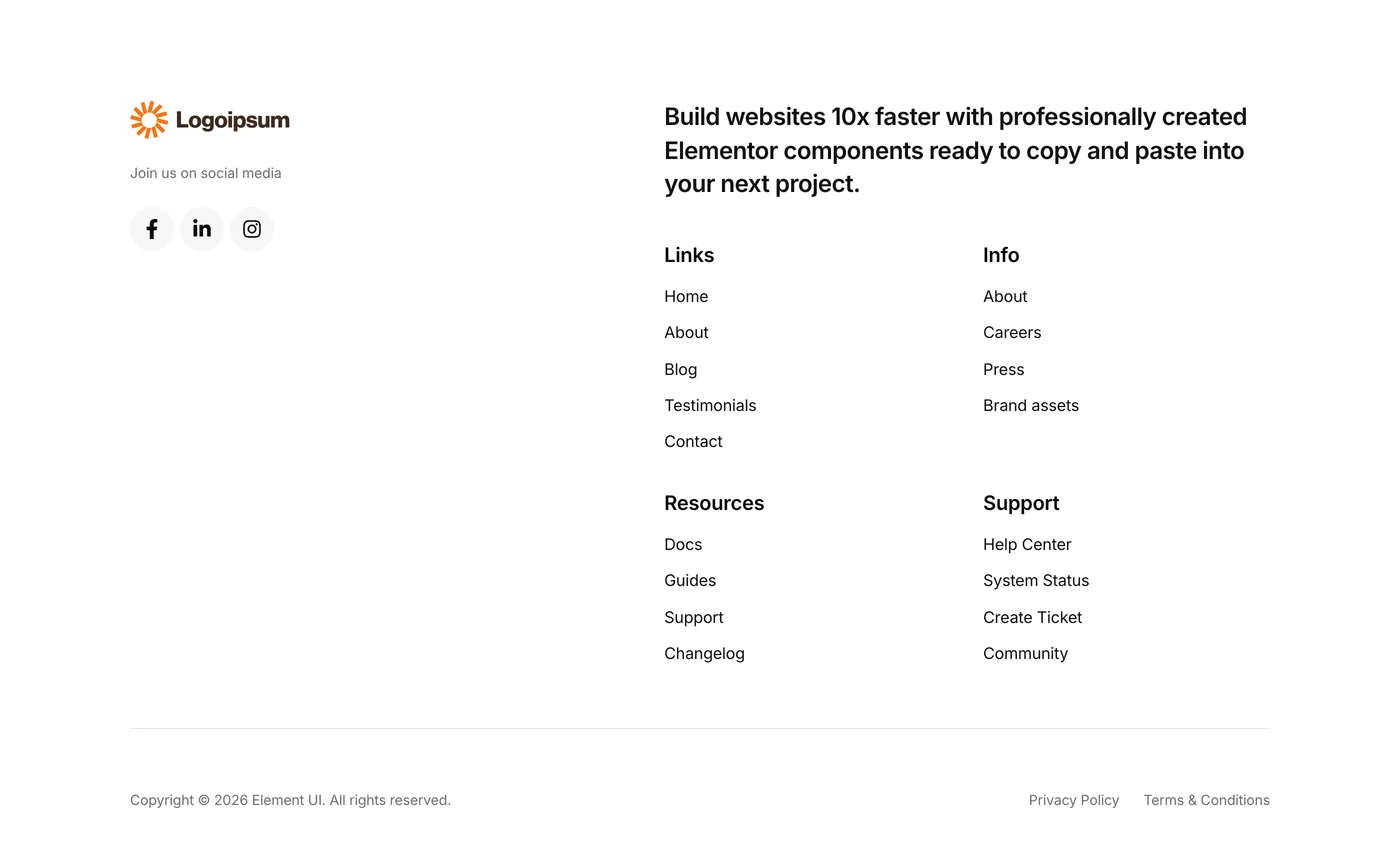
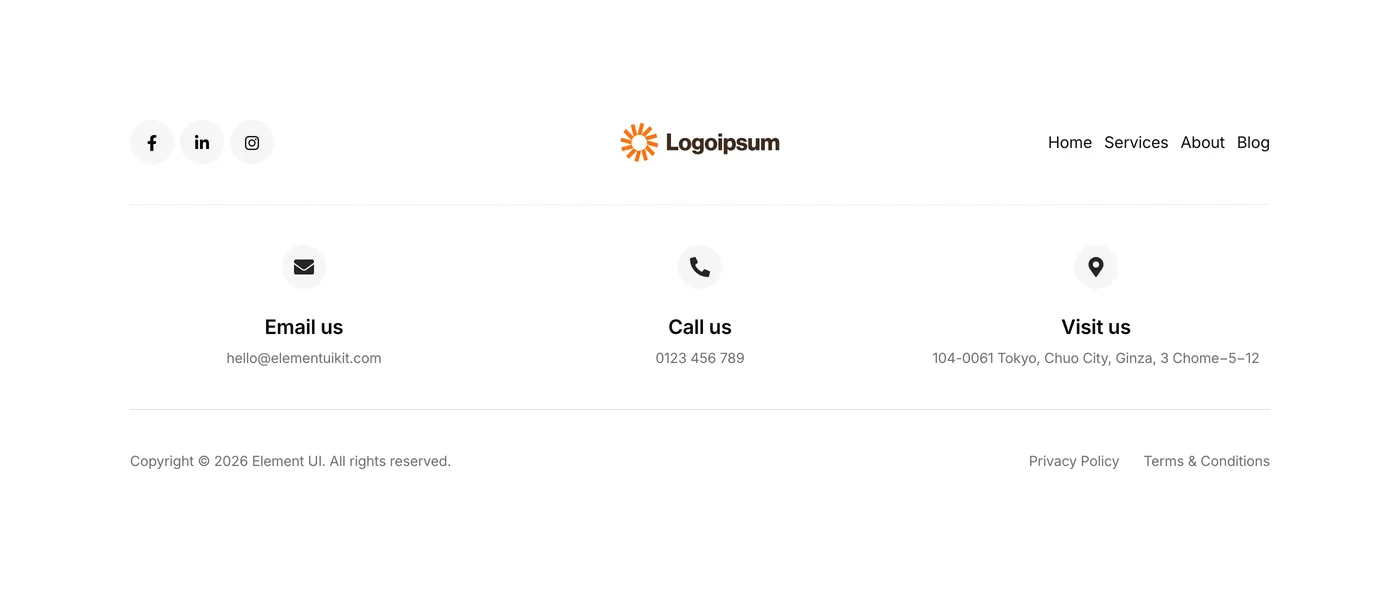
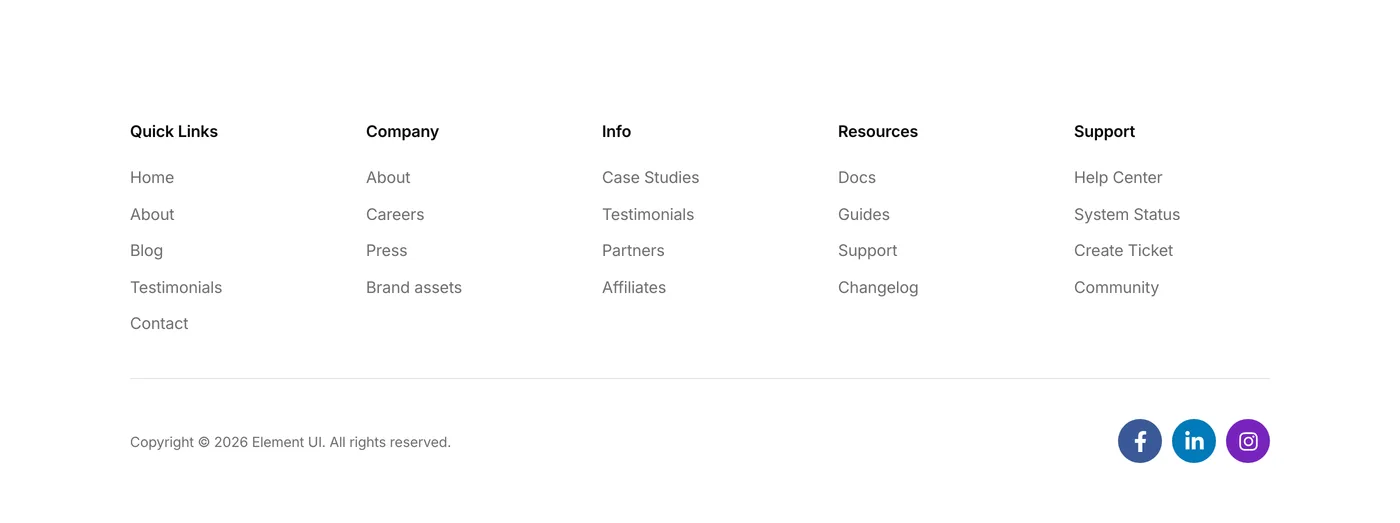
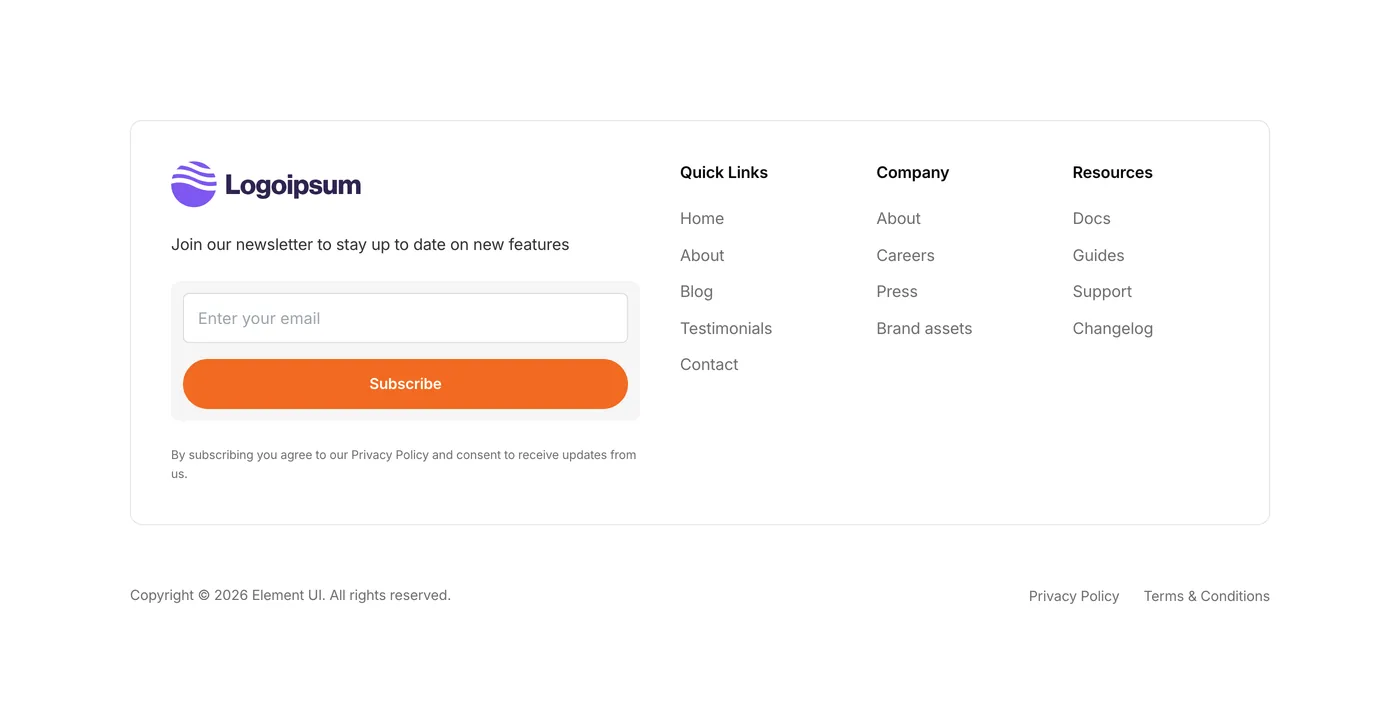
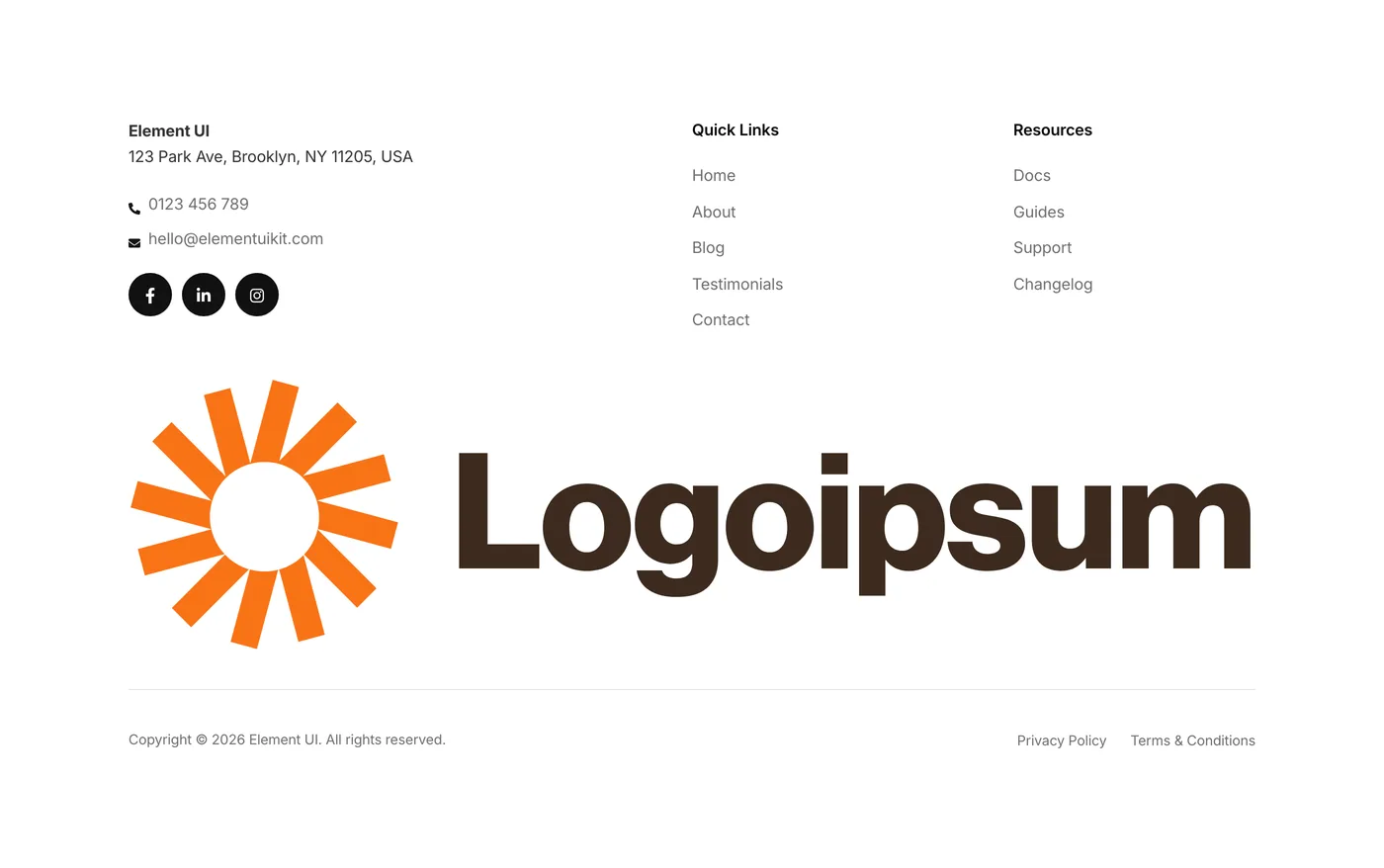
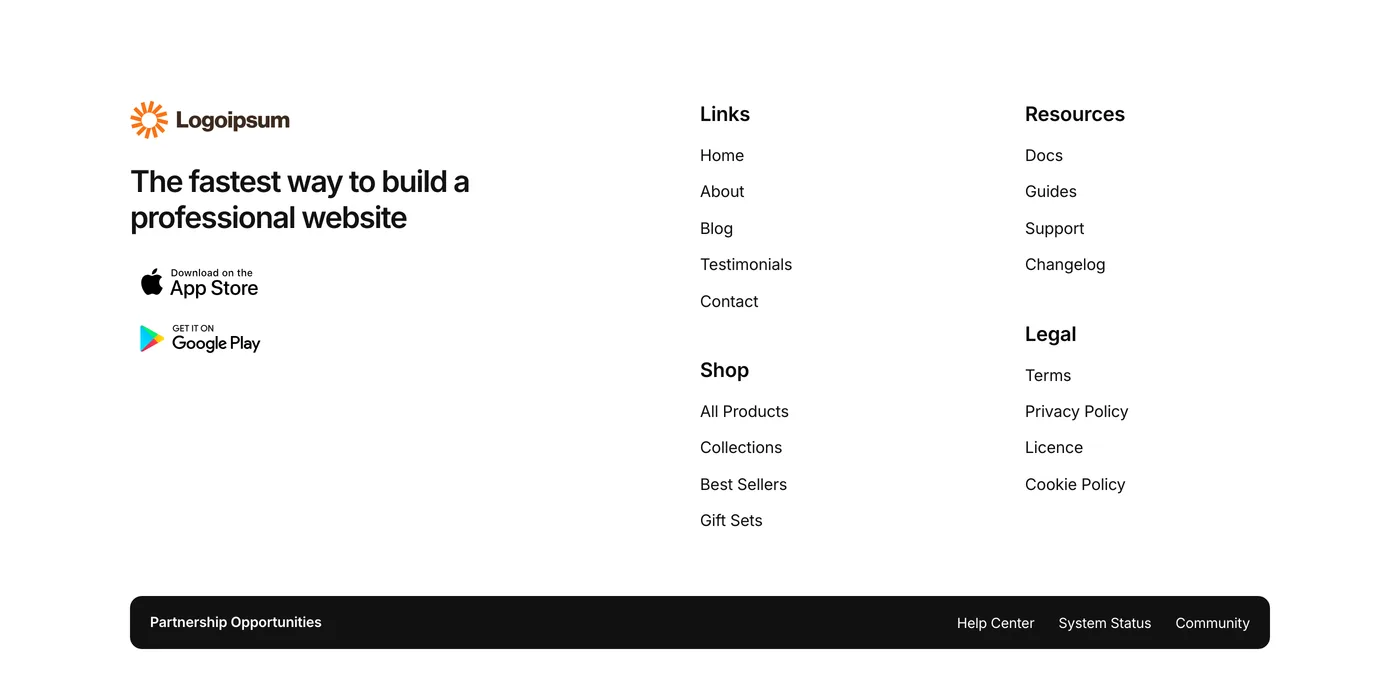
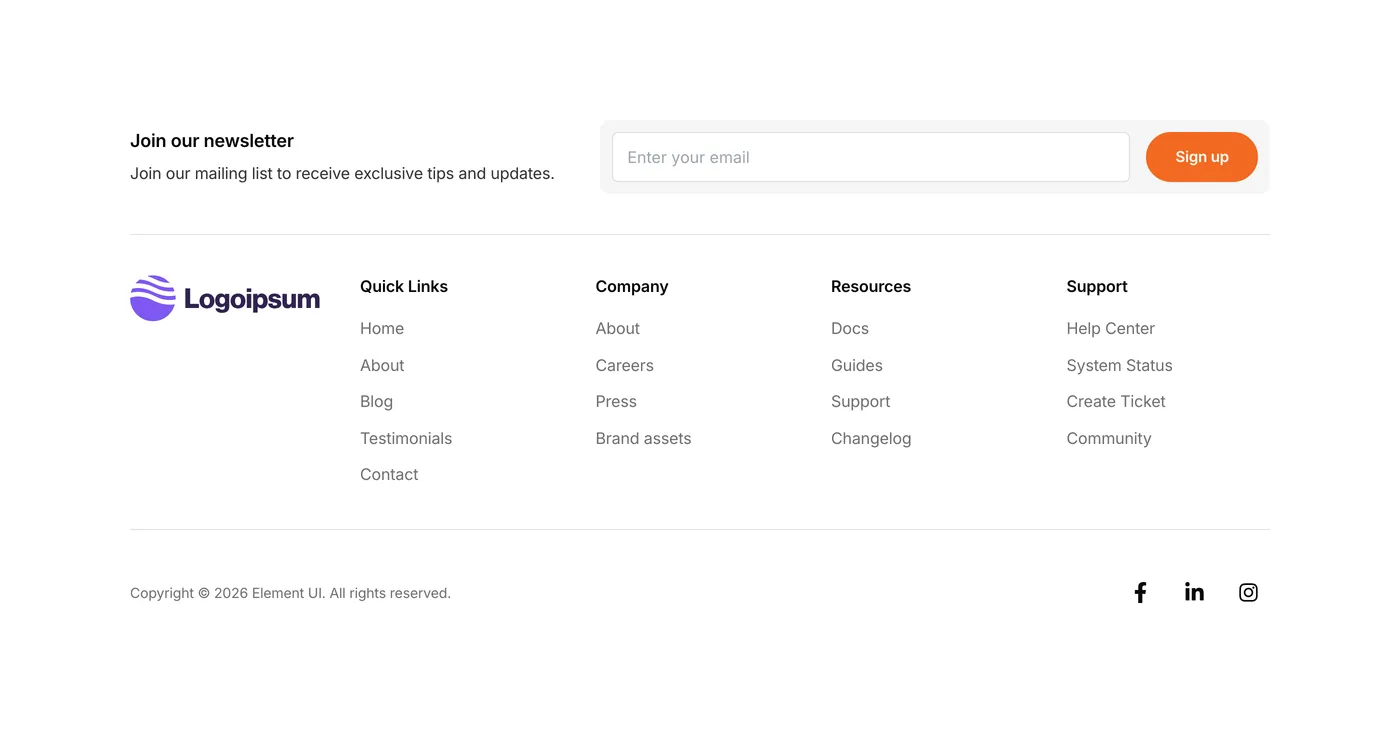
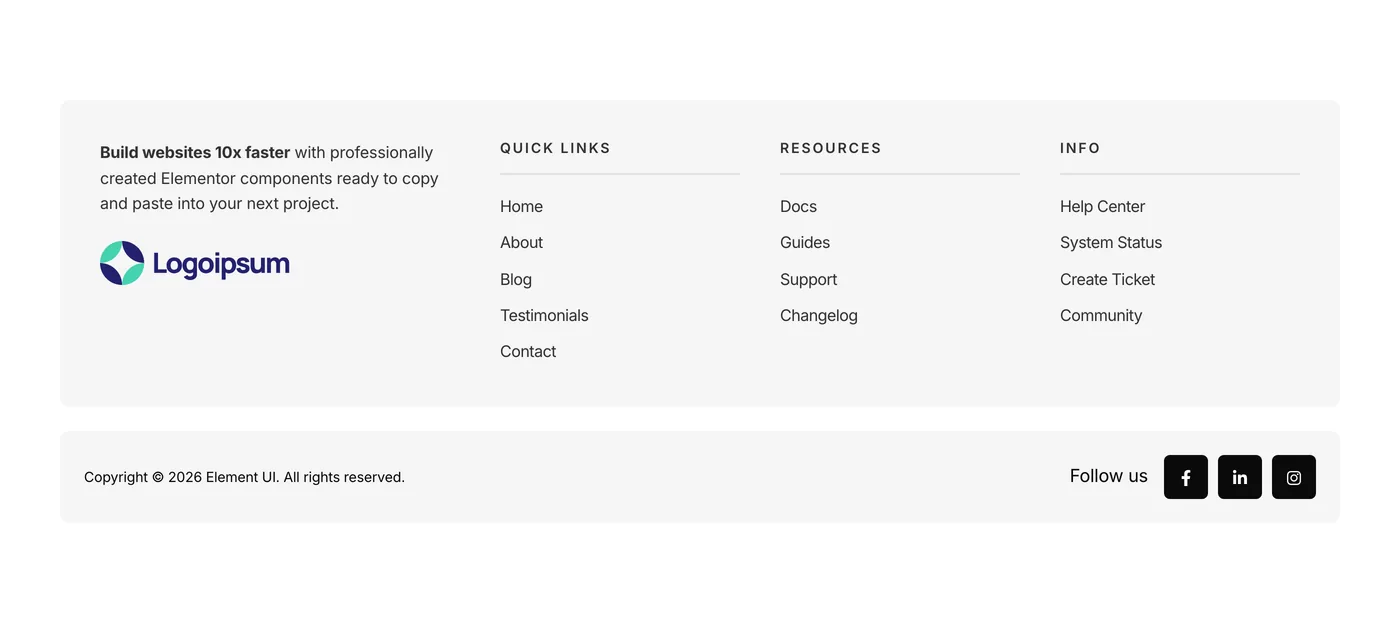
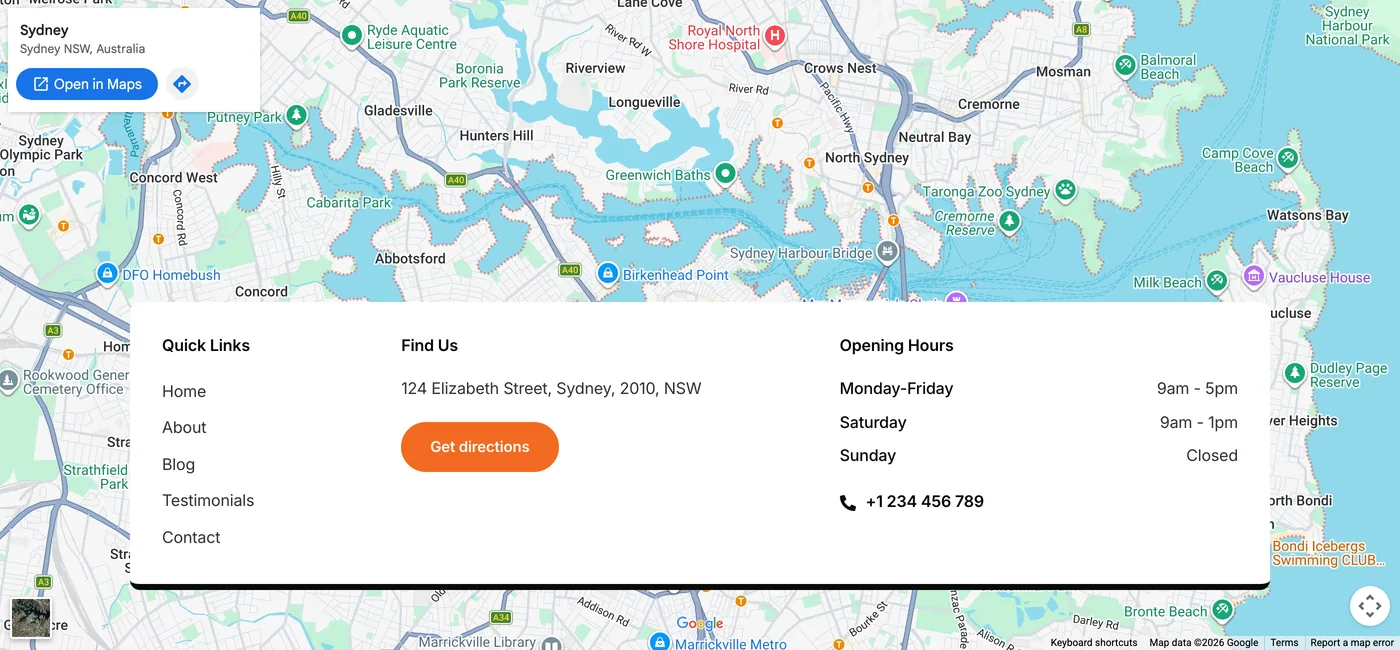
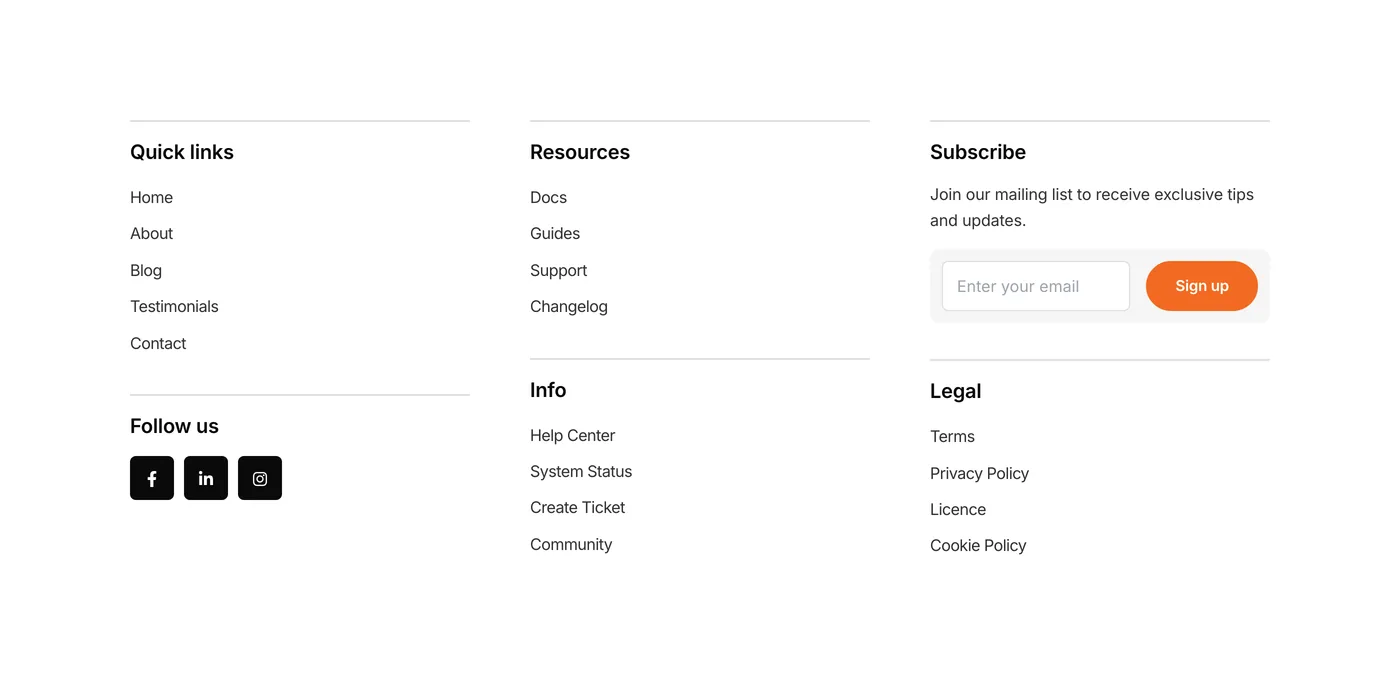
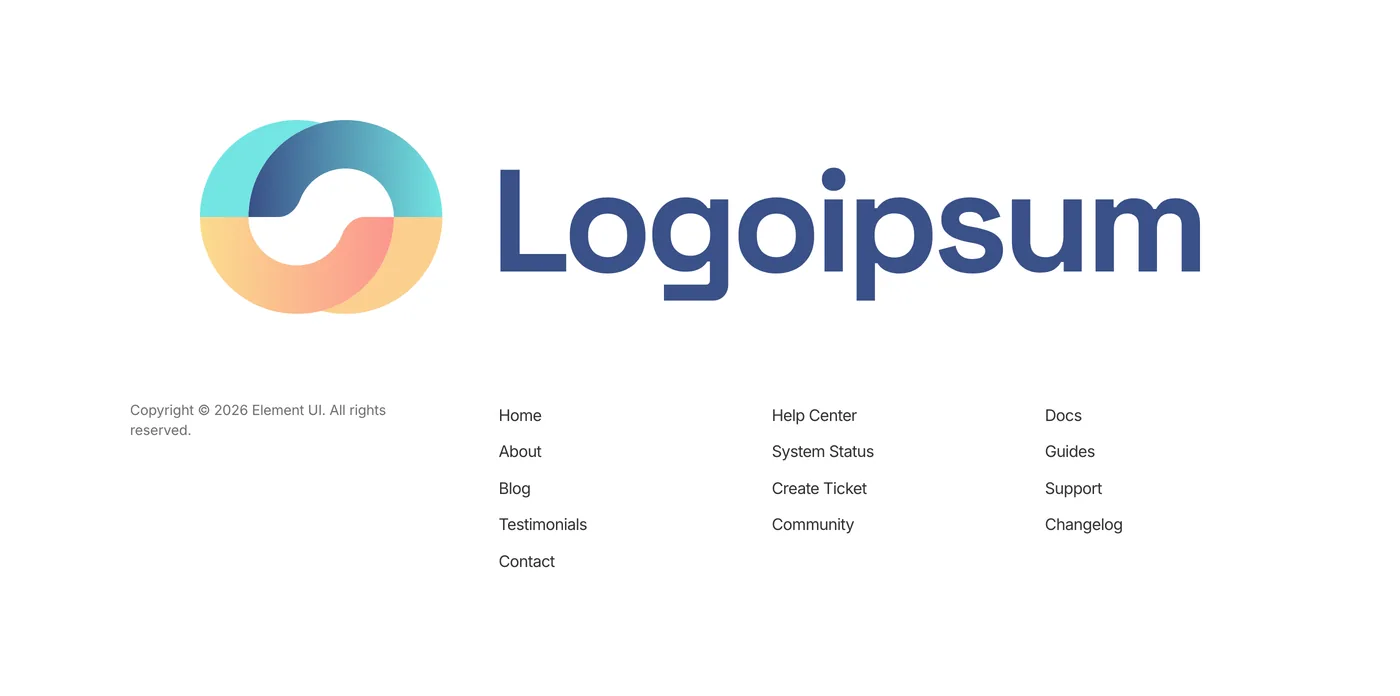
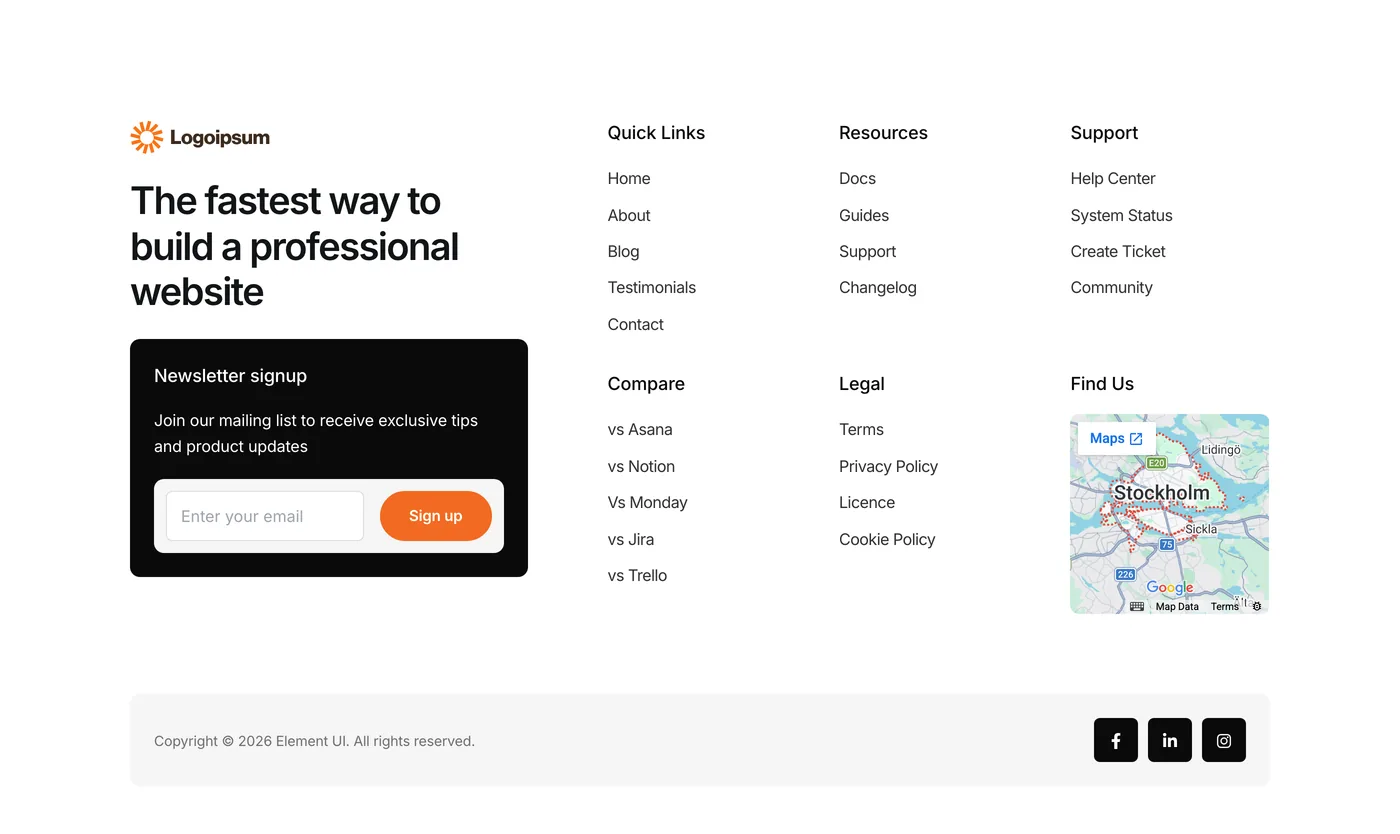
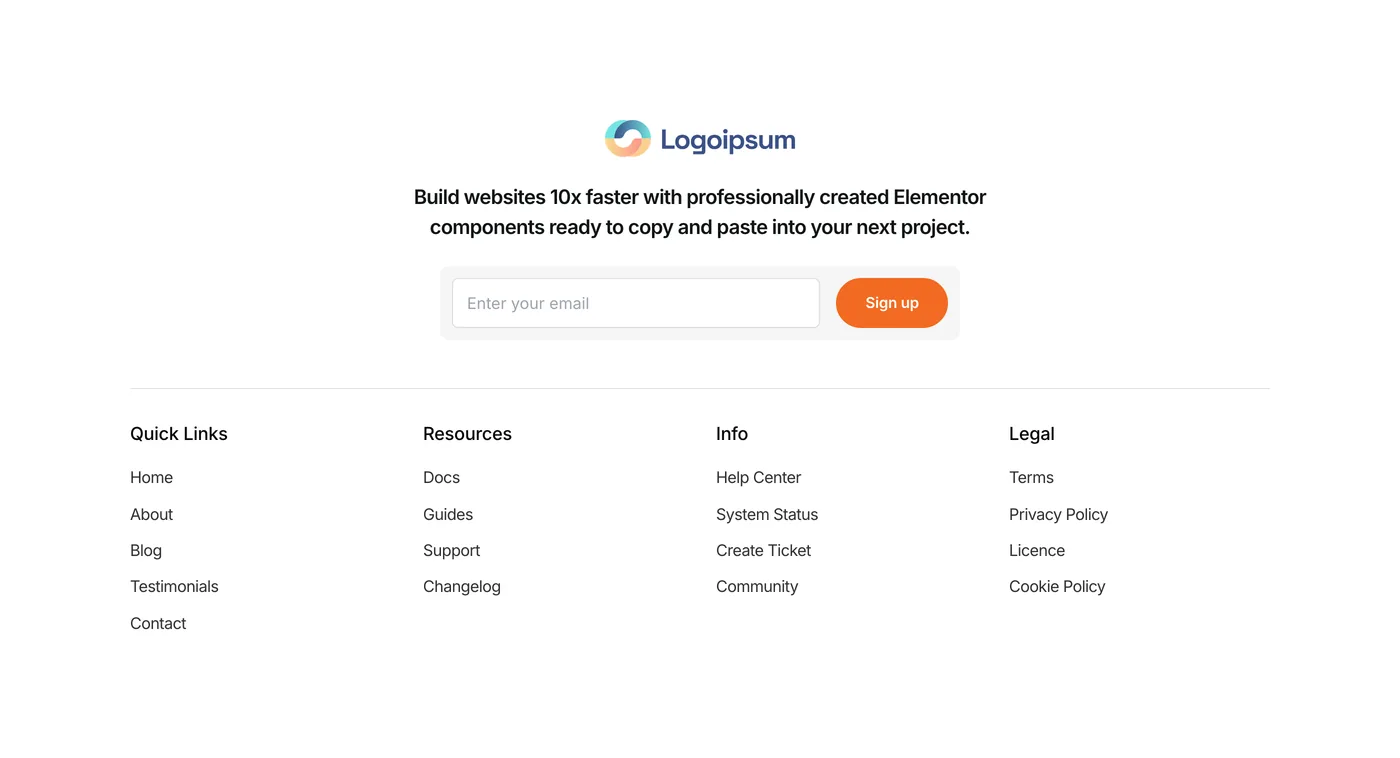
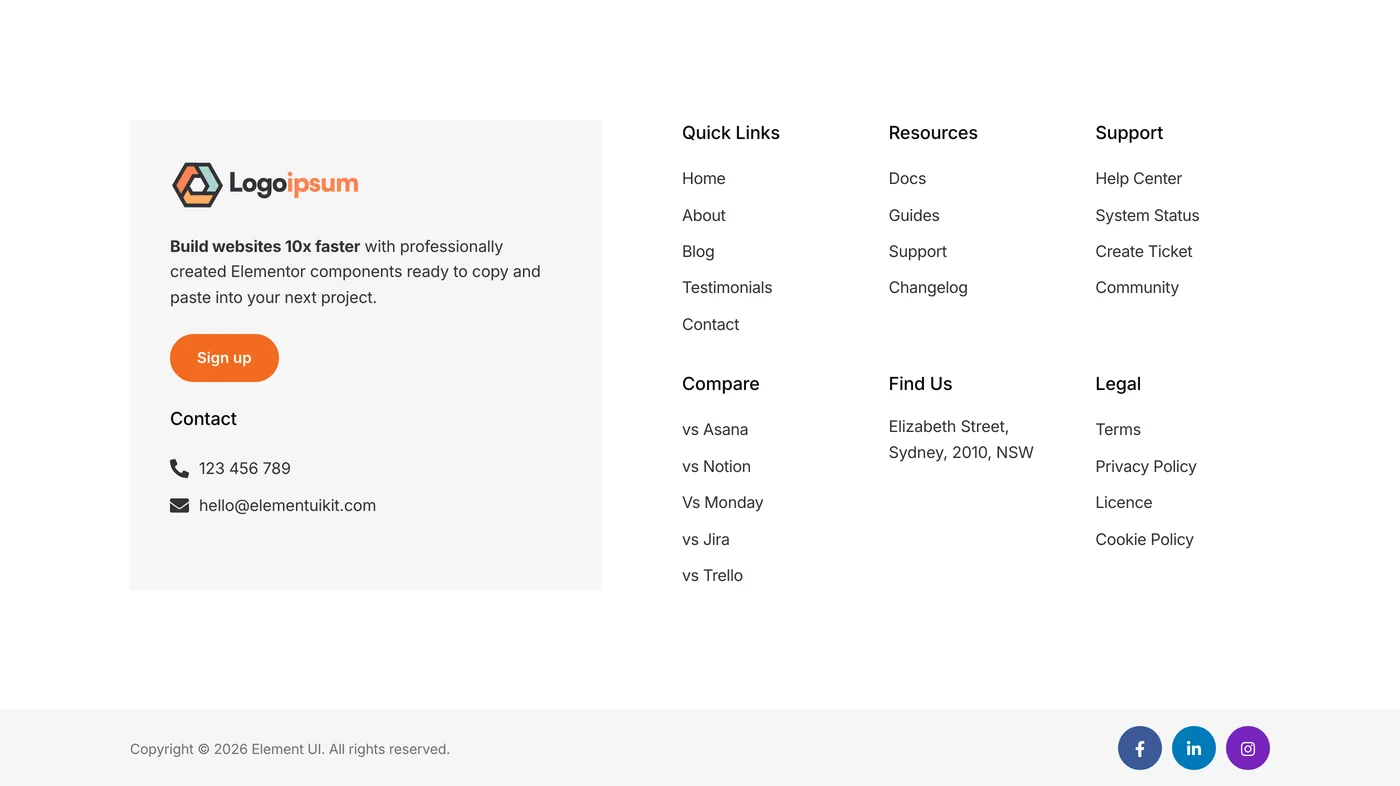
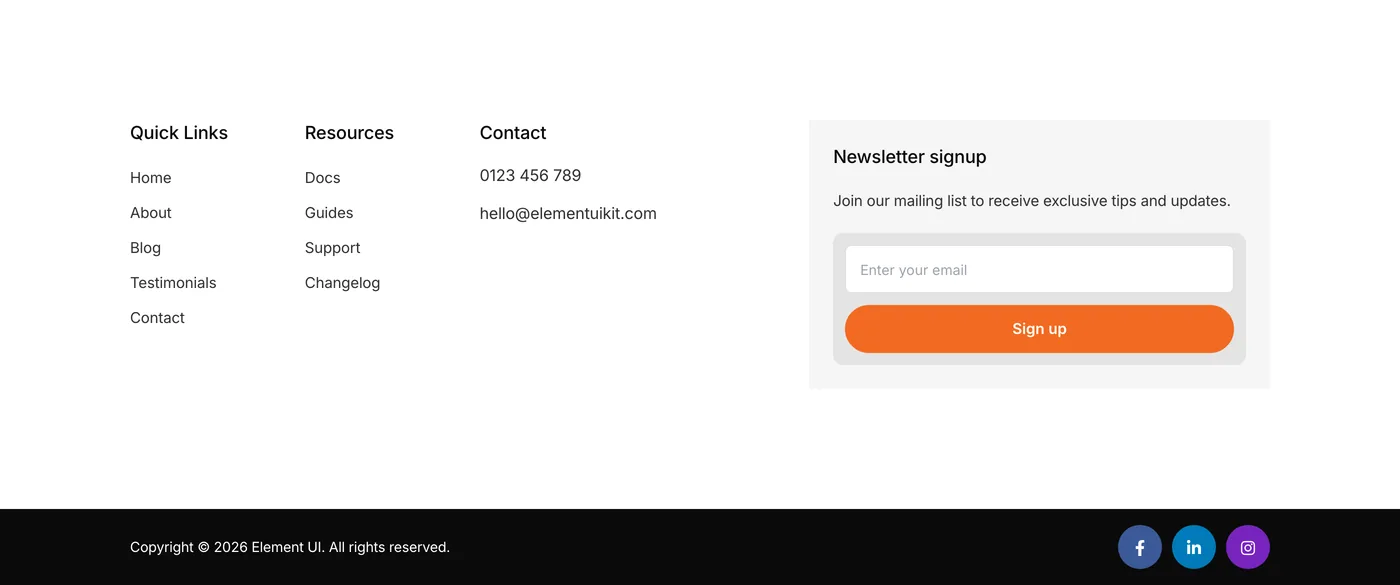
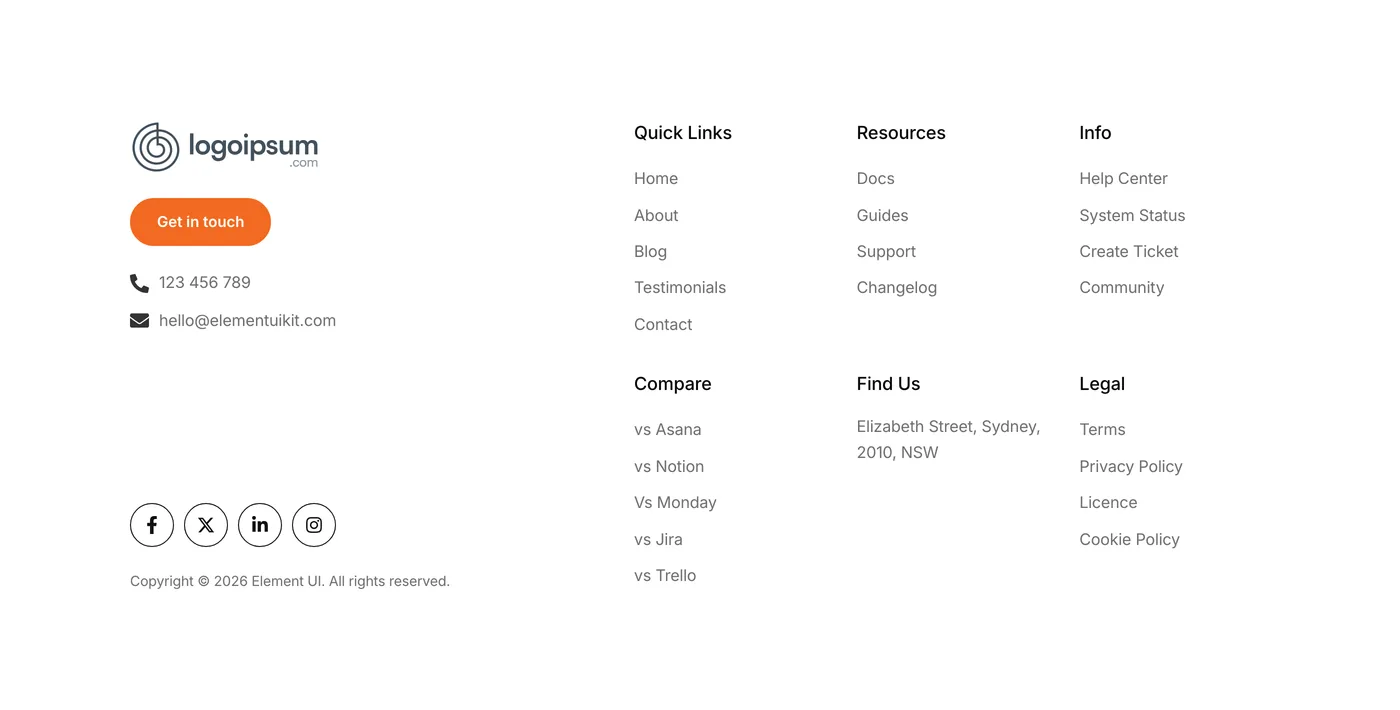
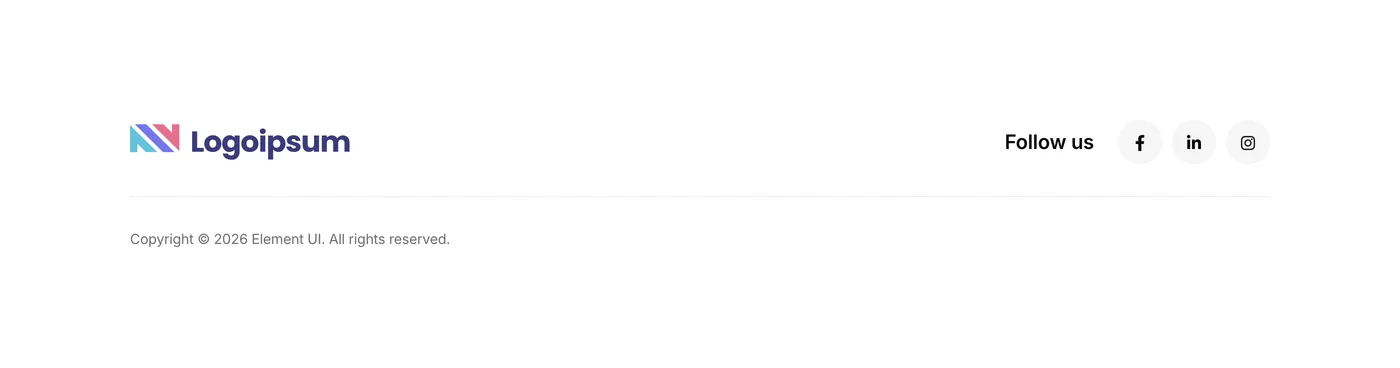
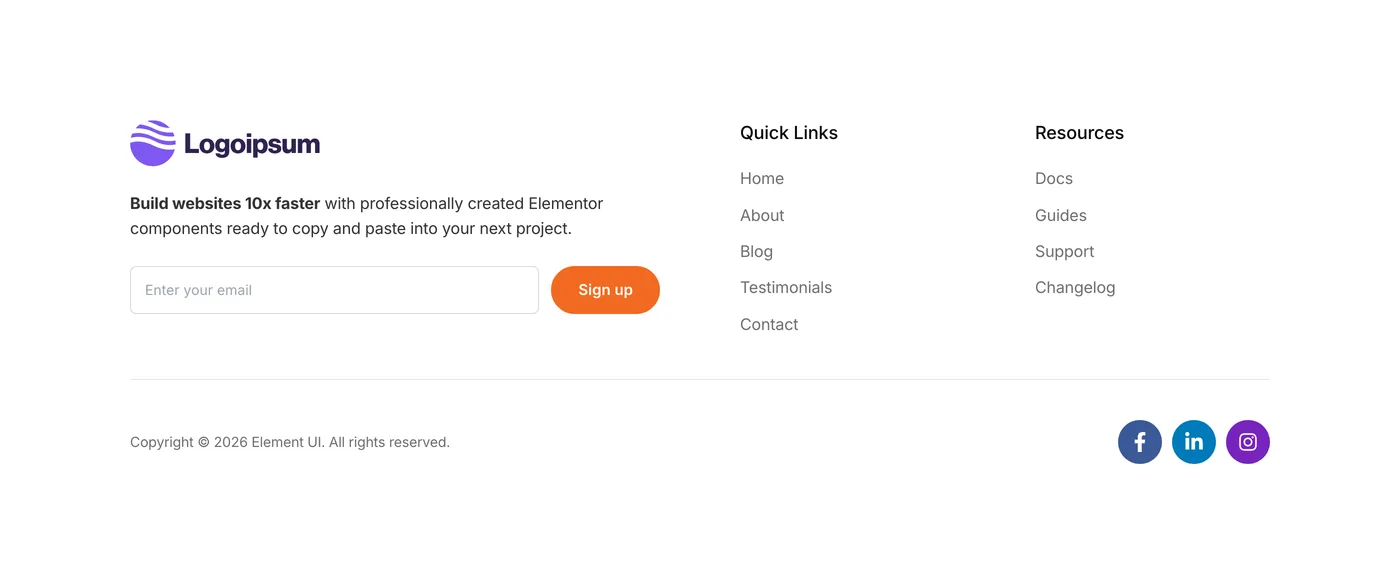
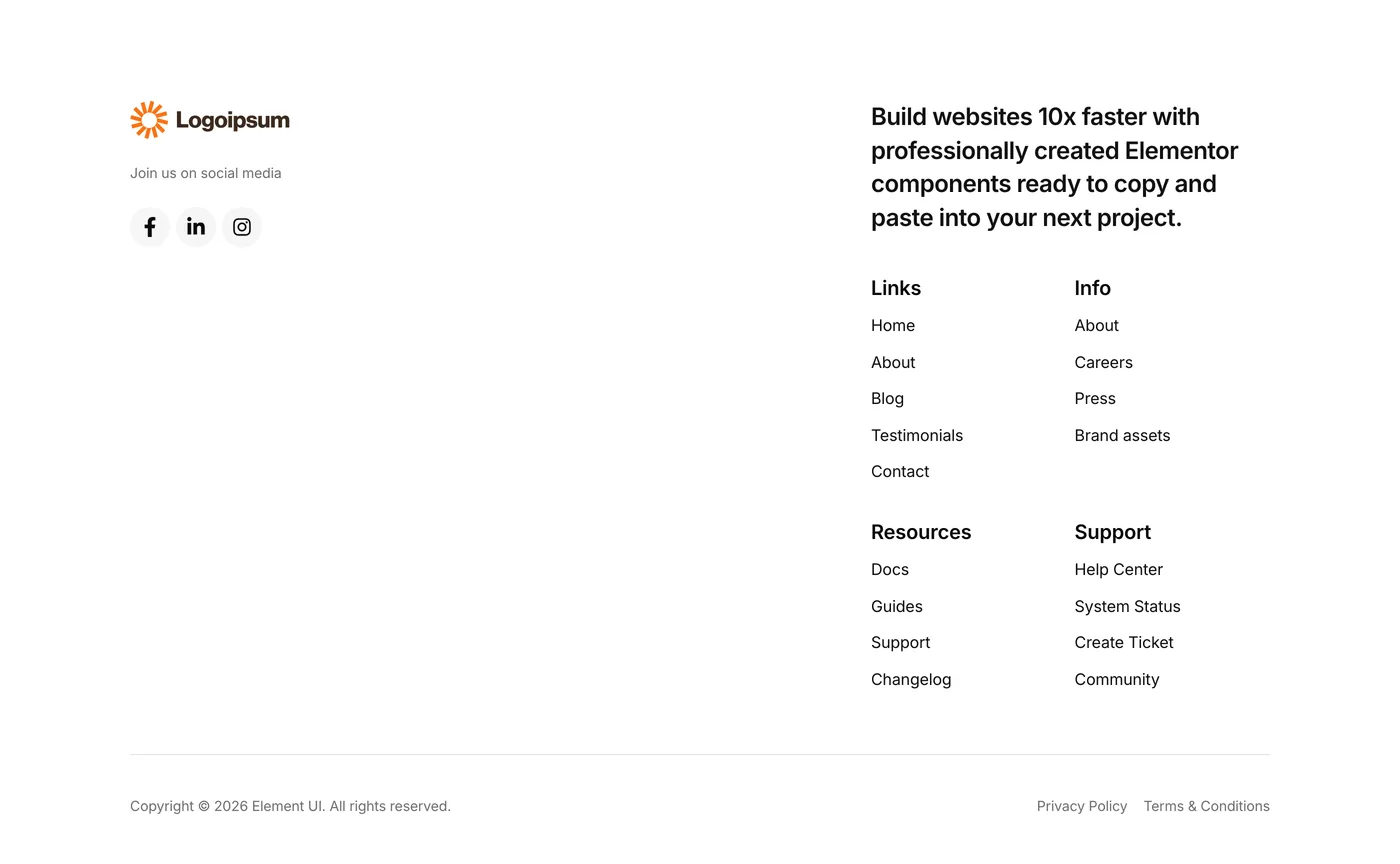
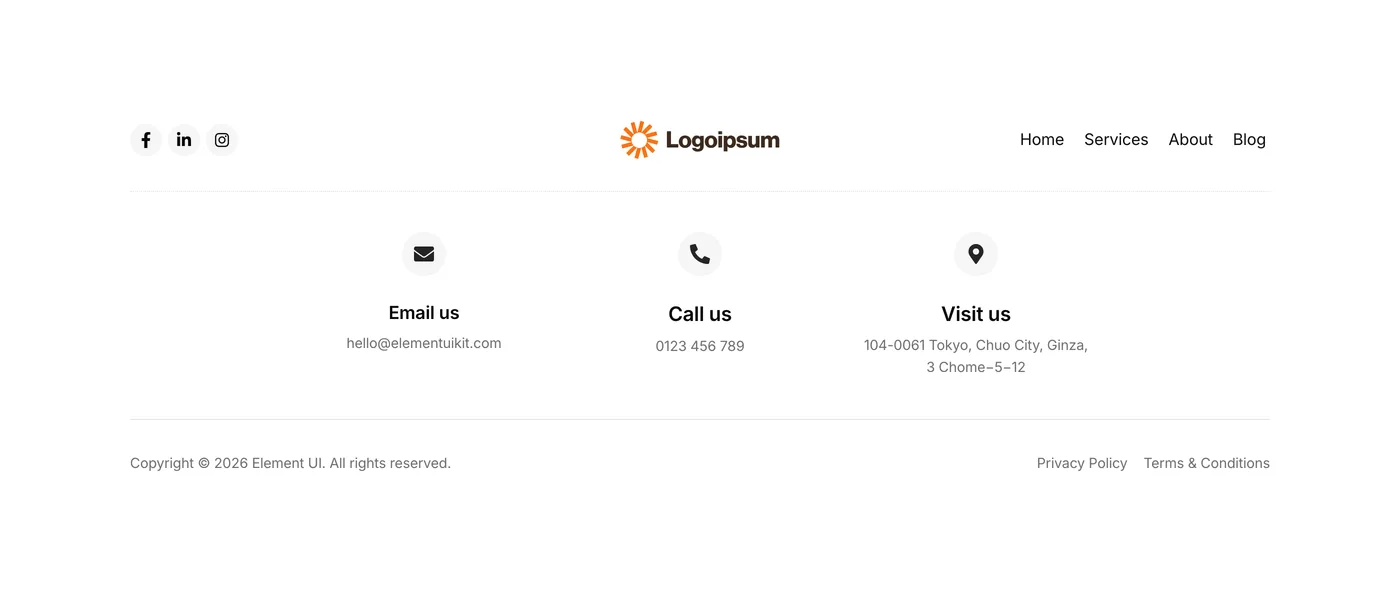
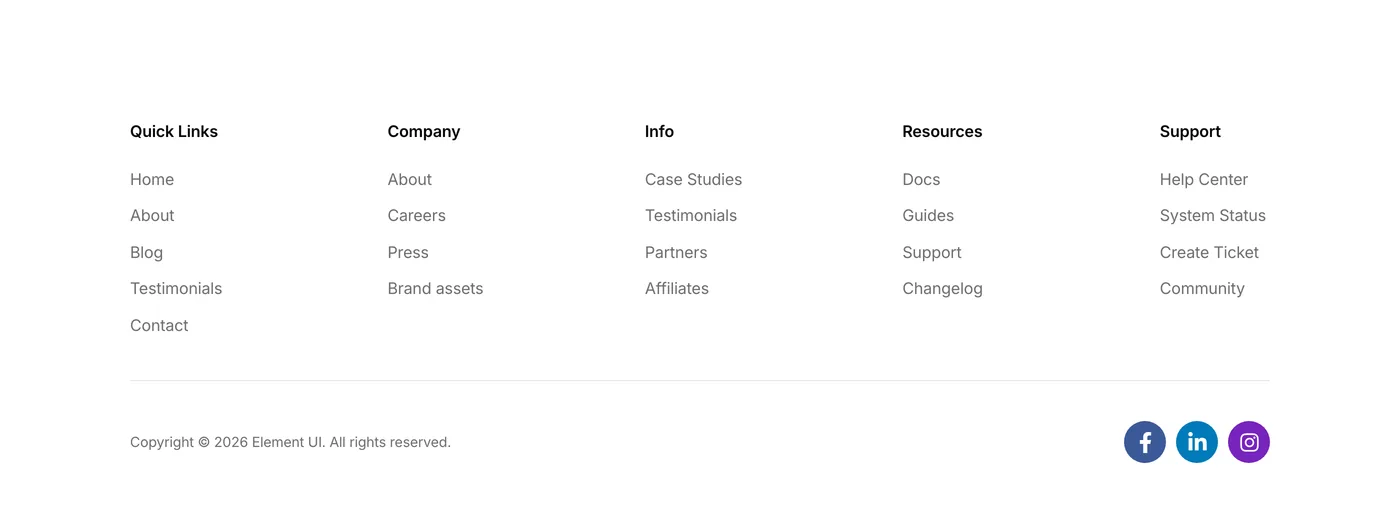
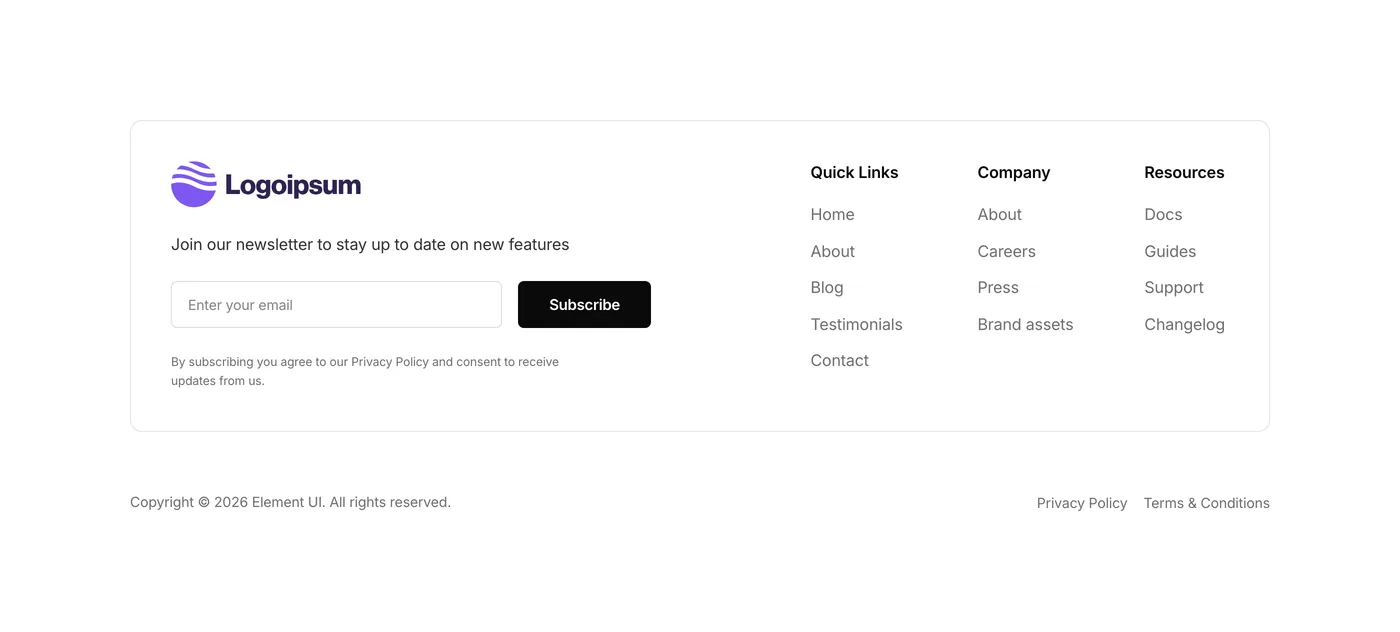
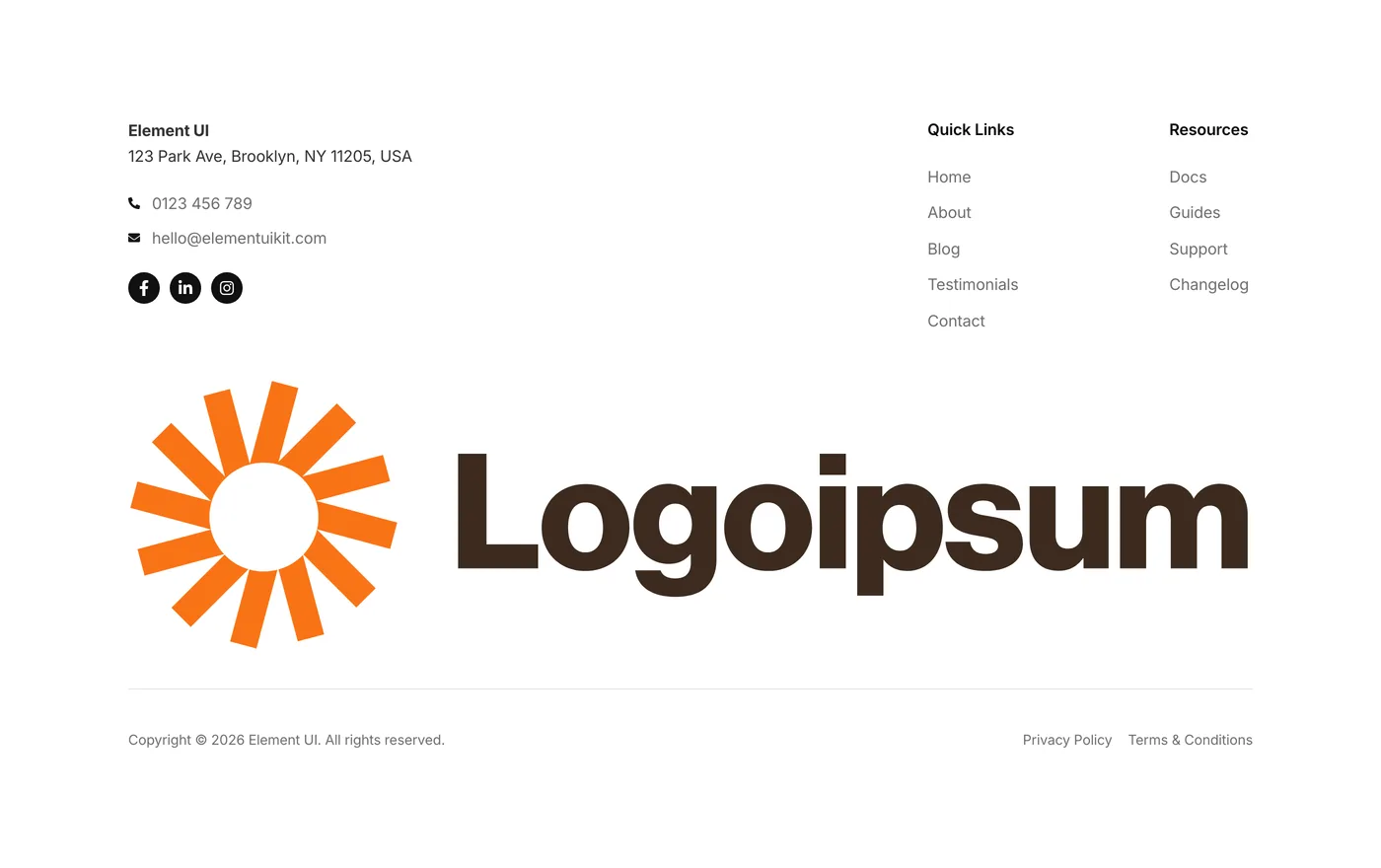
Five new footers added to the components library this week.

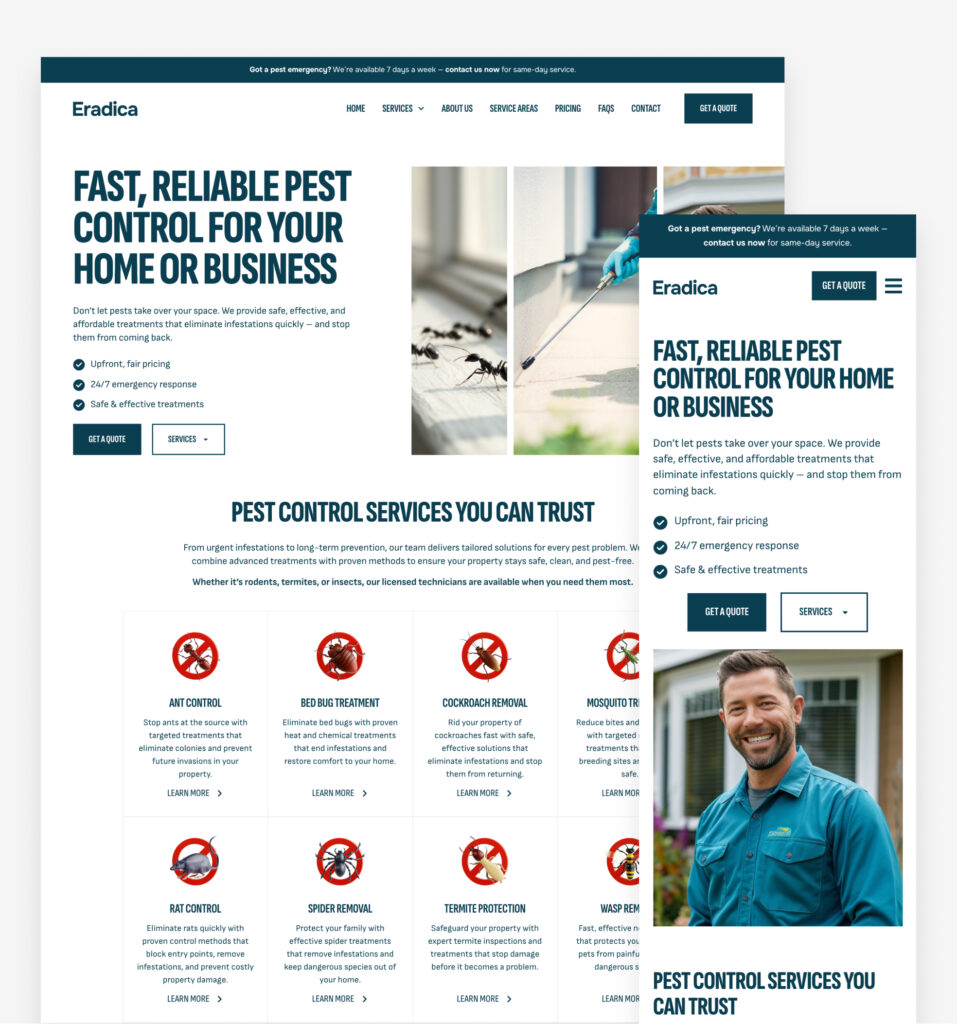
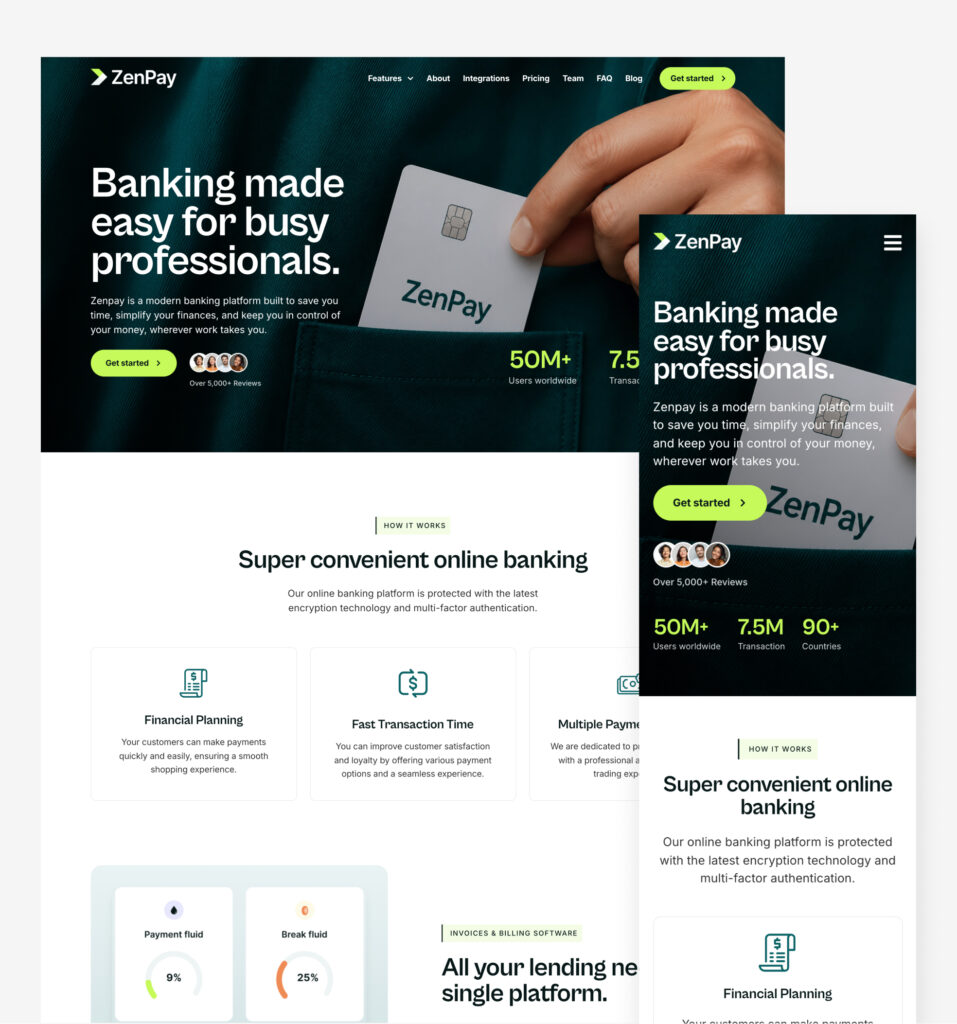
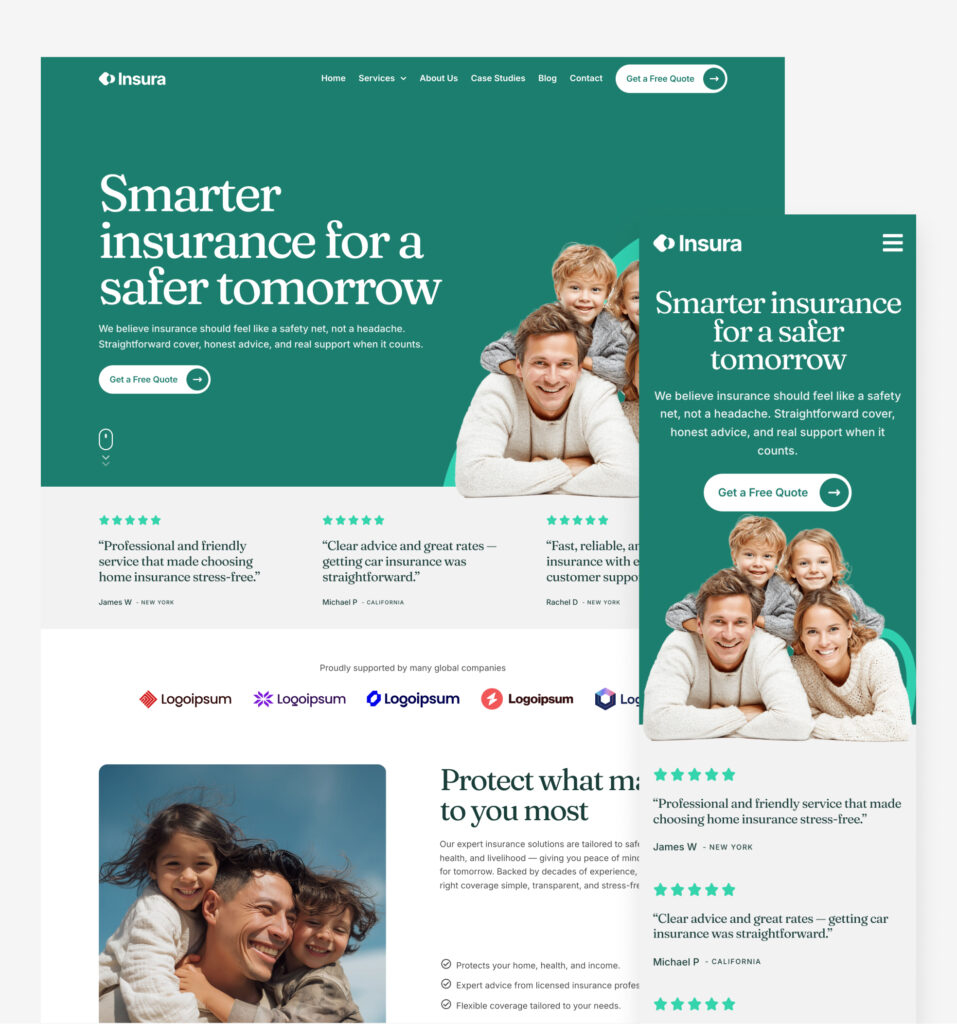
The footer is the last thing a visitor sees, but it’s usually the most rushed part of a build. These five are the opposite – properly considered, with room for navigation, contact details, social links, and everything else.

Version 2.75
Product updates
June 30, 2026

Updated UI & navigation

Based on feedback from many of you, we’ve merged our styled layouts into Components. Both were single-section components that you copy into your site, and the overlap between the two was causing confusion. Combining them into one library makes everything easier to find and faster to browse. Happy building!

Version 2.7
Product updates
June 26, 2026

Weekly update: June 26th, 2026

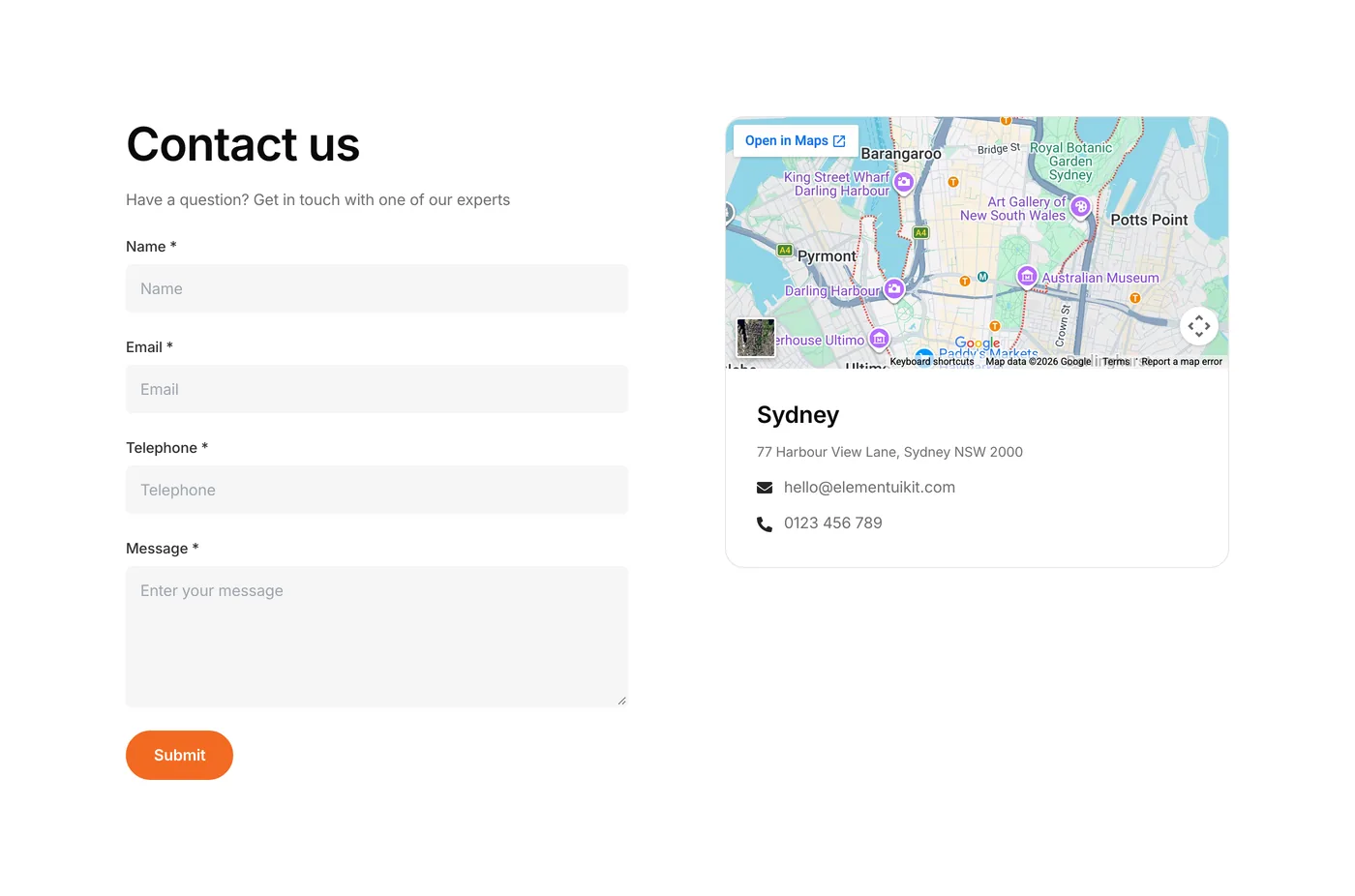
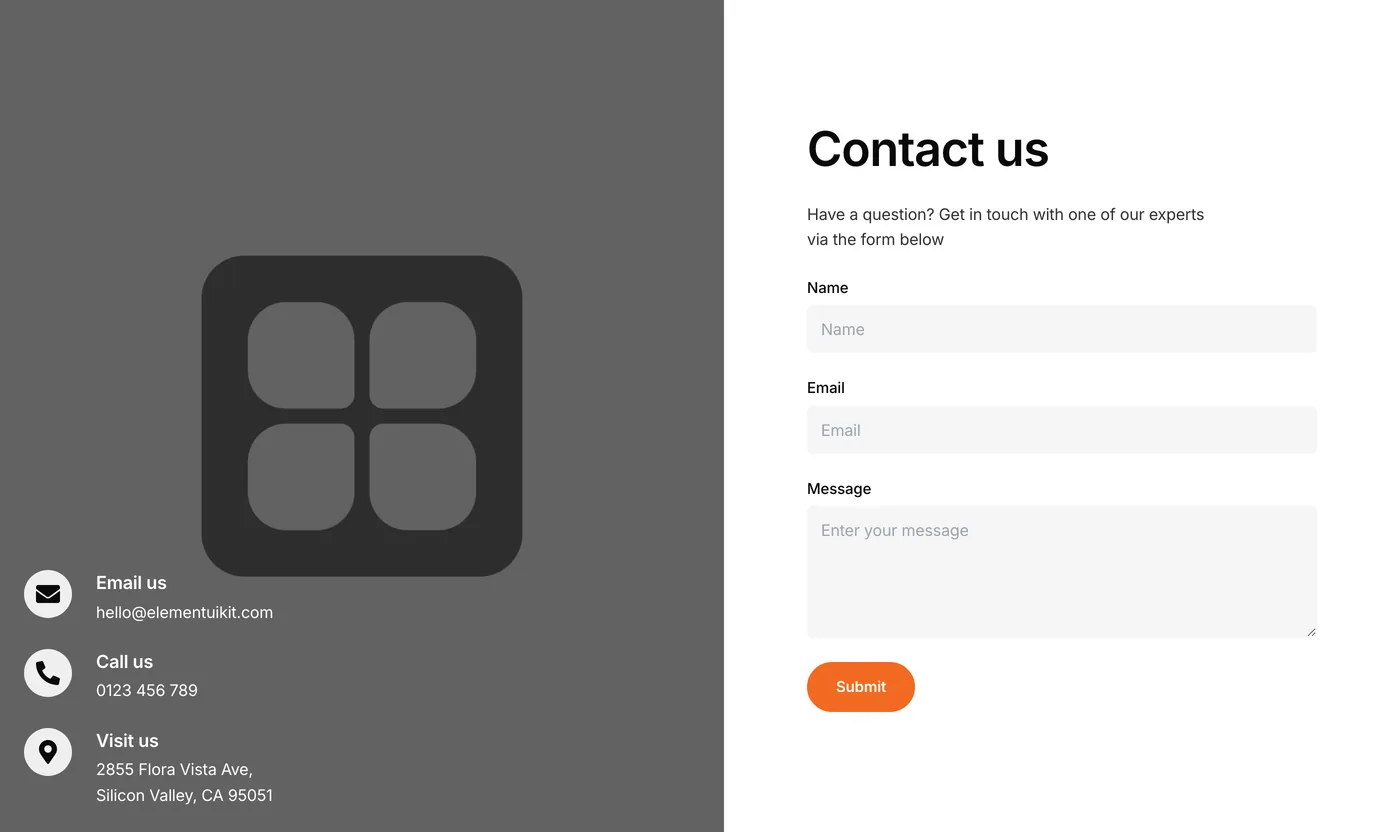
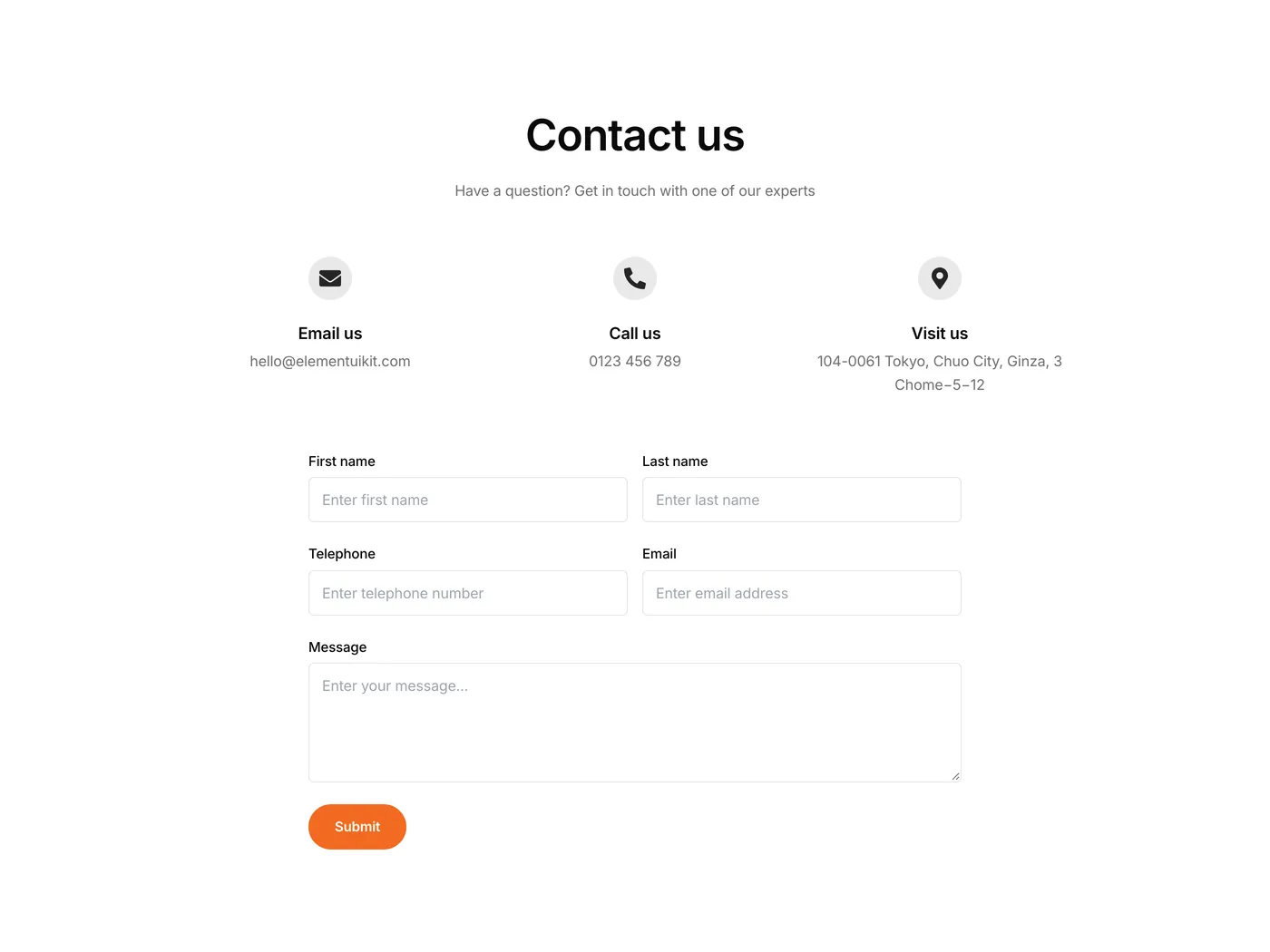
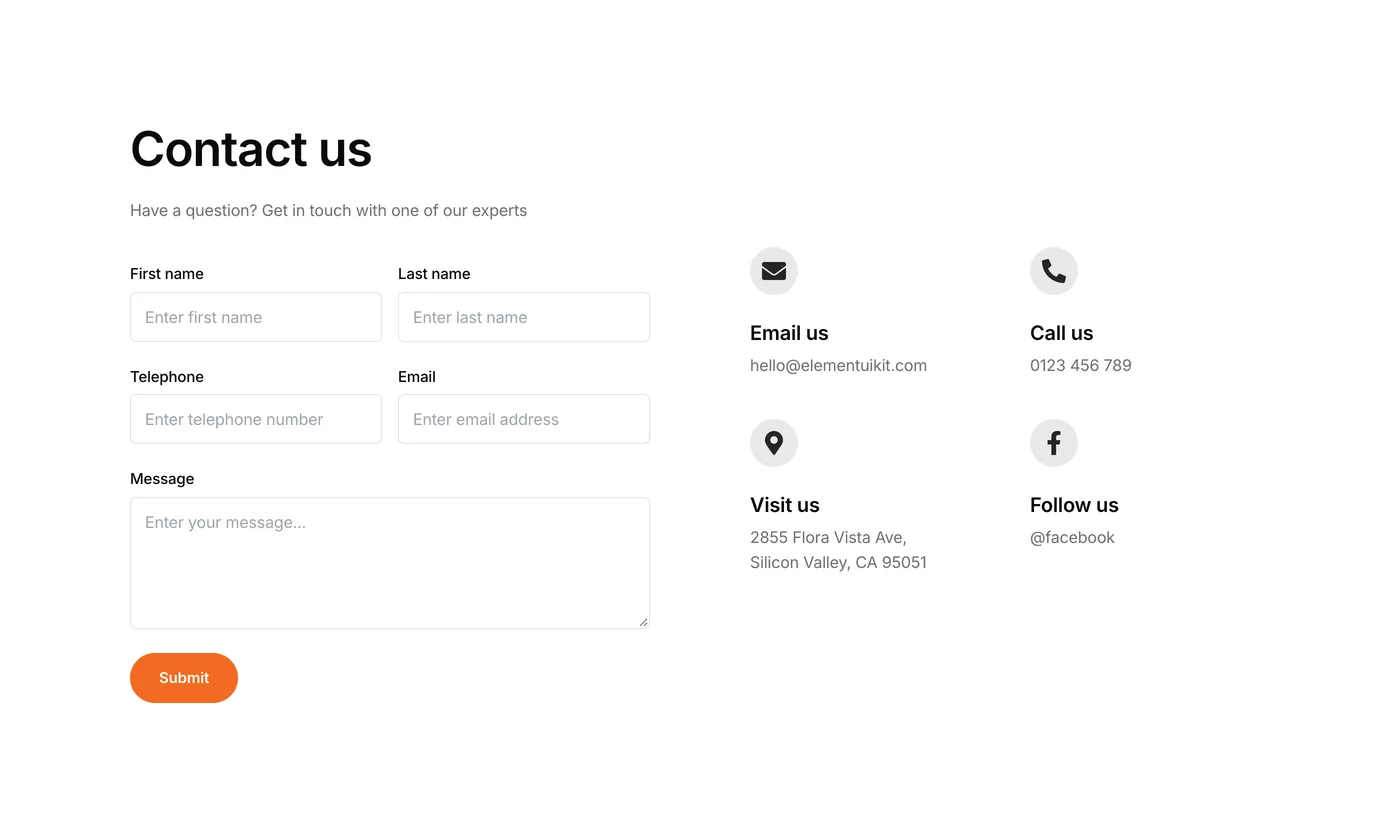
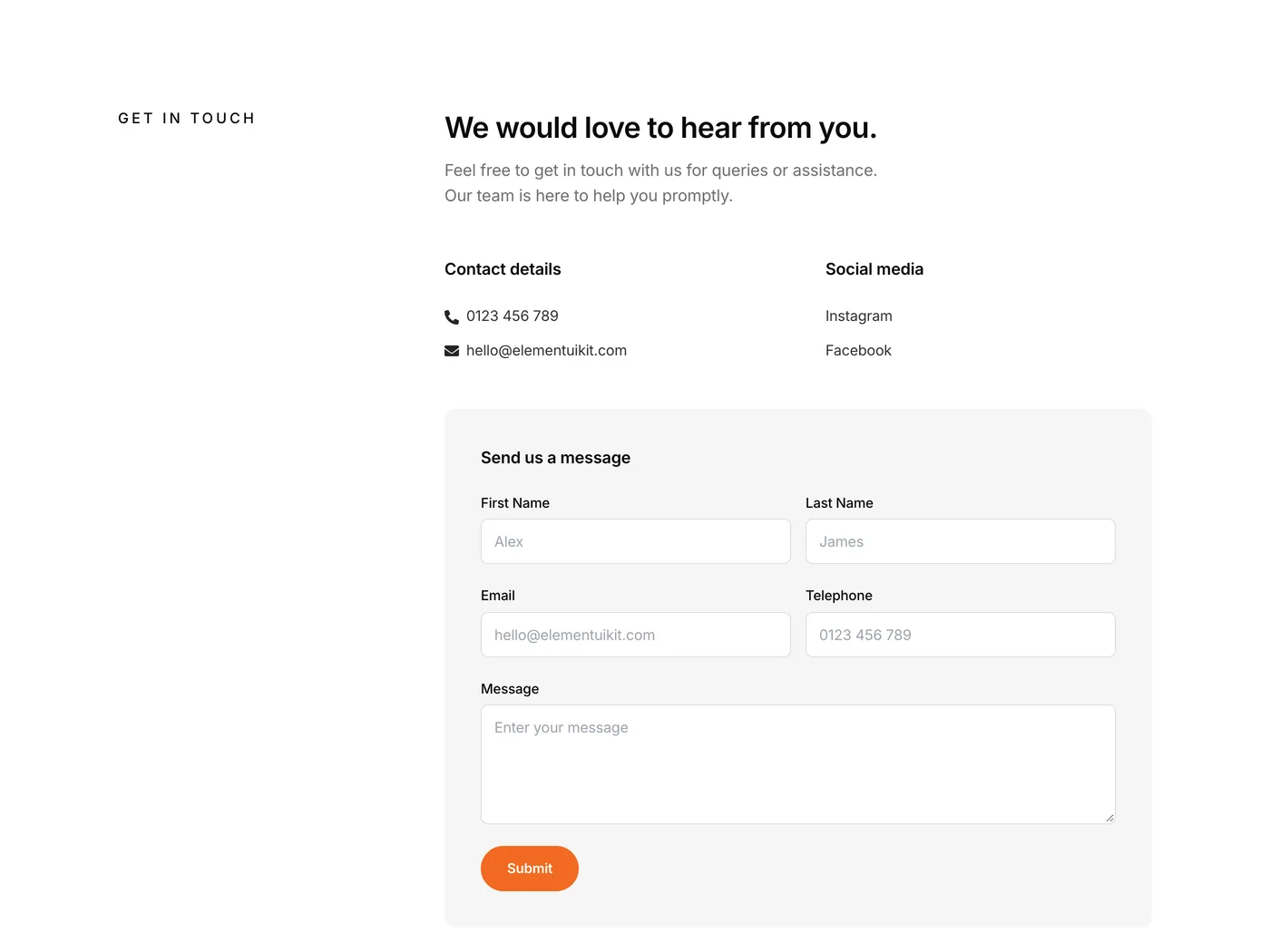
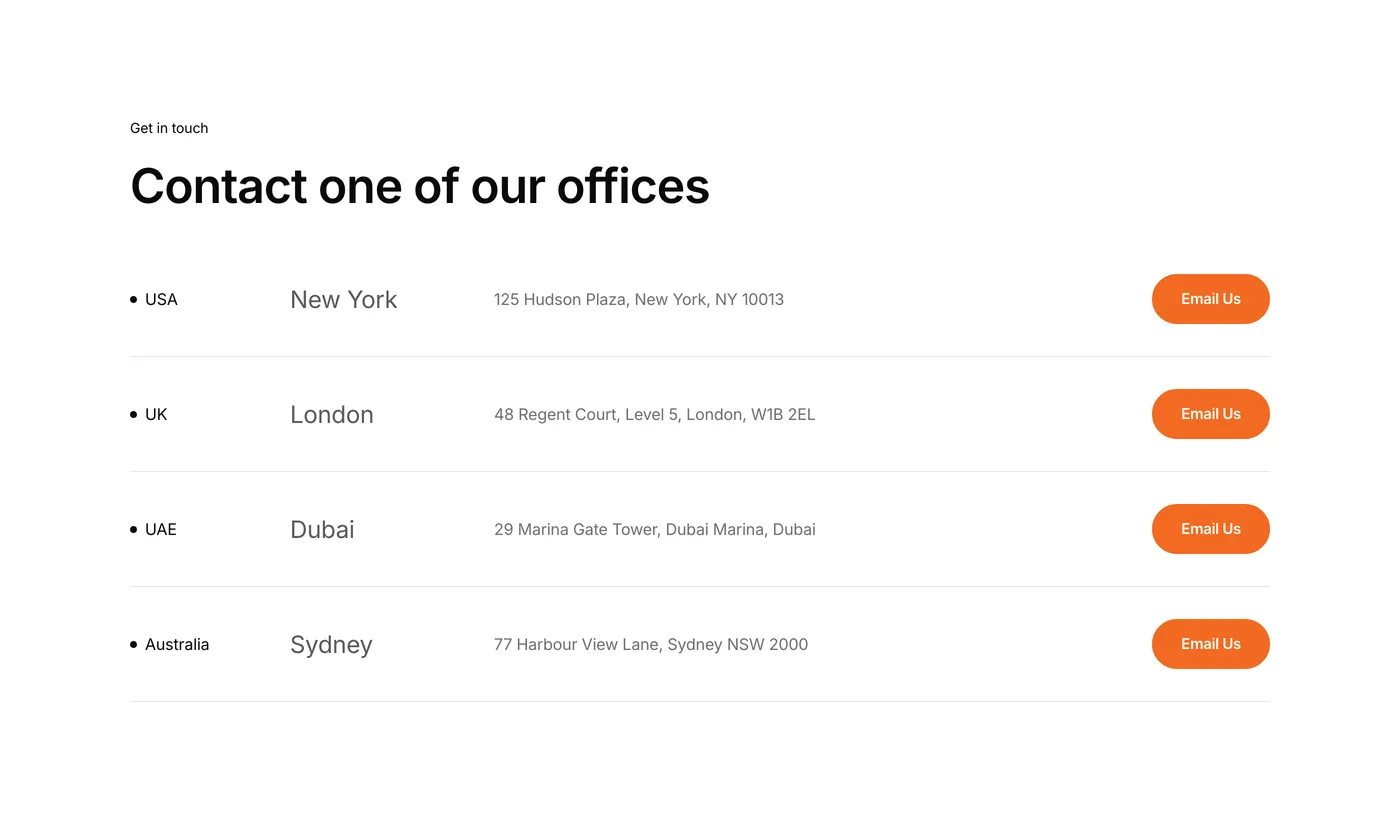
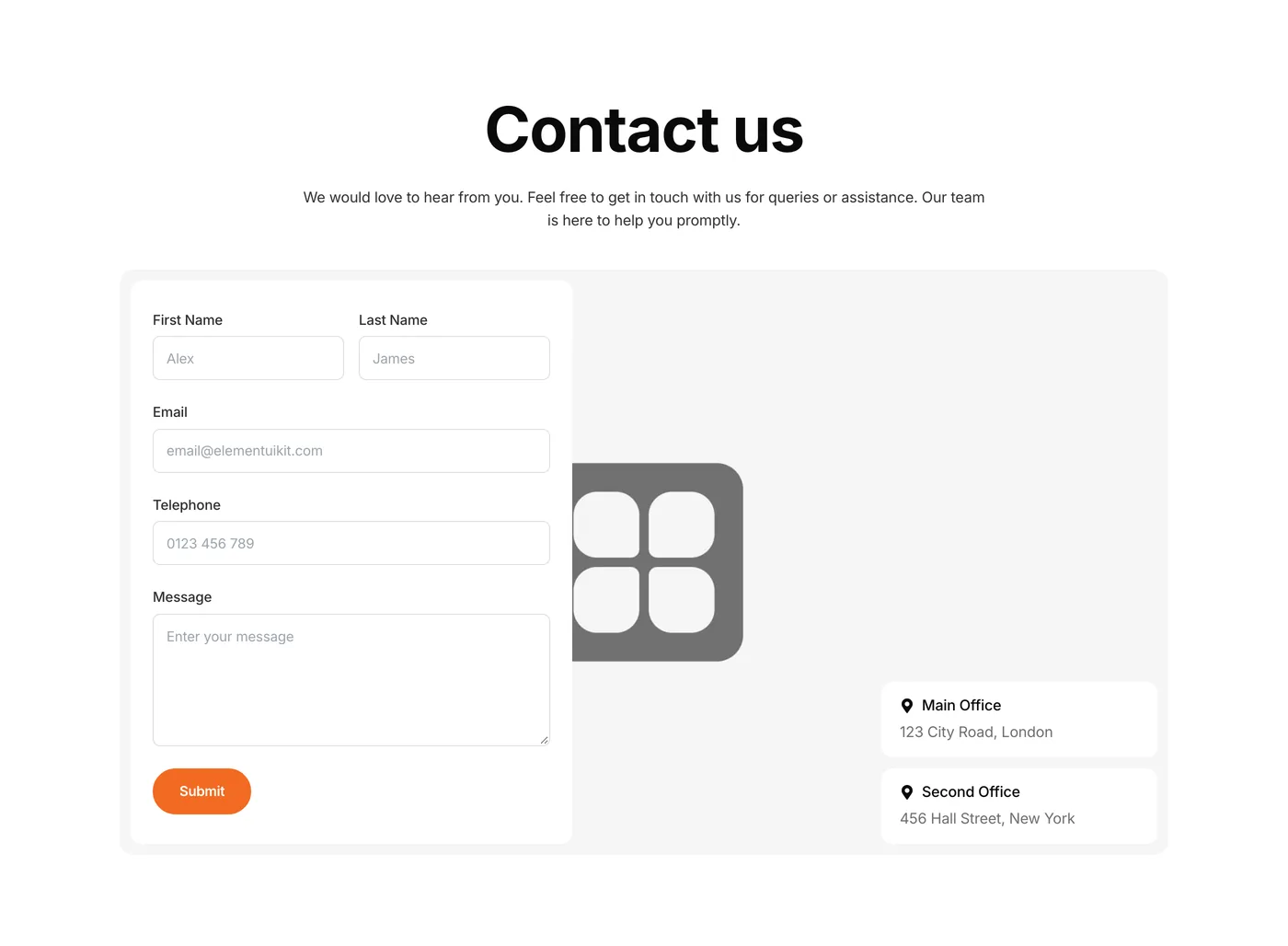
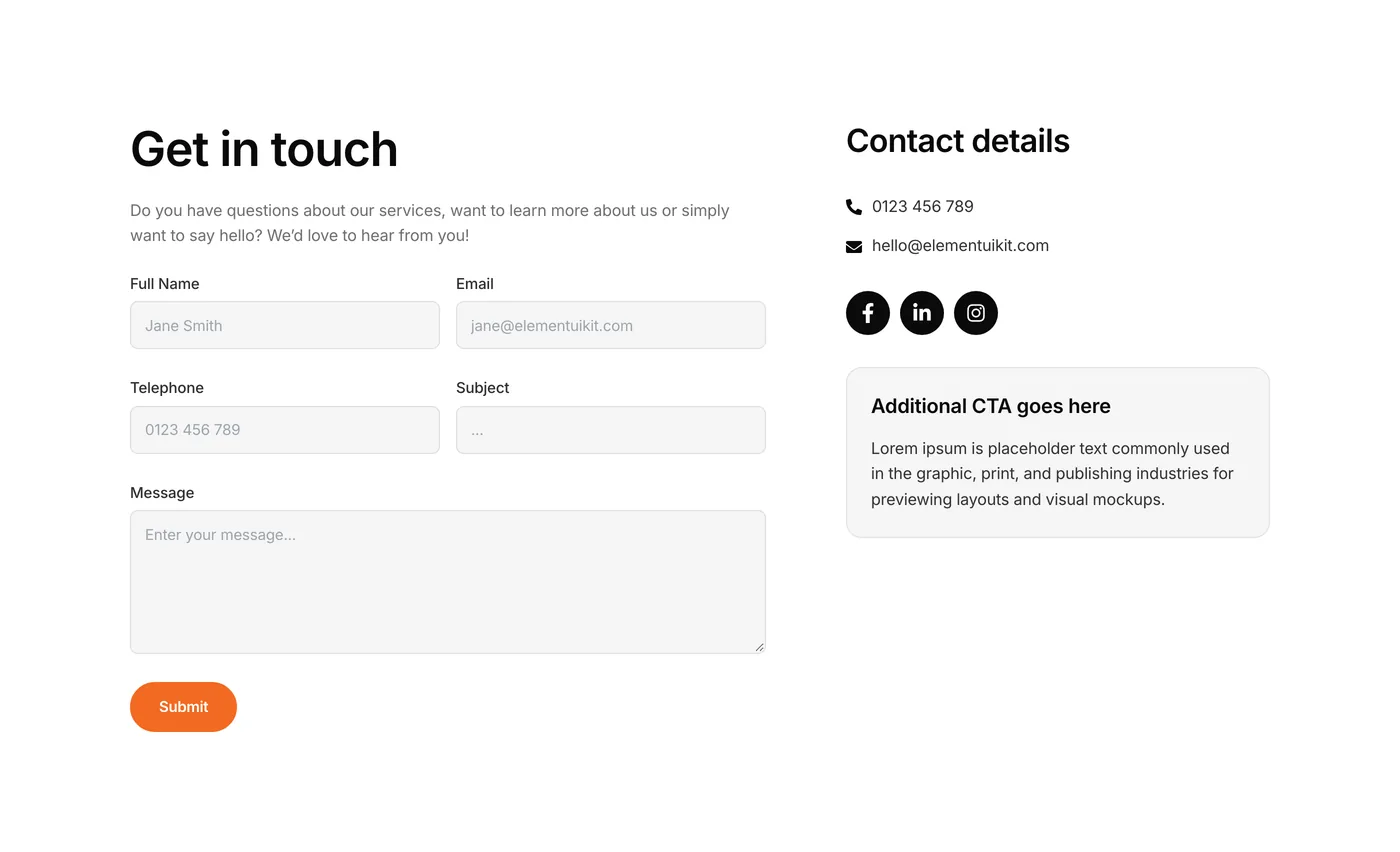
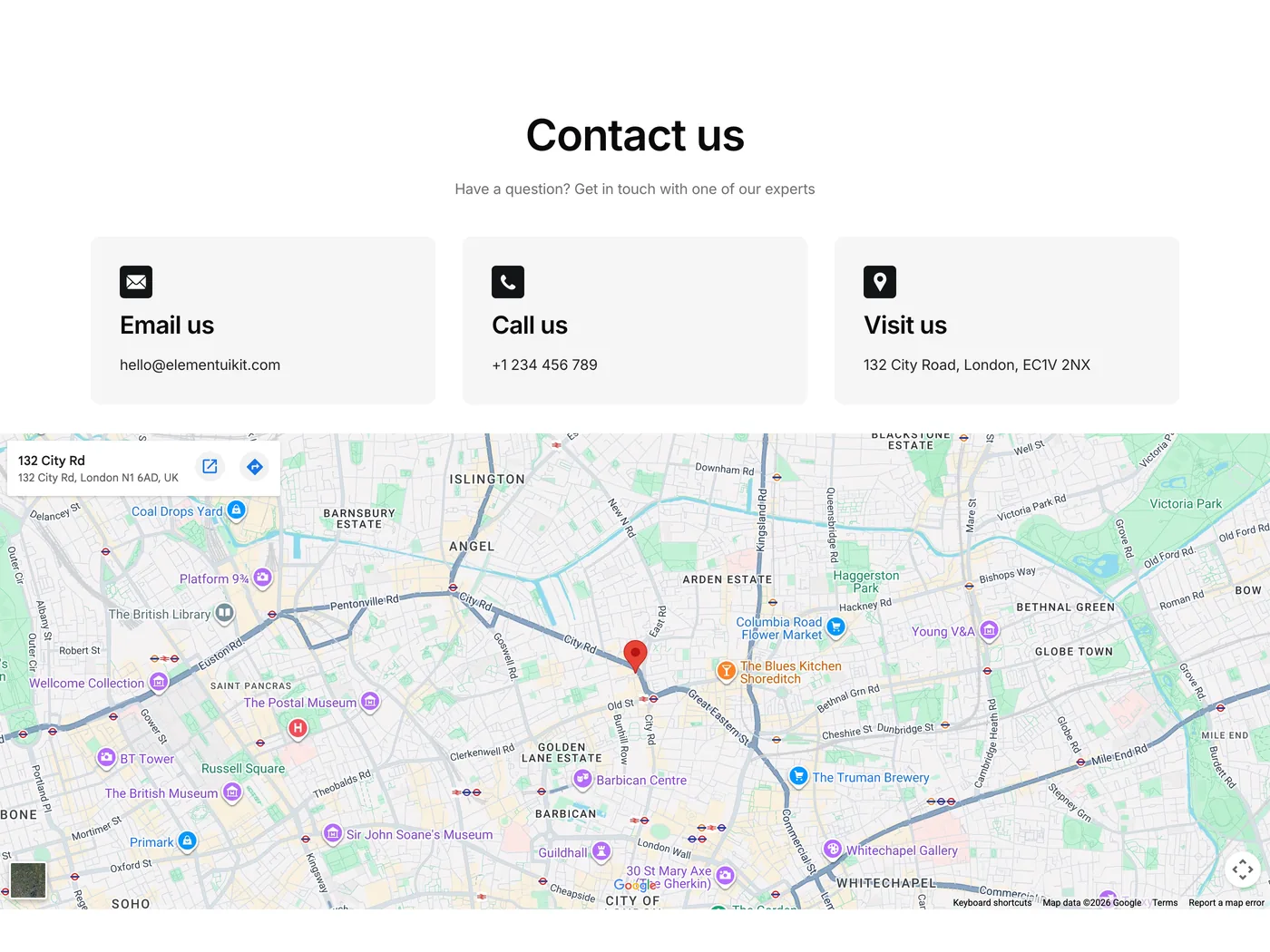
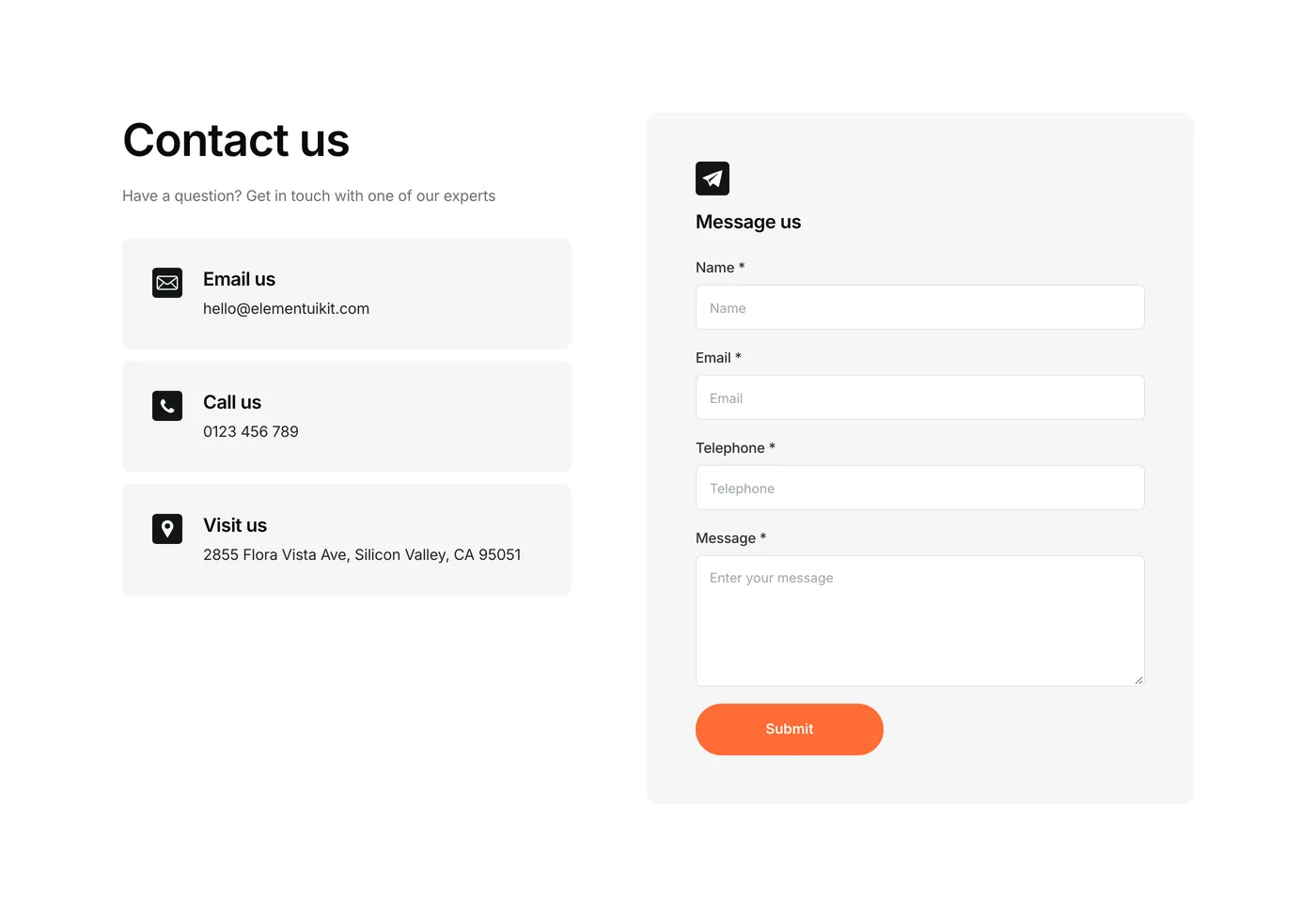
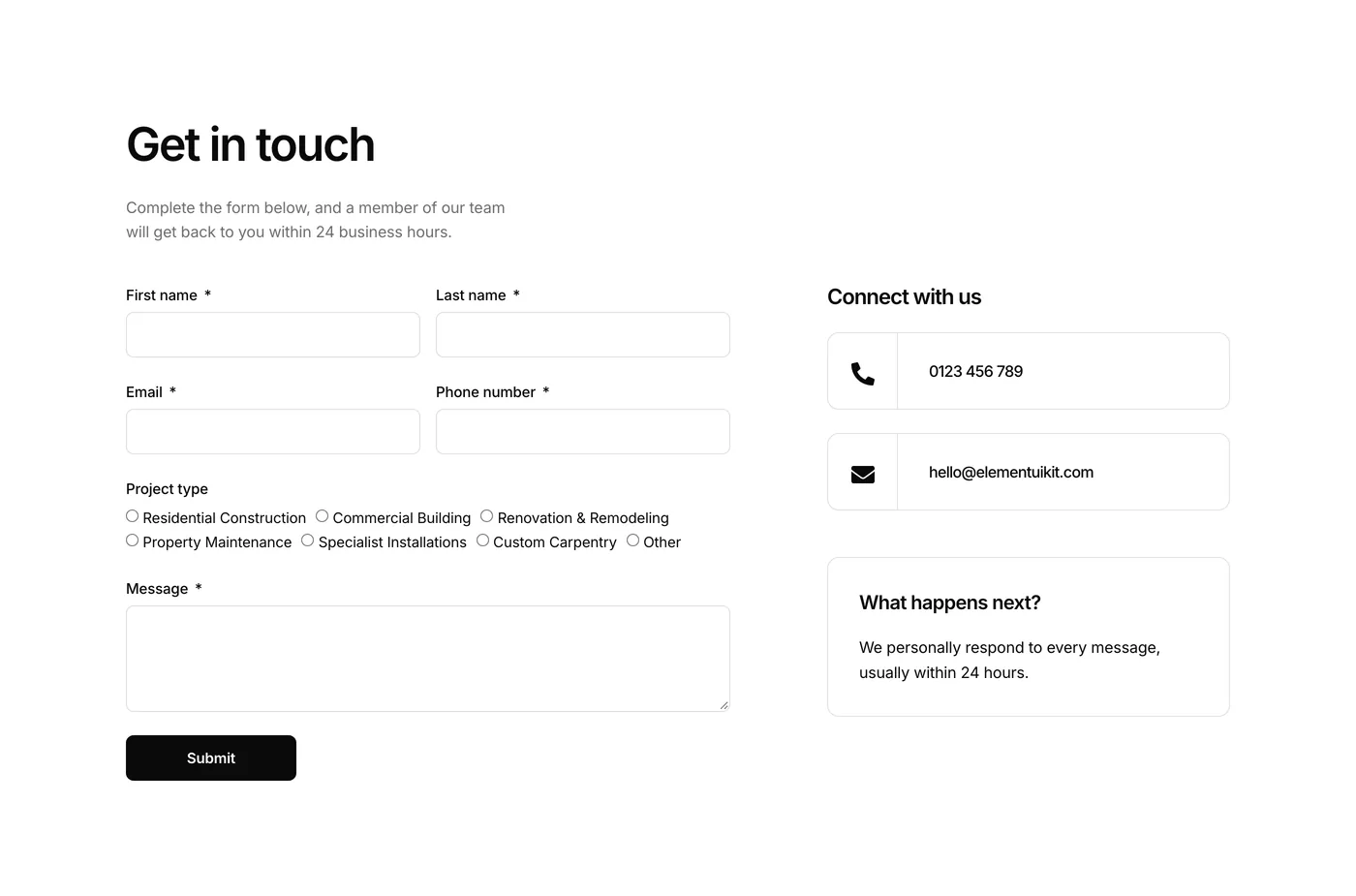
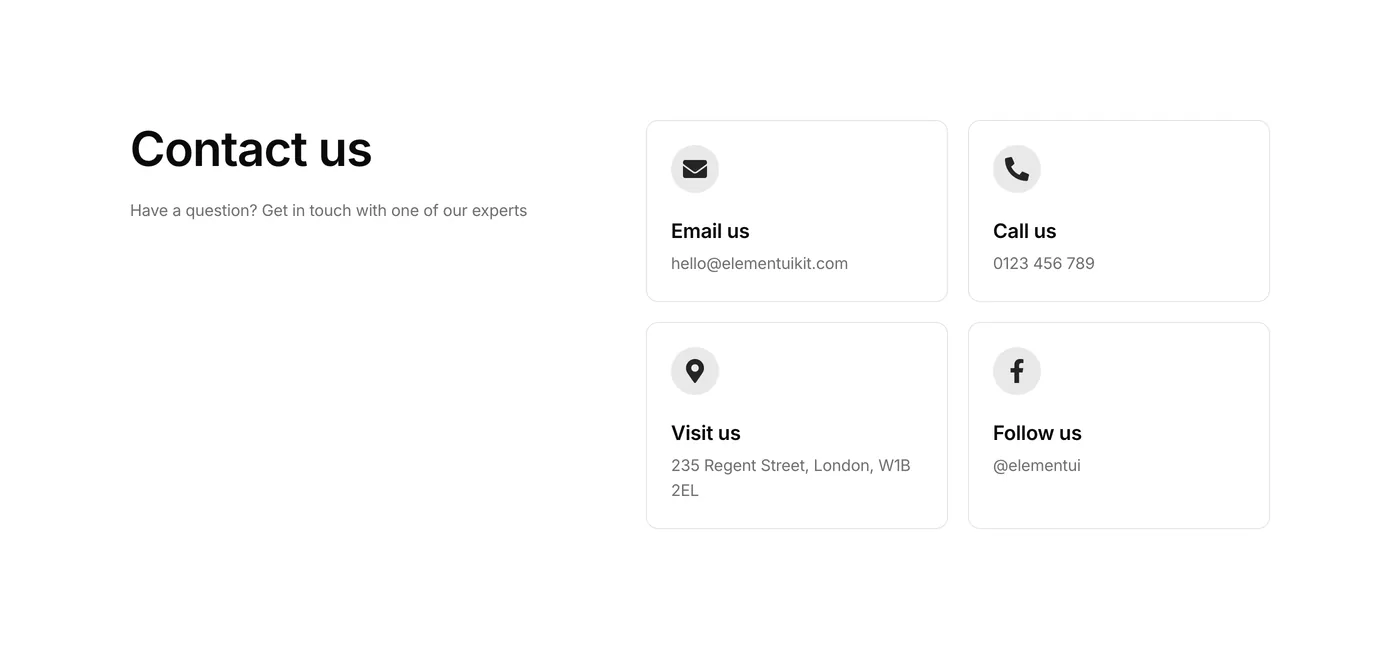
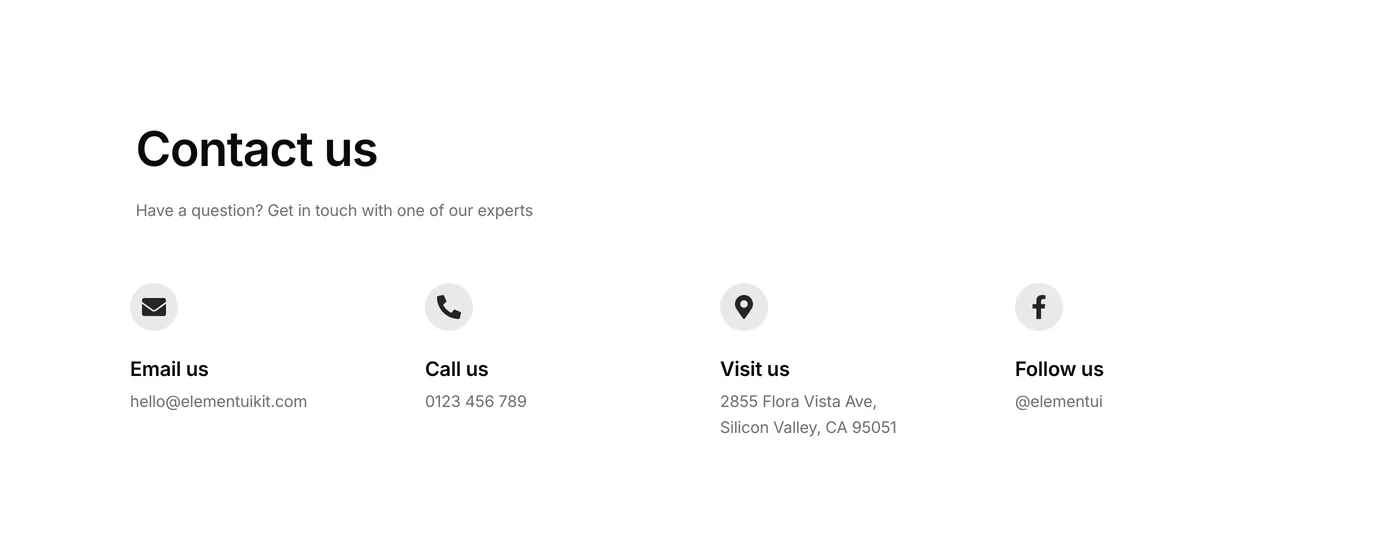
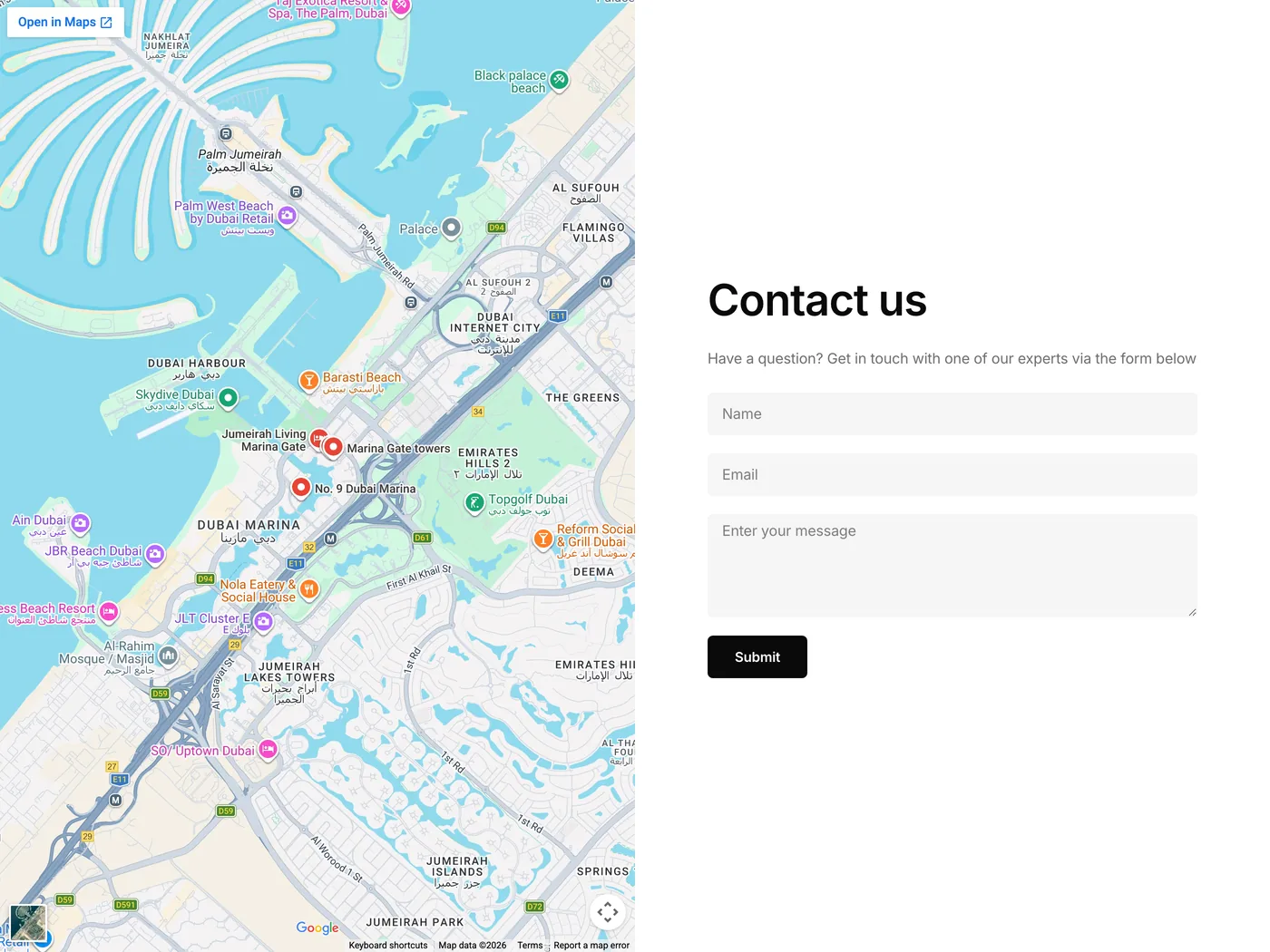
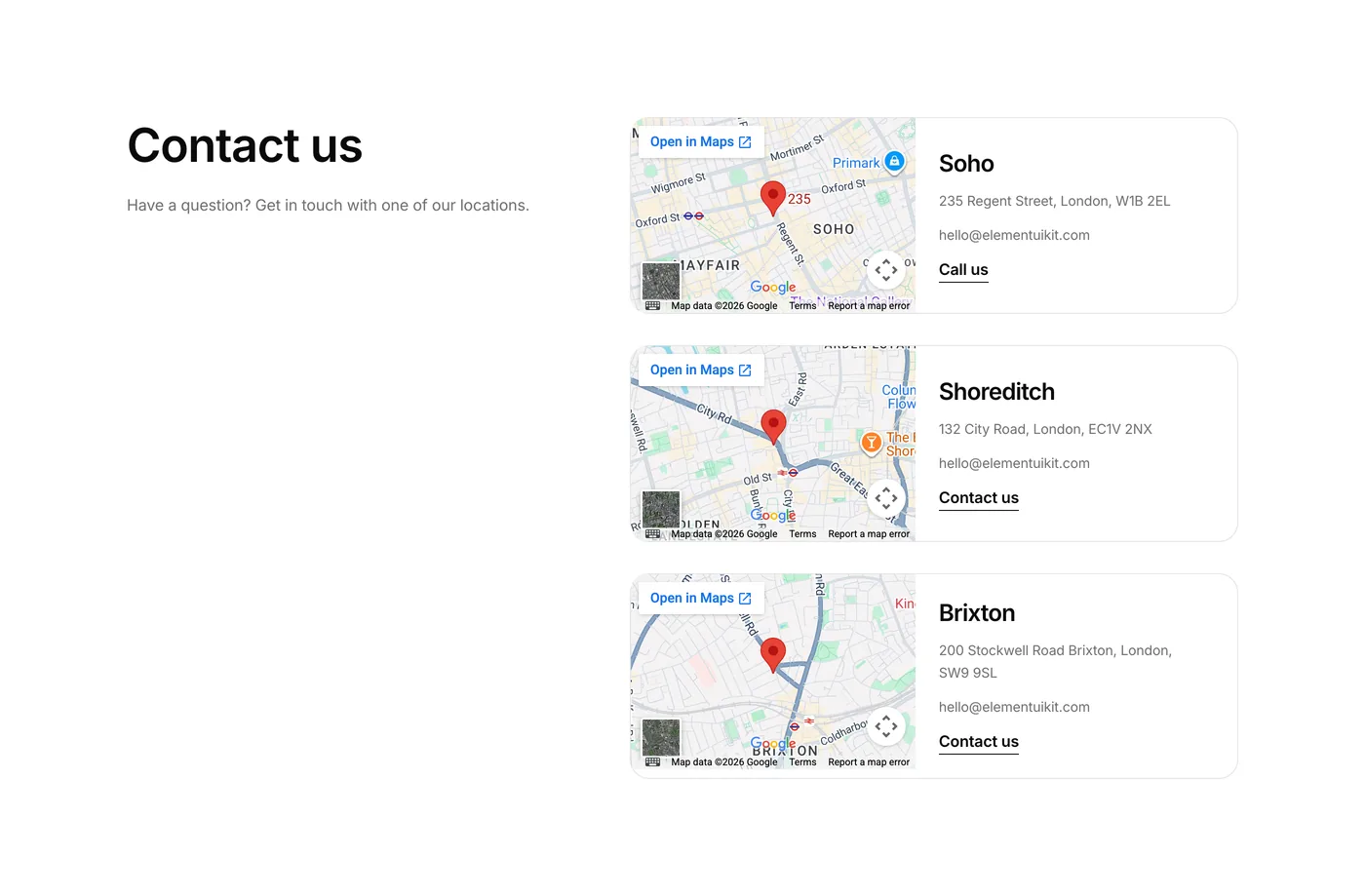
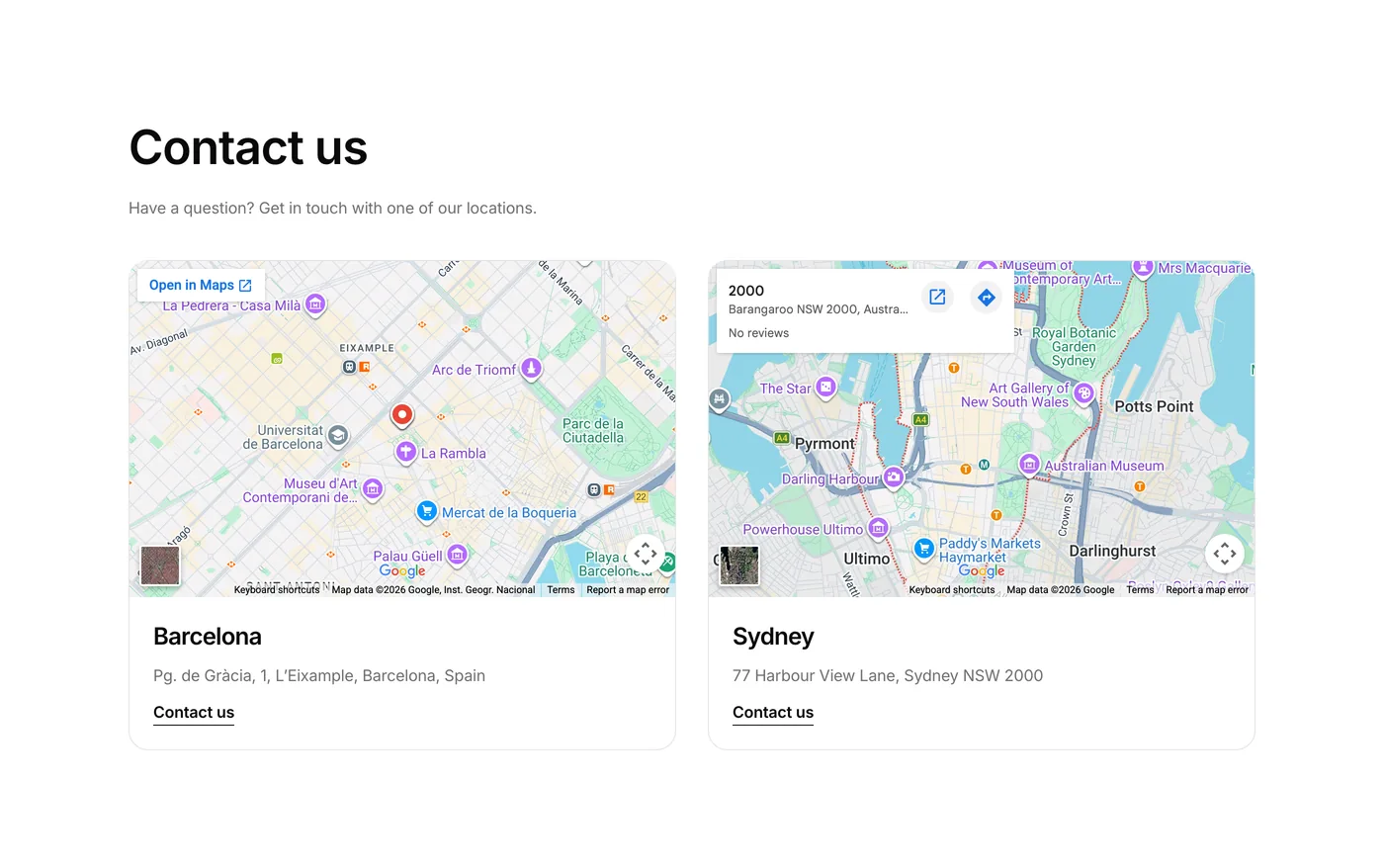
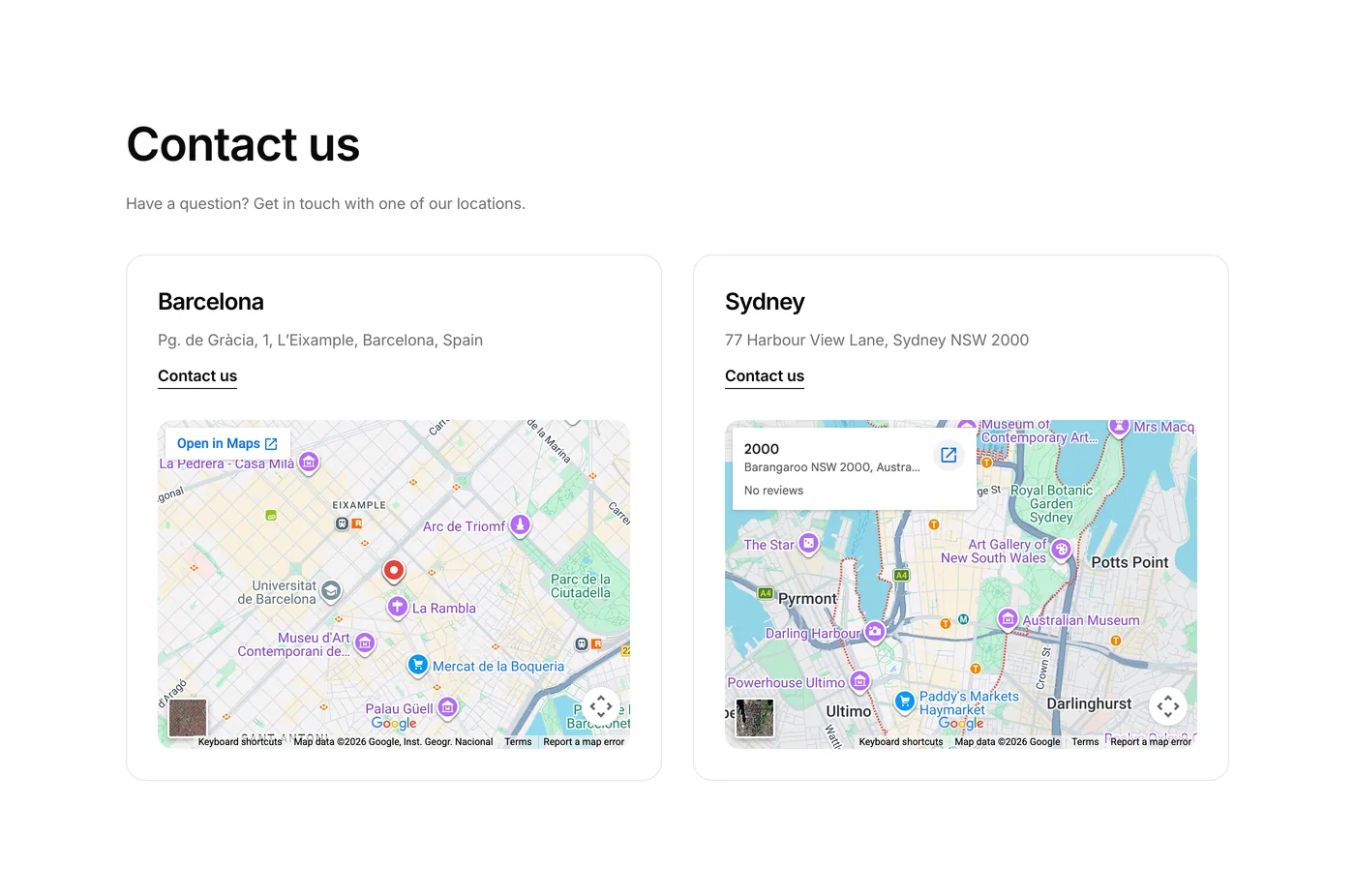
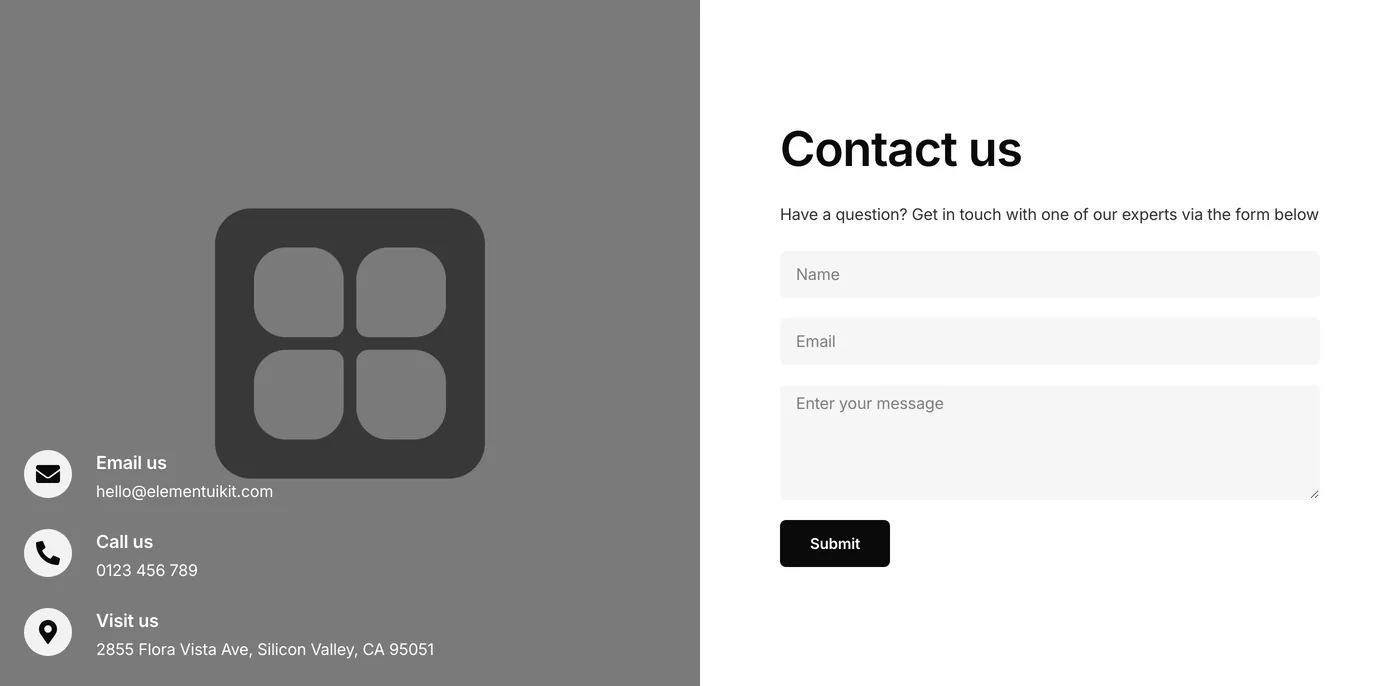
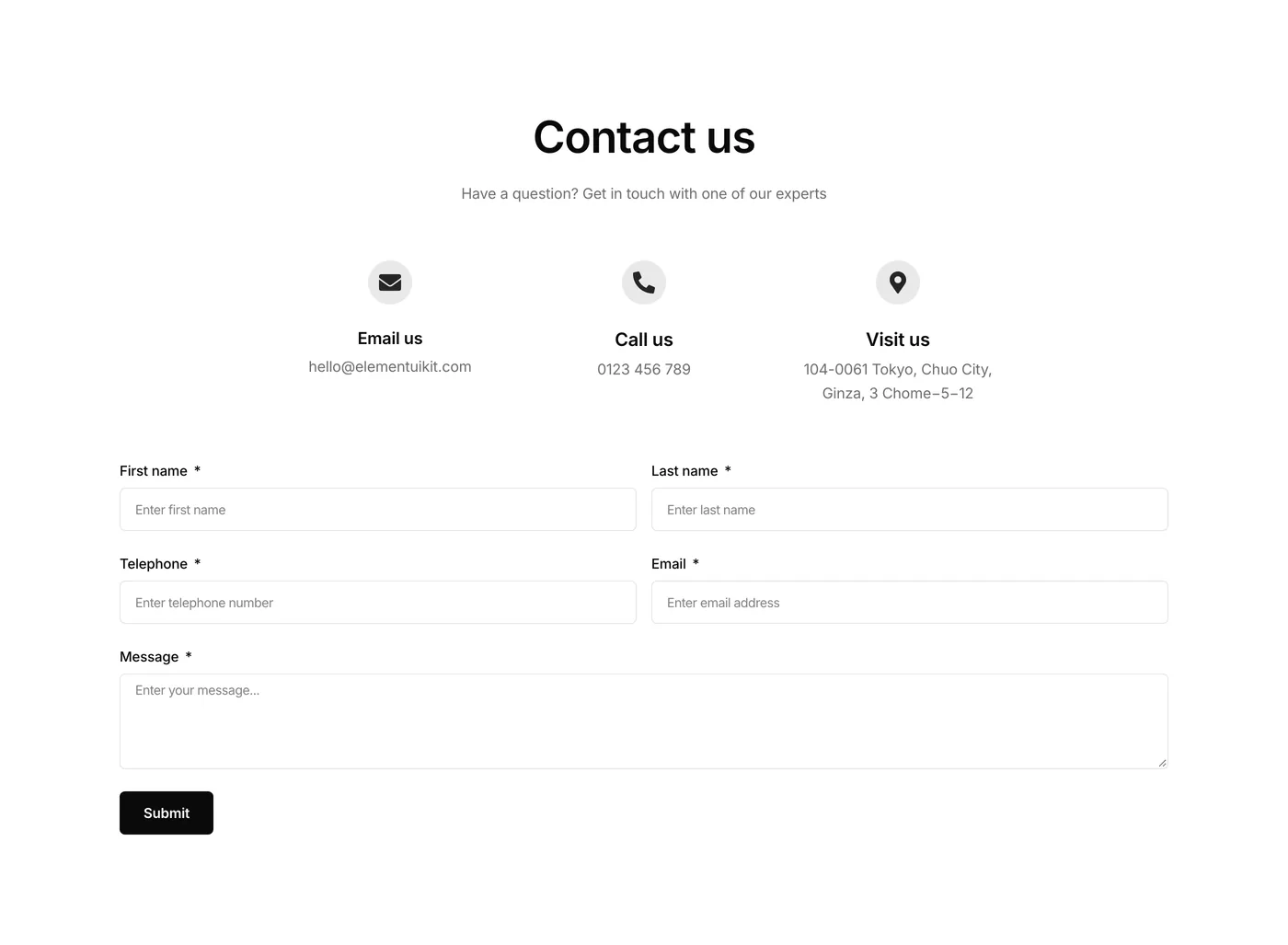
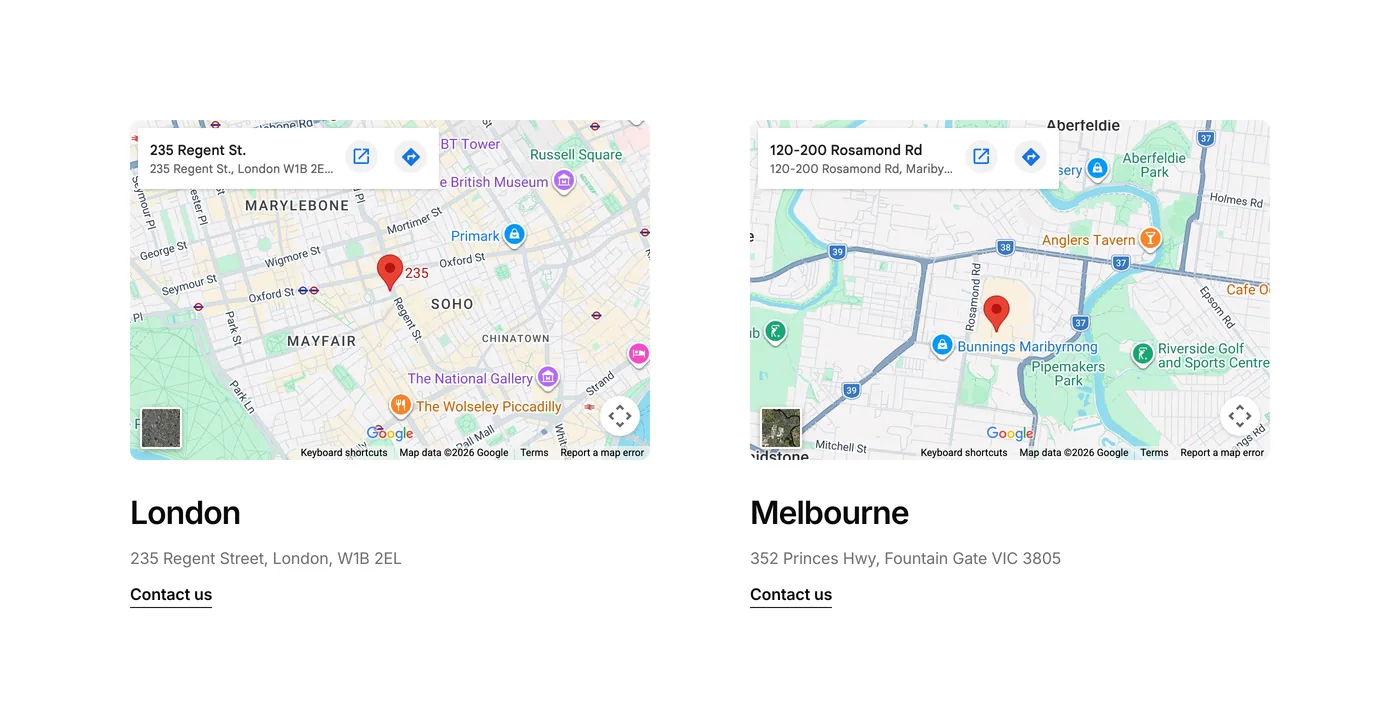
Eight new contact sections this week. Each one is a unique design, forms with maps, split layouts, multi-column setups with maps – all fully responsive across tablet and mobile. More ways to build a contact page that fits the rest of your site.

Version 2.65
Product updates
June 19, 2026

Weekly update: June 19th, 2026

Five new additions to the Partner Logos category this week.

The Partner Logos category just got 5 new layouts.

This section is often the first thing a visitor scans to decide whether a business is the real deal. These components give you more ways to present trusted by logos and partners without the headache of building it from scratch.

Version 2.6
Product updates
June 12, 2026

Weekly update: June 12th, 2026

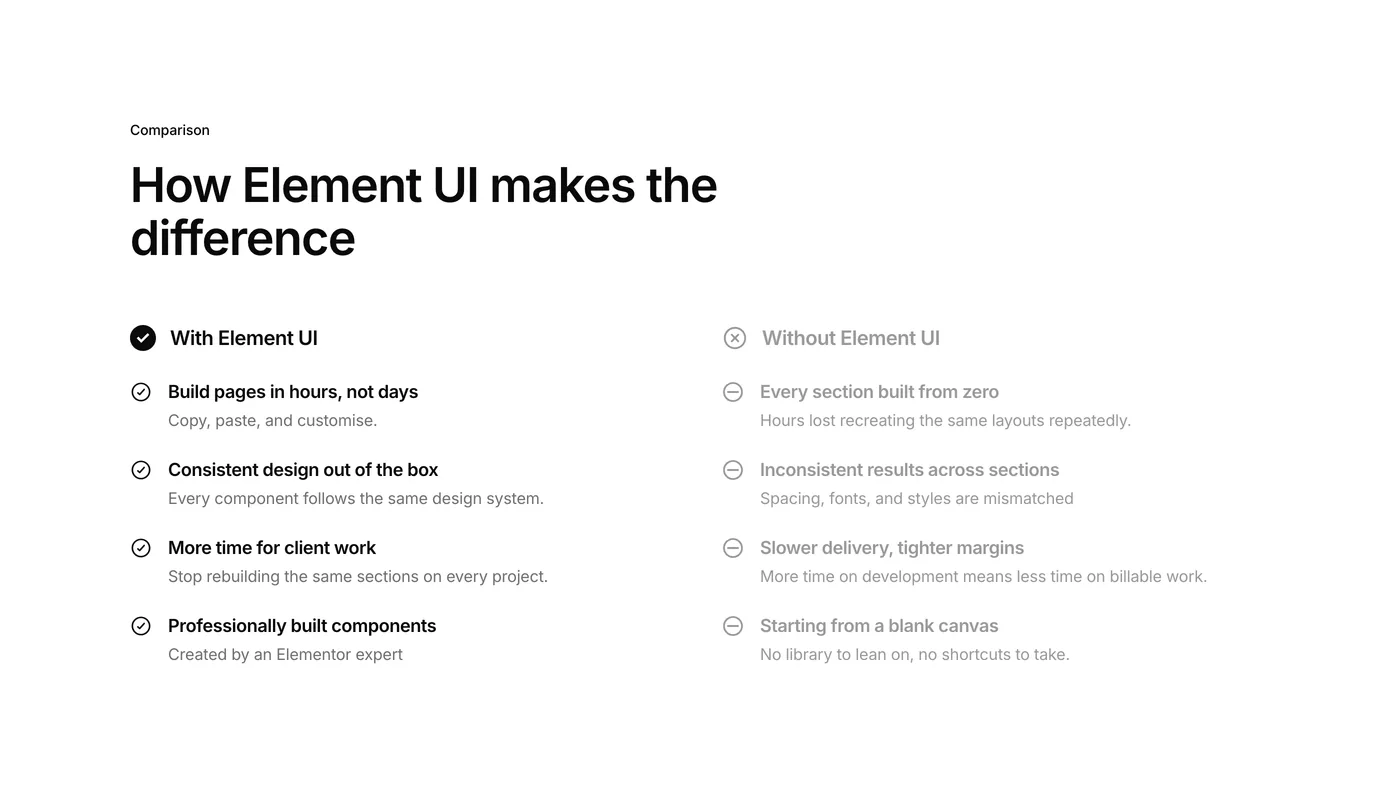
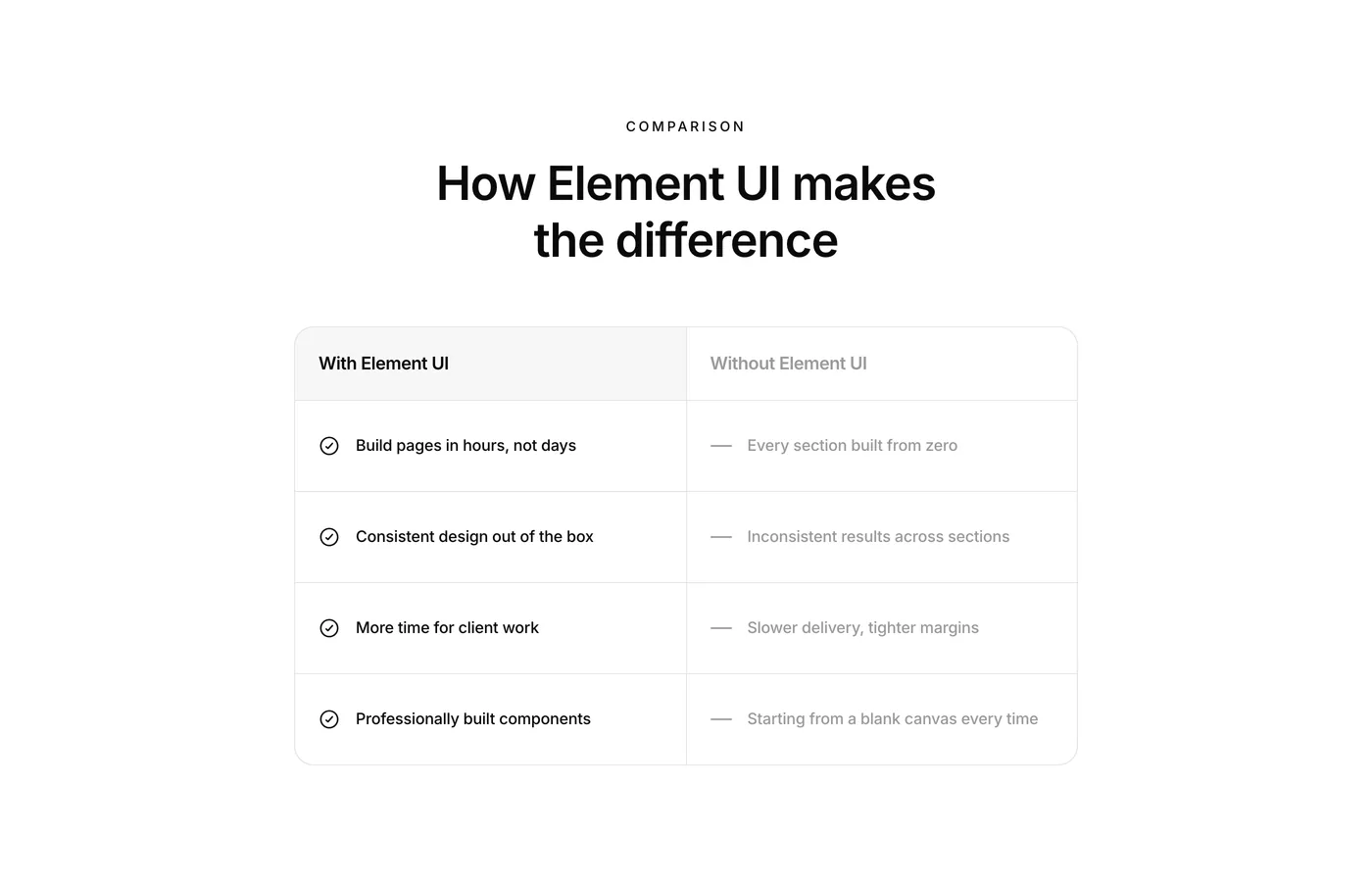
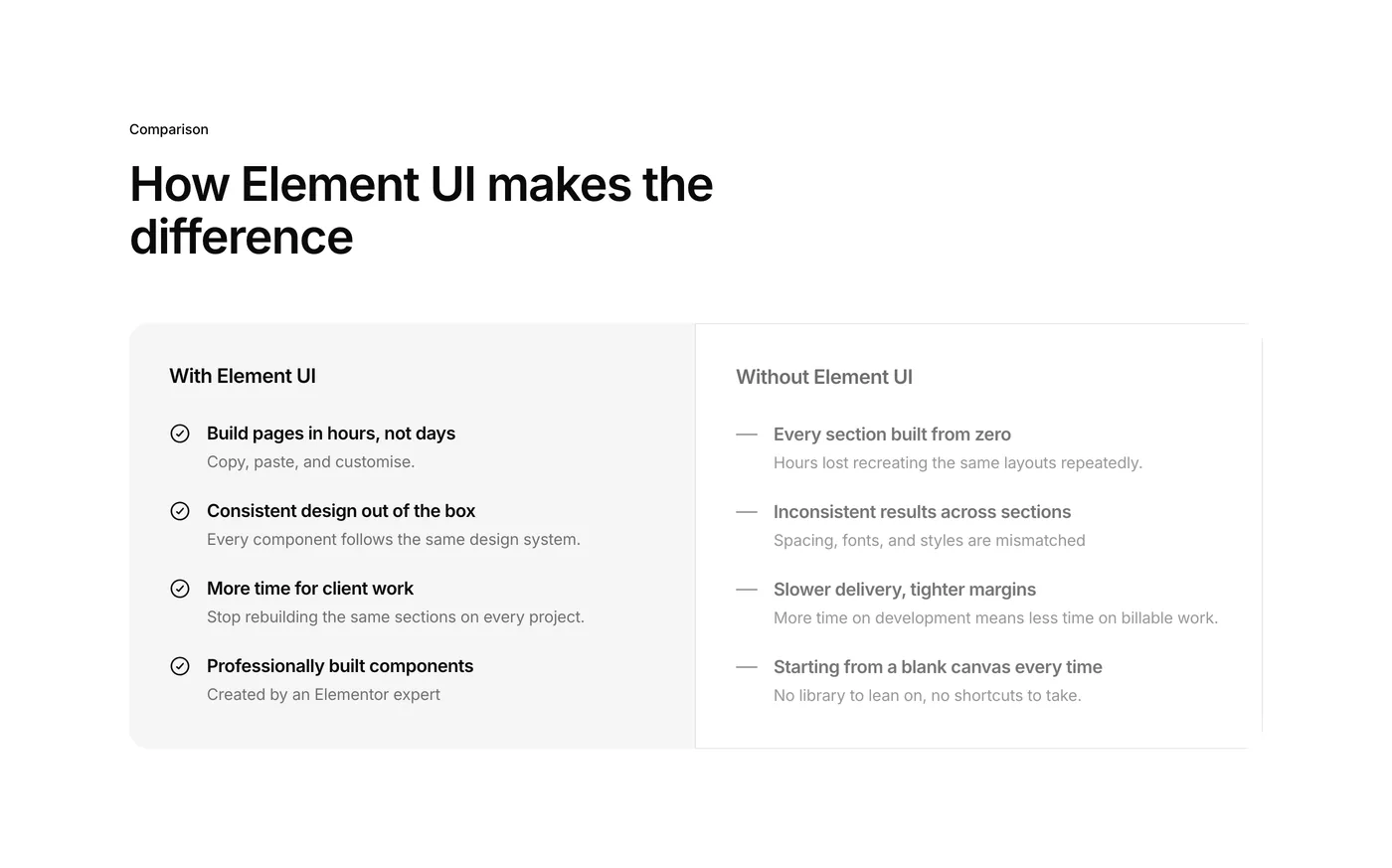
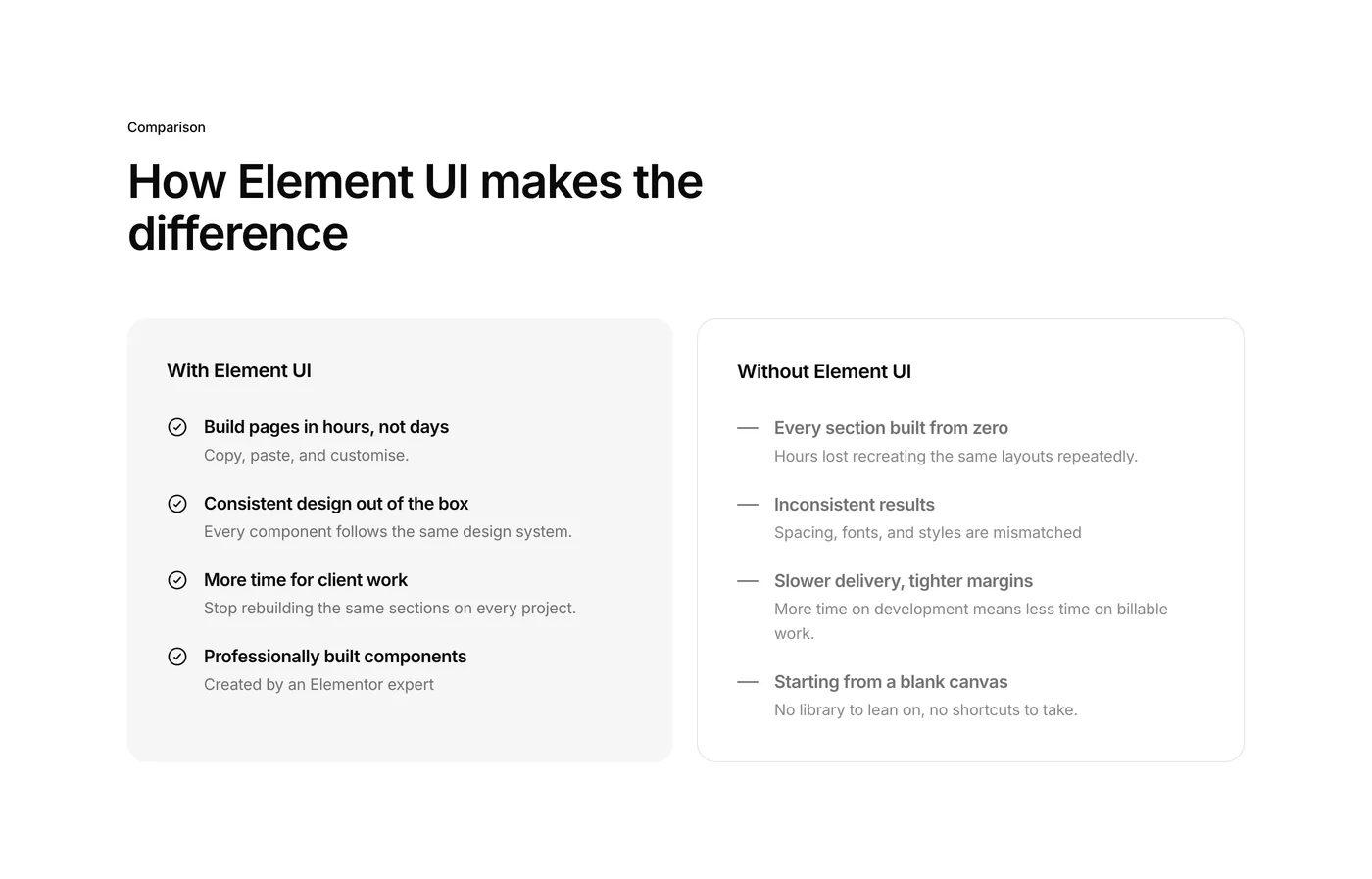
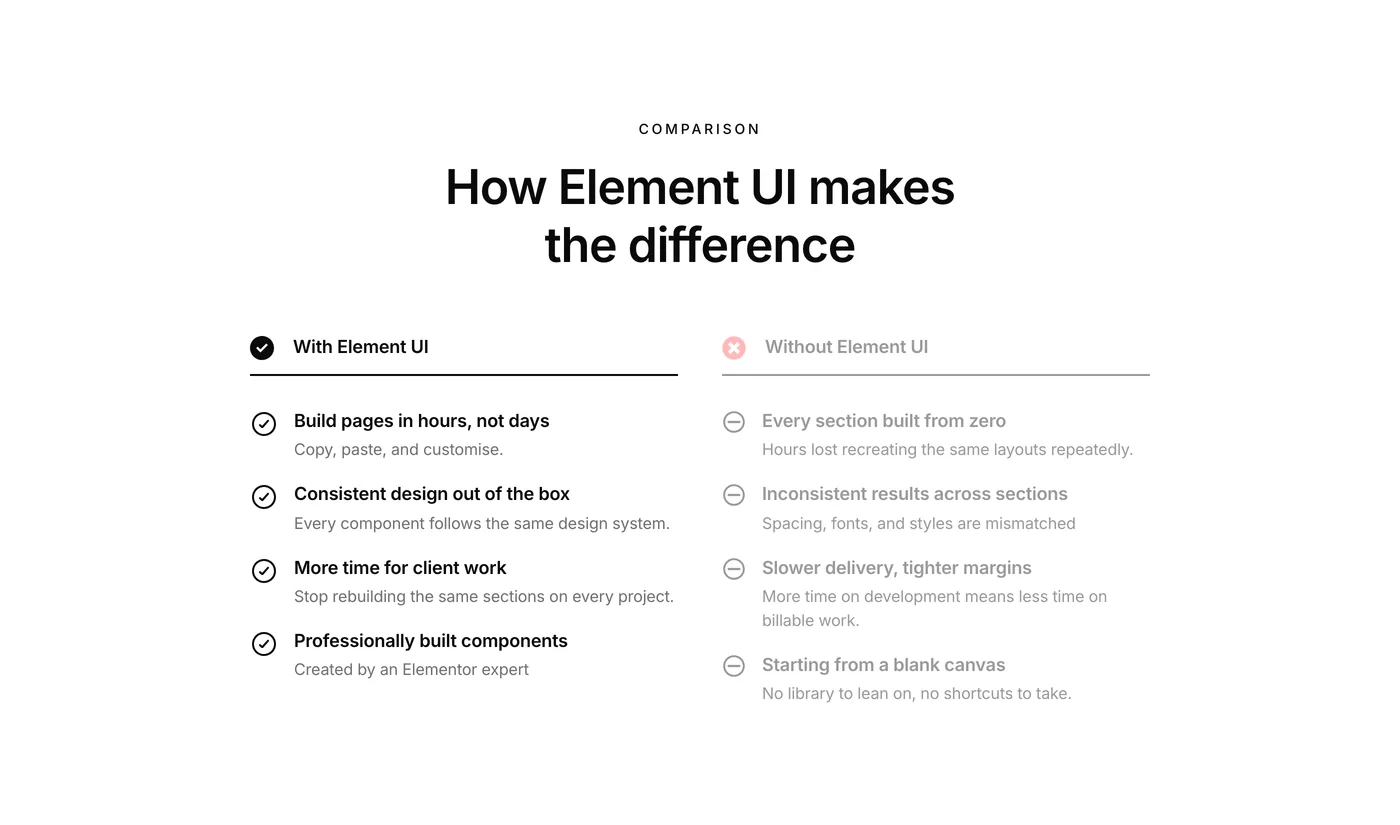
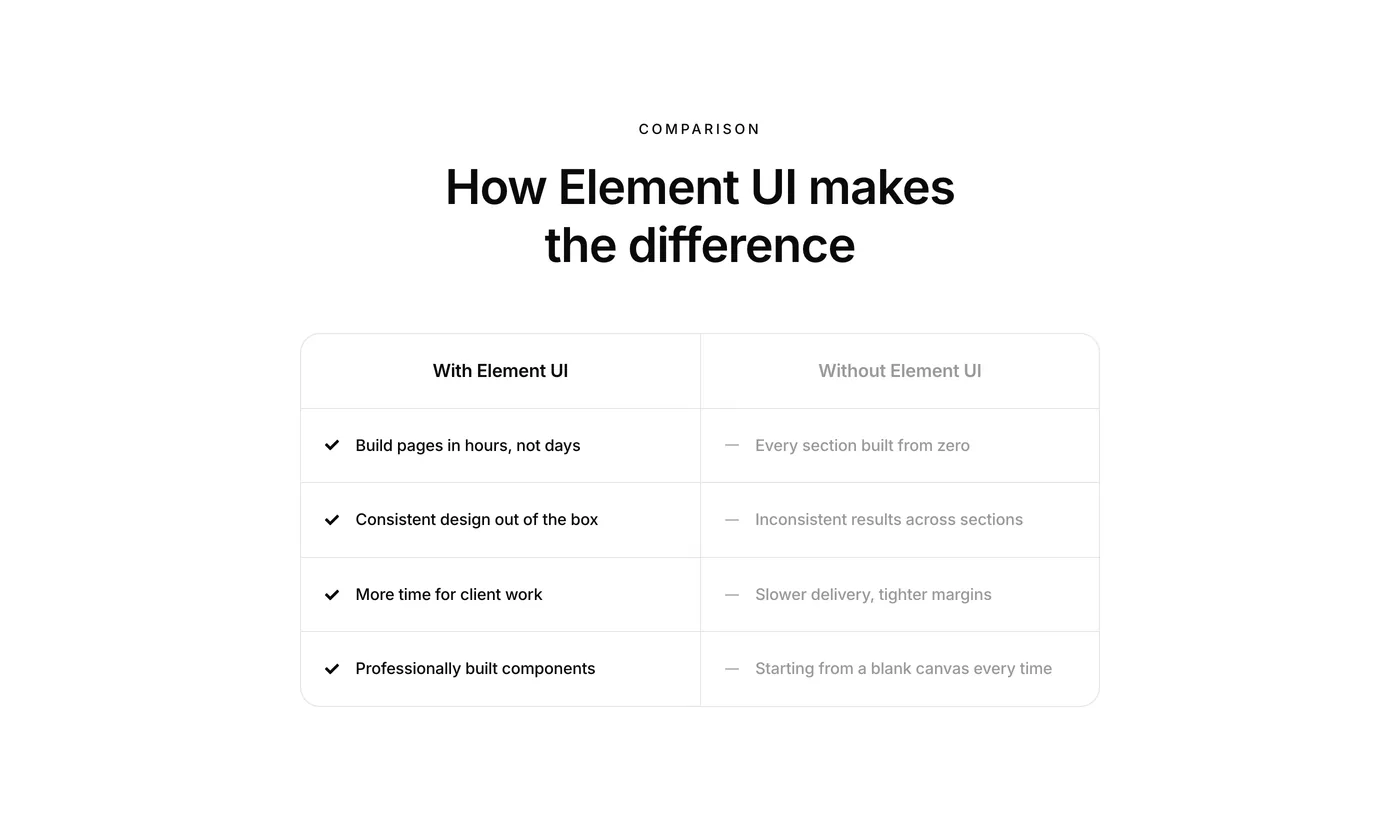
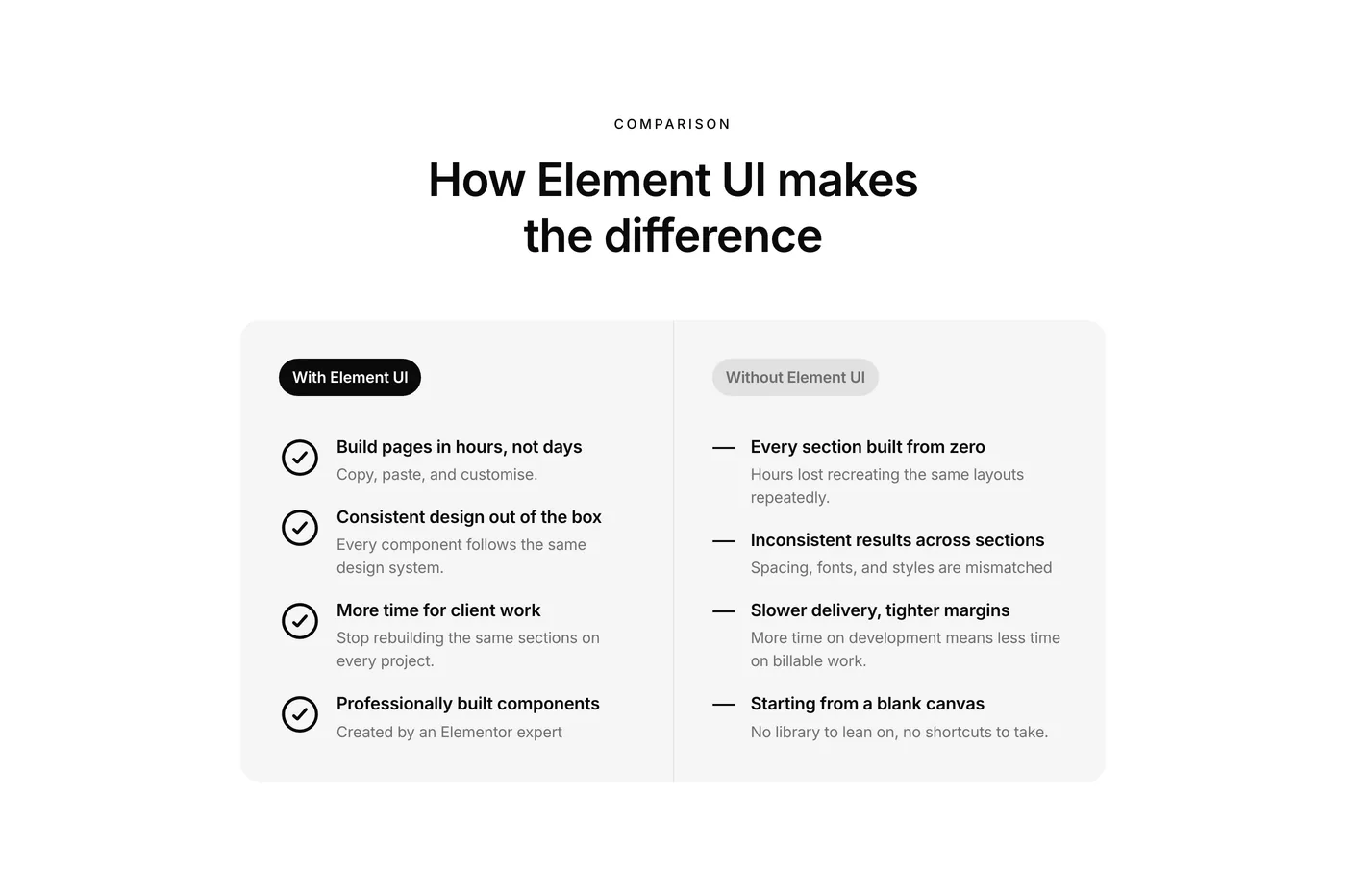
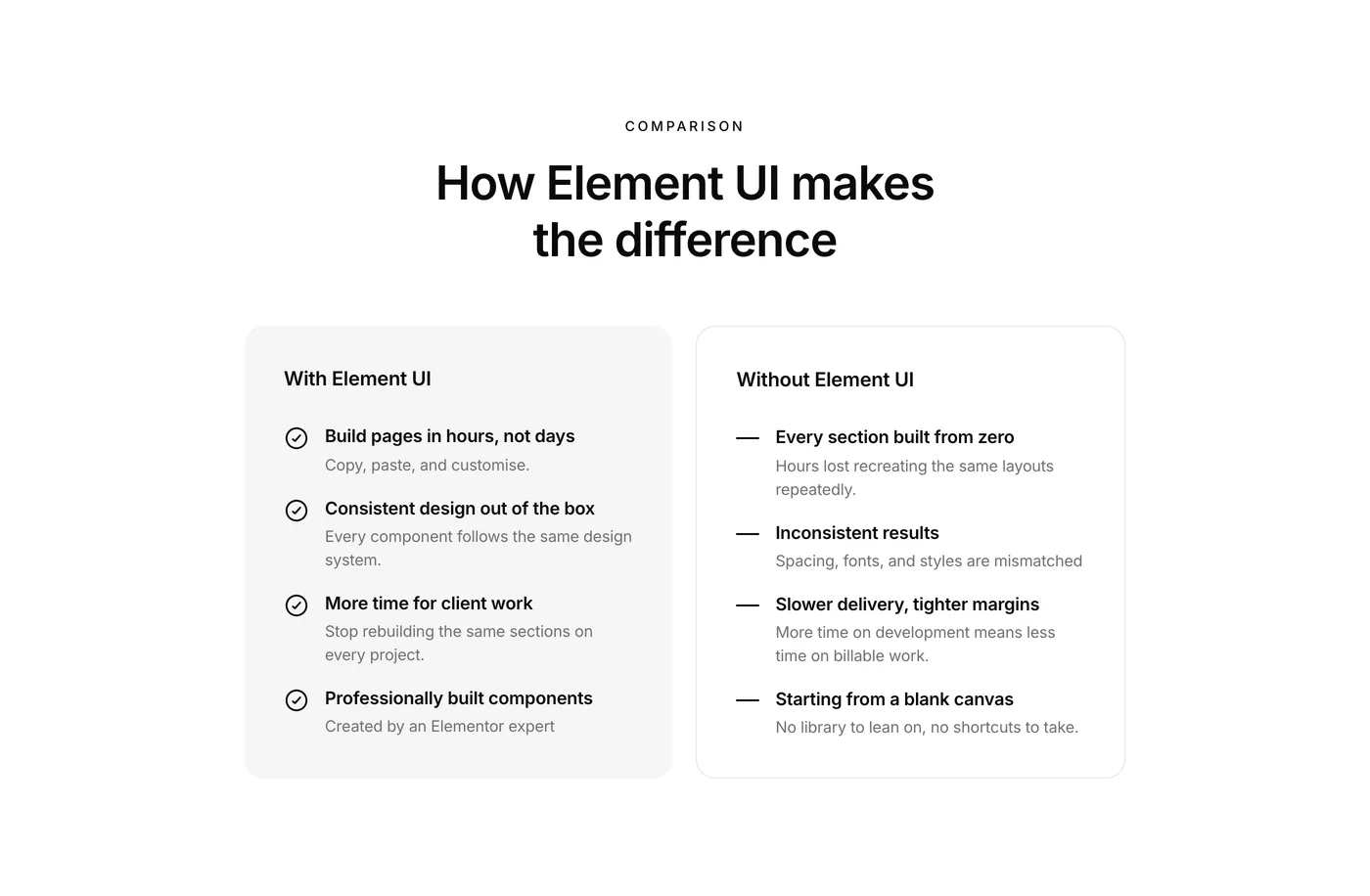
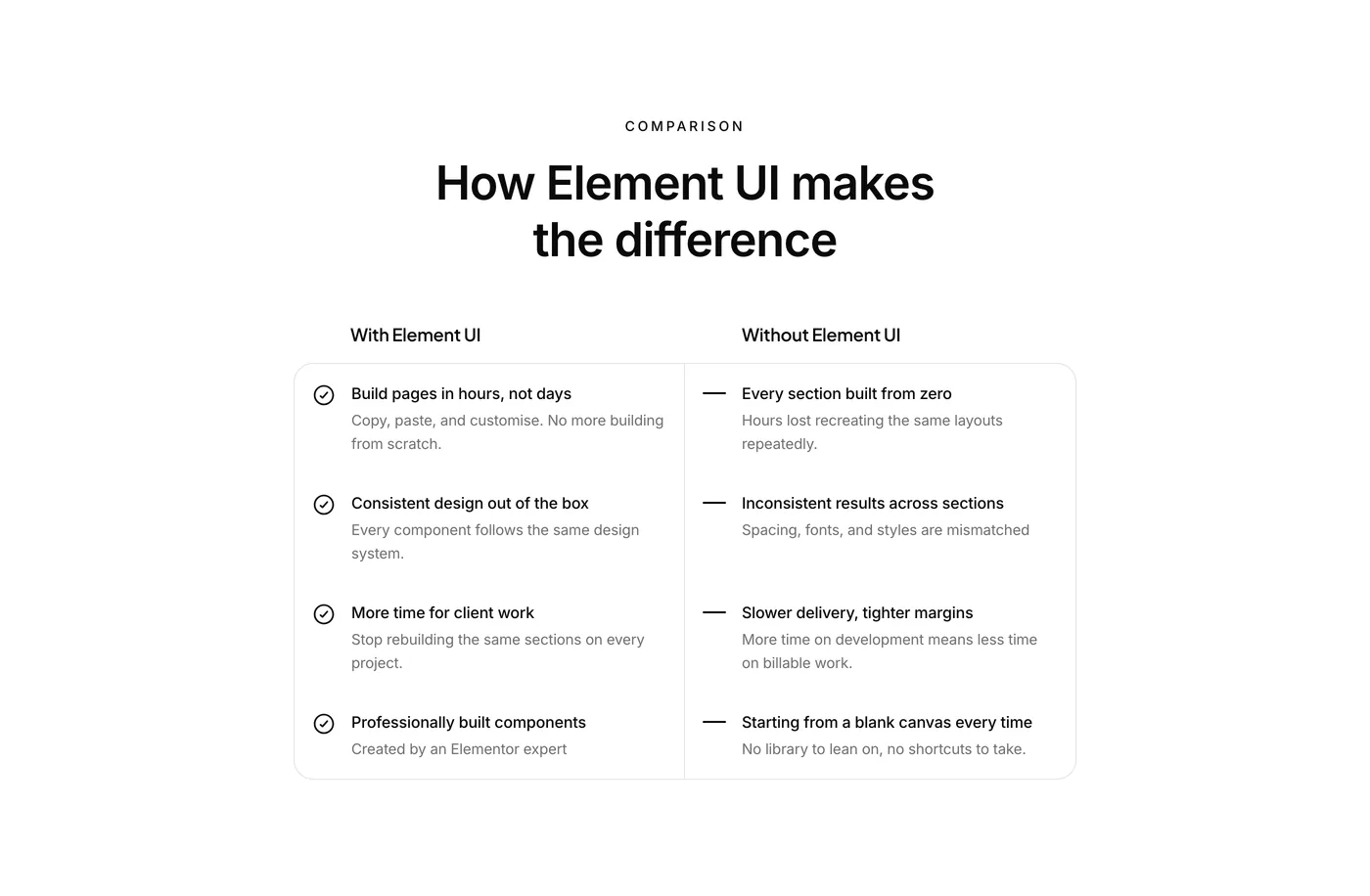
New category this week: Comparison.

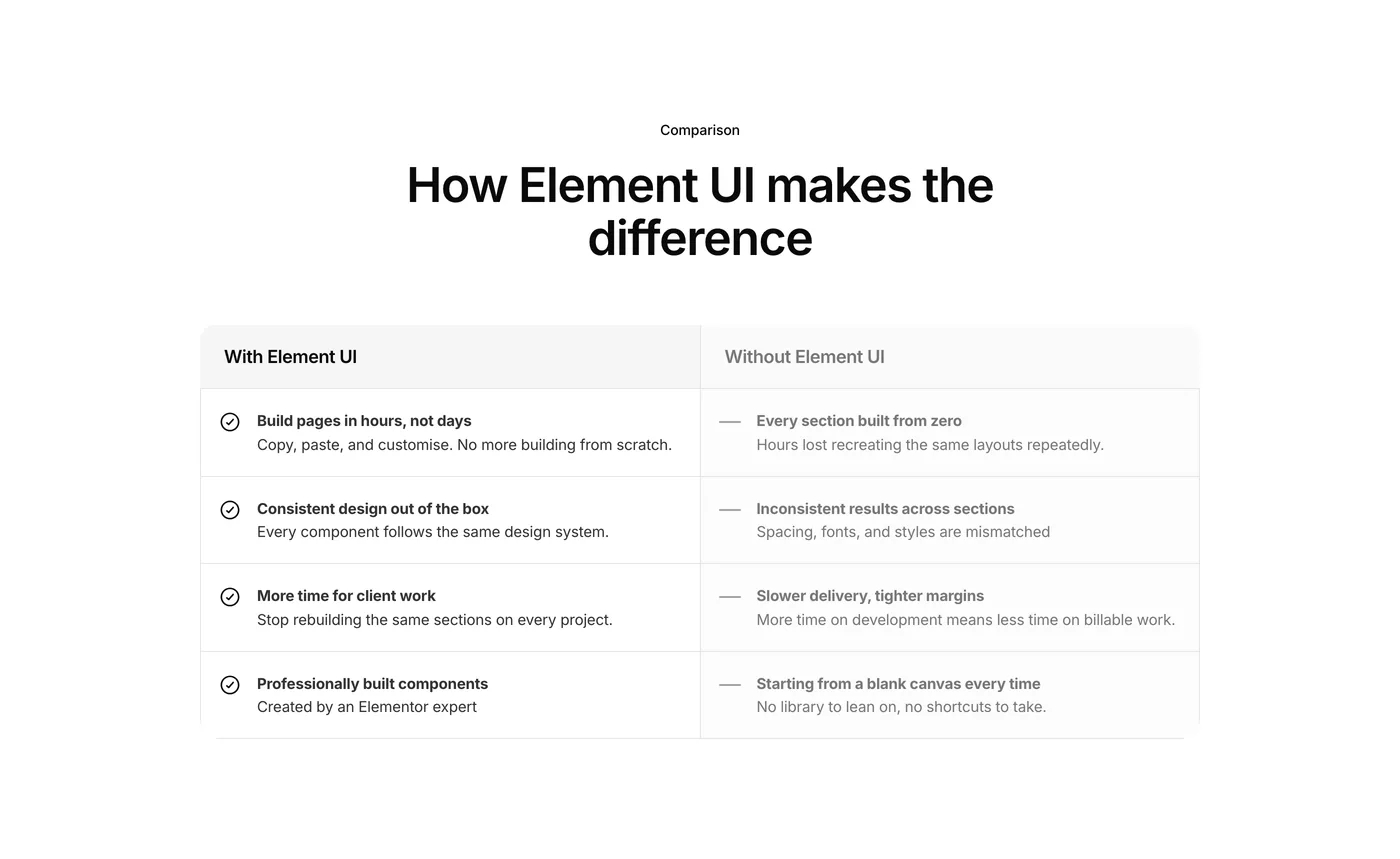
5 new components built around one of the most persuasive layouts in web design.

These are great for landing pages and sales pages. Show what life looks like with your product vs without. Highlight why your service beats the alternative. Walk visitors through a before and after. When people can see the contrast, they don’t need convincing.

Version 2.55
Product updates
June 5, 2026

Weekly update: 5th June, 2026

New component category this week: Gallery

10 new components covering grids, carousels and masonry layouts.

Great for any business website that needs to show off their work – restaurants, salons, construction, real estate, fitness studios etc.. Also works well for portfolios, case studies, and project showcases.

Whatever needs images on display, there’s a layout ready to go.

Version 2.5
Product updates
May 29, 2026

Weekly update: May 29th, 2026

Last week’s timeline template got a big response. So this week I went all in.

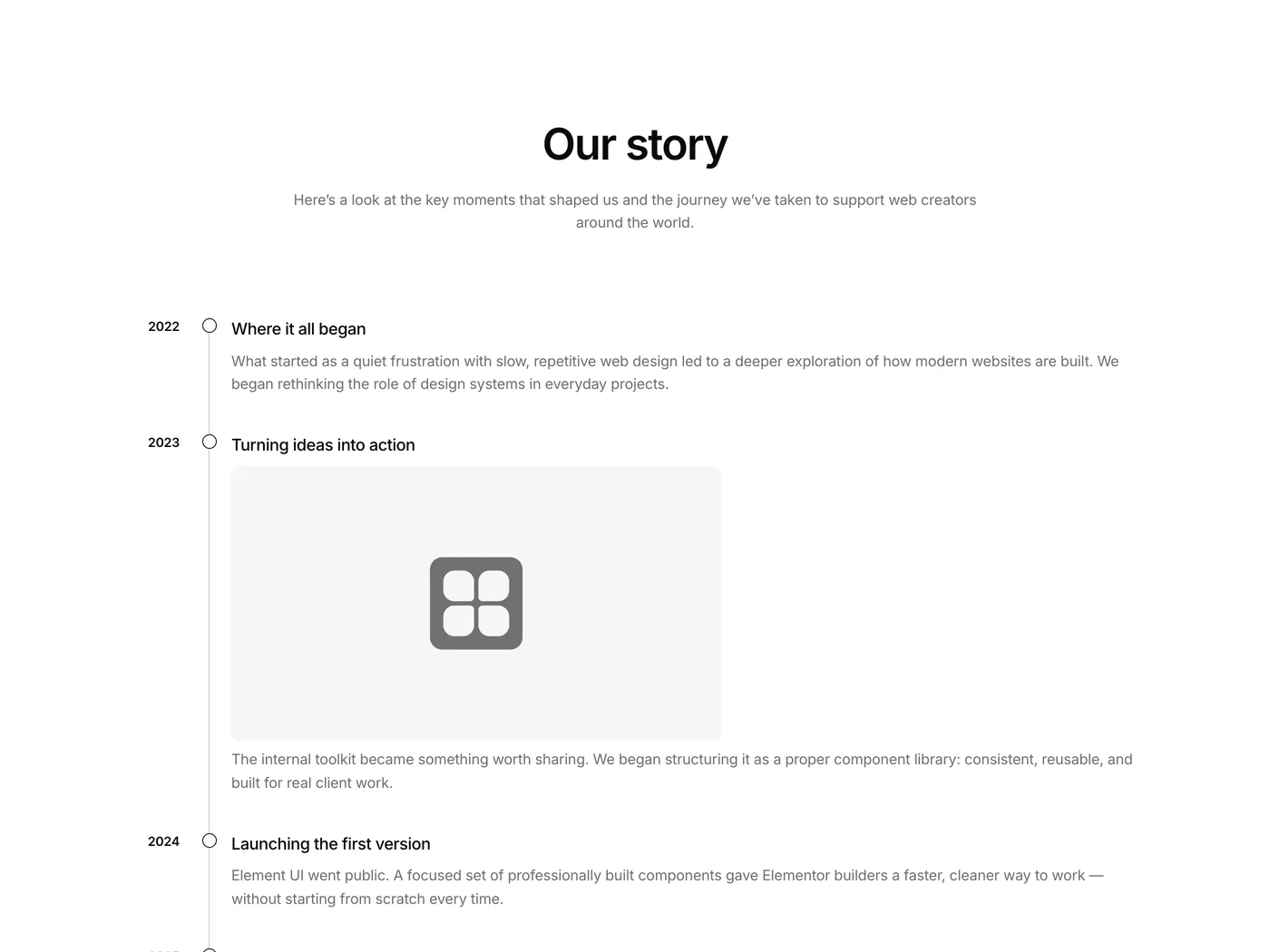
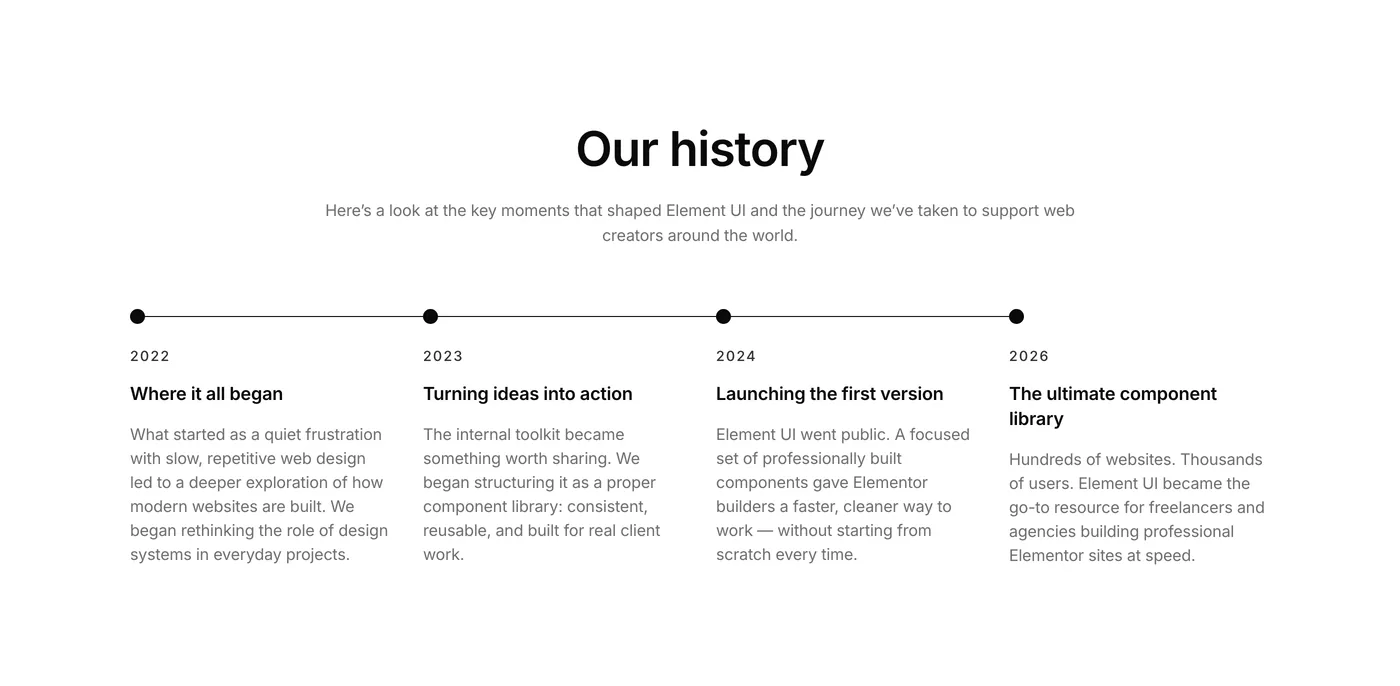
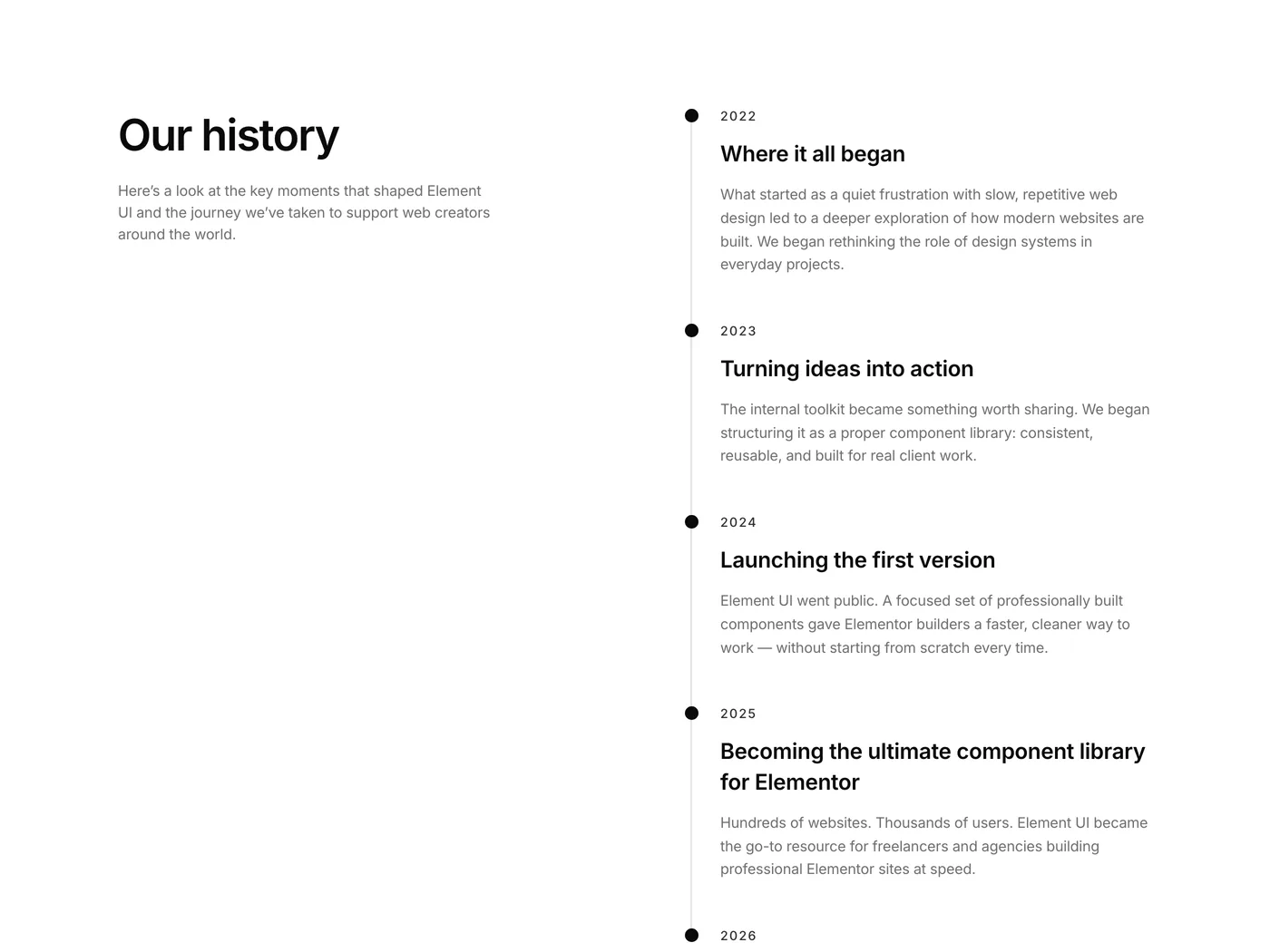
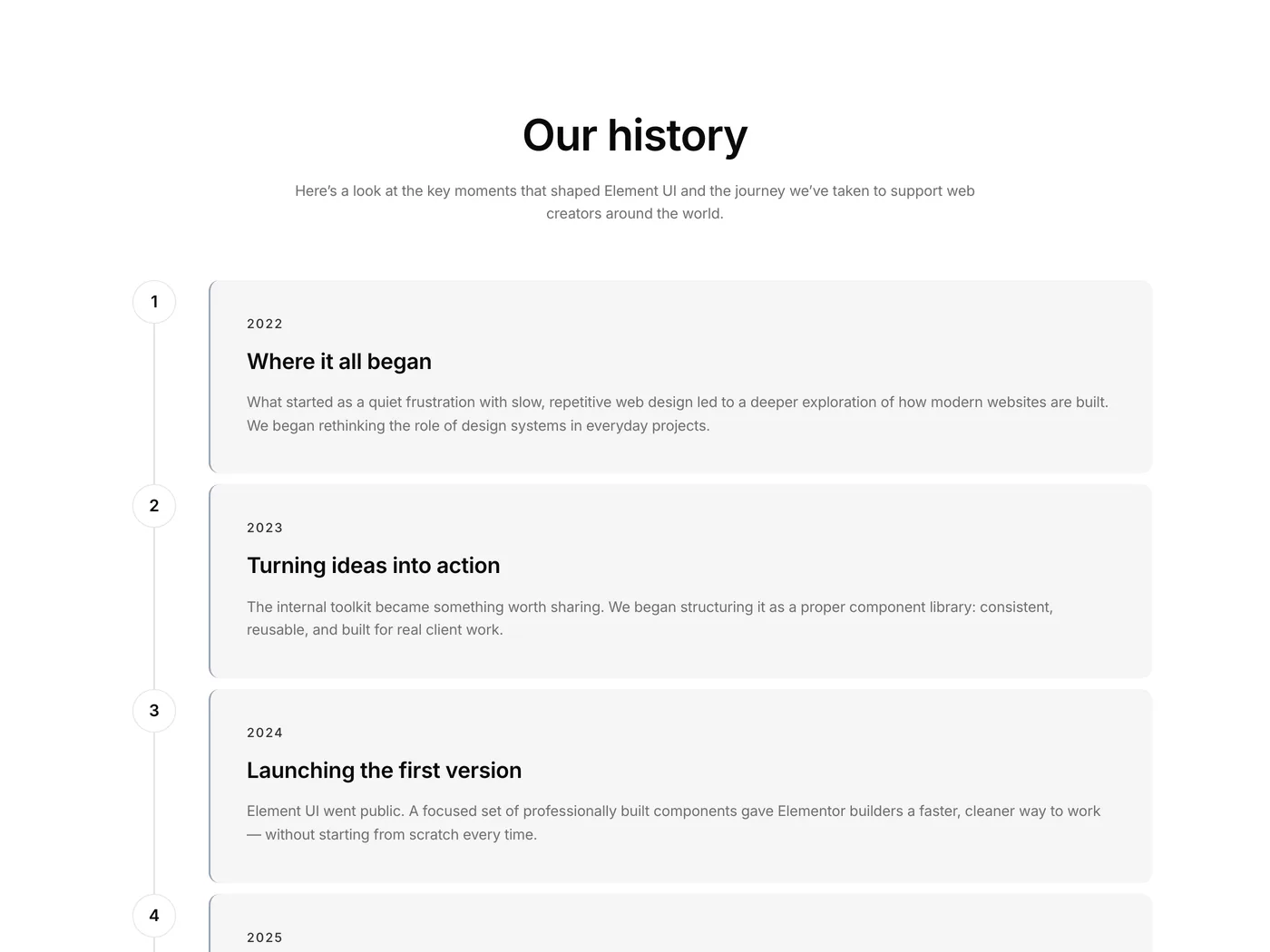
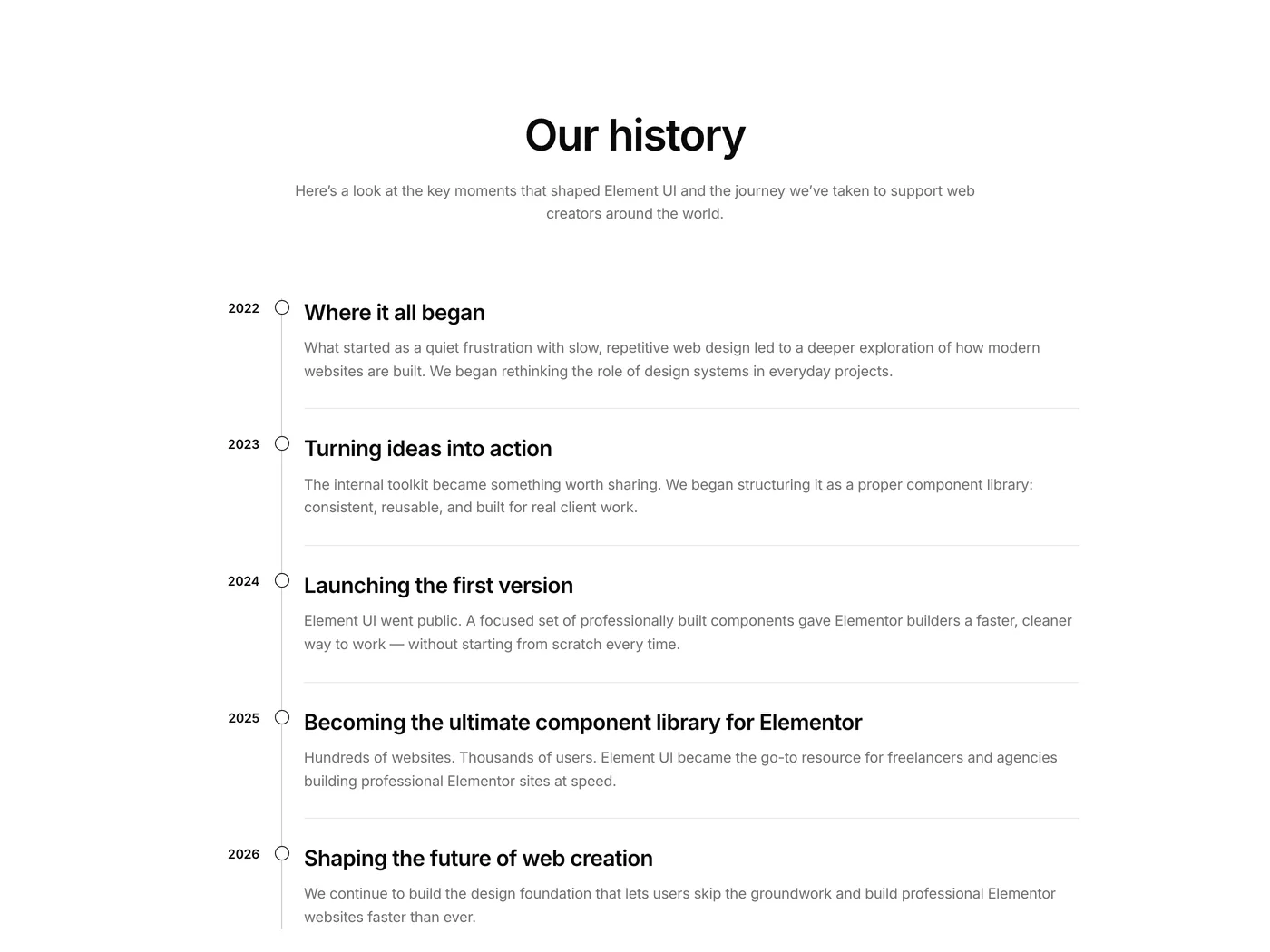
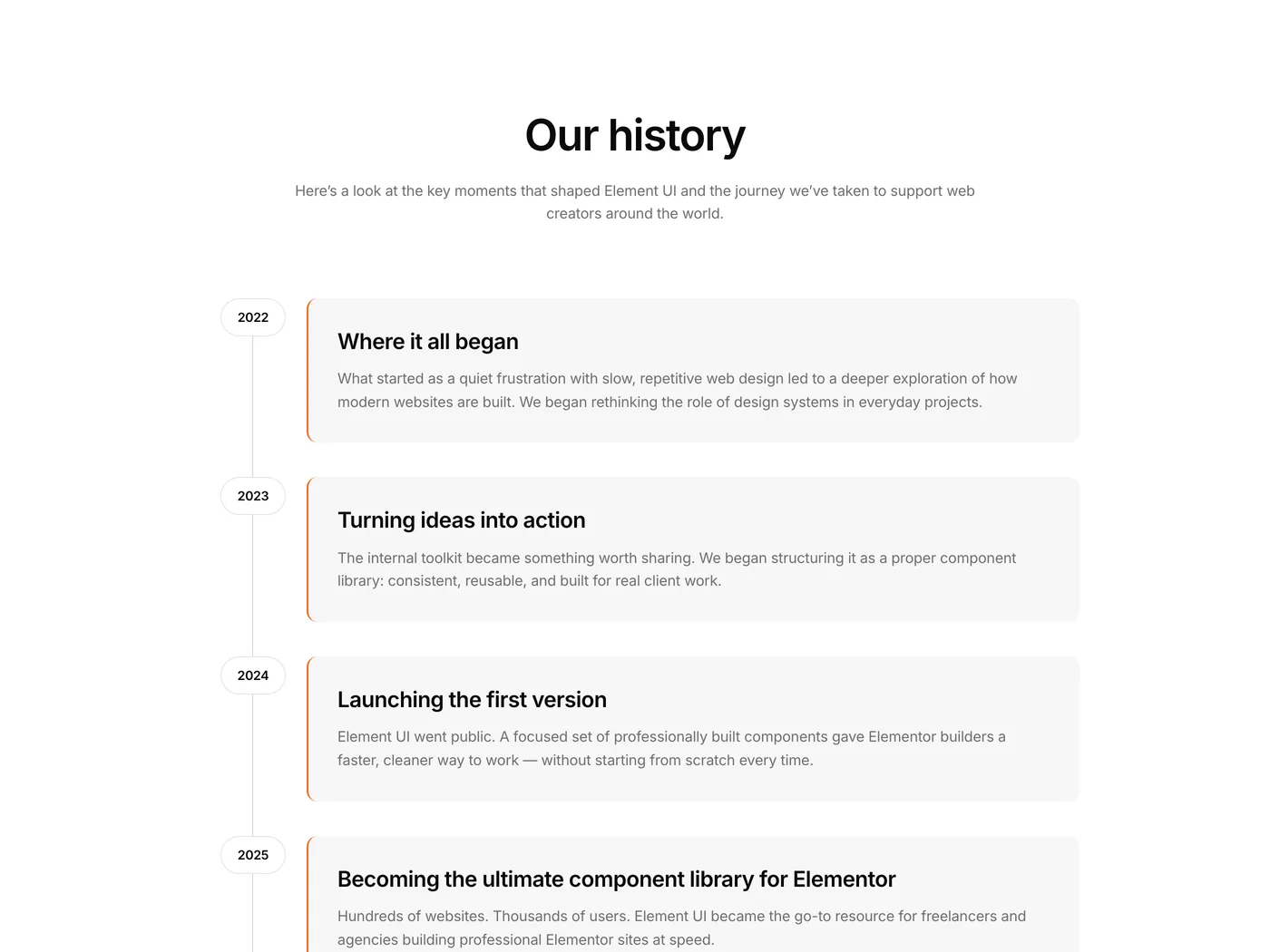
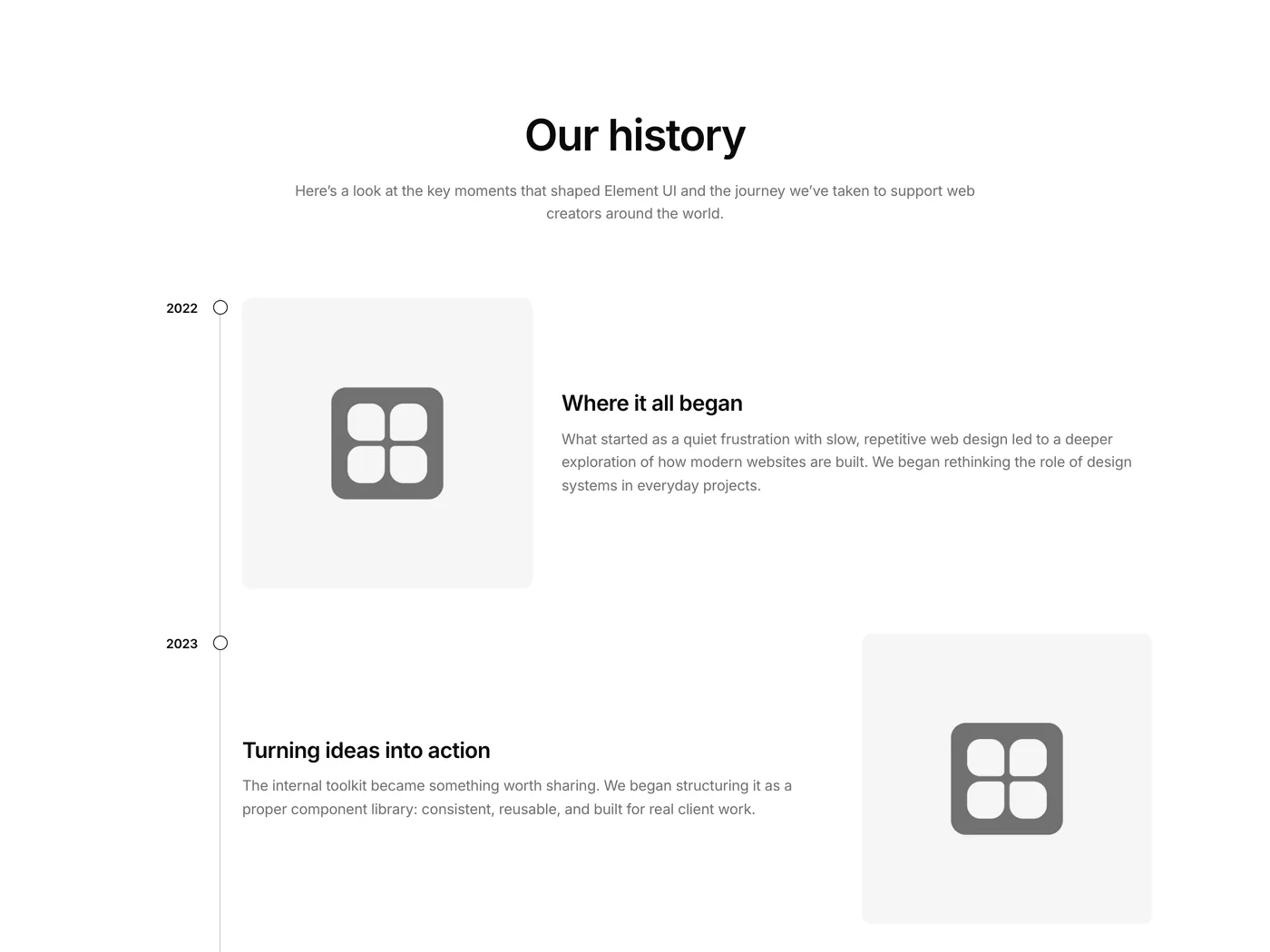
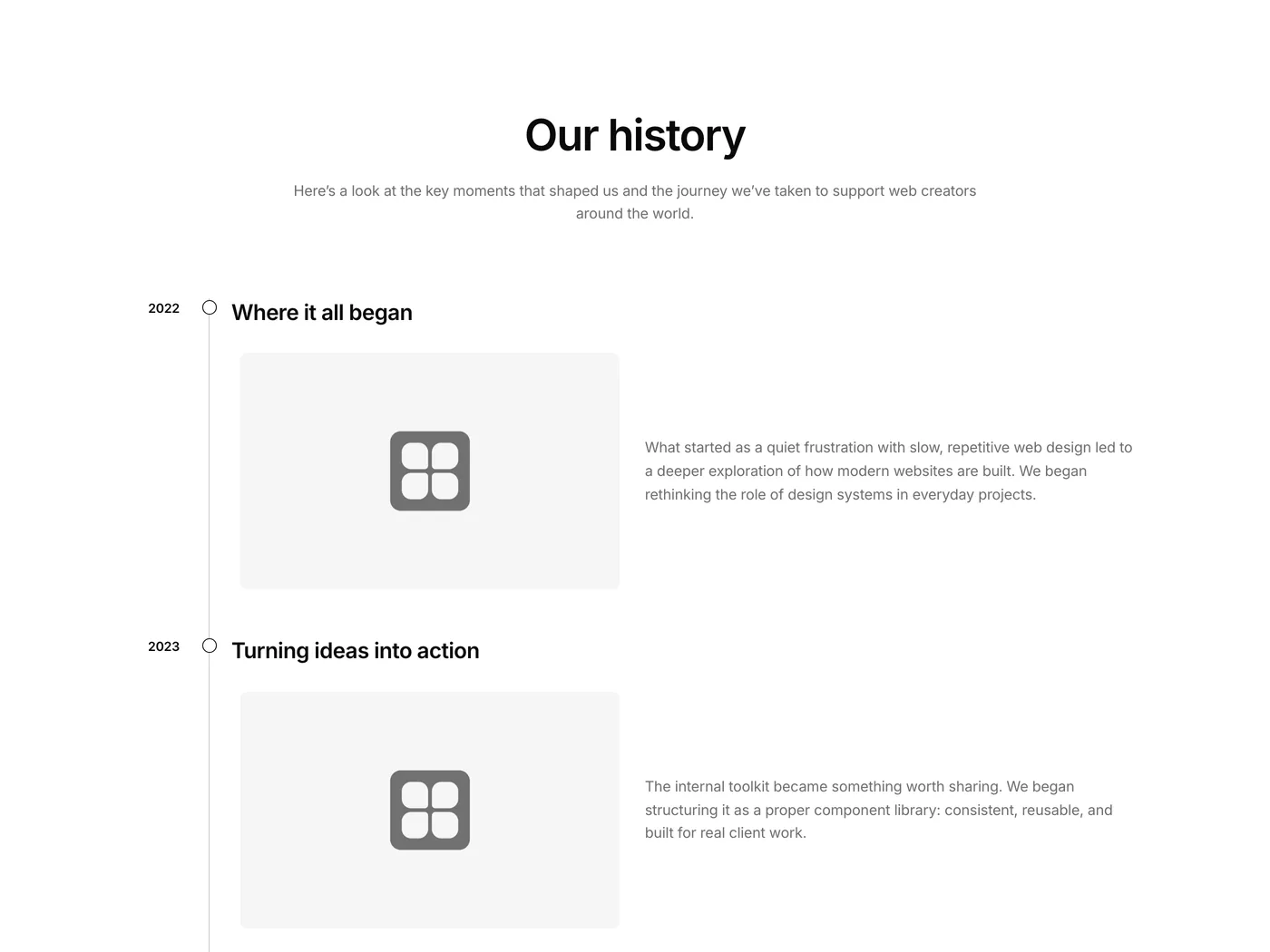
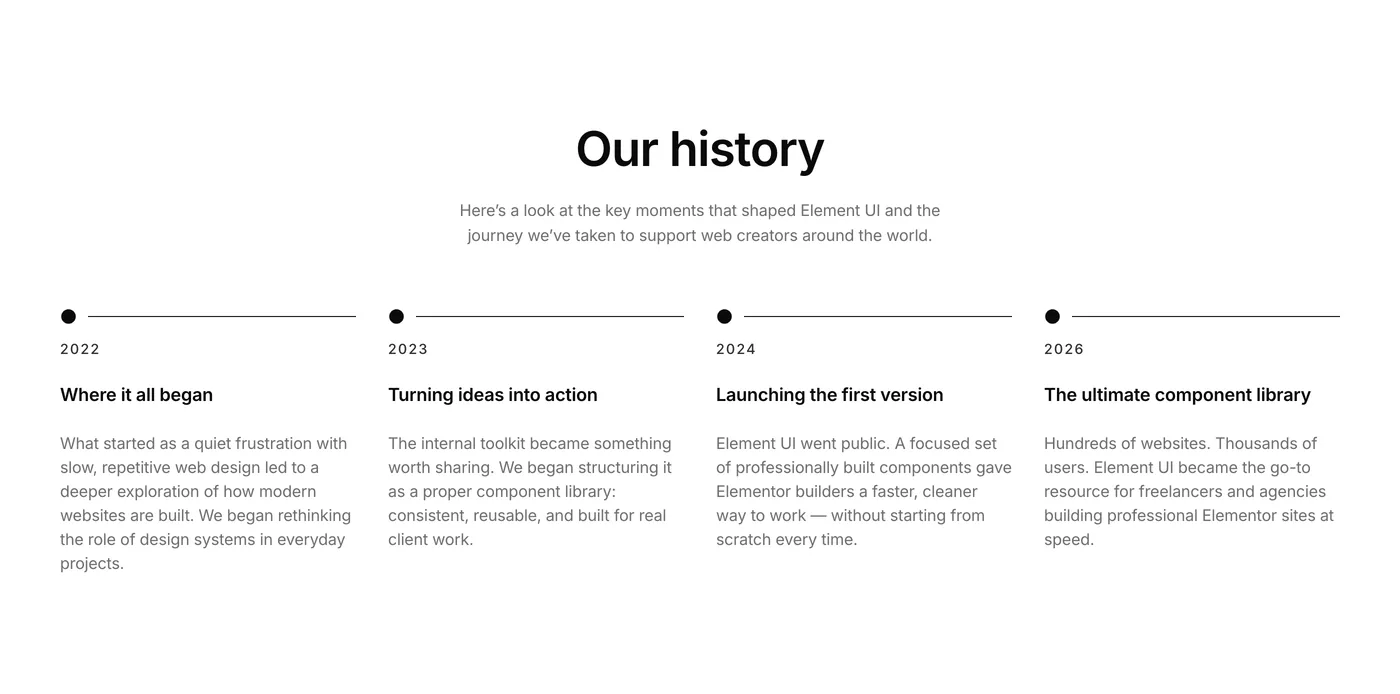
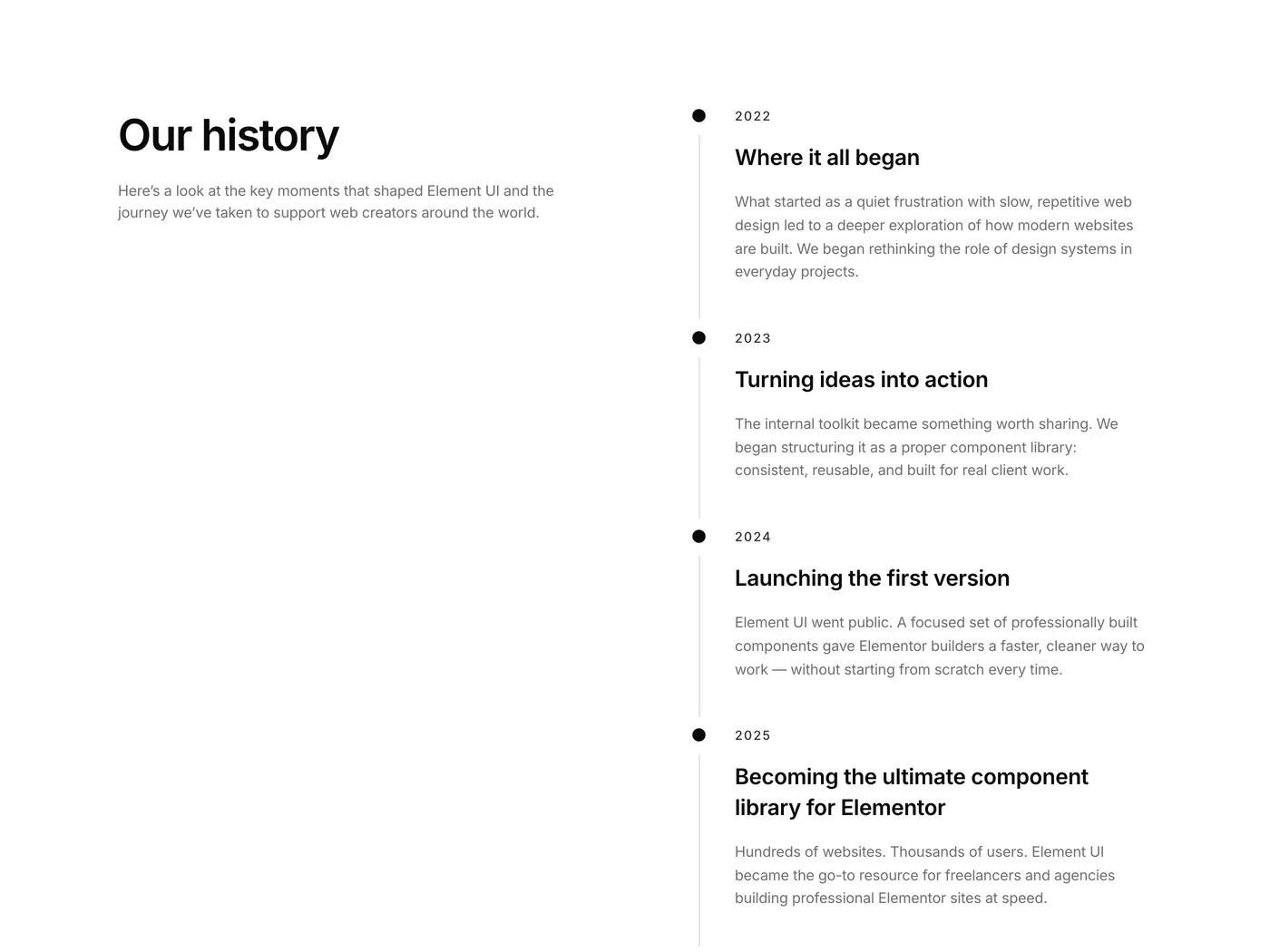
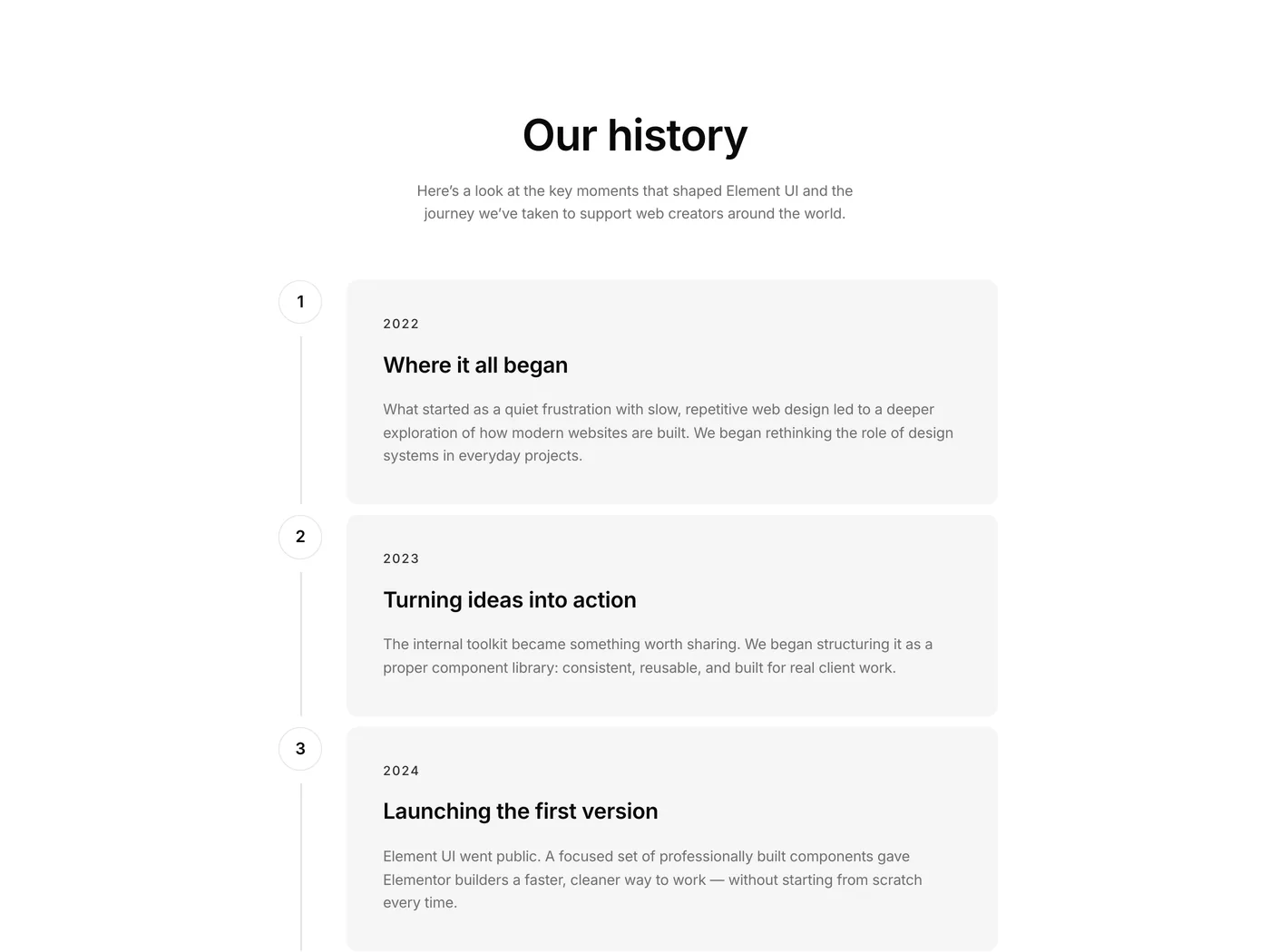
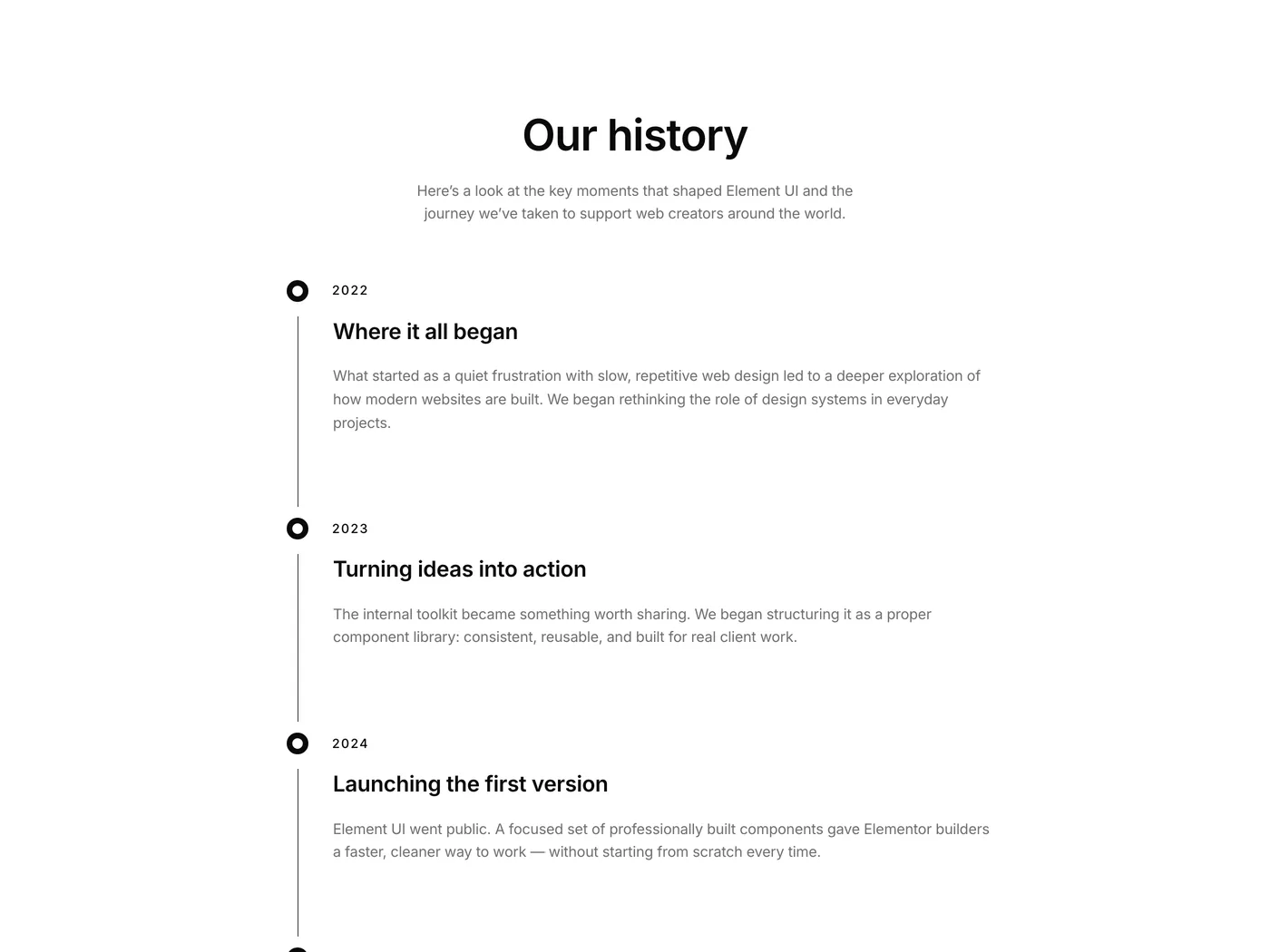
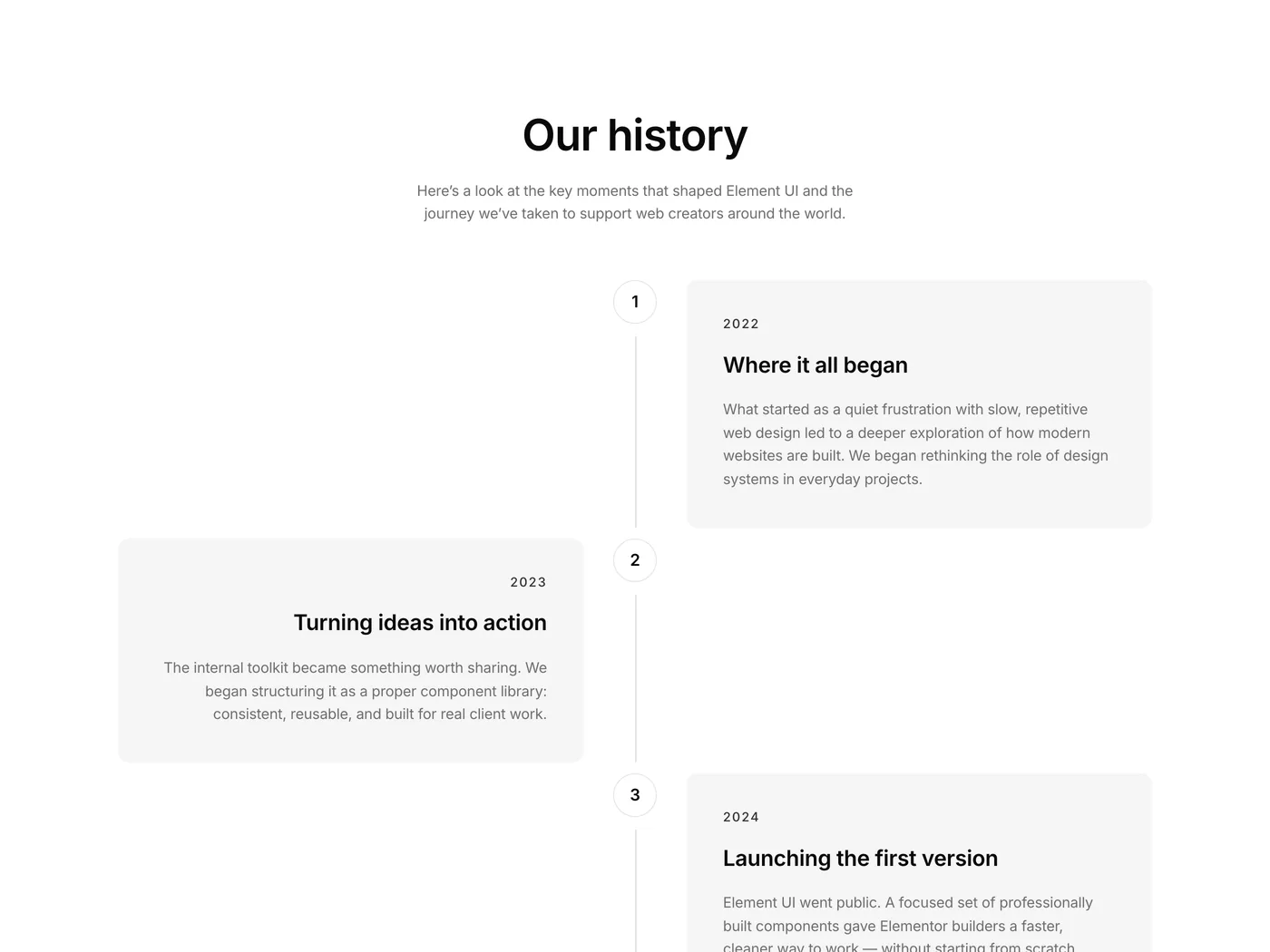
New in Element UI: a dedicated Timeline category with 8 timeline components. Vertical, horizontal, minimal, detailed – whatever story you need to tell, there’s a layout for it.

All built natively in Elementor. No plugins. Just duplicate container rows to add more entries ⚡️

Version 2.45
Product updates
May 22, 2026

Weekly update: May 22nd, 2026

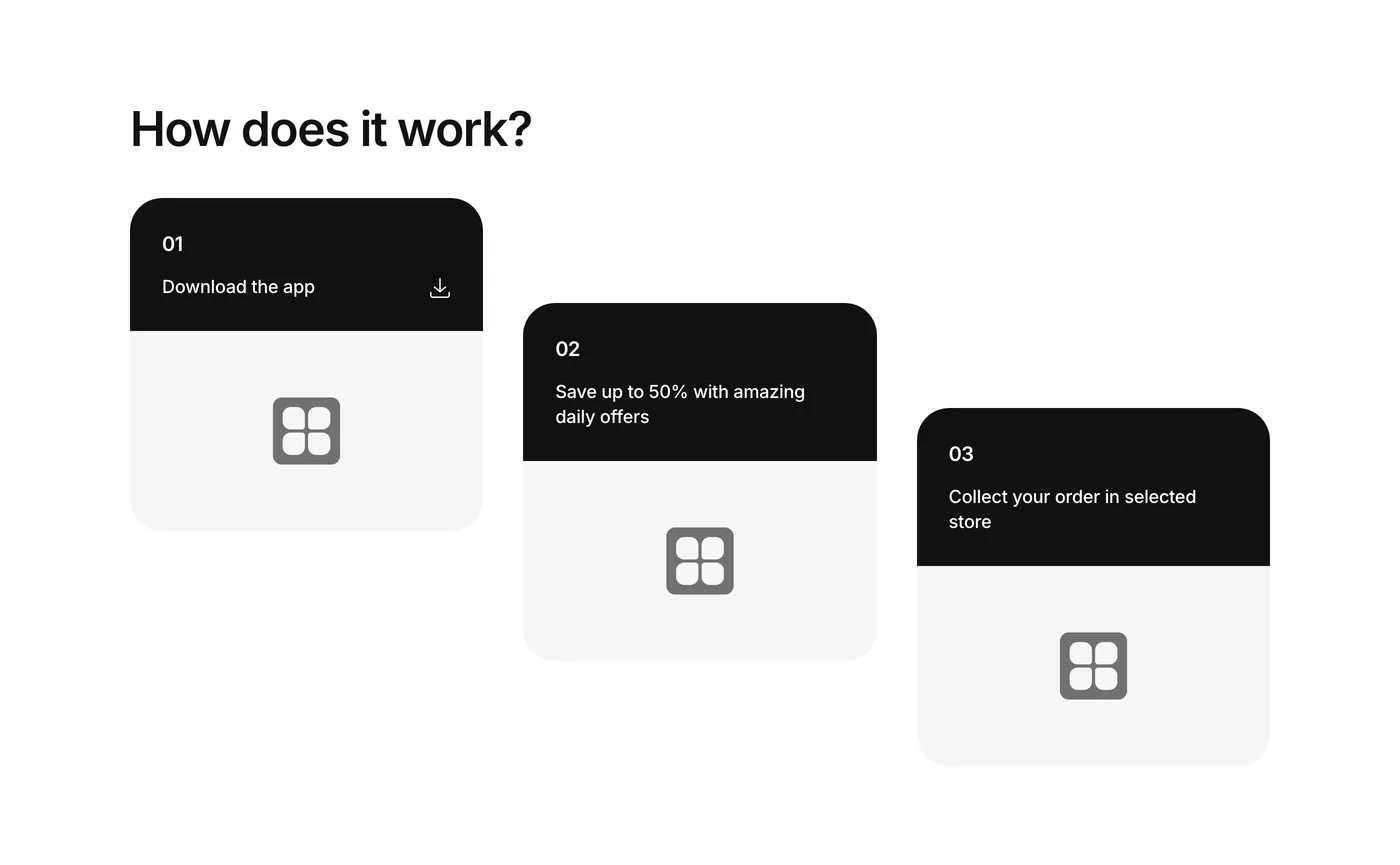
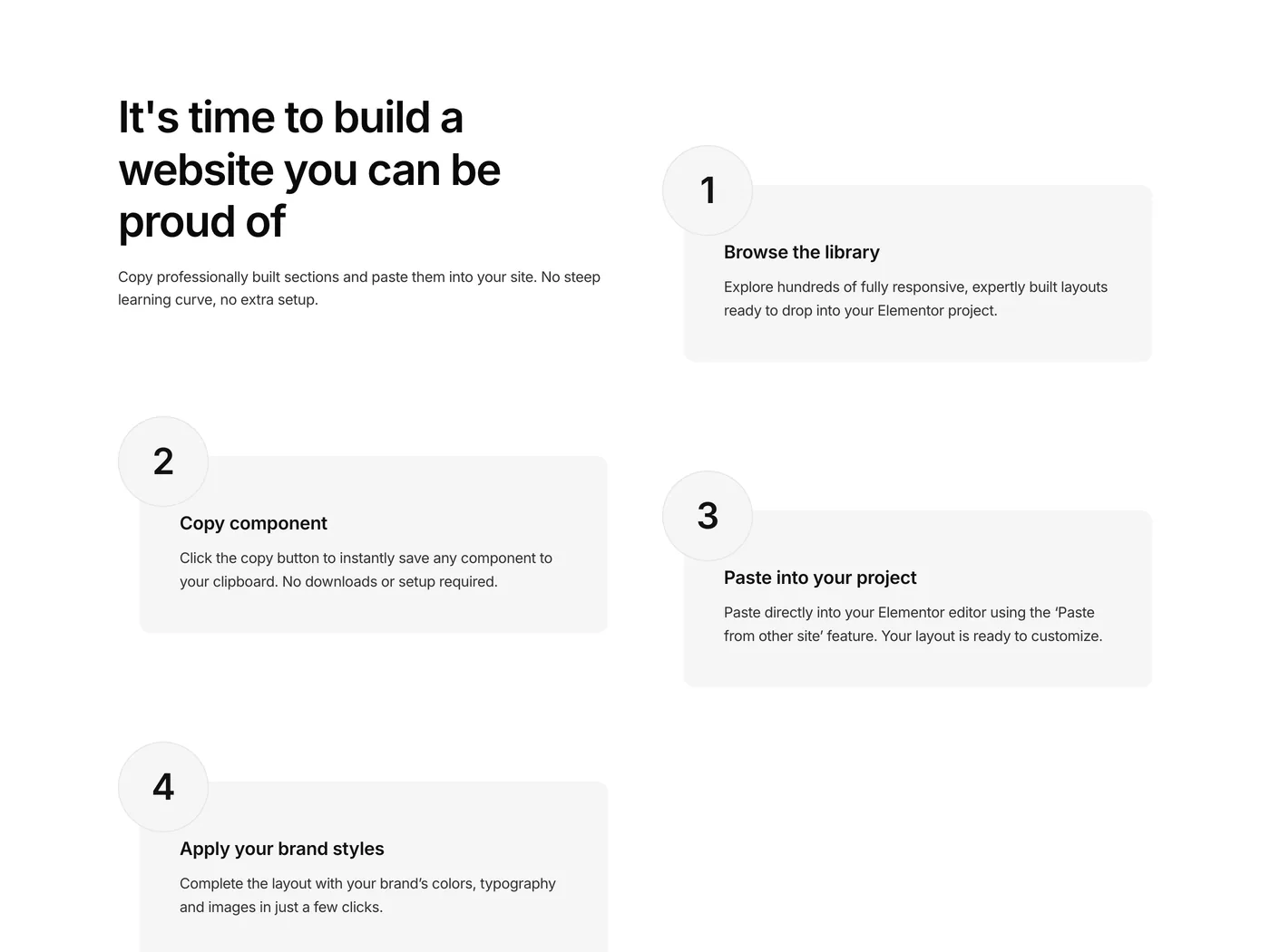
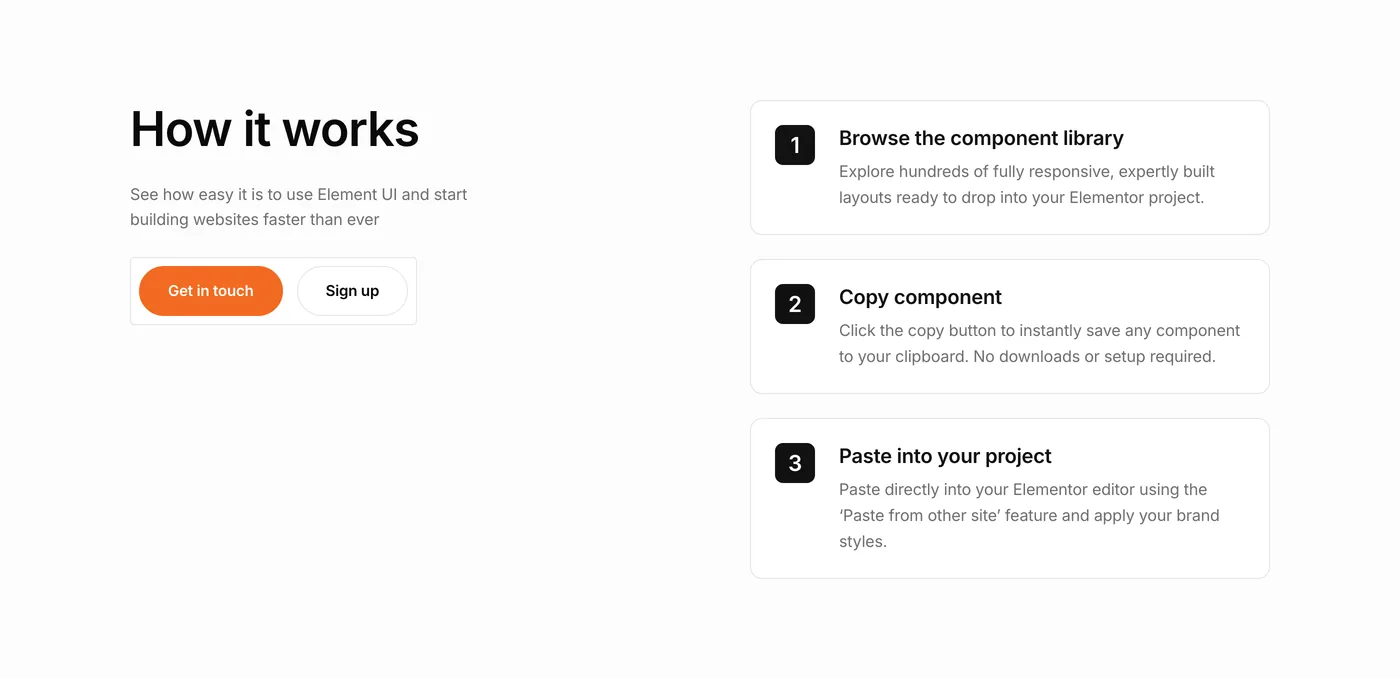
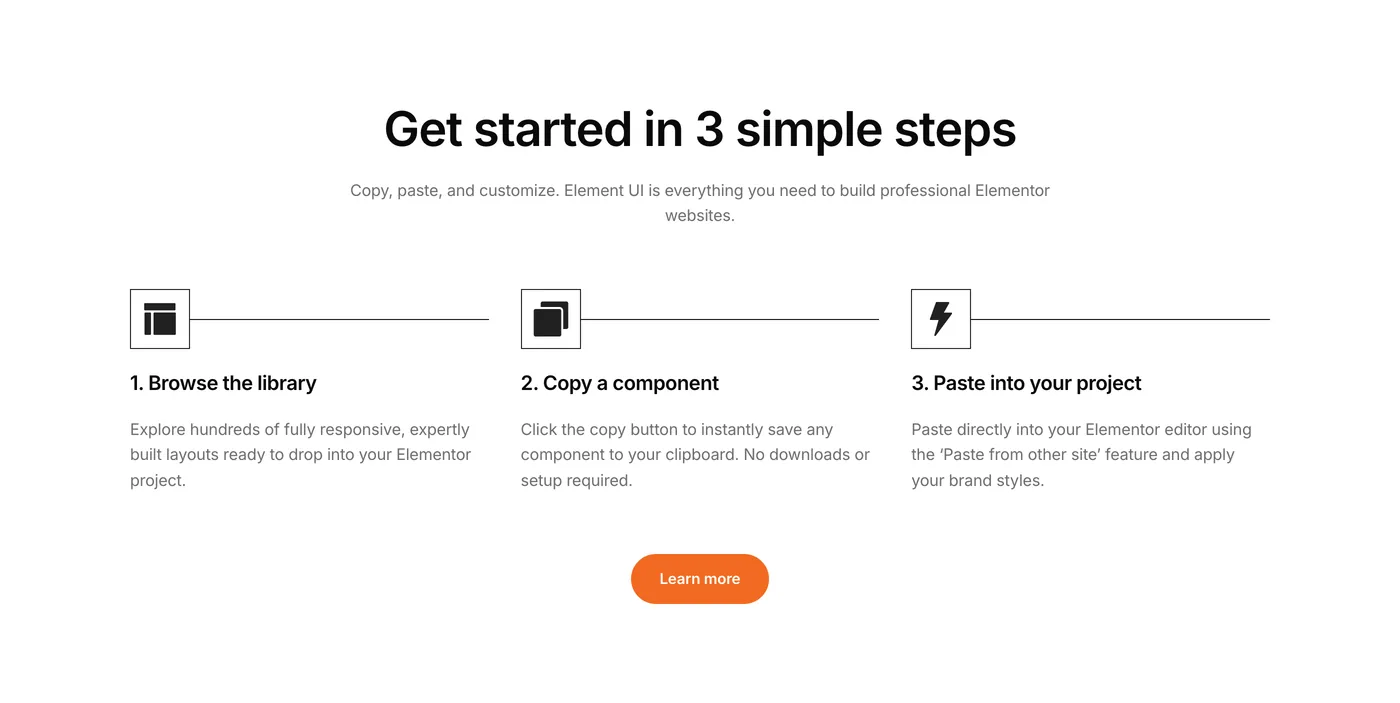
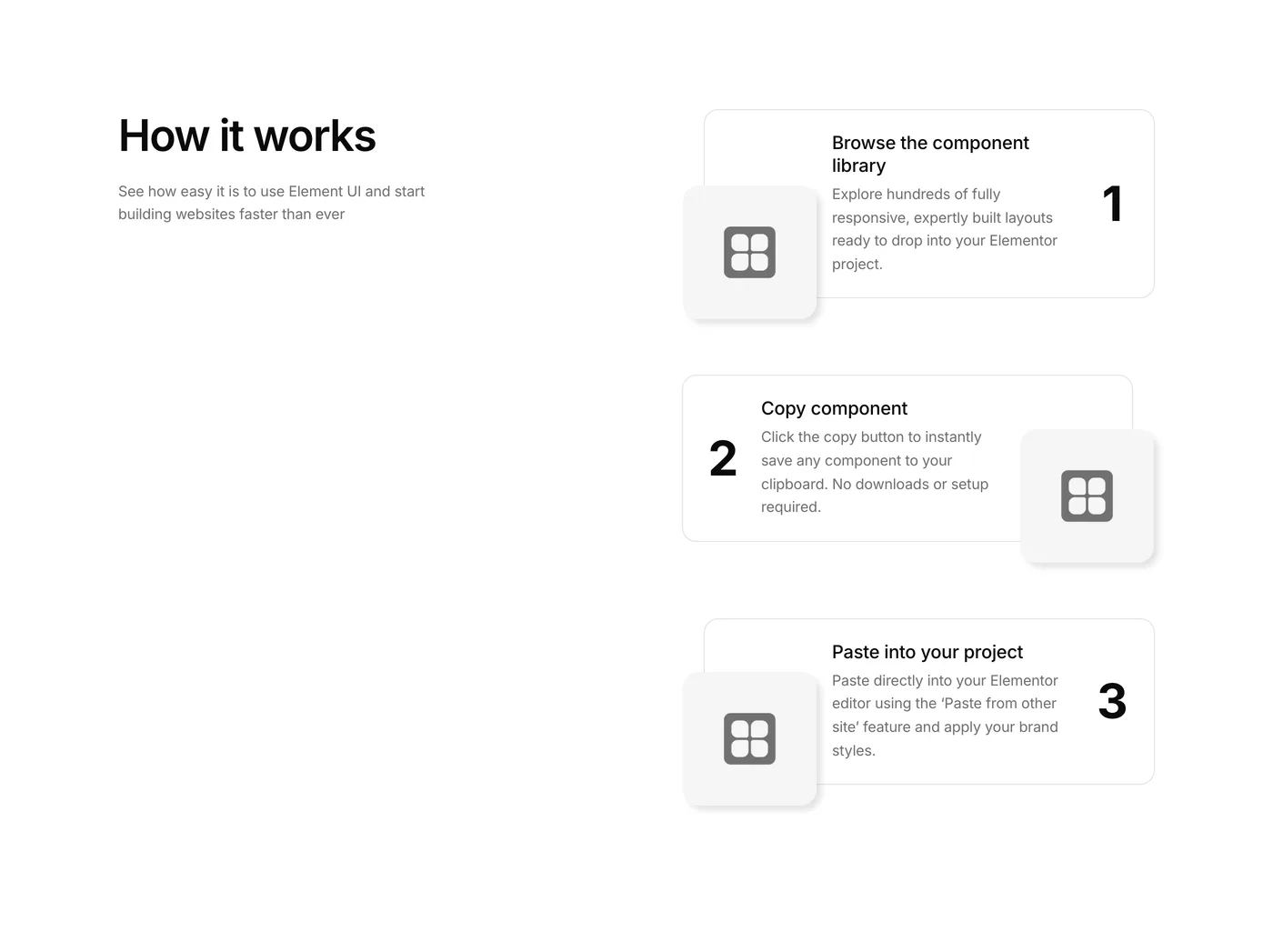
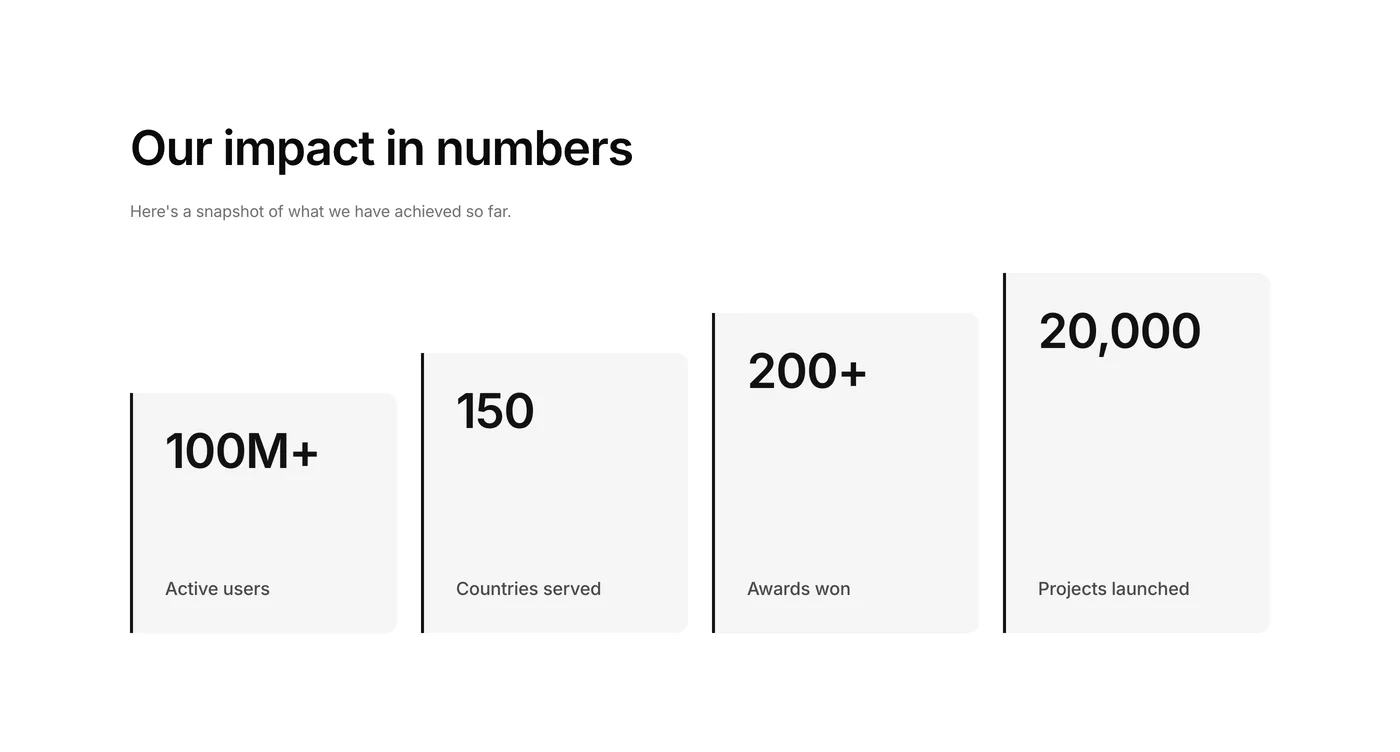
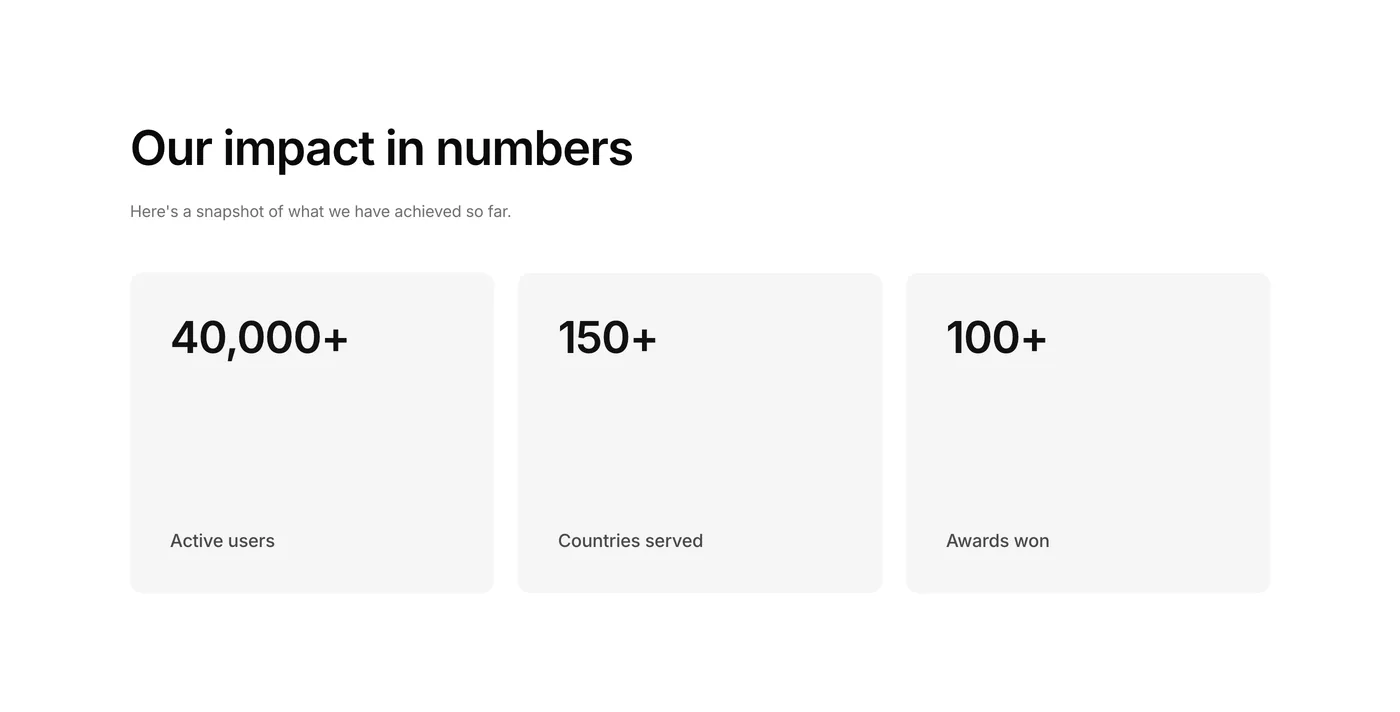
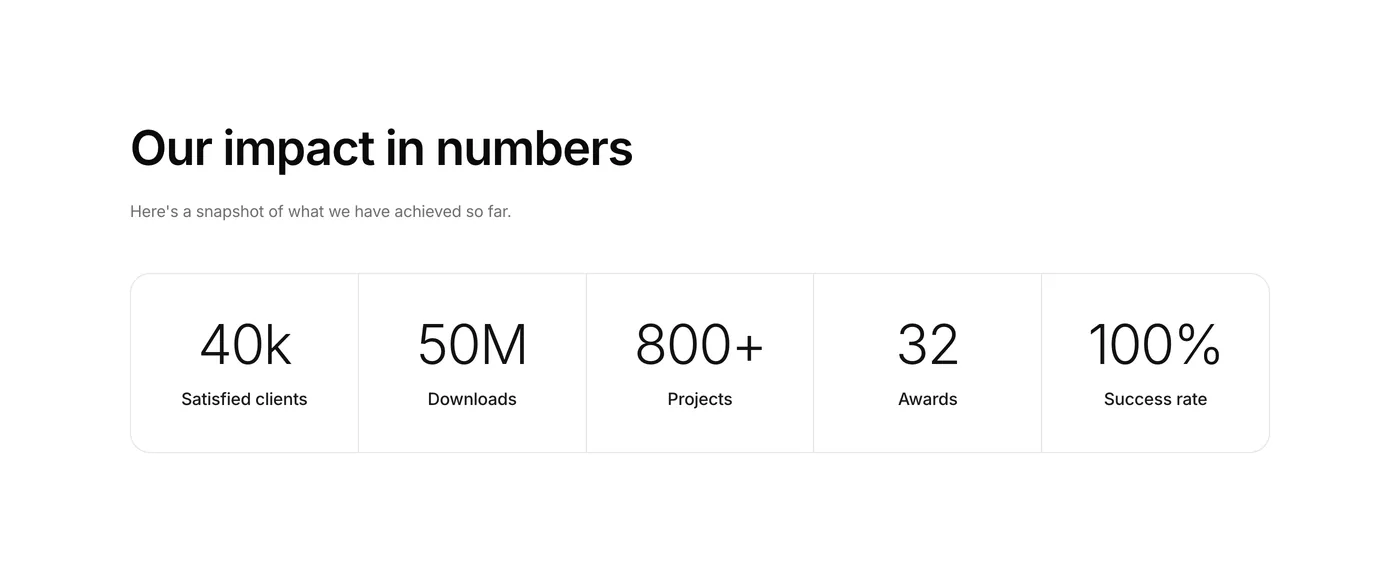
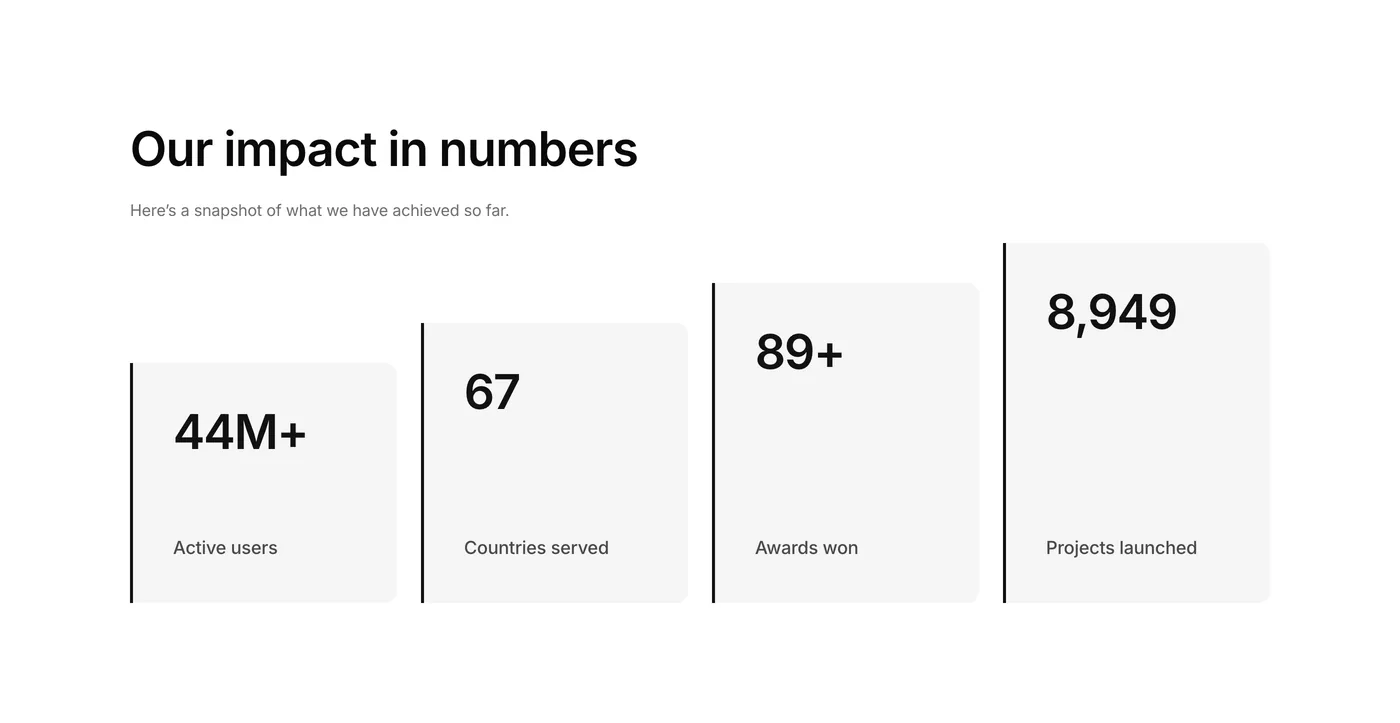
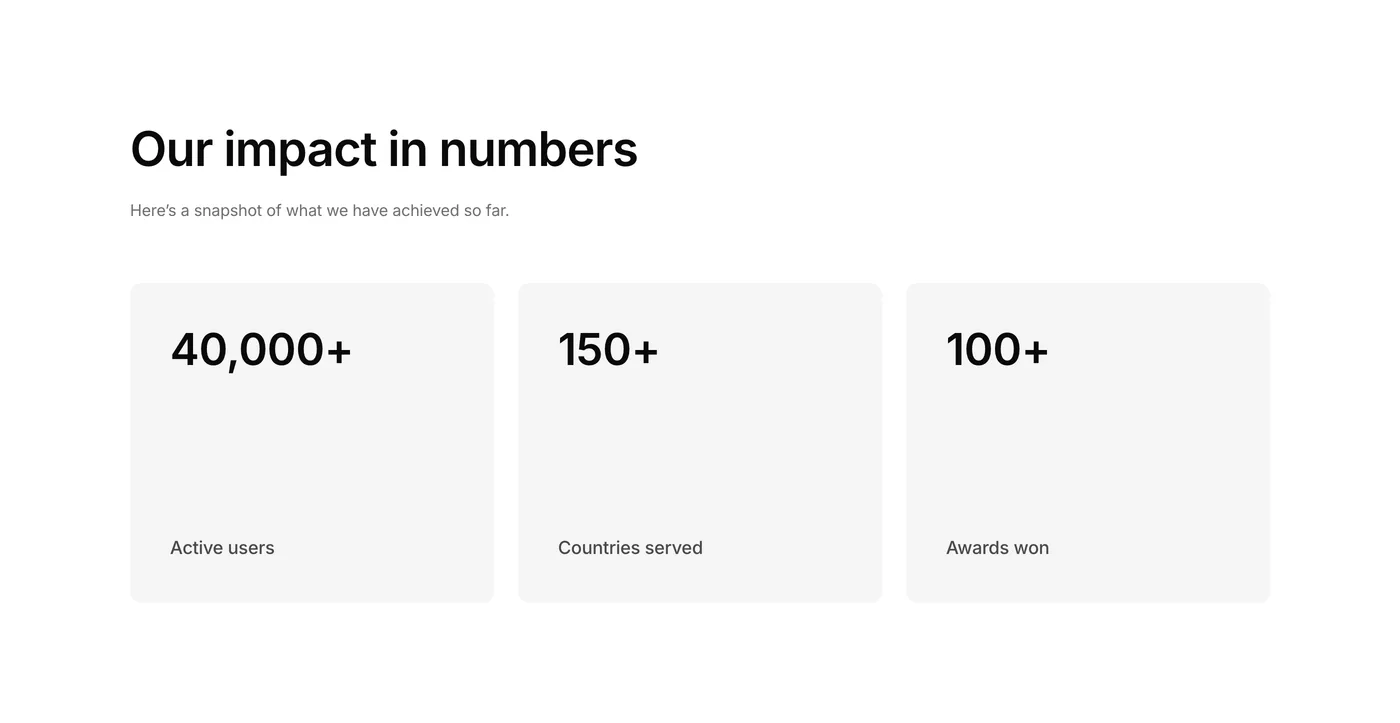
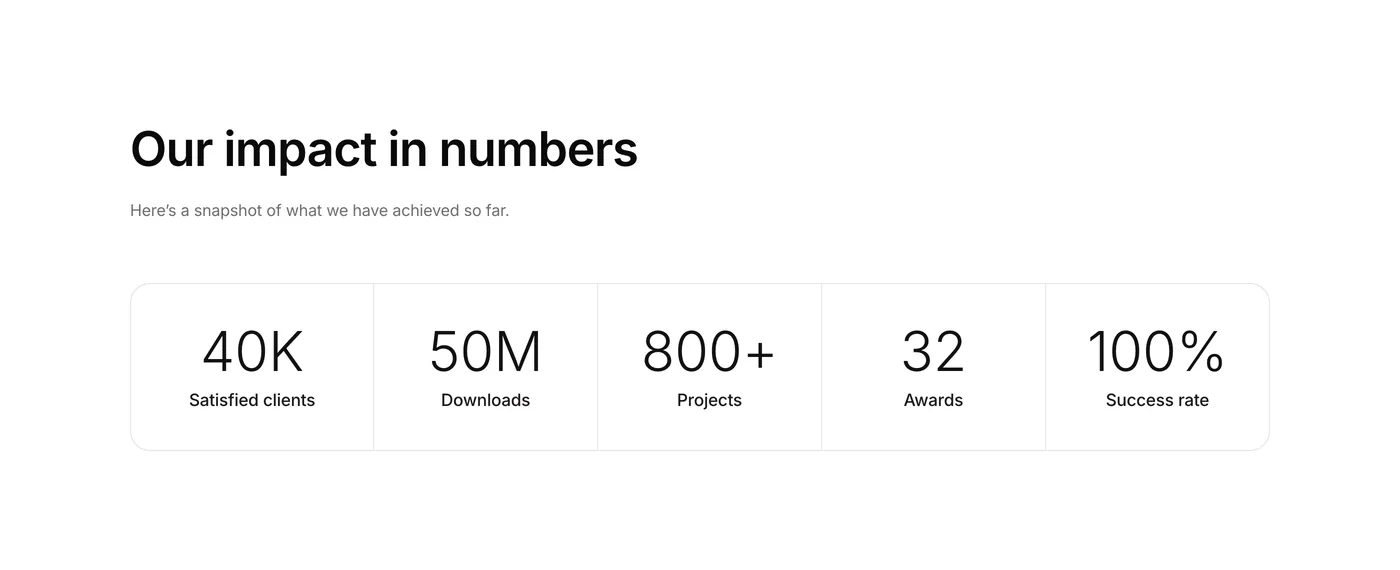
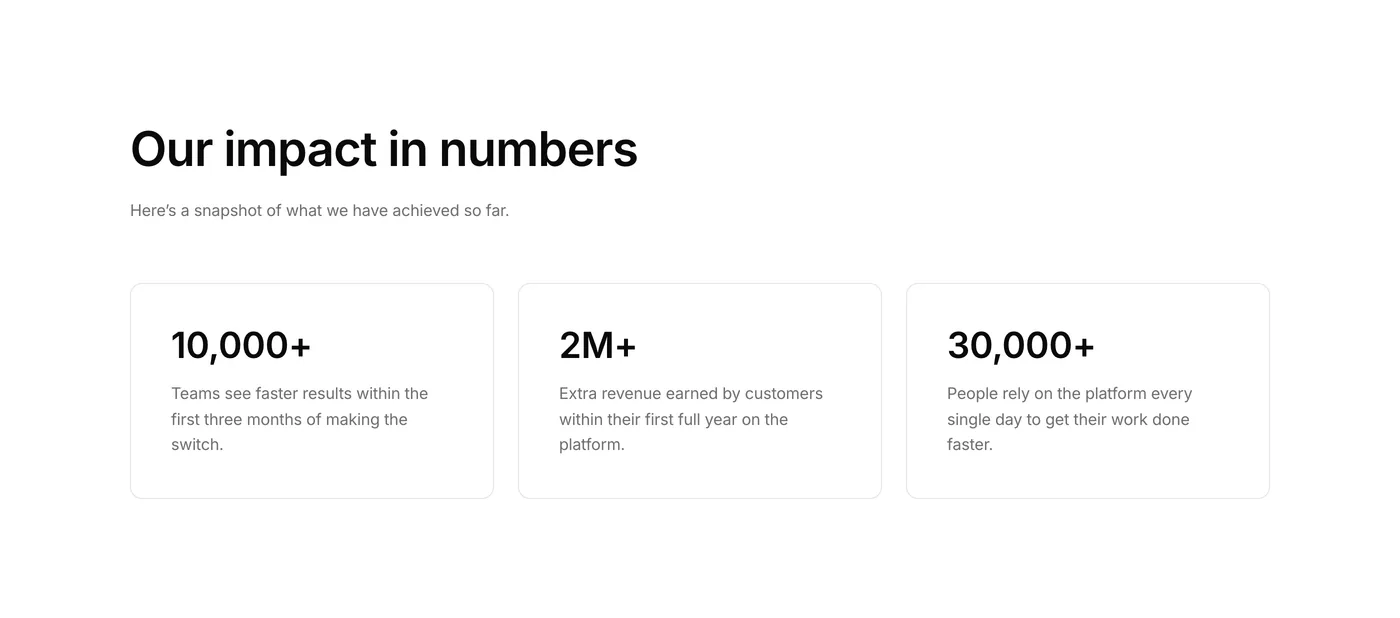
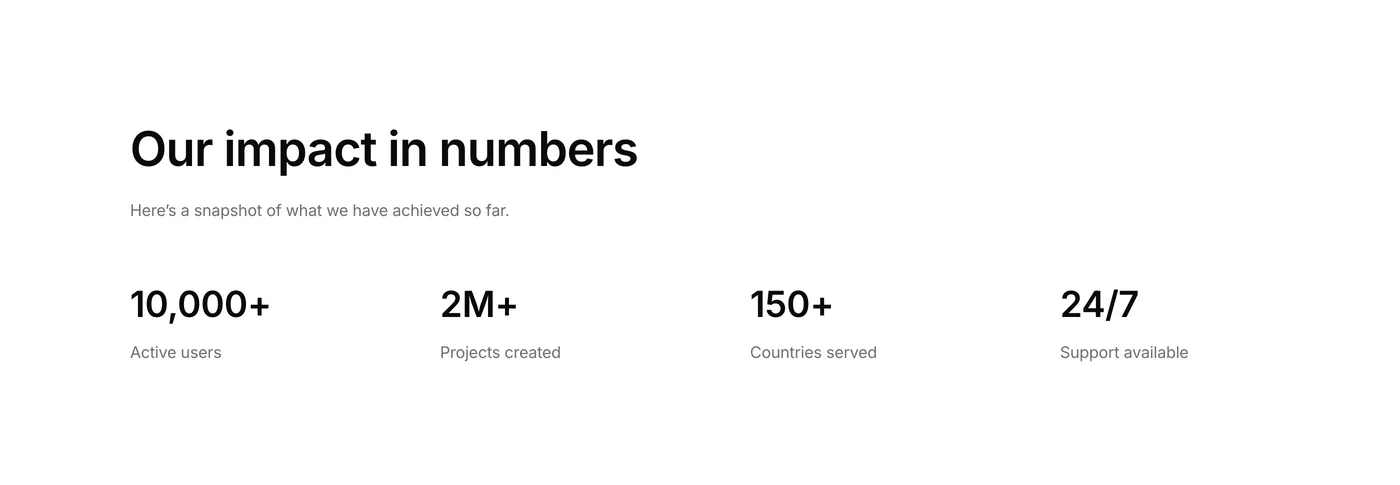
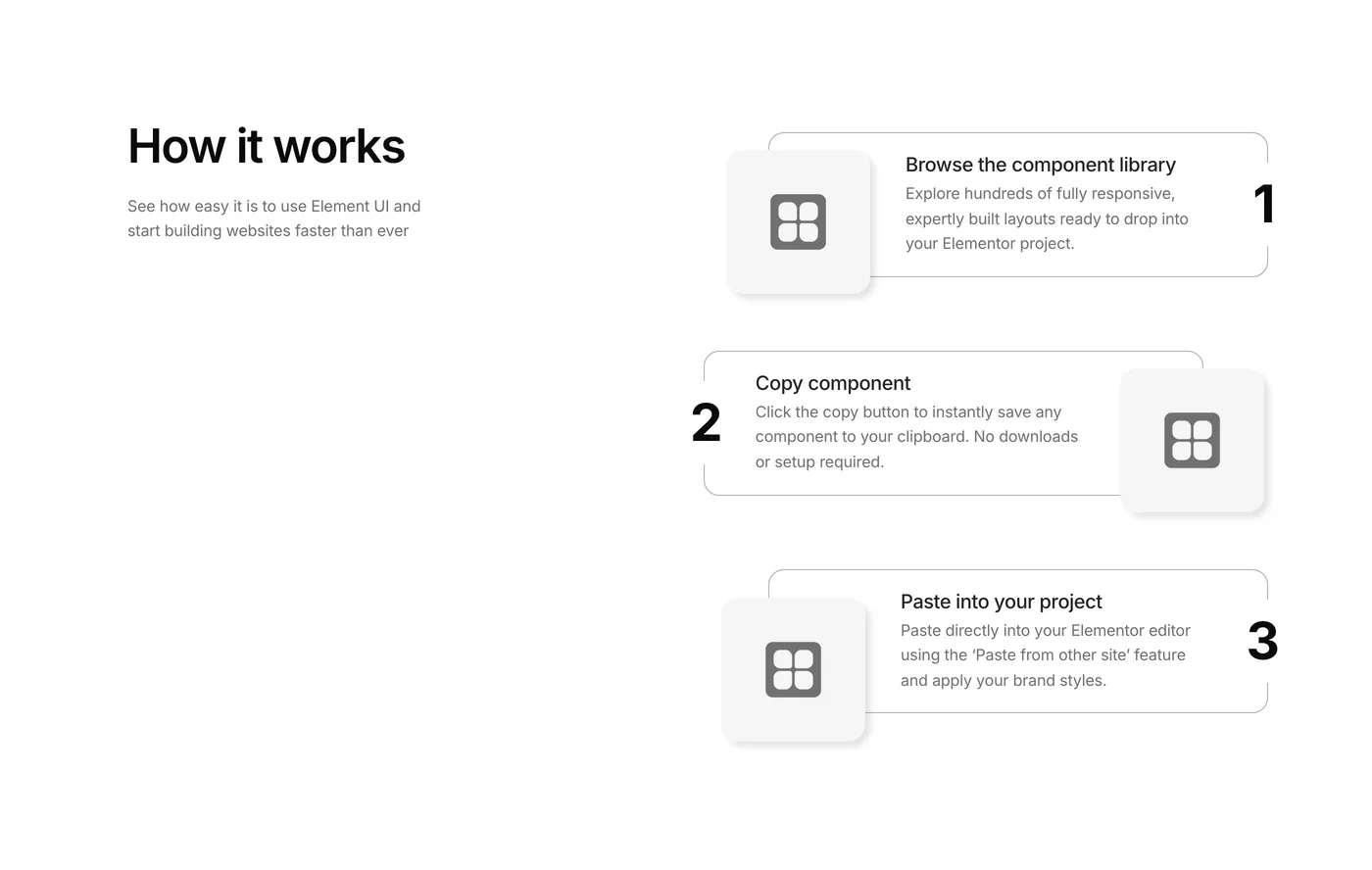
Four new components this week. A stats bar for key numbers, a how-it-works section with step icons and CTAs, an integrations grid for showcasing tools and partners, and an about page timeline that tells a company story year by year. The timeline is built entirely in Elementor – no shortcodes, no plugins. So adding new dates or editing content is as easy as duplicating a container.

Version 2.4
Product updates
May 15, 2026

Weekly update: May 15th, 2026

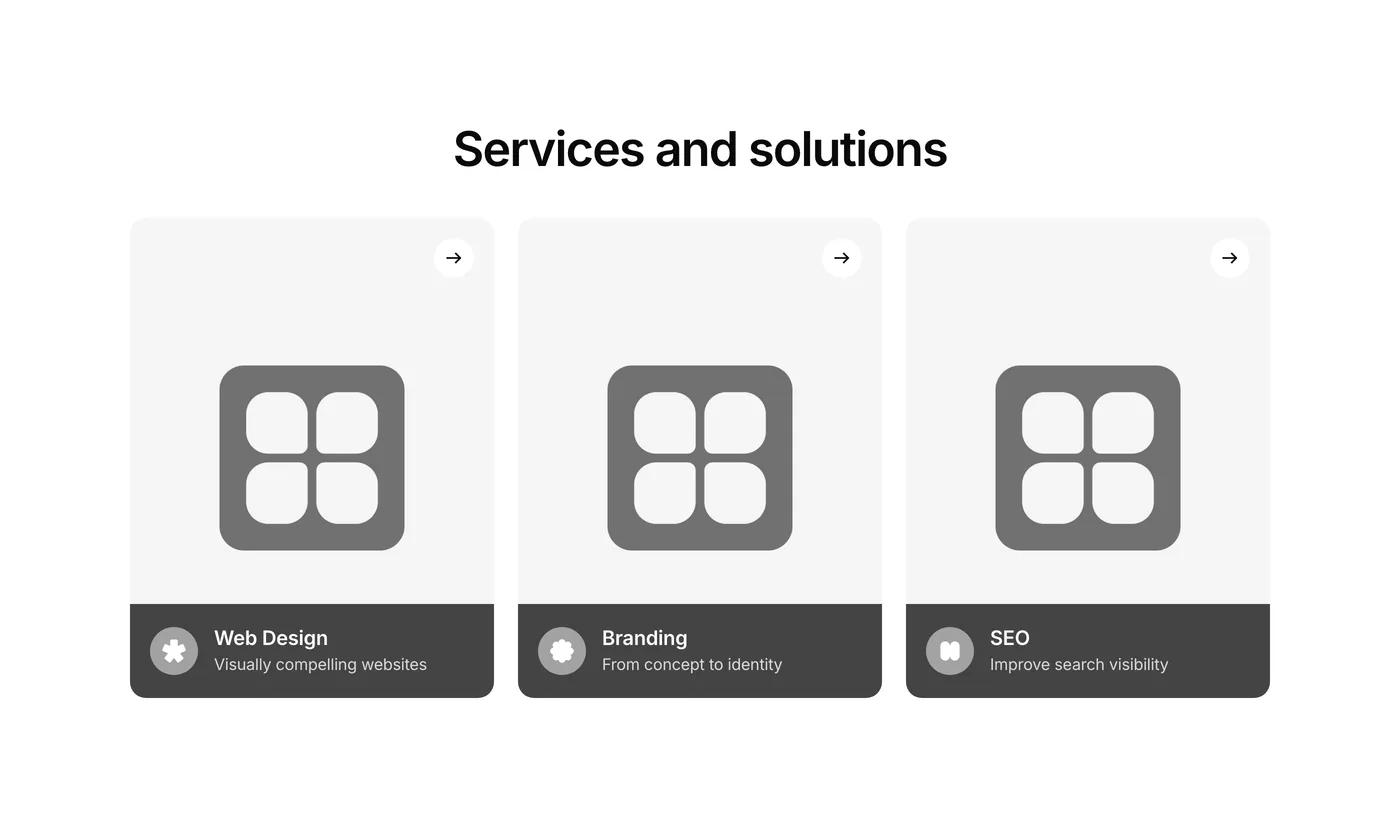
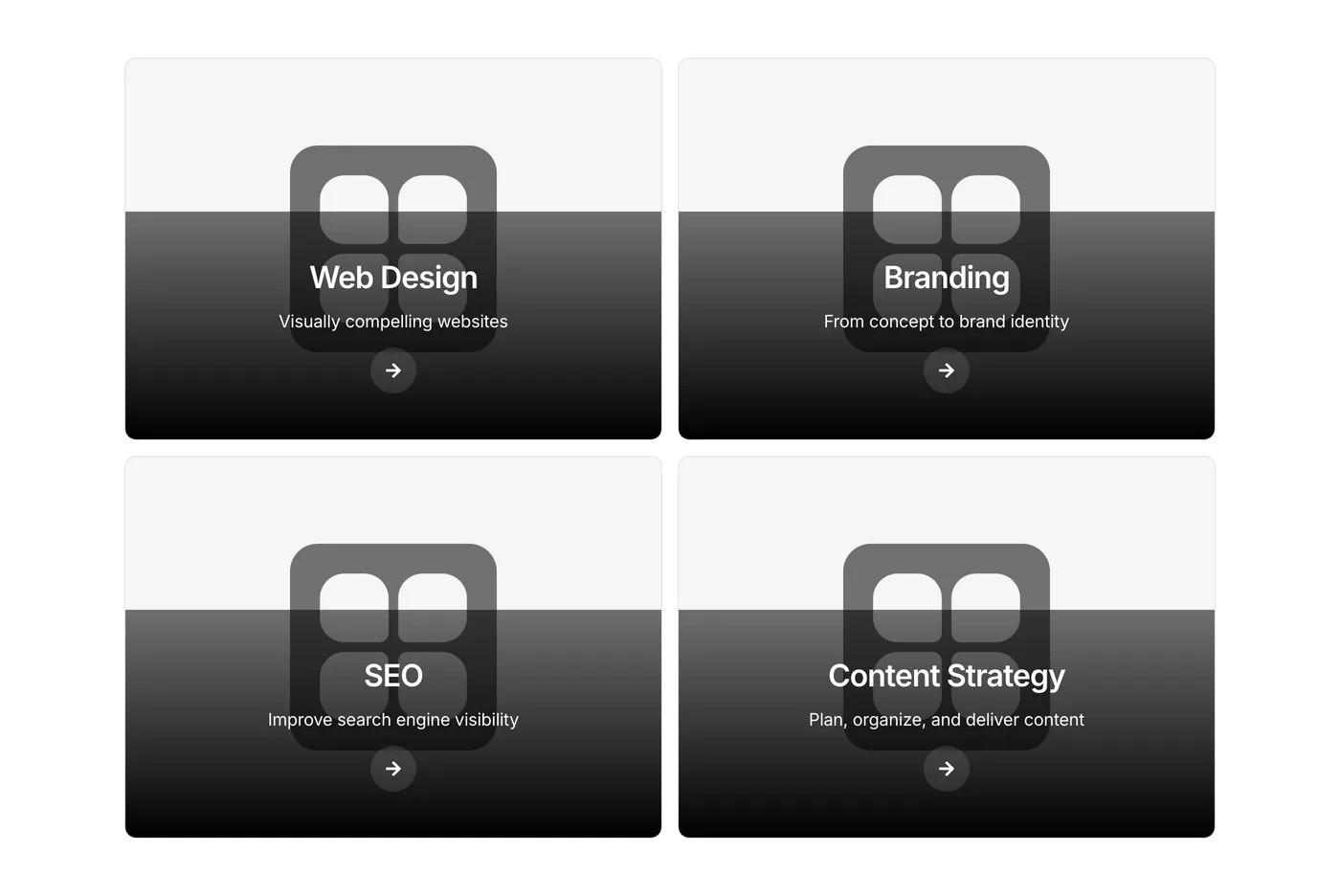
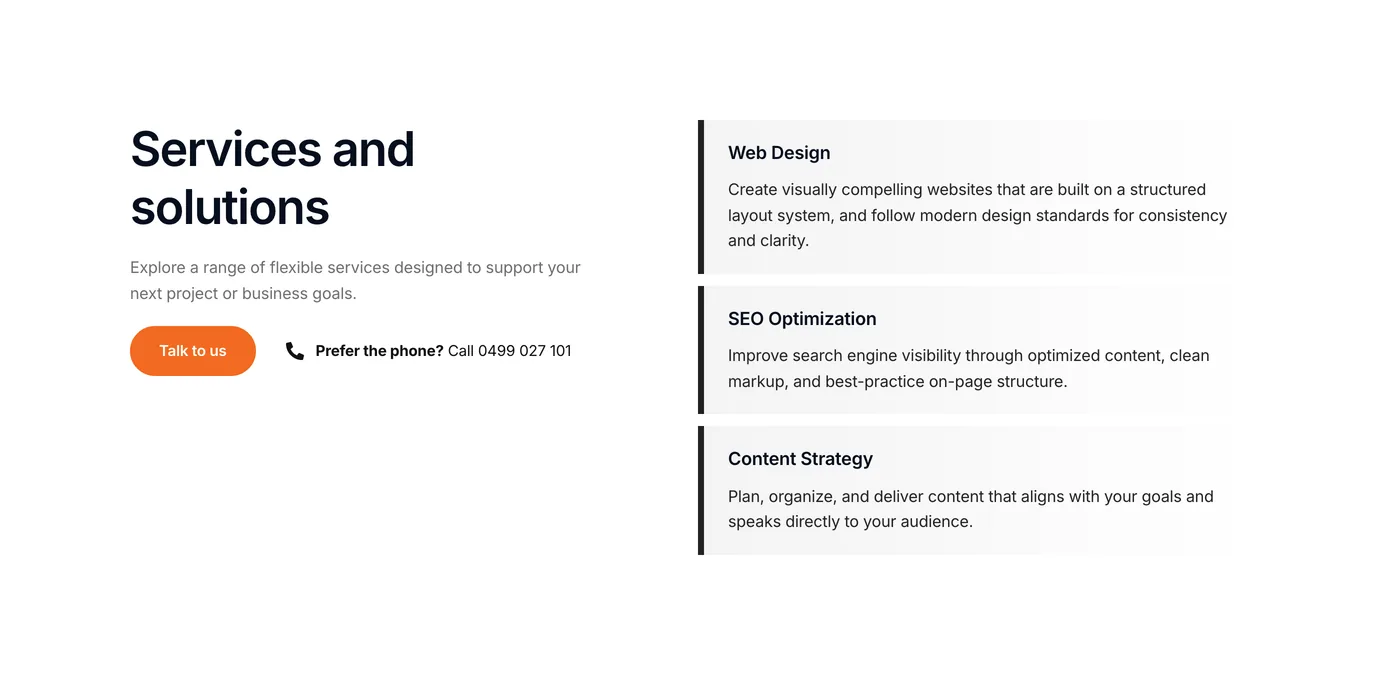
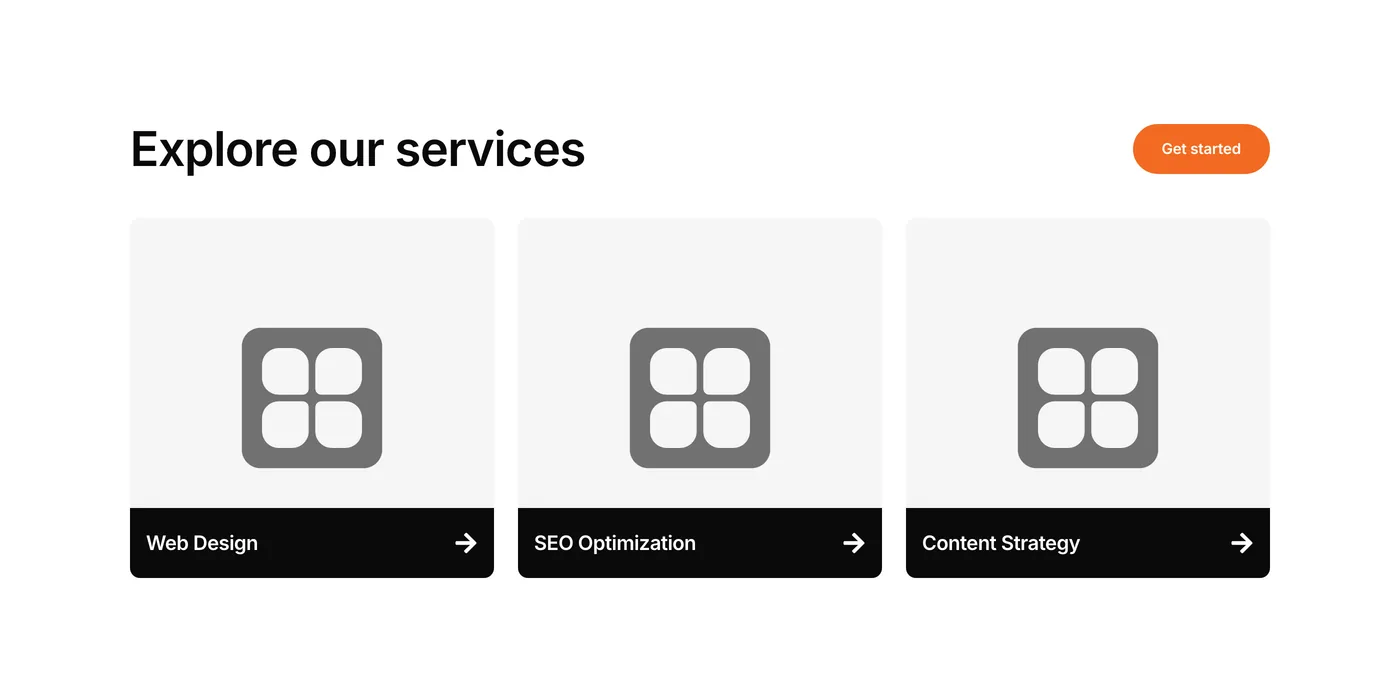
This week features a standout services section in the code components category – hover any card and the image zooms in seamlessly while the button arrow slides right. It’s the kind of subtle interaction that makes a site feel premium without any extra plugins.

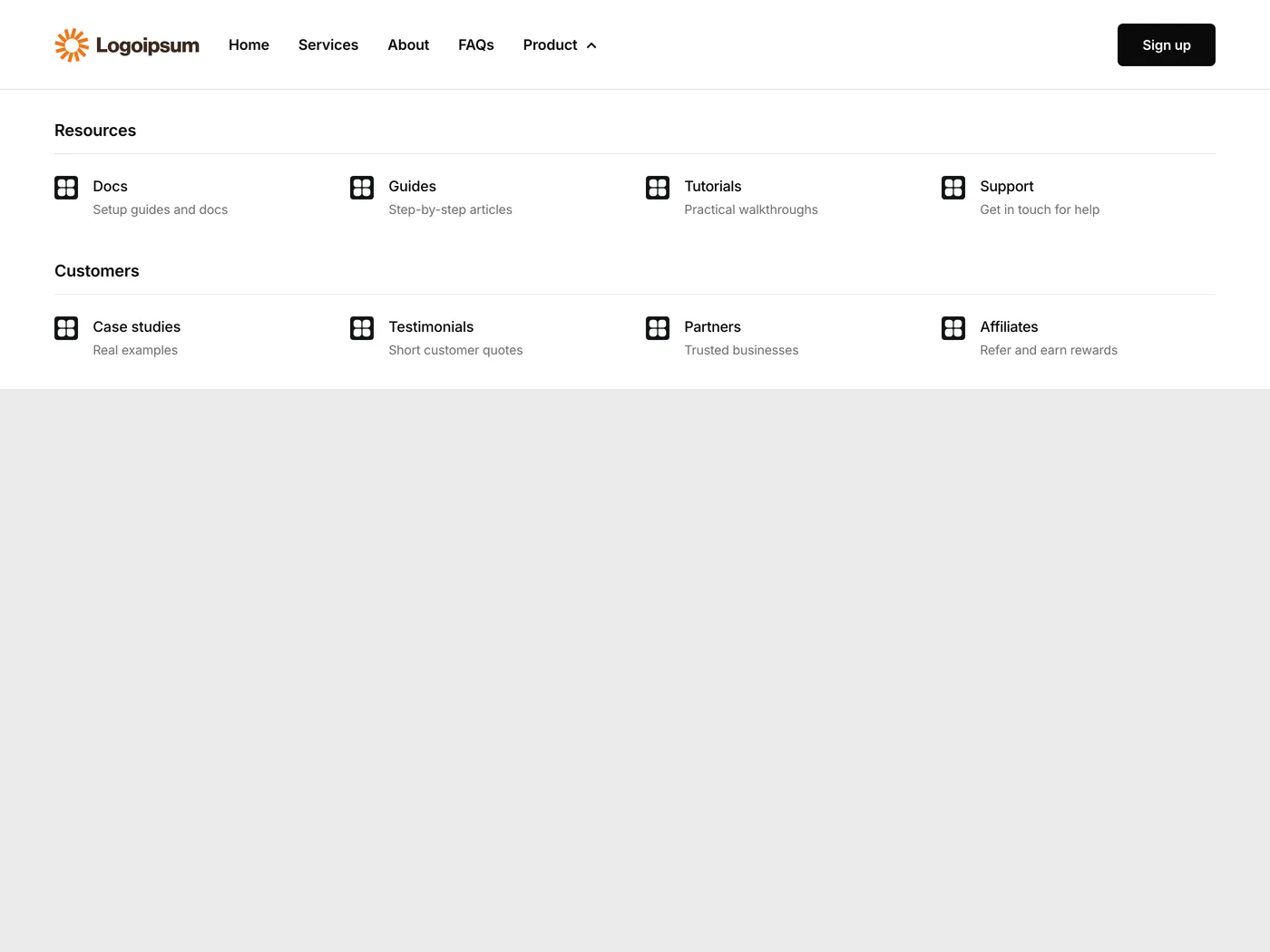
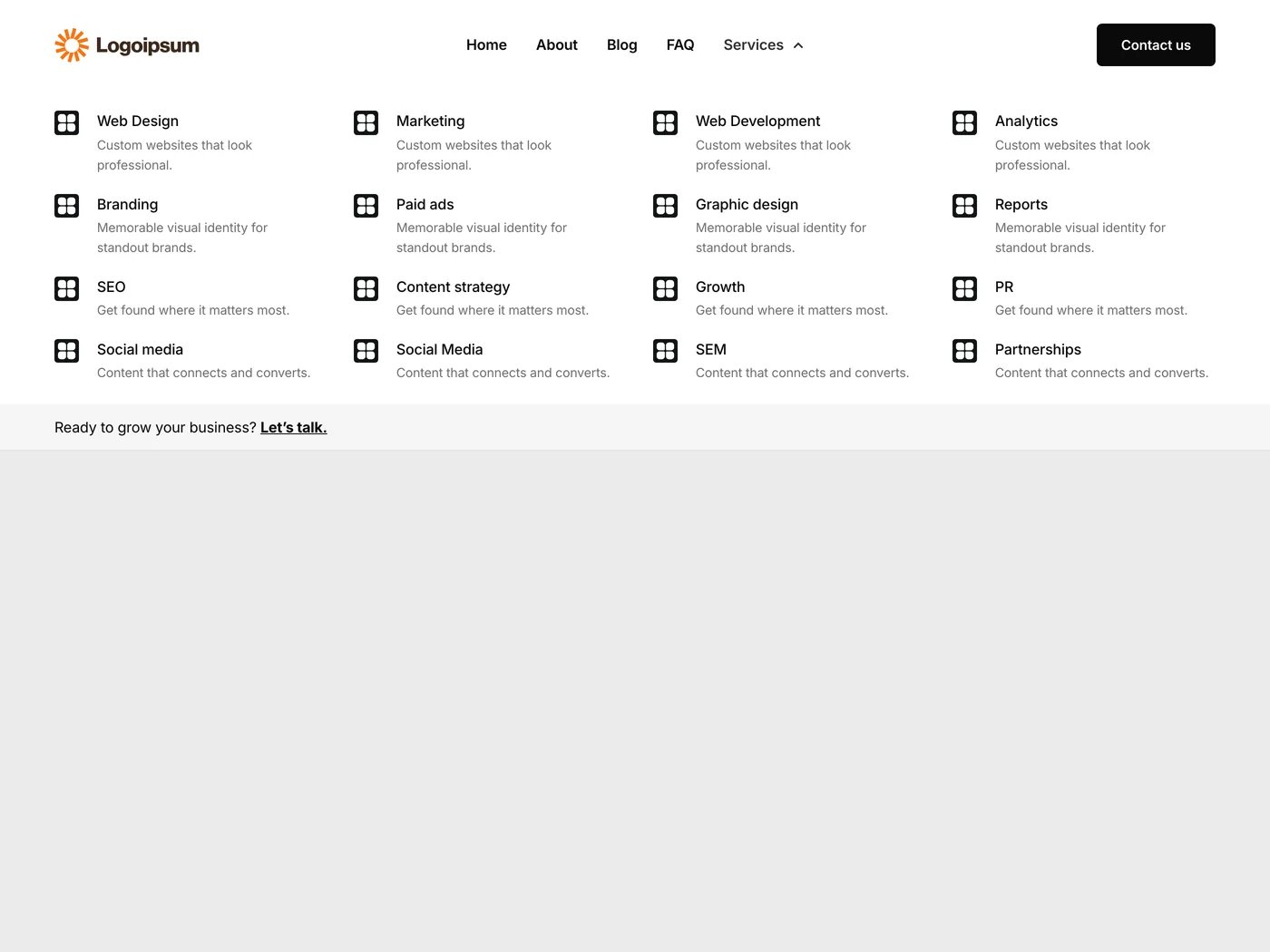
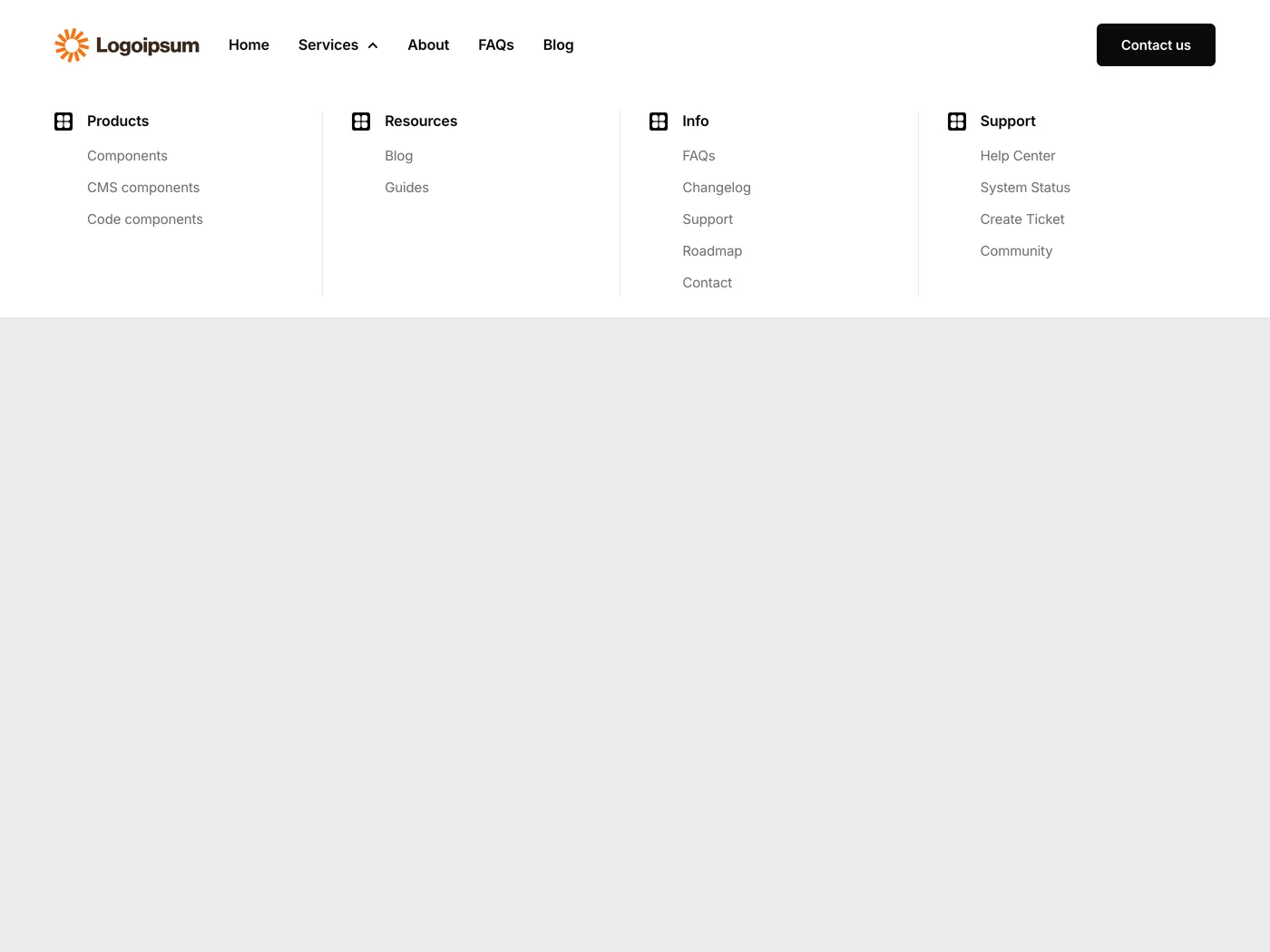
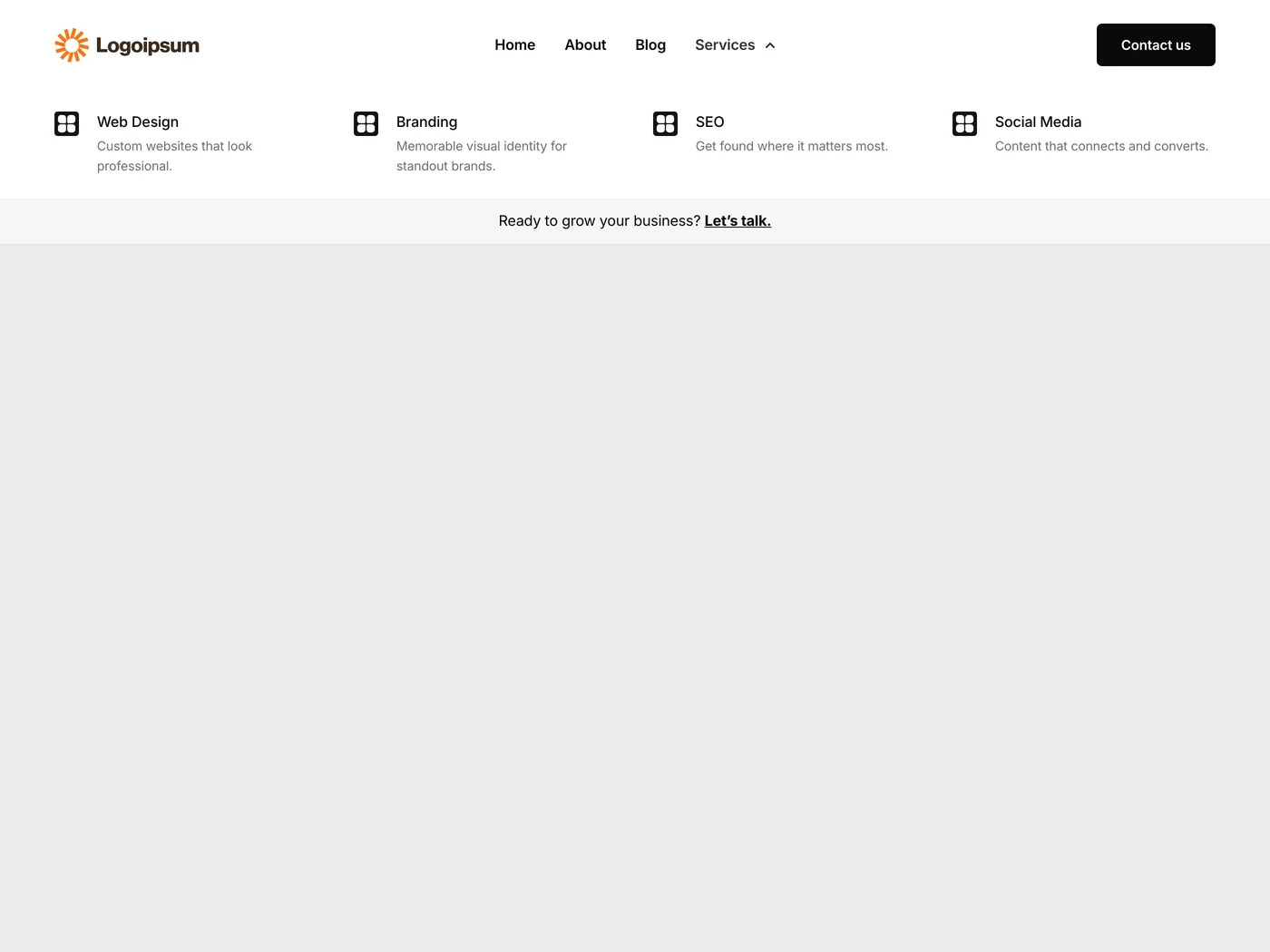
Also new: 4 mega menu headers with multi-column dropdowns. Professional navigation that goes way beyond Elementor’s default menu.

Coming next week: more components with complex design elements.

Version 2.35
Product updates
May 8, 2026

Weekly update: May 8th, 2026

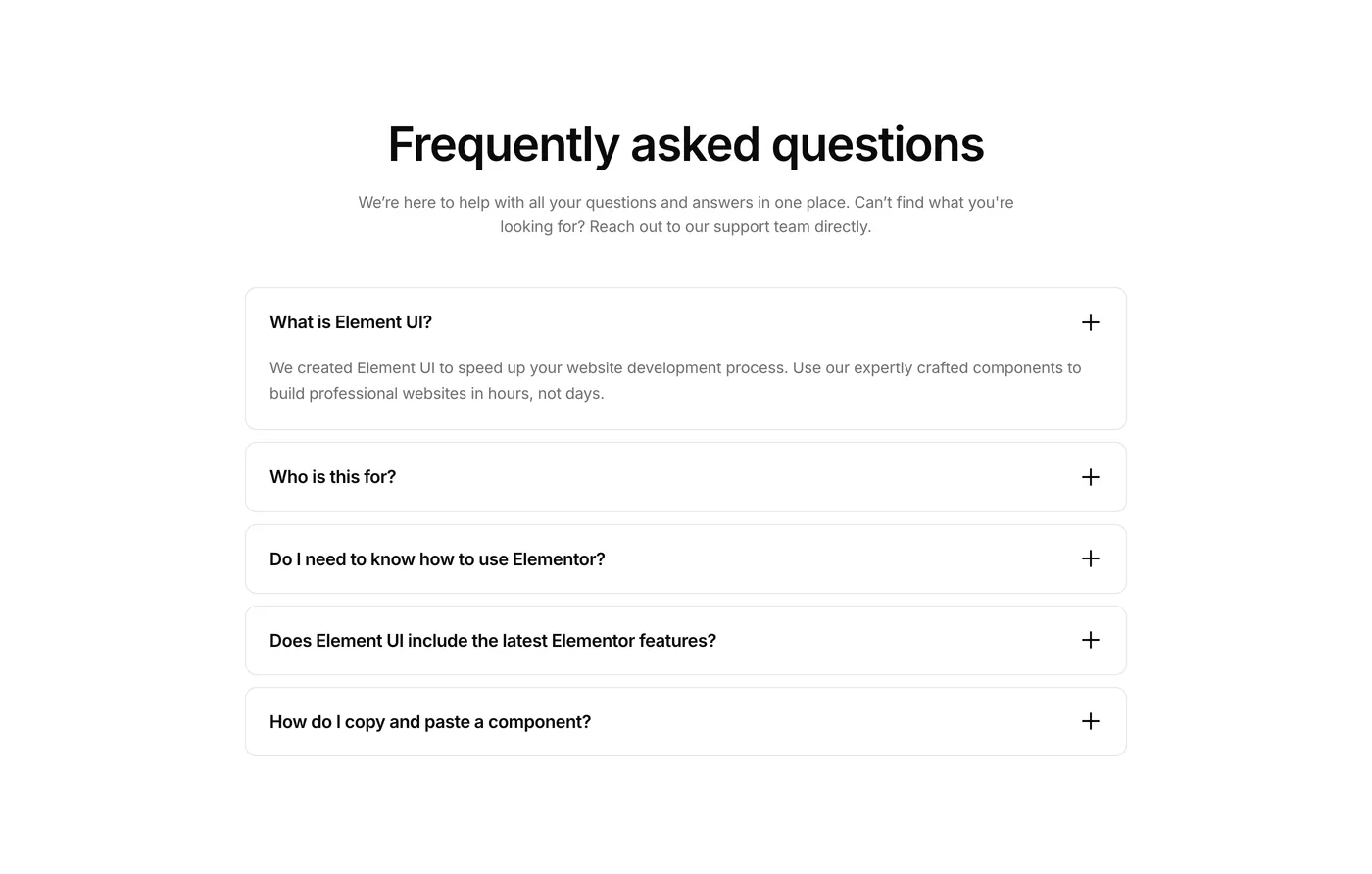
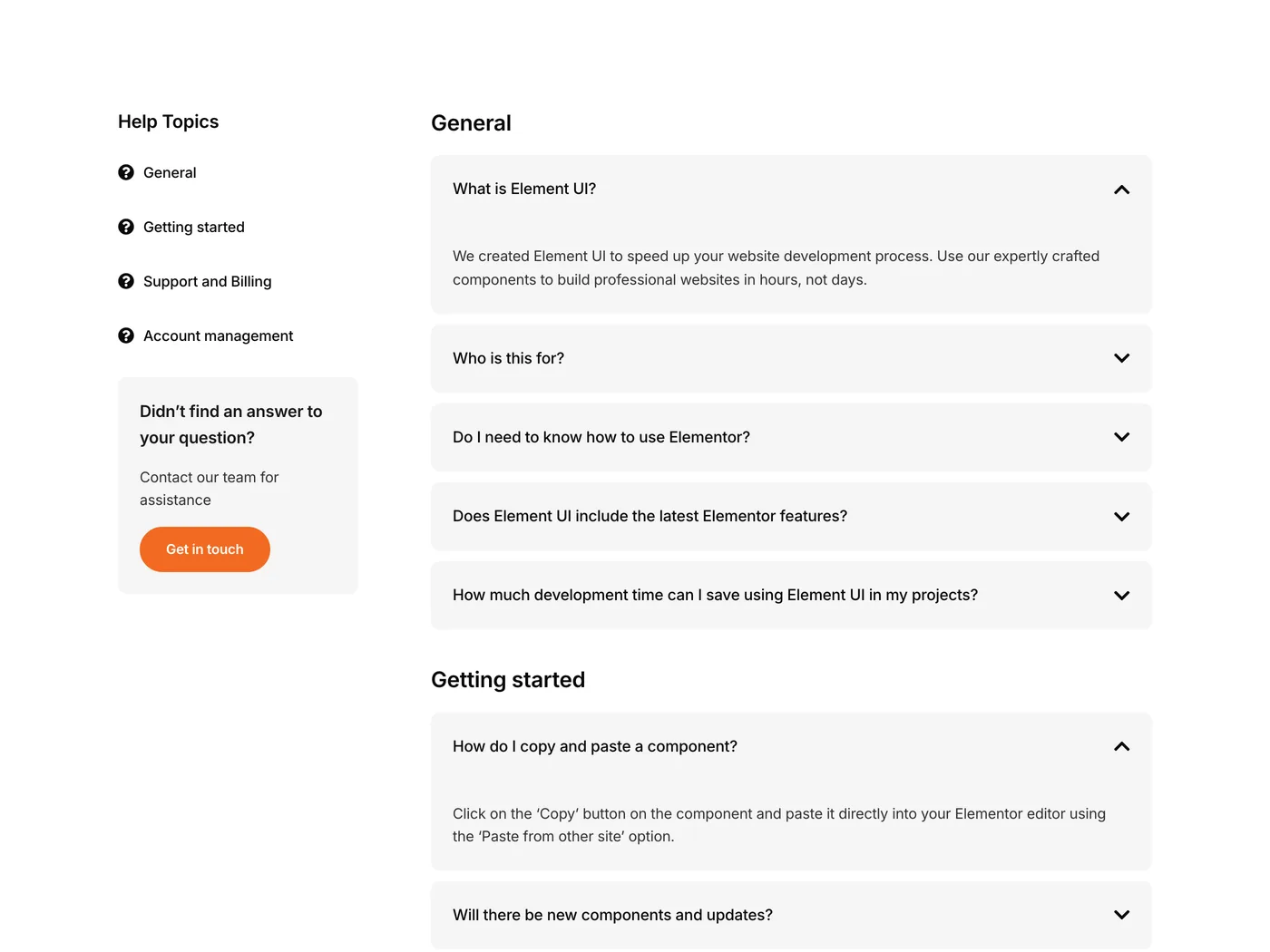
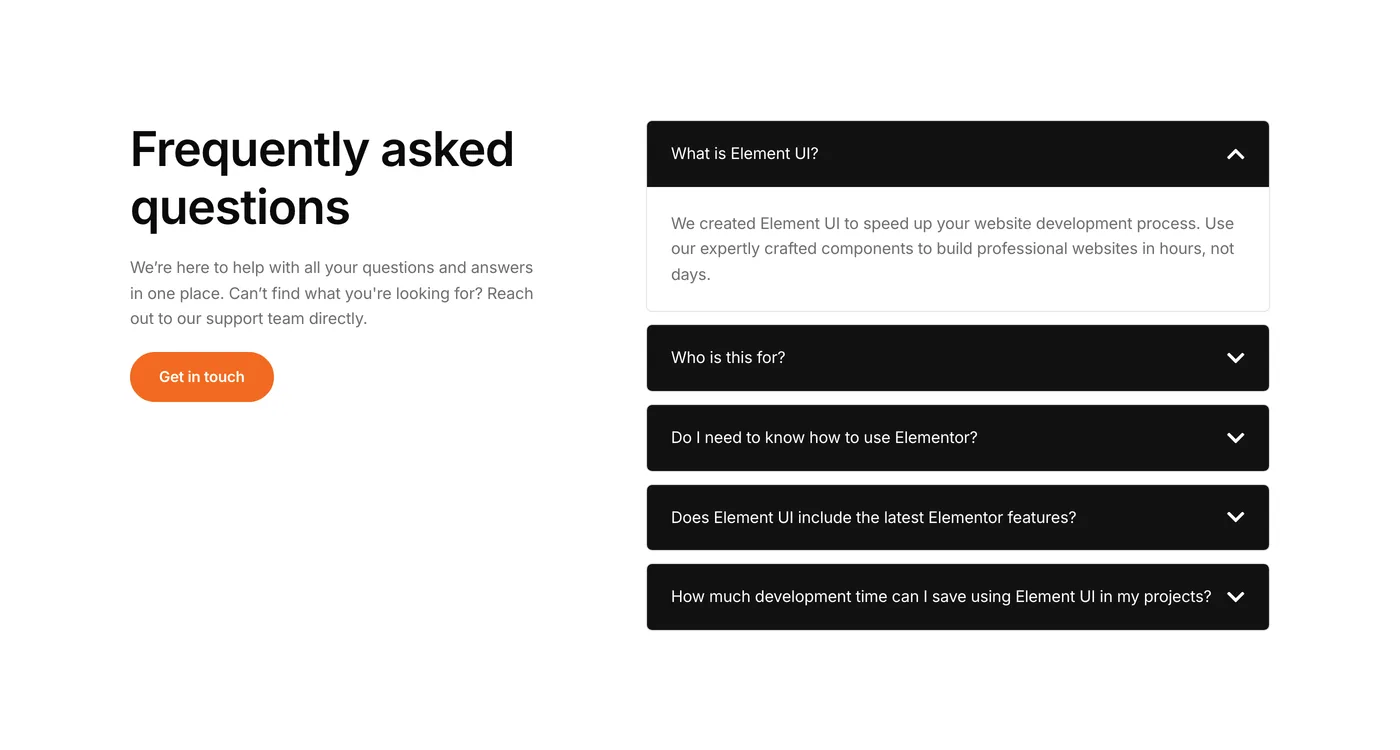
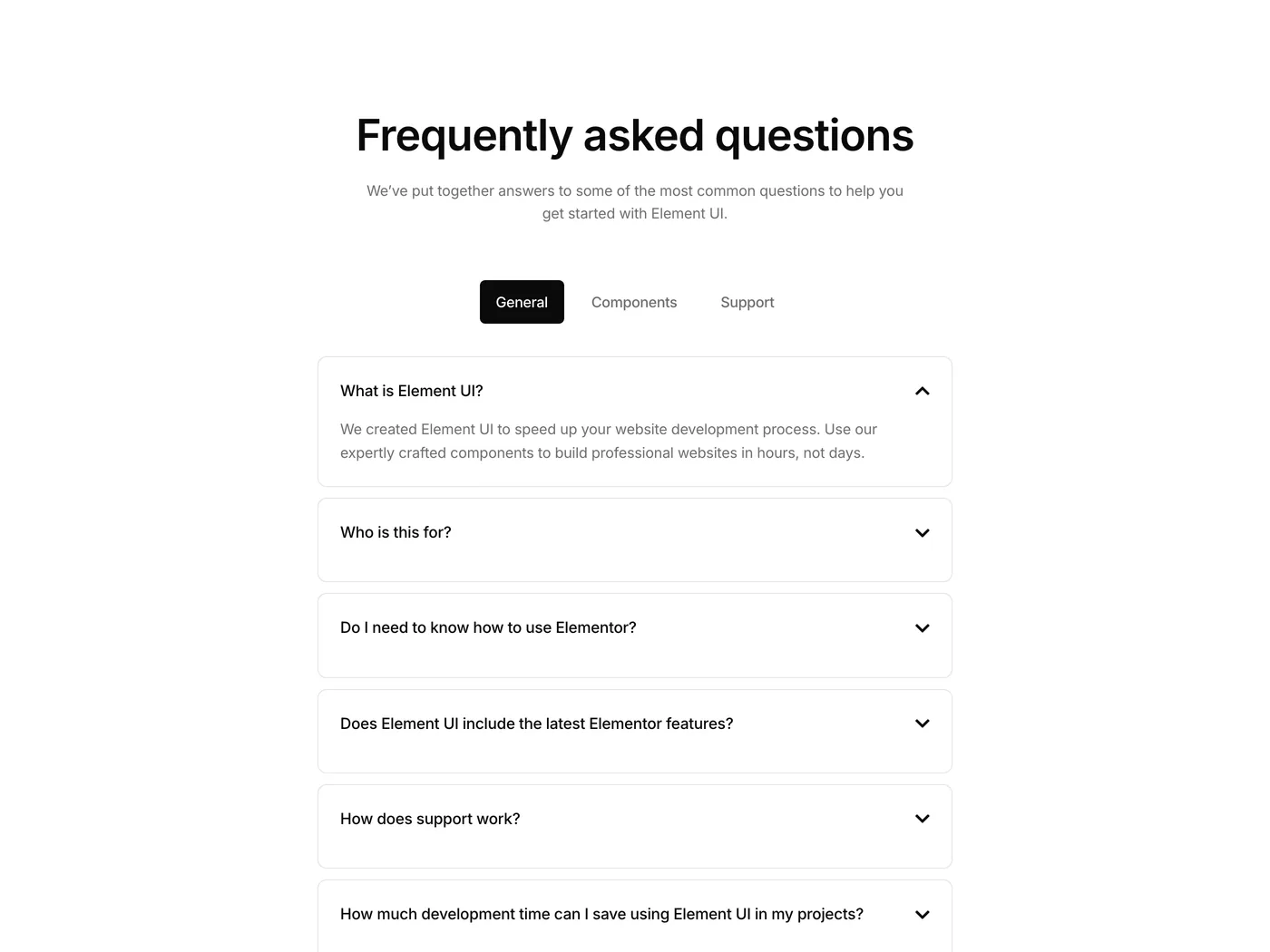
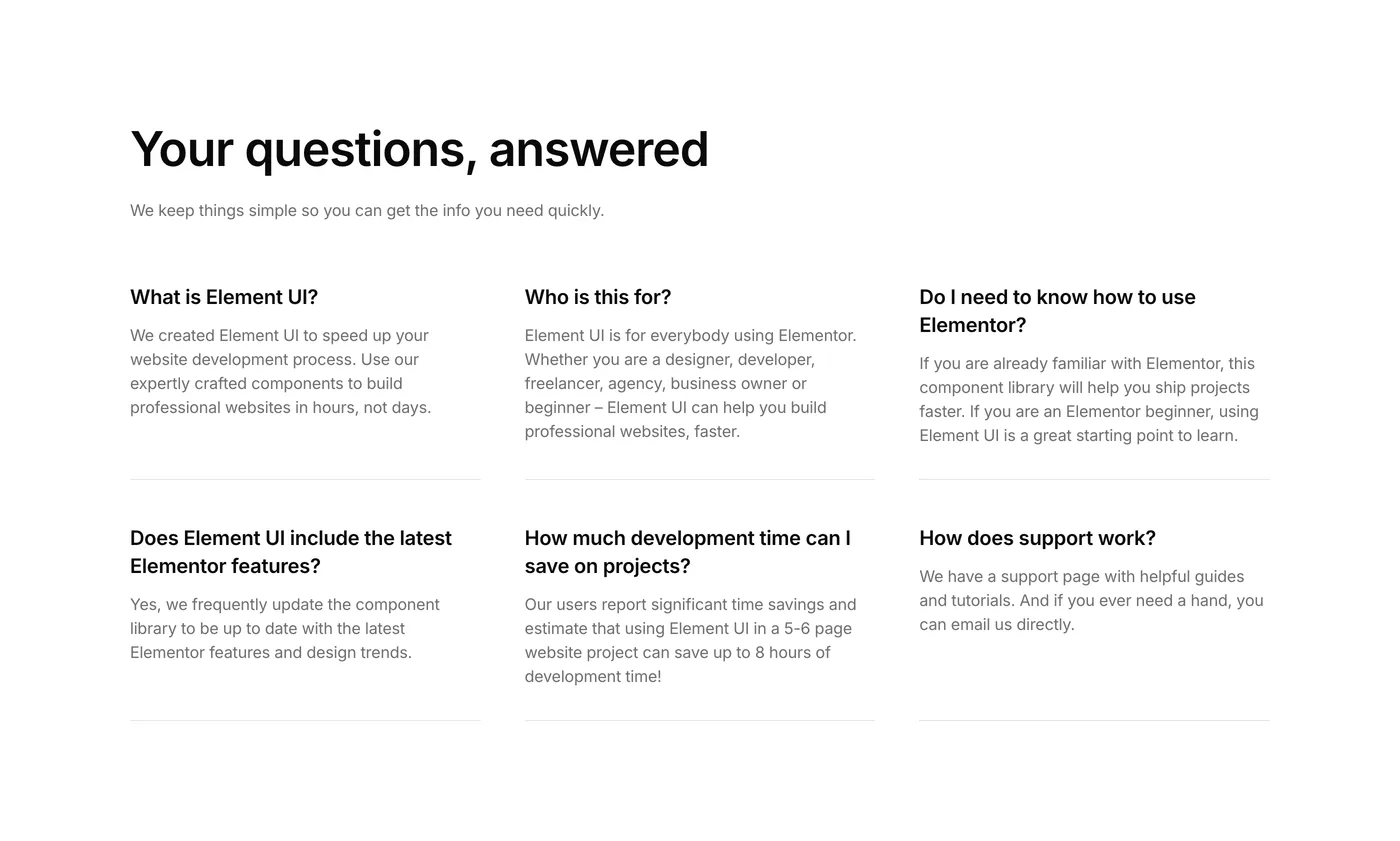
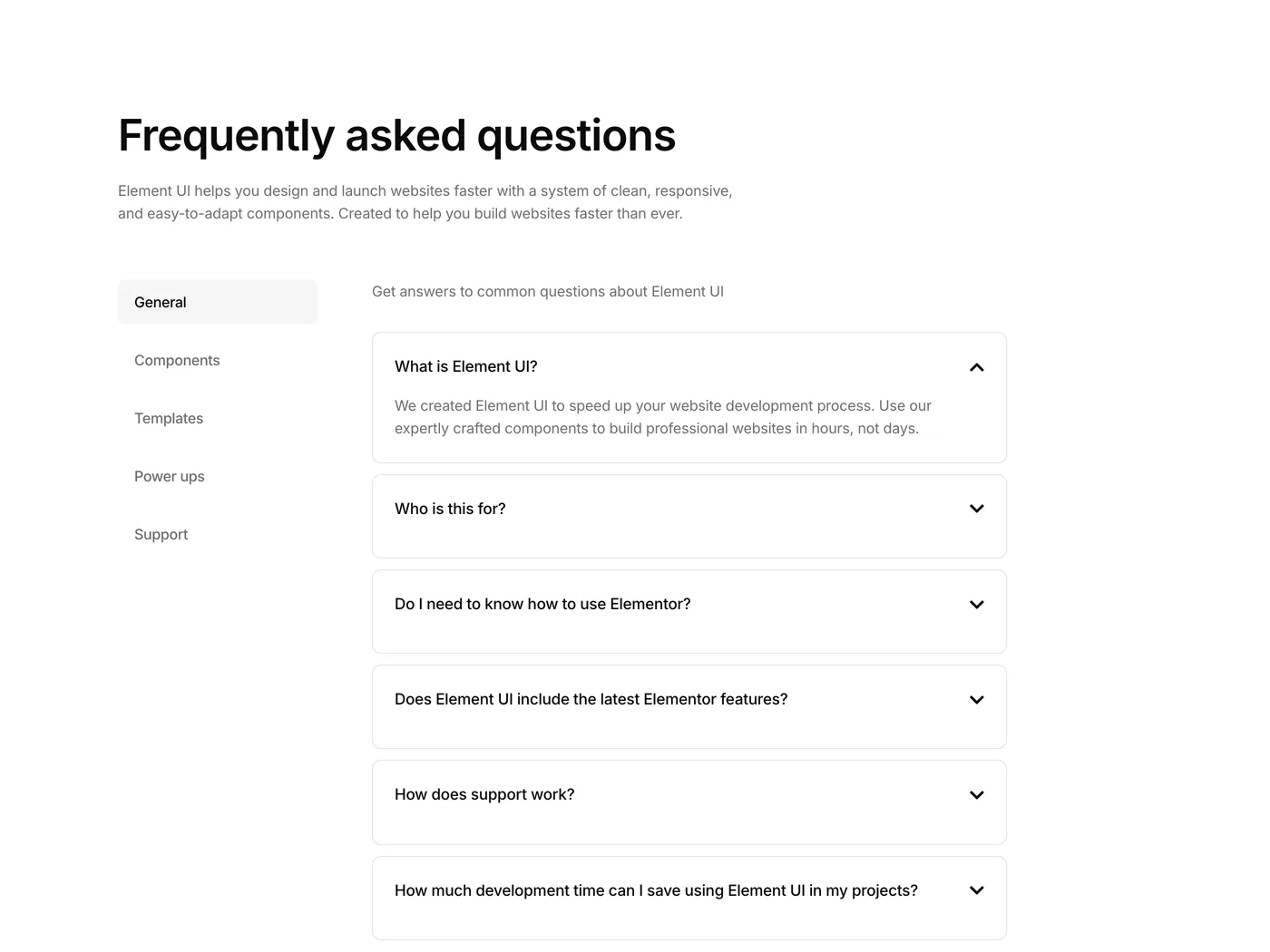
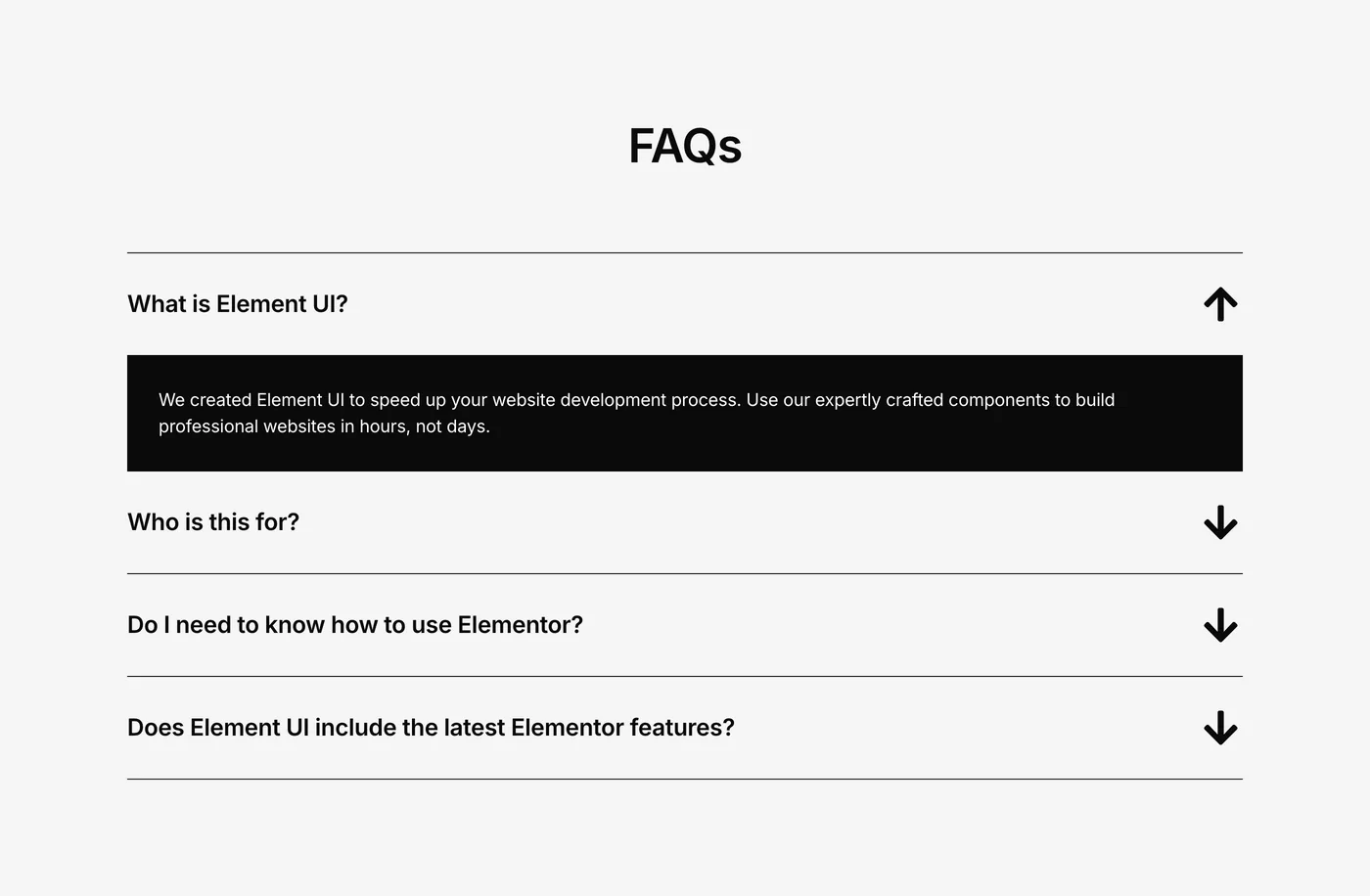
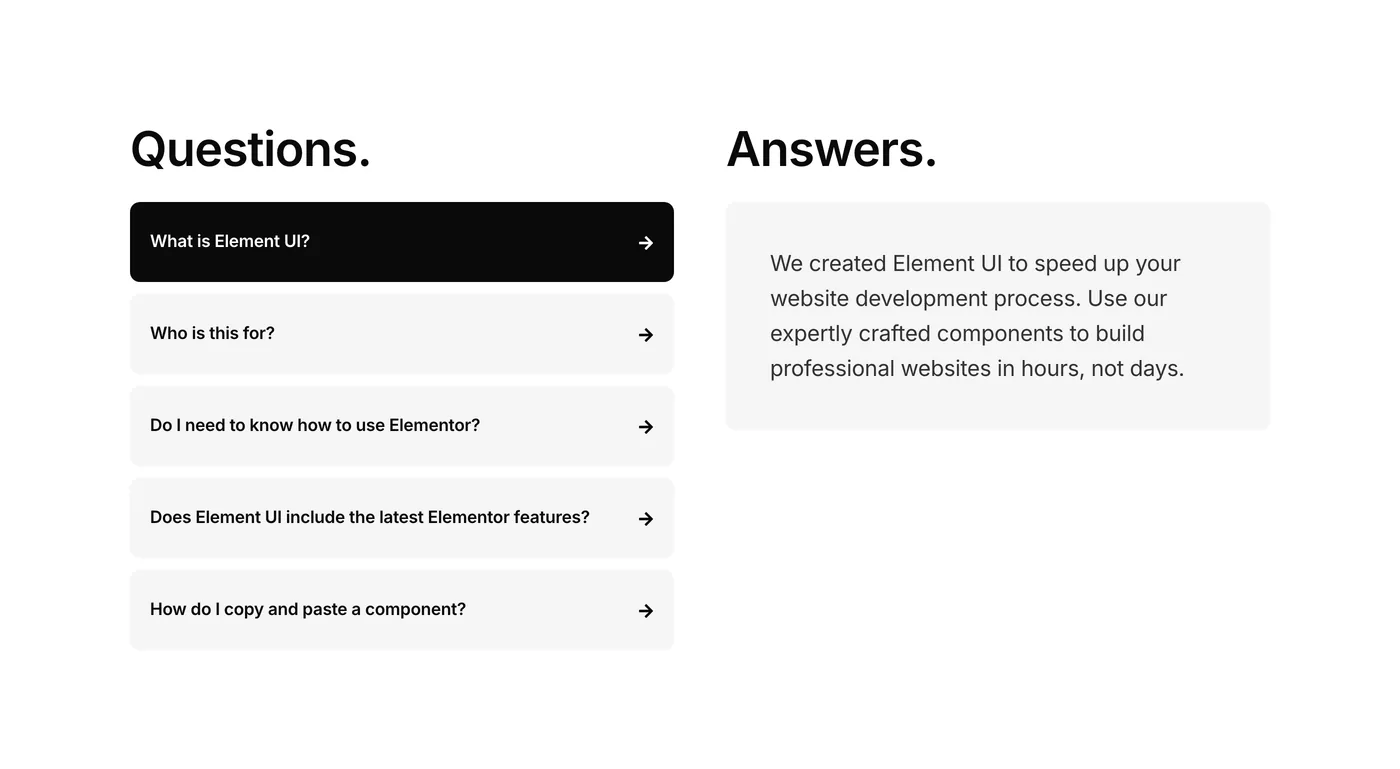
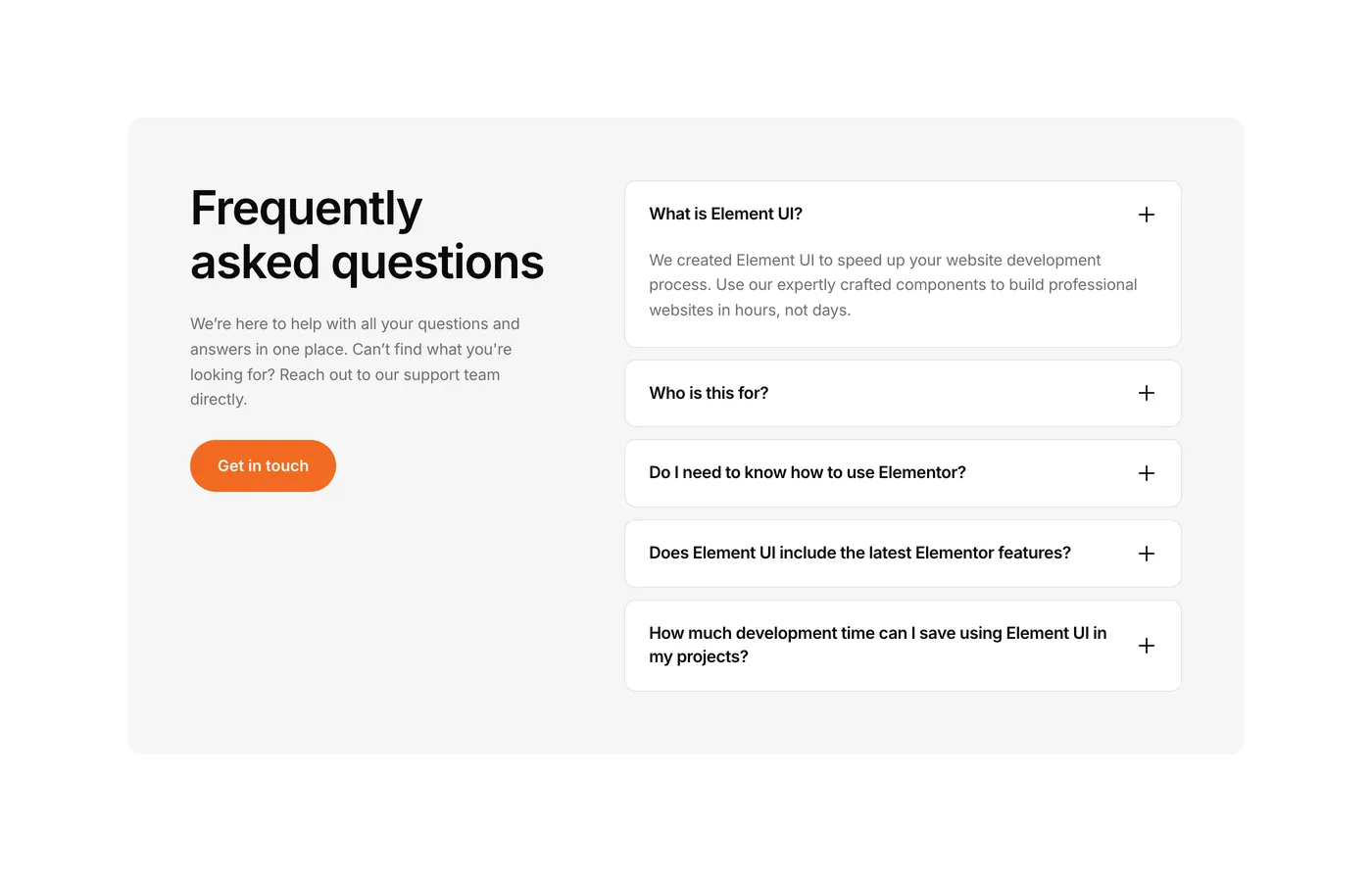
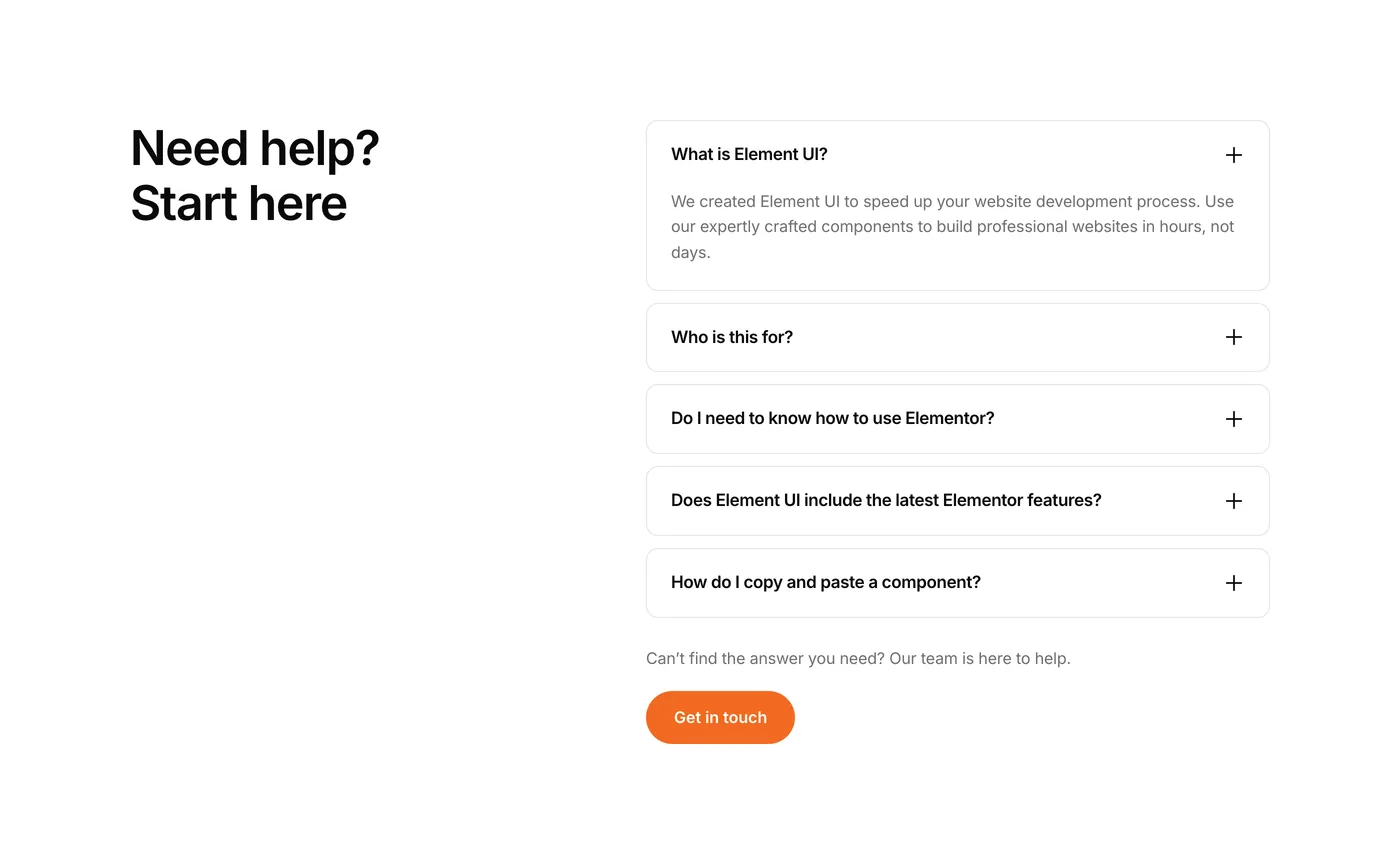
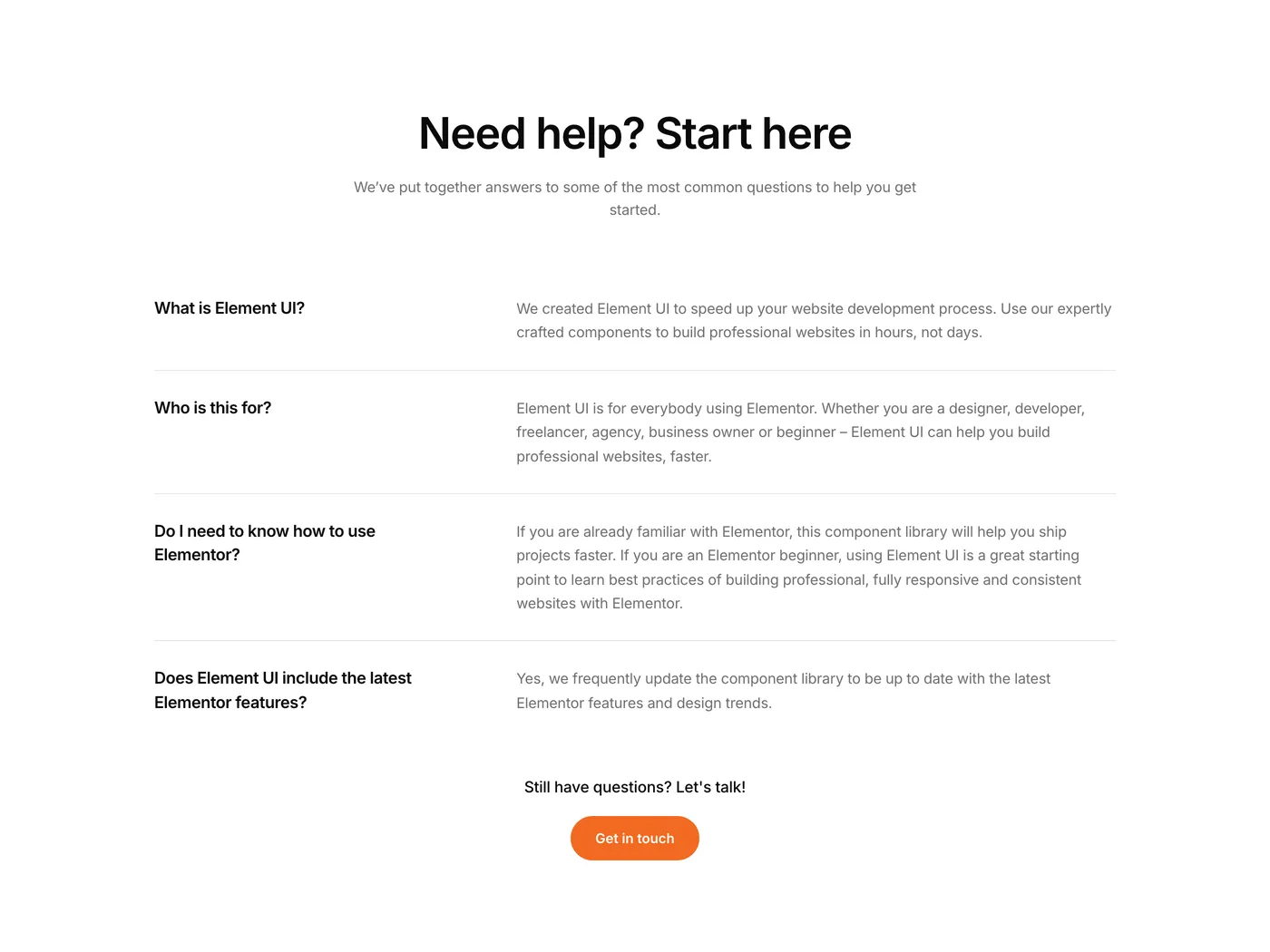
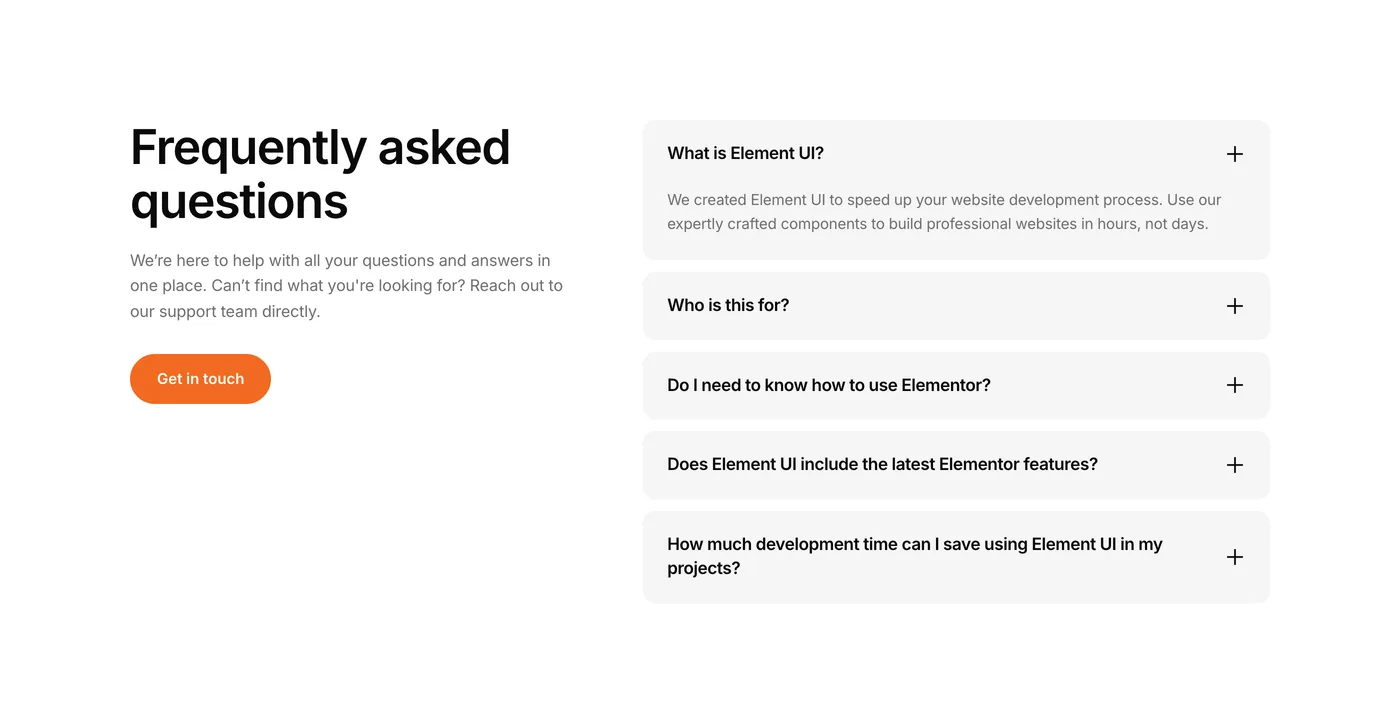
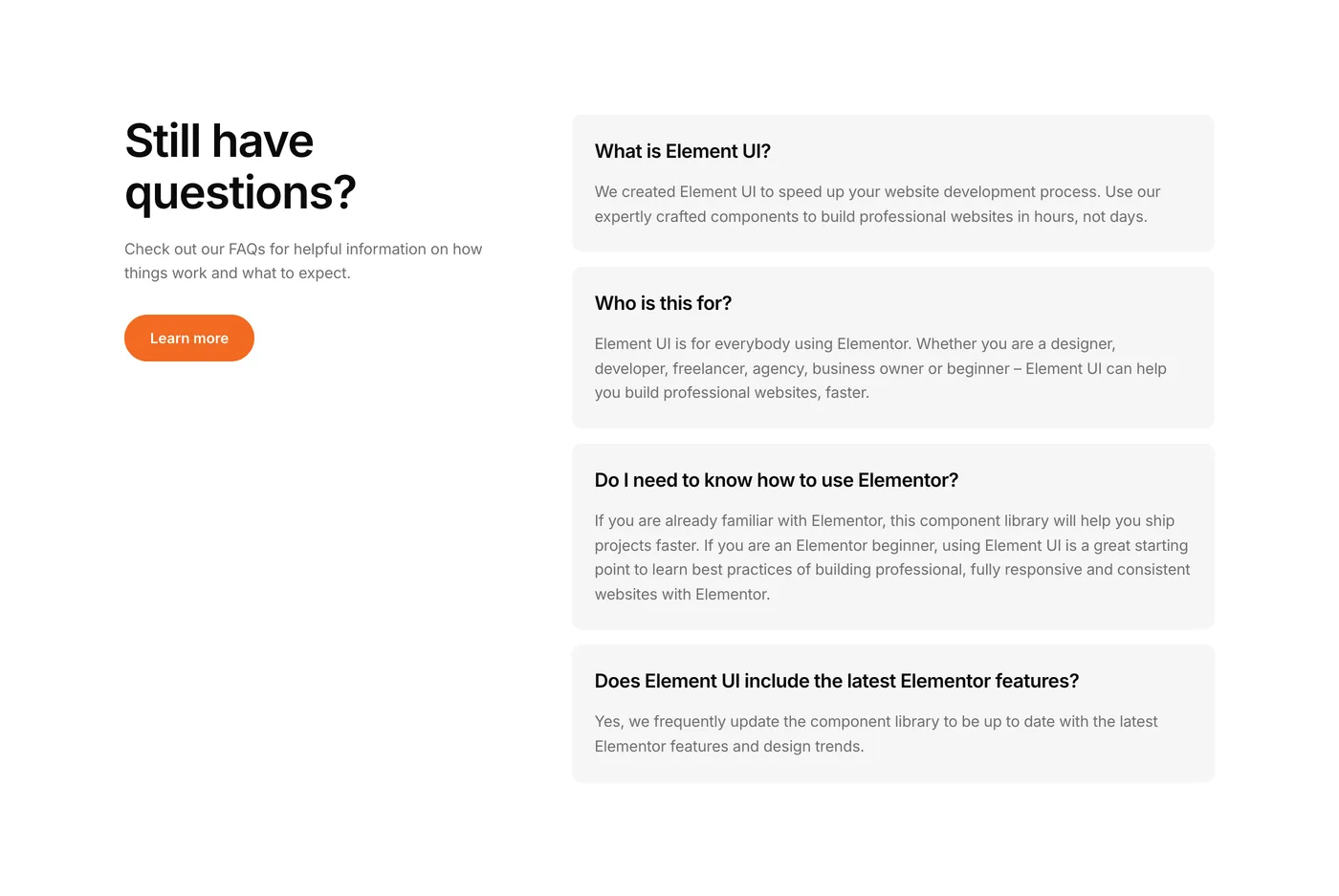
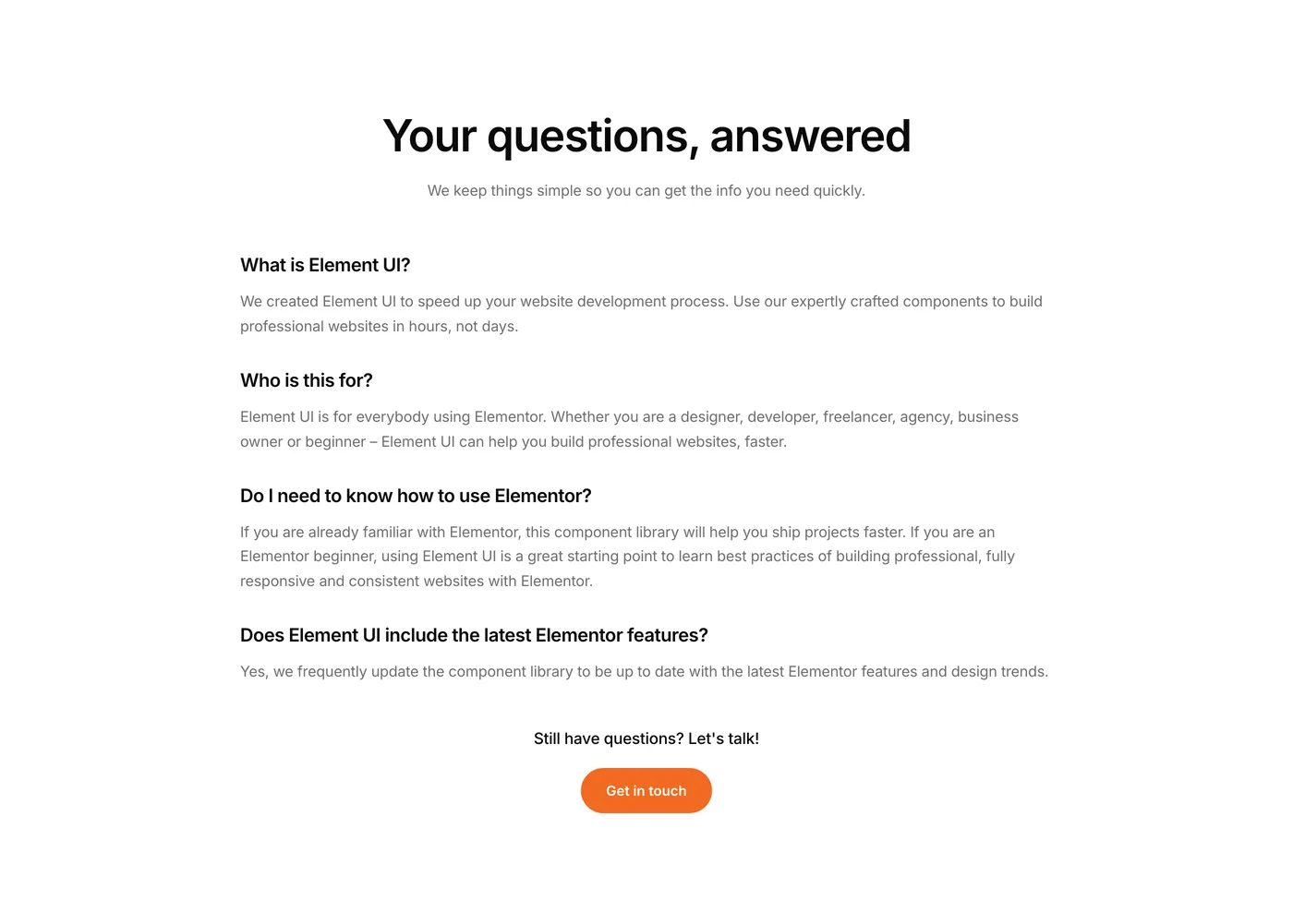
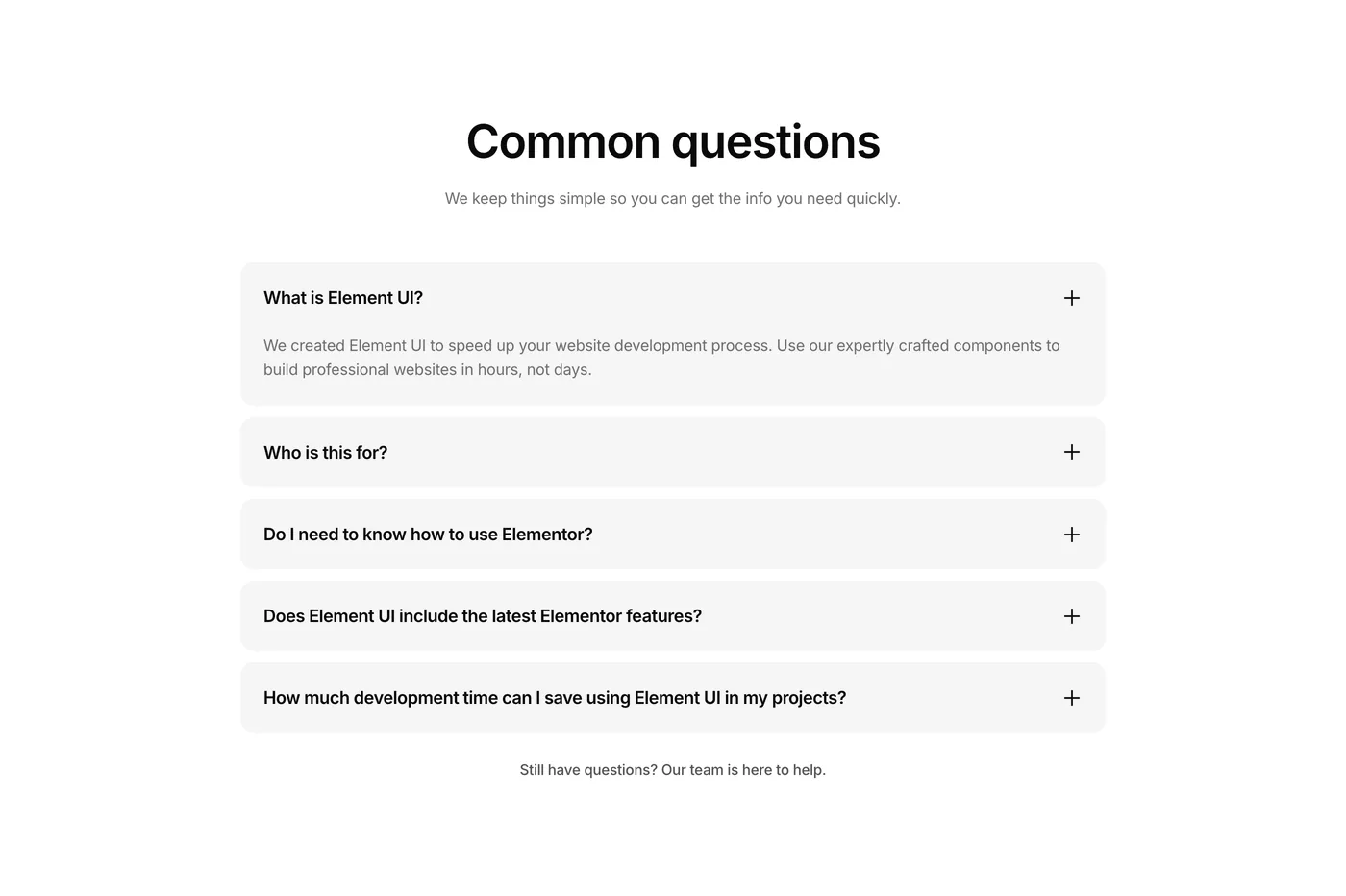
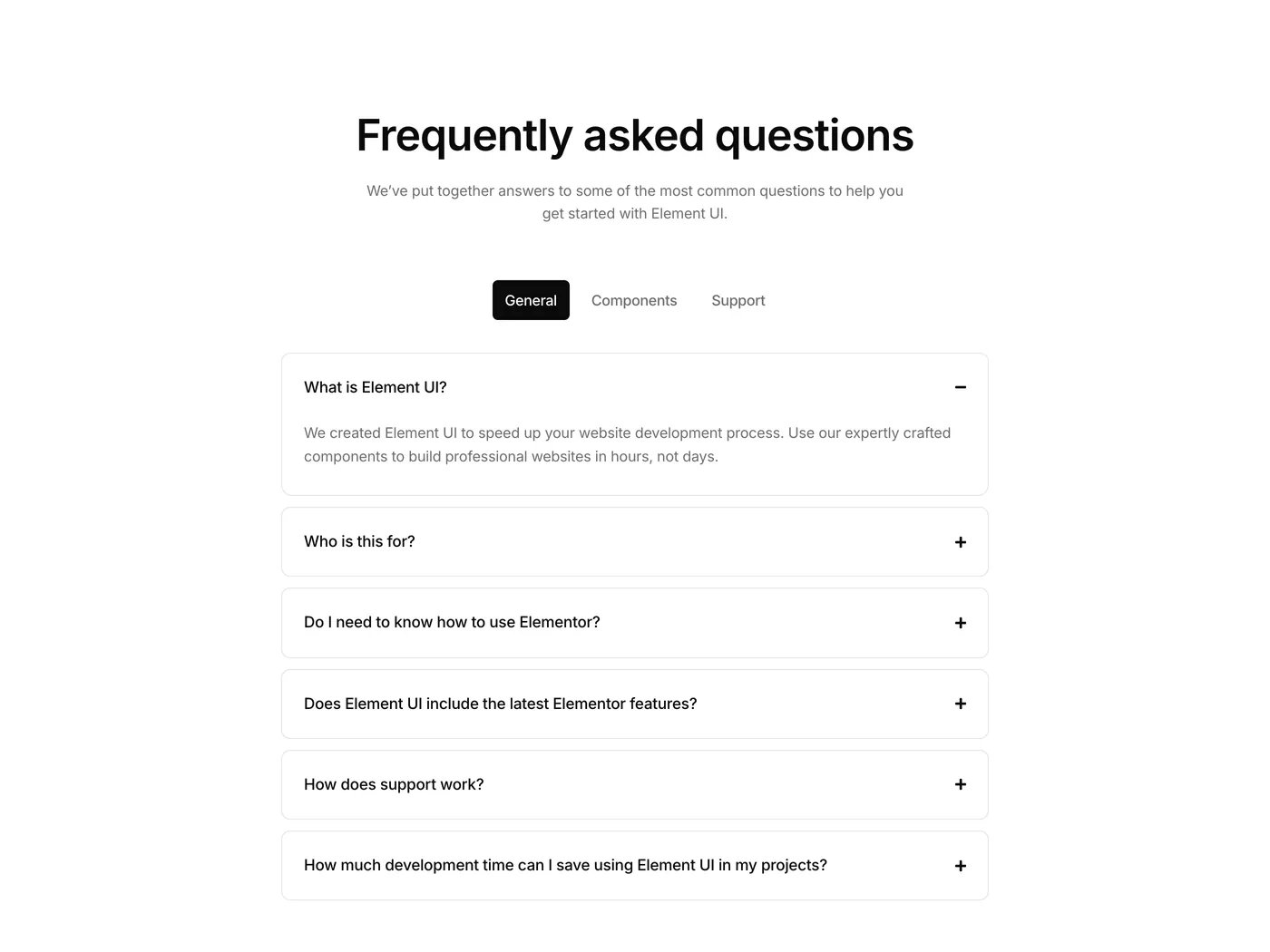
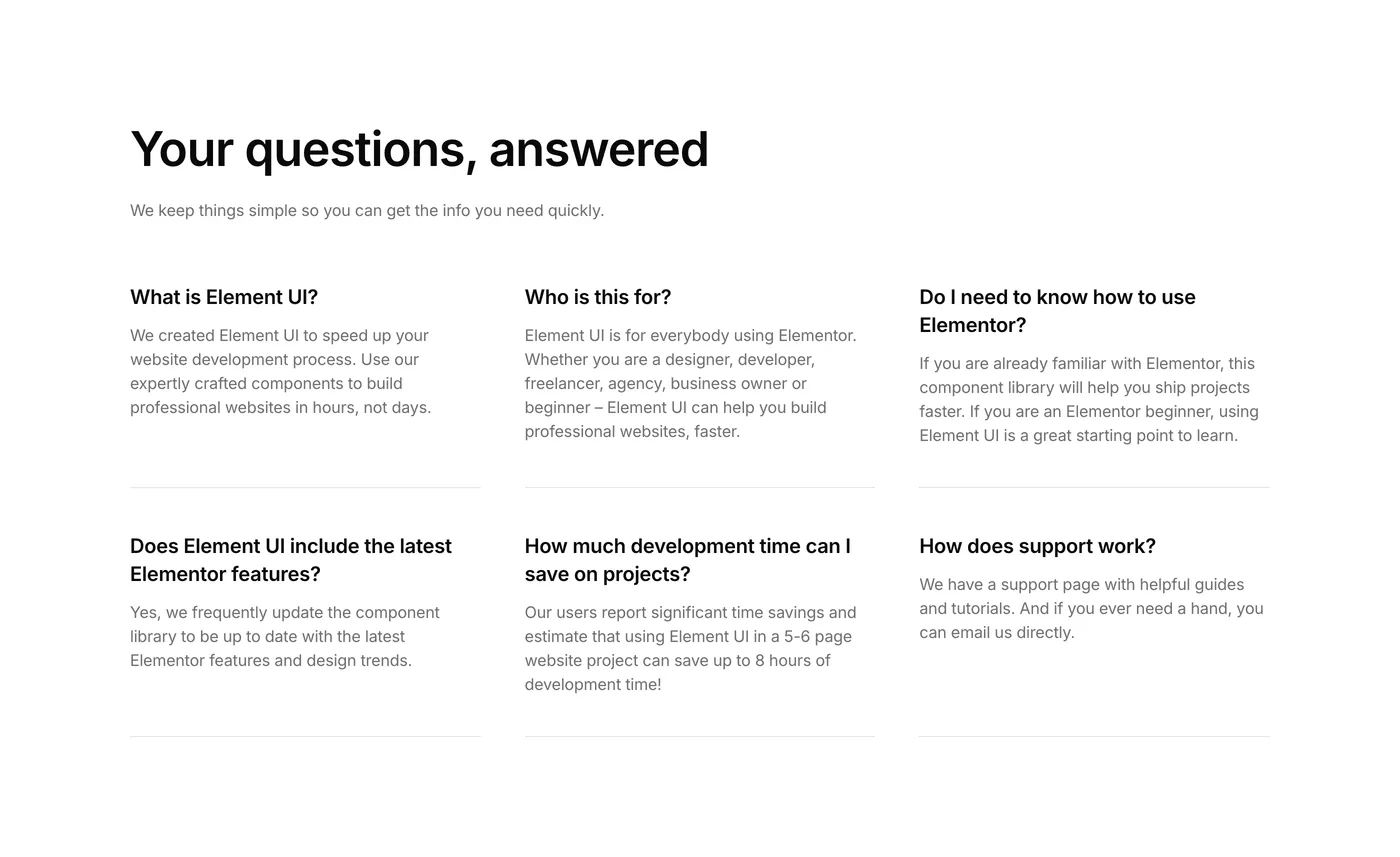
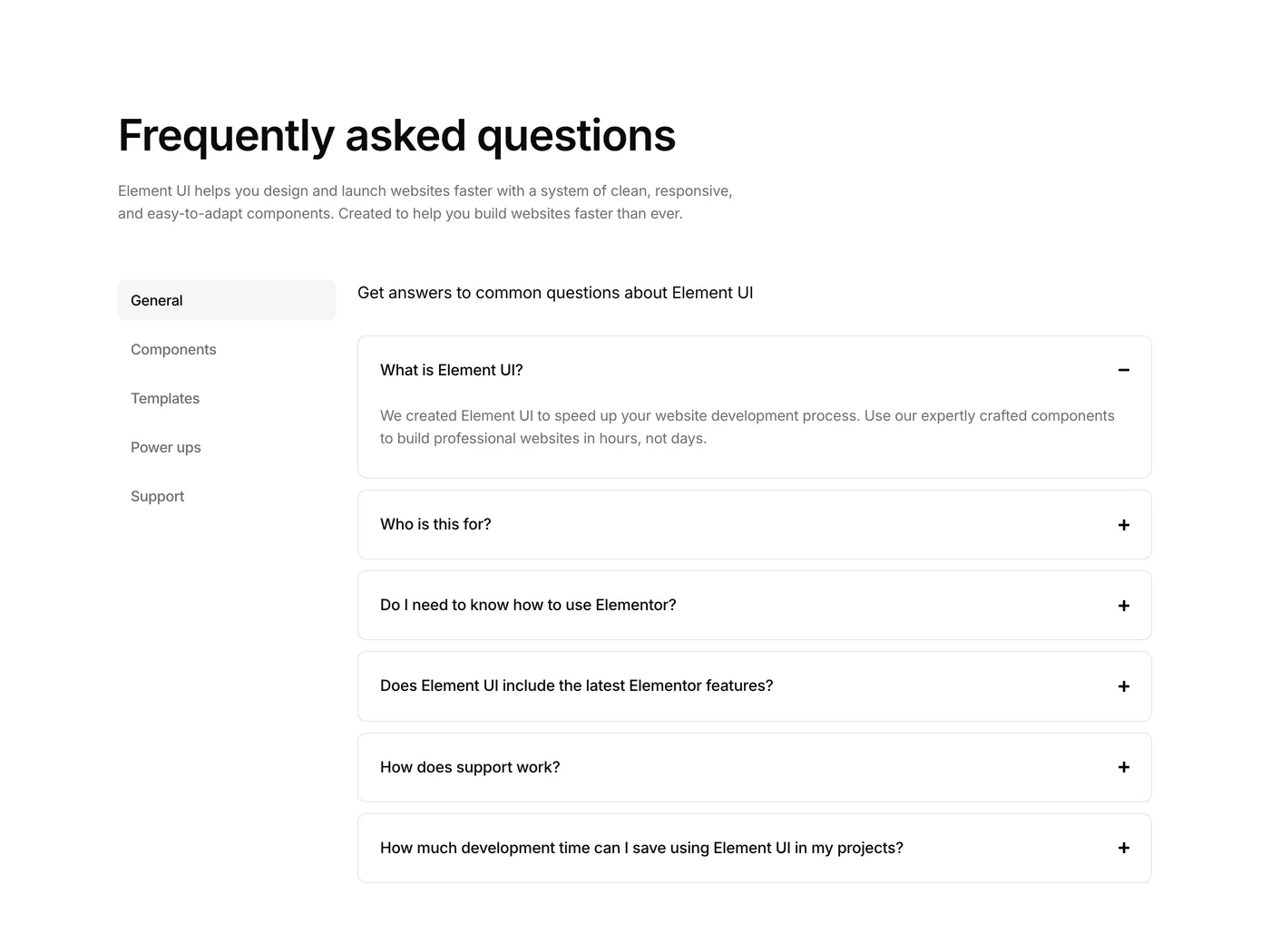
Five new additions this week. A testimonial gallery component that showcases customer reviews in video format – way more convincing than text quotes alone. Plus four FAQ components covering different layouts so there’s always one that fits what you are looking for.

Version 2.3
Product updates
May 1, 2026

Weekly update: May 1, 2026

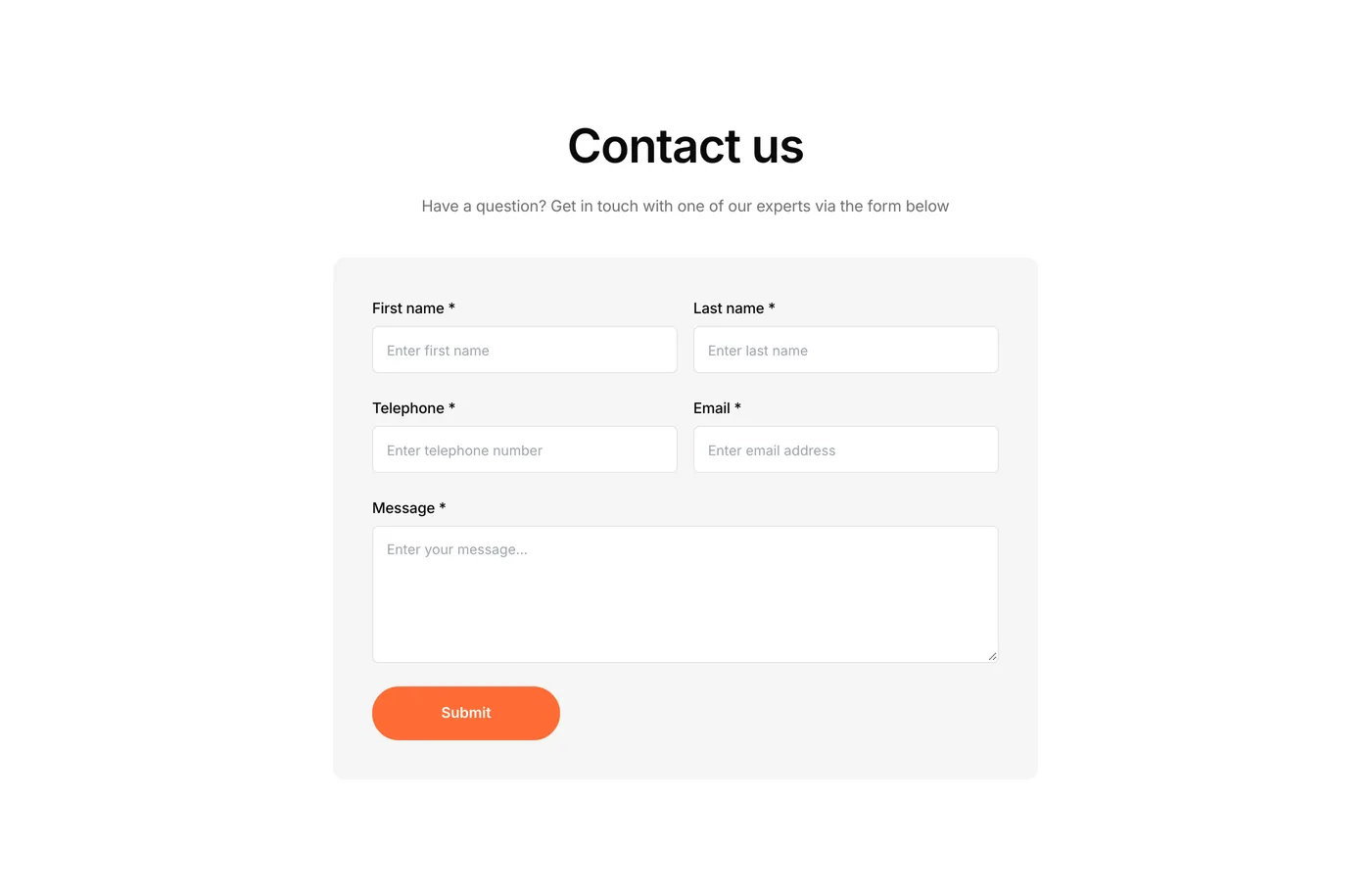
Big batch of contact sections this week. Six new components including layouts with maps, social links, and contact details. Every project needs a contact page and now there are plenty of options to match different styles.

Also new: a services carousel code component with smooth image zoom and title underline on hover. A great way to showcase services, treatments, or products without taking up a ton of page space.

Version 2.25
Product updates
April 24, 2026

Weekly update: April 24, 2026

Five new additions this week. More layouts to speed up builds and give your site a more polished and professional feel.

Version 2.2
Product updates
April 17, 2026

Weekly update: April 17, 2026

Three new code components this week. These are the kind of details that make a site feel polished – animated headings, glowing borders, and highlighted text. The stuff clients notice but nobody wants to spend an afternoon building from scratch. Copy, paste, done.

Version 2.15
Product updates
April 10, 2026

Weekly update: April 10, 2026

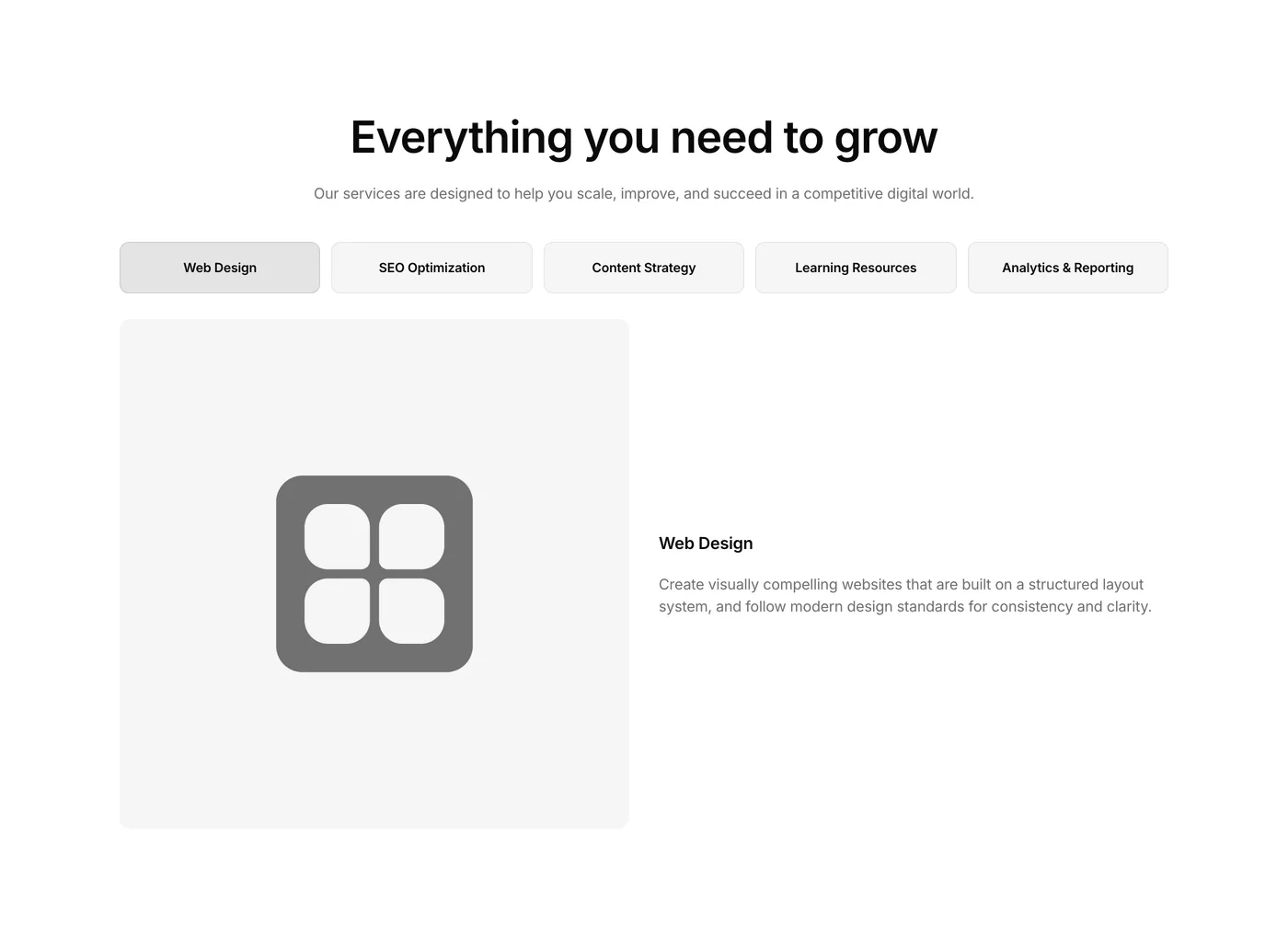
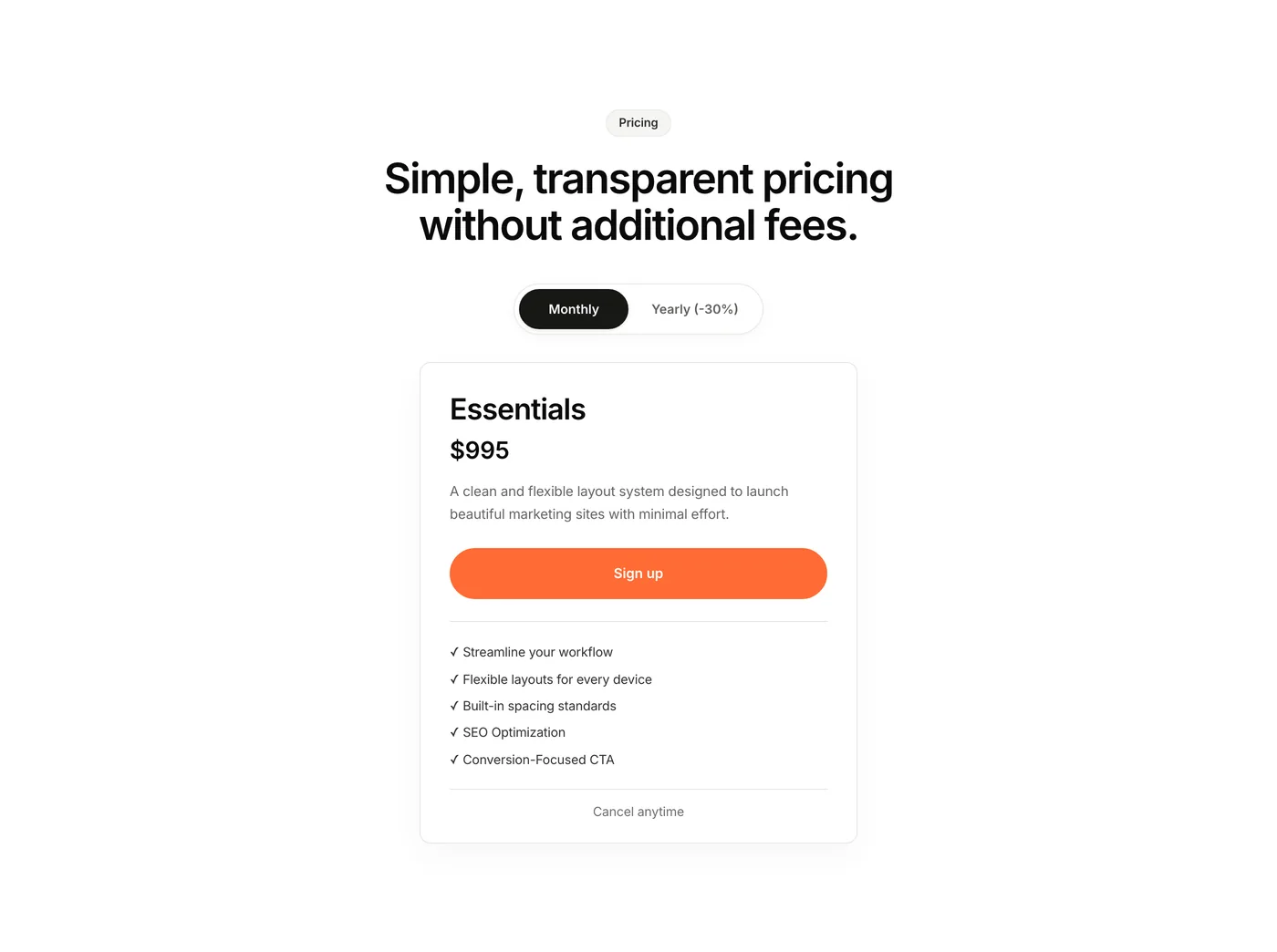
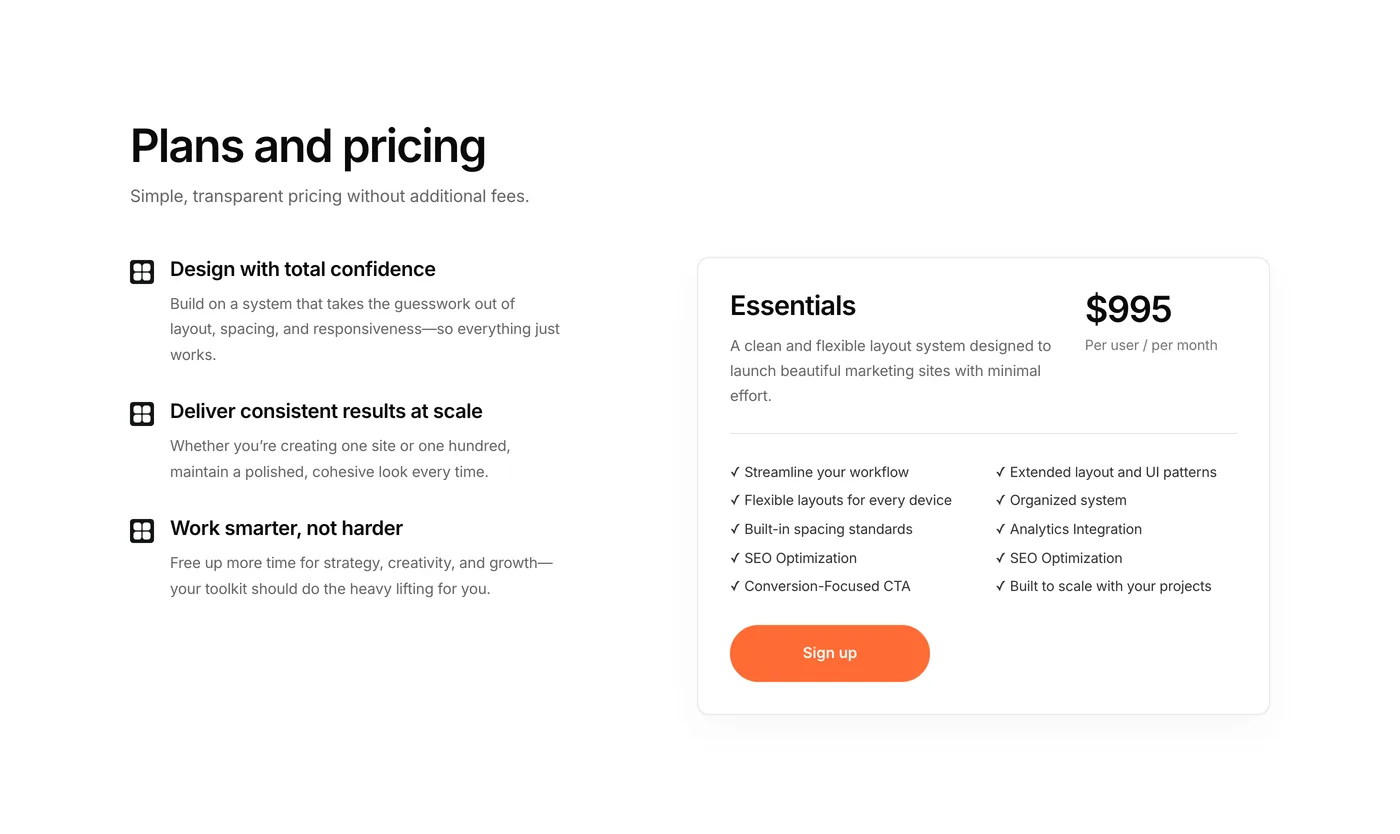
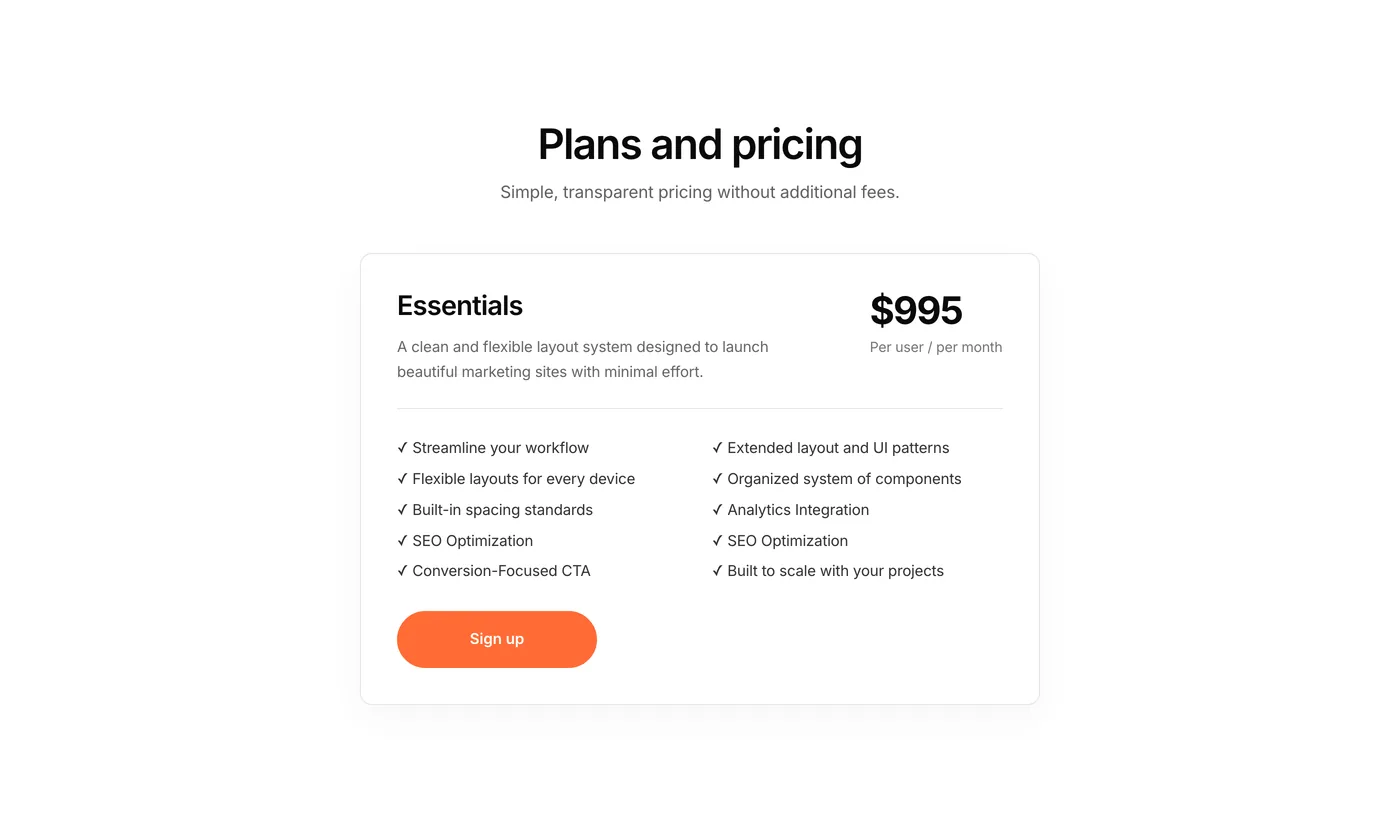
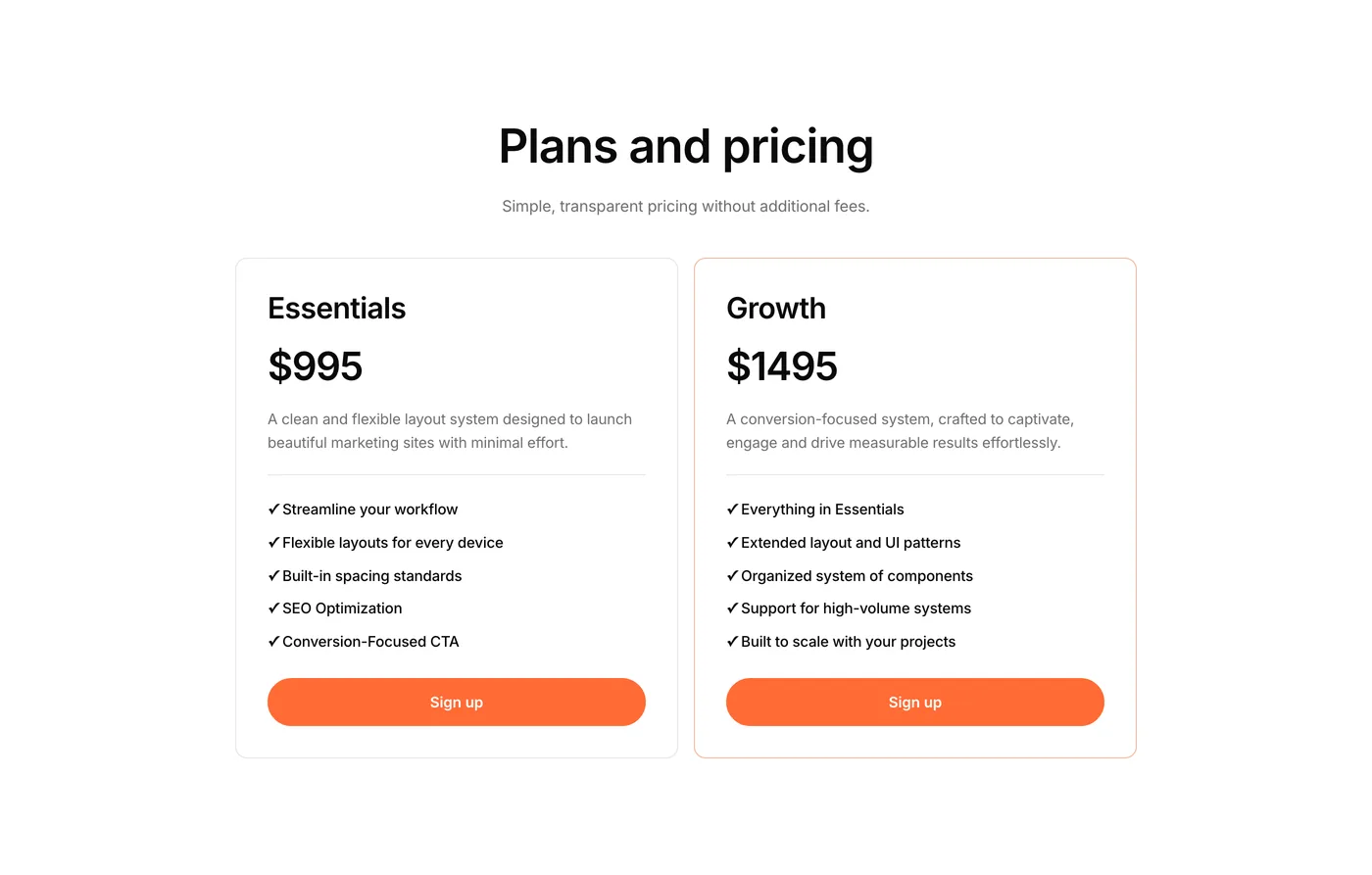
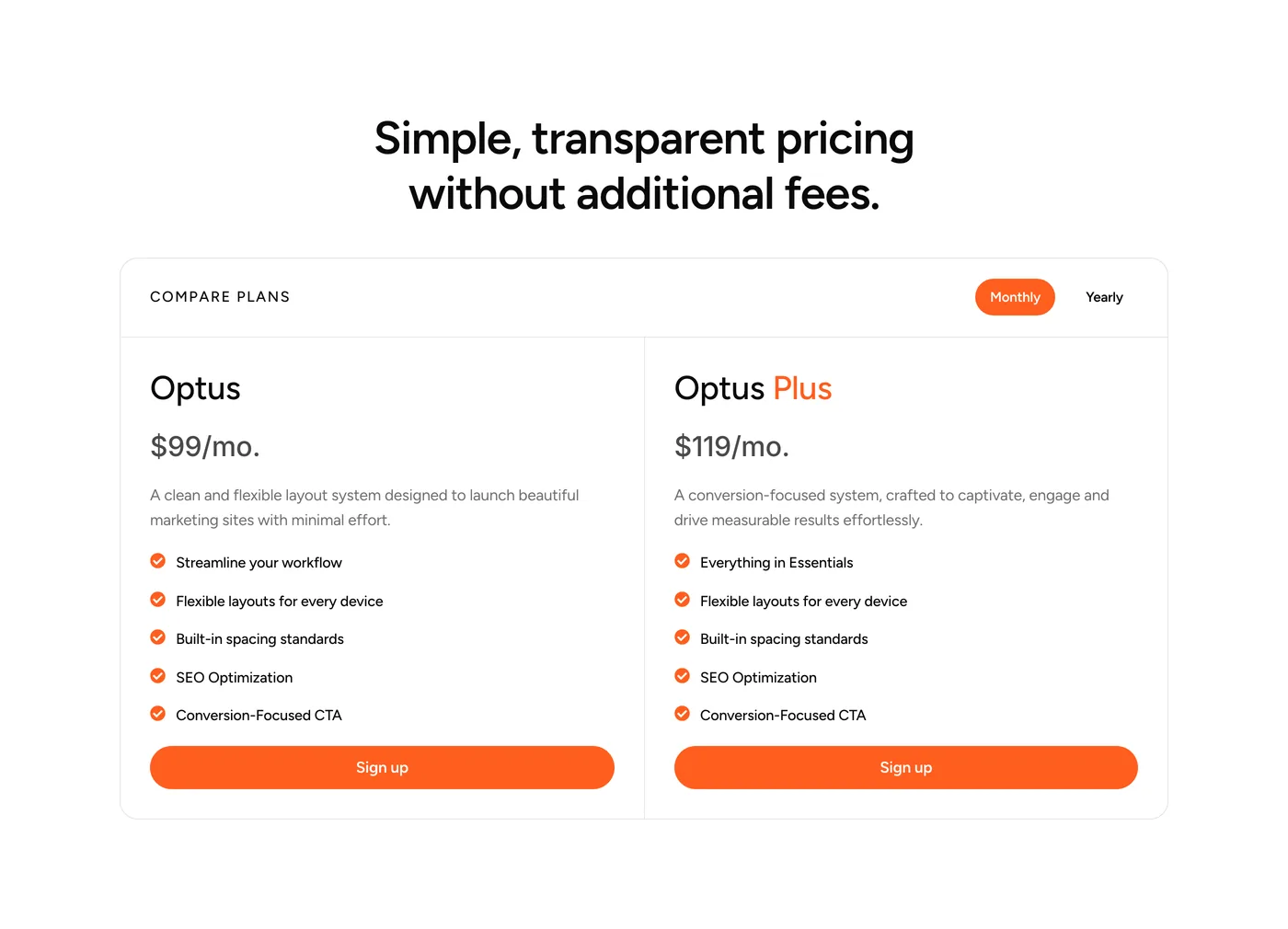
Three new Pro additions this week. Each one replaces something that would normally take an hour or more to build from scratch. Custom tab layouts, refined animations, and a complete pricing section – all ready to copy and paste into any project. No complicated setup – just drop them in and customize them however you want.

Version 2.1
Product updates
April 3, 2026

Weekly update: April 3, 2026

The first of our new weekly updates. Every Friday we’ll share what’s been added to the library that week. Here’s what was released this week:

Version 2.0
Product updates
March 24, 2026

Version 2.0: Introducing Element UI Pro

This is the biggest update to Element UI since launch. Today we’re introducing Element UI Pro — giving you access to more professionally designed components PLUS new code components and dynamic CMS components that make building complete Elementor websites faster than ever.

Pro adds a new layer on top of what has already become the most advanced component library for Elementor. Pro offers the kind of advanced, production-ready sections that used to take hours to build from scratch.

What’s in Pro (so far)

250 Pro Components

The component library has just got even better! We’ve also been tweaking every single component for better results.

Why this matters: You skip the most time-consuming part of web design — getting sections to actually look good. No more tweaking padding, font sizes, and colours for an hour. Drop it in, adjust the content to suit your business, and move on.

12 Code components

Code components are standalone, pre-built CSS and JavaScript sections with animations, hover interactions, and visual effects included.

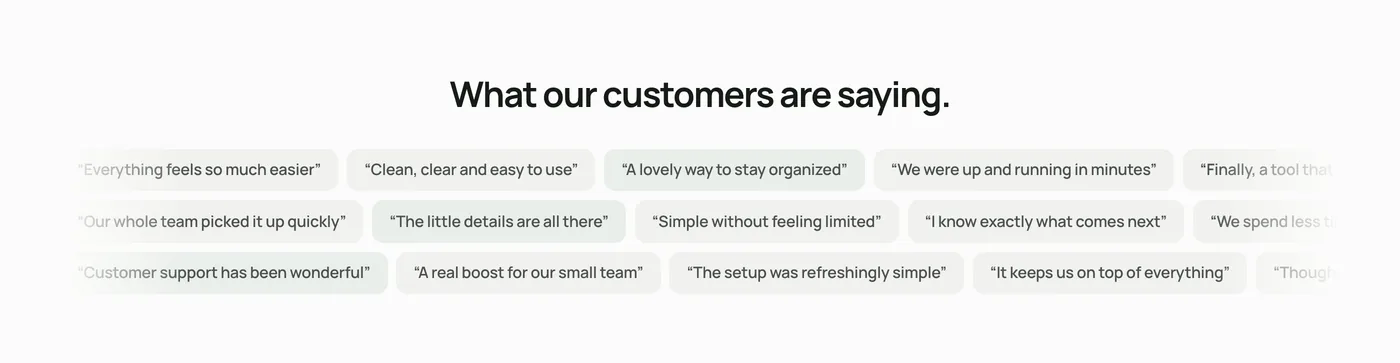
Think: interactive card hovers, testimonial scroll effects and micro-interactions that would normally require a developer or a premium plugin. This is all now available to you to easily copy and paste into your project.

Why this matters: You get the kind of interactive, polished sections that separate amateur sites from professional ones — without writing a single line of code or installing additional plugins. Just copy the section into your page.

Expect many more incredible Code Components to come. I’m releasing new items weekly.

CMS Components — Blog Archive, Blog Loop & Blog Posts

Pro now includes dynamic blog components: Blog Archive page layouts, Blog Loop components for displaying your posts in loop grids, and Blog Post single article layouts.

These are real, database-driven components that pull directly from your WordPress post content. Designed to connect to your actual posts and adapt automatically.

Why this matters: Building a professional blog in Elementor usually means either settling for basic styling or spending hours choosing a layout and configuring dynamic content. These components give you a complete, professionally designed blog system that works out of the box. Connect your content and you’re live.

The library keeps growing

I’m adding new components every week so your Pro membership gets better over time. Check back on the changelog regularly — or just open the library and you’ll see what’s new.

How to get Pro

Head to the Unlock Pro page to get started.

If you’re already building sites with the free library, Pro is the natural next step. More components, more design, more functionality, and less time spent building from scratch.

Thanks for being part of the Element UI community. This launch has been months in the making, and we’re just getting started.

Version 1.8
Product updates
March 14, 2026

Library Refresh

A big round of updates across the component library. Every component has been reviewed and refined to feel more consistent, cleaner, and easier to work with.

What’s changed:

  • Streamlined layouts and spacing across all components for a more uniform feel
  • Tidied up structure for more consistent customization
  • Improved responsive behaviour across the board
  • Simplified containers and tightened up styling

This isn’t a flashy feature drop — it’s the kind of under the hood work that makes everything better to use day-to-day. Open the library and you’ll notice the difference!

Version 1.71
Product updates
December 9, 2025

December update: New components


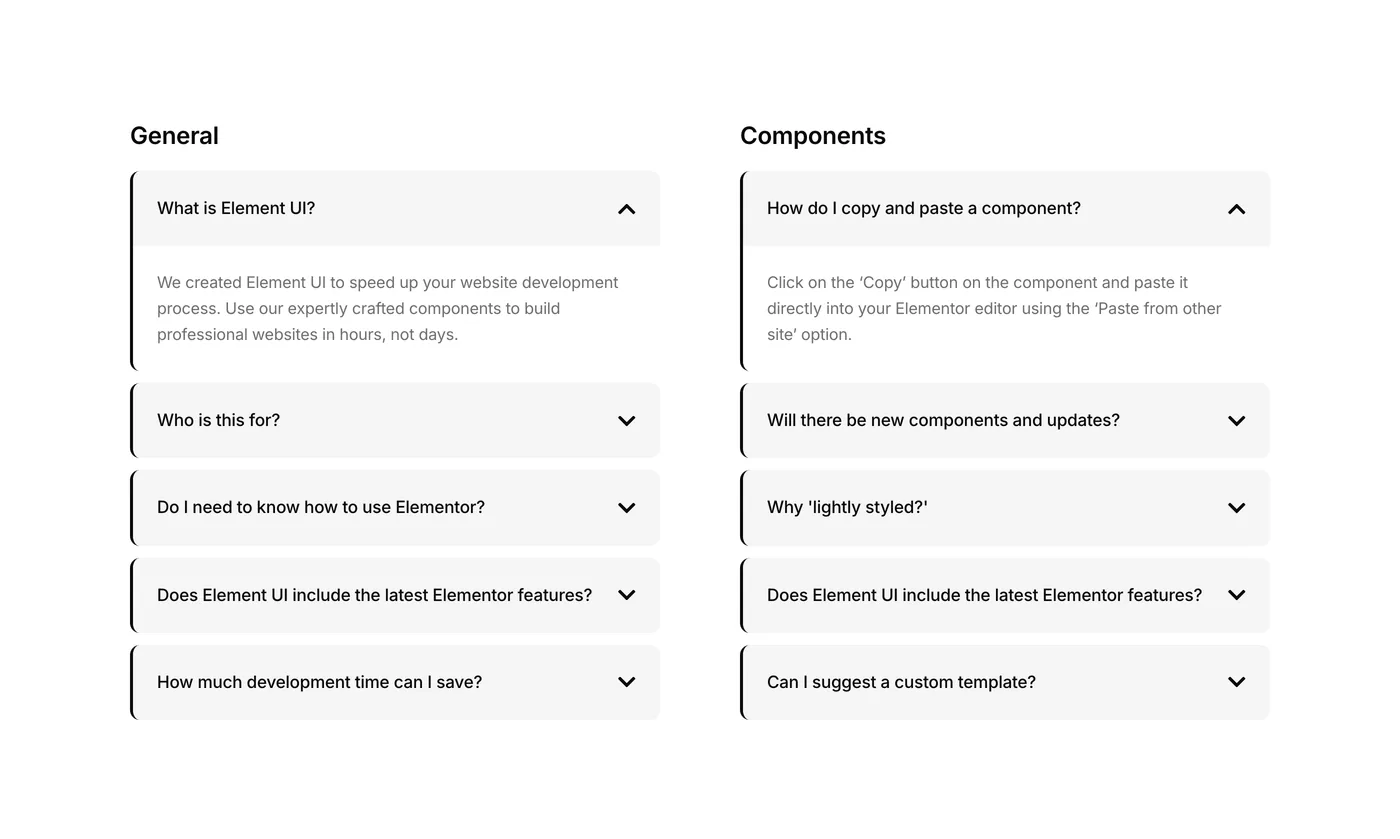
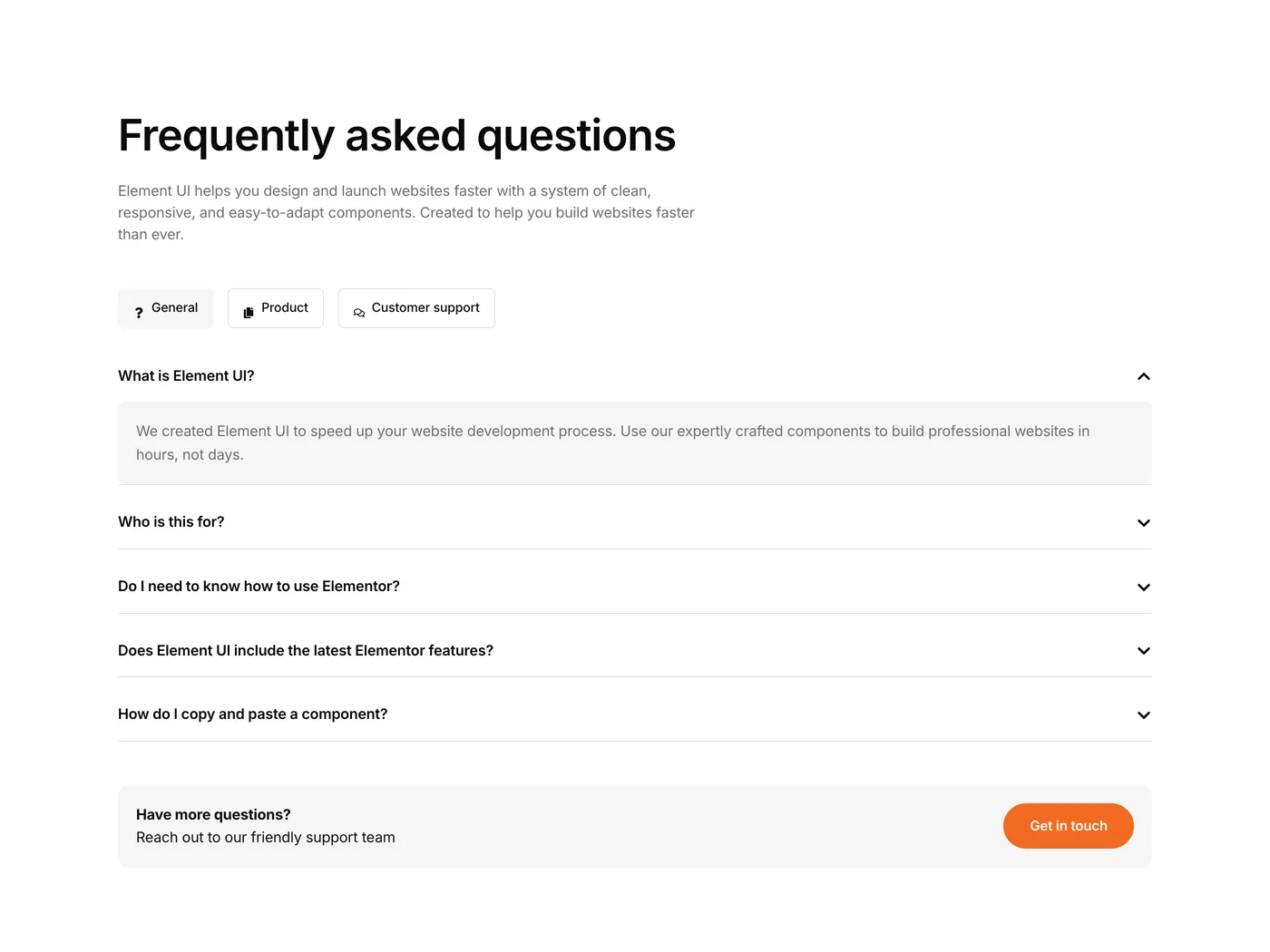
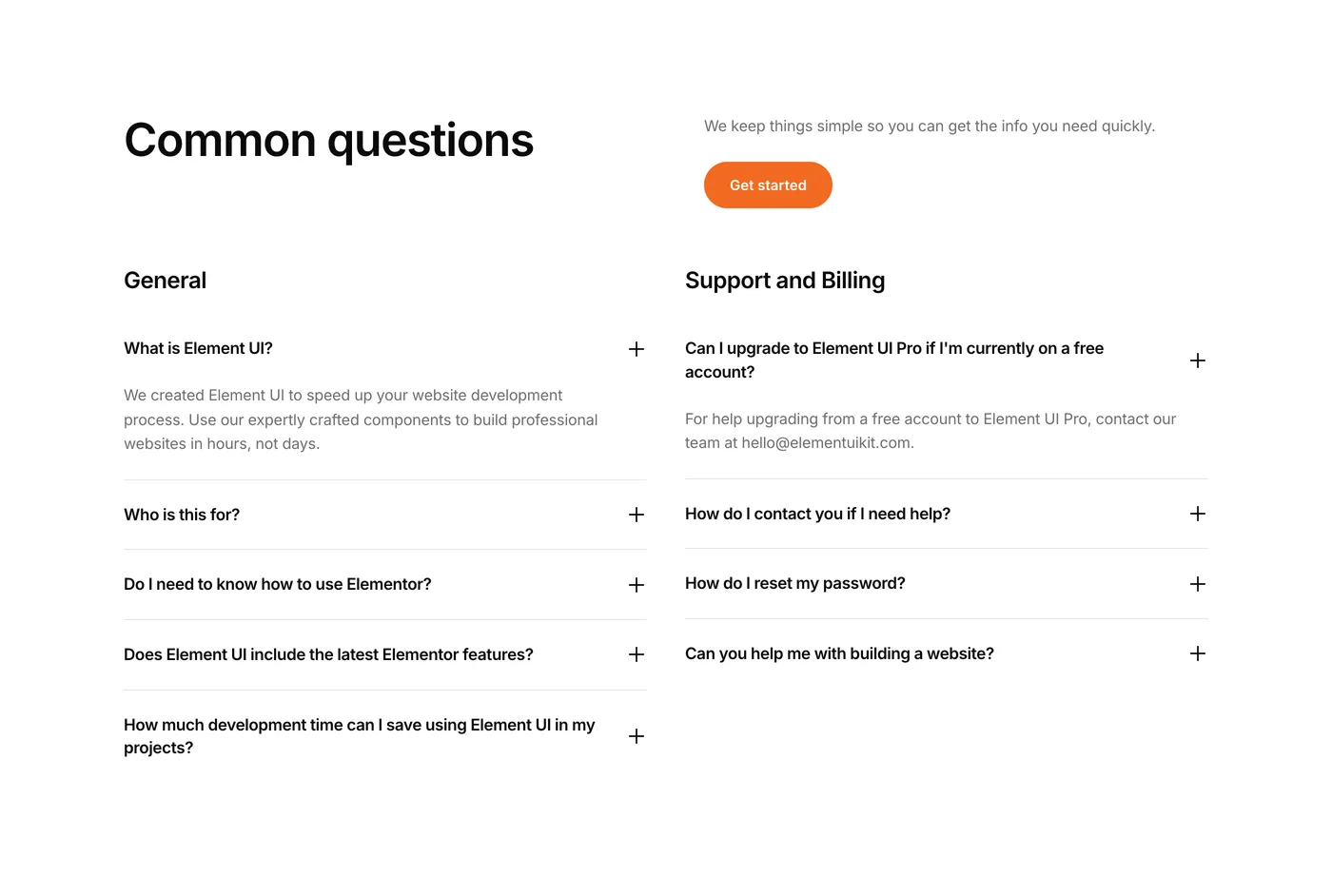
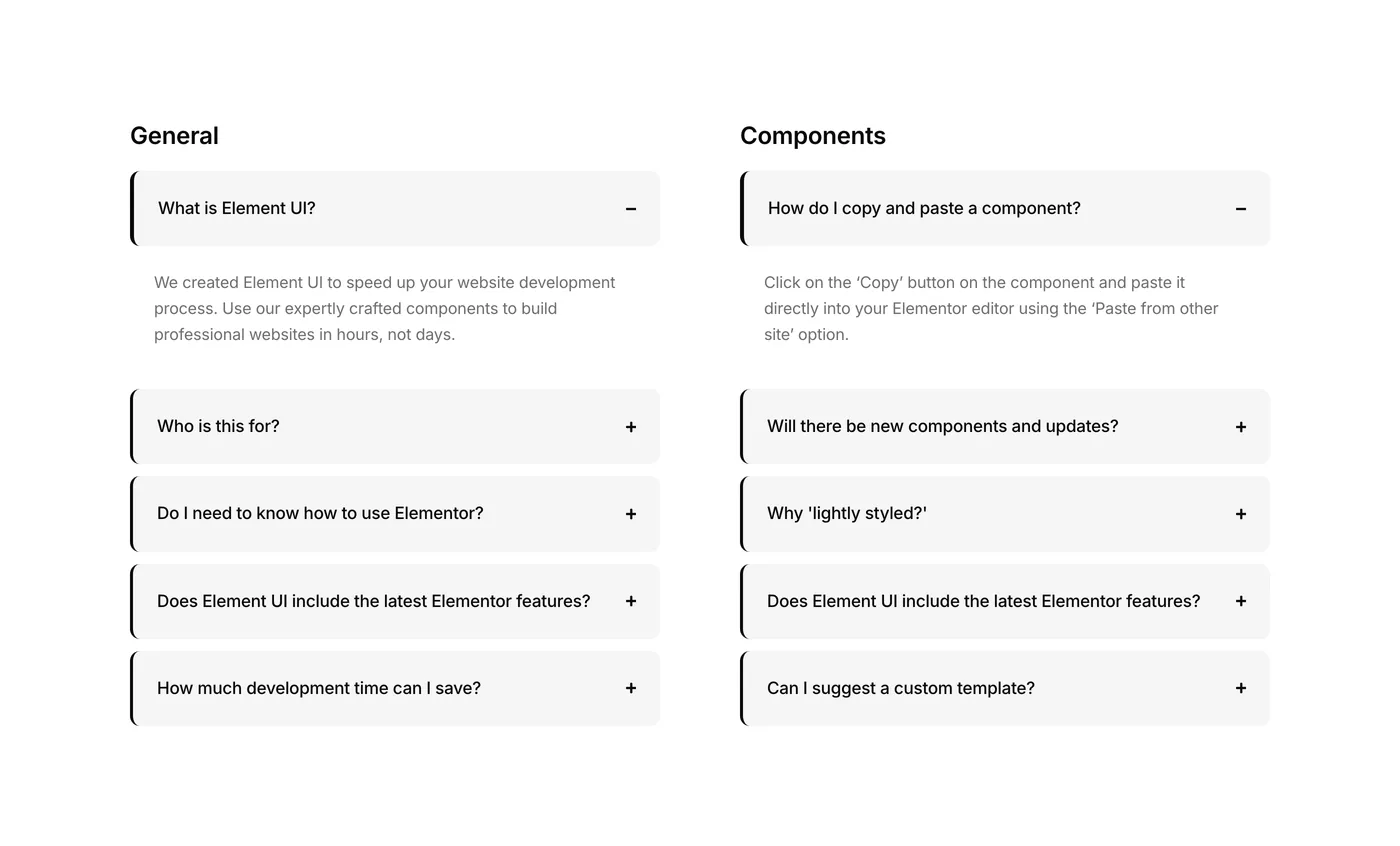
We’ve added several new components to the Element UI library – including Component #FAQ 13, one of our most functional and visually polished FAQ blocks yet.

FAQ 13 highlights:

  • Tabbed layout for multiple FAQ categories (e.g. General, Product, Support)
  • Clean accordion toggle behavior
  • Fully responsive and optimized for readability
  • Includes a built-in Call-to-Action container to direct users toward your contact form or support team

Perfect for SaaS sites, service businesses, or any project where support clarity matters.

Why it matters:
This isn’t just an FAQ block, it’s a conversion boosting, user support enhancing machine. Help visitors find answers fast and drive them to action with the built-in CTA.

Also just added:

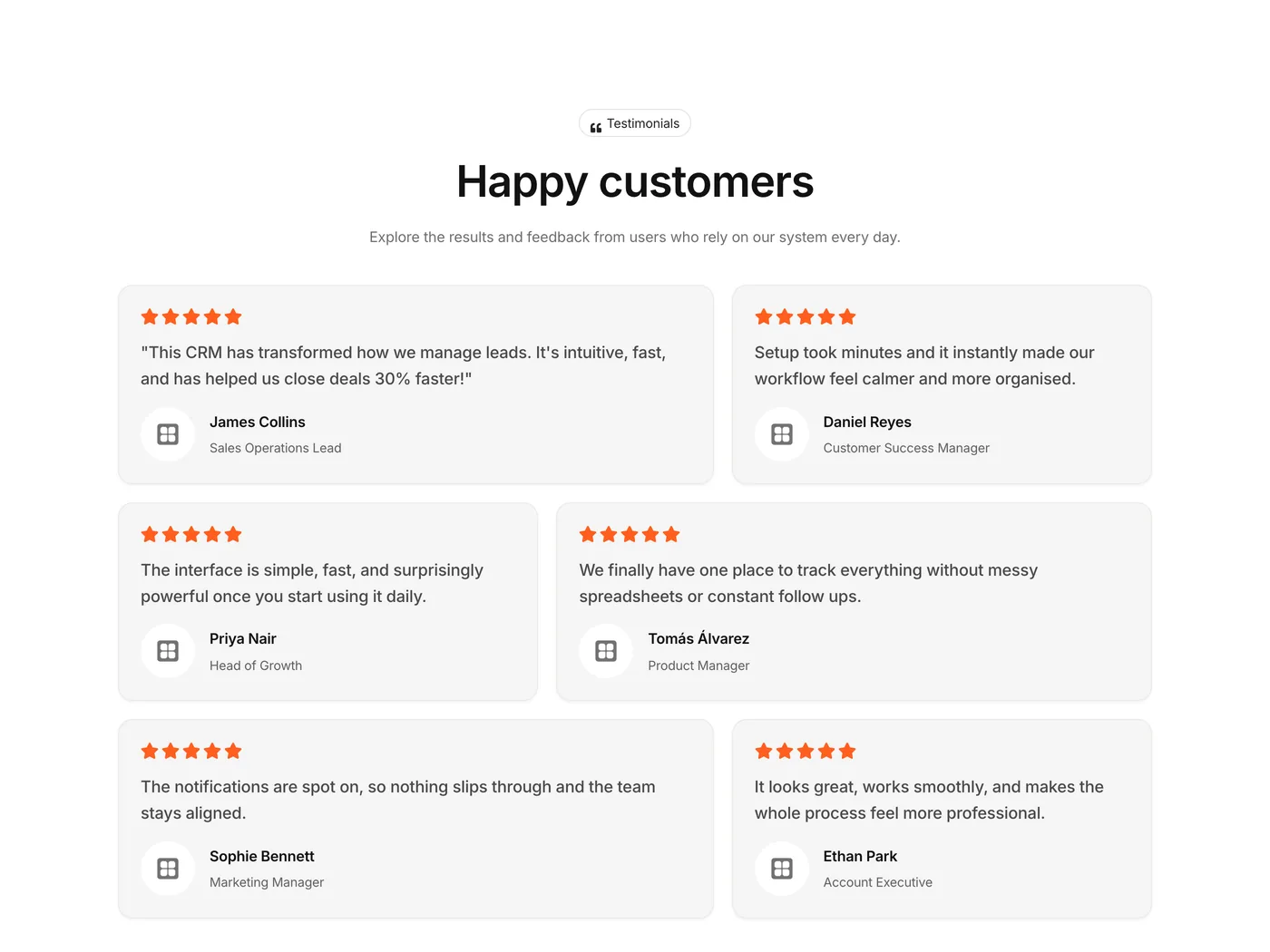
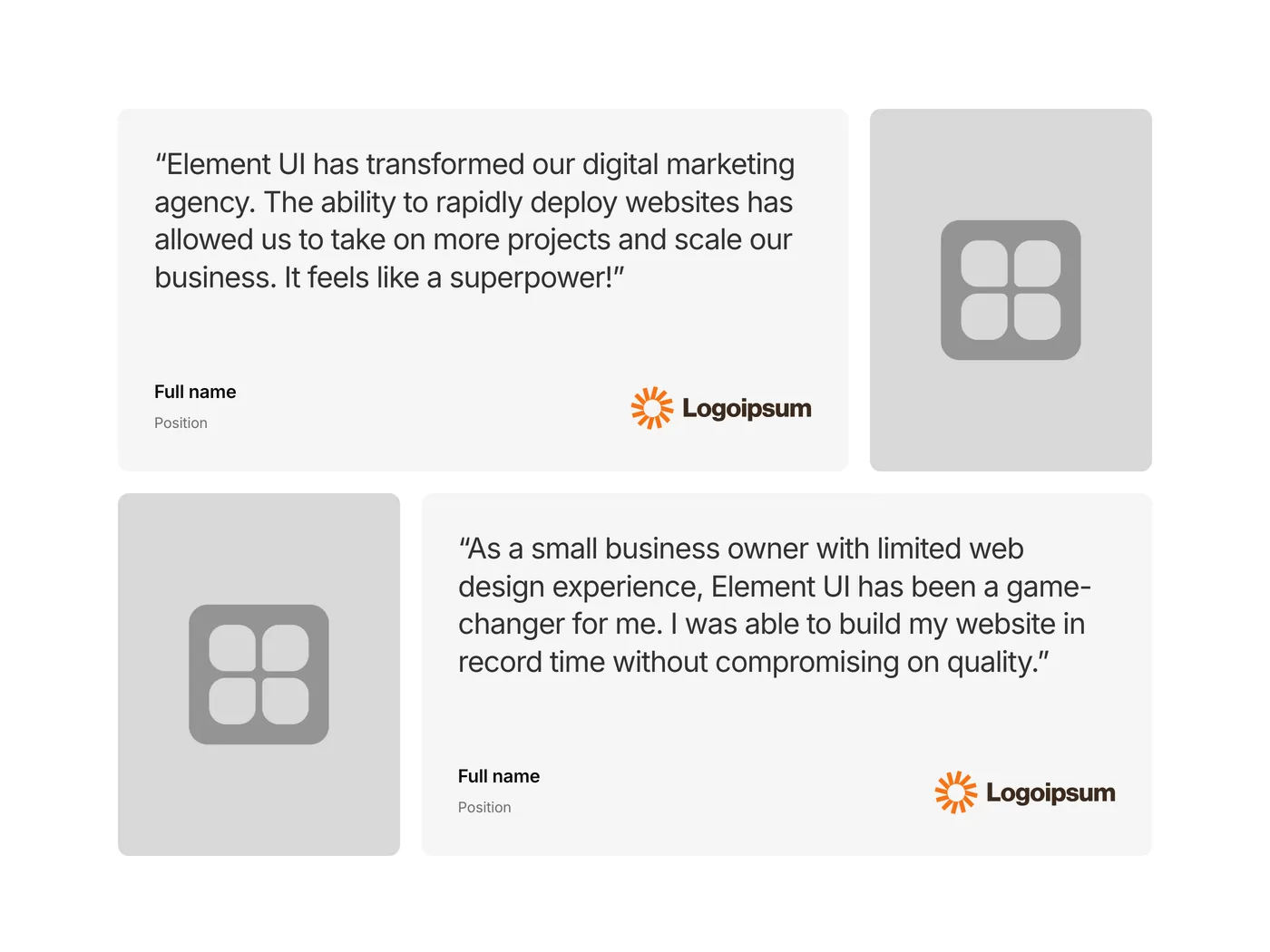
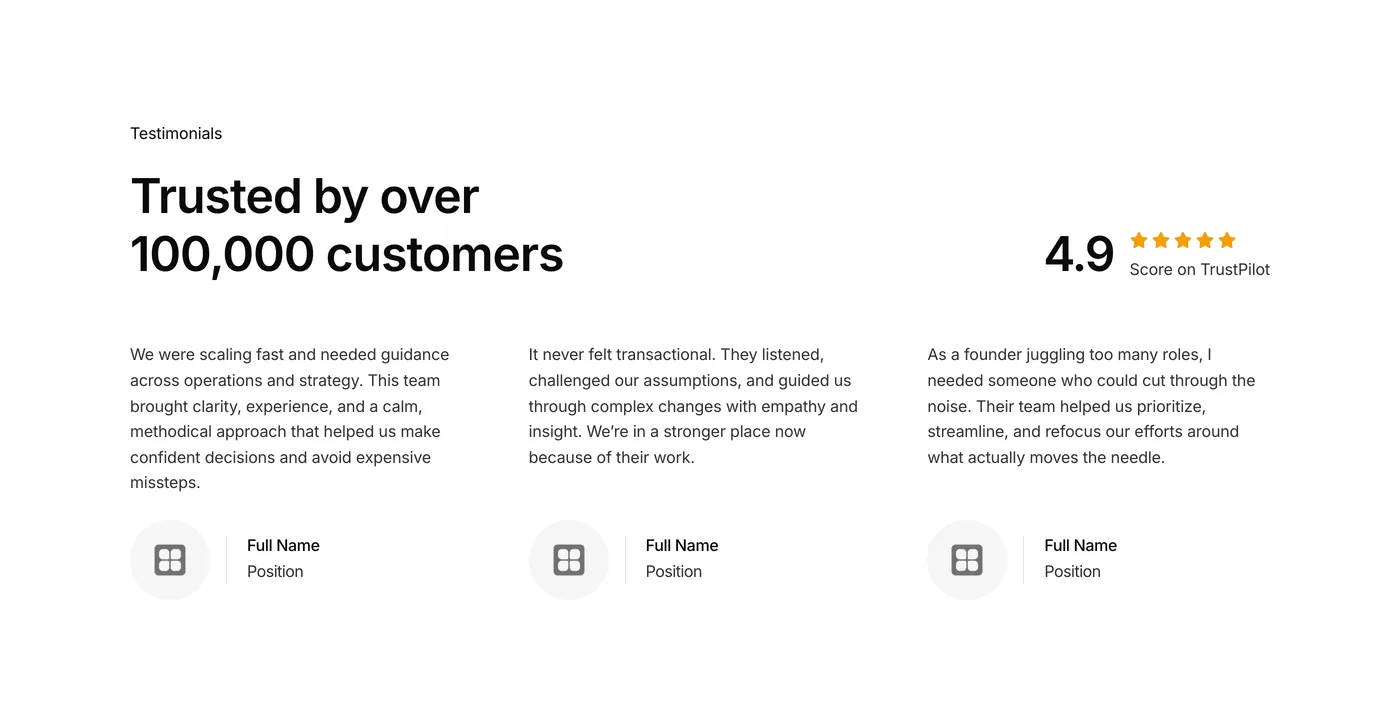
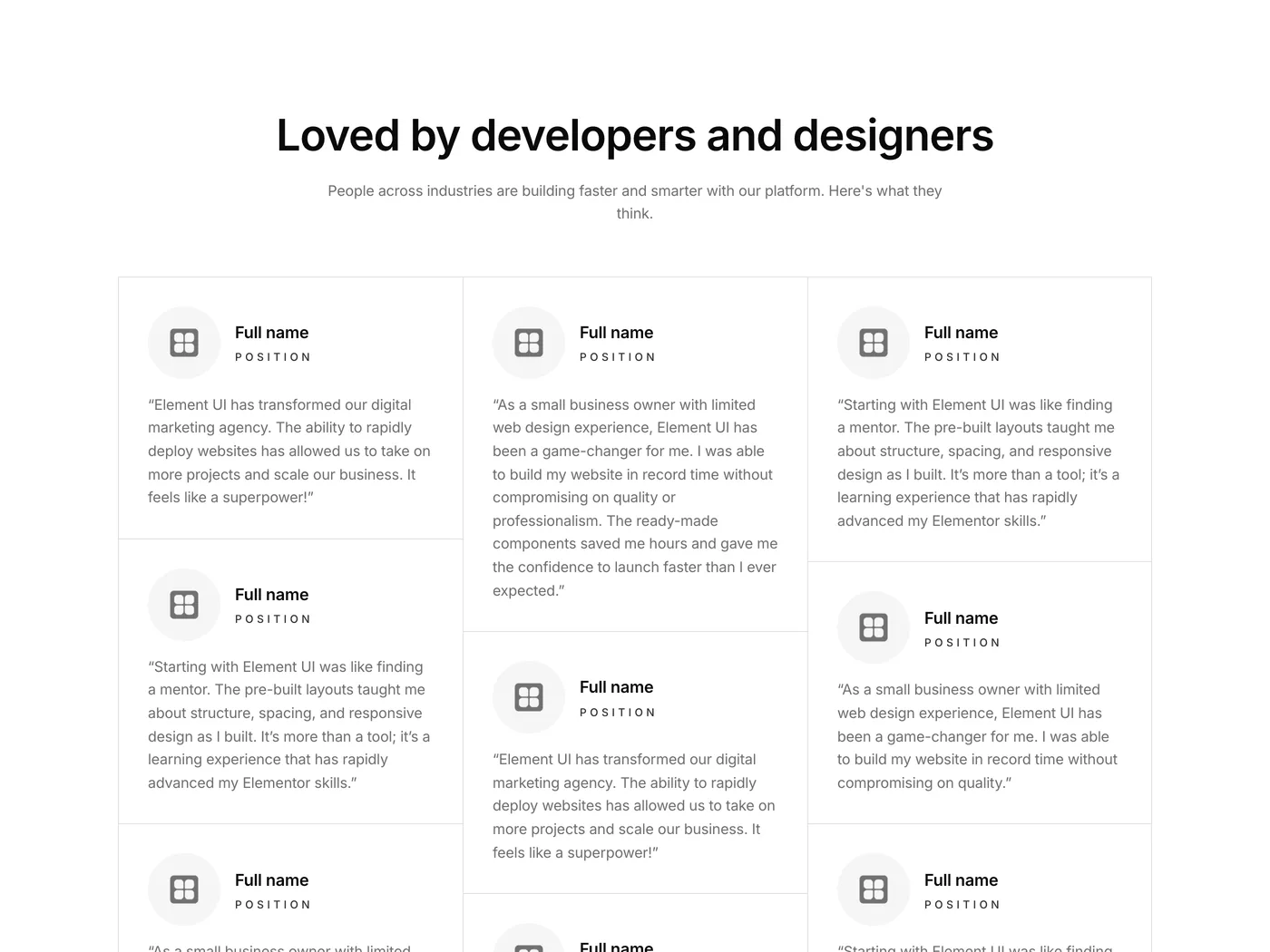
  • Testimonial components
  • Pricing components
  • About components

All components are built with Flexbox Containers, lightly styled for easy theming, and ready to paste into any Elementor project.

Version 1.7
Product updates
September 27, 2025

September update: New ‘About’ category!

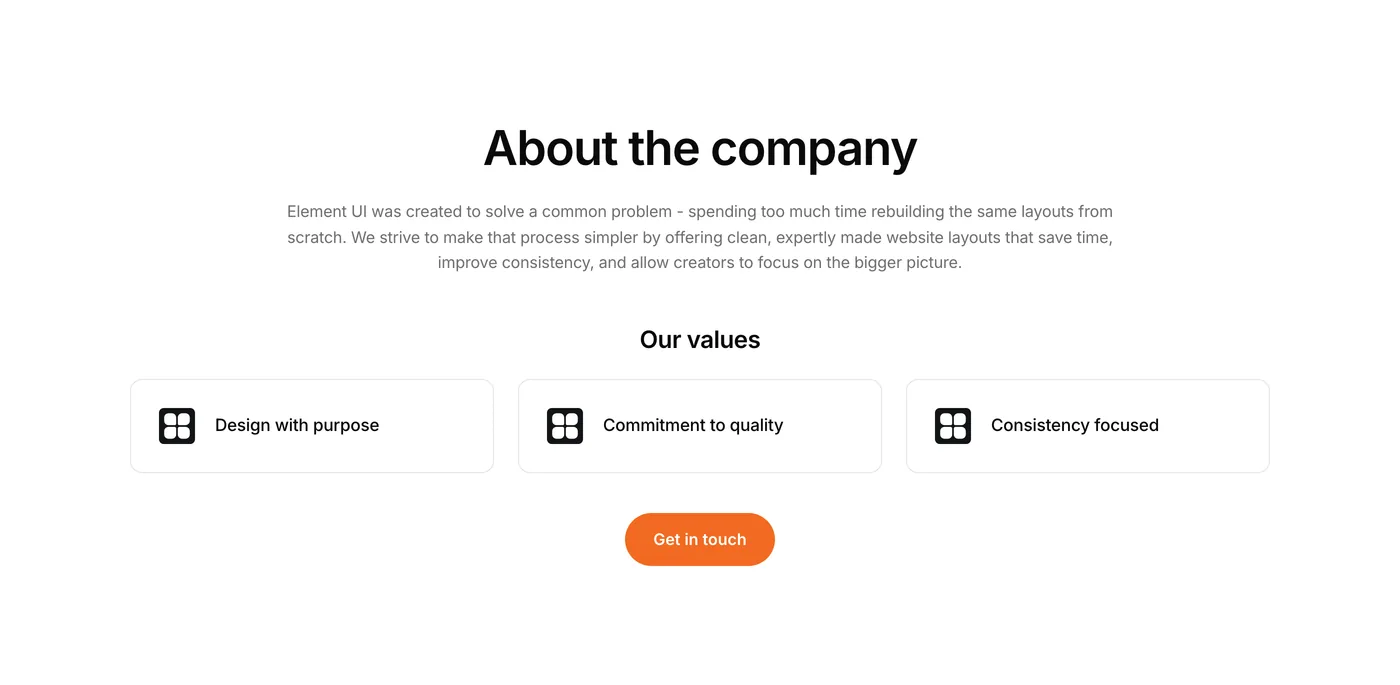
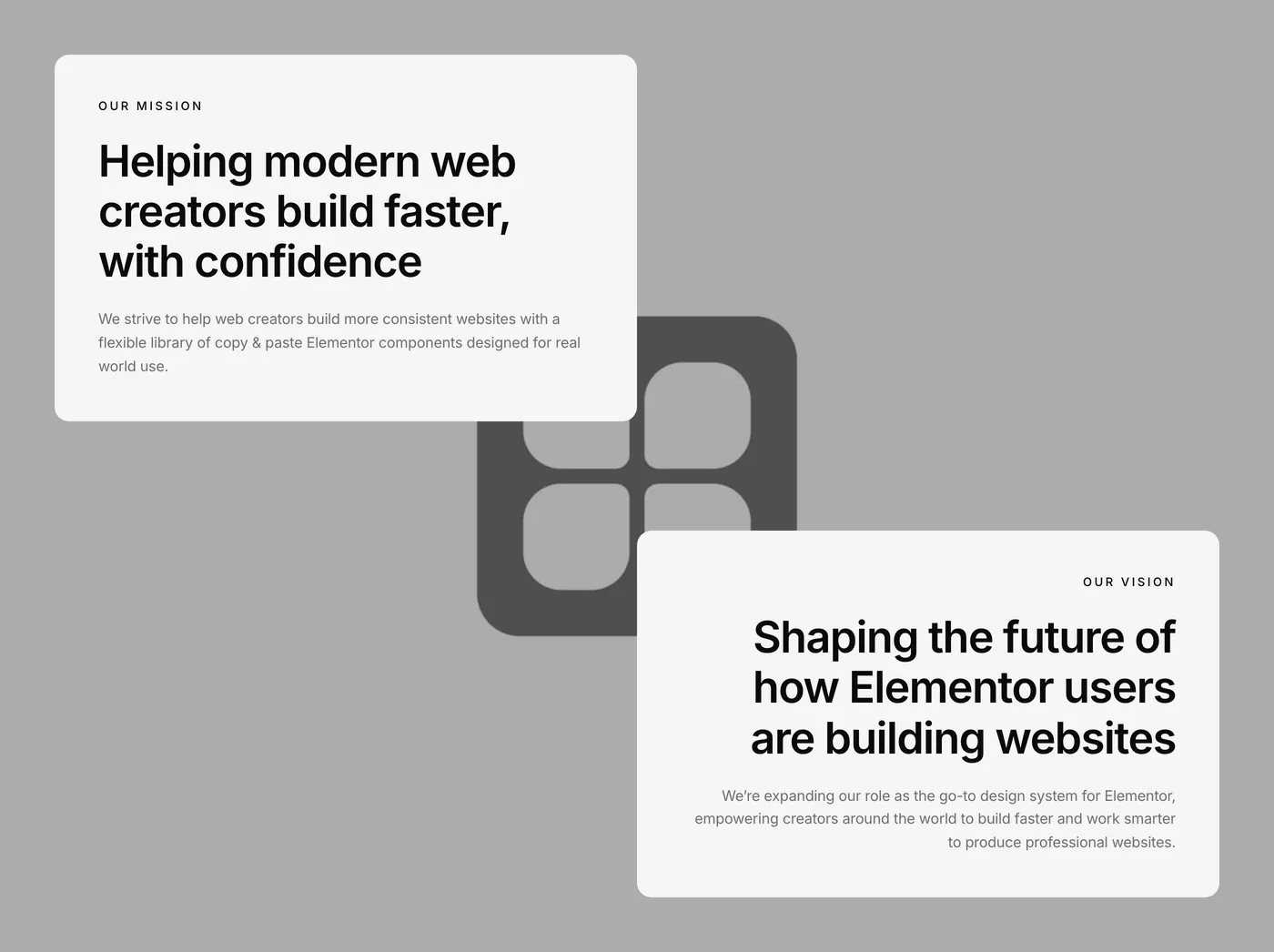
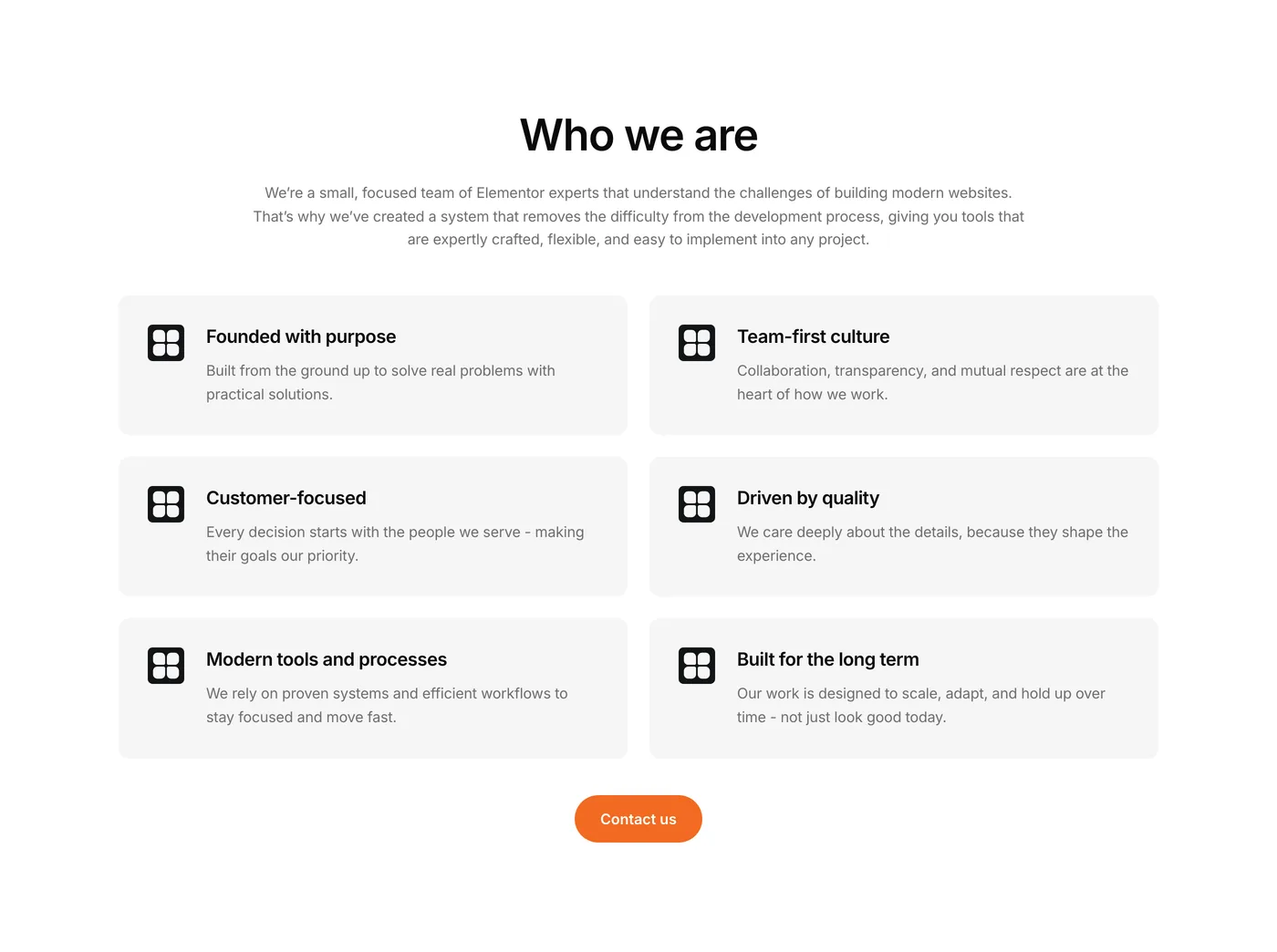
You asked for it, and it’s here. The About category is now live, with components designed to bring personality and depth to your website. Whether you’re introducing your brand, sharing your values, or showcasing your journey, these sections are built to help you connect.

  • Long-form storytelling blocks
  • Mission & values
  • Timeline and “Our history” layouts
Version 1.6
Product updates
May 28, 2025

May Update: Revamped Components

We’ve given a major facelift to most of our existing components. These aren’t just tweaks – we’ve implemented design improvements across the board to give you:

✅ More modern visuals
✅ Cleaner structure
✅ Better usability
✅ Improved responsiveness

Everything just feels sharper, faster and more intentional (chef’s kiss 🤌)

Version 1.5
Product updates
February 25, 2025

February Update! What’s new in Element UI

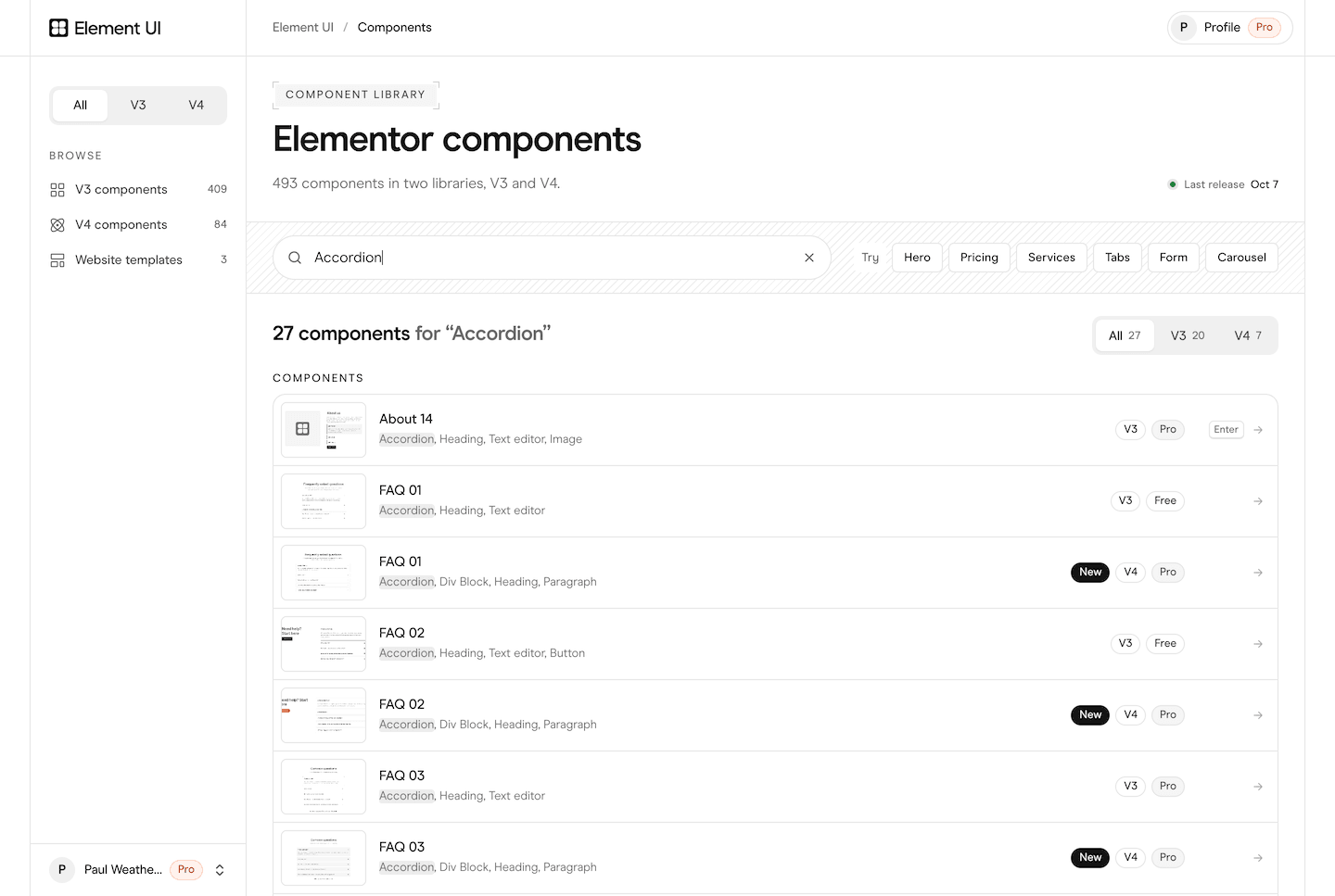
We’ve been hard at work expanding our component library so you can build even better websites in less time. This month, we’ve added 22 new components to help you build faster, including:

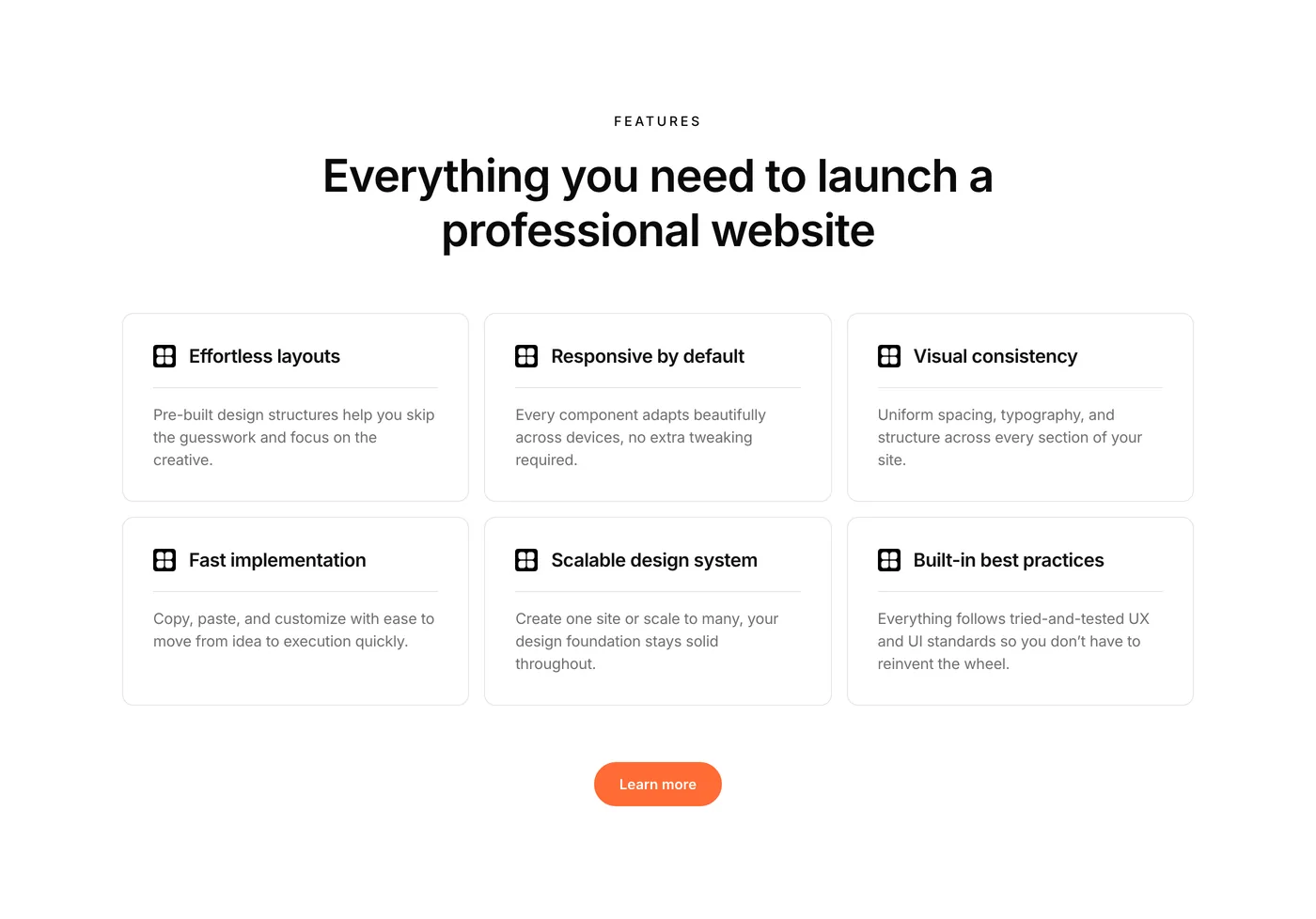
  • 3 Feature components to showcase your best selling points.
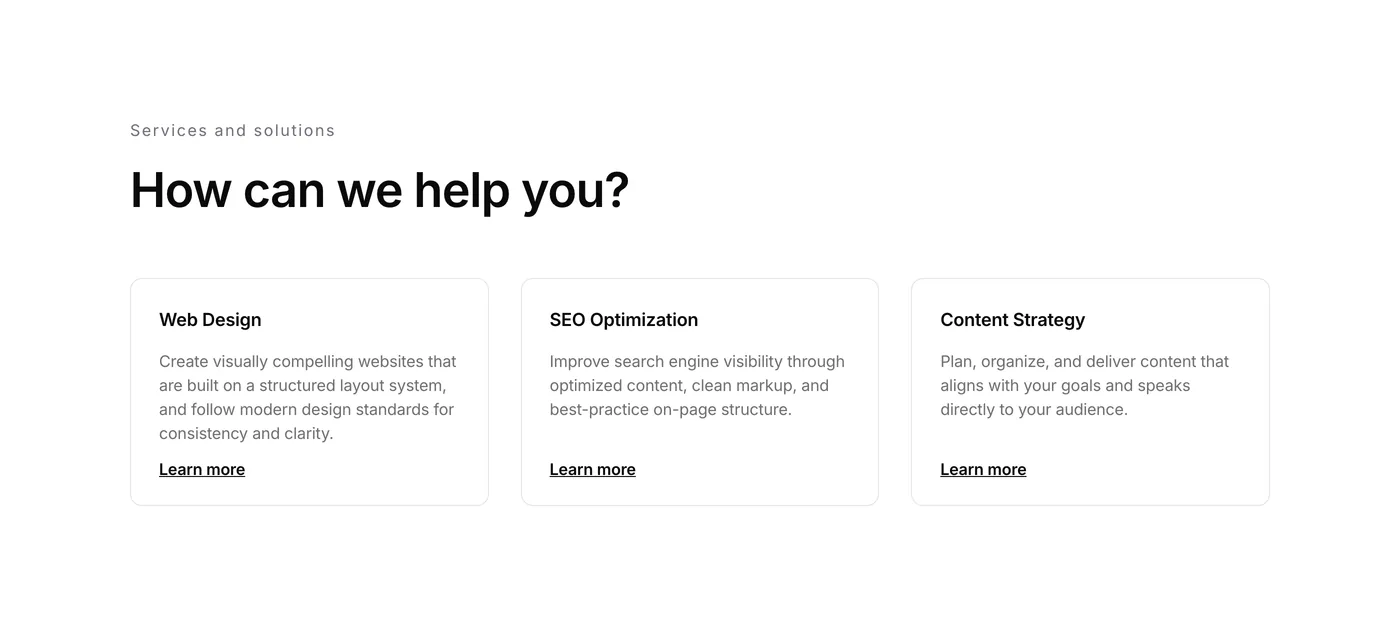
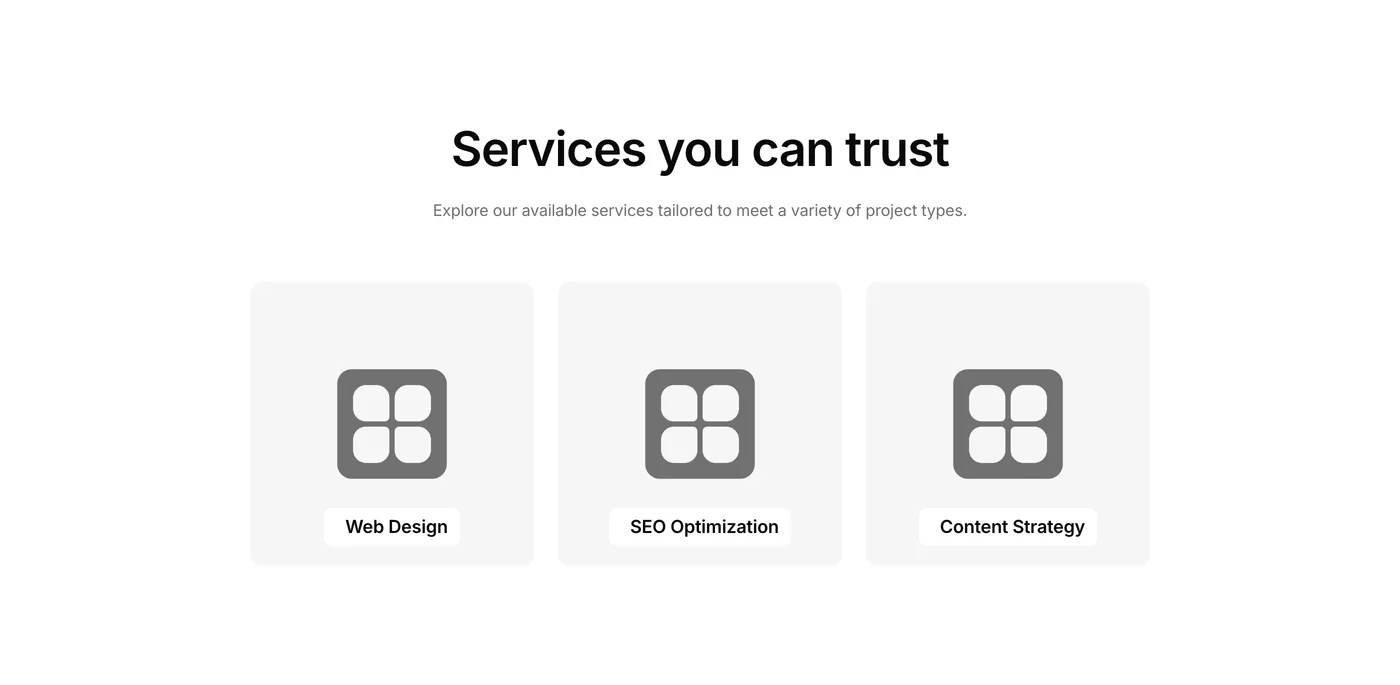
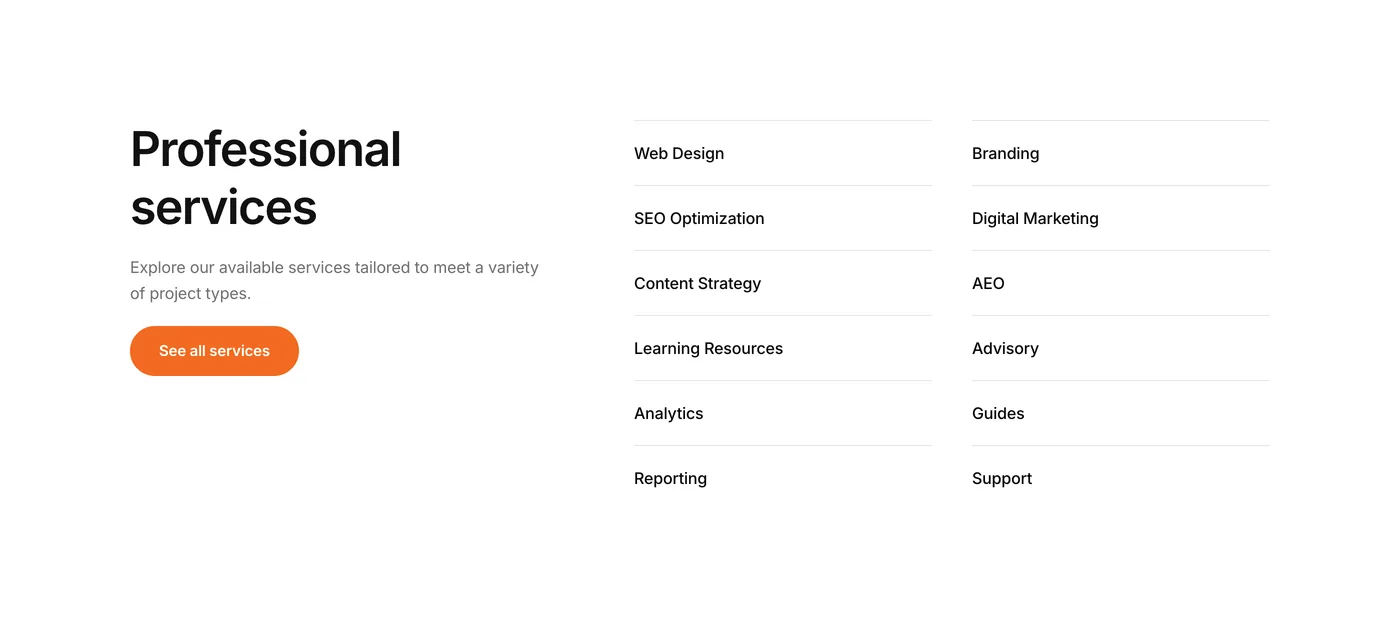
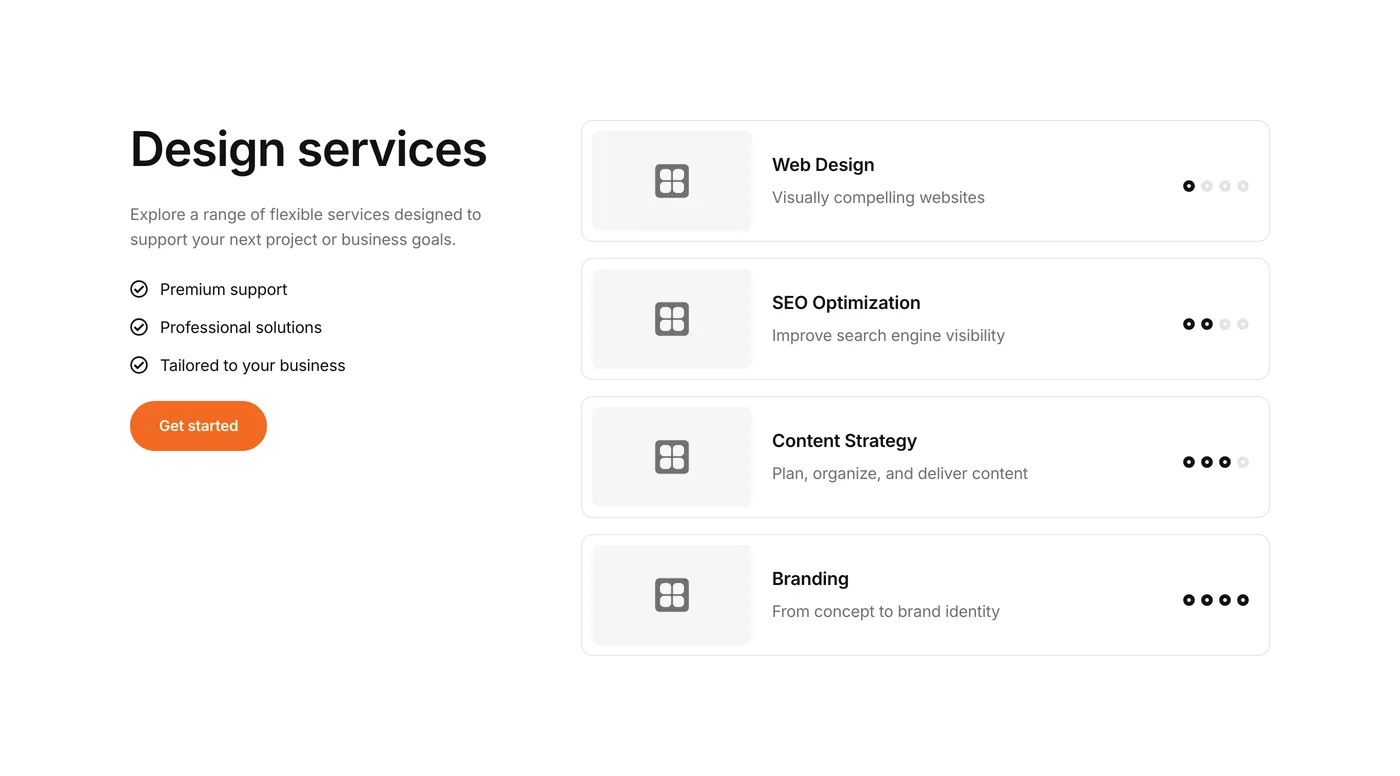
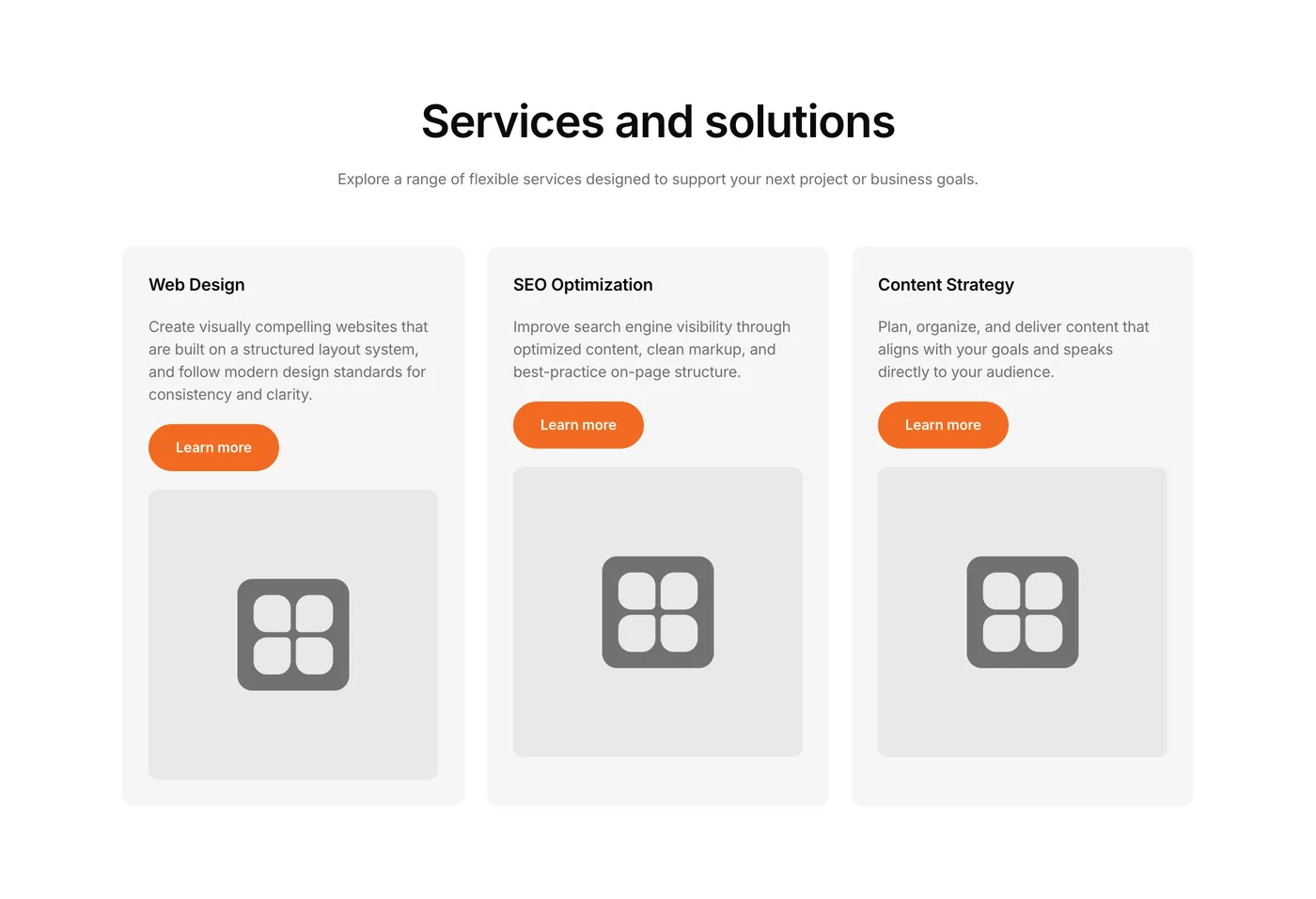
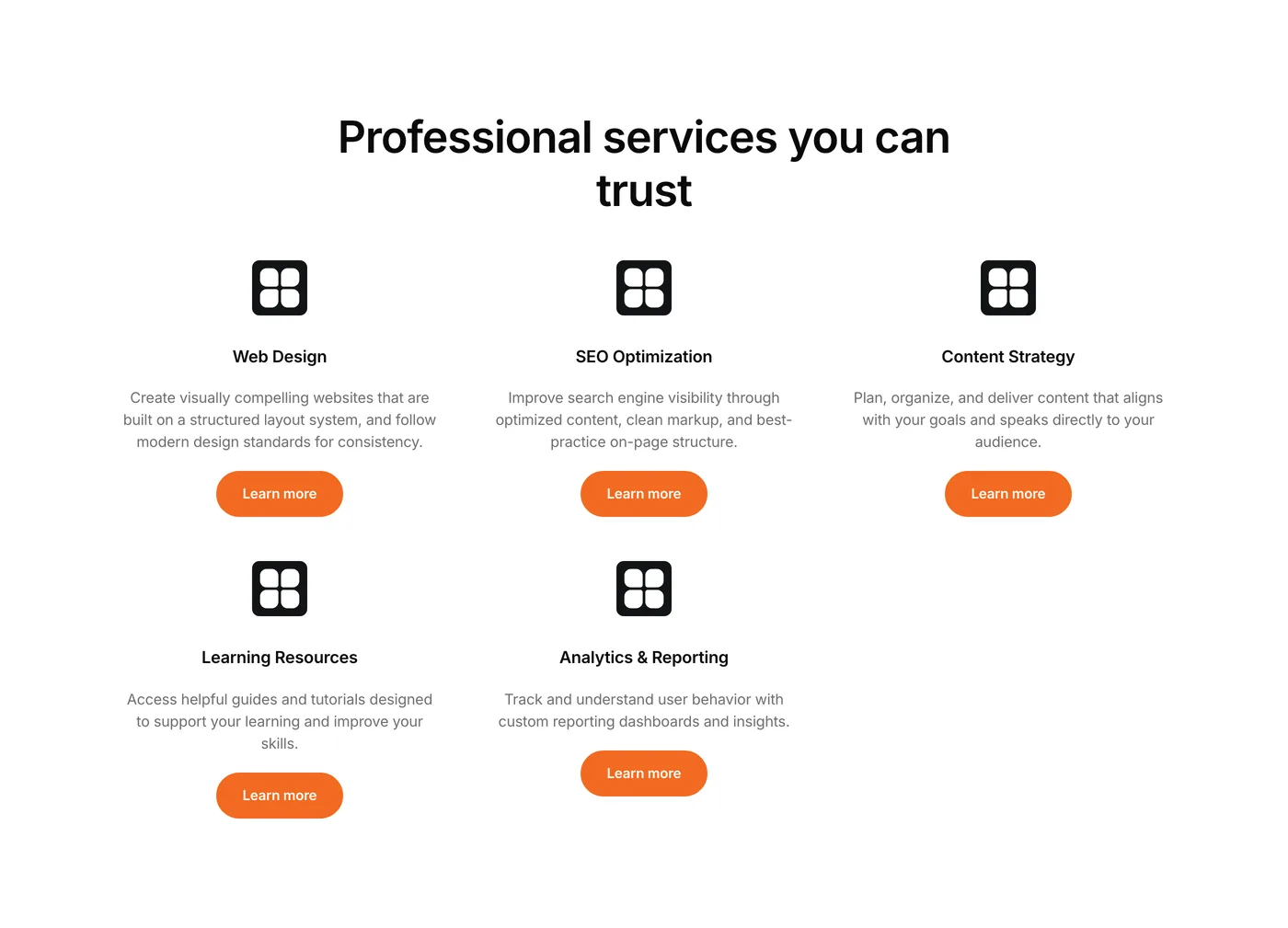
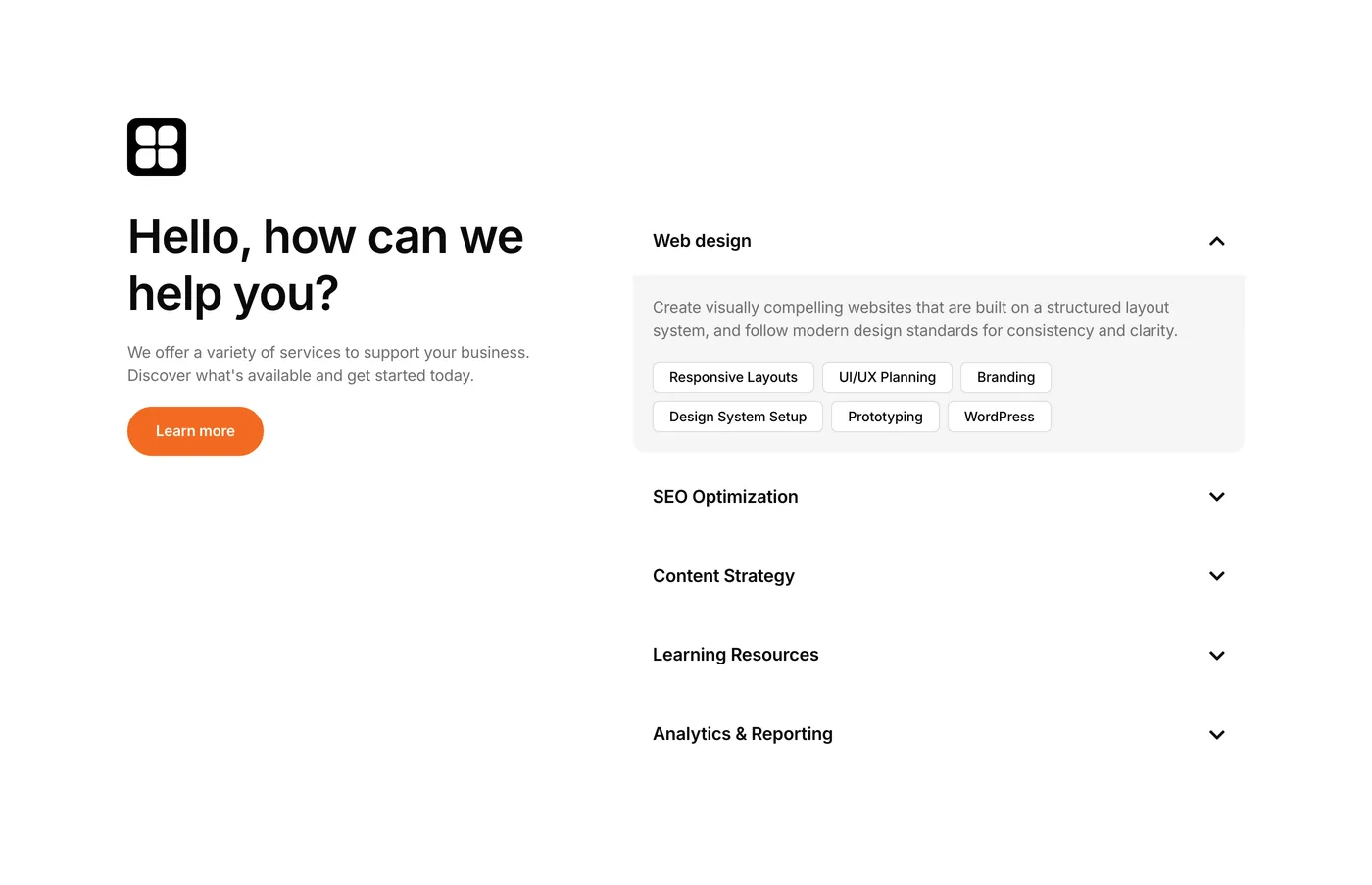
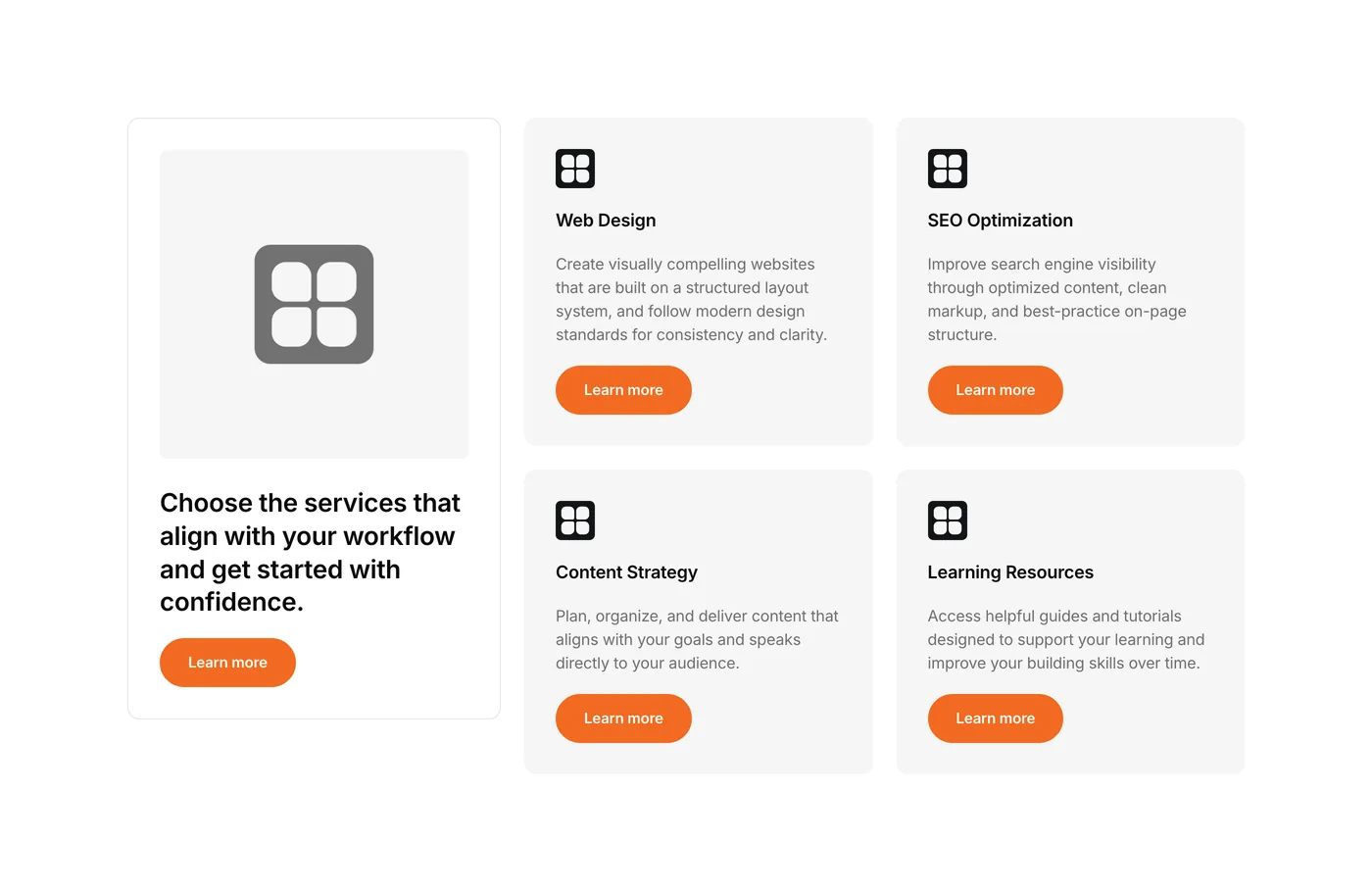
  • 5 Services components perfect for agencies and service providers.
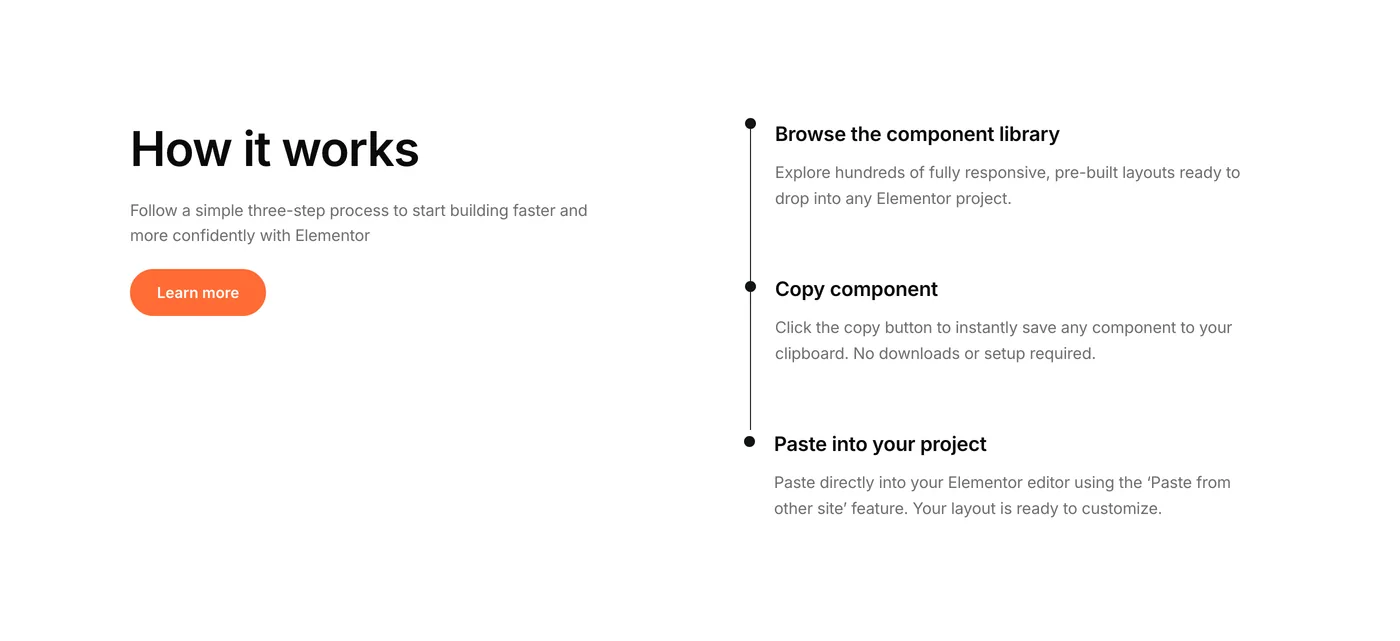
  • 3 How it works components to explain your processes clearly.
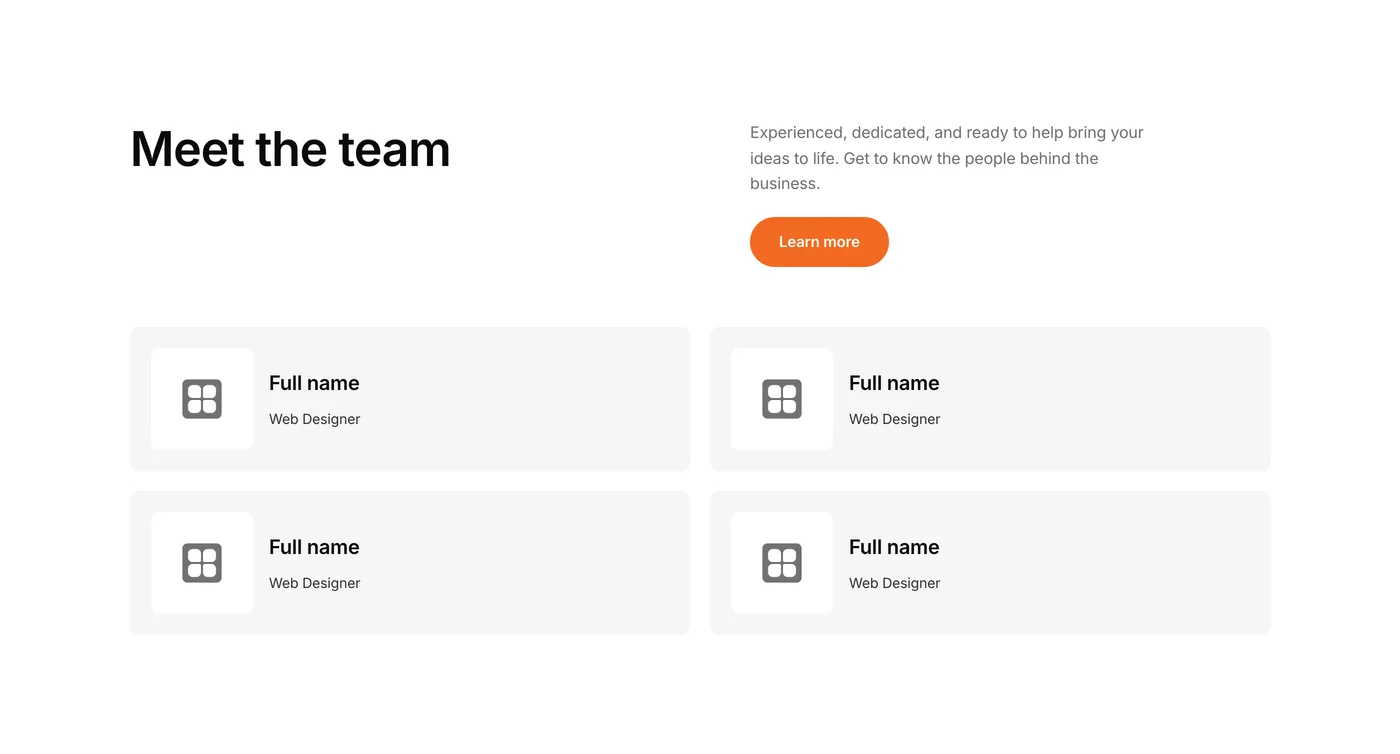
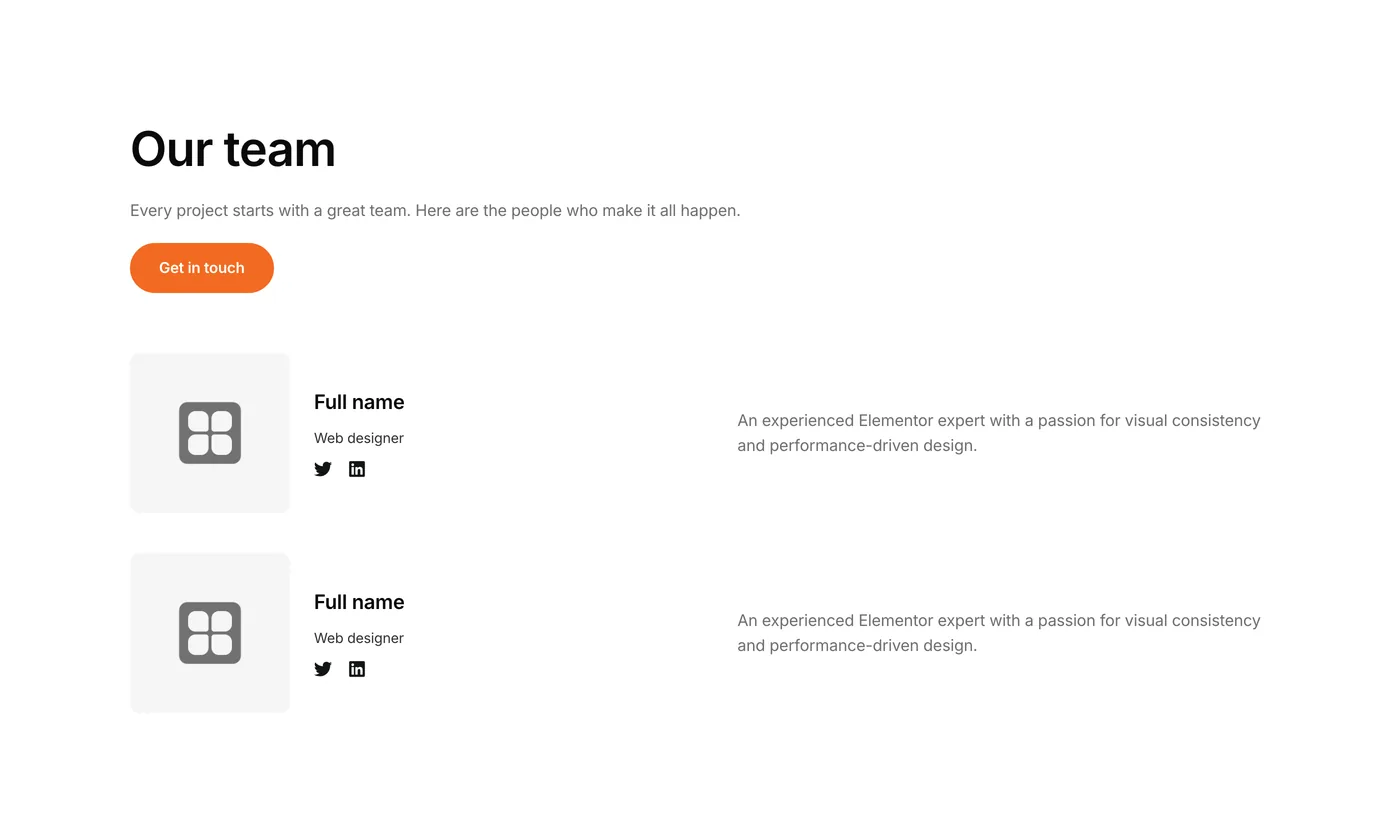
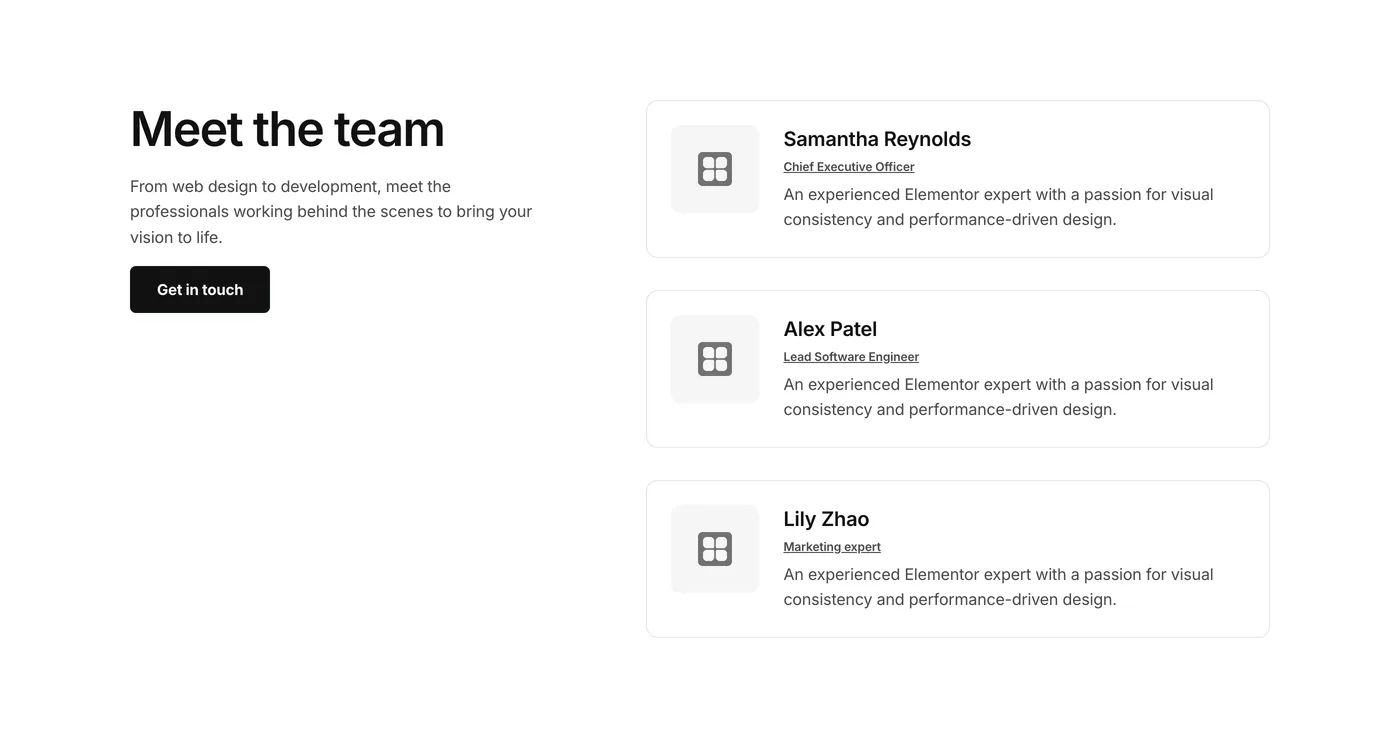
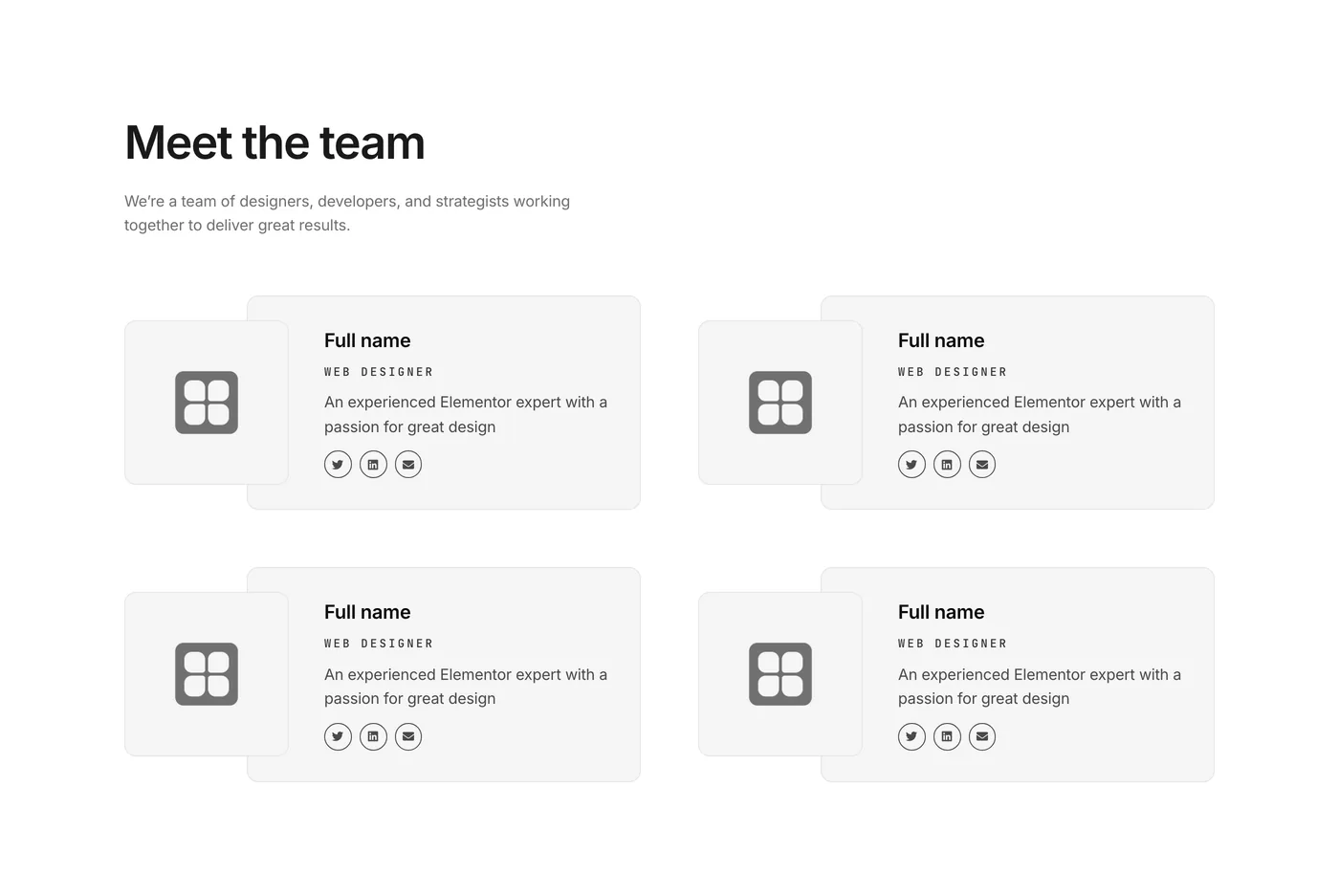
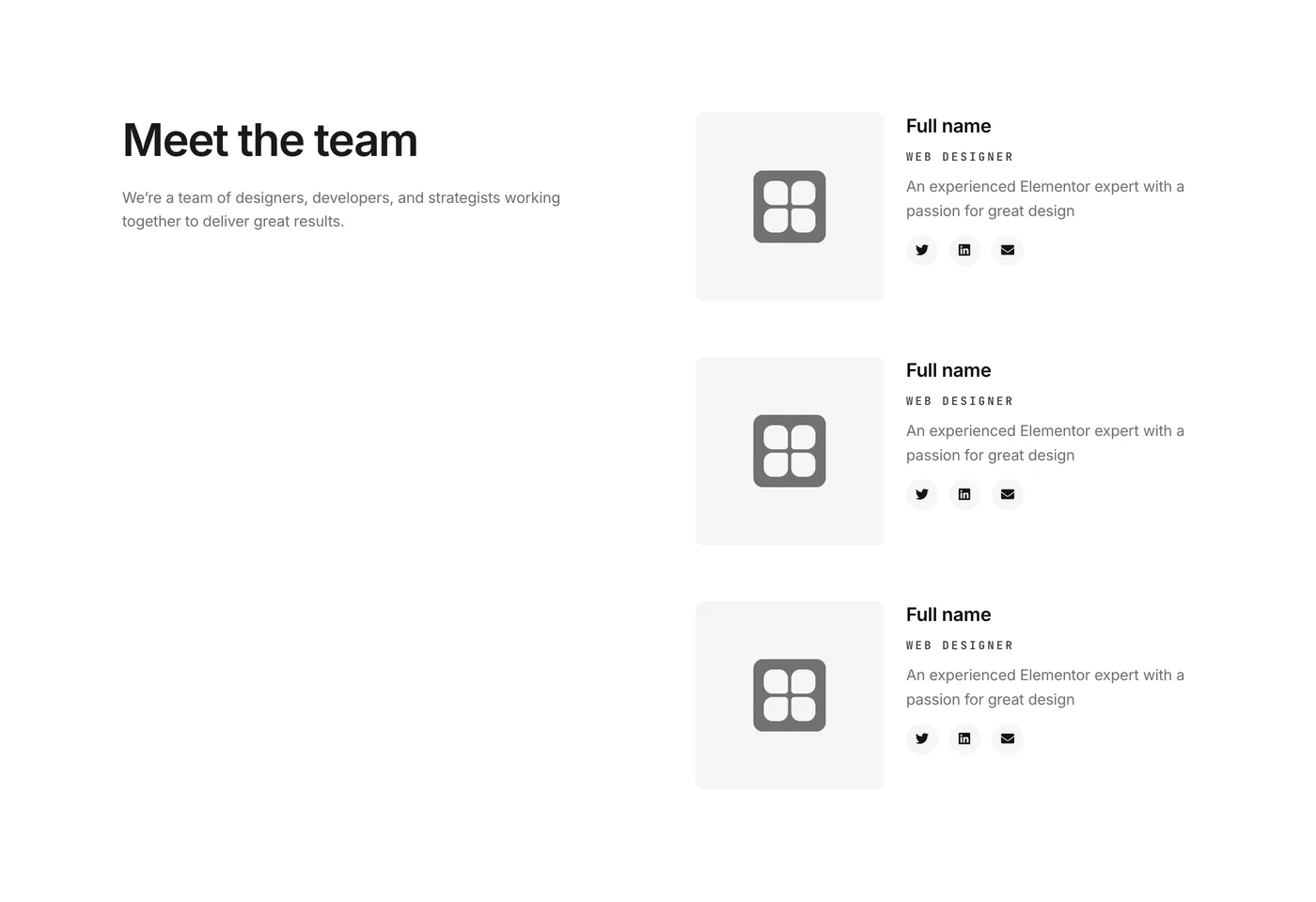
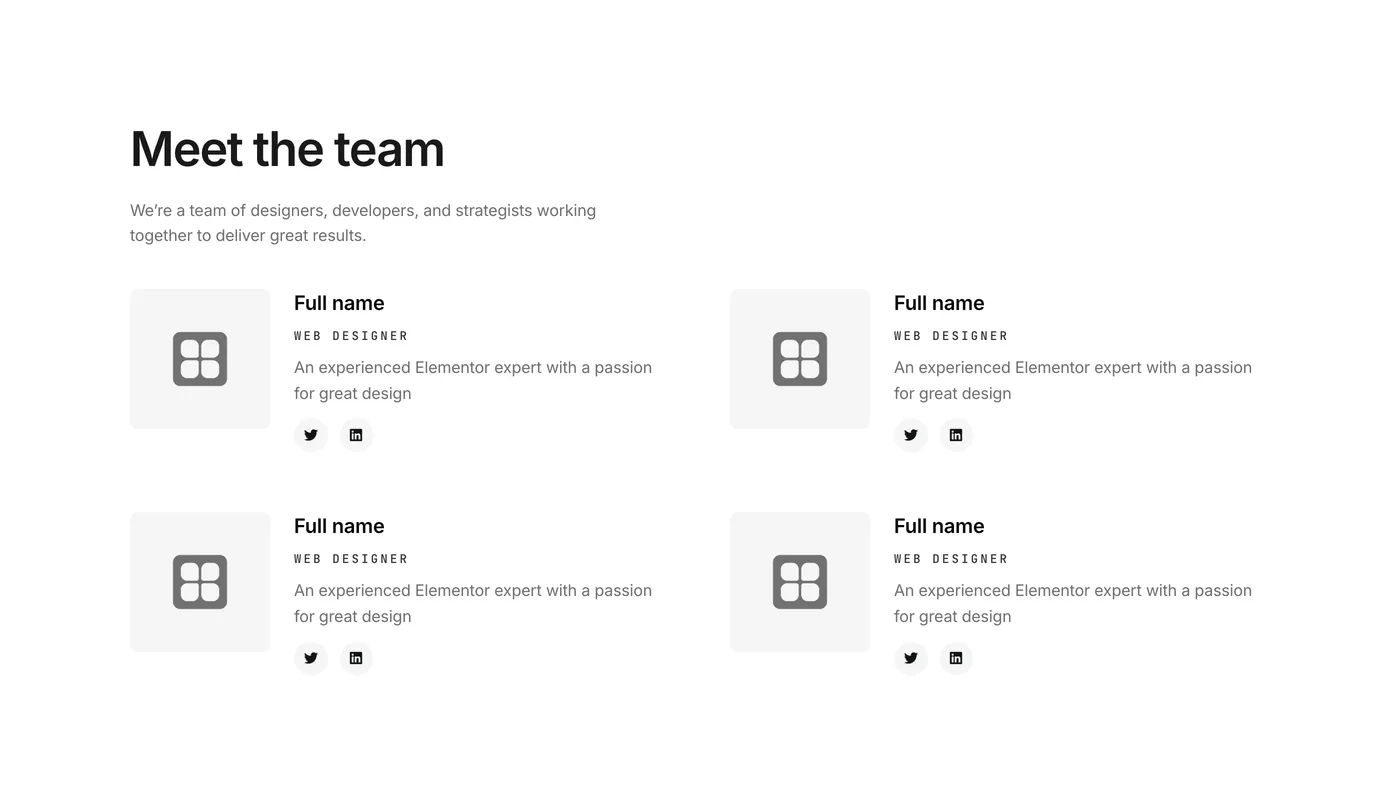
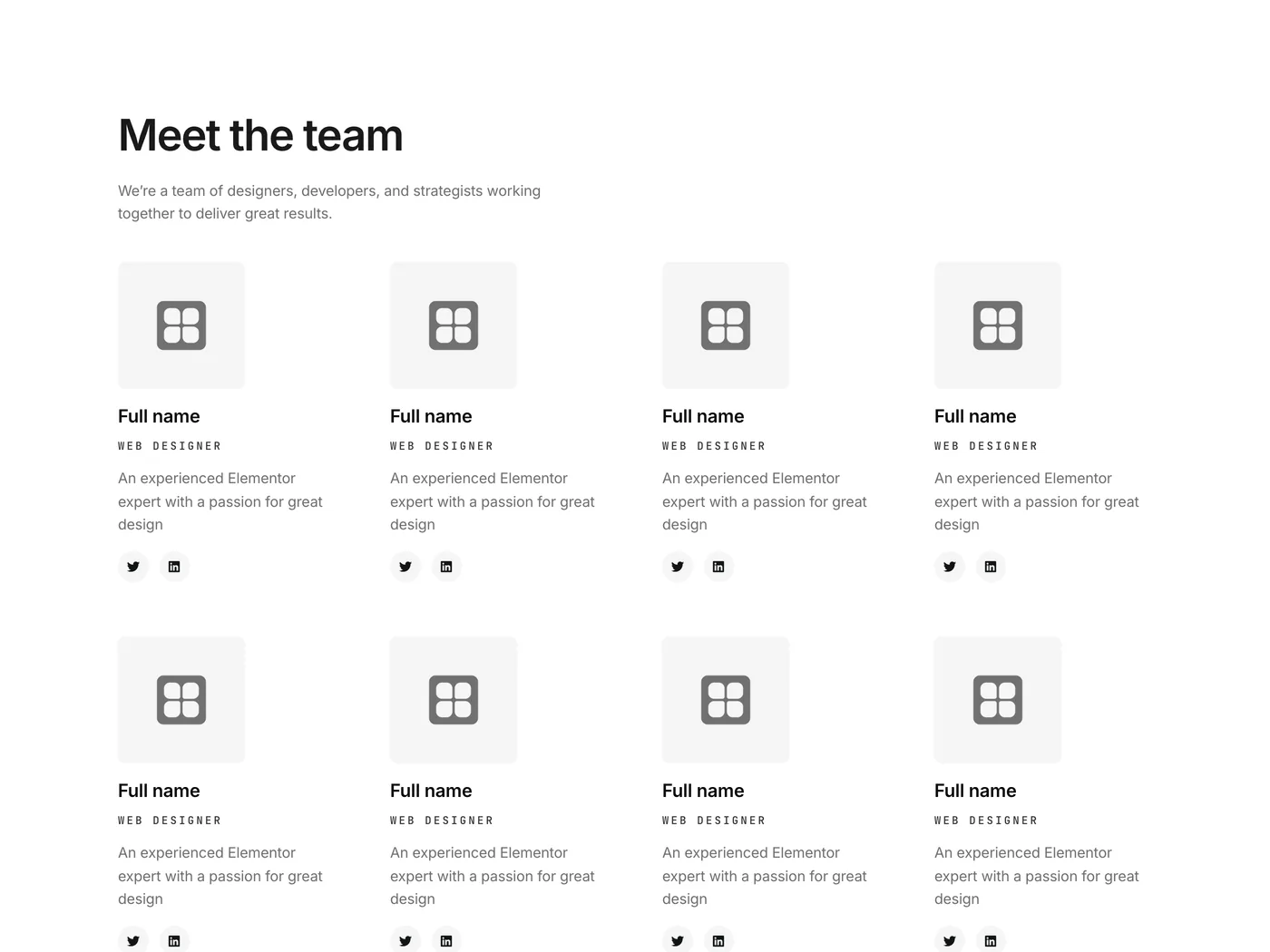
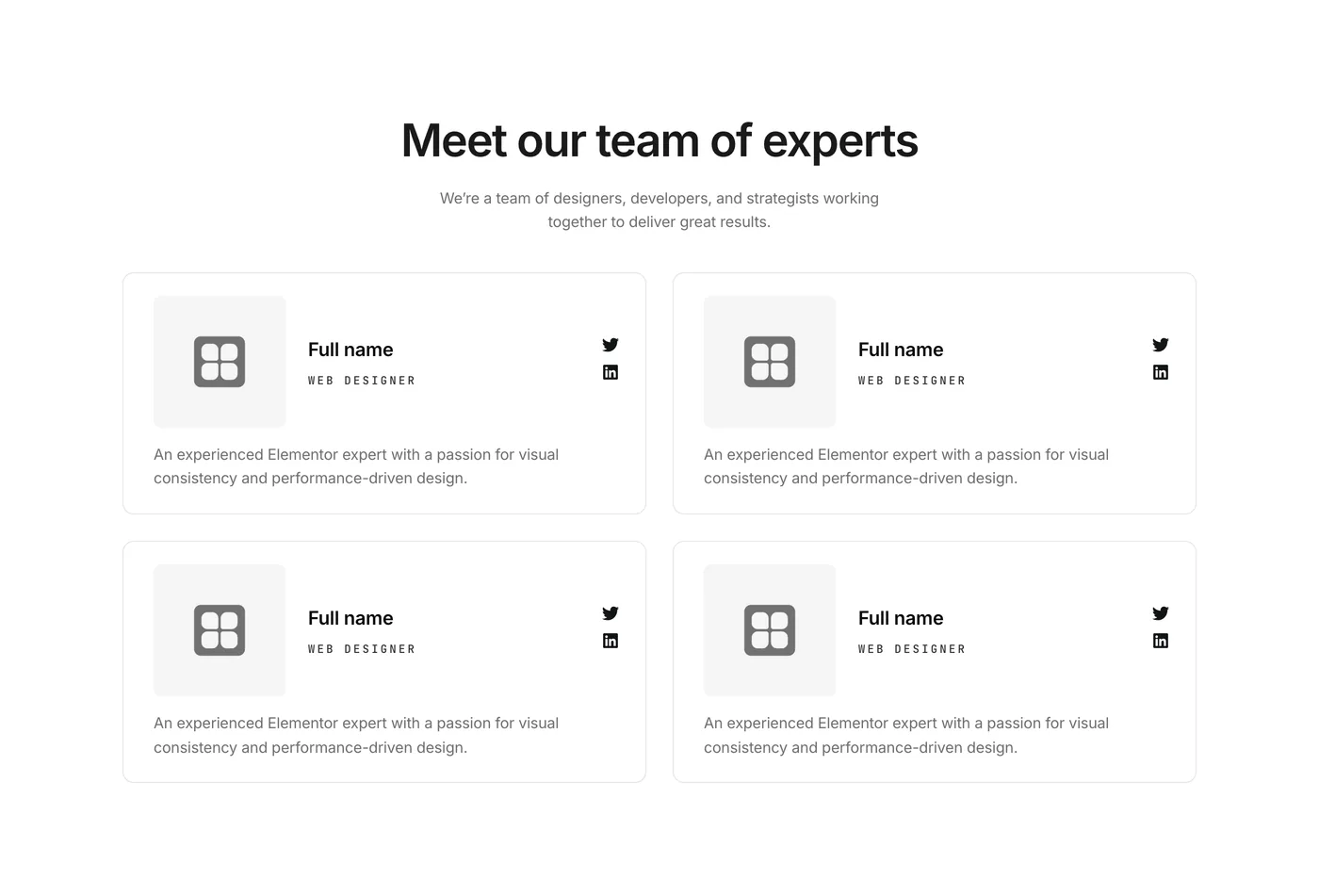
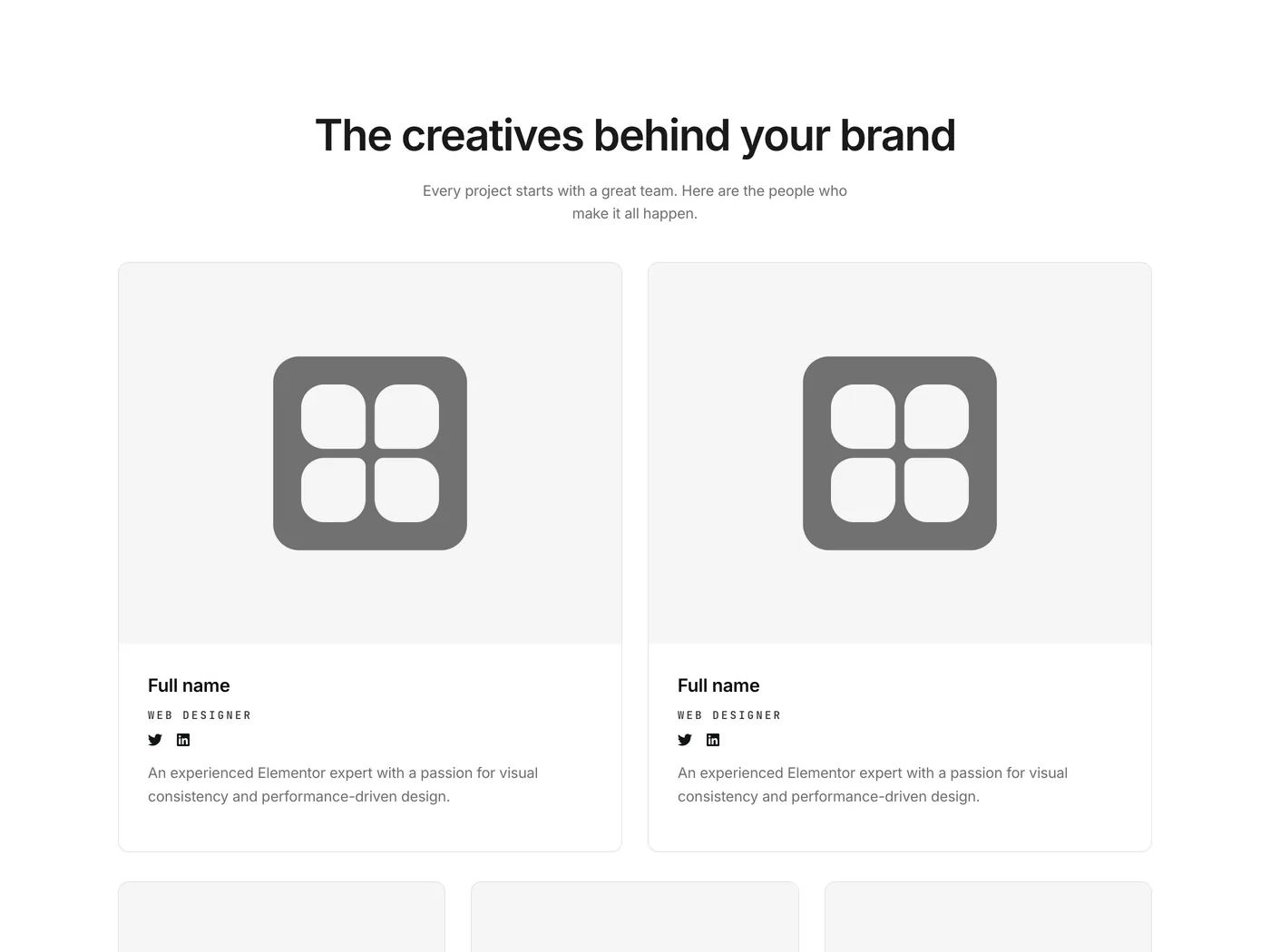
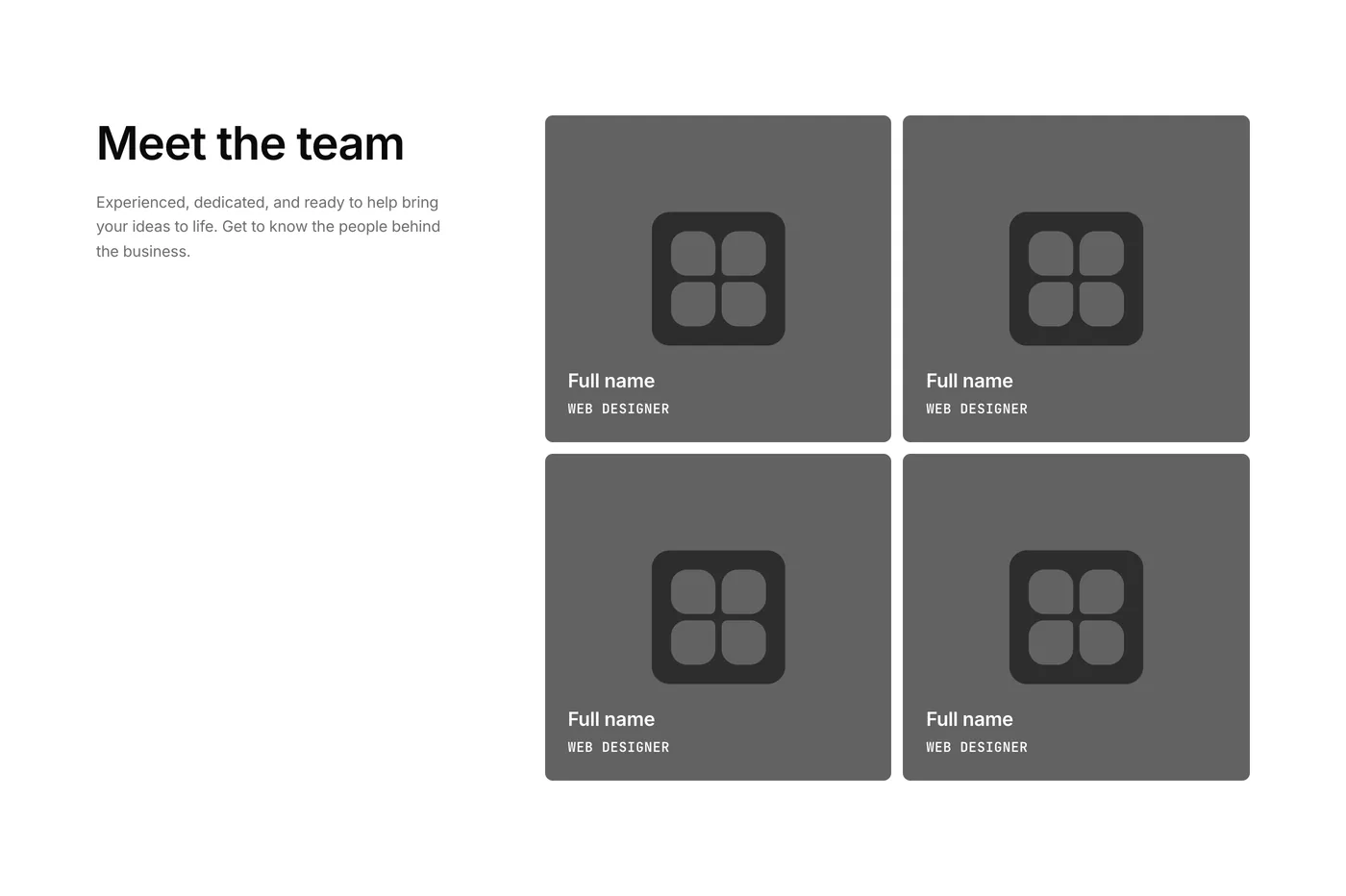
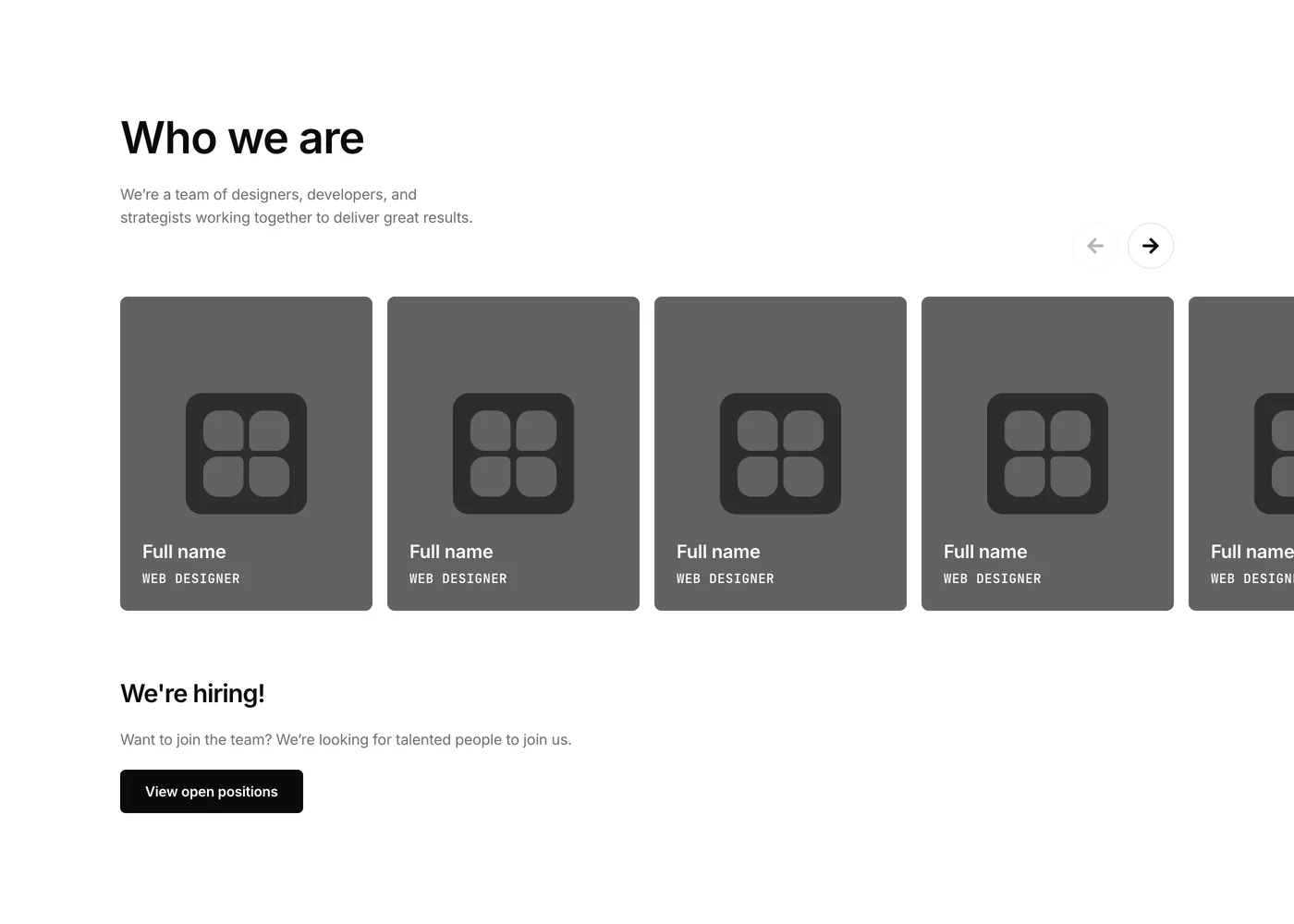
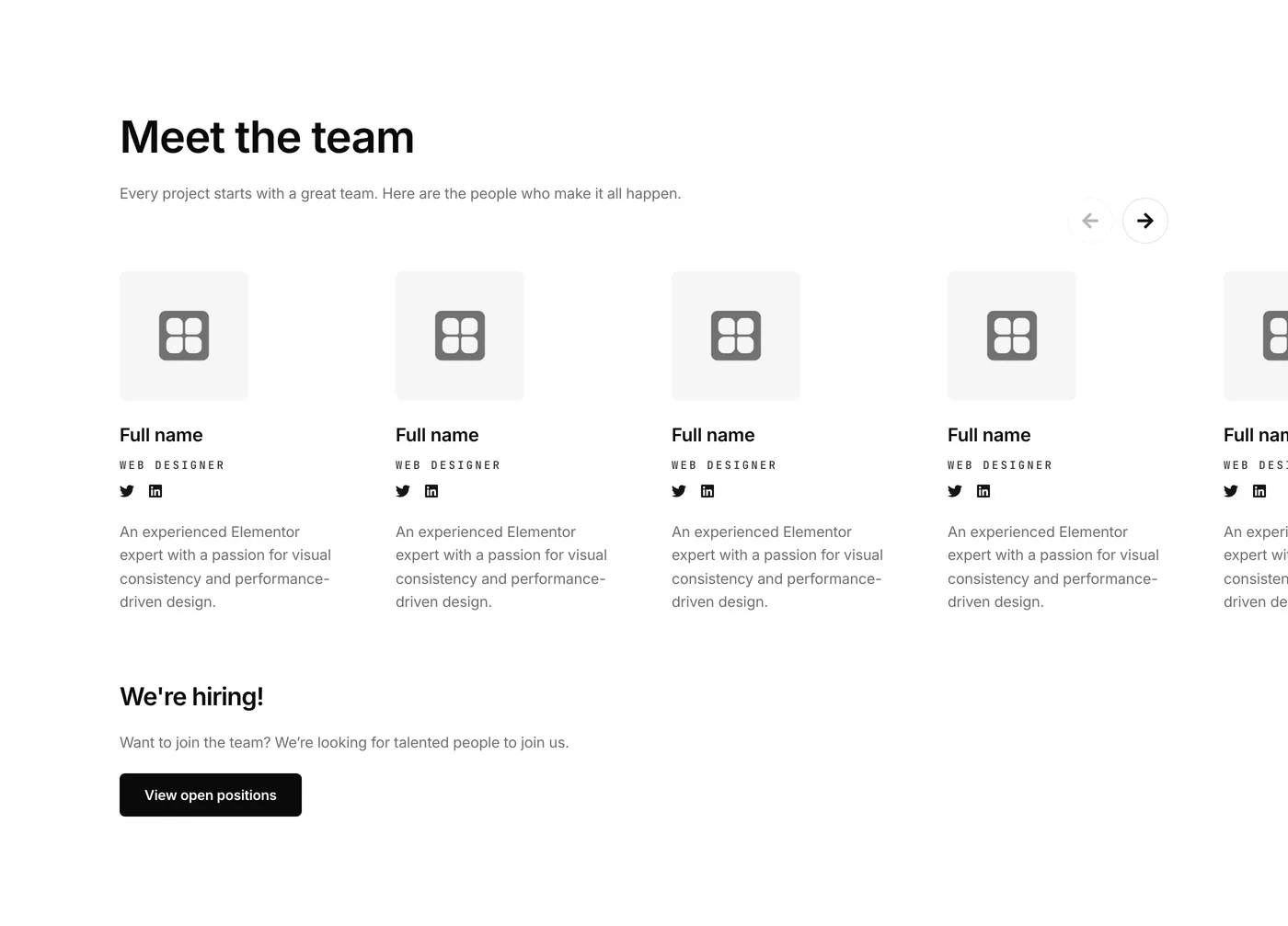
  • 3 Team components to highlight the people behind your brand.
  • 2 Pricing components to help your visitors easily compare and understand your pricing structure.
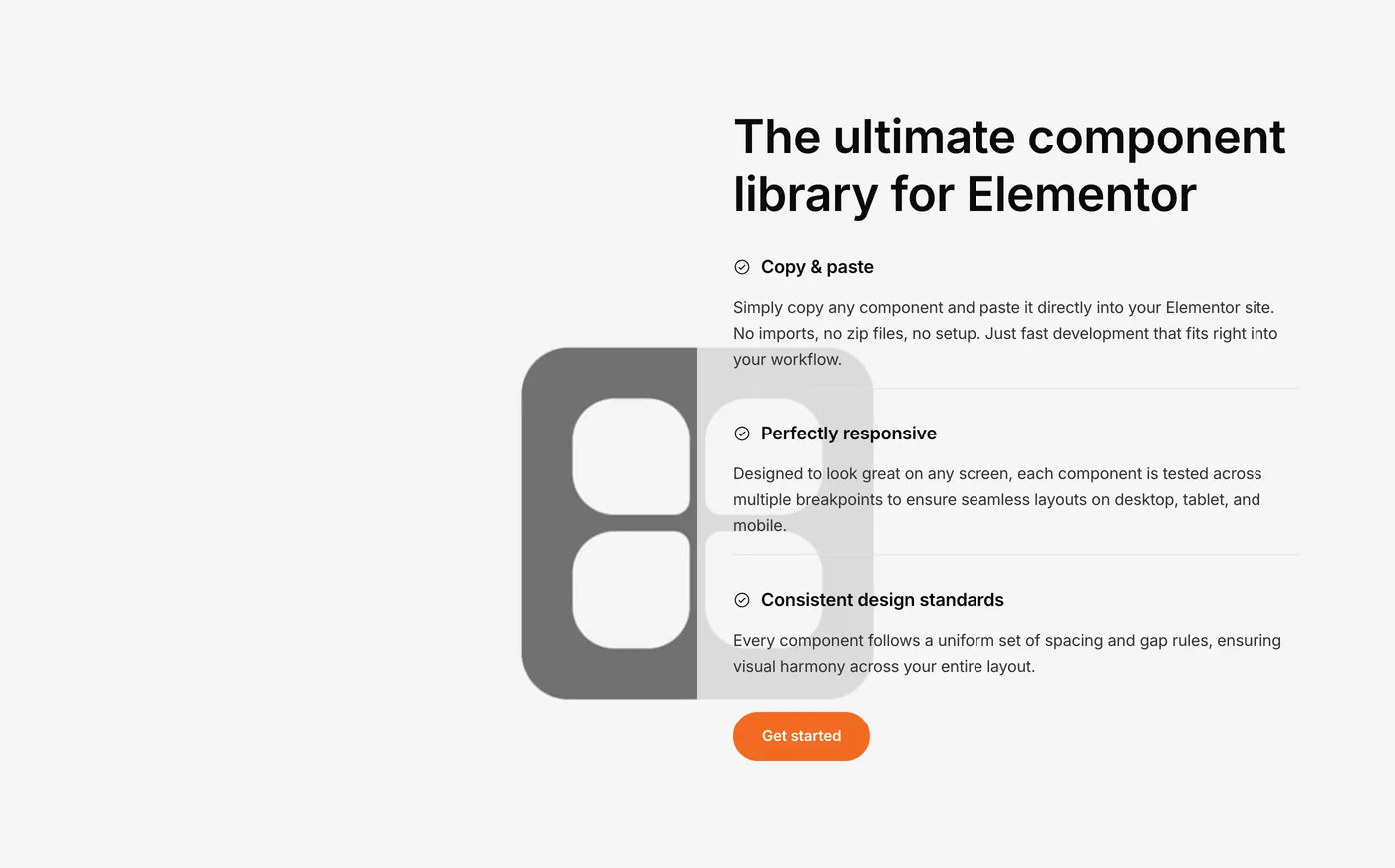
  • 2 Call to action components to guide visitors toward your key conversion goals.
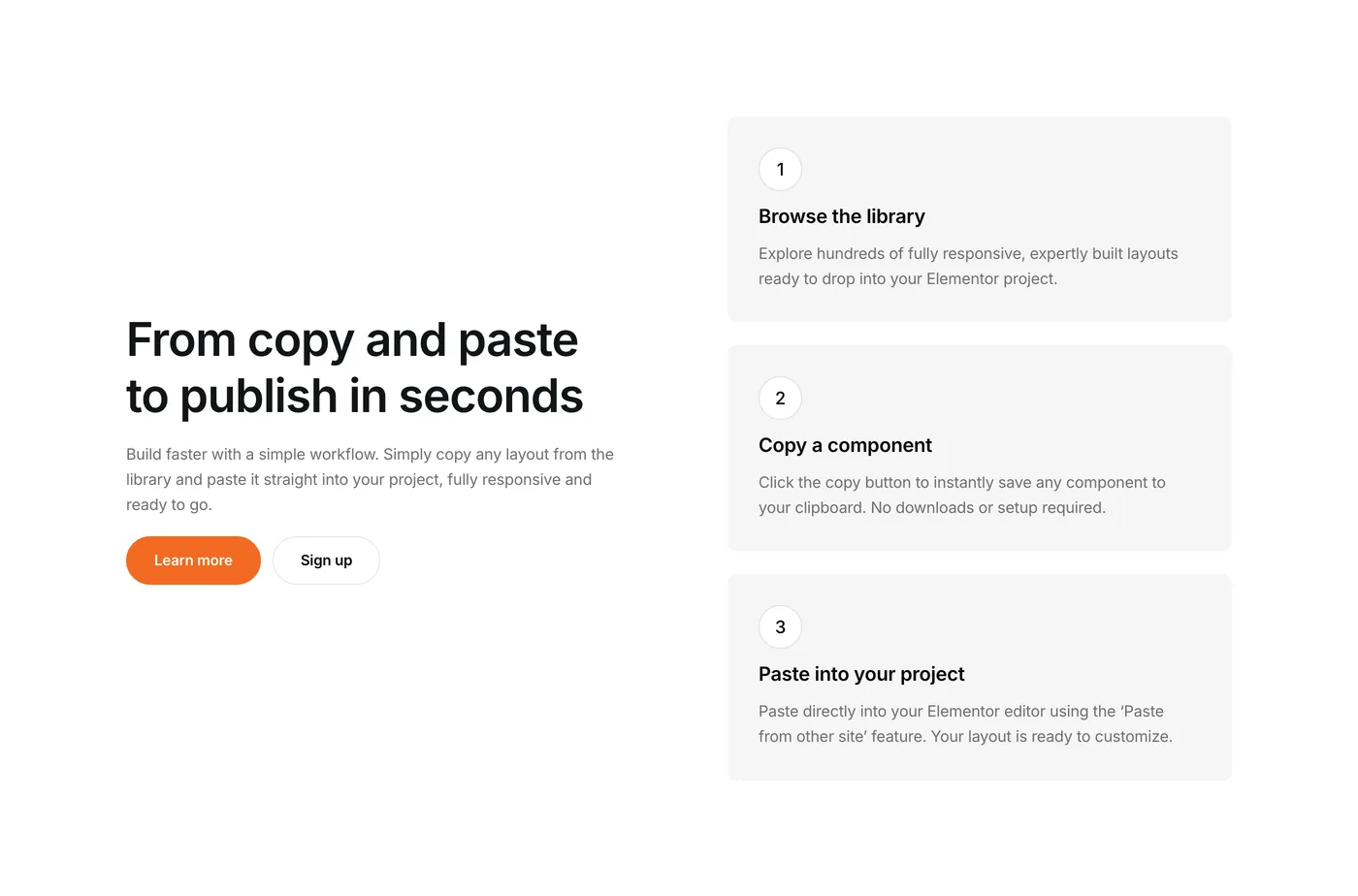
  • 2 Contact components to make it easy for your audience to get in touch.
  • 2 Footer components to complete your website professionally.

and much more to be discovered inside the component library!

Version 1.4
Product updates
February 12, 2025

New component category: Services

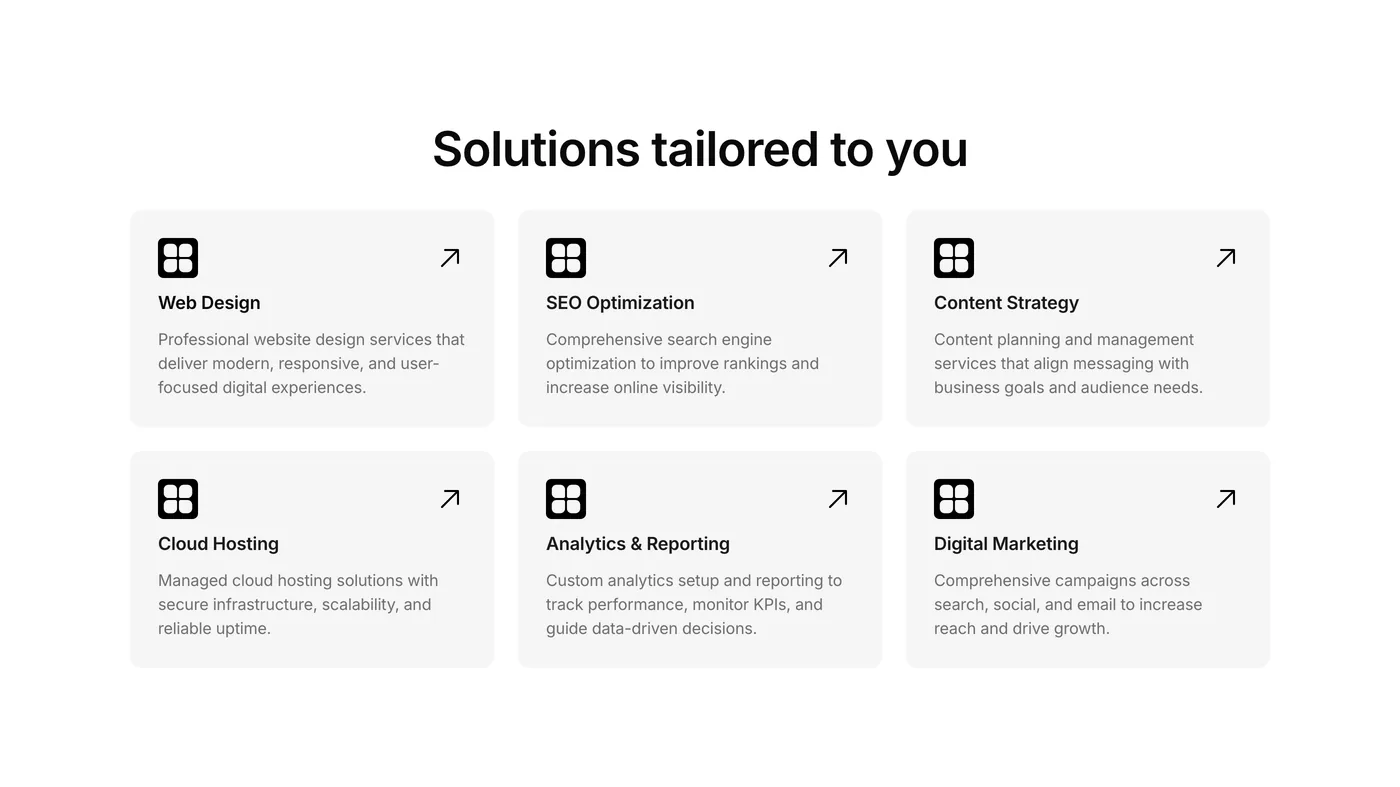
We’ve expanded our library with a dedicated Services component category! These new components are specifically designed to showcase your service offerings with clarity and impact.

These layouts make it easy to highlight your expertise, packages, and unique selling points. Browse our Services collection today and elevate how you present your professional offerings on your Elementor website!

Version 1.3
Product updates
November 26, 2024

5 New Features Components

We’ve added 5 new features components to Element UI. These responsive, customizable elements offer fresh ways to highlight your product’s key attributes. Check them out and enhance your Elementor projects today!

Version 1.1
Product updates
June 7, 2024

Enhanced component detail page

We’re excited to announce a small but powerful update to our component detail pages: the addition of a Live Demo button.

This new feature allows you to instantly view each component in action, giving you a better understanding of its functionality and appearance before you decide to use it. By providing this hands-on preview, we’re making it easier than ever for you to choose the perfect components for your projects. Whether you’re a visual learner or just like to see things in action, this live demo feature will streamline your decision-making process and enhance your overall experience with Element UI.

Version 1.0
Product updates
June 1, 2024

Introducing the Element UI component library: 40 free Elementor components to supercharge your web development process

We’re thrilled to announce the launch of the Element UI component library. This initial release includes 40 meticulously crafted components, all completely free to use. These templates are designed to revolutionize your web development process, allowing you to build stunning, professional websites in a fraction of the time it used to take you.

Each component in our library showcases the power of Elementor’s new flexbox containers, ensuring optimal performance and responsiveness across all devices. Whether you’re a seasoned agency professional or just starting with Elementor, these components offer a perfect blend of flexibility and functionality. Simply copy and paste them into your projects to start building Elementor websites 10x faster.

By making these 40 components freely accessible, we’re proud of our commitment to empower the Elementor community with valuable resources. We can’t wait to see how you’ll use Element UI to bring your web design visions to life faster and more efficiently than ever before.

Copied to clipboard!