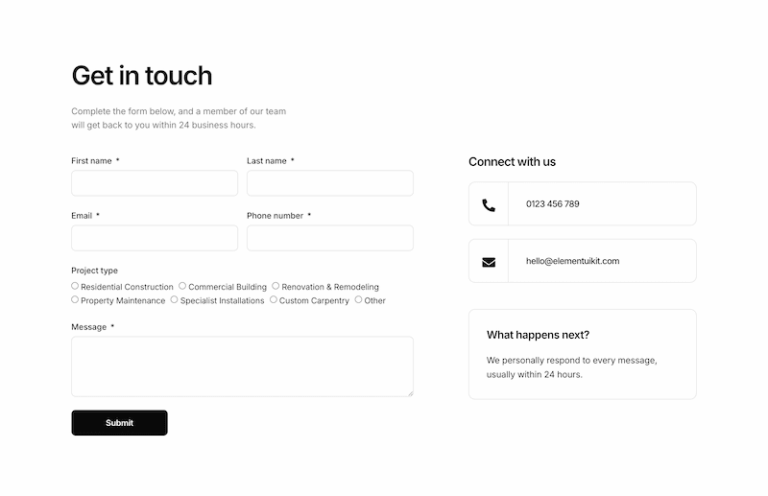
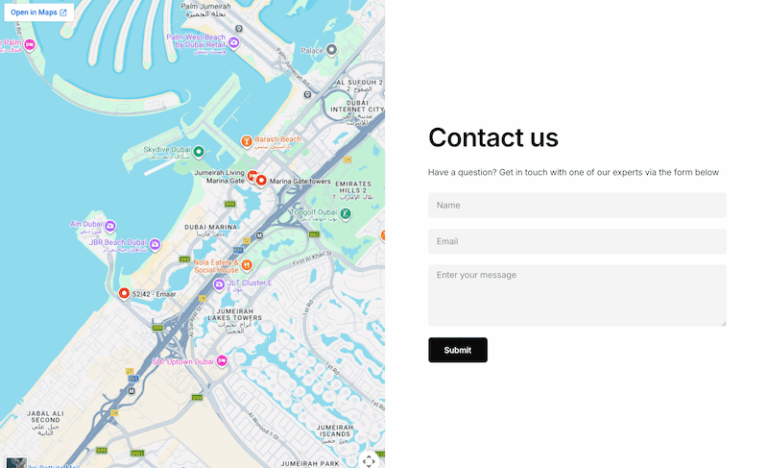
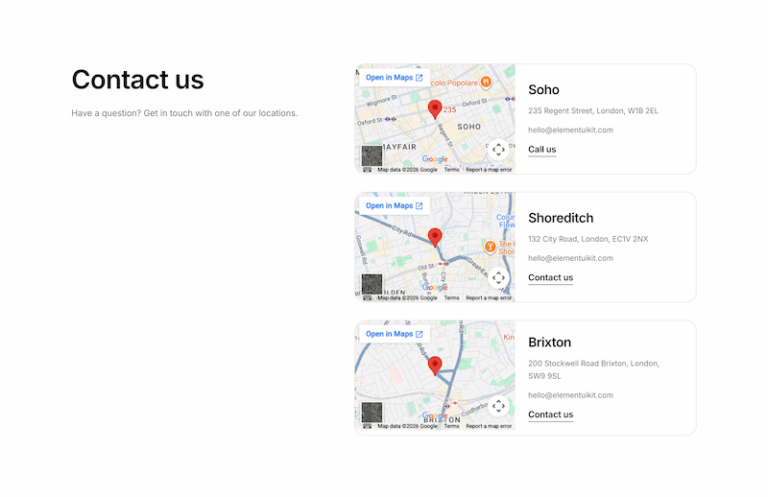
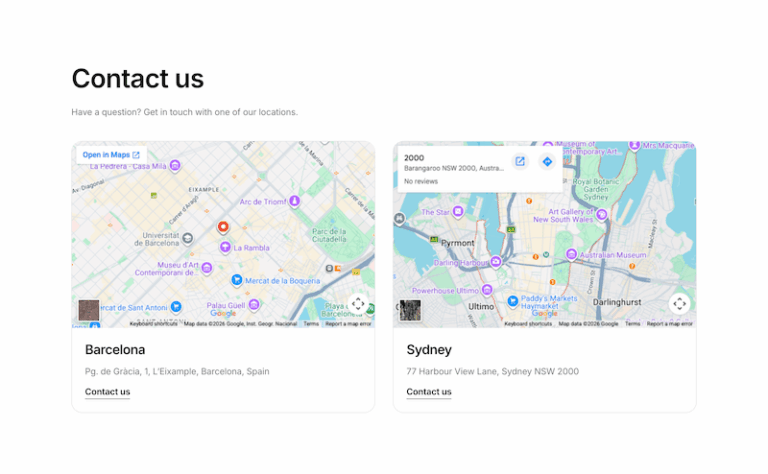
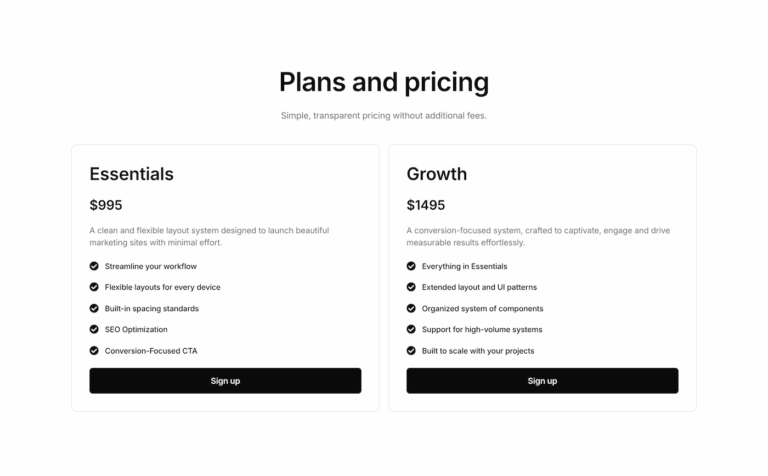
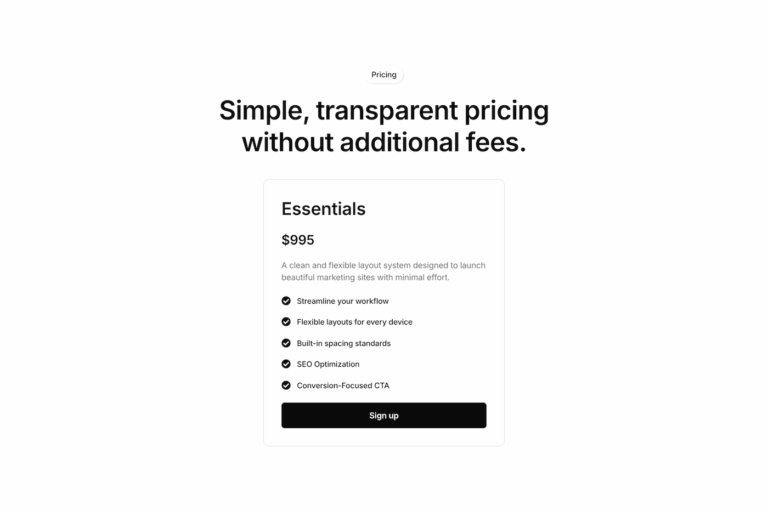
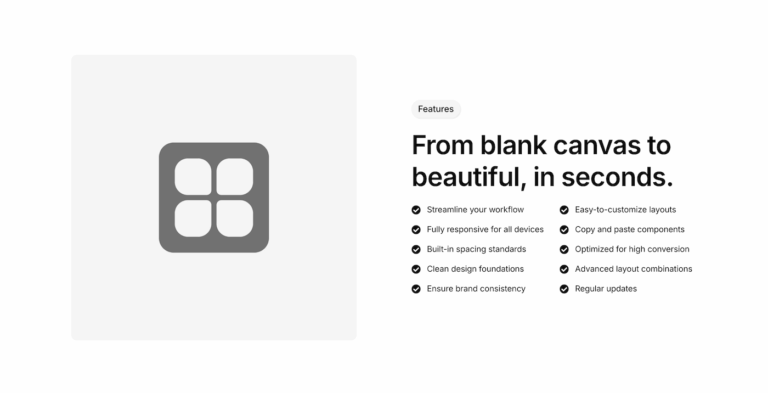
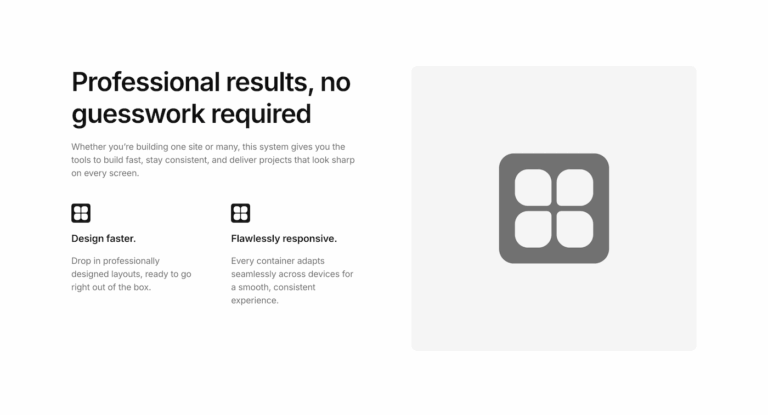
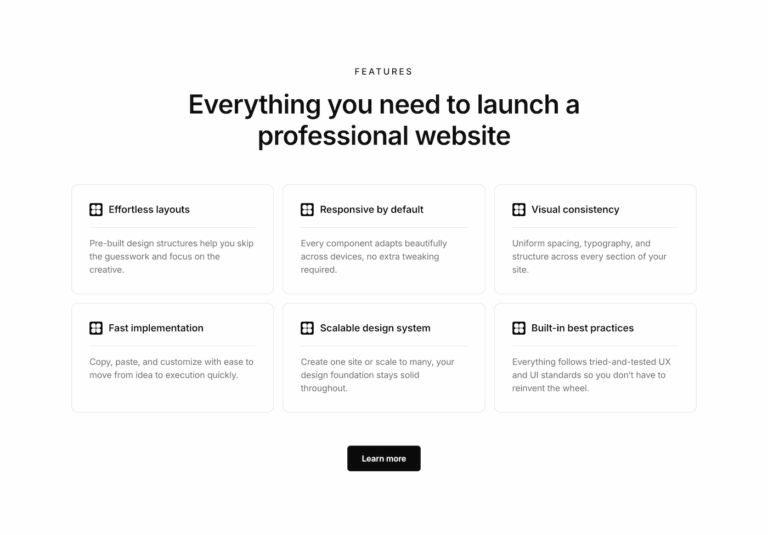
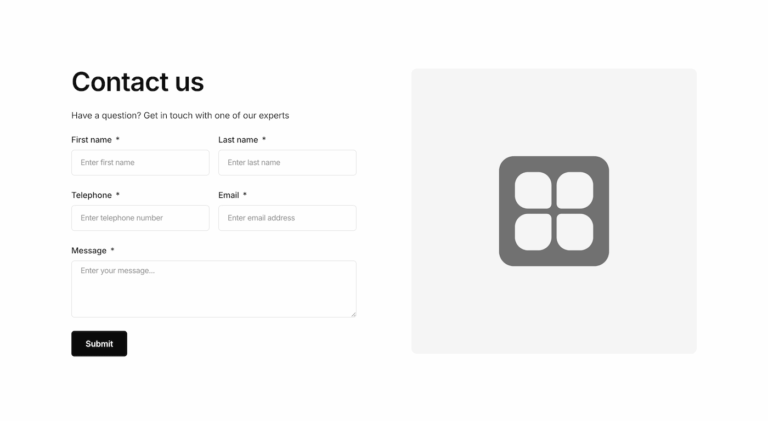
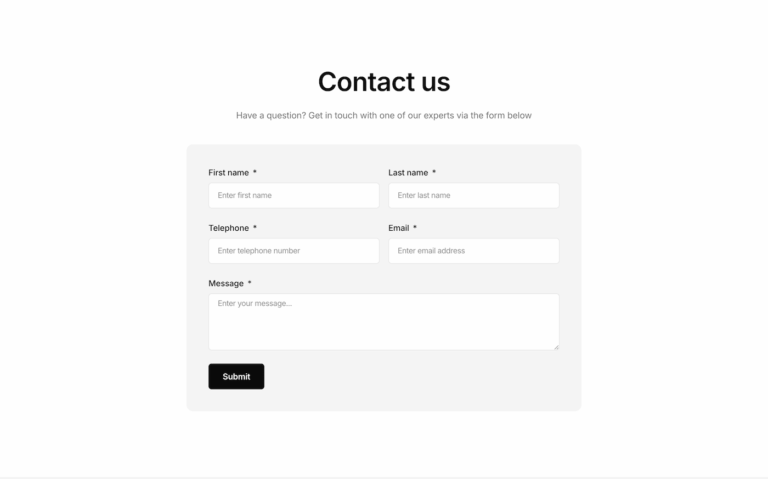
Use ready made Elementor components to build pages in hours, not days. Every layout is lightly styled, fully responsive and built with Flexbox Containers, so you can paste them into your project and match it to your global styles in a few clicks.
New Components
Interaction
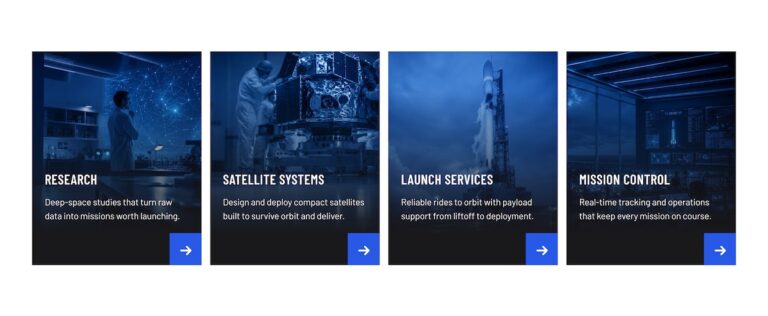
Service grid with icon hover
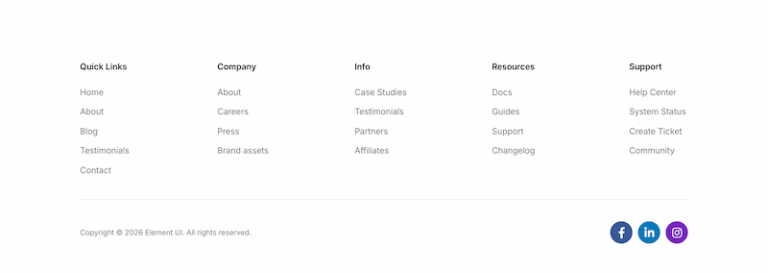
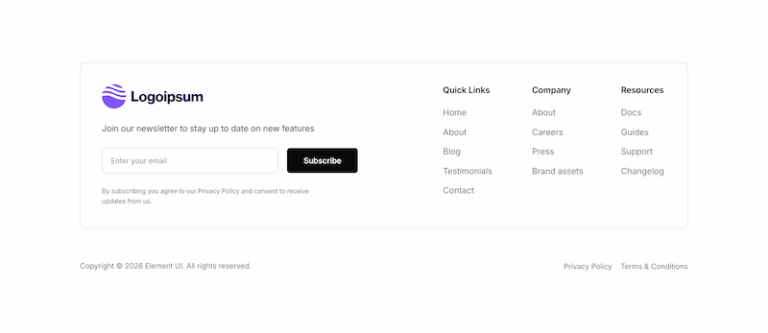
Footer 18
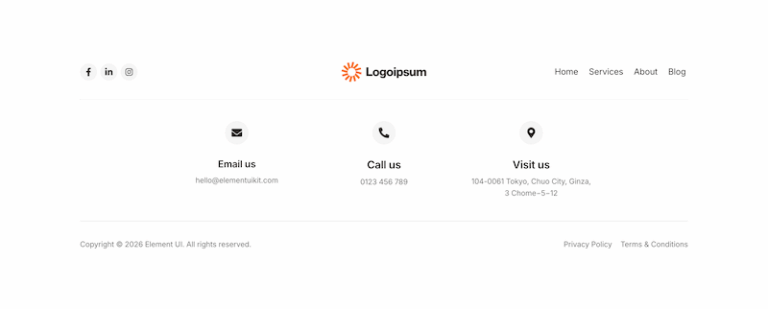
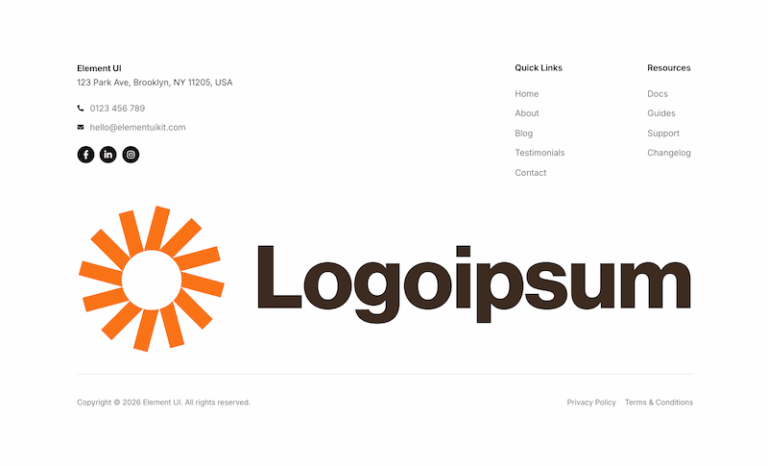
Footer 19
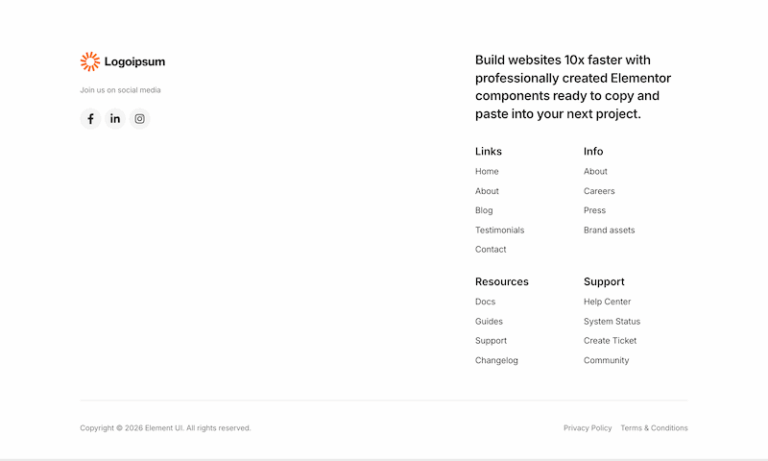
Footer 20
Footer 17
Footer 16
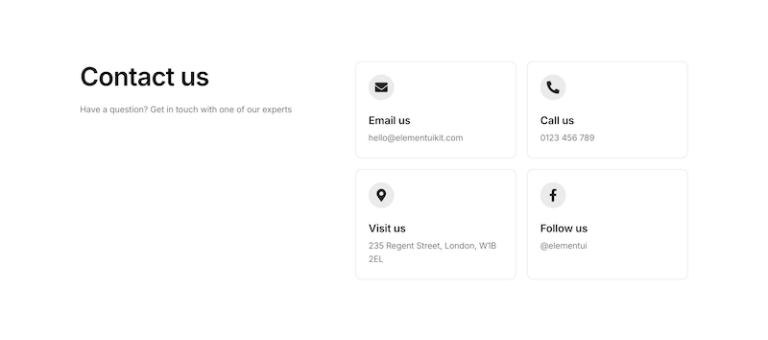
Contact 24
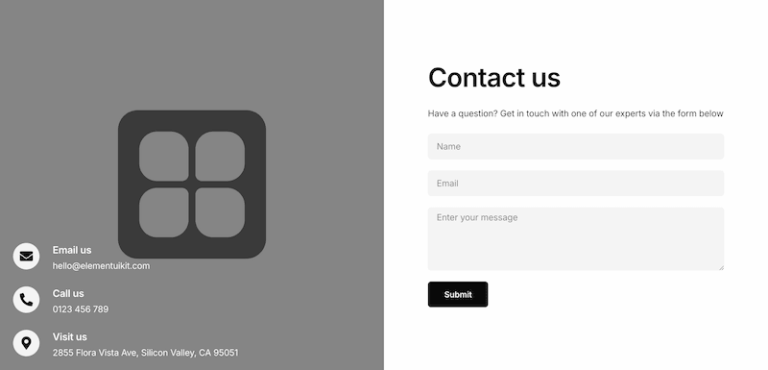
Contact 18
Contact 25
Contact 23
Contact 22
Contact 21
Contact 20
Contact 19
Partner logos 19
Partner logos 20
Partner logos 21
Partner logos 17
Partner logos 18
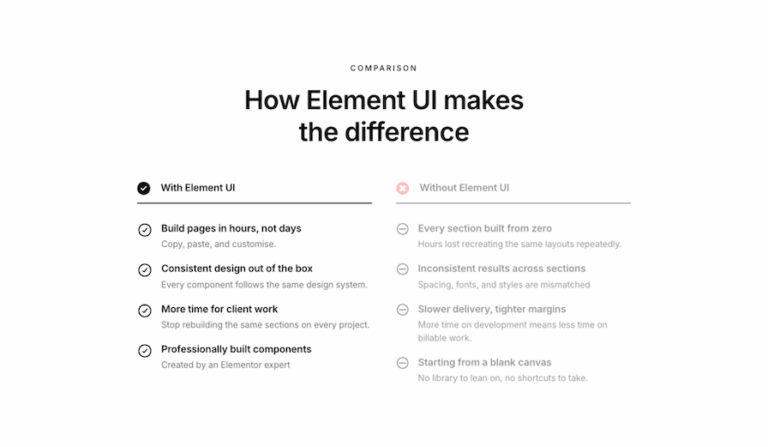
Comparison 05
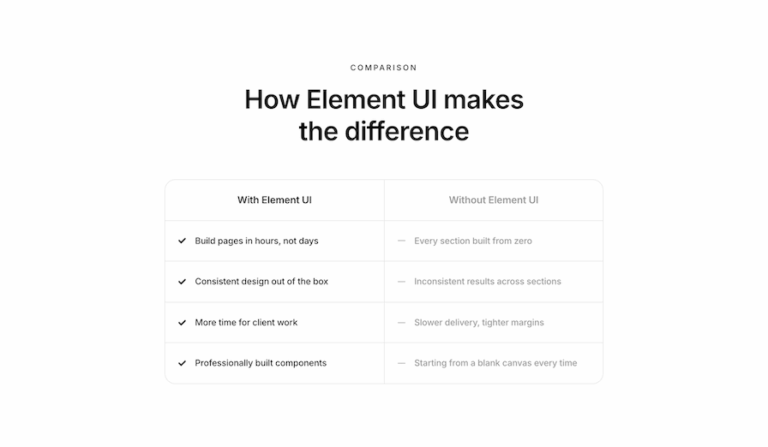
Comparison 04
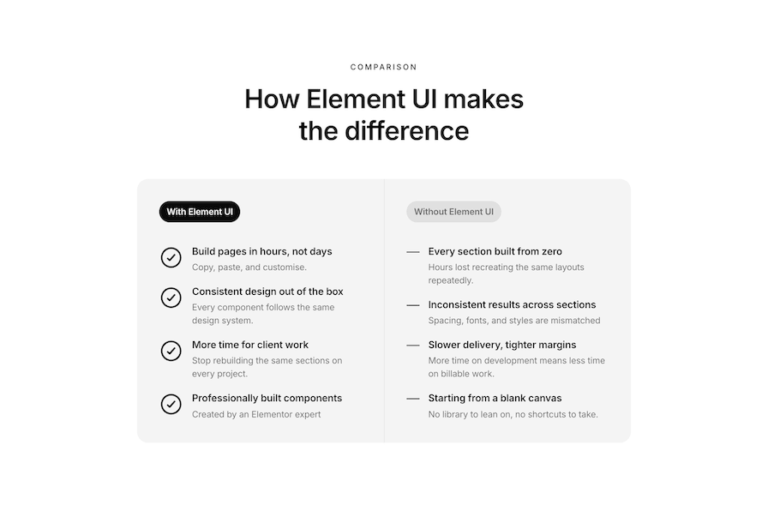
Comparison 03
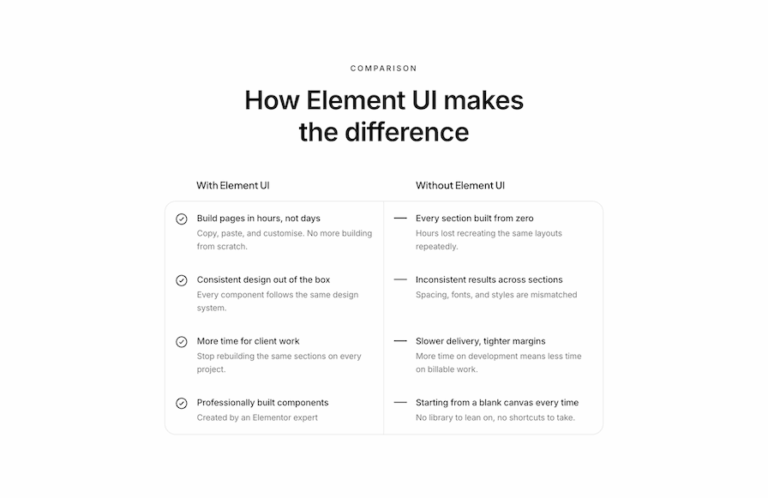
Comparison 02
Comparison 01
Free Components
Gallery 01
About 03
About 02
About 01
Services 02
Services 01
Partner logos 02
Partner logos 01
Testimonials 02
Testimonials 01
Call to action 02
Call to action 01
How it works 02
How it works 01
Footer 03
Footer 02
Footer 01
Team 03
Team 02
Team 01
Header 03
Header 02
Header 01
FAQ 02
FAQ 01
Pricing 02
Pricing 01
Features 04
Features 03
Features 02
Features 01
Contact 02
Contact 01
Hero 03
Hero 02
Hero 01