
Build professional Elementor websites in hours, not days.
Get instant access to 650+ components ready to copy and paste into your website. Designed and built by an Elementor expert.
 Join 6,000+ users building with Element UI
Library
The ultimate component library for Elementor
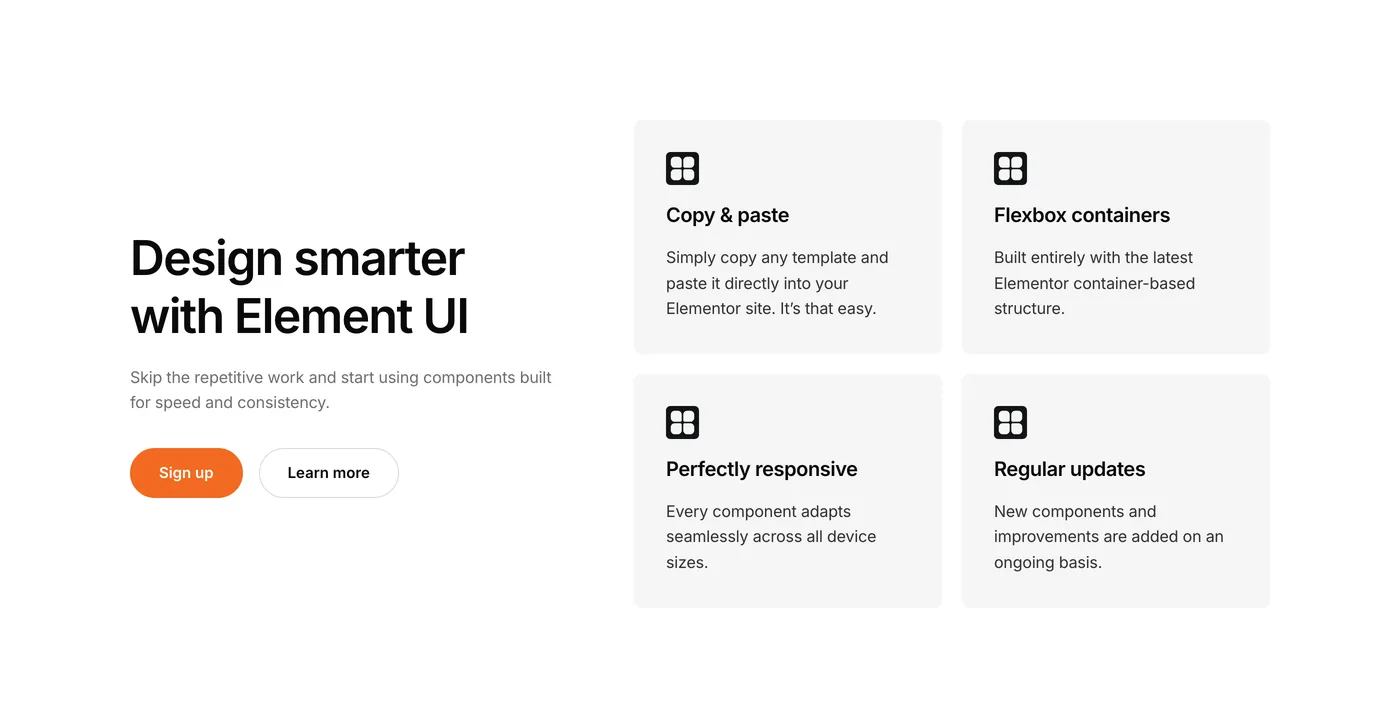
Stop building pages from scratch. Copy expertly built sections, paste them into Elementor and make them yours.
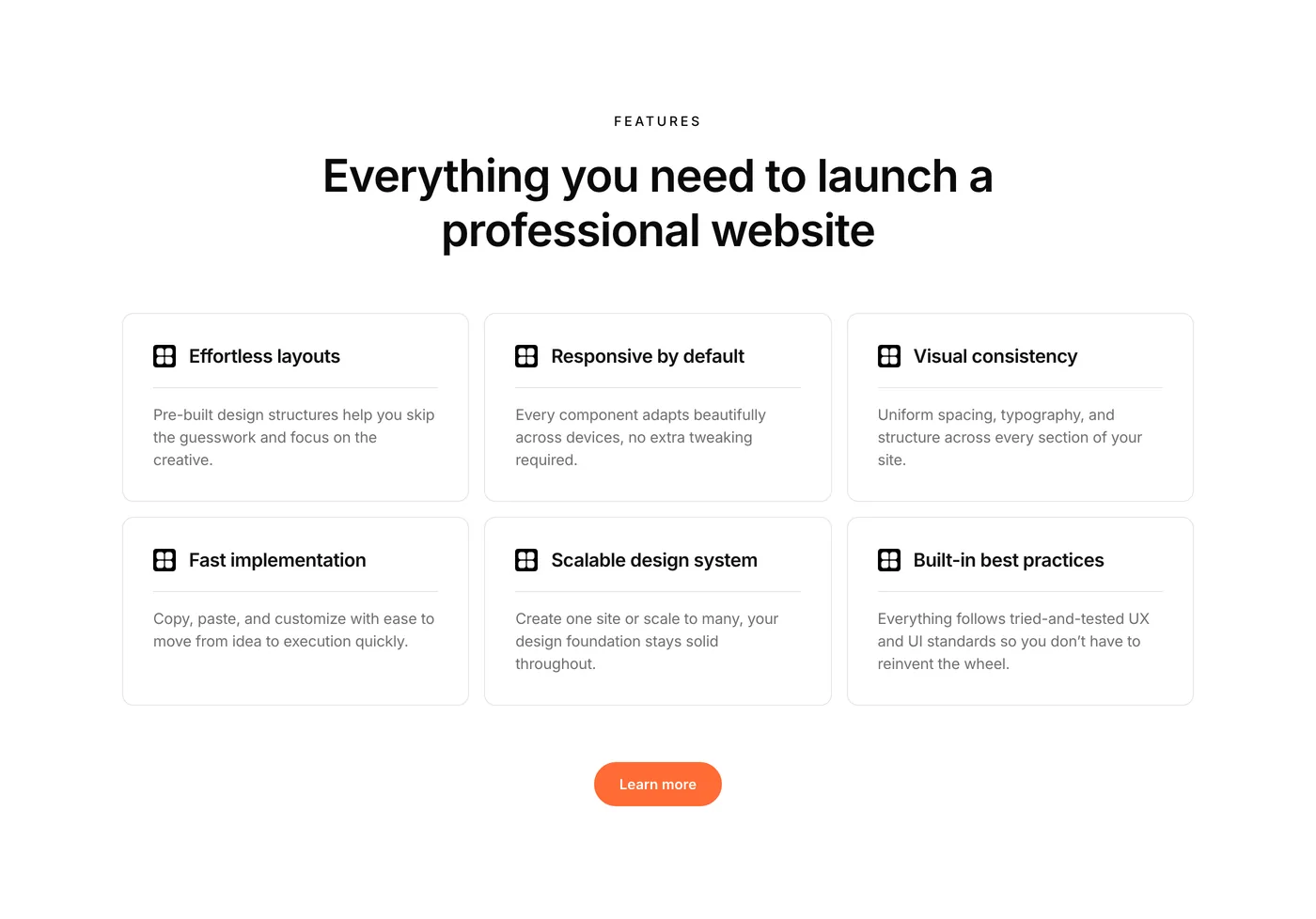
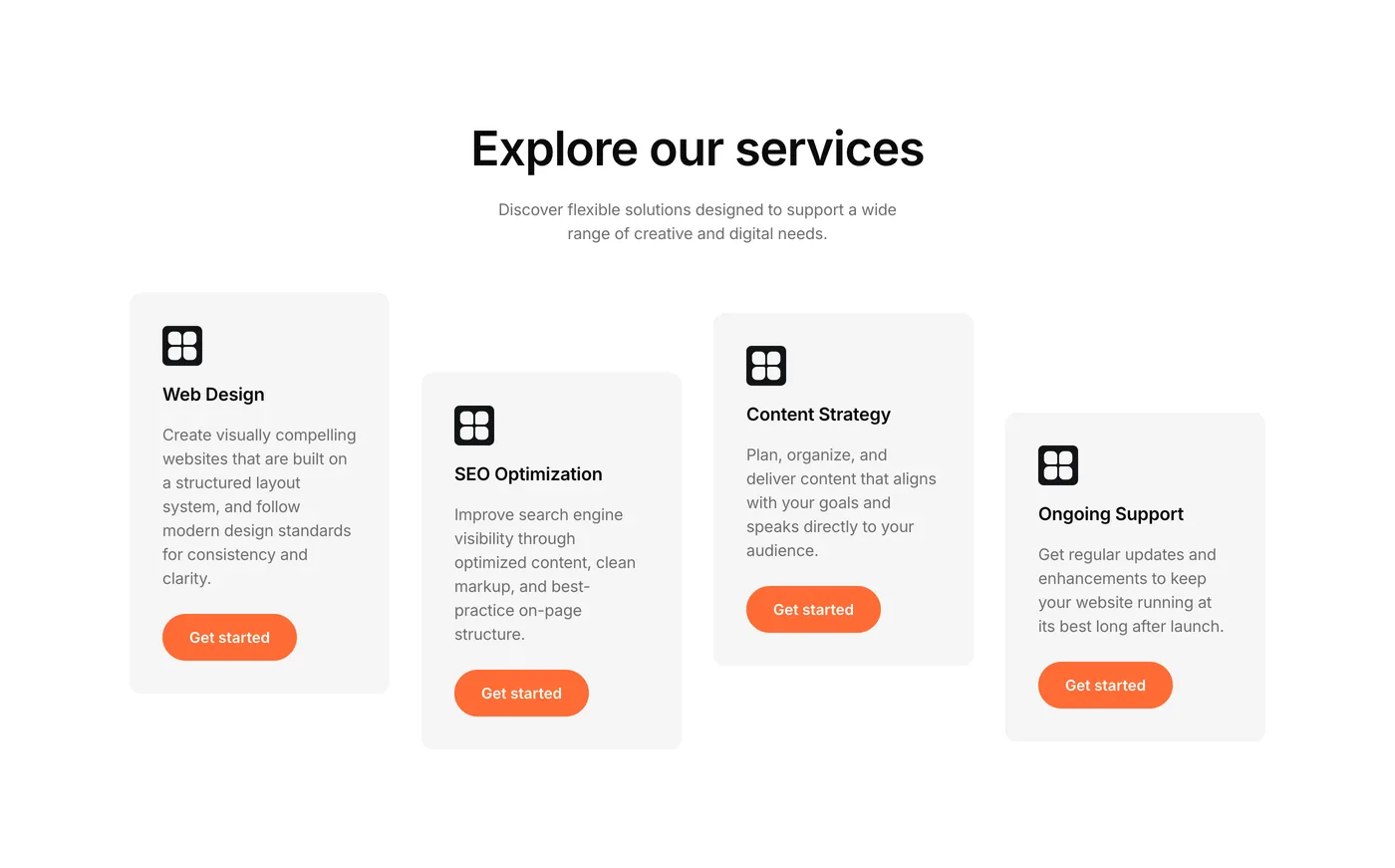
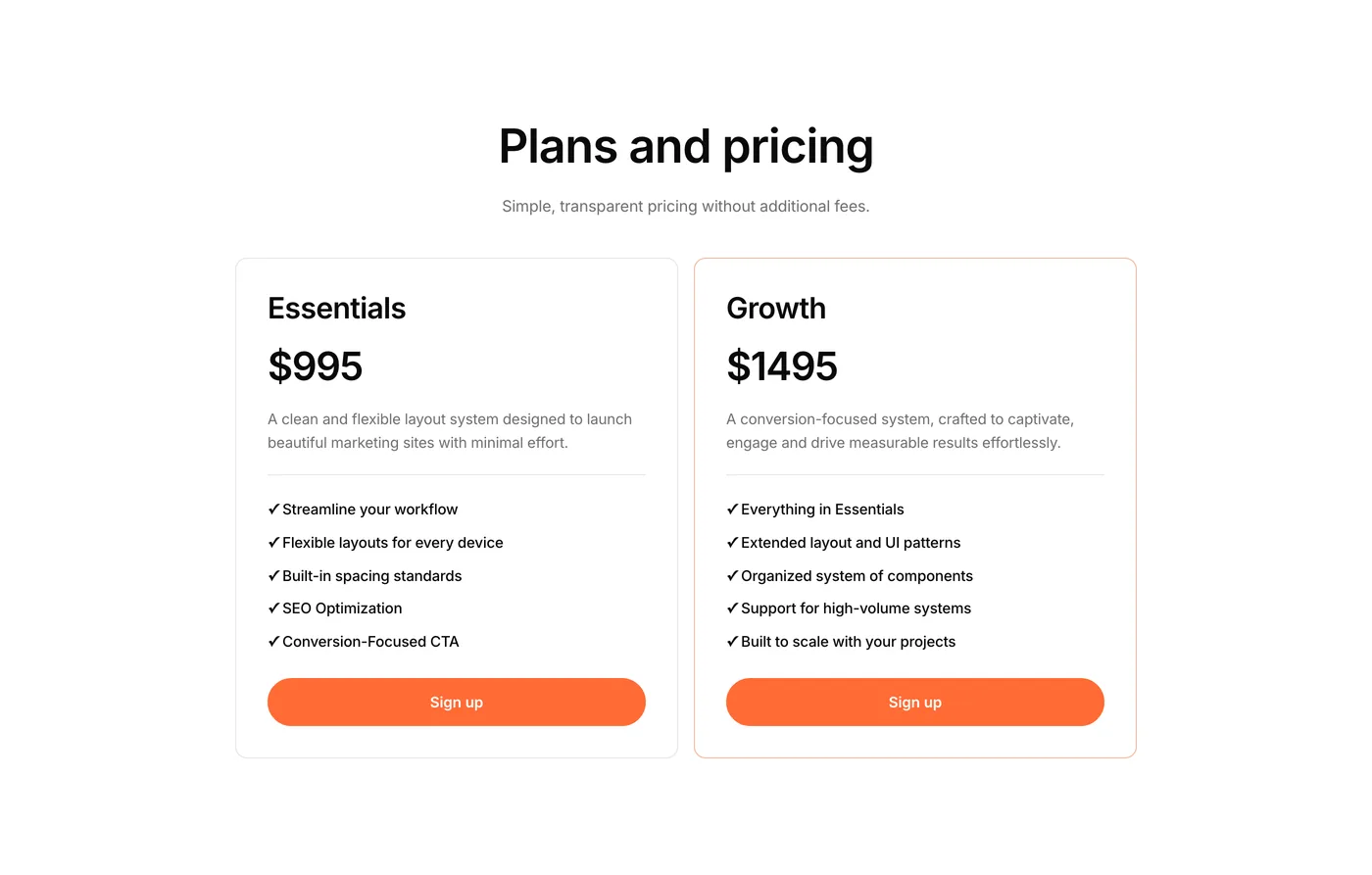
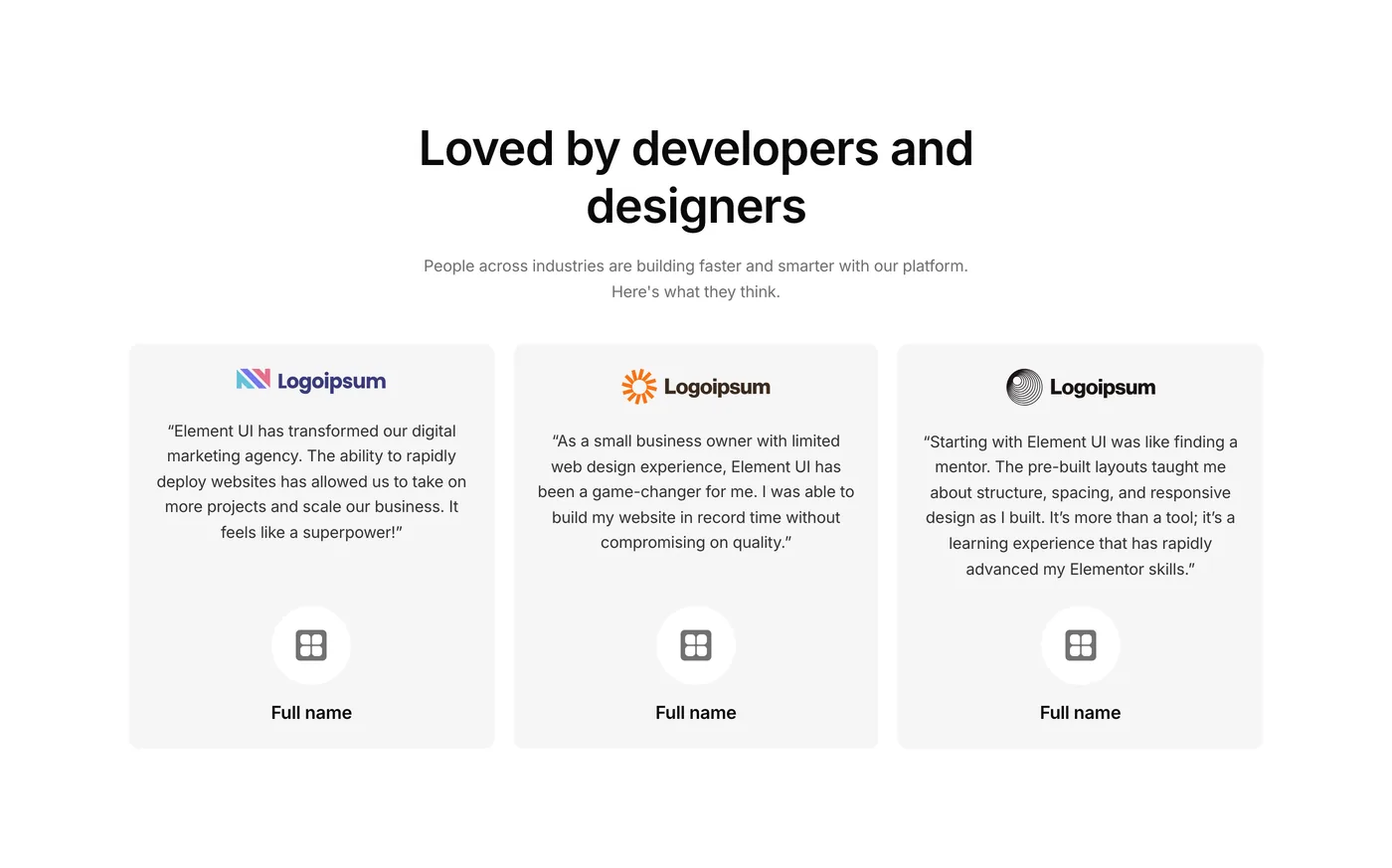

How it works
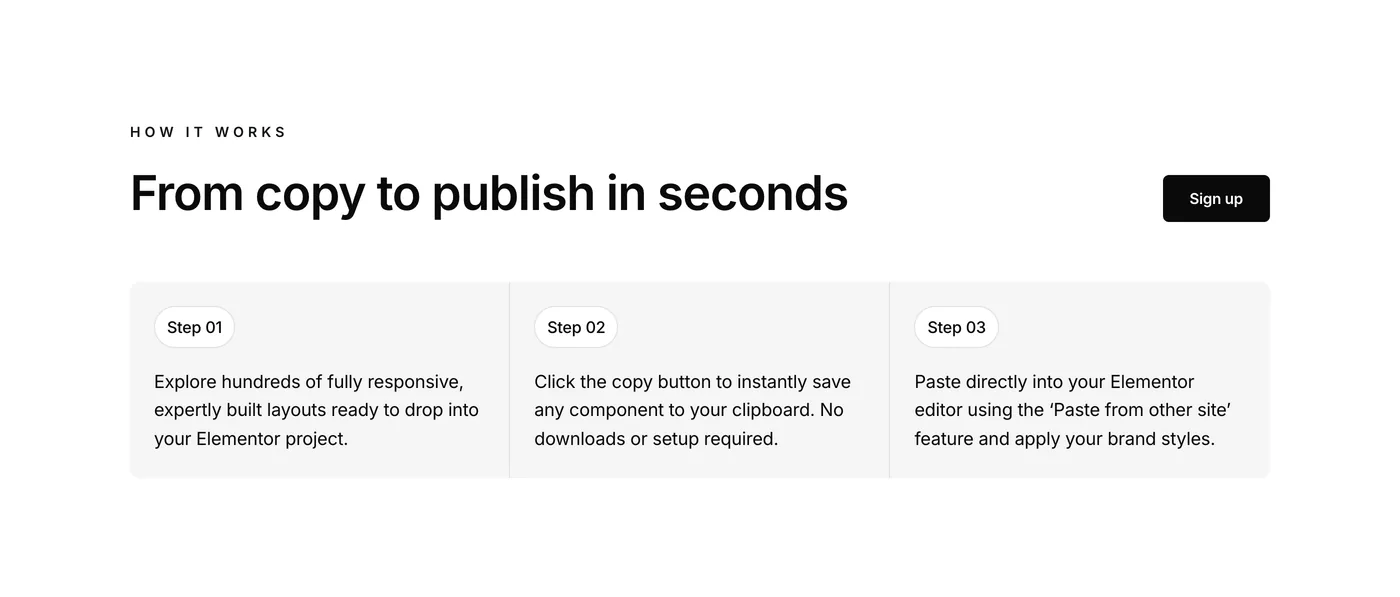
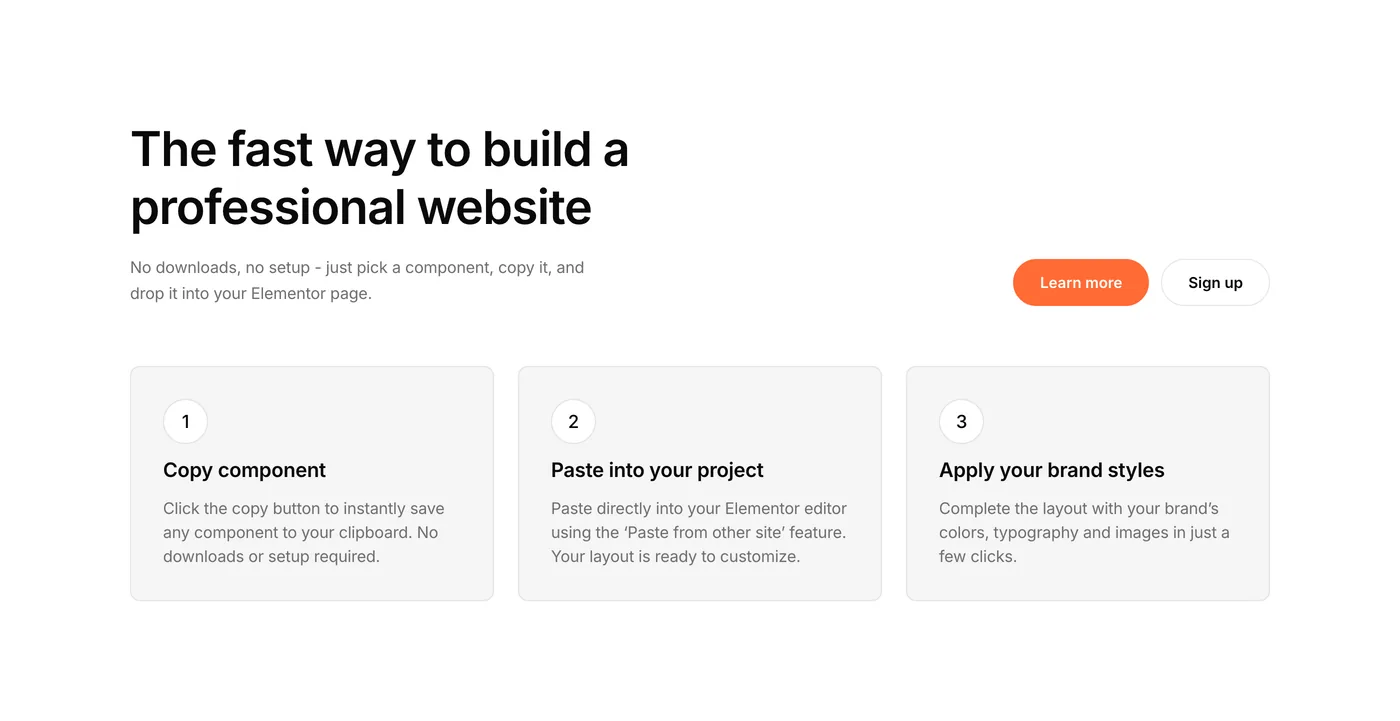
Create your site in 3 easy steps
- 01
Choose a layout
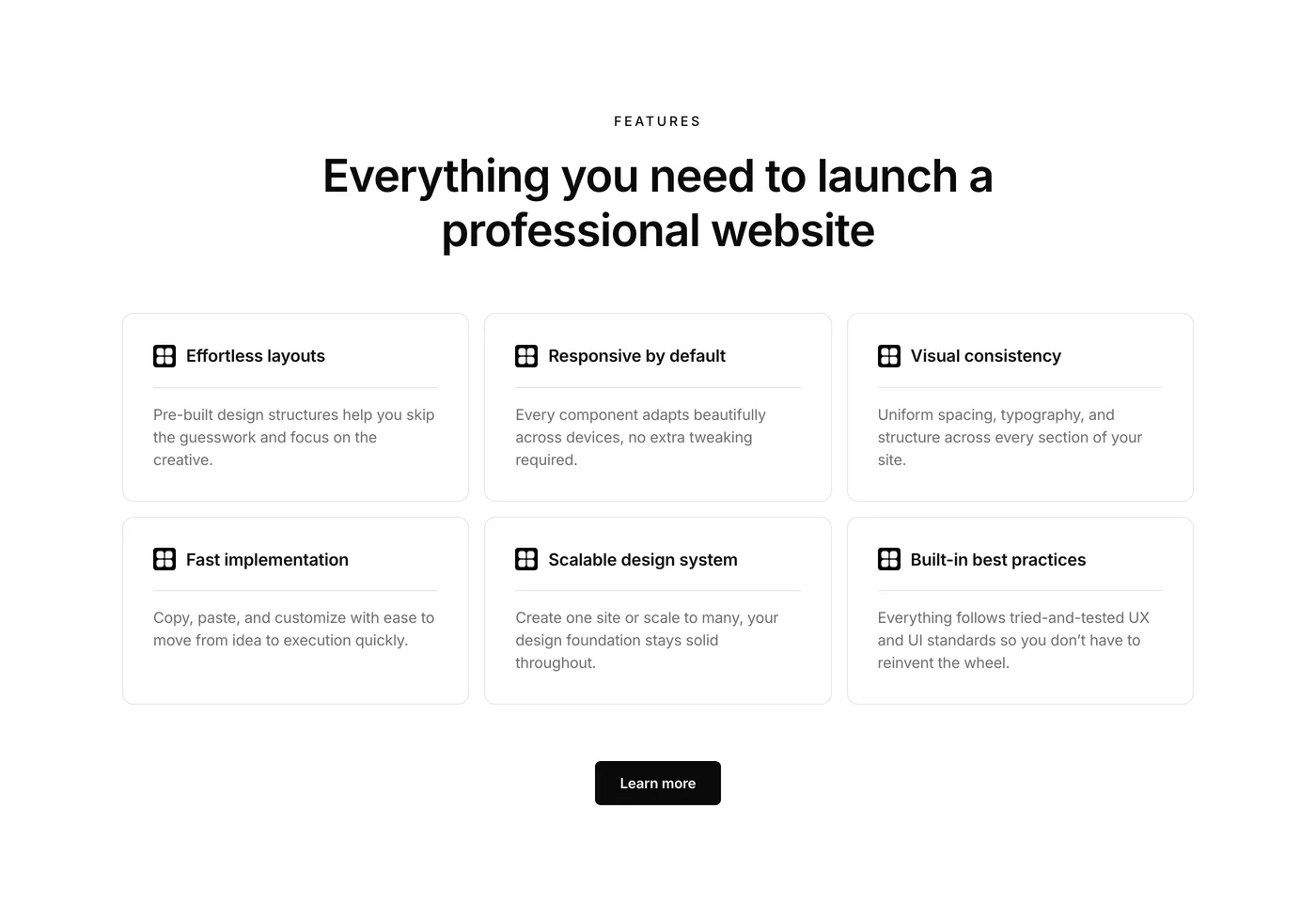
Browse 650+ professionally created components
- 02
Paste into Elementor
Use Elementor’s Paste from Other Site feature to instantly add it to your page.
- 03
Make it yours
Update the text, images and colors to match your brand.
If you are working with V4, easily connect with variables and classes.
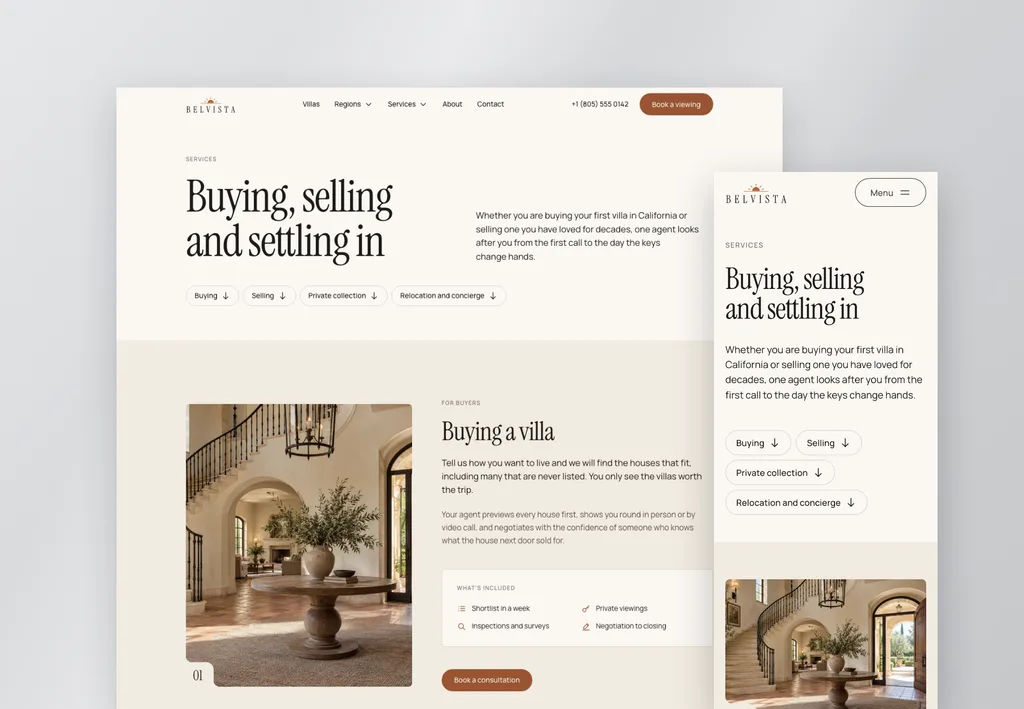
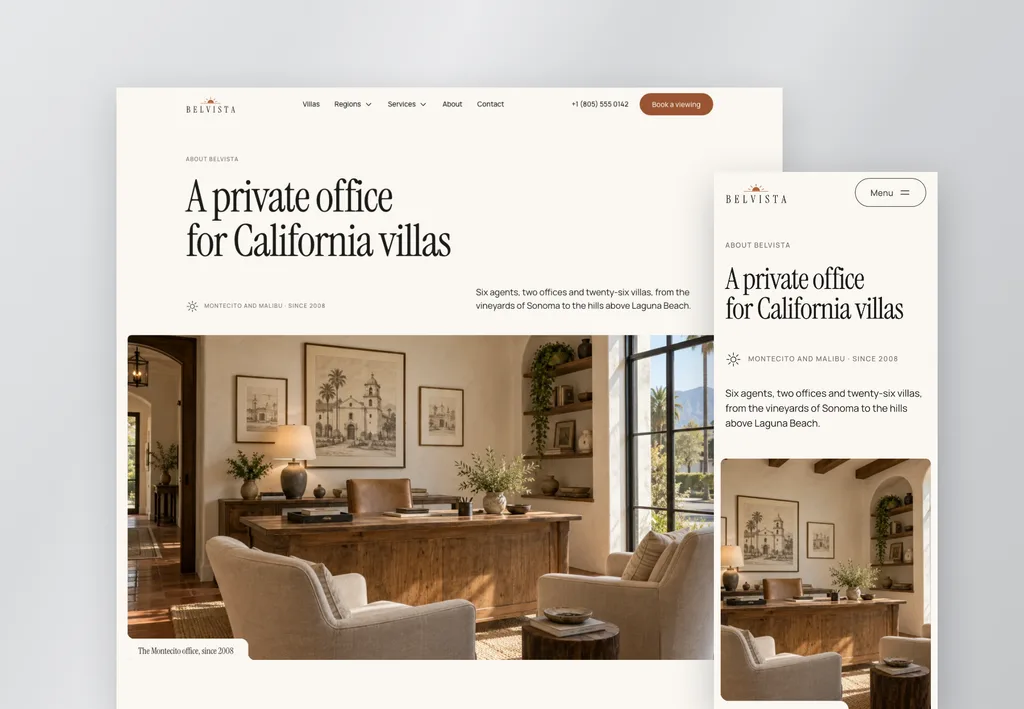
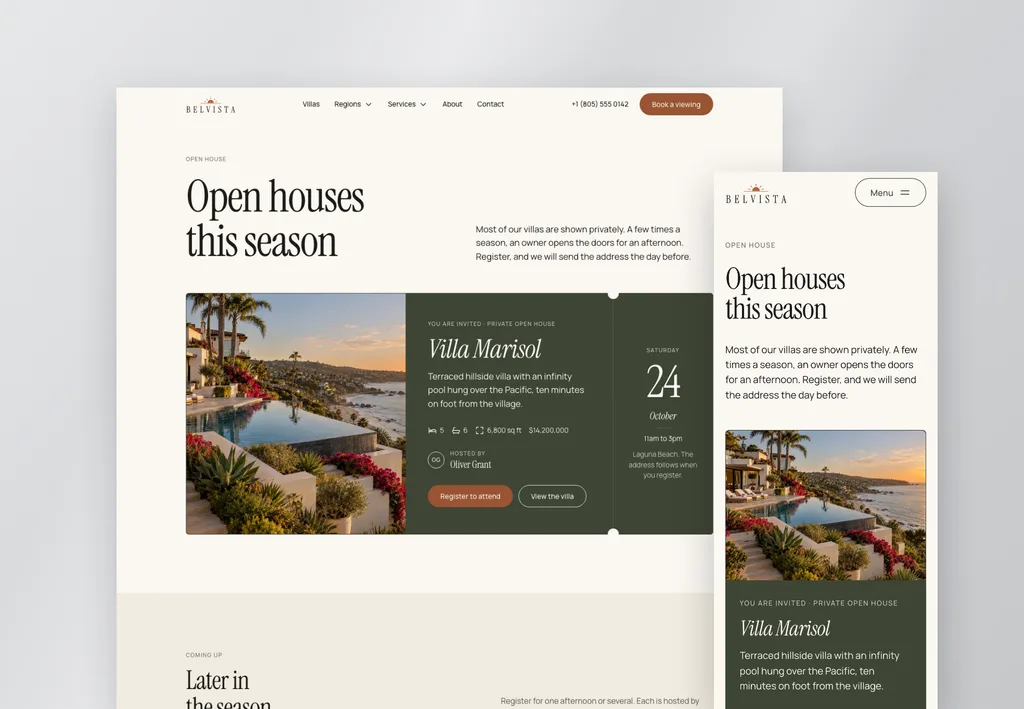
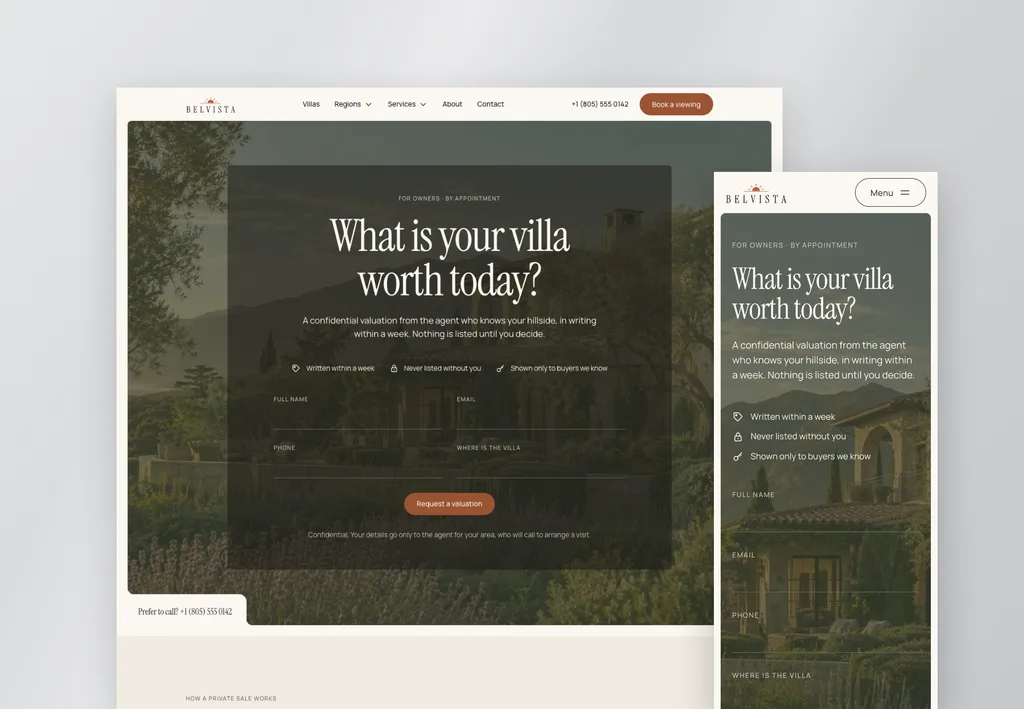
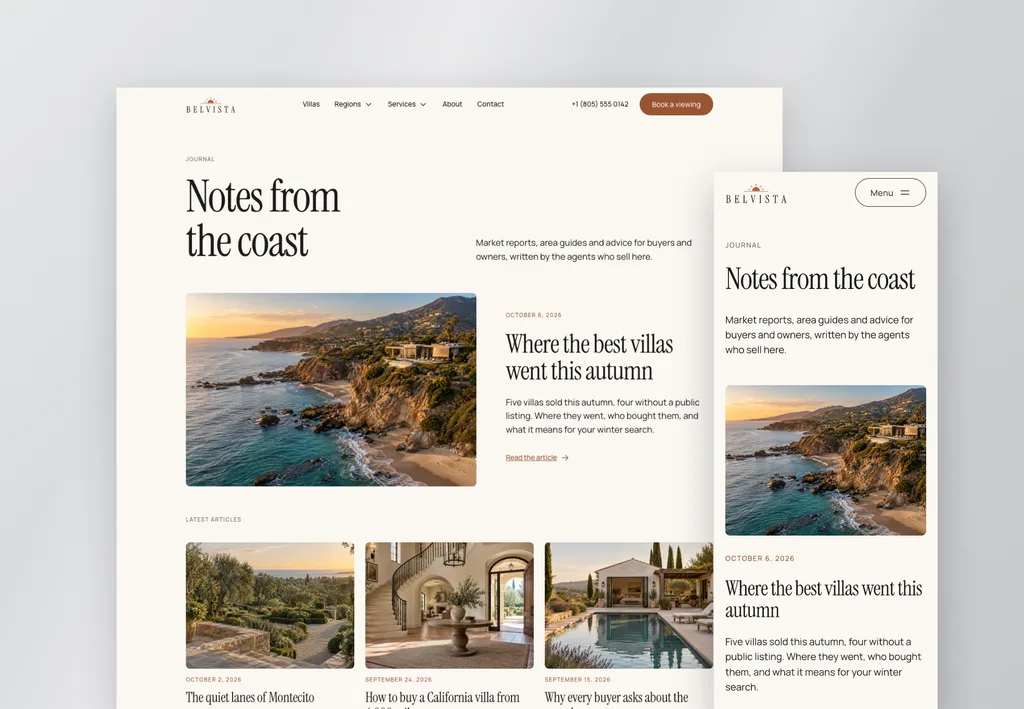
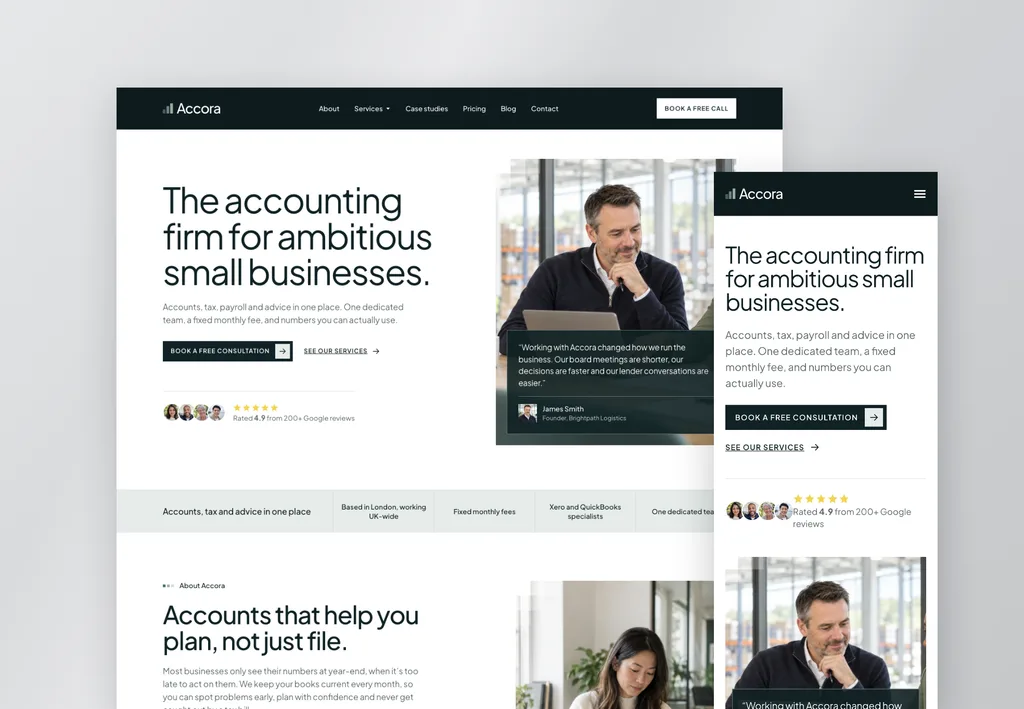
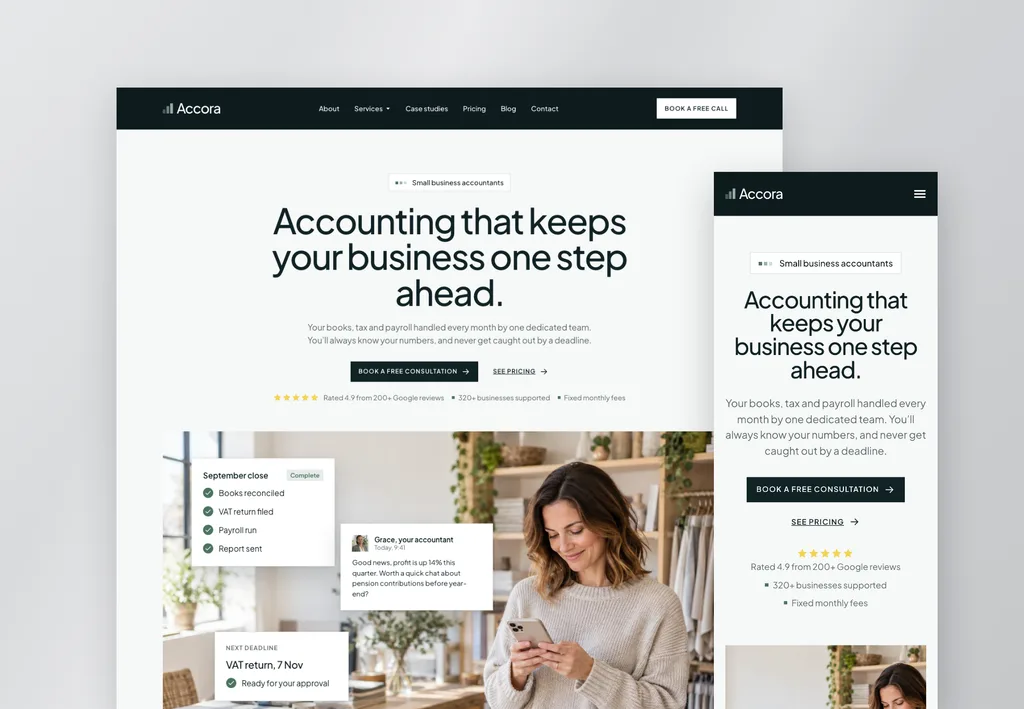
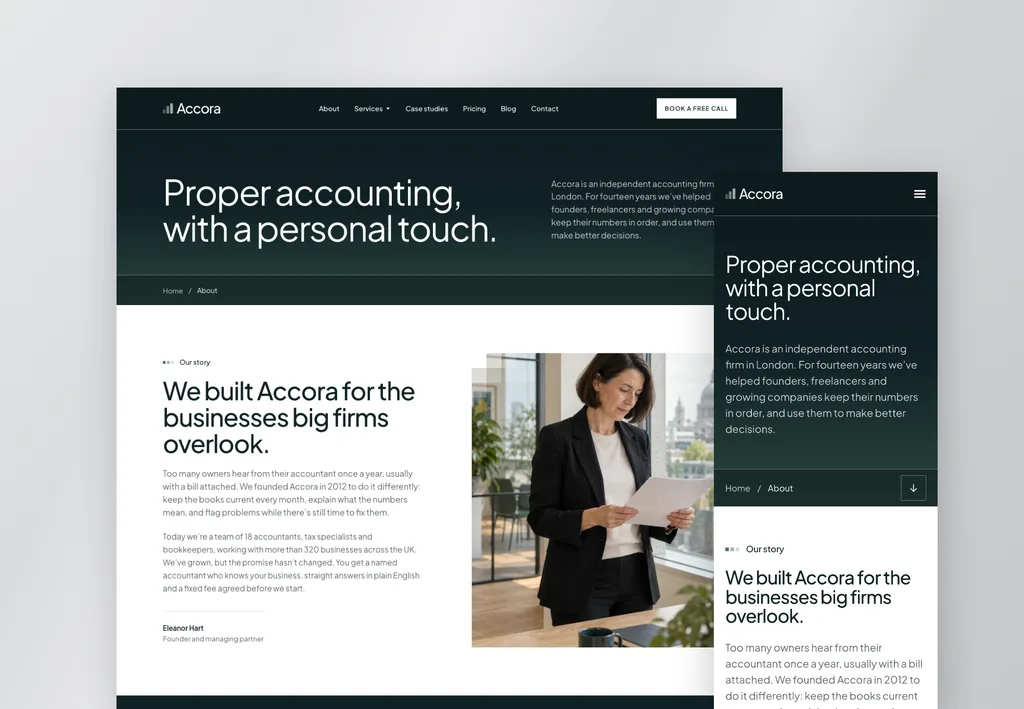
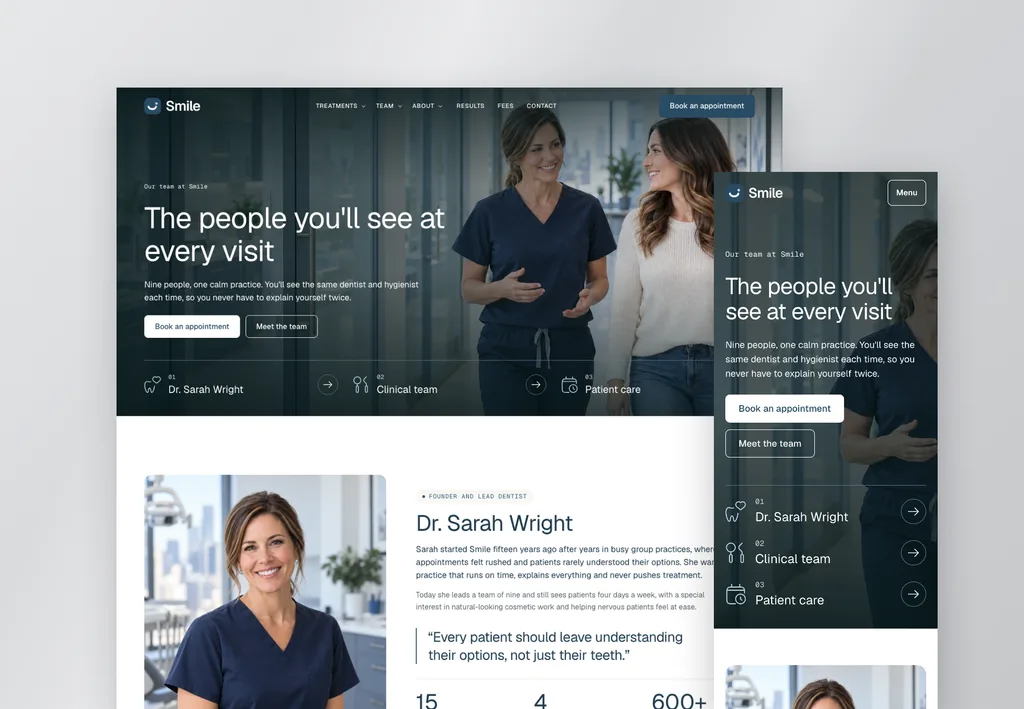
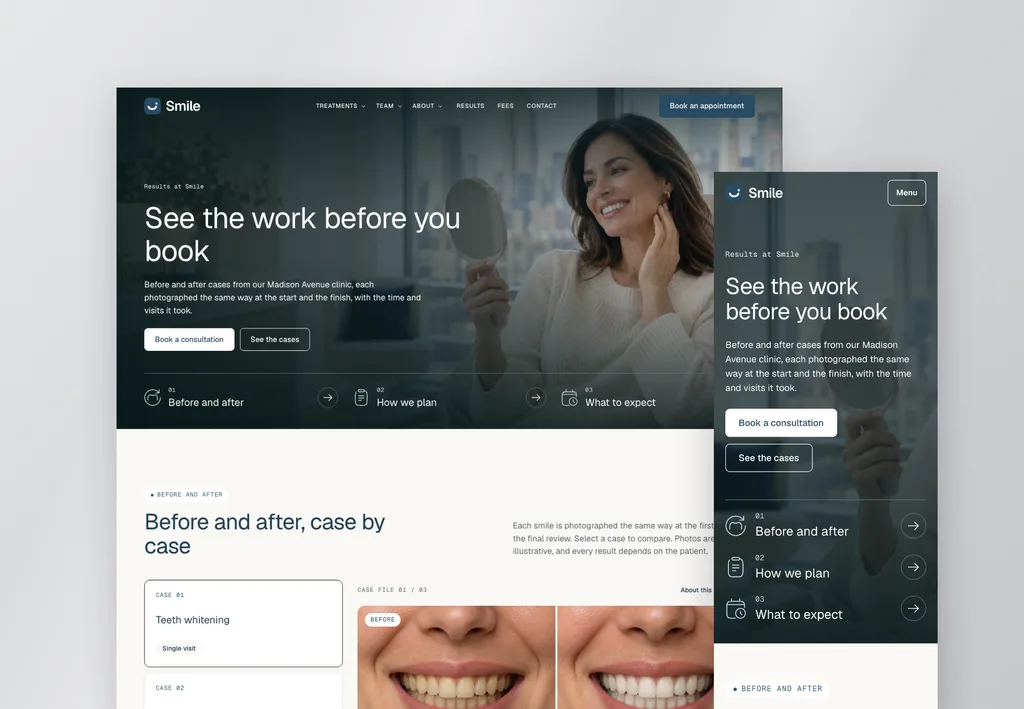
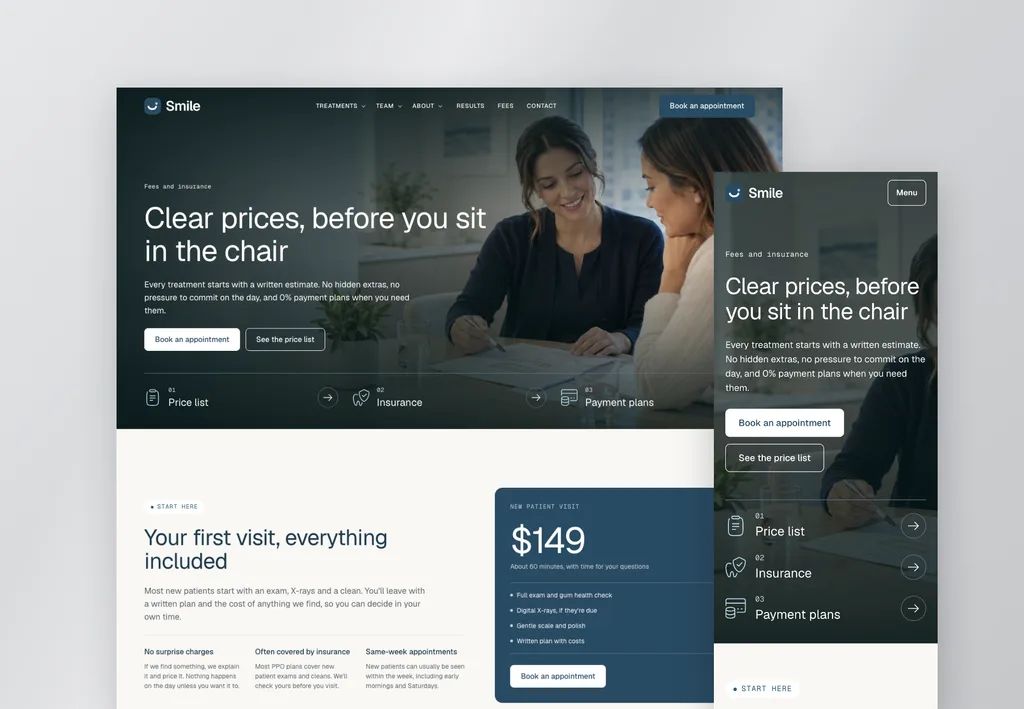
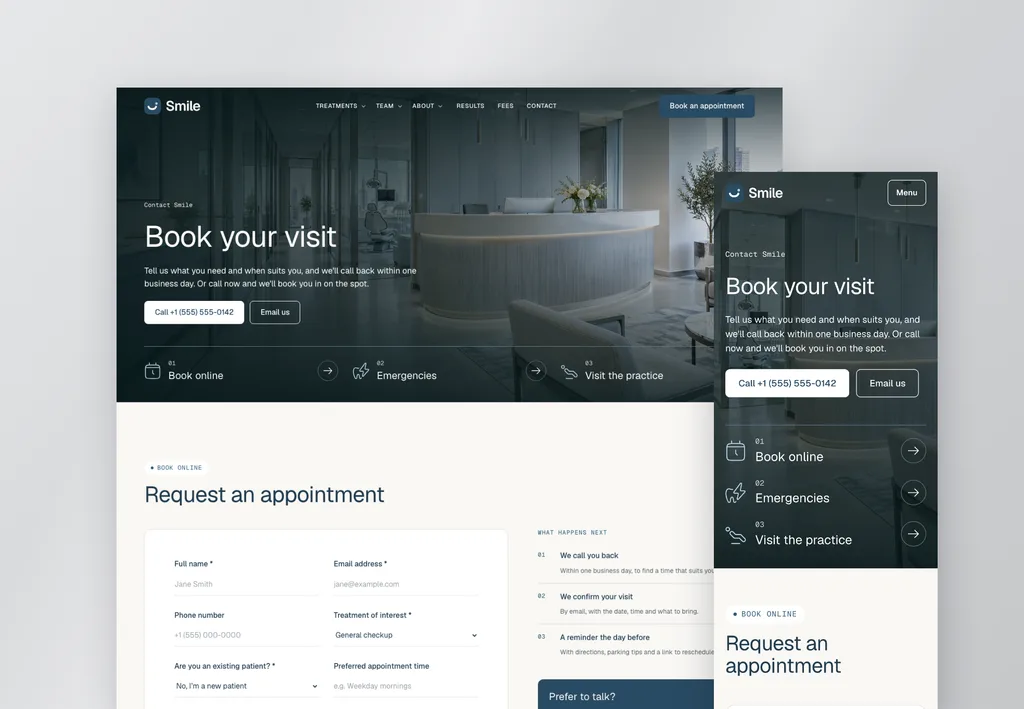
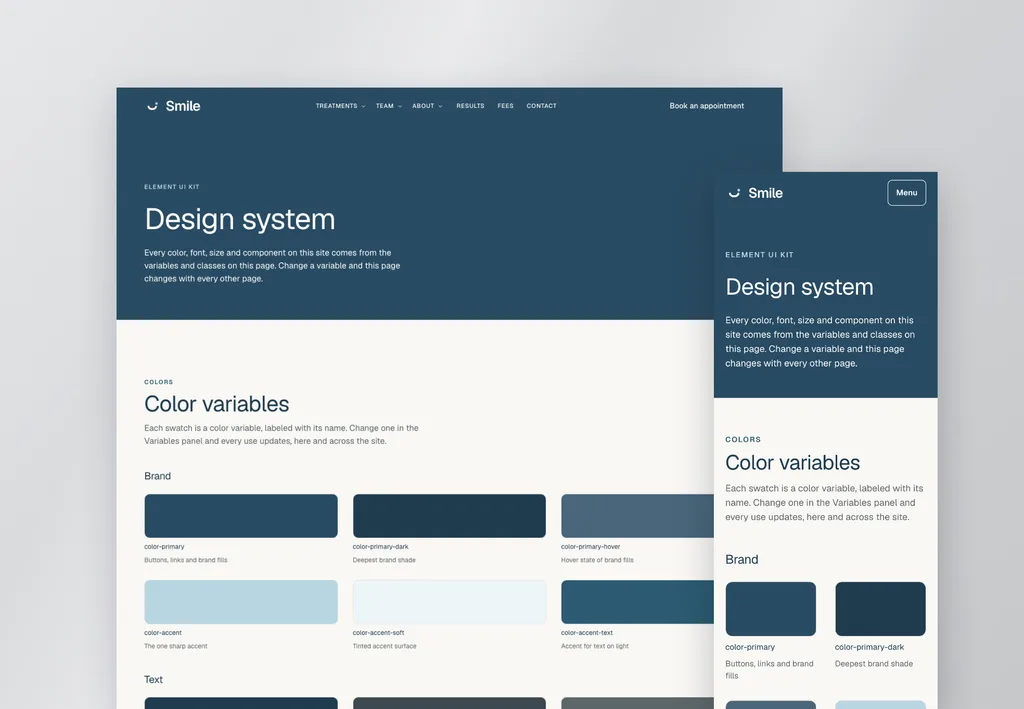
V4 website templates
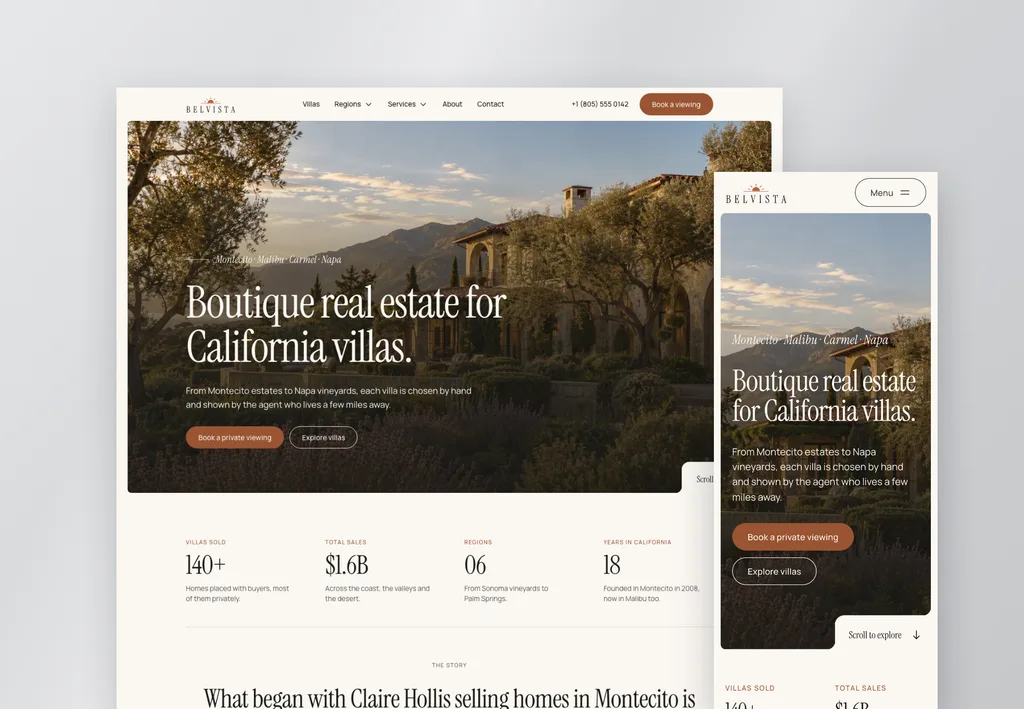
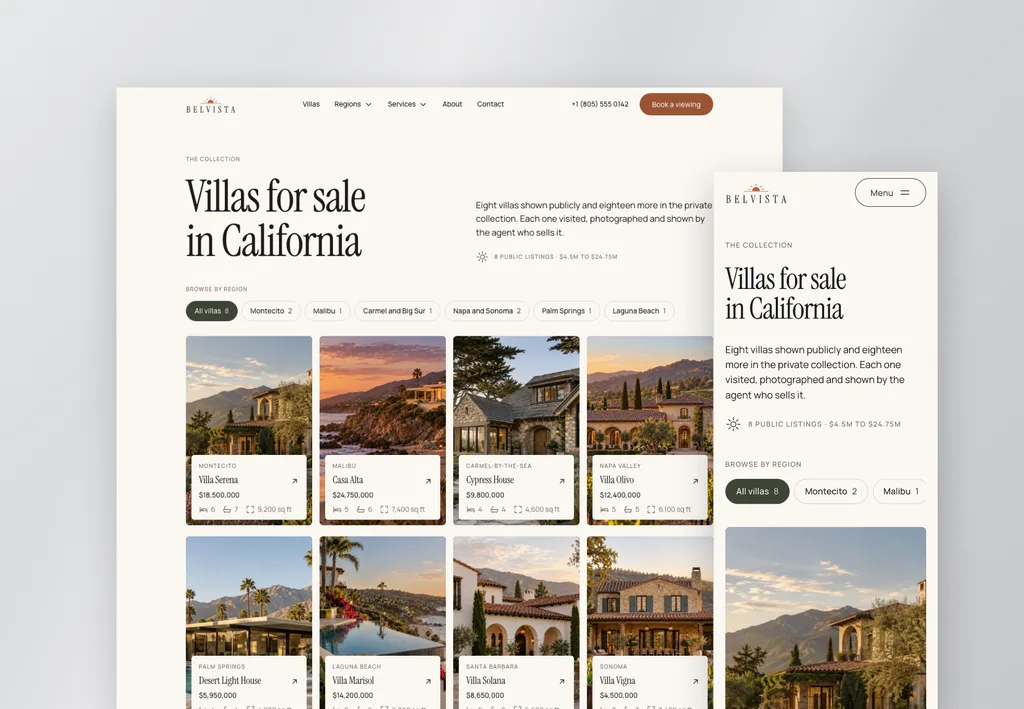
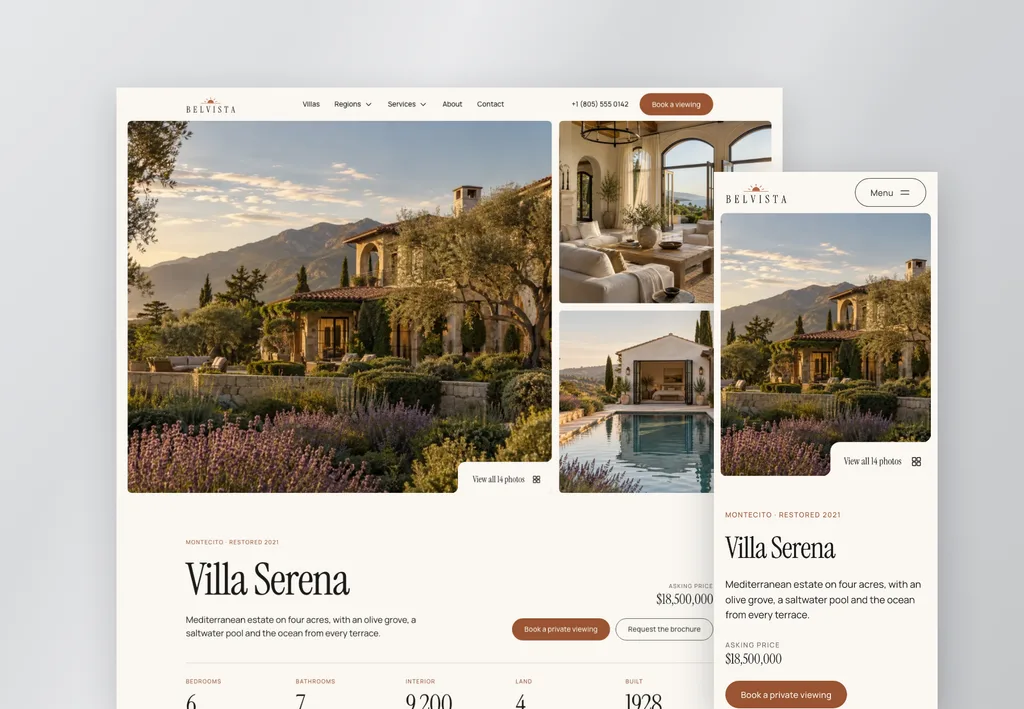
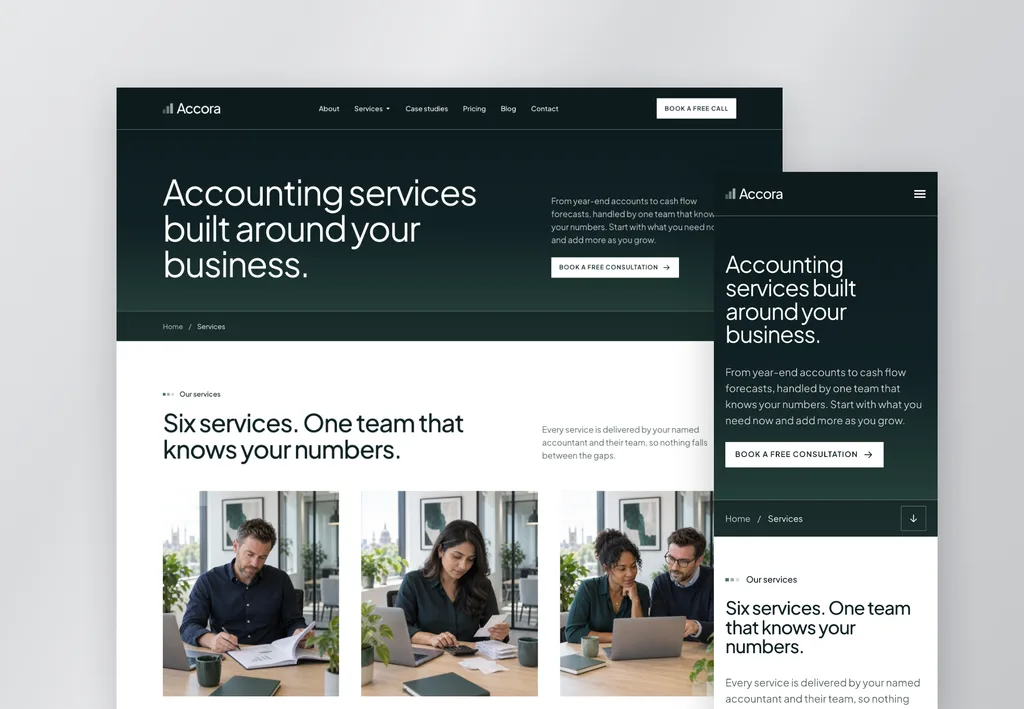
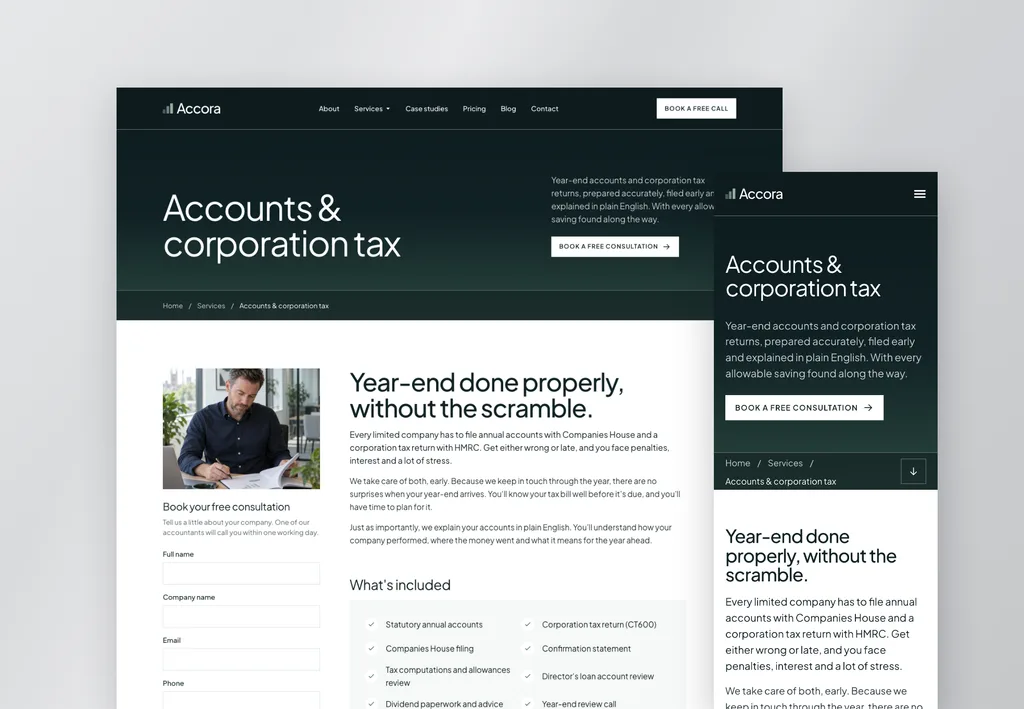
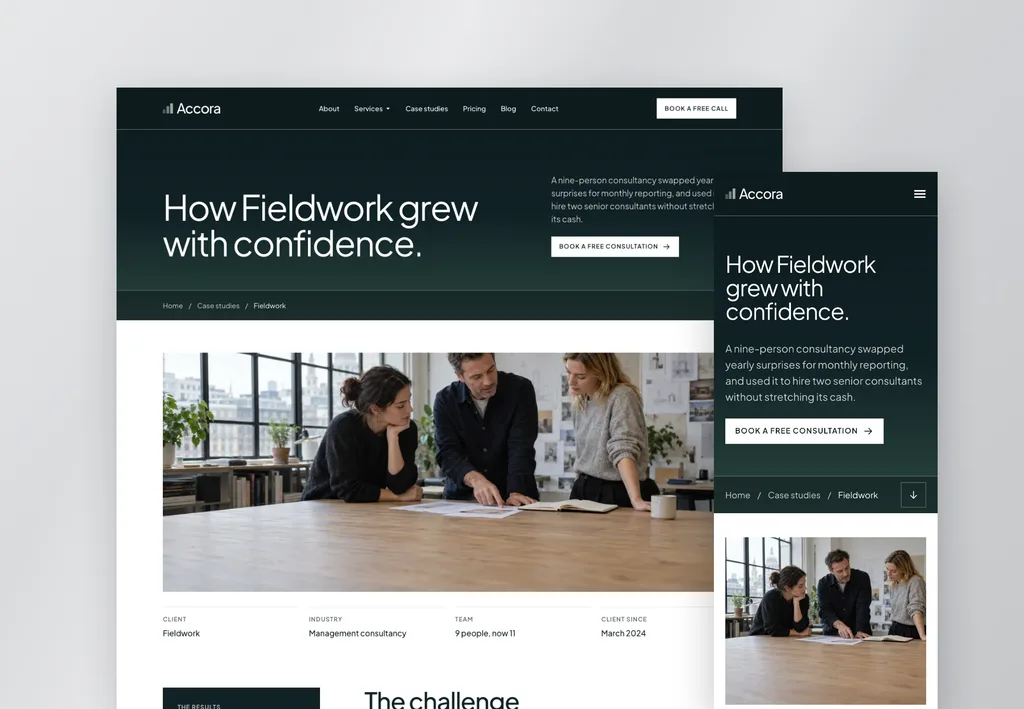
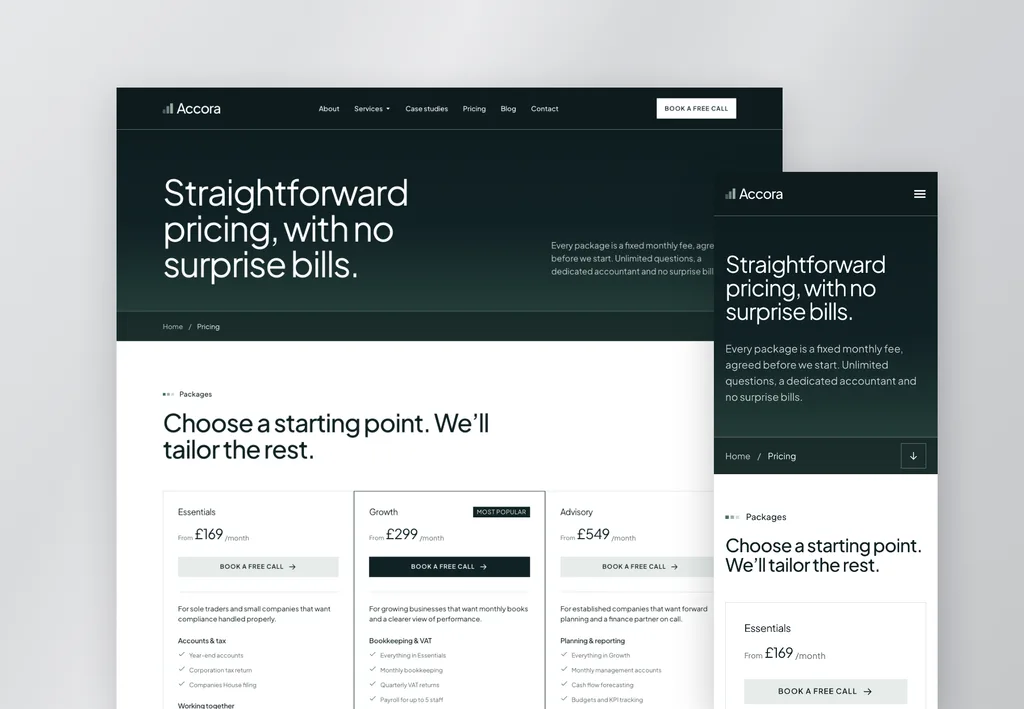
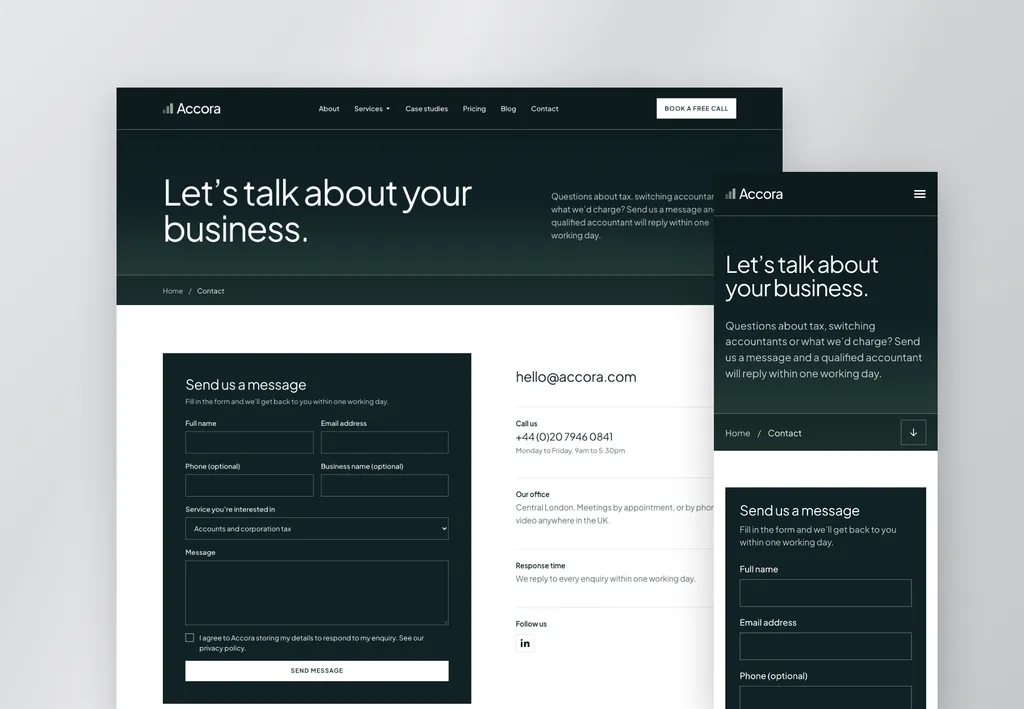
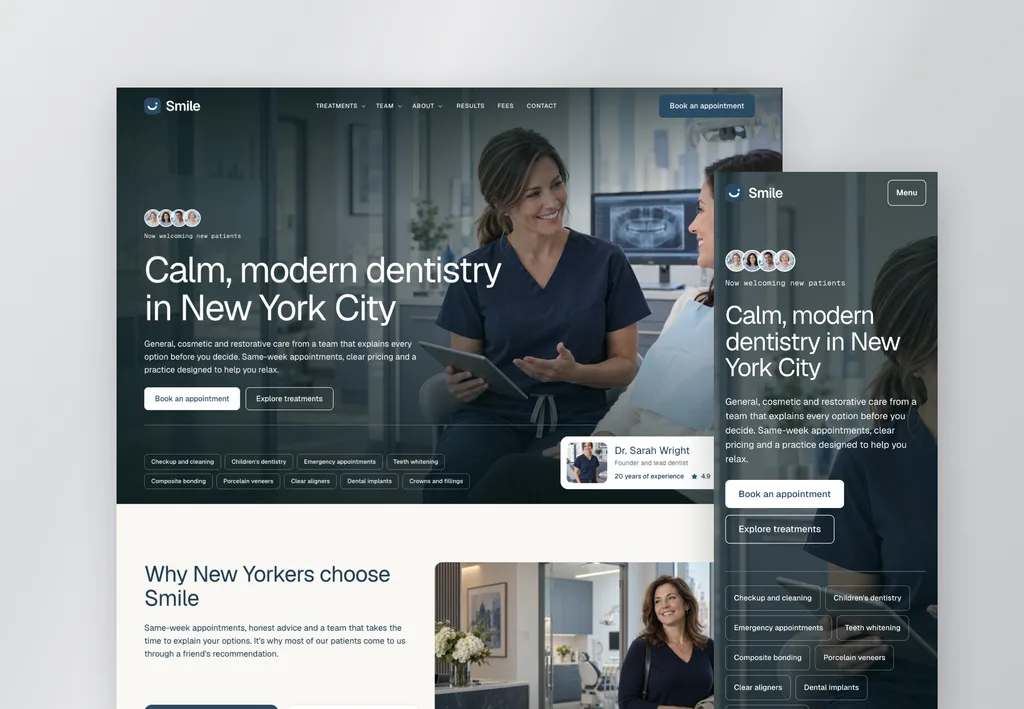
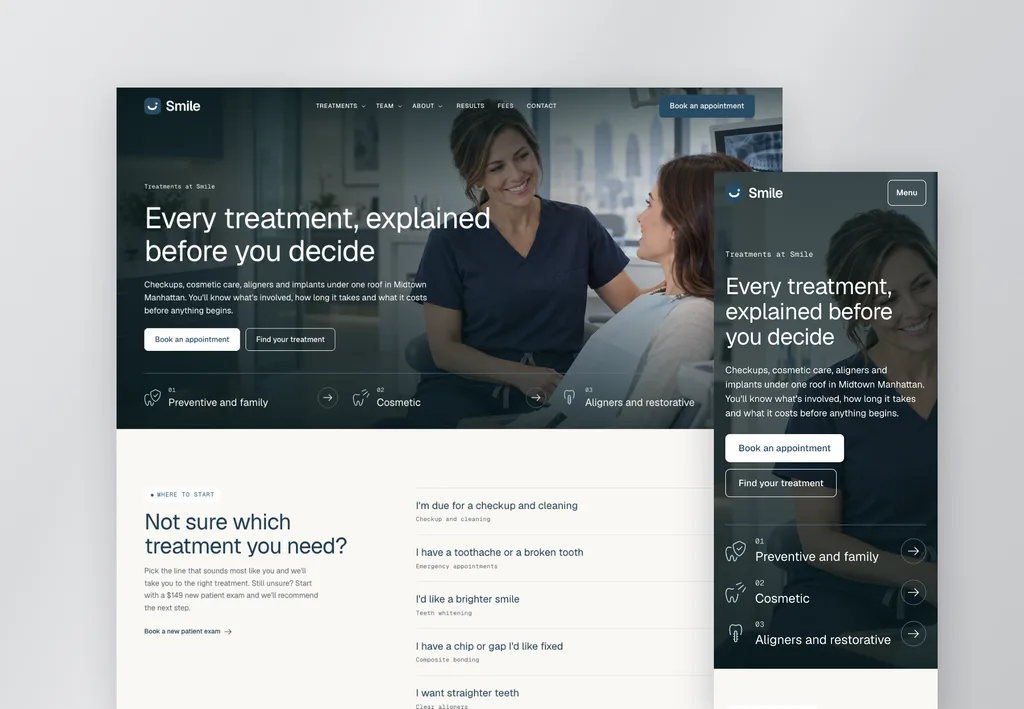
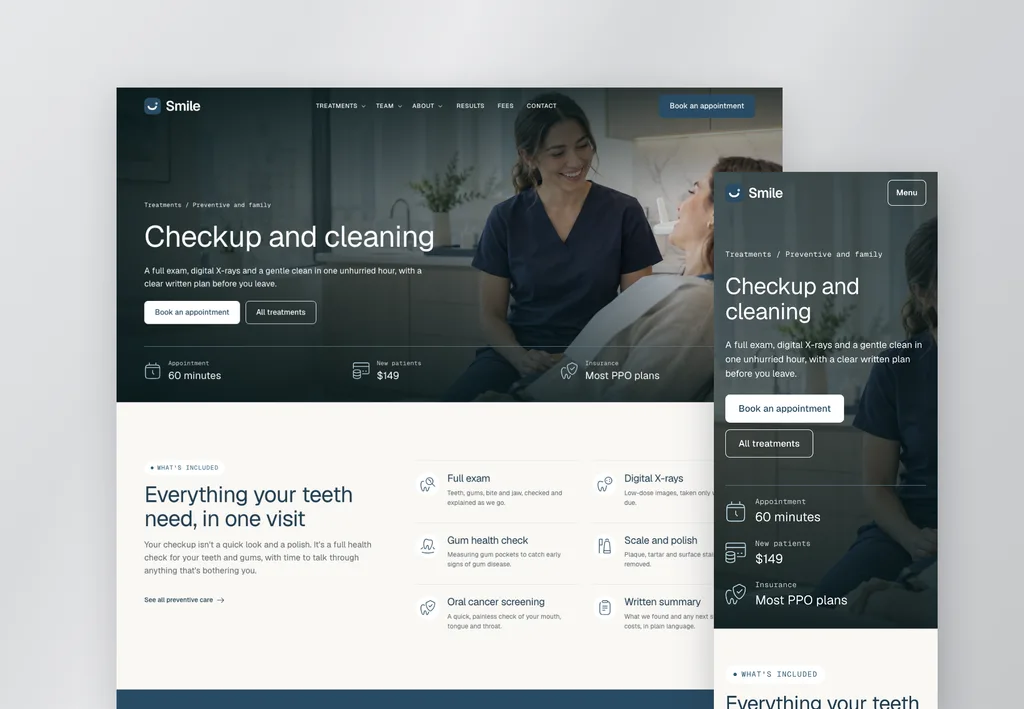
Elementor V4 templates, built for the AI era
Professionally designed Elementor V4 websites, ready to launch. Customize them to any brand in a few clicks, or just ask your AI.
A note from the founder
Why I built Element UI
“After years of building Elementor websites for clients, I started to notice a pattern. Every new project meant rebuilding hero sections, testimonials, headers, footers, services, pricing tables, FAQs, and dozens of other layouts from scratch.
I wanted a faster way to build professional websites without sacrificing quality. So I started creating my own library of reusable components, carefully designed, easy to customize, and flexible enough to work for almost any project.
Today, that kit has grown to provide everything you need to build a professional Elementor website. And I update it regularly to make it even better for you.”
V3 templates
Launch a professional website in a day
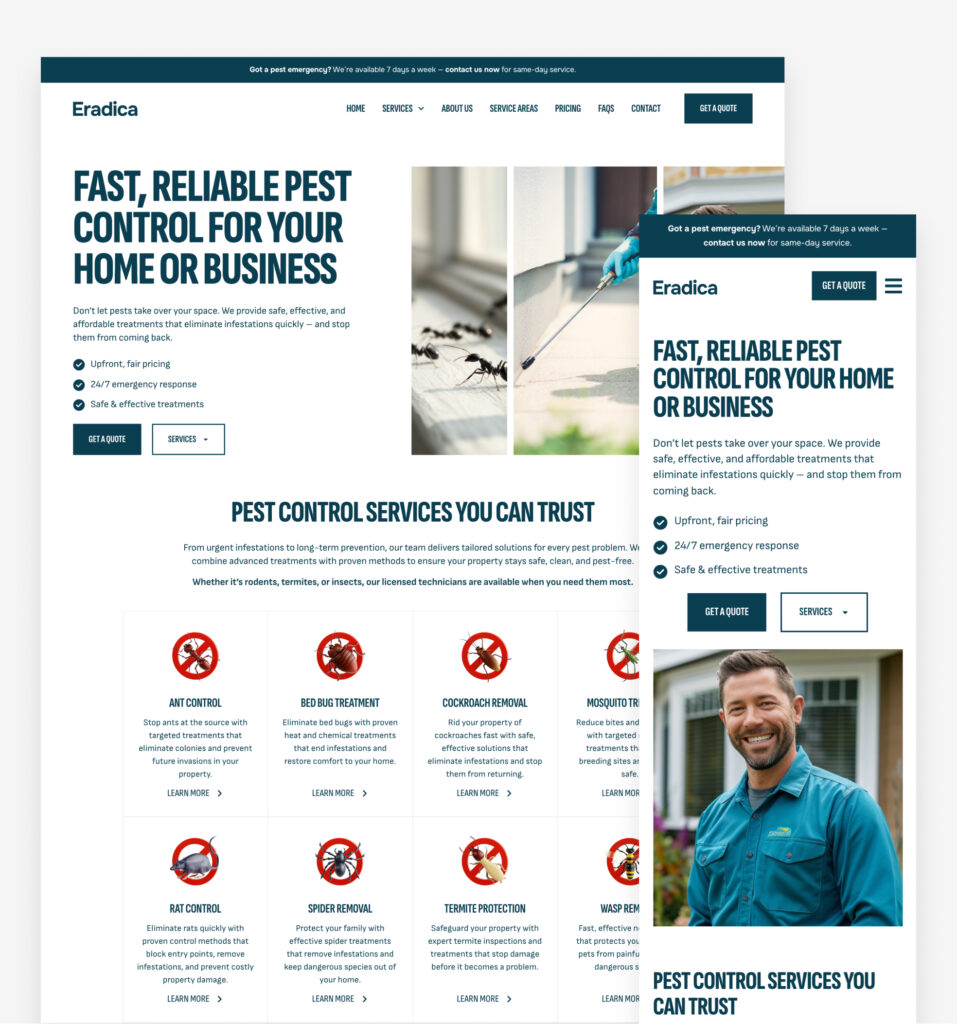
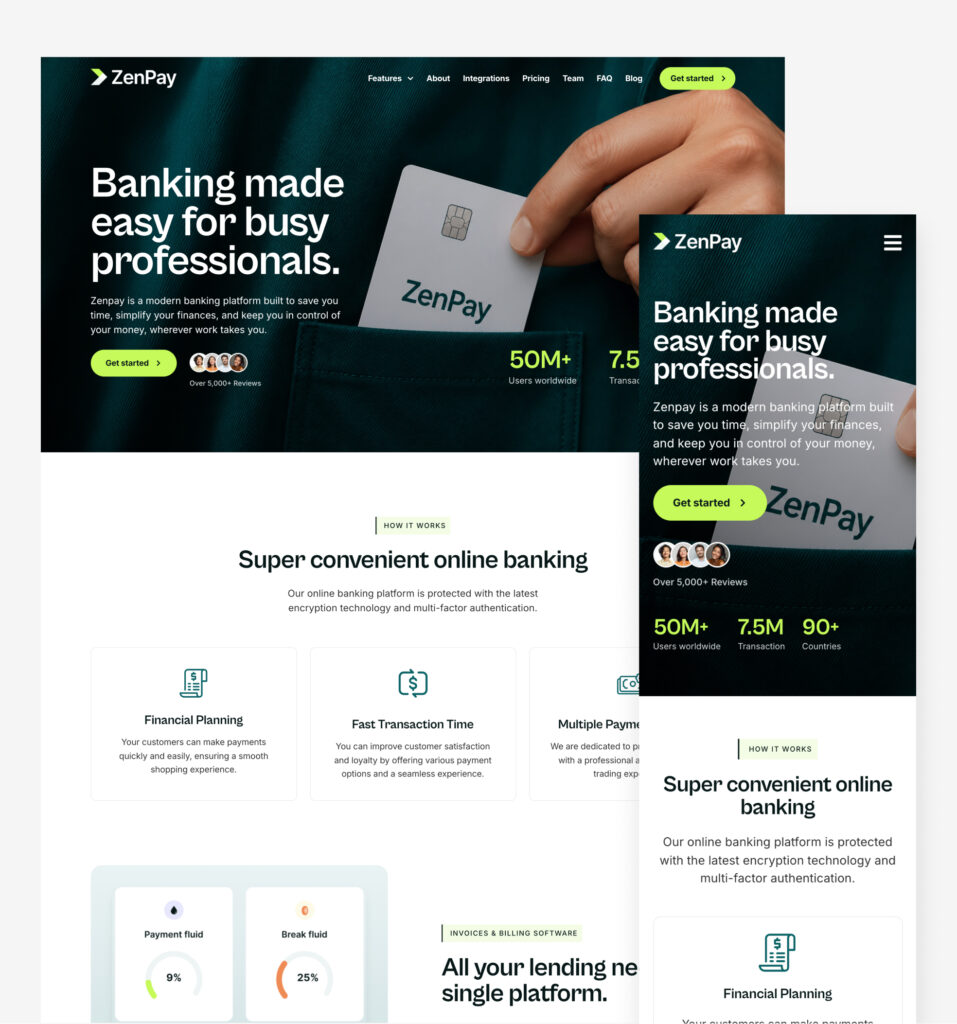
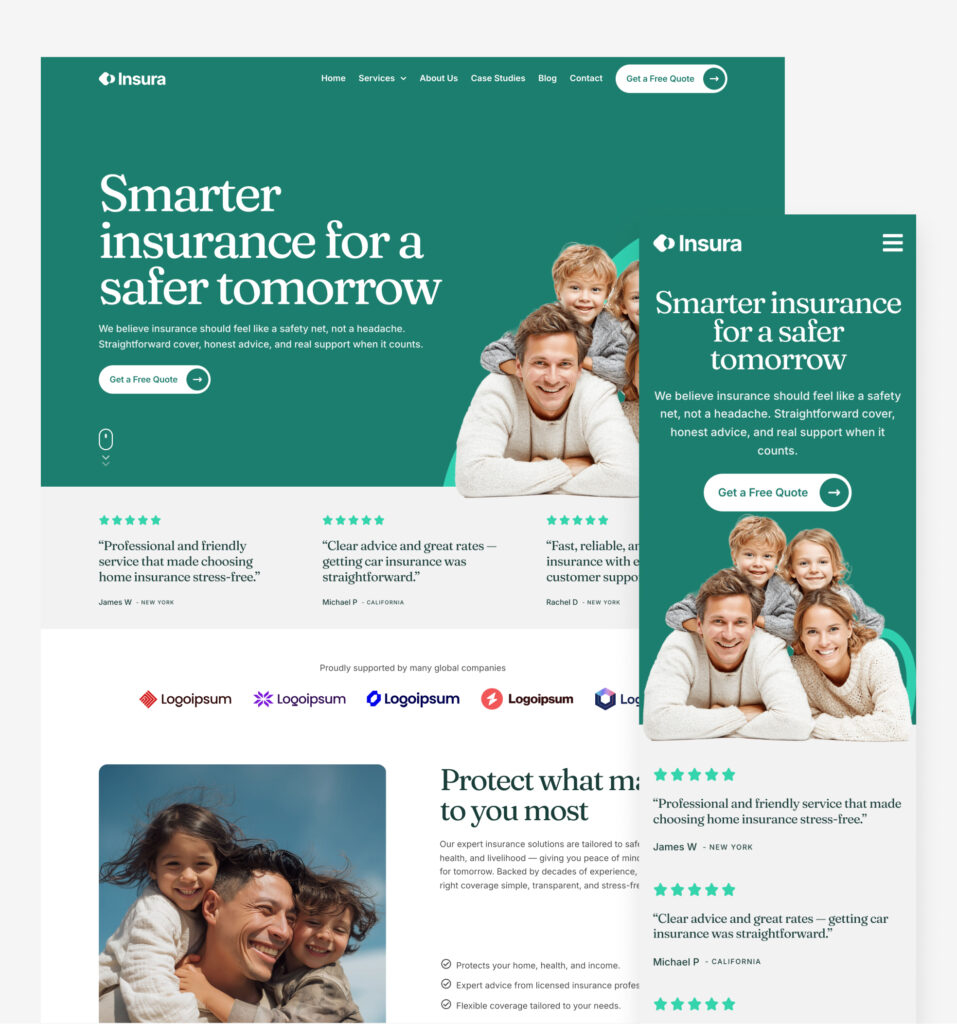
Complete multi-page websites, highly adaptable for almost any business. Just add your content and go live.
Reviews
See why Elementor users choose Element UI
“I can’t emphasize enough how much time I save with Element UI. Building sites from scratch used to take up most of my schedule, but now I can launch professional sites much faster, allowing me to take on more clients and projects.”
Sofia Freelance Developer
“What impressed me most about Element UI was how the expert utilization of flexbox containers has helped to speed up our sites, which is crucial for ranking well. The structures are also clean and easy to navigate.”
Jonathan SEO expert
“The easy copy-and-paste feature has cut my project time in half. The pre-built sections are designed with a professional touch that aligns perfectly with my high standards.”
Arjun Elementor Developer
“Element UI has streamlined our entire production process. No more starting from scratch or struggling with mismatched sections. Everything just works together perfectly, right out of the box.”
Vanessa Project Manager
“Introducing Element UI into my micro agency has been a no-brainer for us. The flexbox containers ensure that everything is streamlined and responsive.”
James Agency founder
What I really like is all of the elements are perfectly aligned and with appropriate spacing and responsive for desktop/ tablet/ mobile. Saves a lot of time!
Dave W. Freelancer
“As a freelancer, time is money, and Element UI has easily paid for itself over and over again. The design system keeps everything clean, and I can focus on delivering results faster than ever.”
Lucas D. Freelance Developer
“Element UI has become an indispensable resource for our agency. The copy and paste feature is brilliant!“
David Agency owner
“This component library has revolutionized my development workflow. I’m now able to deliver websites in record time.”
Joshua Elementor developer
“Element UI has transformed our digital marketing agency. The ability to rapidly deploy websites has allowed us to take on more projects and scale our business. It feels like a superpower!“
Mary Agency founder
“Element UI has been a game-changer for me. I’ve halved my development time and can take on more projects each month.”
Adam W Freelancer
“We’ve integrated Element UI into our agency’s workflow, and the impact has been incredible. Our team now delivers projects faster, with higher consistency, and clients are thrilled with the designs.”
Alex W. Creative Agency Director
“Element UI has completely changed how I approach client projects. What used to take me days now takes just a few hours. Clients love the results, and I love how easy it is to build consistent, beautiful sites.”
Jordan M. Freelance Web Designer
“I run a small SEO/Paid Ads business and came across Element UI Kit when searching for pre-built Elementor solutions. I’ve been using the tool for a few months and it’s easily saved 20+dev hours plus the cost of a dev. We’ve used it on landing pages and will soon use the pre-built websites. The components are easy to use and there is lots of variety. Support from Paul was also fast and helpful. Recommended!”
William Smith Agency Founder
“I’m relatively new to web design, but Element UI made it feel like I’ve been doing this for years. My website looks sleek, professional, and functions beautifully.”
Jared O. Elementor developer
“This library has saved me countless hours. I just copy, paste, and everything falls into place. It’s like having a secret weapon that makes every project look more professional without the extra work.”
Rachel Elementor Specialist
Pricing
Start free, unlock every component with Pro
Free
See what Element UI can do
$0
Free forever
What's included:
- 60 free components
- Not included: 558 Pro componentsV3 and V4 layouts
- Not included: 37 CMS componentsDynamic content layouts
- Not included: 25 Code componentsInteractive enhancements
- Not included: 3 website templatesLaunch a full site today
Element UI Pro
Every component and 3 website templates
Was $24$8/month
Billed yearly at $96 · Cancel anytime
What's included:
- 558 Pro componentsV3 and V4 layouts
- 37 CMS componentsDynamic content layouts
- 25 Code componentsInteractive enhancements
- 60 free components
- 3 website templatesEradicaZenPayInsuraLaunch a full site today
All prices in USD. Secure checkout via 
Why Element UI?
Element UI makes building with Elementor faster and easier. Instead of starting from scratch, you can copy and paste ready-made sections to create a professional website in hours, not days.
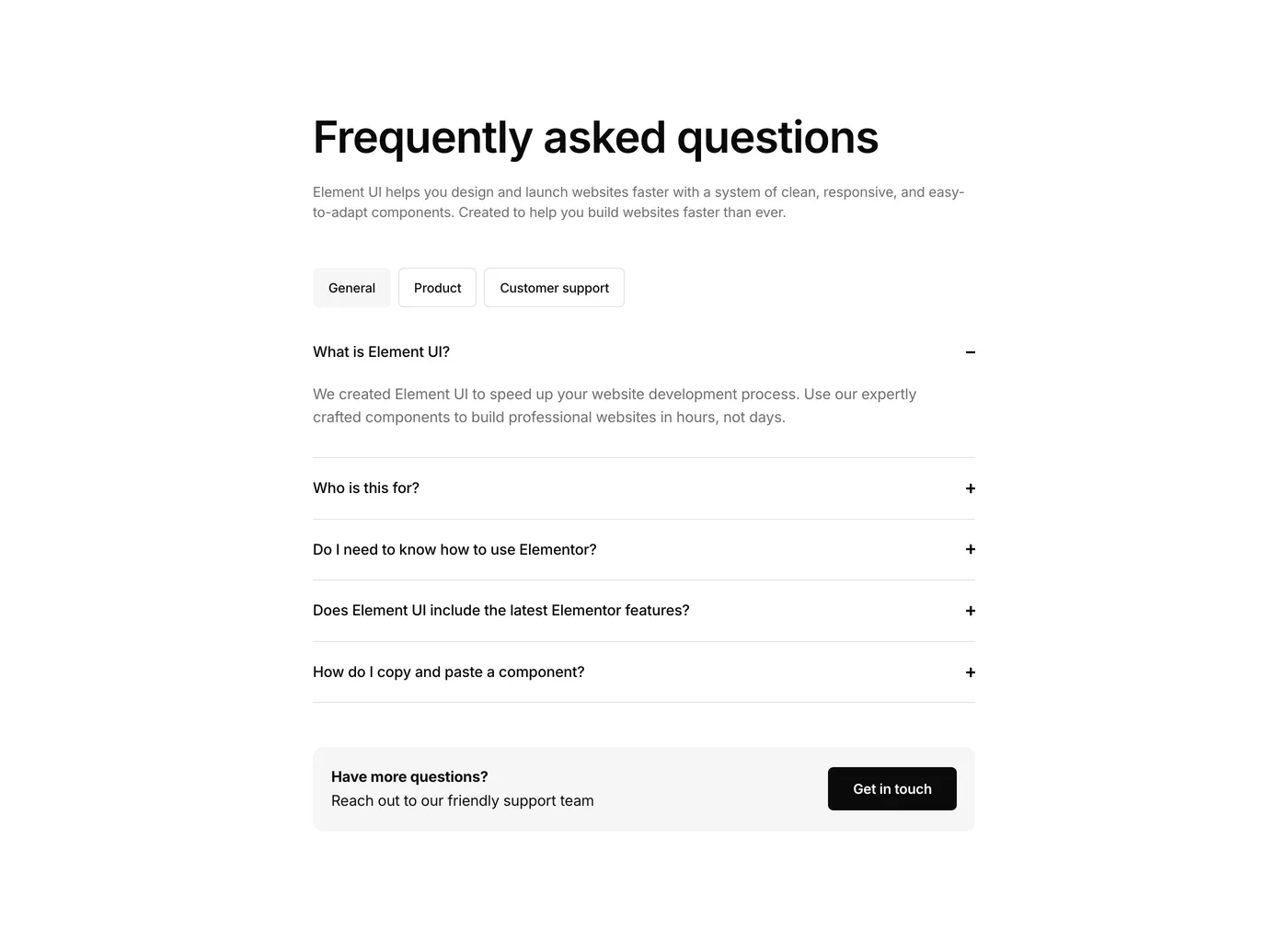
Who is this for?
Anyone using Elementor. Whether you’re a beginner, small business owner, freelancer, or agency, Element UI helps you build professional websites quickly and confidently.
Do I need to know how to use Elementor?
If you’re familiar with Elementor, you’ll finish projects much faster. If you’re brand new, Element UI is a great way to learn. You’ll see best practices in action and enjoy a hands on learning experience right away.
How do I import a component into Elementor?
It’s as easy as copy and paste. Click the Copy button on a component, then paste it directly into your Elementor editor using “Paste from other site.” Simple.
Does Element UI include the latest Elementor features?
Yes. We regularly update the library so all components use the latest Elementor features and follow modern design trends.
What's the difference between templates and components?
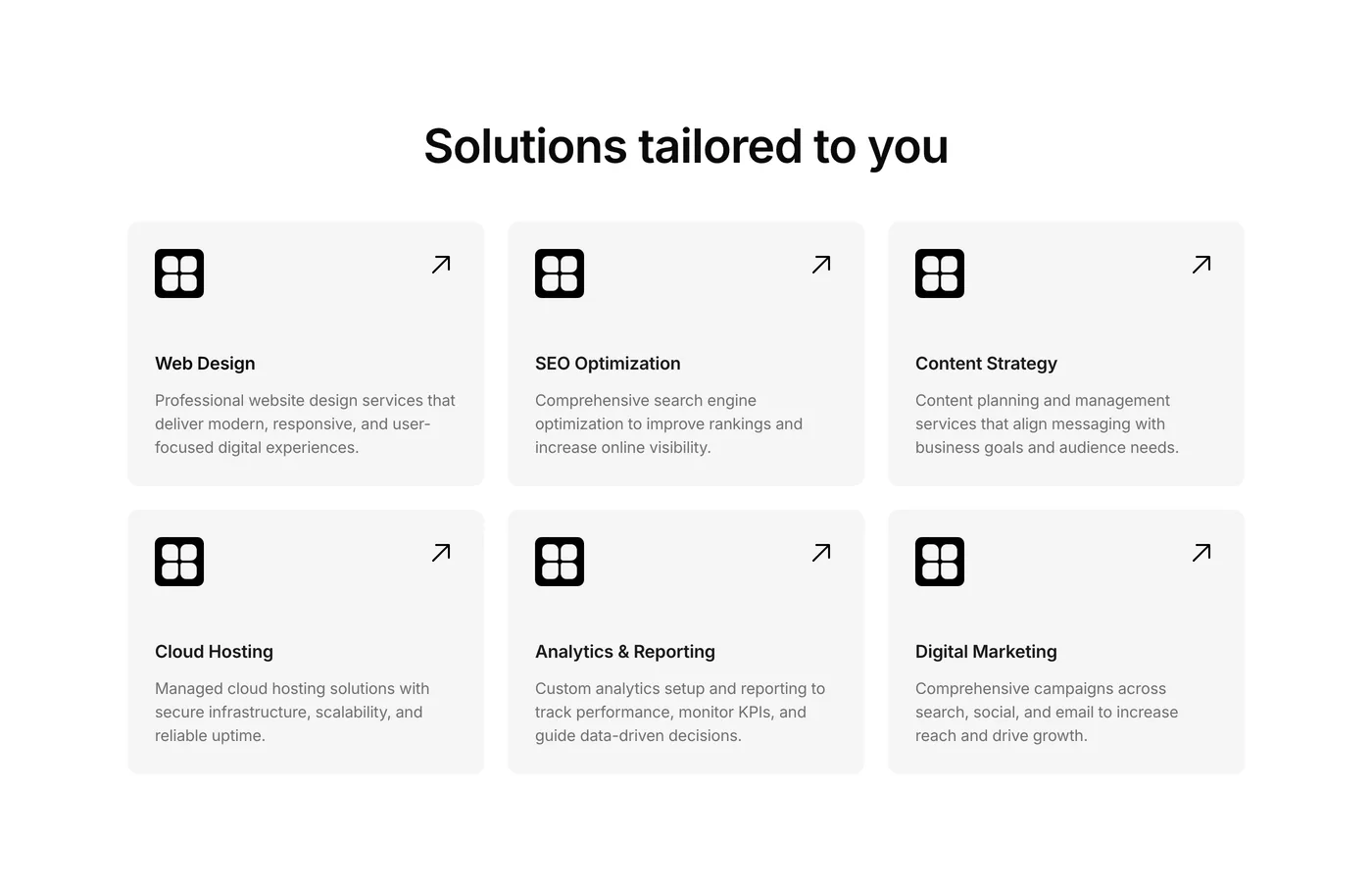
Components are individual sections like hero, services, team, headers, footers, testimonials and more.
Templates are complete website designs ready to import and customize.
Templates give you a full website fast; components help you build new or extend an existing site.
Will there be new components and updates?
Absolutely. We’re always adding new sections and layouts so your library keeps growing with fresh designs.
What's the difference between Free and Pro?
Free gives you 60 free components to copy and paste. Pro adds advanced components and three V3 website templates: Eradica, ZenPay and Insura. You can start free and upgrade anytime.
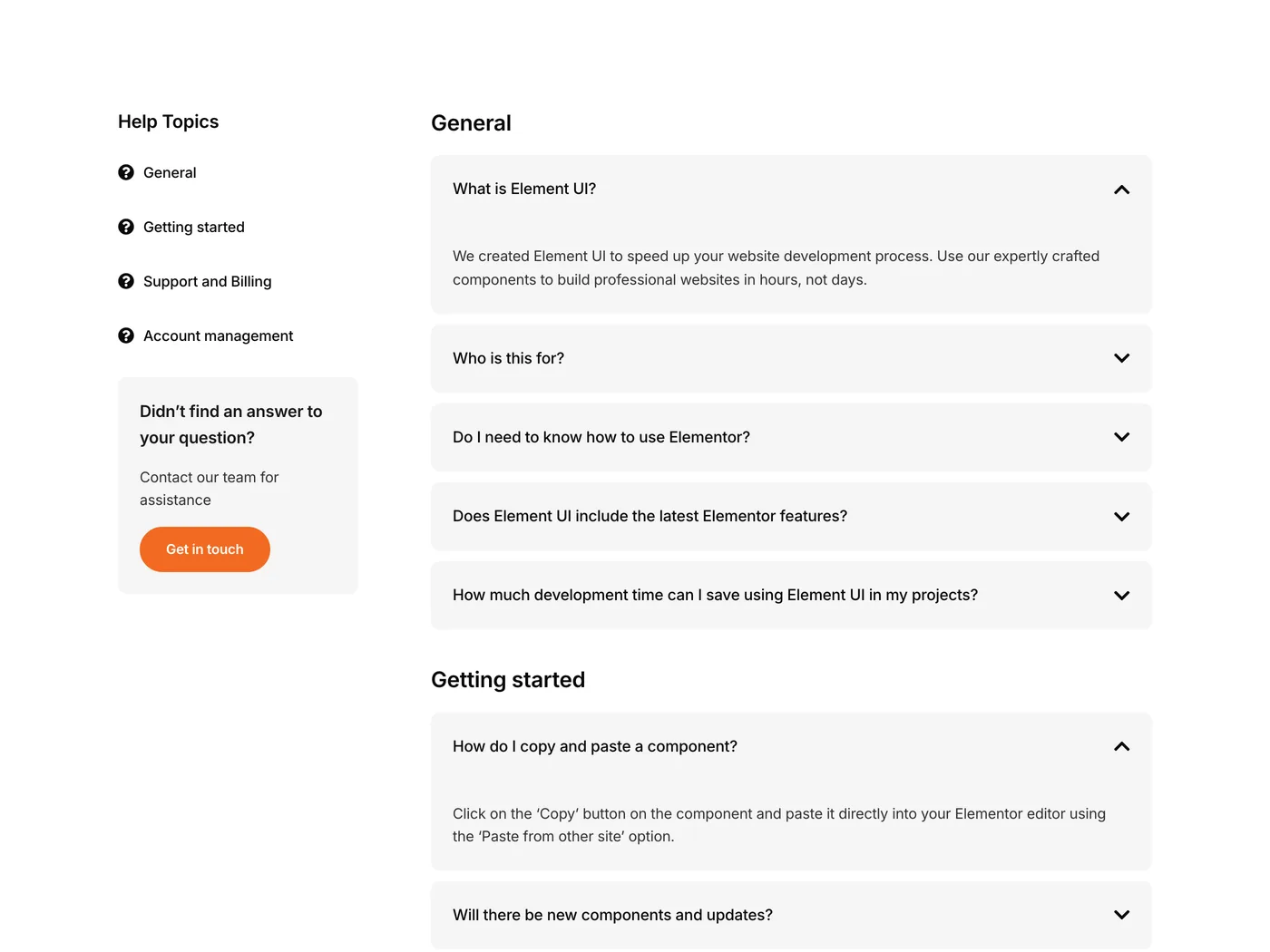
How does support work?
We have a support page with helpful guides and tutorials. And if you ever need a hand, you can email us directly at hello@elementuikit.com.