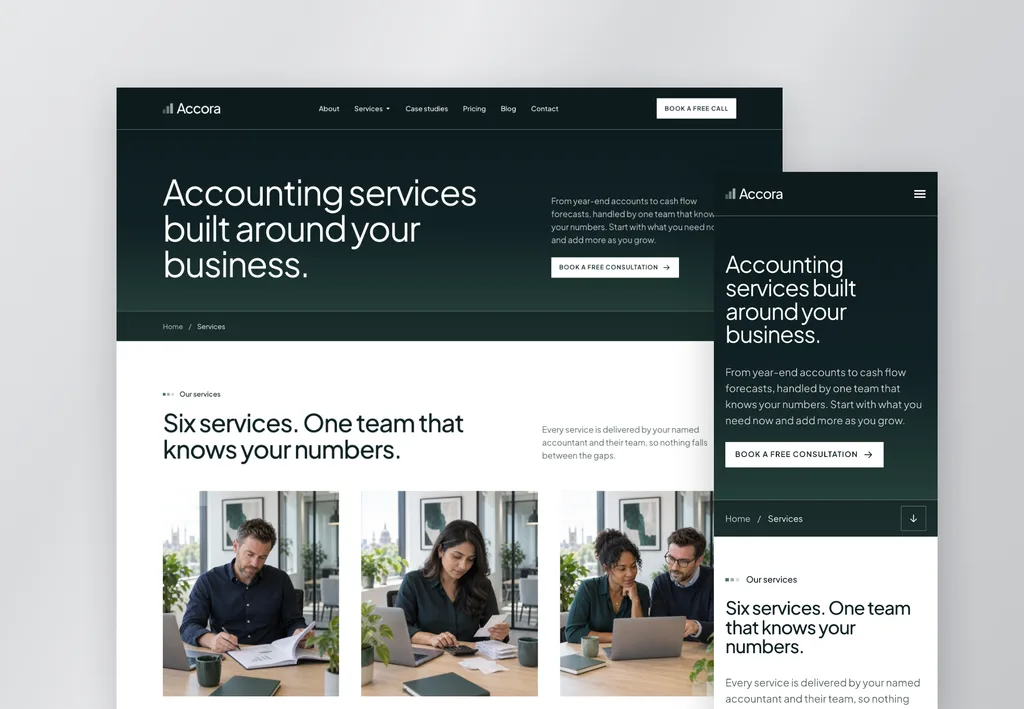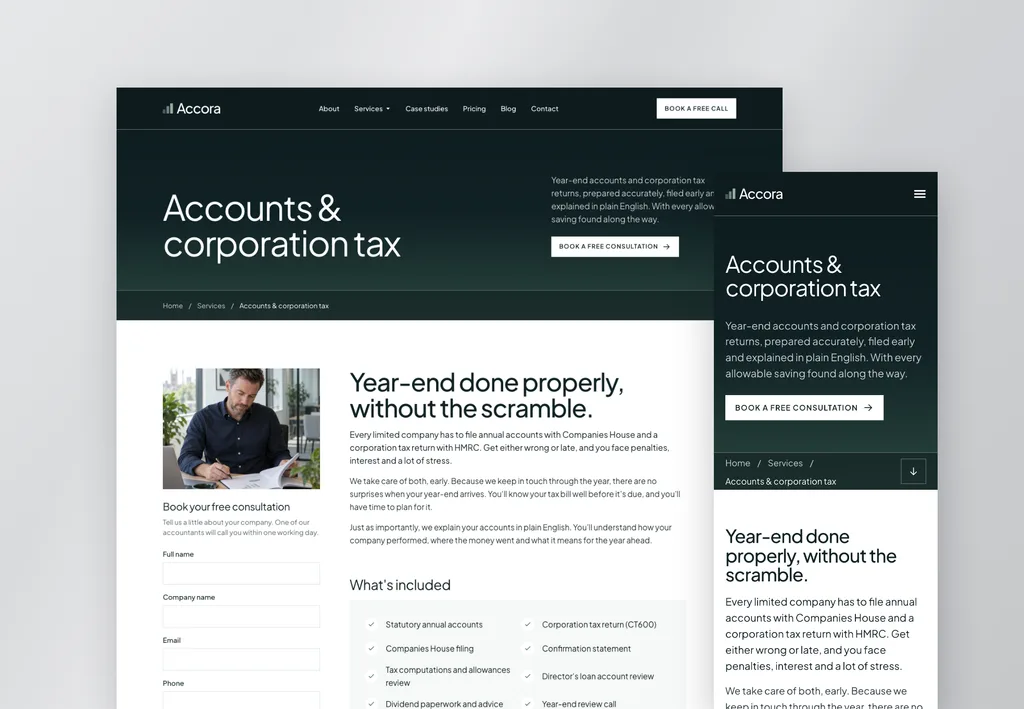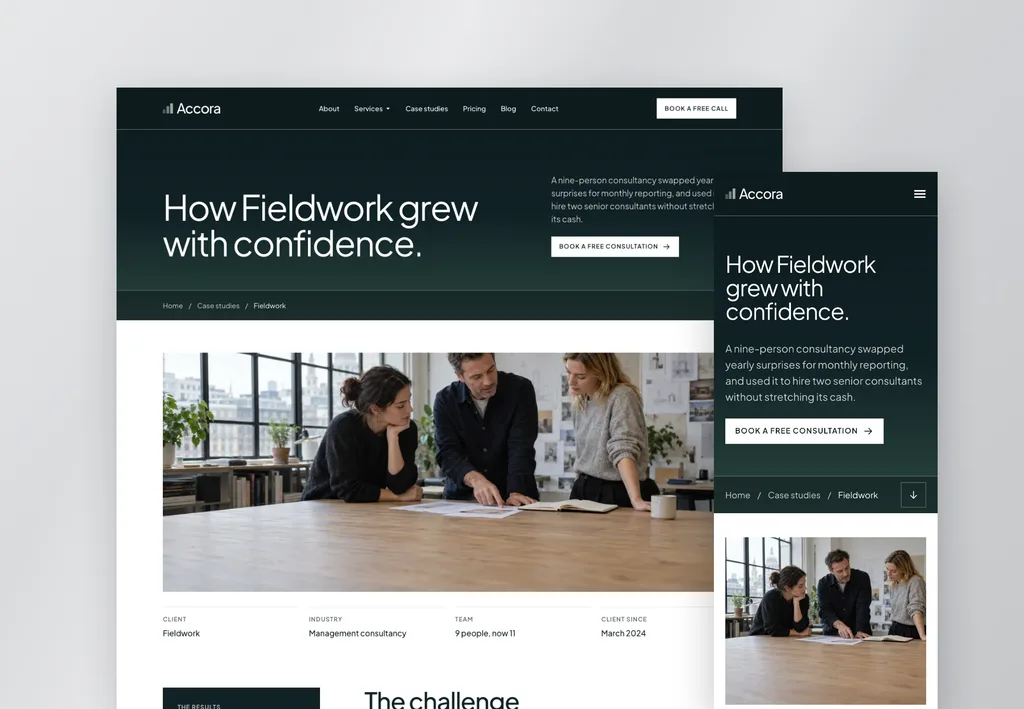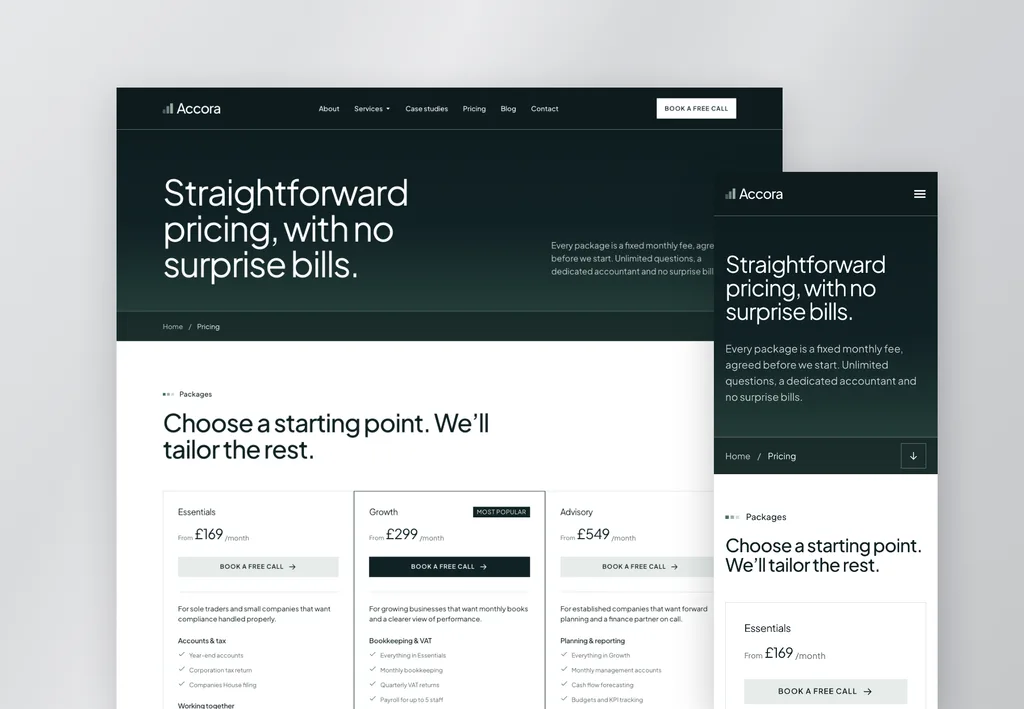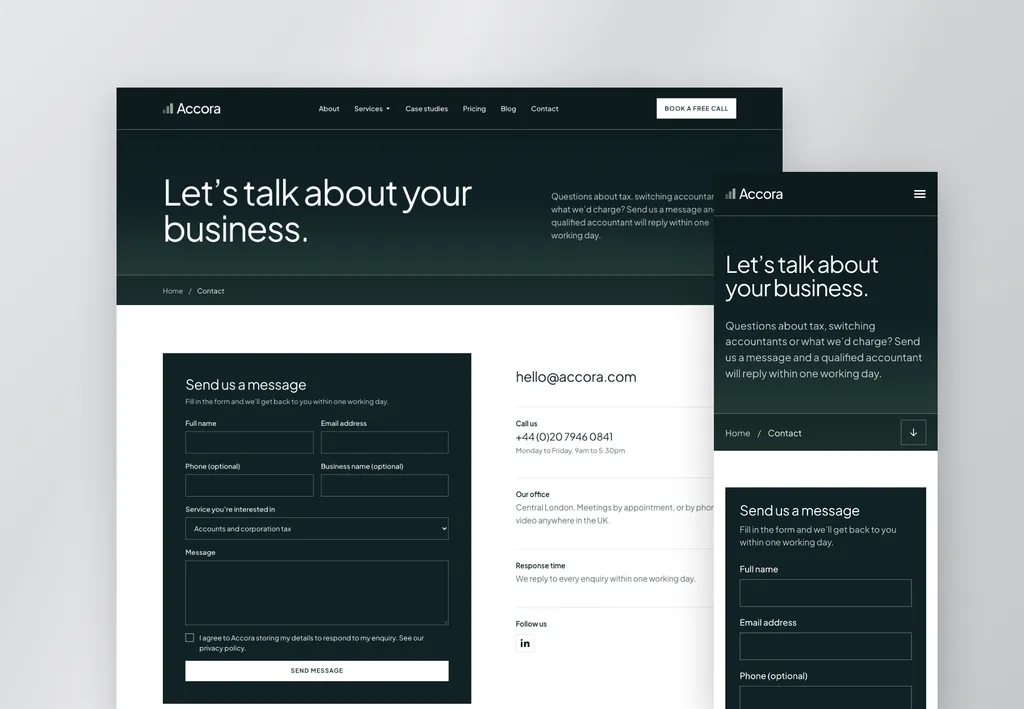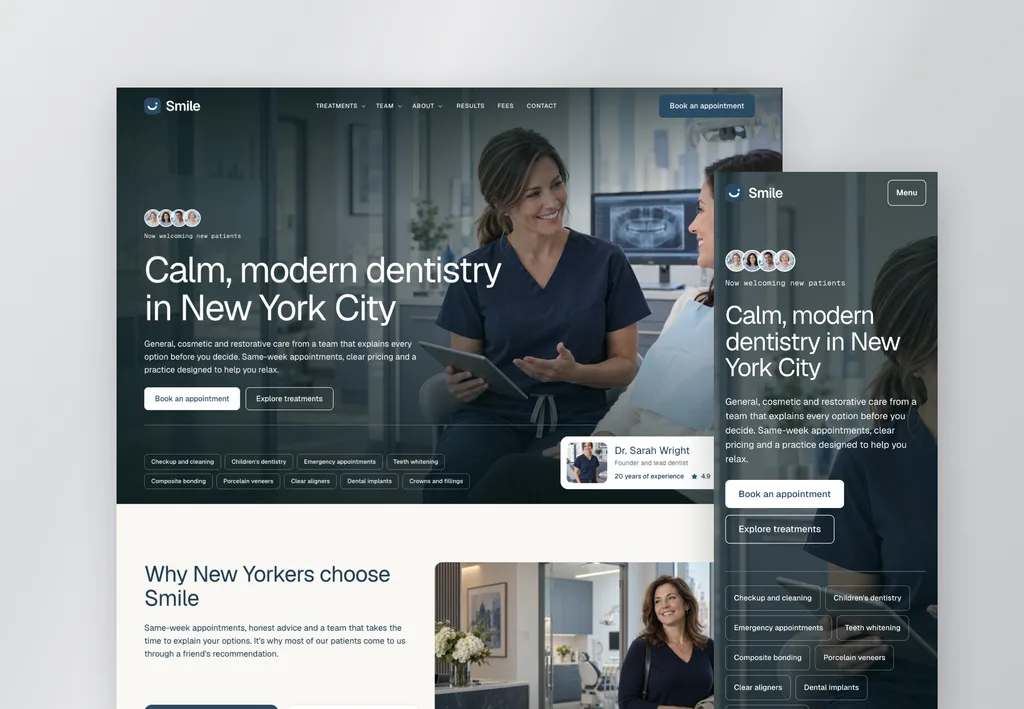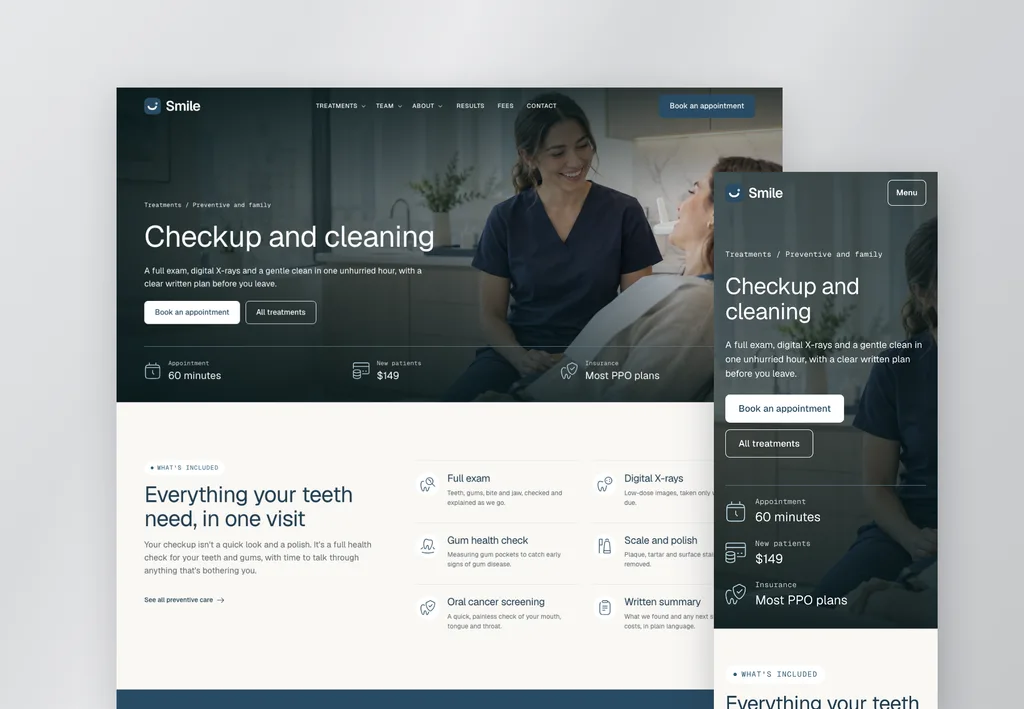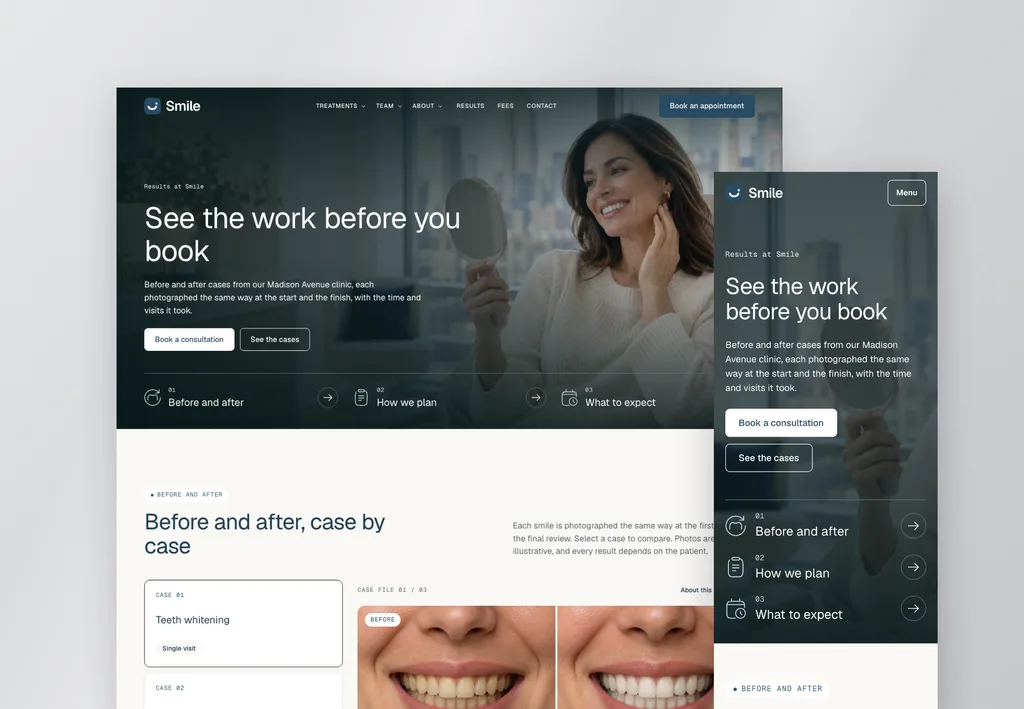
V4 website template
Belvista
- New
- V4
- AI-ready
- Design system
- Agent guide
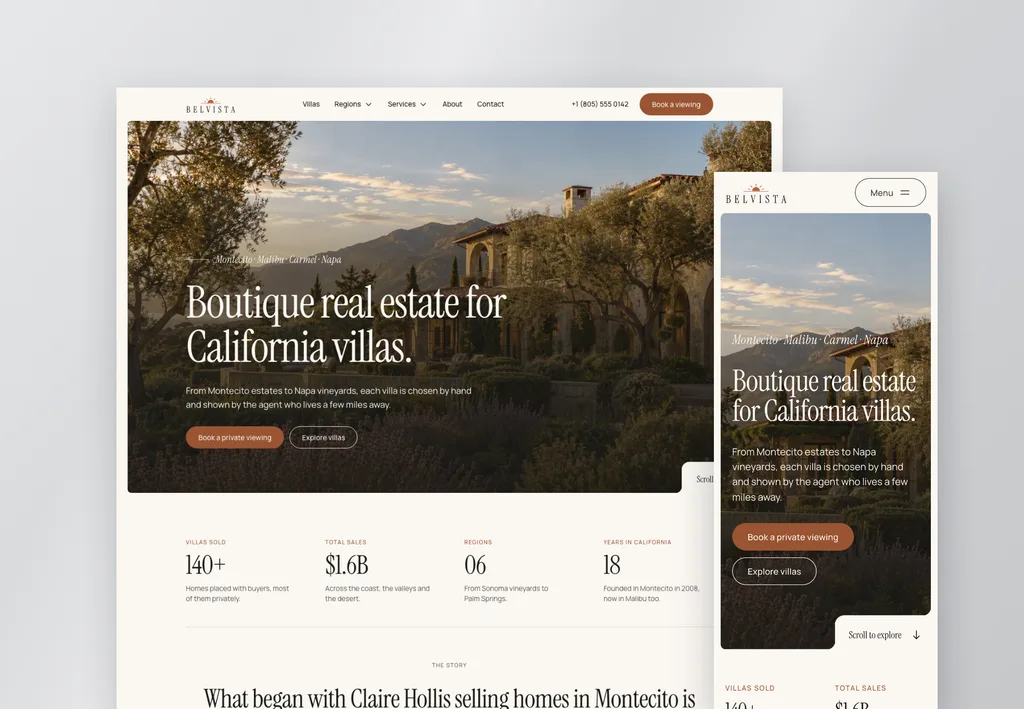
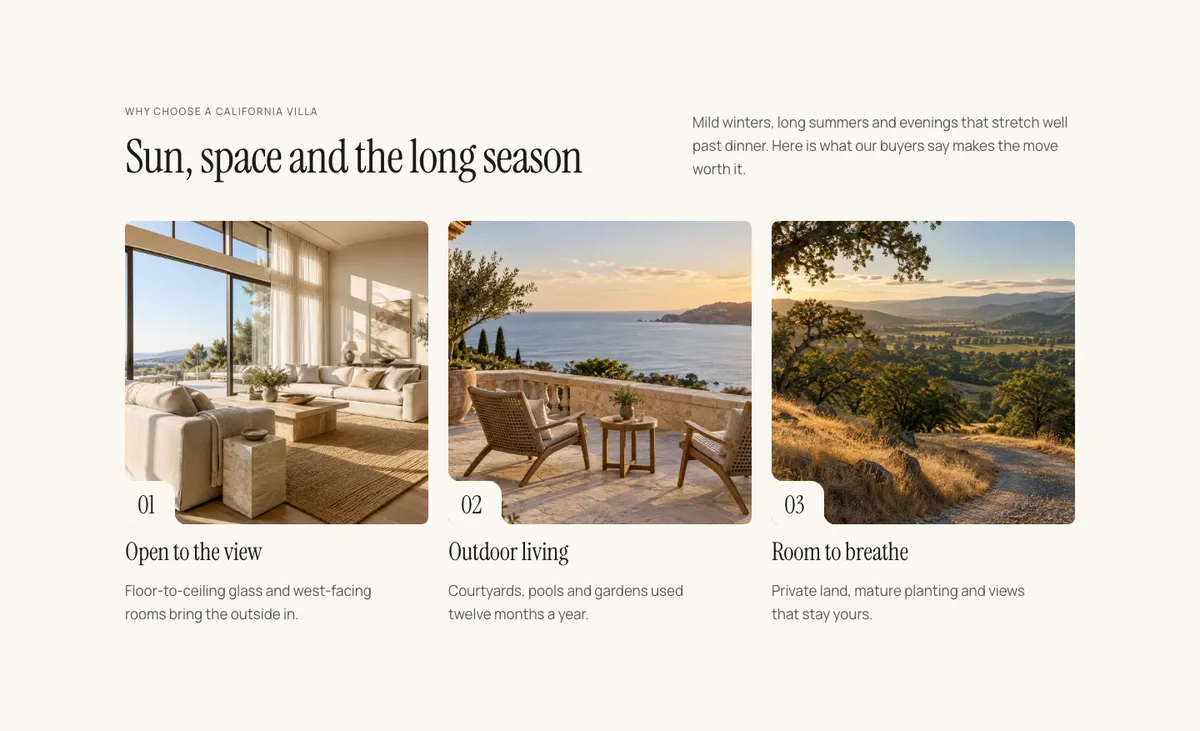
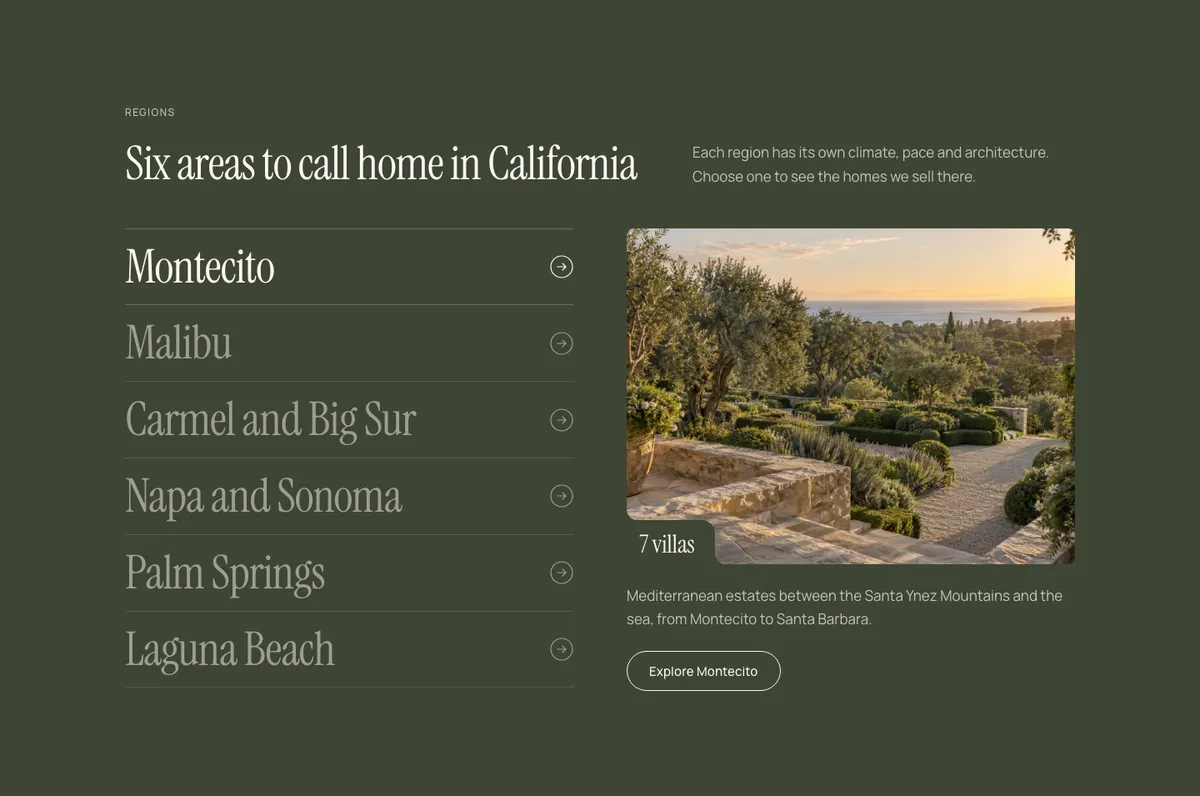
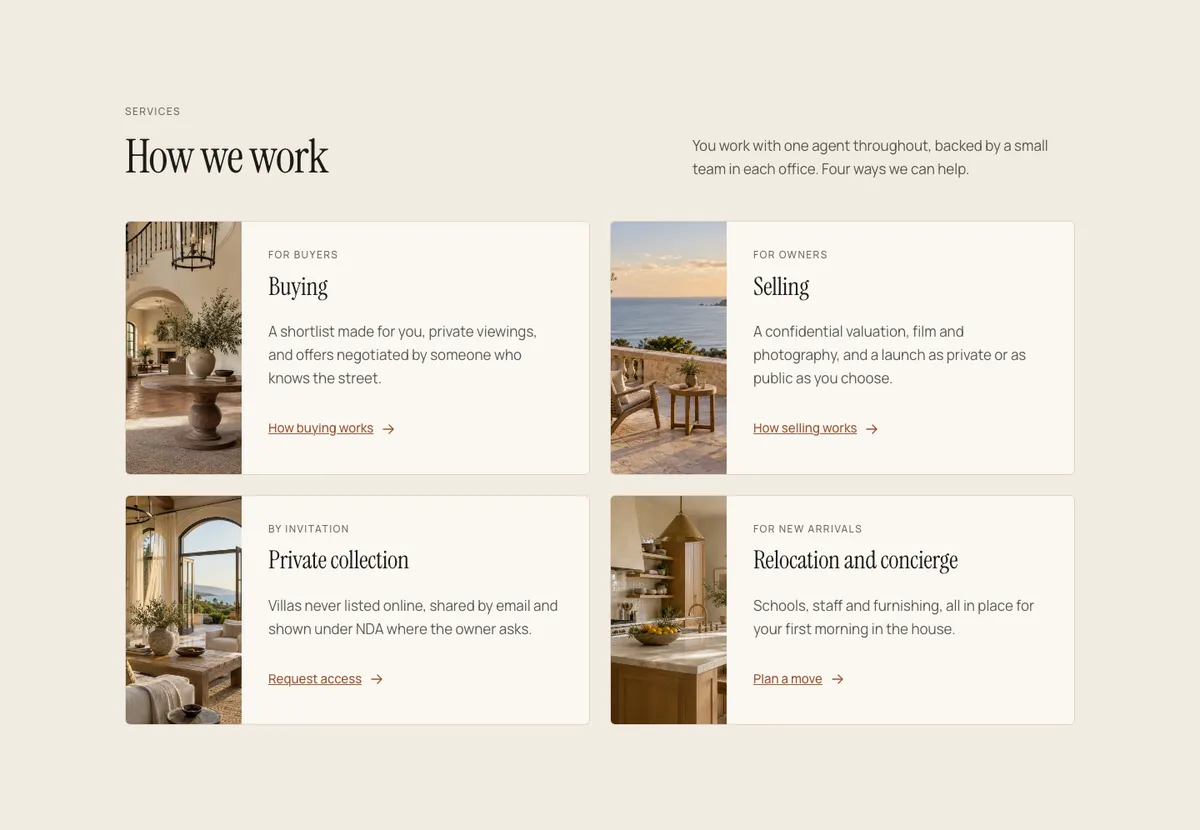
A complete real estate agency website, designed down to the last detail. Listings, villa pages with photo galleries, region guides, valuations, open houses, a journal and inquiry popups across 16 pages.
$79Not included in Pro
16 pages included
- Home
- Villas
- Villa detail
- Region detail
- Services
- About
- Contact
- Request a valuation
- Open house
- Journal (blog)
- Journal blog post
- Design system
- Thank you
- Privacy policy
- Terms and conditions
- 404 page
Popups
- Phone menu
- Private collection request
- Villa photos
- Brochure request
- Open house registration
Also included
- Header with Regions and Services mega menus
- Footer
Design systems
Swap the design system, restyle the whole site
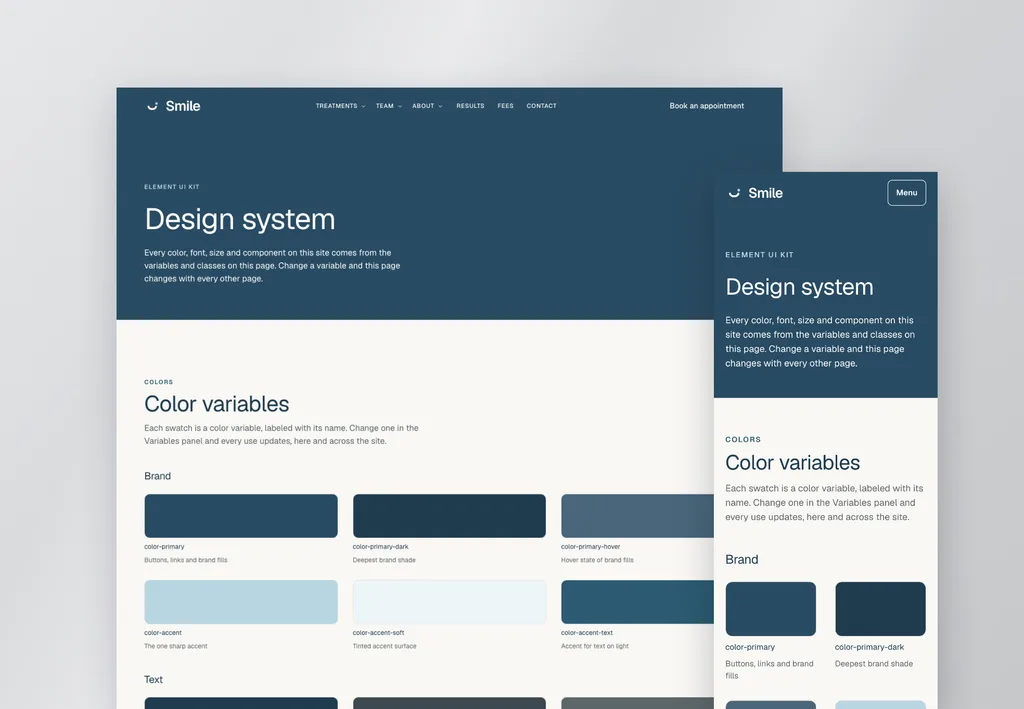
Belvista runs on a design system: its colors, fonts and corners. Import a different one and every page updates in seconds, with your layout and content untouched. Try them here.


How it works
From purchase to live site
What's included
Everything in Belvista
A complete, professionally designed website, set up properly from the start, plus everything you or your AI need to change it.
FAQs
Questions about Belvista
Is this a subscription?
No. Belvista is a one-time payment of $79, with free updates forever.
Where do I download it after buying?
Right here on this page, and any time from your account, which always has the latest kit.
Can I get a refund?
Template purchases are final and non-refundable, because the full kit is delivered at once. Check the live demo before you buy, and see the terms.
What do I need to use it?
WordPress with Elementor V4 and the Atomic Editor turned on, and Elementor Pro for the header, footer and forms. An AI tool is optional.
How do I install it?
Import the kit with Elementor's import tool. Elementor's import doesn't carry V4 images and components yet. Until it does, a small setup plugin, included in the download, finishes the import in one click. The start-here guide walks you through it.
How do design systems work?
Belvista runs on a design system: its global colors, fonts and corners. Import a different one in Elementor's Design System panel and the whole site updates in seconds. Your pages, layout and content stay exactly as they are.
Once you own Belvista, download its design systems (Original, Navy, Bordeaux) here or from your account, including new ones as they're released. If a design system changes fonts, two older Elementor settings need one font change by hand: the header menu and the Site Settings typography used by blog posts. The start-here guide shows you how.
Is it included in Element UI Pro?
No. Pro includes three V3 website templates: Eradica, ZenPay and Insura. All other templates, including new V3 and V4 templates, are sold separately as one-time purchases.
Can I use it for a client's website?
Yes. Use it for your own websites and your clients'.
More templates