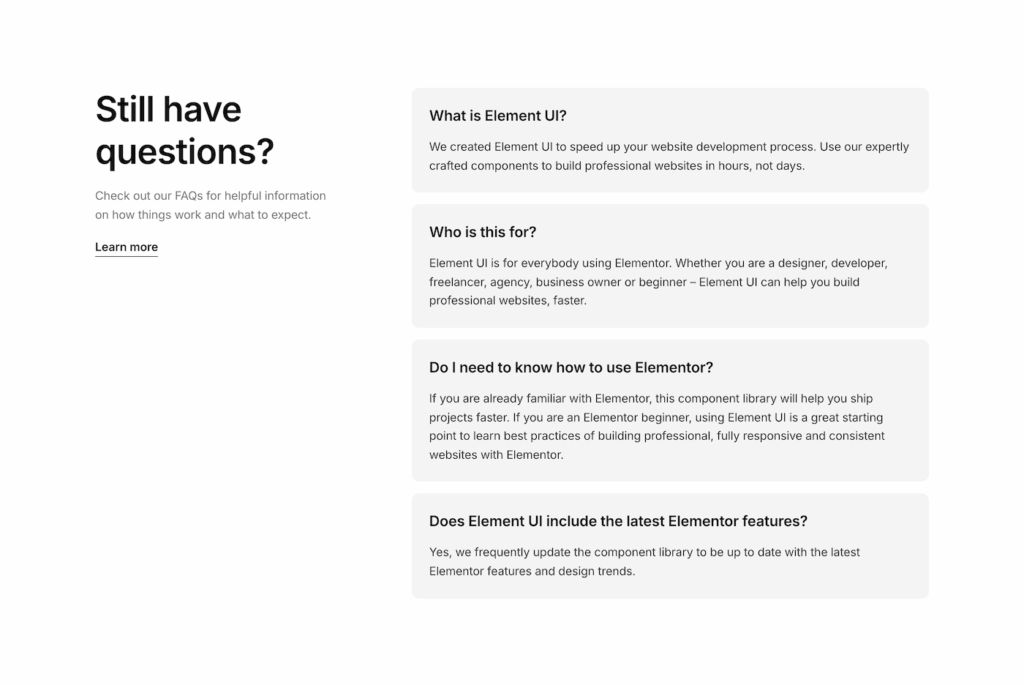
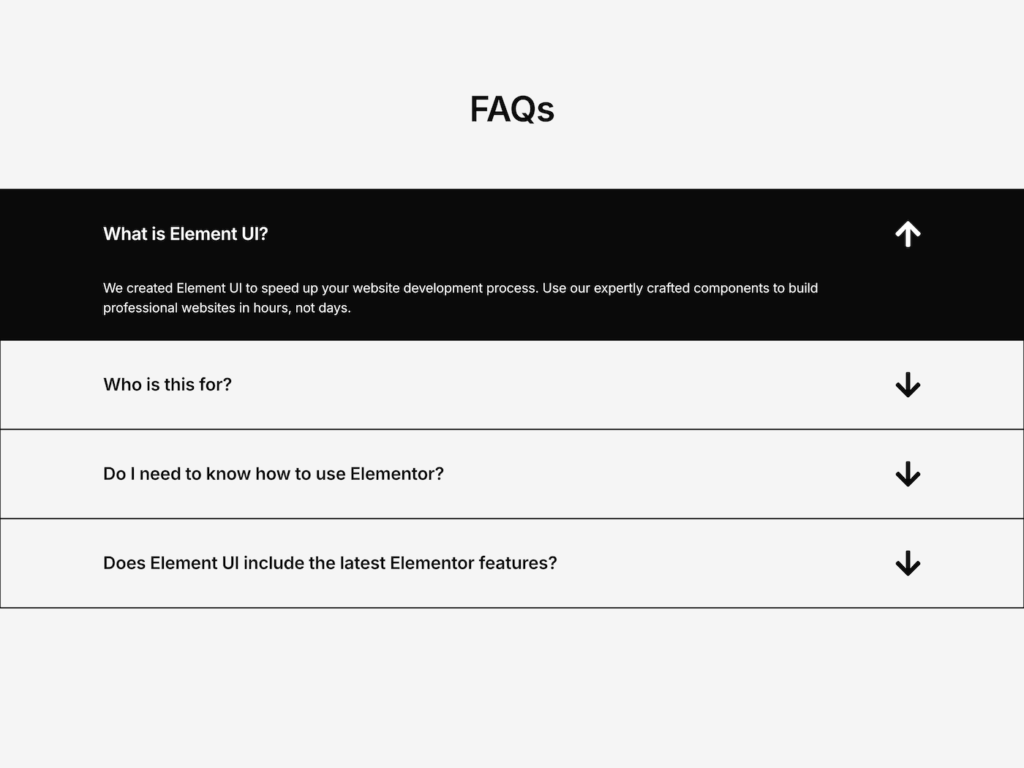
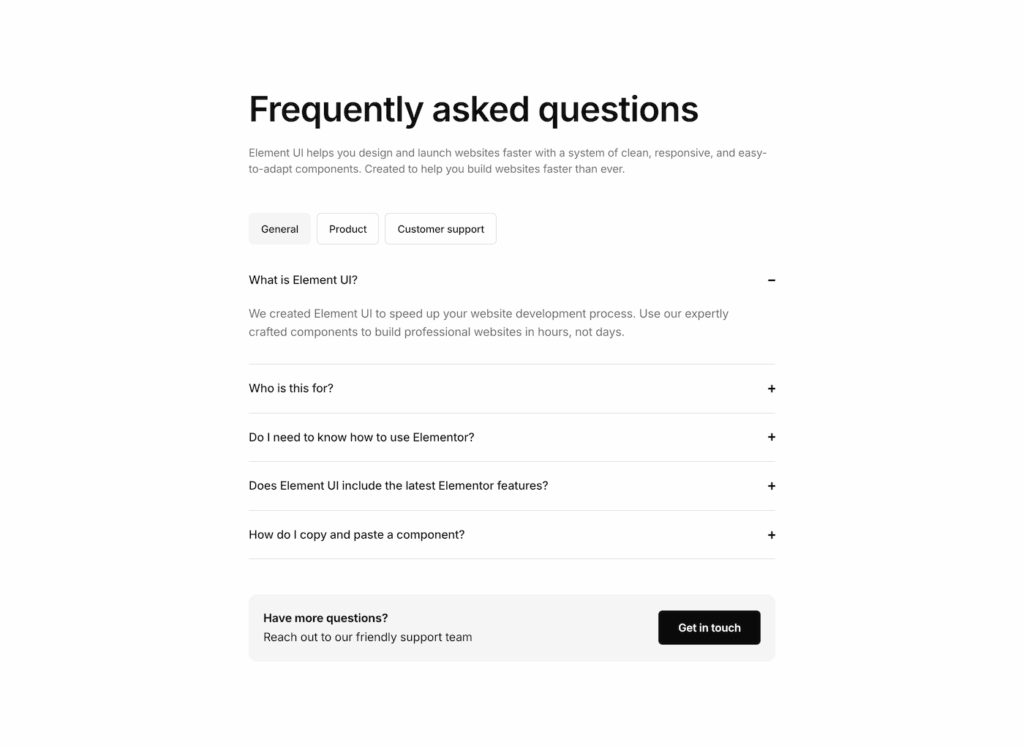
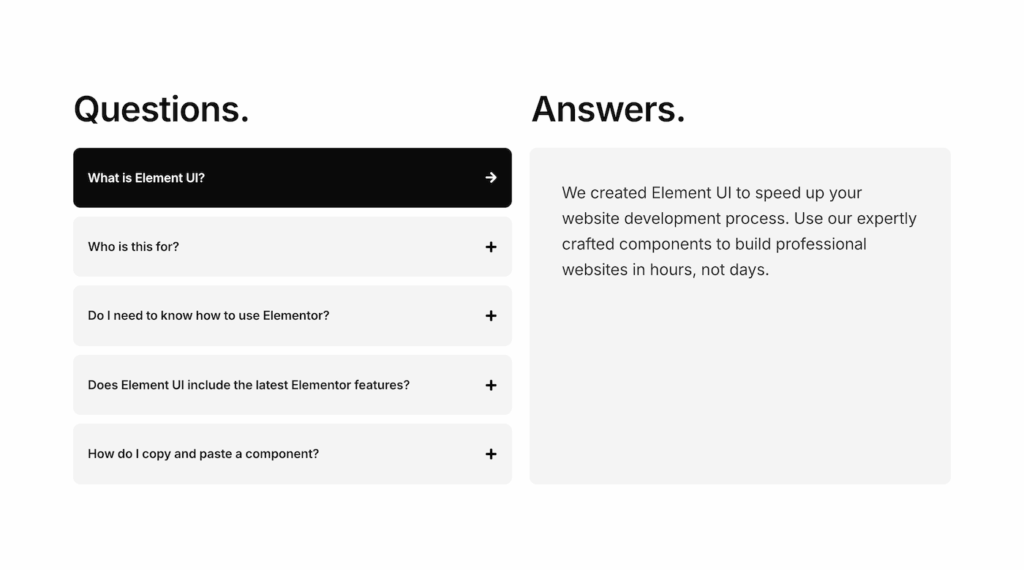
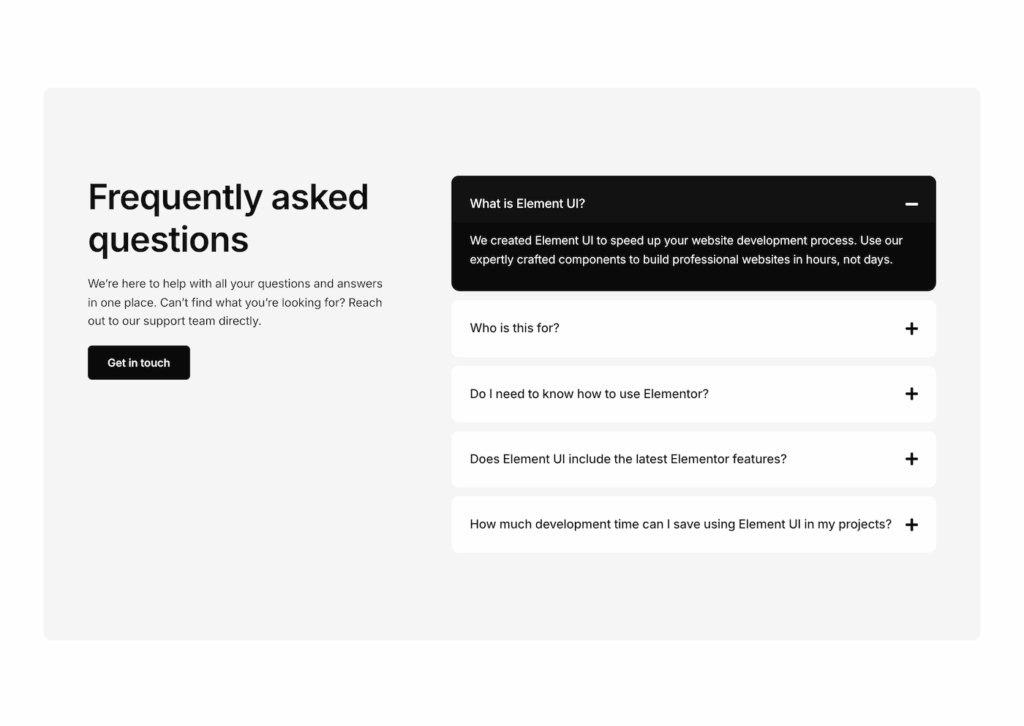
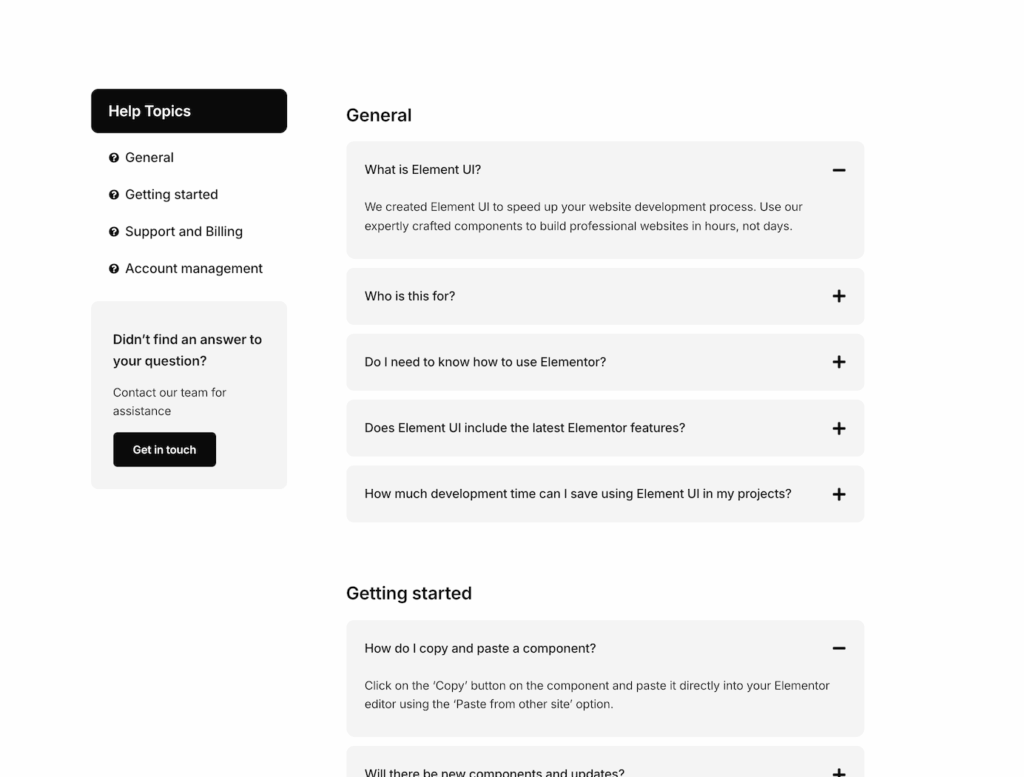
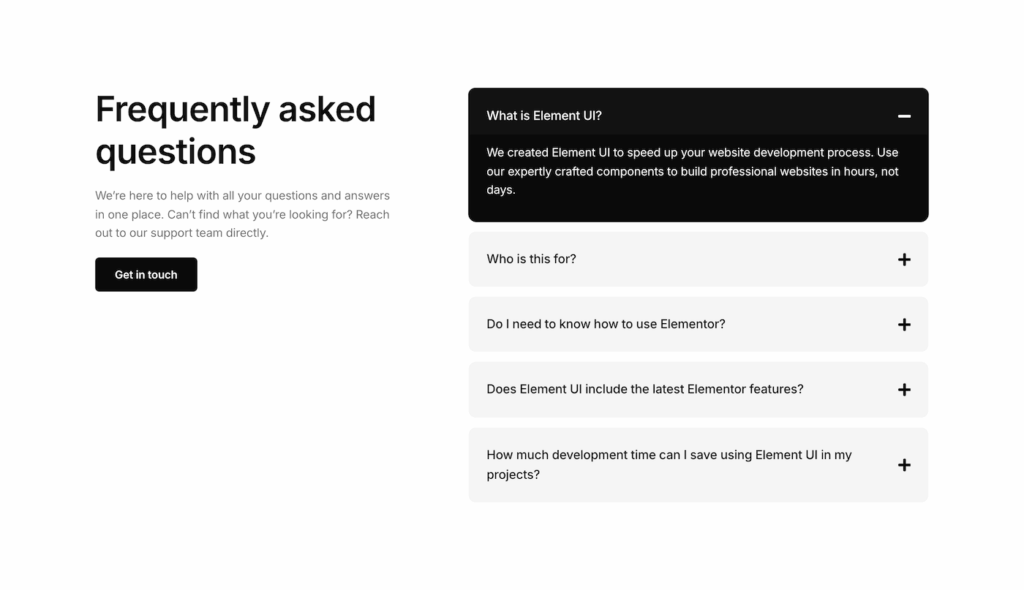
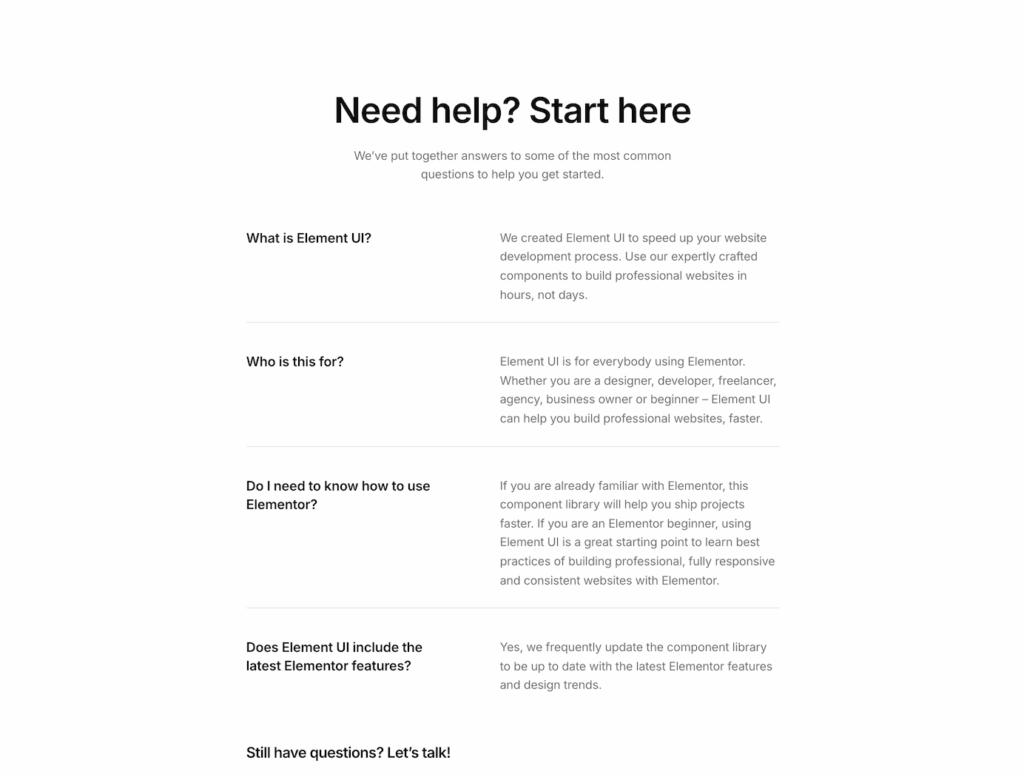
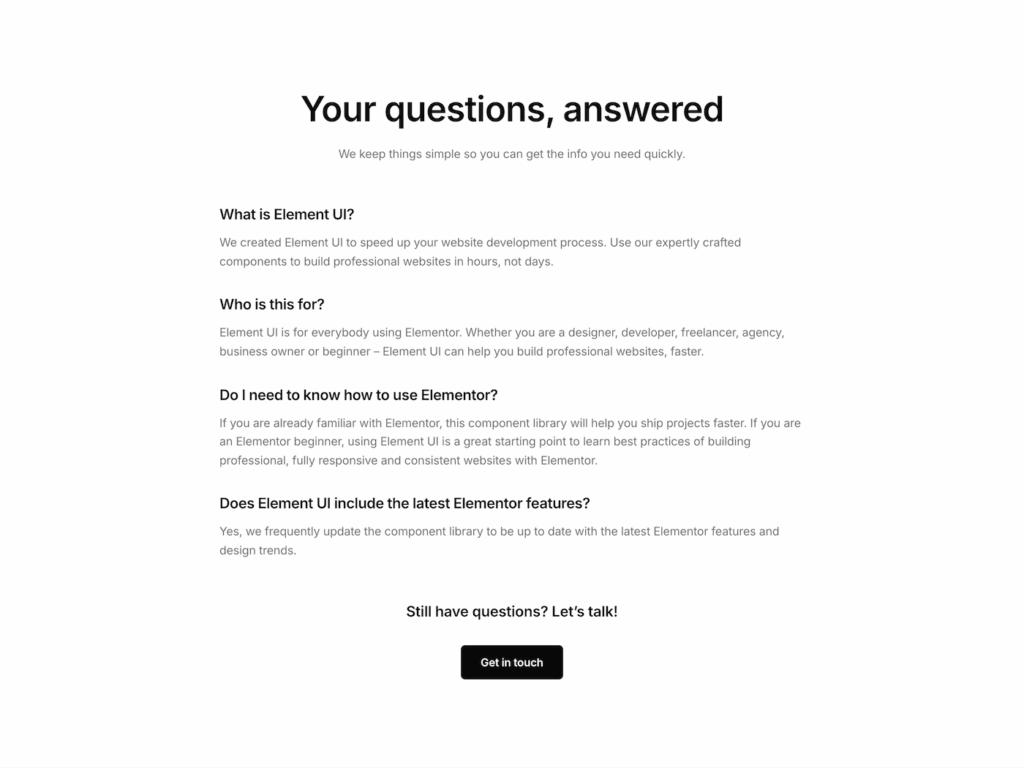
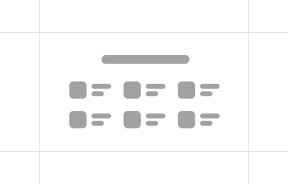
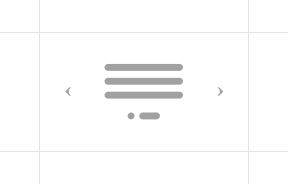
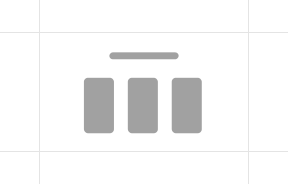
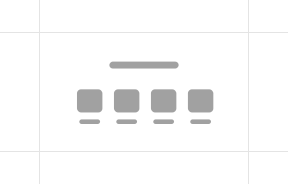
17 organised FAQ layouts that help keep information accessible. Skip the manual setup of accordions and grids. These professionally structured layouts ensure your support and sales questions are accessible, readable, and fully responsive.
Long lists of text can quickly overwhelm a page, causing visitors to leave before finding the answers they need. In an FAQ, layout is as important as the content.
Our Elementor FAQ sections utilize smart accordion structures and organized containers to keep your page scannable. Maintain a clean visual hierarchy while ensuring information is always one click away. Choose a layout, drop in your content, and give your visitors a frictionless way to get informed.
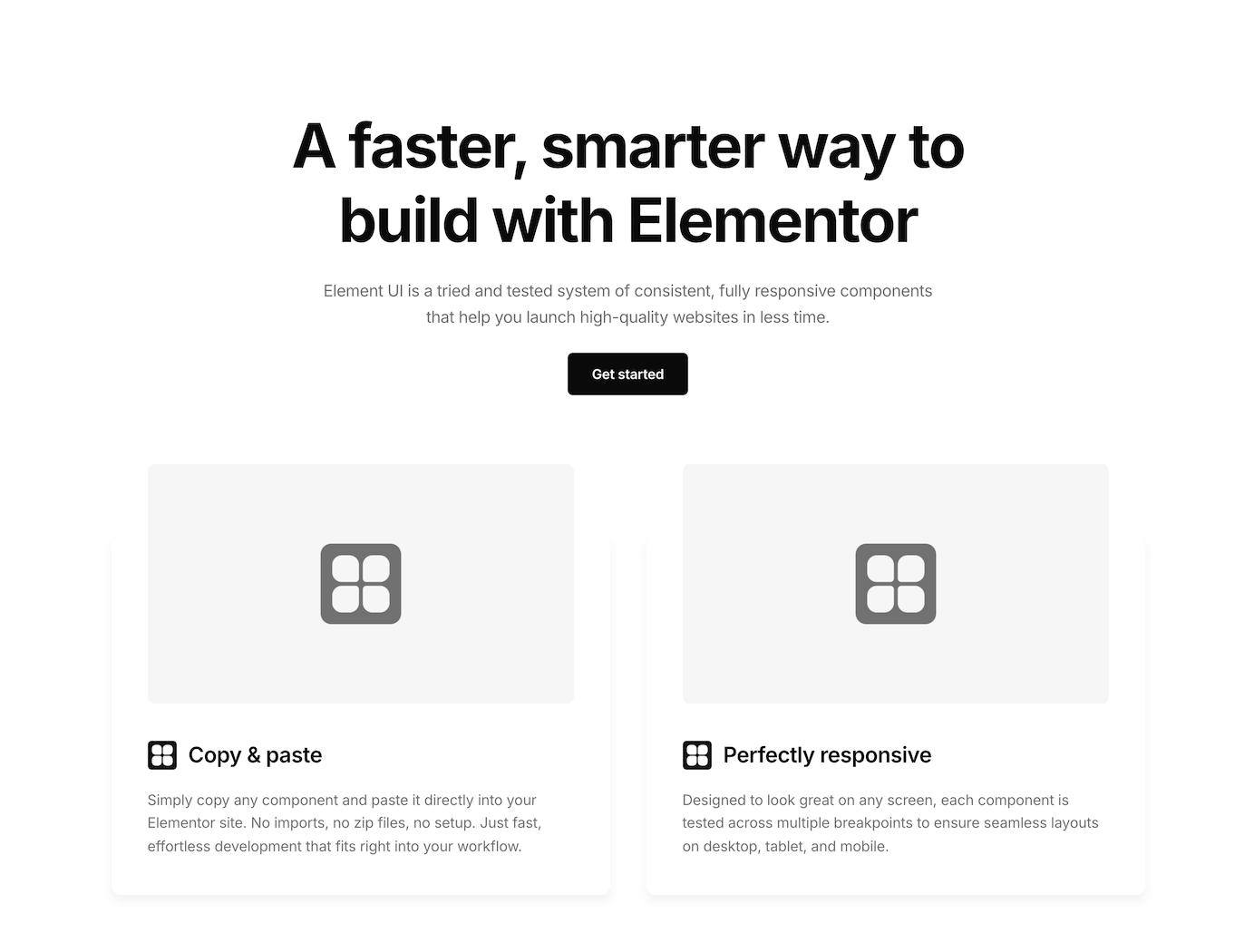
Most component libraries compete on volume. Thousands of templates, hundreds of variations, endless scrolling. The problem? Quantity rarely means quality.
You end up sifting through bloated layouts, inconsistent spacing, and outdated code. Element UI takes the opposite approach.
Fully responsive
Accordions and Q&A grids that work on touch devices. Tap targets sized properly for mobile users.
Built with Flexbox containers.
Clean container structure that keeps accordion items properly aligned. No awkward layout shifts when questions expand and collapse.
Consistent design system
Questions, answers, and dividers follow a balanced spacing scale. Multiple FAQ blocks on a page look unified, not patched together.
With a significant percentage of users accessing websites via mobile, we enhance mobile responsiveness to ensure maximum engagement and usability.
Built by an Elementor expert 👋
Designed by Paul, an Elementor developer who prioritizes user experience.
Having built FAQ sections for dozens of client sites, Paul knows that a great FAQ is about more than just hiding text – it’s about smooth transitions, readable line lengths, and flawless mobile behavior.
These layouts aren’t just random blocks; they are the result of a battle-tested system used on hundreds of professional builds. Now, you can skip the setup and ship a polished, intuitive support experience in seconds.
Paul
Founder - Element UI
How it works
Add an FAQ section without the setup hassle
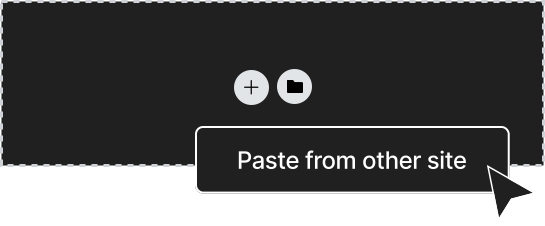
Accordion behaviour and styling is already configured. Just paste the structure and fill in the questions.
Thousands of freelancers and agencies utilize Element UI to speed up their workflow. Here’s what they have to say.
Freelancers & Agencies
Building client websites on tight deadlines? Stop recreating the same hero layout for the tenth time. Grab a component, customise it, move on.
Deliver projects faster with ready-made sections
Maintain consistency across multiple sites
Scale your business by taking on more projects
Impress clients with professional, polished designs
Spend less time building, more time growing
Business Owners
You have a business to run, not a web development course to take. Get a polished, high-converting site live today so you can get back to your daily tasks.
Launch a professional site from day one without hiring a designer
Get online quickly with templates ready to customize
Save thousands in development costs
Update your site yourself without a steep learning curve
Elementor Beginners
Skip the “trial and error” phase. Element UI components act as a blueprint for professional design, teaching you industry-standard spacing and layout as you build.
Start with proven layouts and best practices
Learn by example with professionally built sections
Avoid common beginner mistakes
Build confidence with components that work
Create professional results from your first project
If you use Elementor and value your time, Element UI will make your workflow faster.
“Element UI has transformed our digital marketing agency. The ability to rapidly deploy websites has allowed us to take on more projects and scale our business. It feels like a superpower!“
Mary
Agency founder
“I’m relatively new to web design, but Element UI made it feel like I’ve been doing this for years. My website looks sleek, professional, and functions beautifully.”
Jared O.
Elementor developer
“We’ve integrated Element UI into our agency’s workflow, and the impact has been incredible. Our team now delivers projects faster, with higher consistency, and clients are thrilled with the designs.”
Alex W.
Creative Agency Director
“This library has saved me countless hours. I just copy, paste, and everything falls into place. It’s like having a secret weapon that makes every project look more professional without the extra work.”
Rachel
Elementor Specialist
“Element UI has streamlined our entire production process. No more starting from scratch or struggling with mismatched sections. Everything just works together perfectly, right out of the box.”
Vanessa
Project Manager
“Element UI has completely changed how I approach client projects. What used to take me days now takes just a few hours. Clients love the results, and I love how easy it is to build consistent, beautiful sites.”
Jordan M.
Freelance Web Designer
“As a freelancer, time is money – and Element UI has easily paid for itself over and over again. The design system keeps everything clean, and I can focus on delivering results faster than ever.”
Lucas D.
Freelance Developer
“Element UI has been a game-changer for me. I’ve halved my development time and can take on more projects each month.”
Adam W
Freelancer
“I can’t emphasize enough how much time I save with Element UI. Building sites from scratch used to take up most of my schedule, but now I can launch professional sites much faster, allowing me to take on more clients and projects.”
Sofia
Freelance Developer
“This component library has revolutionised my development workflow. I’m now able to deliver websites in record time.”
Joshua
Elementor developer
“Introducing Element UI into my micro agency has been a no-brainer for us. The flexbox containers ensure that everything is streamlined and responsive.”
James
Agency founder
What I really like is all of the elements are perfectly aligned and with appropriate spacing and responsive for desktop/ tablet/ mobile. Saves a lot of time!
Dave W.
Freelancer
“The easy copy-and-paste feature has cut my project time in half. The pre-built sections are designed with a professional touch that aligns perfectly with my high standards.”
Arjun
Elementor Developer
“Element UI has become an indispensable resource for our agency. The copy and paste feature is brilliant!“
David
Agency owner
Components
Explore more Elementor sections
FAQ sections are just a small part of a full website. Element UI includes 300+ Elementor sections across every category. All built to work together seamlessly.
Every section follows the same spacing principles and responsive standards. Mix sections from any category and they’ll look like they were designed together.
Reduce time spent build a website without cutting corners
17 Elementor faq sections. Professionally structured, fully responsive, ready to paste. Element UI gives you the building blocks to deliver quality work faster.