
NewElementor V4 website templates
Elementor V4 templates, built for the AI era
Professionally designed Elementor V4 websites, ready to launch. Customize them to any brand in a few clicks, or just ask your AI.
- Native Elementor V4
- Design system included
- Agent guide for AI




Make the brand color blue and the backgrounds white, with light gray cards, square corners, uppercase button labels and sans serif headings.
- Reading AGENT-GUIDE.md
- Reading the design system
- Updating 6 global variables
- Updating 2 classes
Done. I changed six global variables and two classes, so every page on the site follows:
- color-primary: blue
- backgrounds: white
- color-surface: light gray
- radius: 0px
- buttons: uppercase
- font-heading: Manrope
Works withClaudeCodexCursorand any AI tool that connects to Elementor's MCP
The templates
Complete websites ready to go live
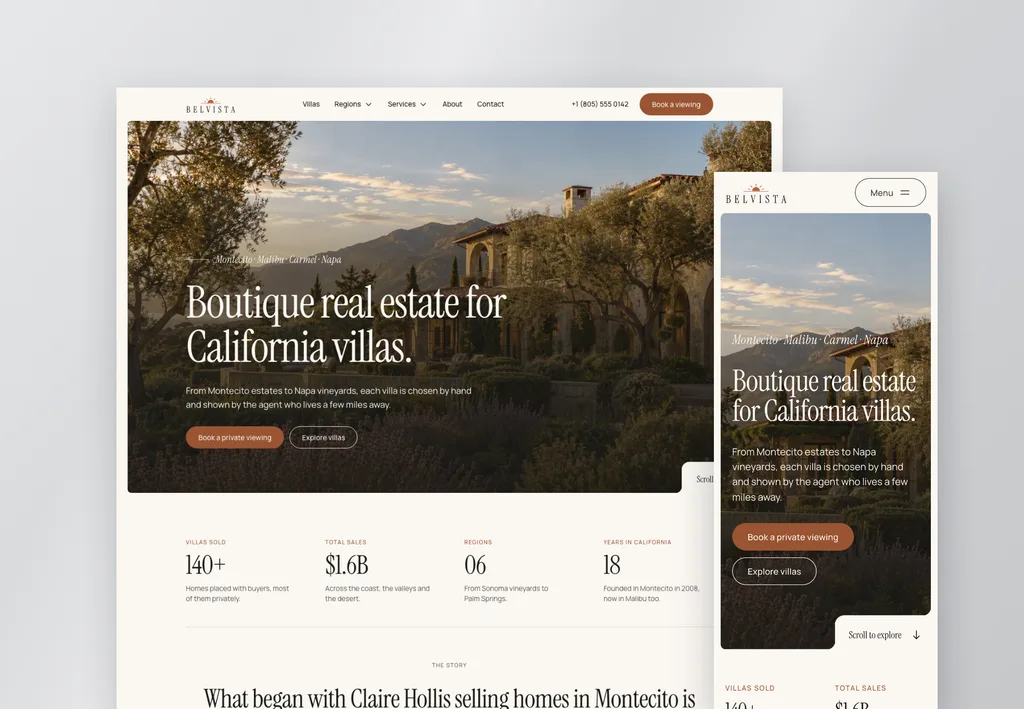
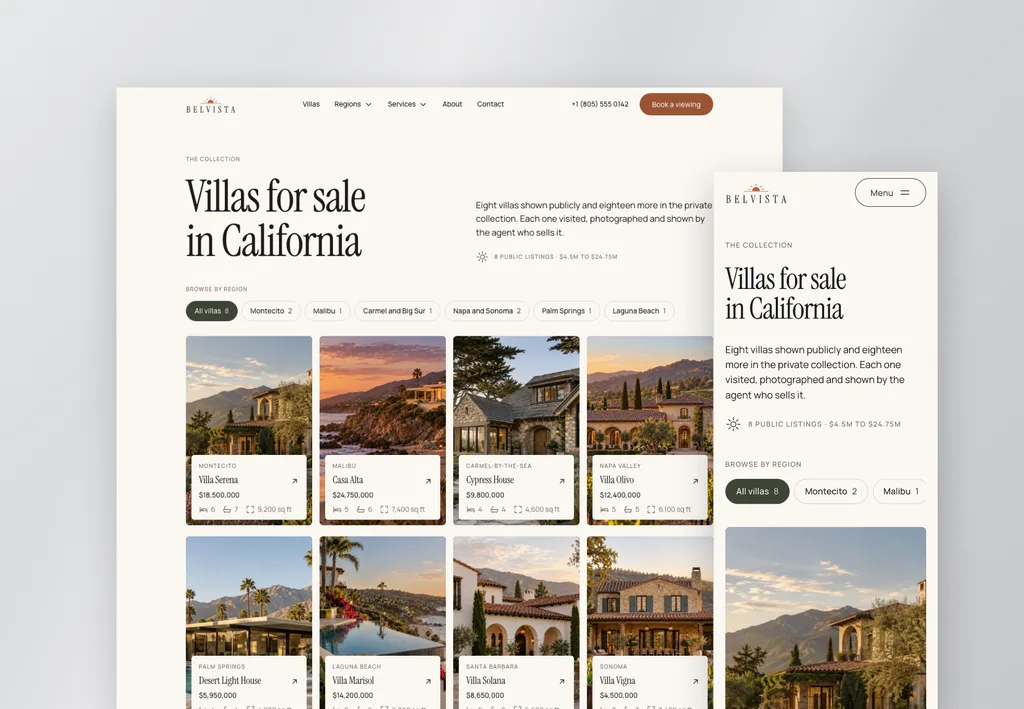
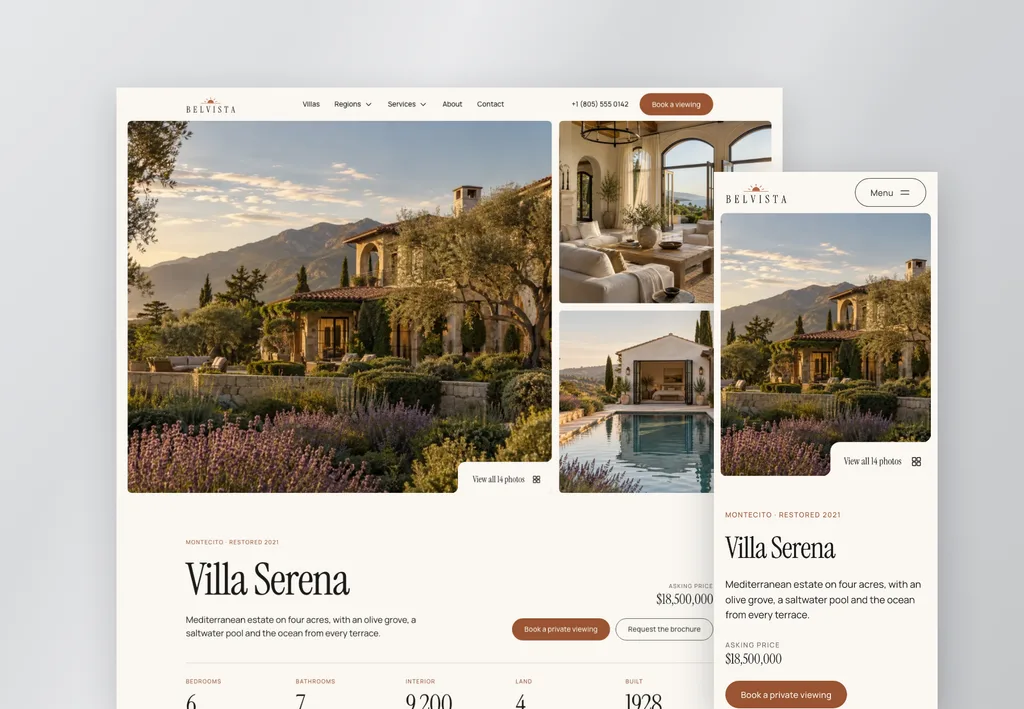
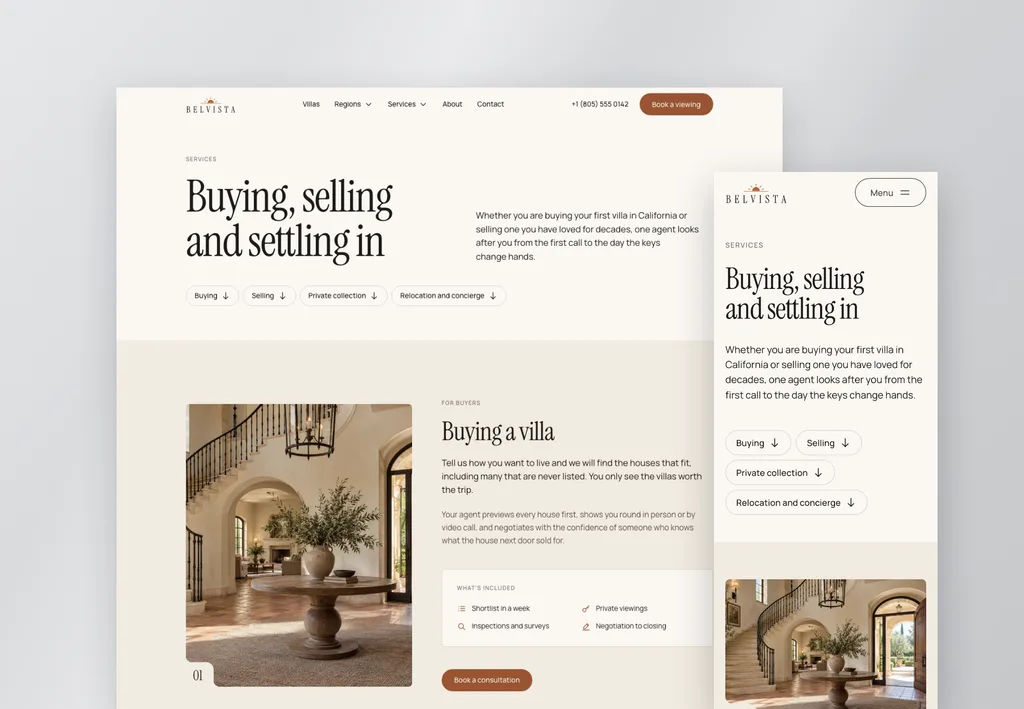
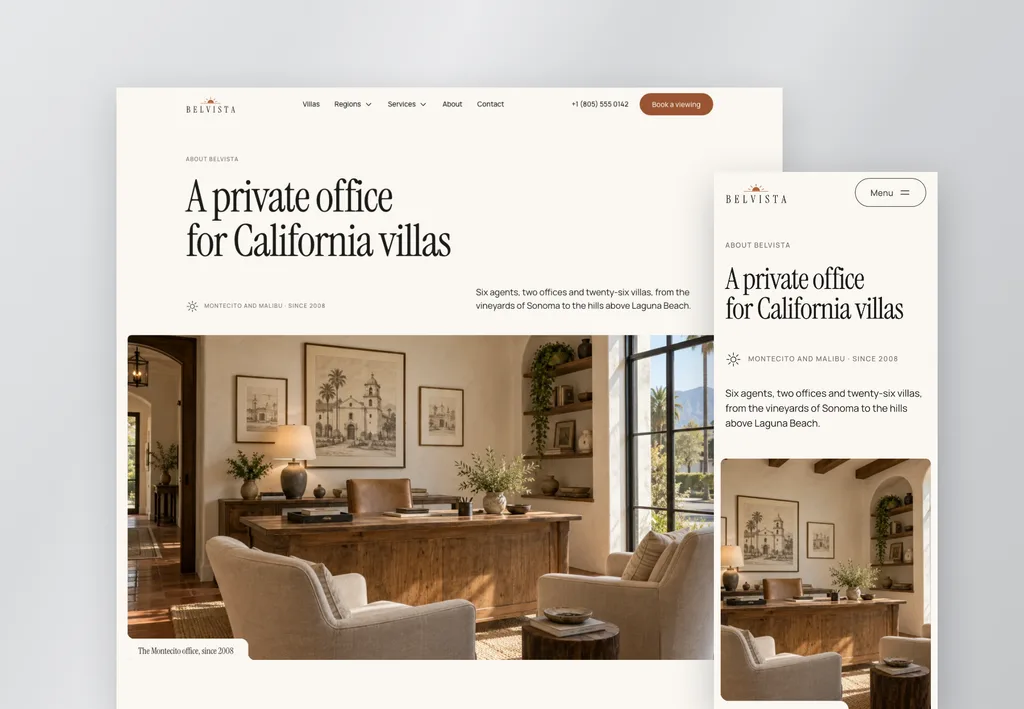
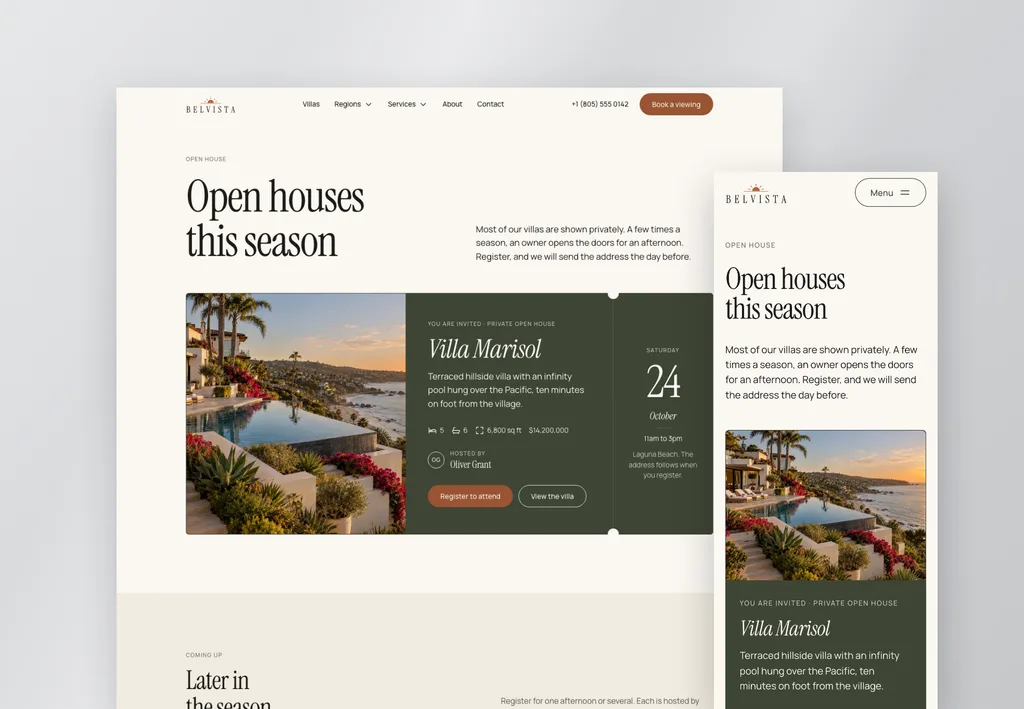
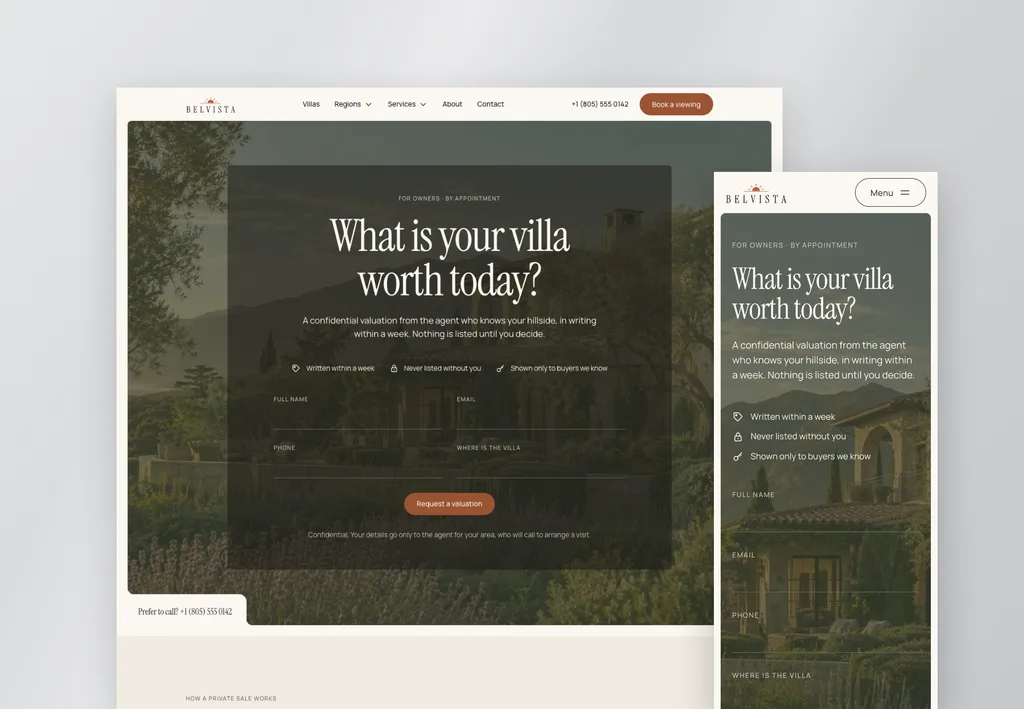
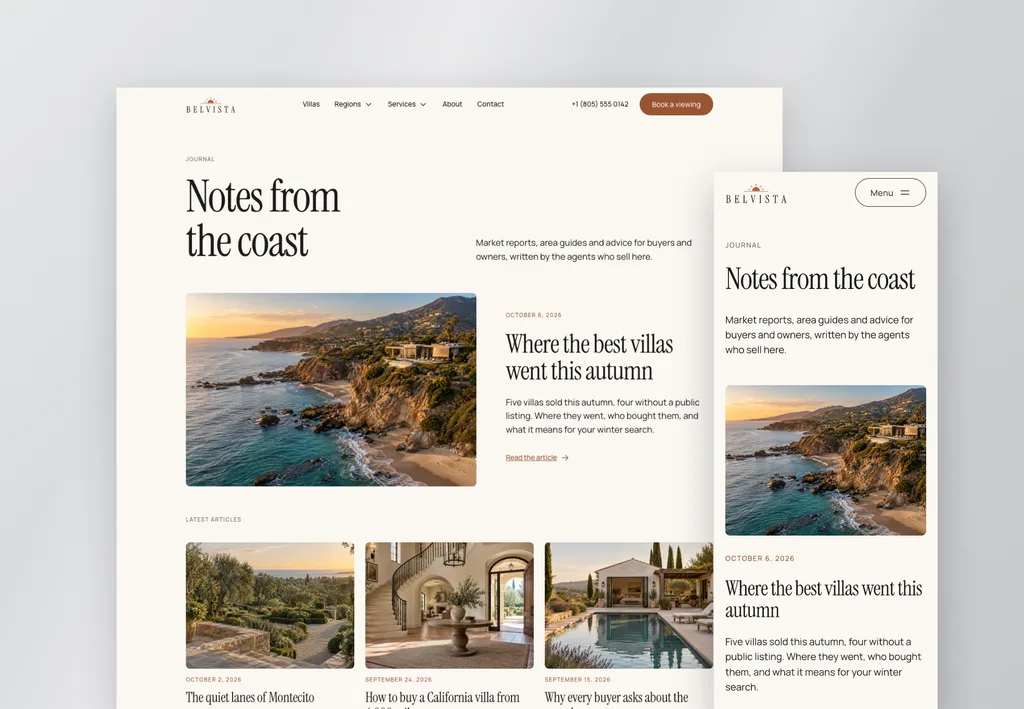
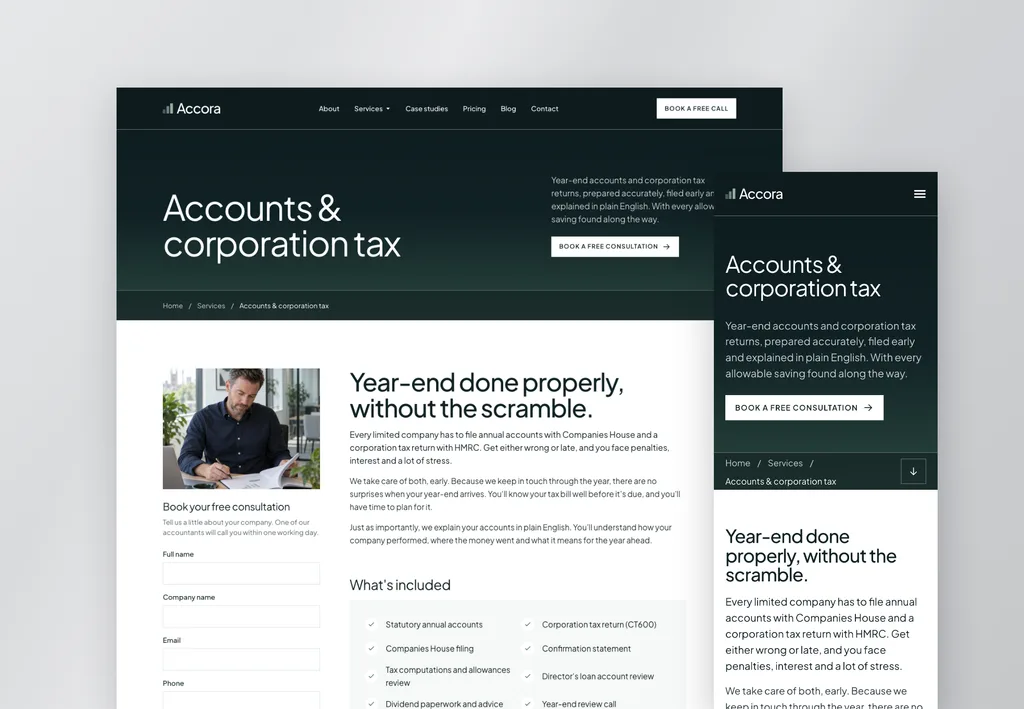
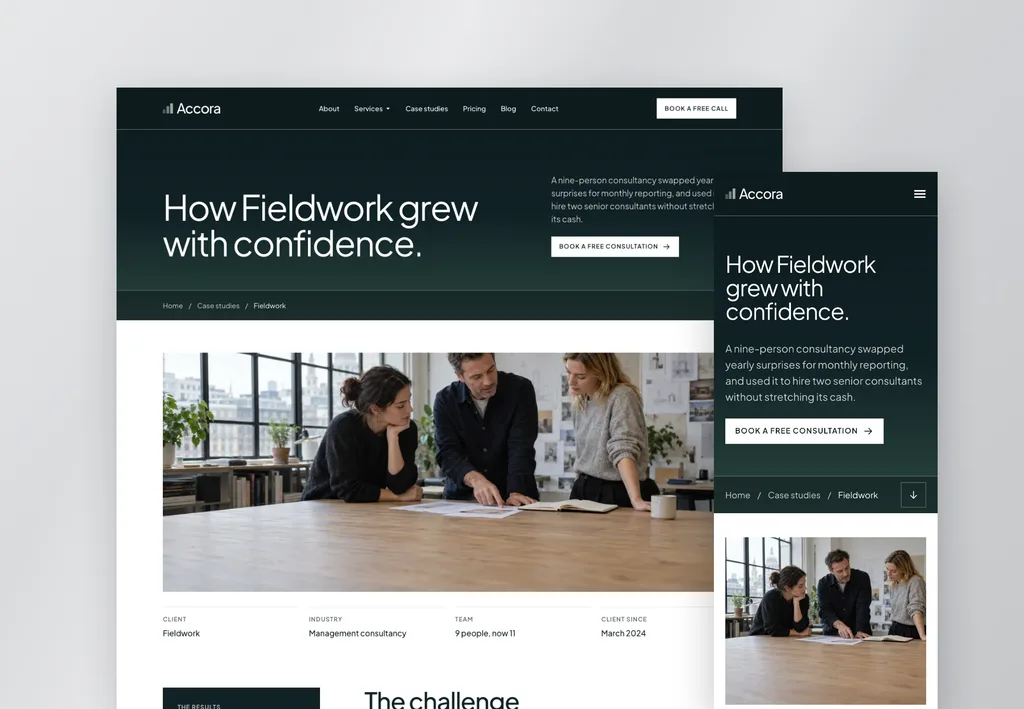
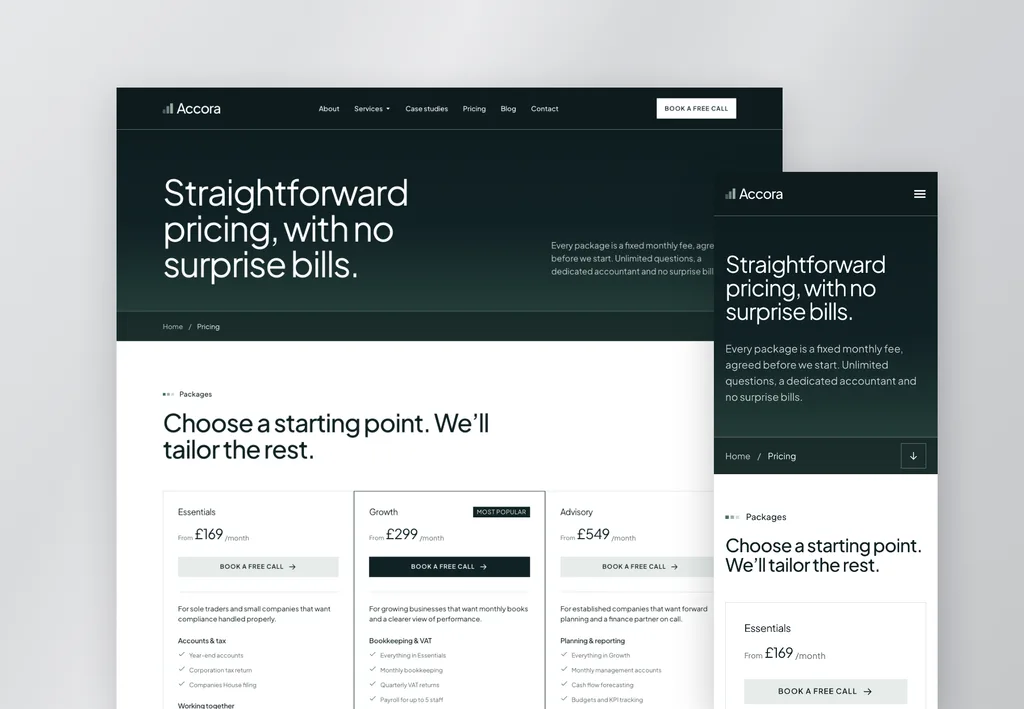
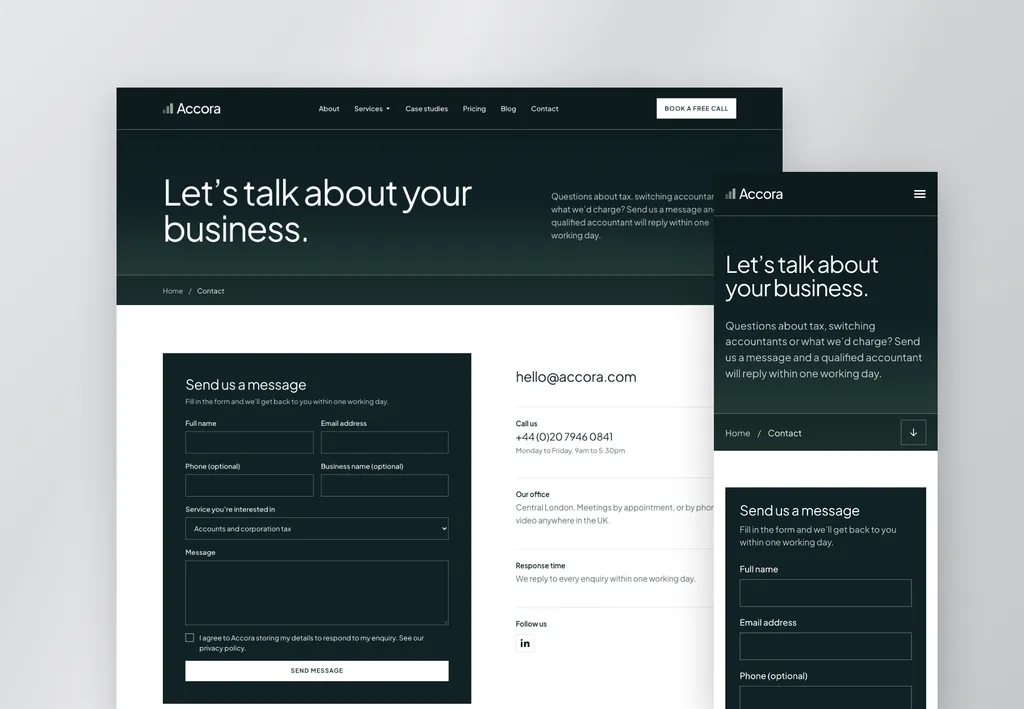
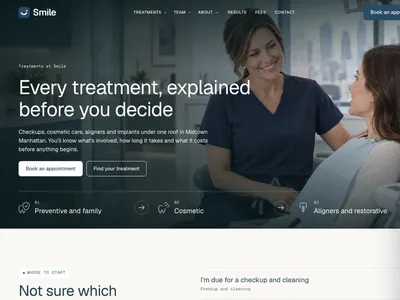
Each template is a complete website, designed and built professionally in Elementor V4. Every page is styled and tuned for mobile, so all that's left to change is the logo, colors and content.
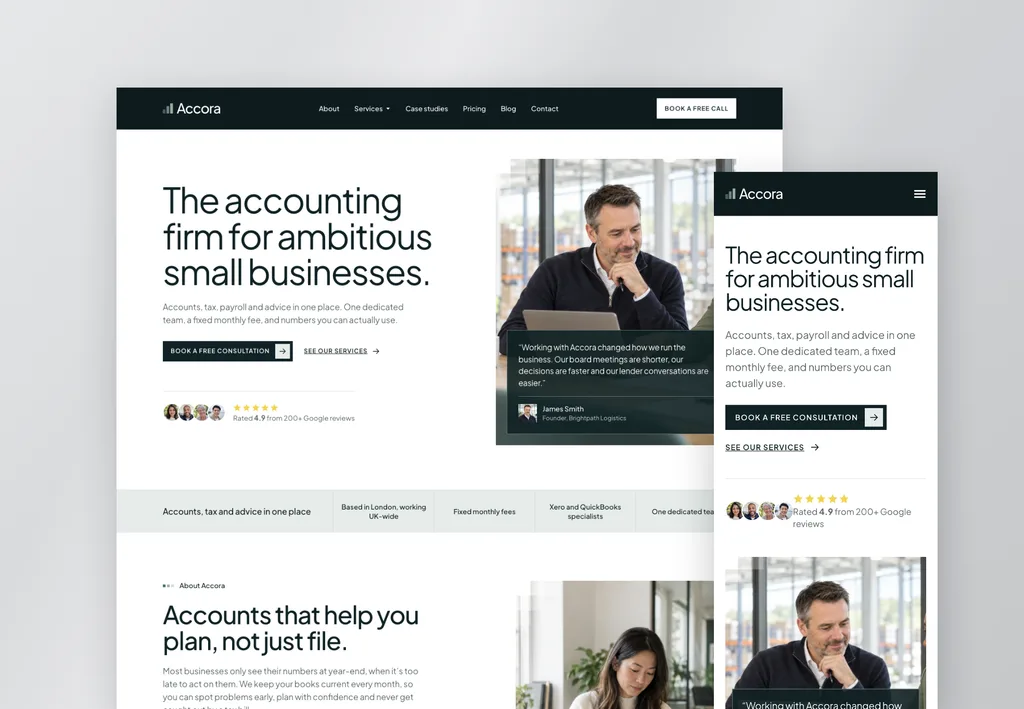
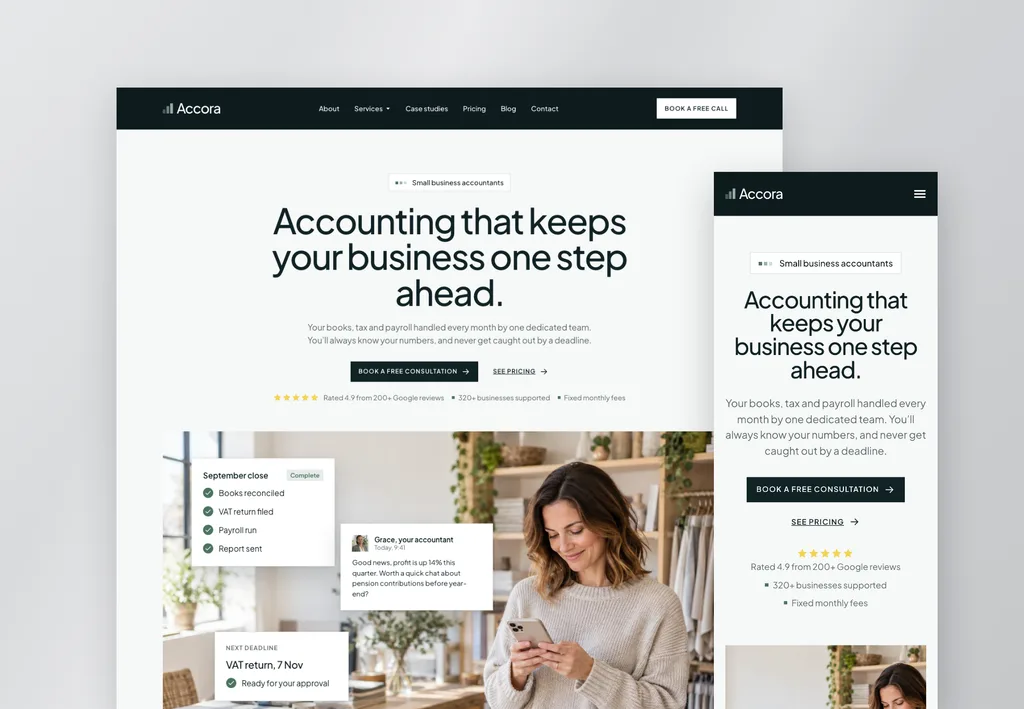
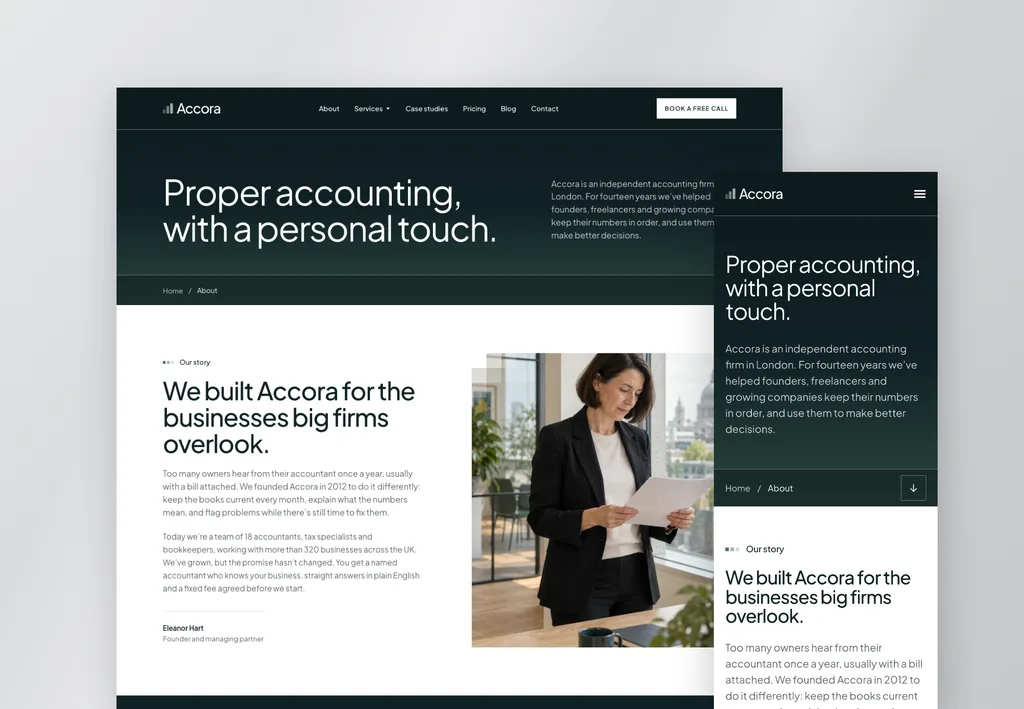
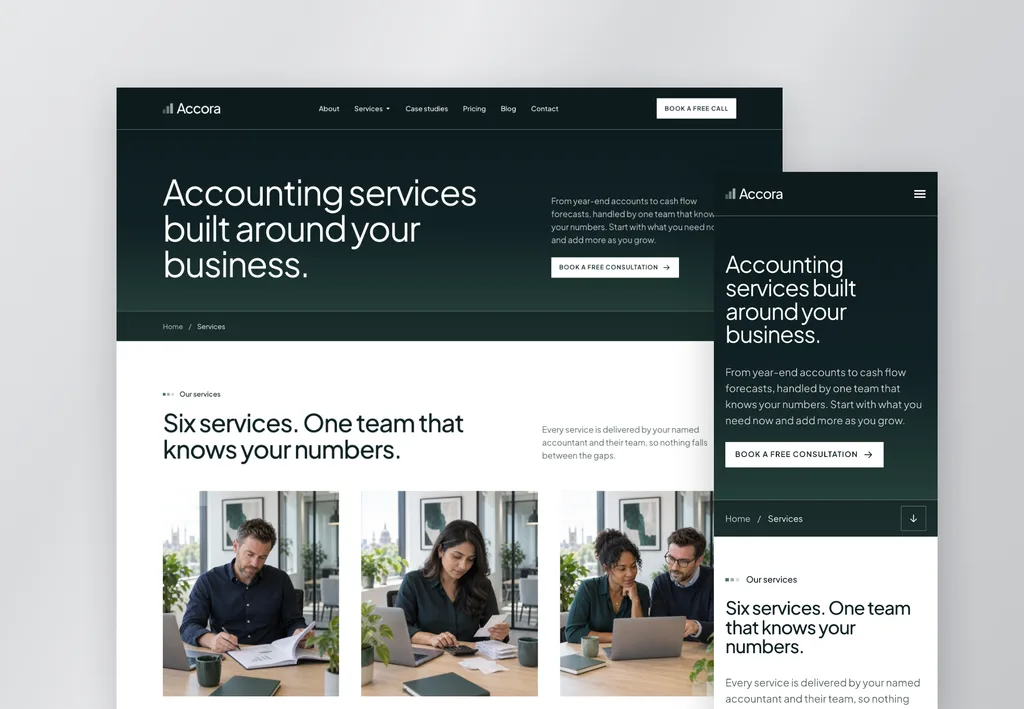
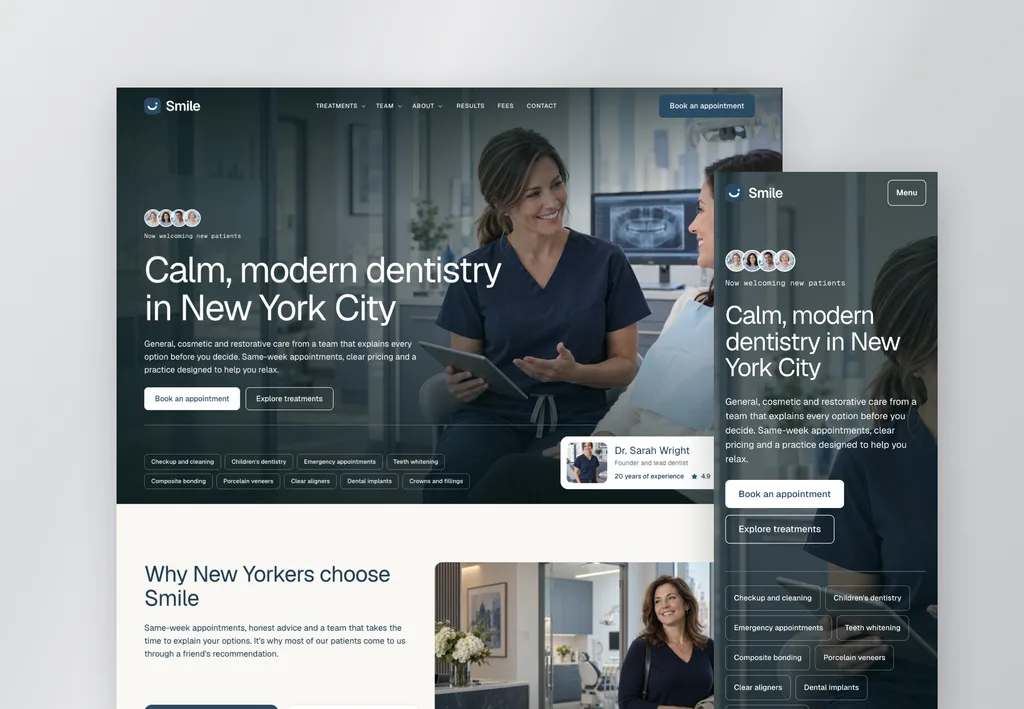
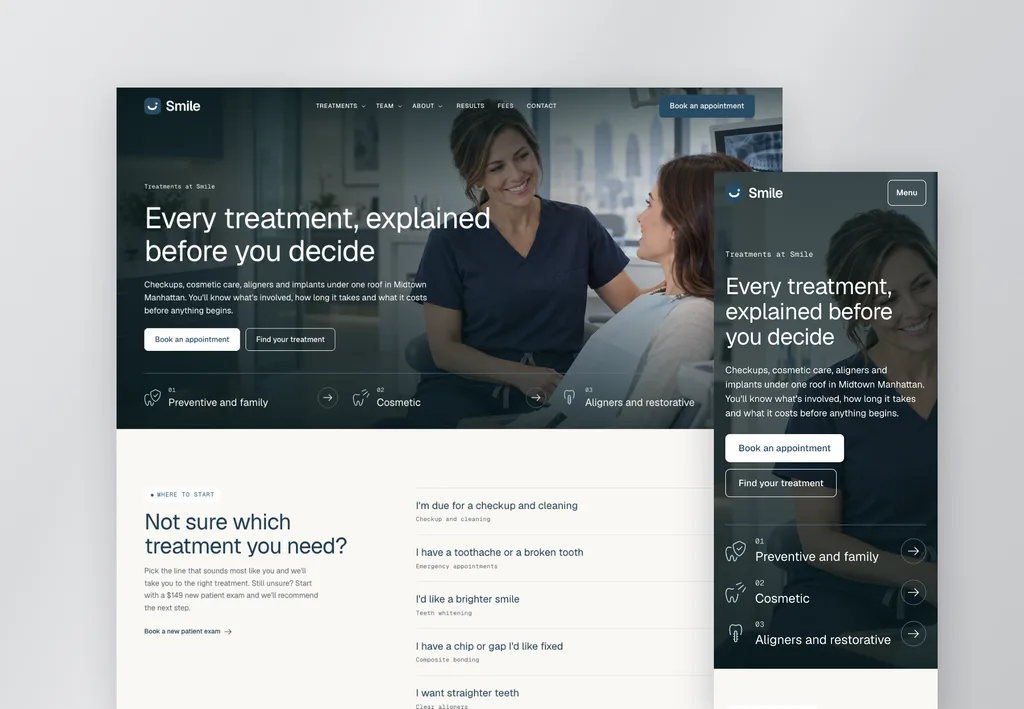
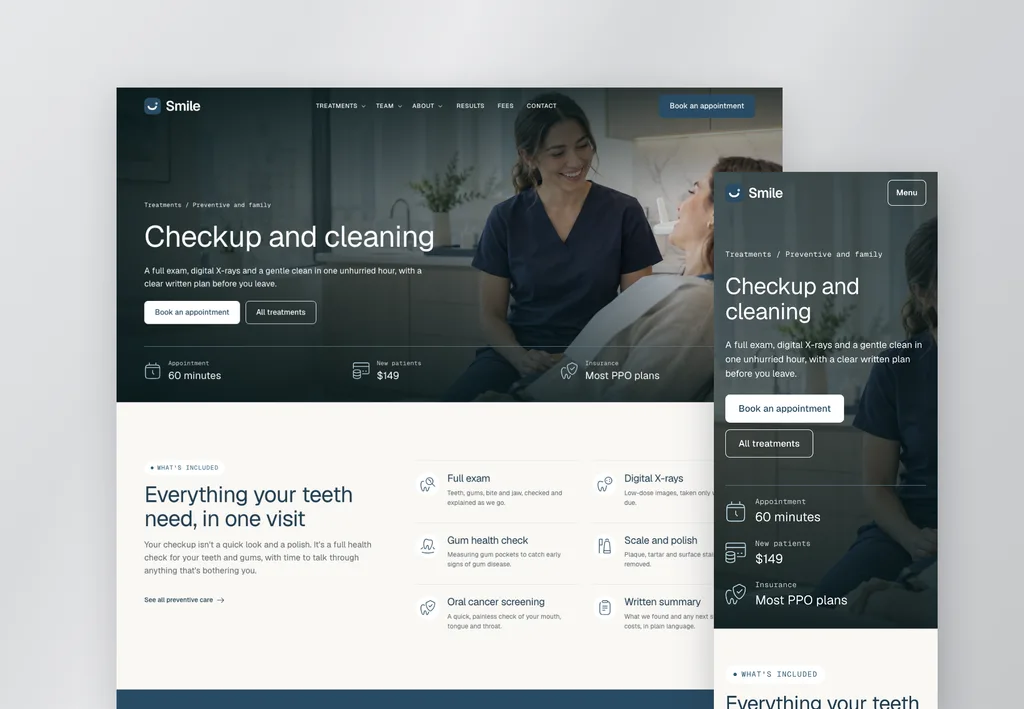
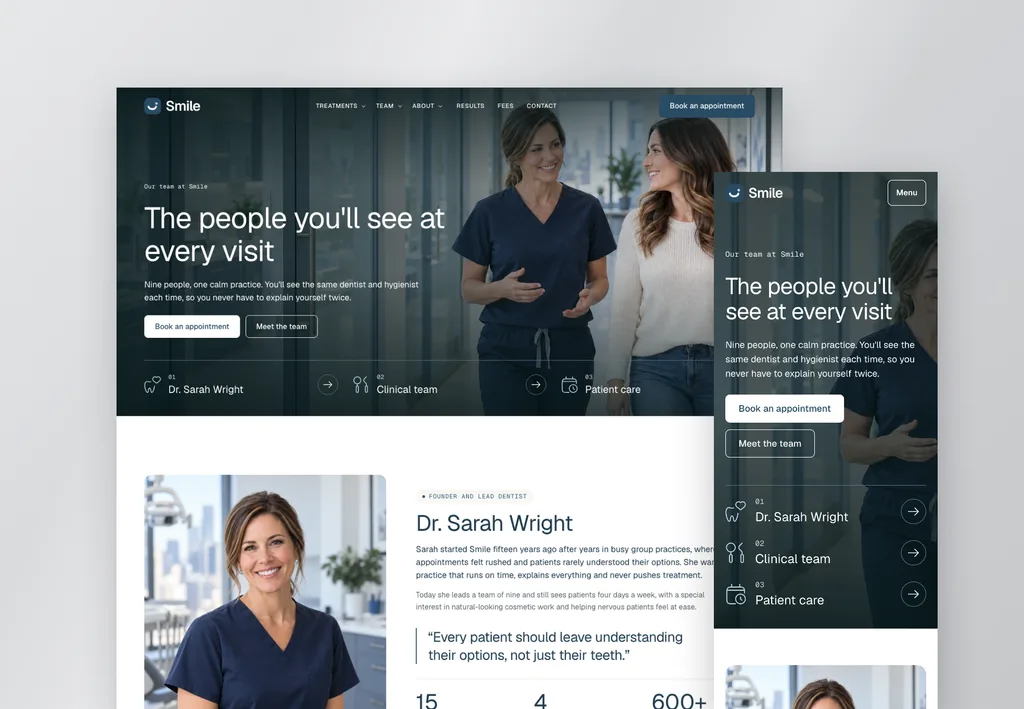
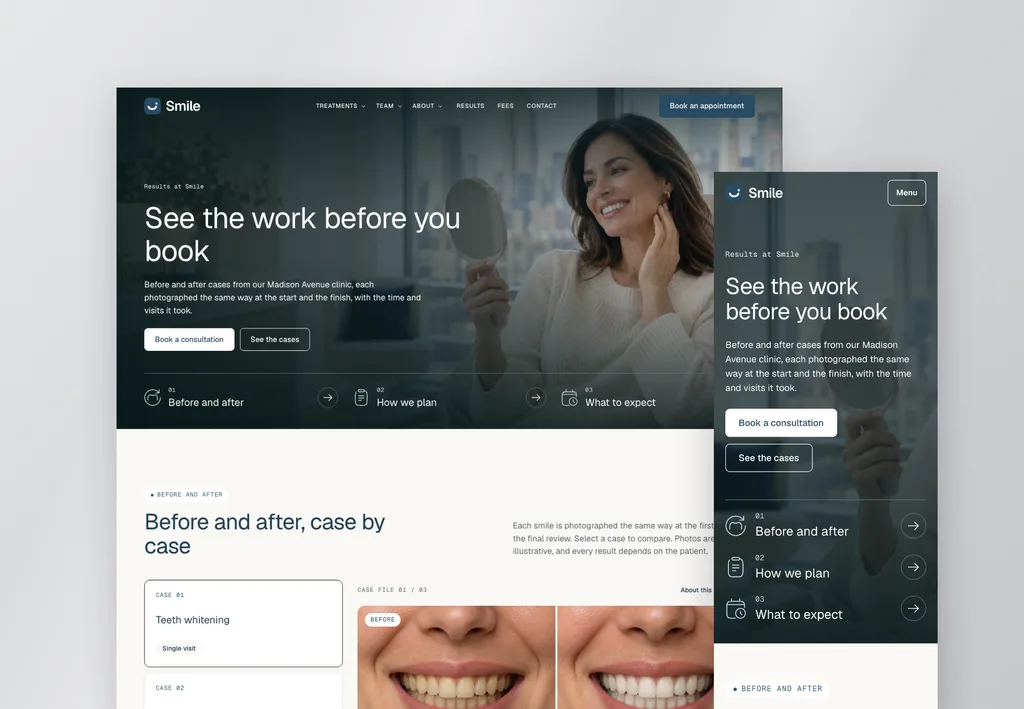
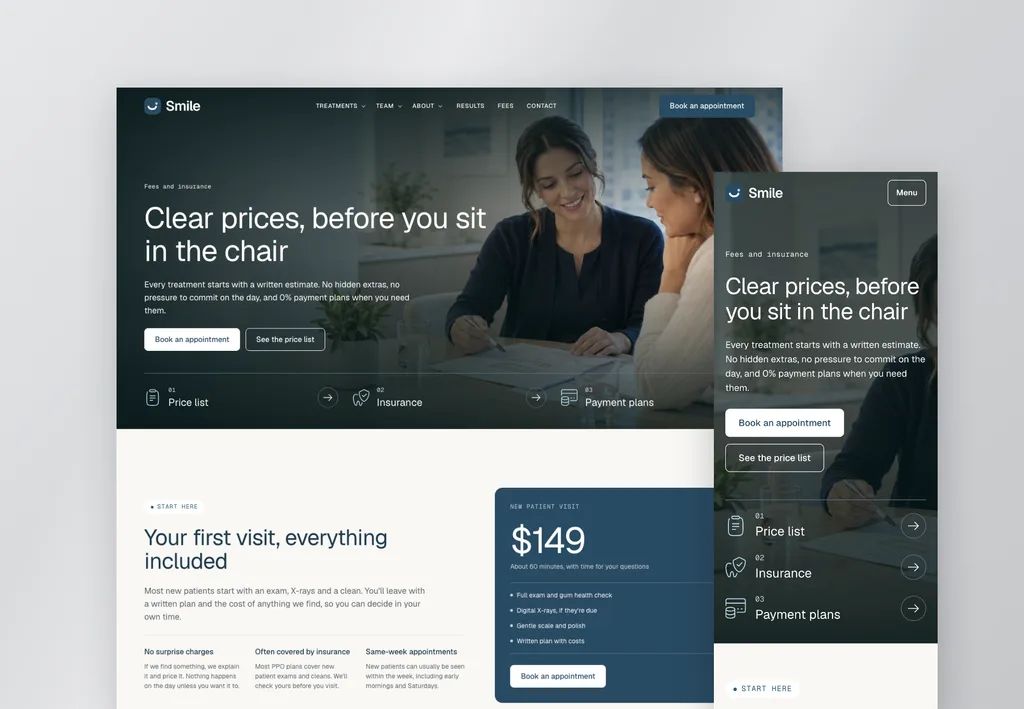
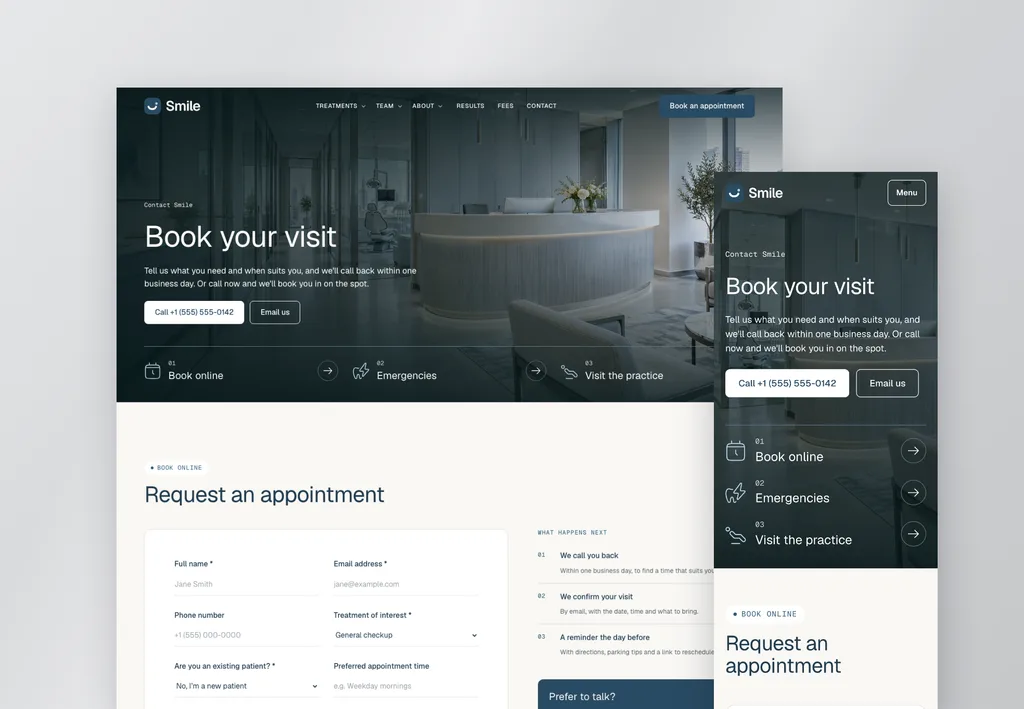
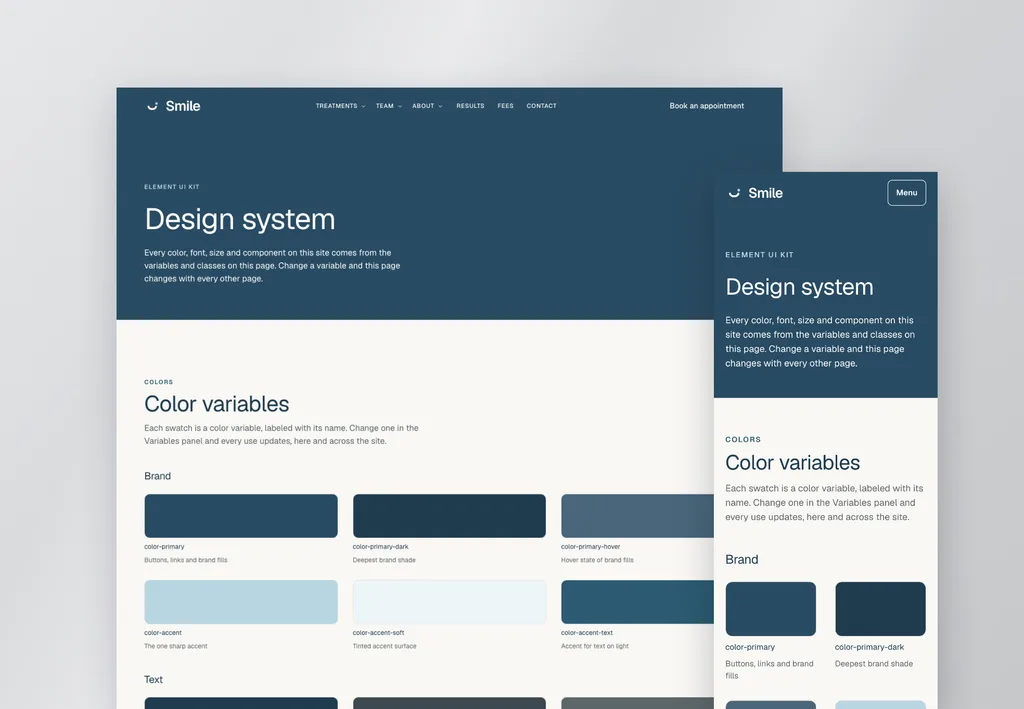
Customize
Rebrand the whole site in minutes
Do it yourself in a few clicks, import a ready-made design system, or ask your AI and watch it happen.
Change the colors and fonts in the design system. Then edit text and images like any Elementor page. No code needed.
color-primaryEvery button, link and brand fillcolor-accentHighlights and badgesfont-headingEvery headingsection-spaceThe rhythm of every section
Every template comes with ready-made design systems. Import one in Elementor's Design System panel and the whole site transforms into a different style in seconds.
- OriginalPlus Jakarta Sans · Square corners
- PlumFraunces and DM Sans · Rounded corners
- CobaltArchivo and Work Sans · Pill buttons
Tell Claude or Codex about the new brand, for example "Make this a dental practice with a navy and teal palette." It reads the agent guide and updates every page to match.
AI is optional. Every template works like a normal Elementor site.
- Make it a dental practice in navy and teal
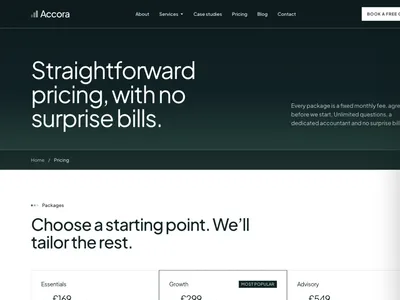
- Add a pricing page that matches the site
- Make all section headings a little smaller
- Change primary buttons to red (#D92D20)
- Change light gray backgrounds to beige
- Use Plus Jakarta Sans for all headings
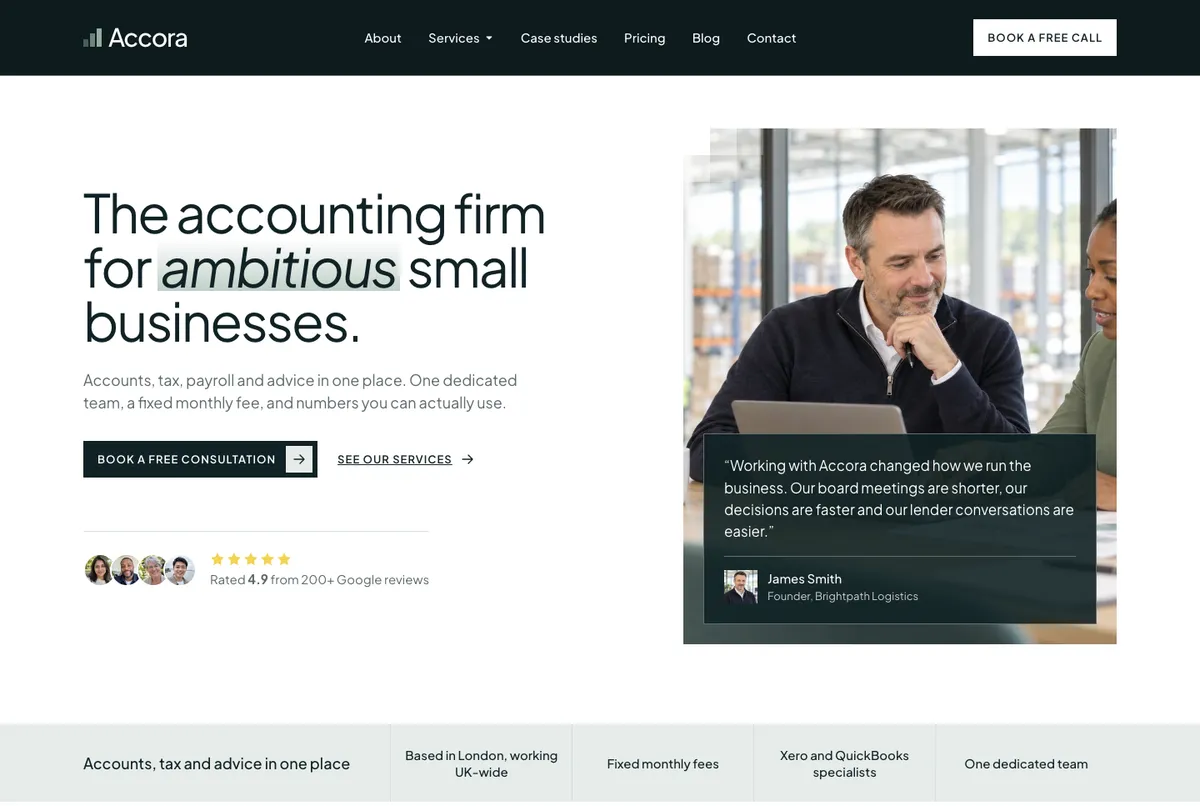
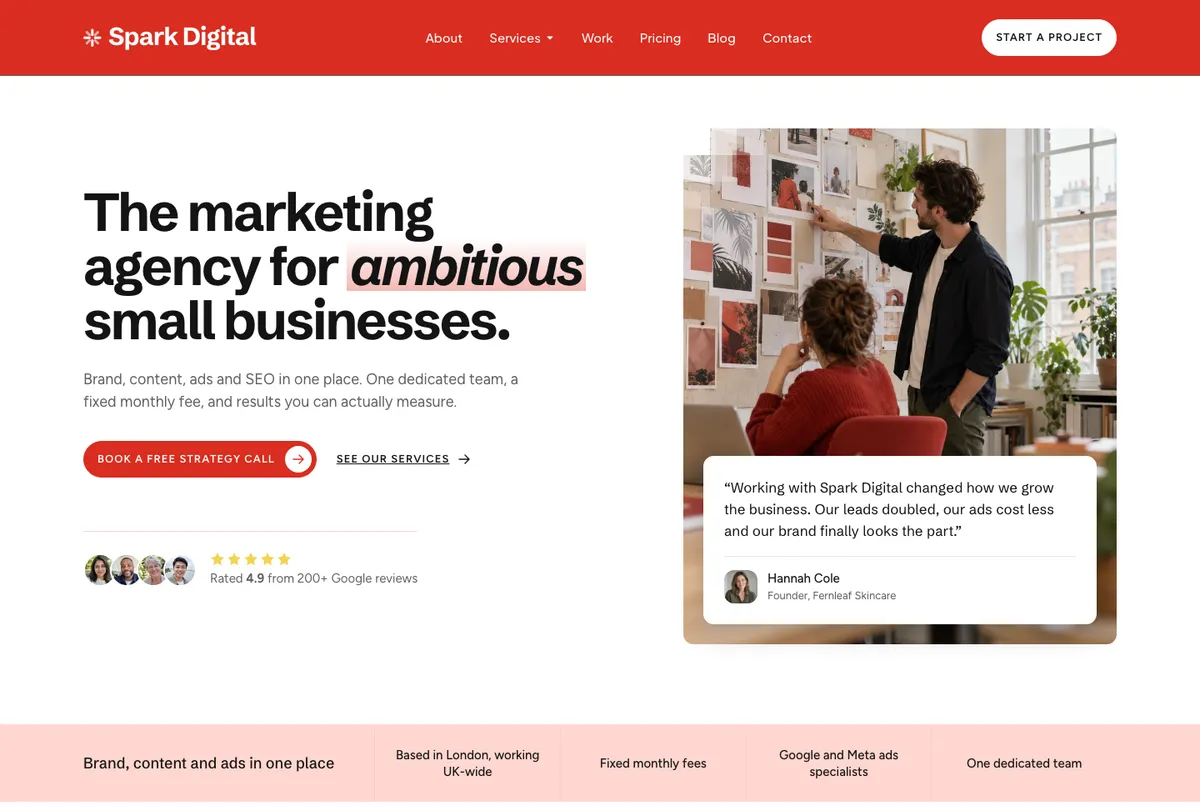
Same template, different business. Change the content, colors and fonts, and it fits almost any industry.
Grows with the site
Need another section? Paste it in. Your AI makes it match.
Add any component from the V4 library, then ask your AI to restyle it to the site's design system. New pricing tables, timelines and FAQ sections from the V4 component library fit in seamlessly.
01Paste a component, like V4 Team 02
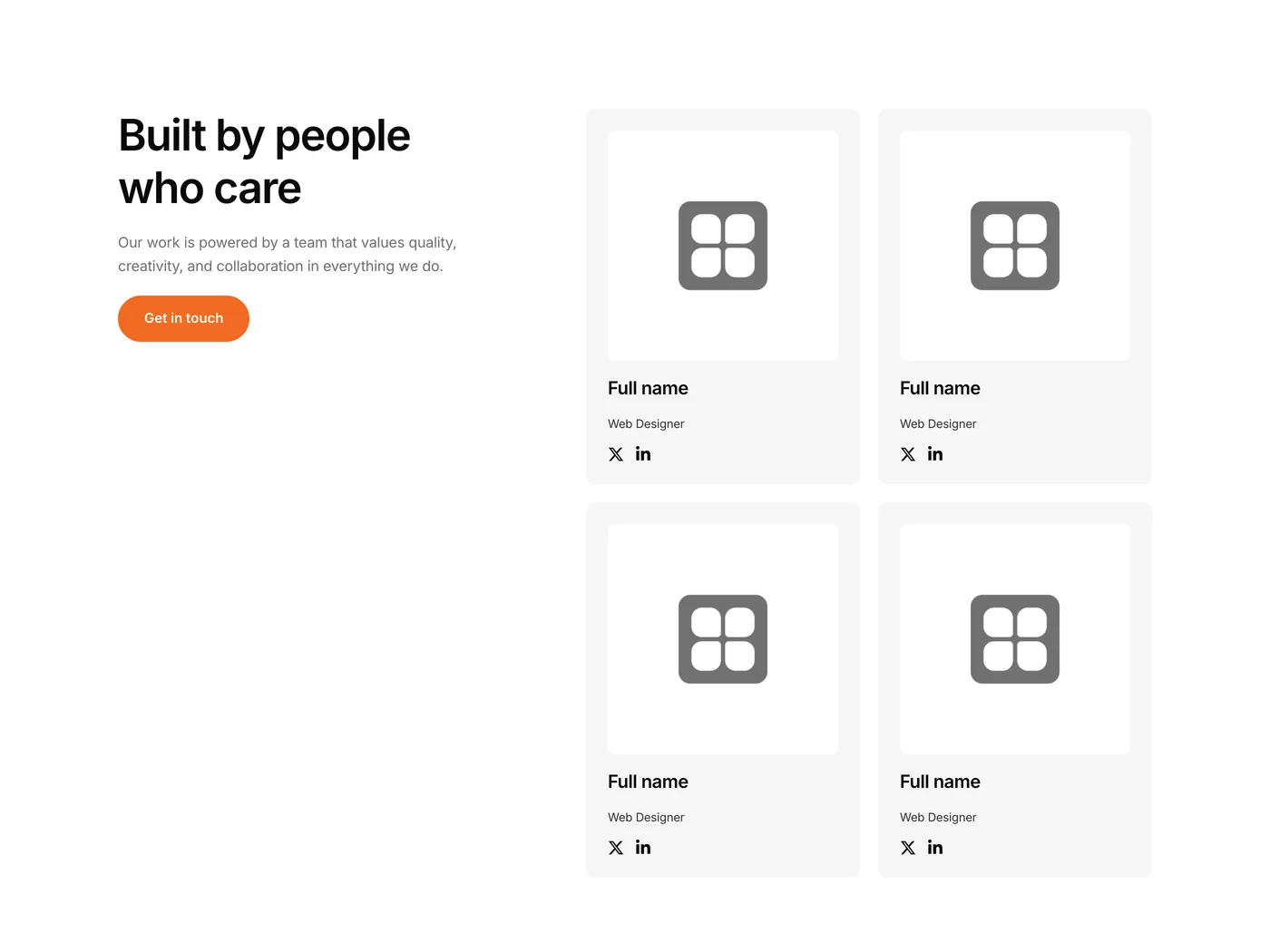
02Ask your AI
Restyle this new section to match my site
- Reading AGENT-GUIDE.md
- Matching Smile's design system
- Checking tablet and phone layouts
03It matches the site

Why start with a template
AI can build in Elementor now. Design is still the hard part.
Elementor's MCP lets Claude, Codex and Cursor build pages right inside Elementor. From a blank page, you get generic layouts and round after round of fixes. Give your AI a professionally designed site and it only has to edit.
Times from my own builds with Claude. A template costs less than an hour of design time.
What's inside
Everything a professional site needs
A finished website, designed and built properly, so you skip straight to the brand and content.



How it works
From purchase to live site
A note from the founder
Why I'm building these templates
I've built Elementor sites since 2016. The hardest part was always the design: picking fonts and colors, making every page match, then fixing it all for mobile.
AI can build pages now, but it can't design them. Everything it makes from scratch looks generic.
So I did that hard part for you. I spent weeks perfecting the design so every page fits together and looks great on any screen. Change a few colors and fonts, and the whole site looks like it was made for that brand.
You start with a finished, professional site. Customize it in a few clicks, or let your AI do it.
FAQs
Questions about V4 templates
Do I need AI to use these templates?
No. Every template is a normal Elementor V4 site. Edit it by hand like any other.
Is each template only for the industry shown?
No. The demo shows one example business, but every layout works for almost any industry. Swap the text, images, colors and fonts, and it fits.
What does AI-ready mean?
Each template ships with an agent guide that explains the design system, page structure and rules, so AI tools edit it without breaking the design.
What is Elementor's MCP?
A built-in connection in Elementor 4.3 and later that lets AI tools like Claude, Codex and Cursor edit an Elementor site directly. Turn it on under Elementor > Elementor MCP.
Which AI tools work with the templates?
Any tool that connects to Elementor's MCP, including Claude, Codex and Cursor.
What do I need to use a template?
WordPress and Elementor 4.3 or later, with the V4 editor turned on. An AI tool is optional.
Can I use a template for client websites?
Yes. Buy a template once and use it for your own websites and your clients'.
Are V4 templates included in Pro?
No. Pro includes three V3 website templates: Eradica, ZenPay and Insura. All other templates, including new V3 and V4 templates, are sold separately as one-time purchases.
Get started
We provide the design. Your AI handles the rest.
Professionally designed Elementor V4 templates, $79 each. One-time payment, free updates.