
Free Elementor section templates
Access 36 free layouts you can copy and paste into any project. No other plugins required.
 Join 4,000+ users building with Element UI
What's included?
Everything you need to build a complete website
Components are the foundation of Element UI. Access 36 professionally created components you can copy, paste, and customize. Upgrade to Pro to unlock more.
- 36 free components
- Consistent spacing and layout system
- Fully responsive by default
- Lightly styled for easy adaptability
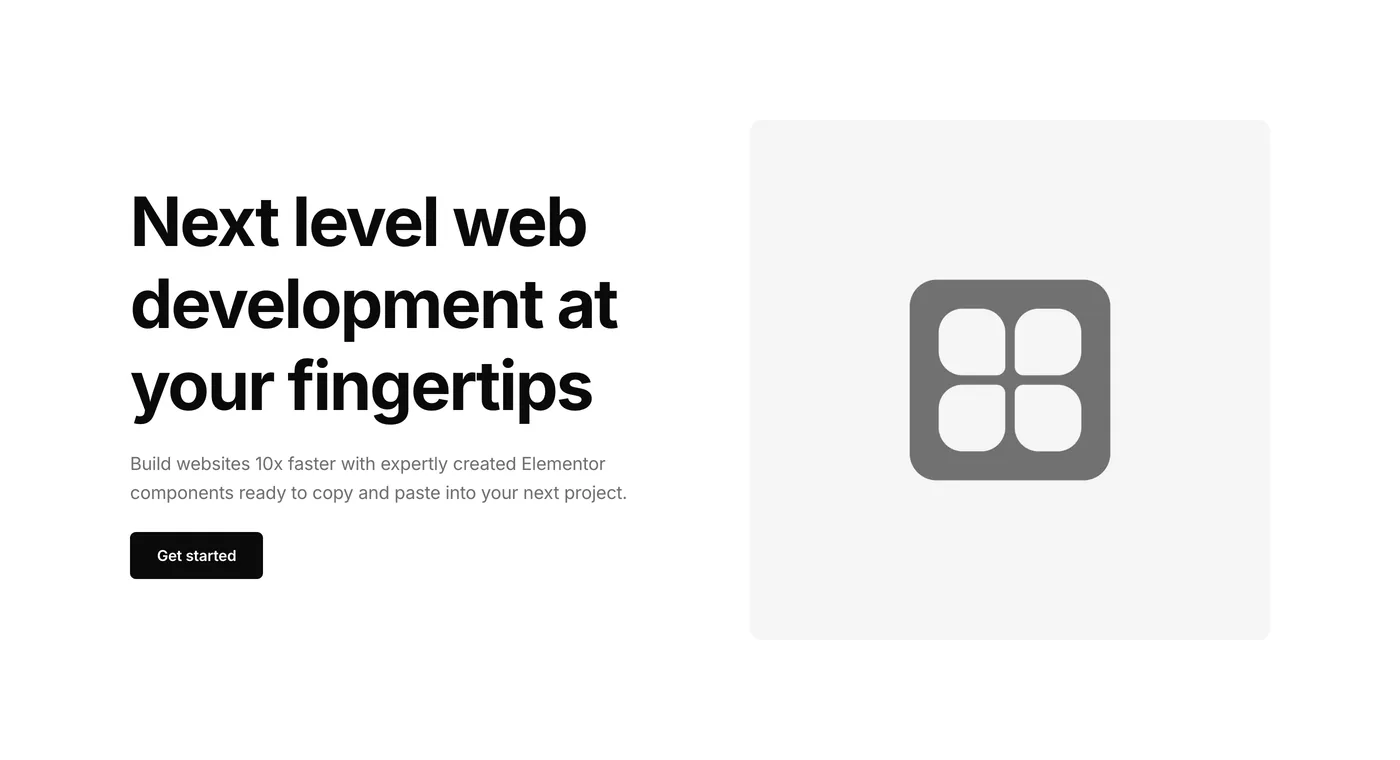
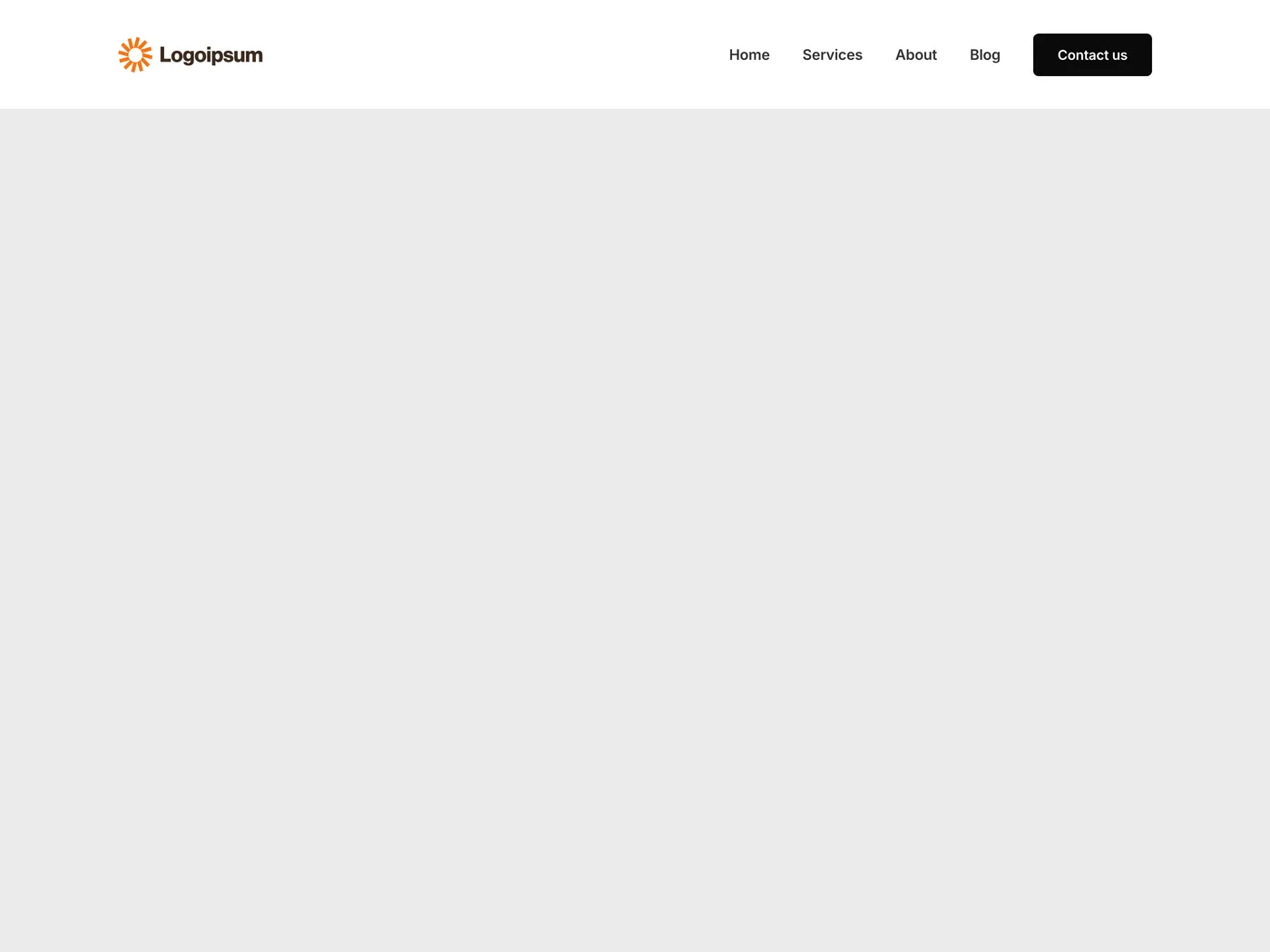
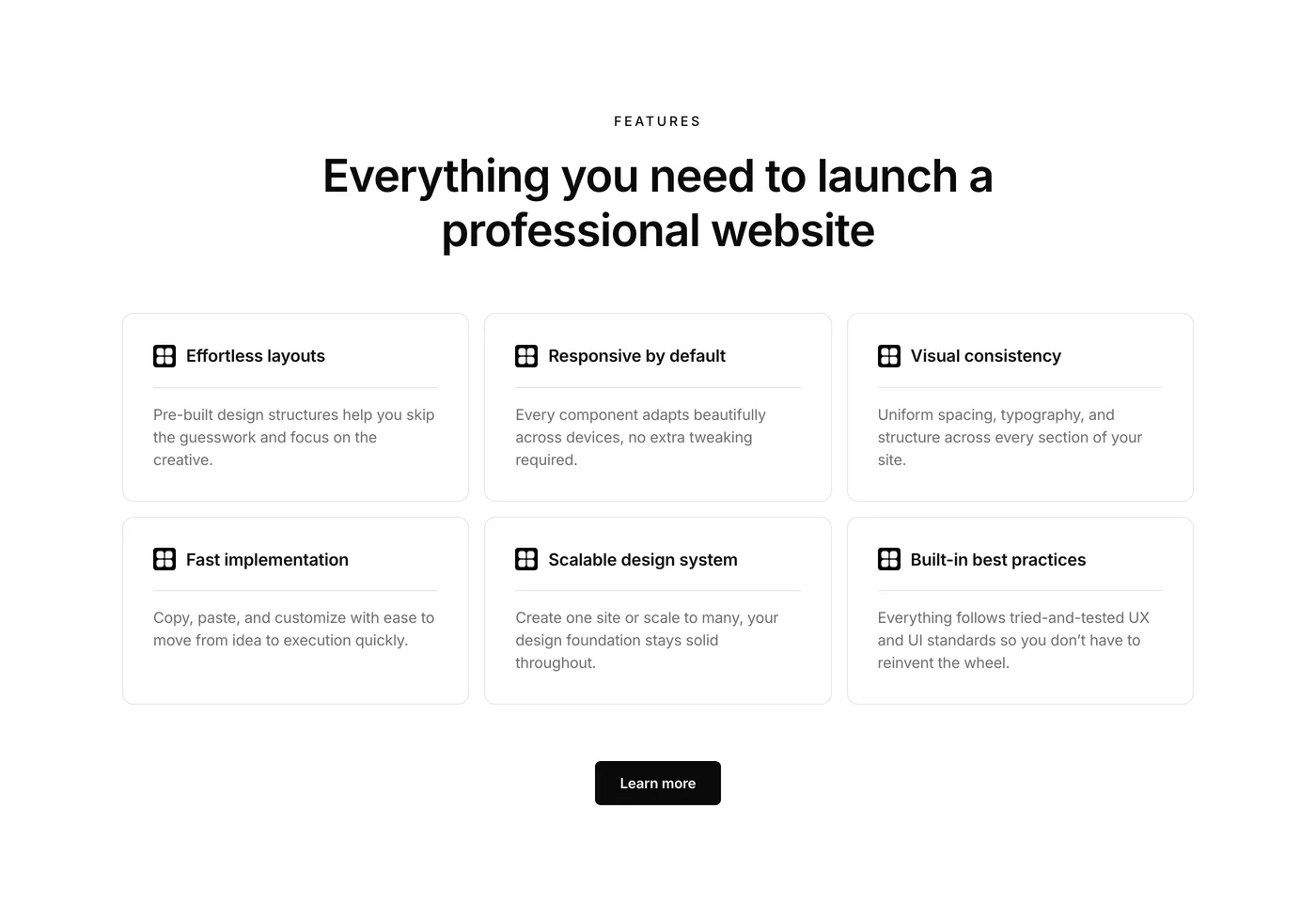
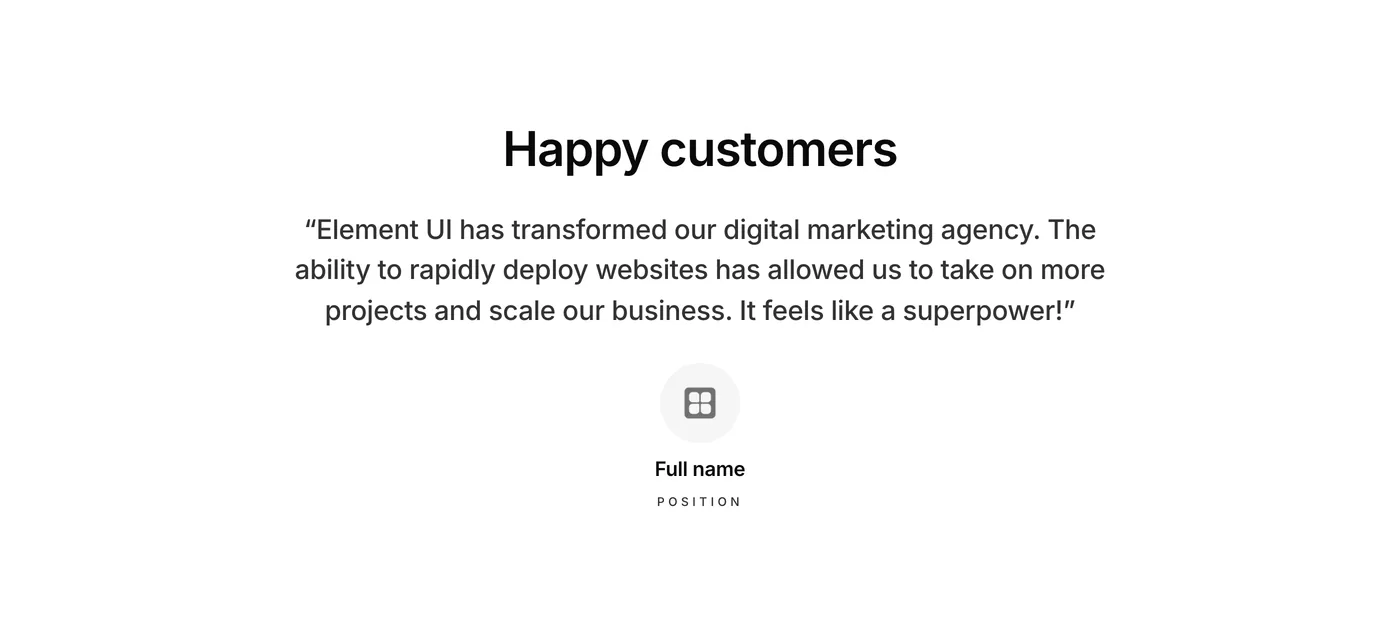
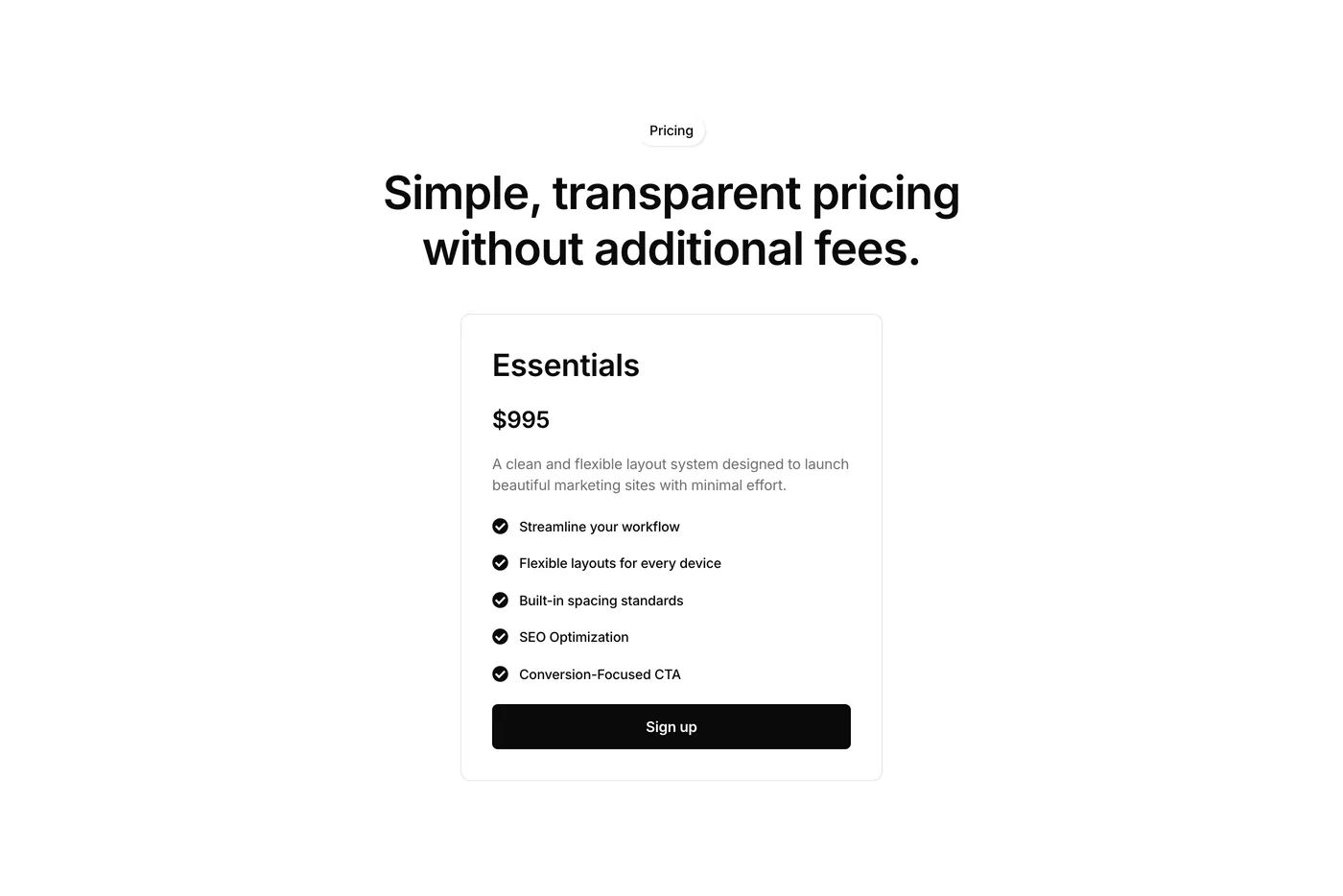
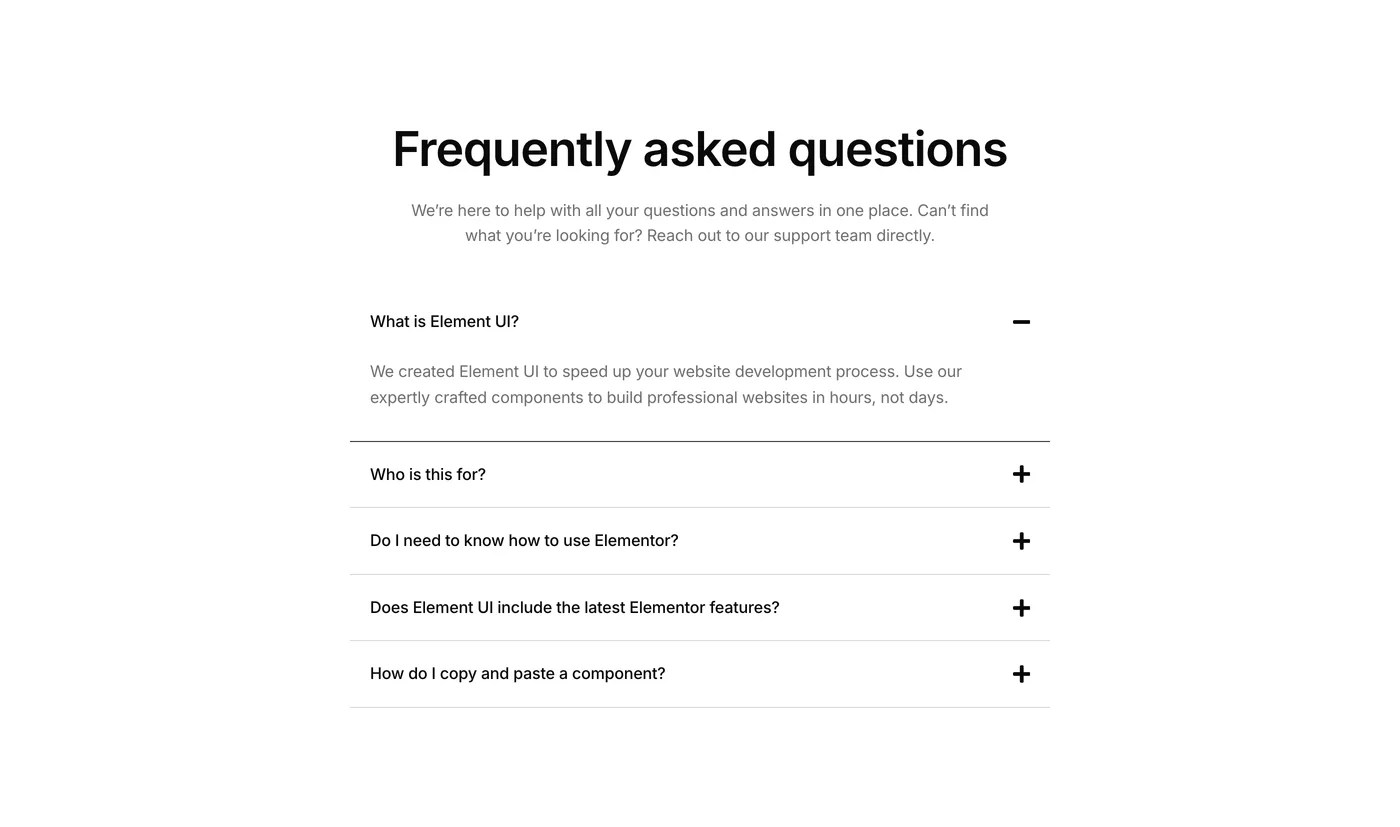
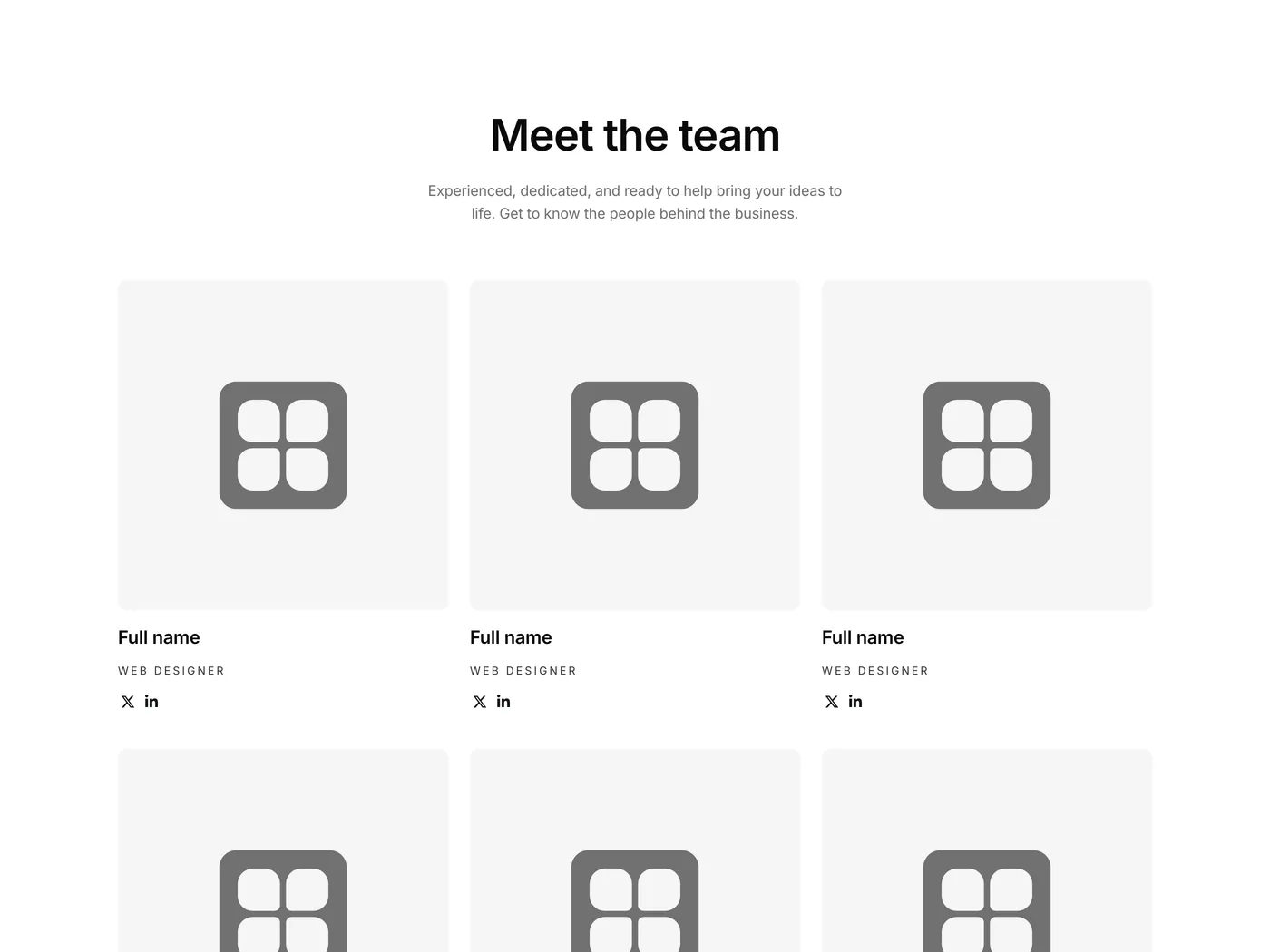
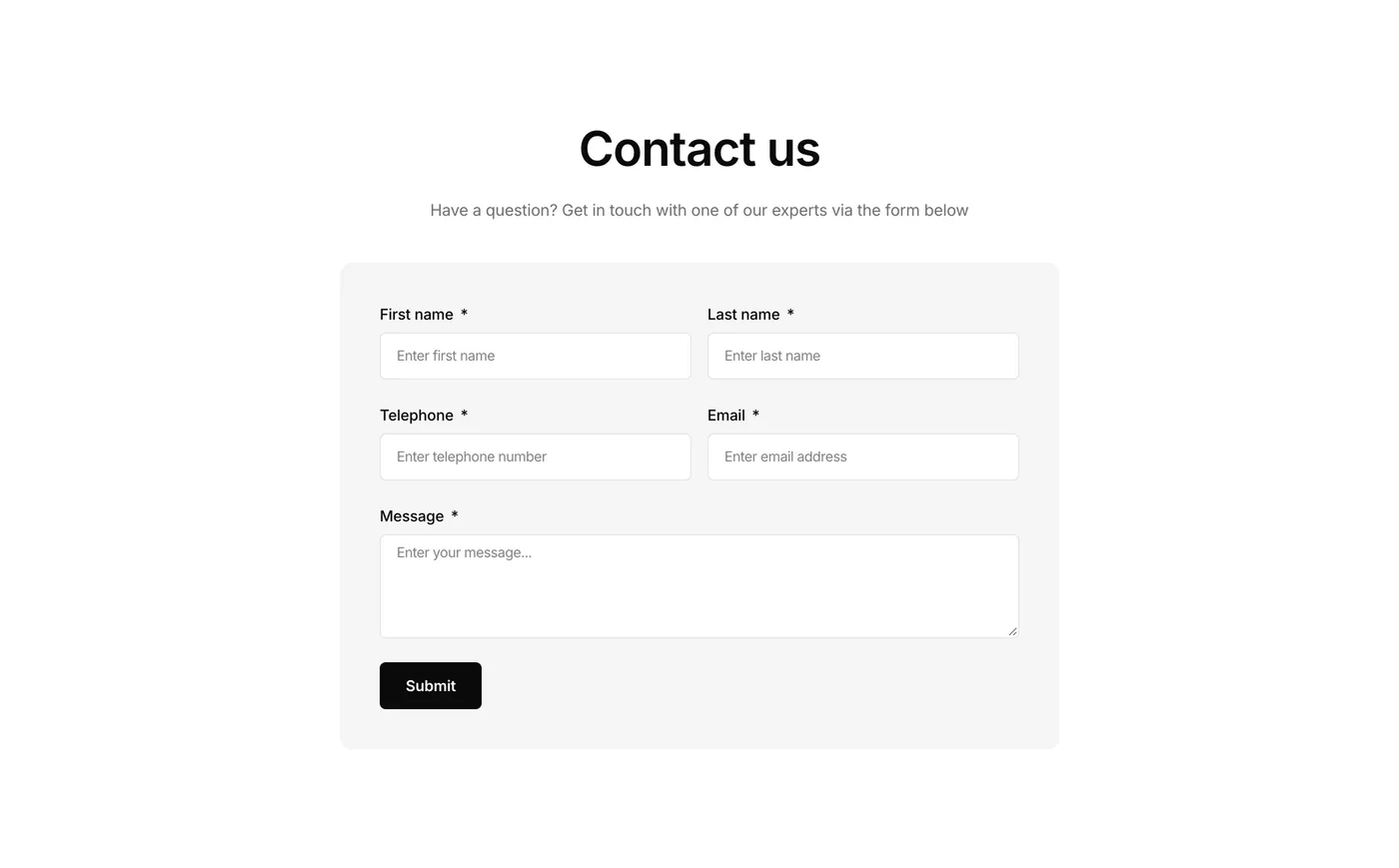
Wave goodbye to building from scratch.
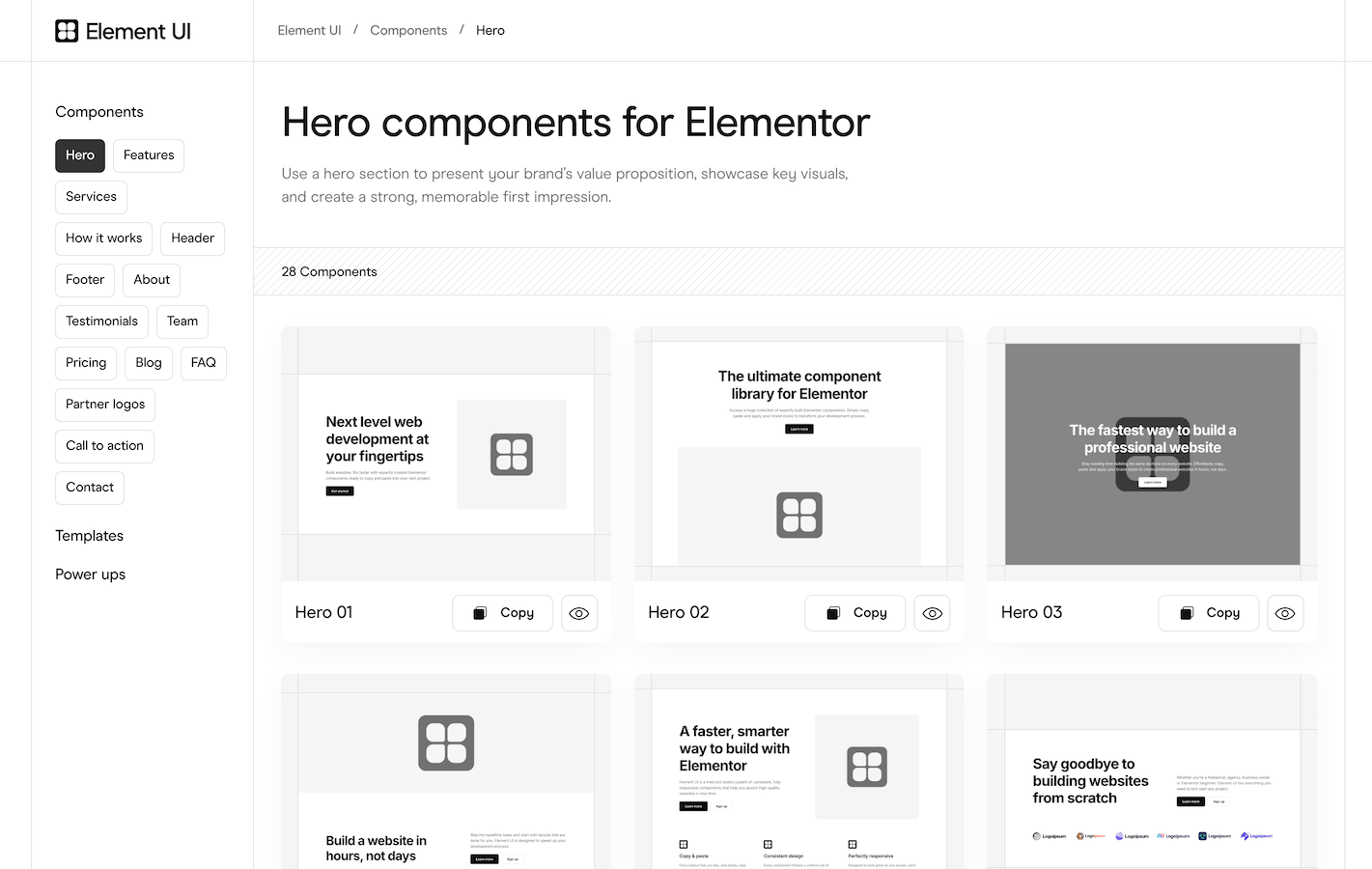
Every free component is built with Flexbox containers with consistent spacing and responsive behavior. Copy and paste instantly to boost your workflow.
Free components
What makes Element UI different
Every component follows one spacing system and is designed to work with the others. Drop five different components on a page and they look like they belong. The free components are V3, built with Flexbox containers. Pro adds the V4 components, built with Elementor V4’s atomic elements.
Compare
How Element UI compares
| Element UI | Other libraries | |
|---|---|---|
| Quality | Curated, consistent design system | Volume-focused, inconsistent |
| Built with | Flexbox containers (V3) and atomic elements (V4) | Often legacy sections/columns |
| Bloat | None. Copy and paste only | Often requires plugin installation |
You get a complete library without over paying. And because we focus on quality over quantity, you spend less time filtering through layouts that don’t work.
How it works
Copy. Paste. Done.
Learning how to use Element UI takes less than a minute. No installations, no setup, no learning curve.
- 01
Copy a component
One click saves the component to your clipboard.
- 02
Paste into your site
Right-click in the Elementor editor and select “Paste from other site.”
- 03
Make it yours
Swap the placeholder content, then change the fonts and colors to match your brand. Ship.
No plugins to install. Sign up free when you’re ready to start.
Reviews
Who is Element UI for?
Whether you’re a seasoned Elementor user or just starting out, Element UI gives you the tools to save time and build consistently.
Freelancers & agencies
Building client websites on tight deadlines? Stop recreating the same hero layout for the tenth time. Grab a component, customize it, move on.
- Deliver projects faster with ready-made sections
- Maintain consistency across multiple sites
- Scale your business by taking on more projects
- Impress clients with professional, polished designs
- Spend less time building, more time growing
“This component library has revolutionized my development workflow. I’m now able to deliver websites in record time.”
Joshua Elementor developer
“We’ve integrated Element UI into our agency’s workflow, and the impact has been incredible. Our team now delivers projects faster, with higher consistency, and clients are thrilled with the designs.”
Alex W. Creative Agency Director
“Introducing Element UI into my micro agency has been a no-brainer for us. The flexbox containers ensure that everything is streamlined and responsive.”
James Agency founder
“I can’t emphasize enough how much time I save with Element UI. Building sites from scratch used to take up most of my schedule, but now I can launch professional sites much faster, allowing me to take on more clients and projects.”
Sofia Freelance Developer
“Element UI has become an indispensable resource for our agency. The copy and paste feature is brilliant!“
David Agency owner
“Element UI has streamlined our entire production process. No more starting from scratch or struggling with mismatched sections. Everything just works together perfectly, right out of the box.”
Vanessa Project Manager
“The easy copy-and-paste feature has cut my project time in half. The pre-built sections are designed with a professional touch that aligns perfectly with my high standards.”
Arjun Elementor Developer
“Element UI has transformed our digital marketing agency. The ability to rapidly deploy websites has allowed us to take on more projects and scale our business. It feels like a superpower!“
Mary Agency founder
“Element UI has been a game-changer for me. I’ve halved my development time and can take on more projects each month.”
Adam W Freelancer
Business owners
You have a business to run, not a web development course to take. Get a polished, high-converting site live today so you can get back to your daily tasks.
- Launch a professional site from day one without hiring a designer
- Get online quickly with templates ready to customize
- Save thousands in development costs
- Update your site yourself without a steep learning curve
“Speed to market is critical for us. With Element UI, our small team was able to launch a complete marketing site in just a few days, which was crucial for our product launch. The ease of making changes and updating content means we can adapt our strategies on the fly without delays.”
Lukas Moreno Startup CEO
“We needed to hit the market fast, and Element UI was our secret weapon. Within a week, our in-house team used the Elementor components to create a responsive, professional website ready to showcase our healthcare app.”
Elena Startup CEO
“Element UI’s components have allowed us to quickly launch our eco-friendly product line online. The ability to update and customize swiftly keeps our site as innovative as our products.”
Sophia Martin Co-Founder
“Element UI helped me launch my business website so much faster than I expected. The components are simple to use, and I was able to make a site that looks amazing without any tech headaches.”
Olivia M. Startup Founder
“As a small publishing startup, our budget was tight. Element UI’s professional solution helped us mockup the design for our website which we passed over to a developer who created a stunning online bookstore.”
Andrej Pavlov Entrepreneur
“As a small business owner with limited web design experience, Element UI has been a game-changer for me. I was able to build my website in record time without compromising on quality.”
Laura Business owner
“I frequently update my business site with new pages. Element UI’s easy-to-use interface means I don’t need a web developer on retainer, perfect for a bootstrapped solopreneur like me.”
Maria Johnson Saas business owner
“As a small business owner, I don’t have the time or budget to hire a designer for every website update. Element UI lets me create professional-looking pages quickly, and it’s easy enough for me to use on my own.”
Amanda Reynolds Small business owner
“Launching marketing sites for each of our app releases is a breeze with Element UI. We can maintain brand consistency while rolling out feature-rich sites in record time.”
Jamal Startup founder
Elementor beginners
Skip the “trial and error” phase. Element UI components act as a blueprint for professional design, teaching you industry-standard spacing and layout as you build.
- Start with proven layouts and best practices
- Learn by example with professionally built sections
- Avoid common beginner mistakes
- Build confidence with components that work
- Create professional results from your first project
“I decided to start a blog about my travels. Element UI was recommended by a friend, and it’s incredibly beginner-friendly! I’ve been able to build a beautiful site that my family and friends love to visit.”
Jacob H. Blogger
“Starting with Element UI was like finding a mentor. The pre-built layouts taught me about structure, spacing, and responsive design as I built. It’s more than a tool; it’s a learning experience that has rapidly advanced my Elementor skills.”
Xiao Li Freelancer
“I wanted to start a food blog but had no idea where to begin with the website part. Element UI was the perfect starting point. It’s amazing how quickly I was able to get it up and running and start sharing my recipes.”
Natalie Wei Entrepreneur
“As someone new to Elementor, Element UI has been a fantastic learning tool. It’s one thing to study best practices, but to see them implemented in these components has accelerated my learning curve tremendously.”
Ben J. Junior web developer
“I’ve used some Elementor components before but nothing has compared to Element UI. It’s empowering to build beautiful, functional websites without prior coding experience. “
Oliver W. Freelancer
“Building a website from scratch was a daunting task for me, but Element UI made it so easy and enjoyable. The components are incredibly intuitive to use. I managed to create a website that looks like it was made by a professional.”
Sarah W. Elementor beginner
“I’m still pretty new to web design, but Element UI has given me so much confidence. The components are easy to use, and I’ve learned a ton just by seeing how everything is set up.”
Sam Price Aspiring Web Designer
“Element UI has been a total lifesaver! I used to struggle with layouts and spacing, but now I just copy a template, tweak the colors, and it looks like a pro built it. It’s made learning so much easier.”
Chris L. Elementor beginner
“Having the ability to build websites faster has really helped me to deliver a higher standard of work and take on more projects.”
Helena Martin Freelancer
If you use Elementor and value your time, Element UI will make your workflow faster.
Are these components actually free?
Yes. No trial, no credit card required.
Can I use free components on client websites?
Absolutely. Element UI is built for professionals. Use components on as many client projects as you need.
Do I need Elementor Pro?
Most components work with the free version of Elementor. A few layouts using forms or theme builder elements may need Elementor Pro. Each component notes any requirements.
Do I need to install a plugin?
No. Element UI works through Elementor’s native “Paste from other site” feature. Nothing to install or maintain.
What's the difference between Element UI Free & Pro?
Free gives you a small collection of components to copy and paste into your site. Pro adds advanced templates with complete design, CSS/JS power-ups, CMS components and new components added regularly. You can start free and upgrade anytime.
Do I need to credit Element UI?
No attribution required. Use the components for personal and client projects. Just abide by our licensing terms 🙂
Get started
Start building professional Elementor websites
Skip the blank page. Start with layouts that actually work. Get free Elementor components ready to copy and paste in seconds.