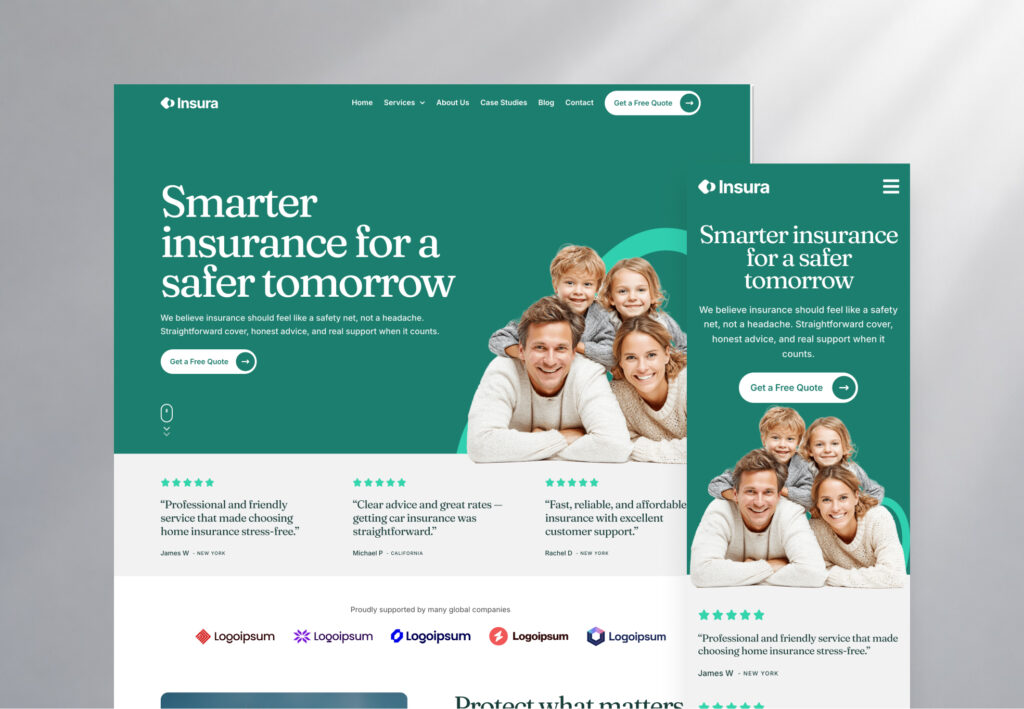
V3 website template
ZenPay: SaaS and fintech Elementor template
- V3
- Released
A modern website template built for SaaS & financial services businesses ready to make a strong first impression online.
13 pages included
- Home
- Home 02
- Features
- Feature page
- About
- Integrations
- Pricing
- Team
- FAQ
- Sign up
- Privacy policy
- Terms
- 404
Perfect for
- SaaS
- Tech startups
- Financial services
- Corporate businesses
- Professional services
- Subscription businesses
- Banking apps
- Investment products
Three steps to a live website
- Step 1
Import the template
Download the template kit from its page and import it into Elementor. It only takes a few minutes, and every page, style and setting comes with it.
- Step 2
Make it your brand
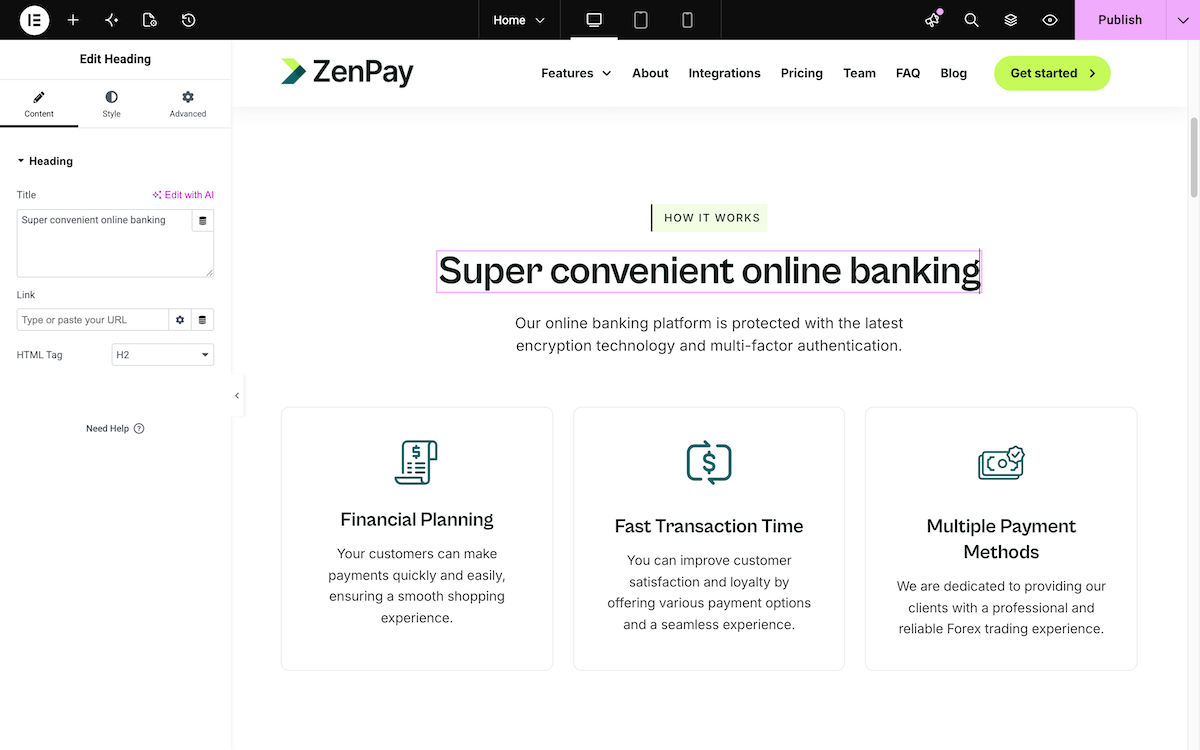
Set your colors and fonts once in Elementor’s site settings and every page updates. Then add your logo, text and images.
- Step 3
Add any section you need
Want a pricing table, team grid or FAQ the template doesn’t have? Copy it from the Element UI library and paste it in. It matches the template’s layout and spacing, and you can link its colors and fonts to your global styles.
ZenPay details
ZenPay is built for SaaS and financial businesses where credibility drives the sign up. Clean, professional, and conversion-focused, ZenPay includes everything you need to launch a professional, conversion-focused website fast.
 A complete SaaS website
From the hero stats bar through pricing and testimonials, every section is designed to work together as one conversion flow.
 A team page that builds trust
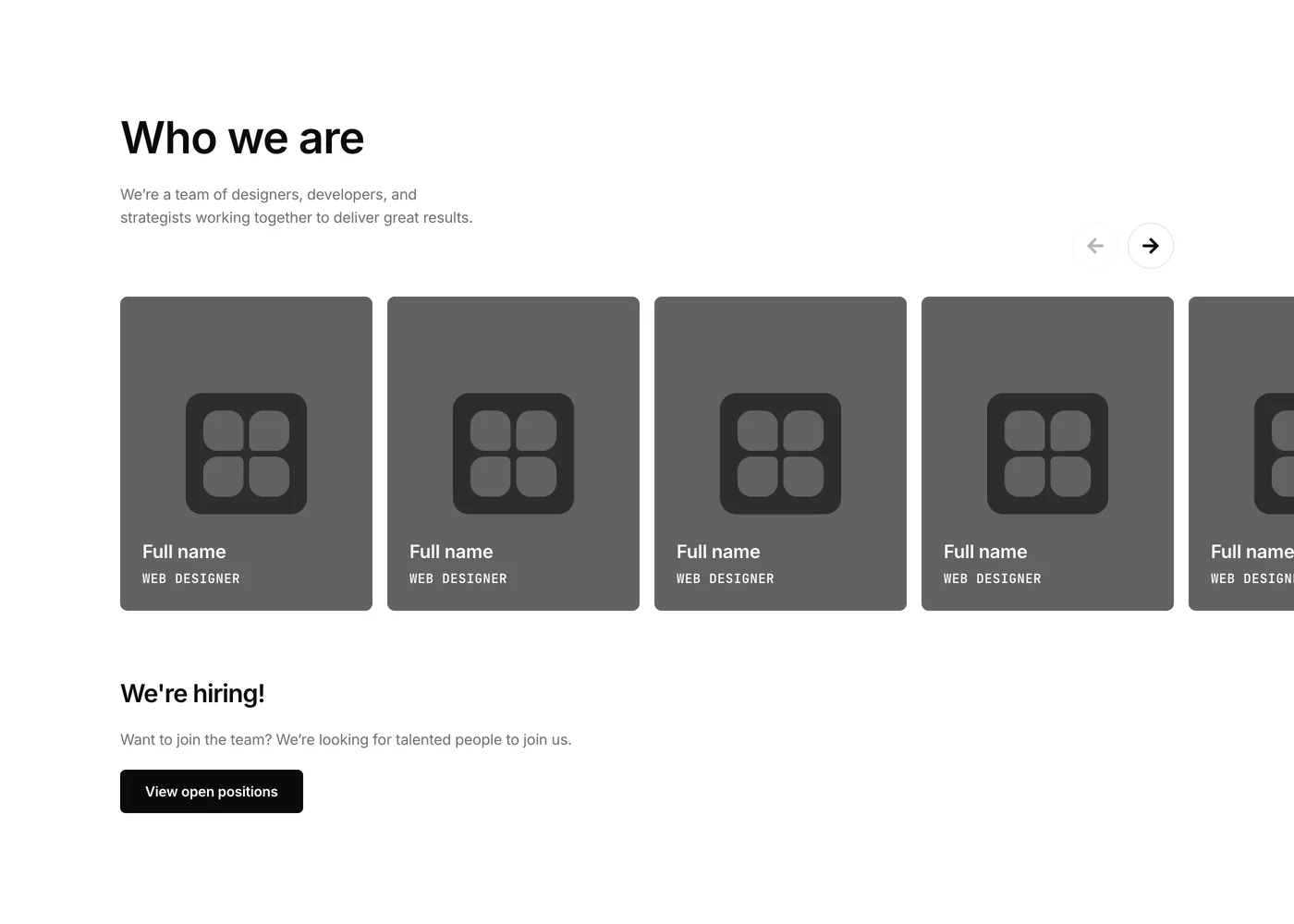
Team member cards open into full bio popups on hover, putting real faces and backgrounds behind the product for buyers who want to know who they're trusting.
 A pricing page built to sell
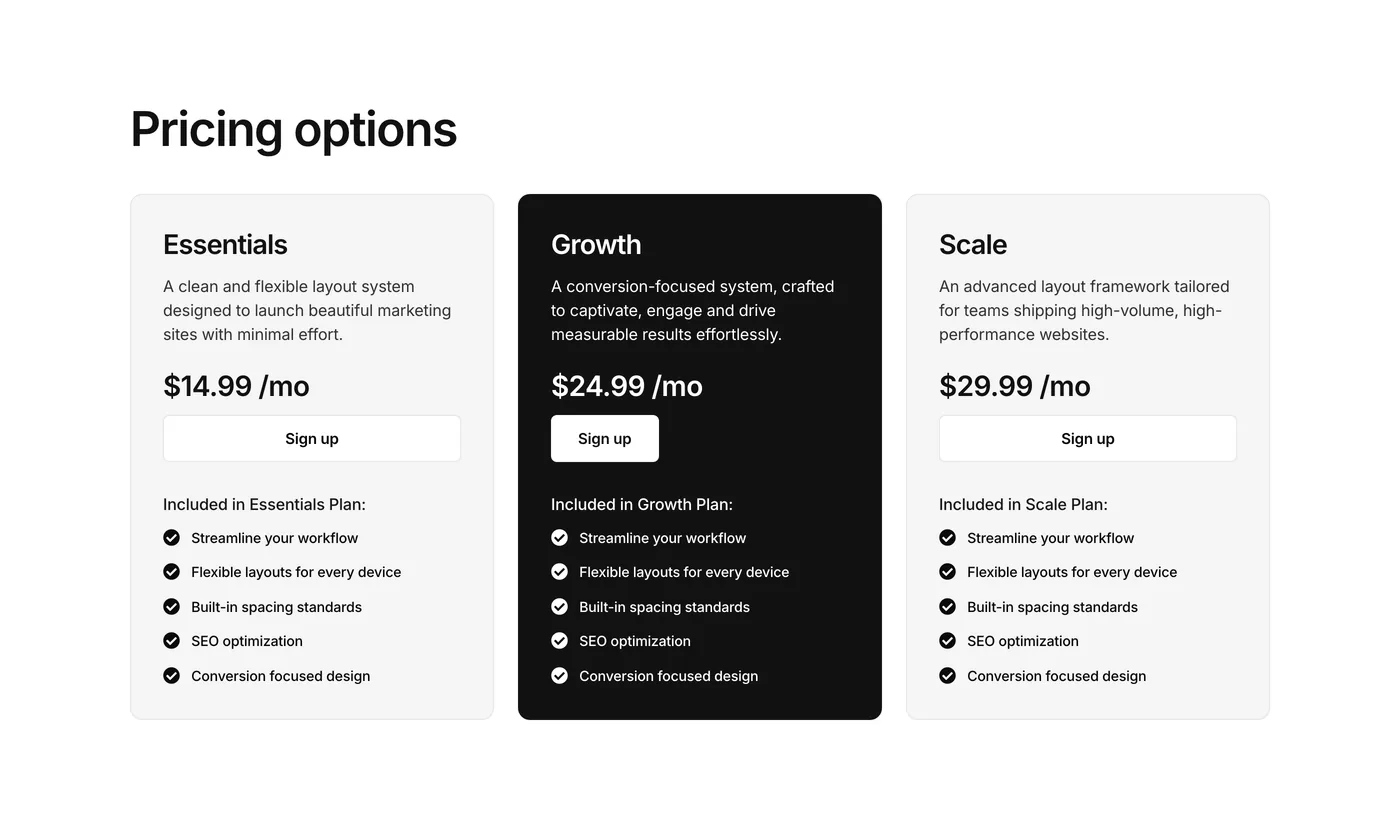
A monthly and yearly plan grid with a popular plan highlighted, plus a fully customizable feature-by-feature comparison table.
 Social proof that converts
A dedicated testimonials section, star ratings, and app store badges are built into the layout, so the credibility work is done before the sign up button.
Installation
- Download the .zip file
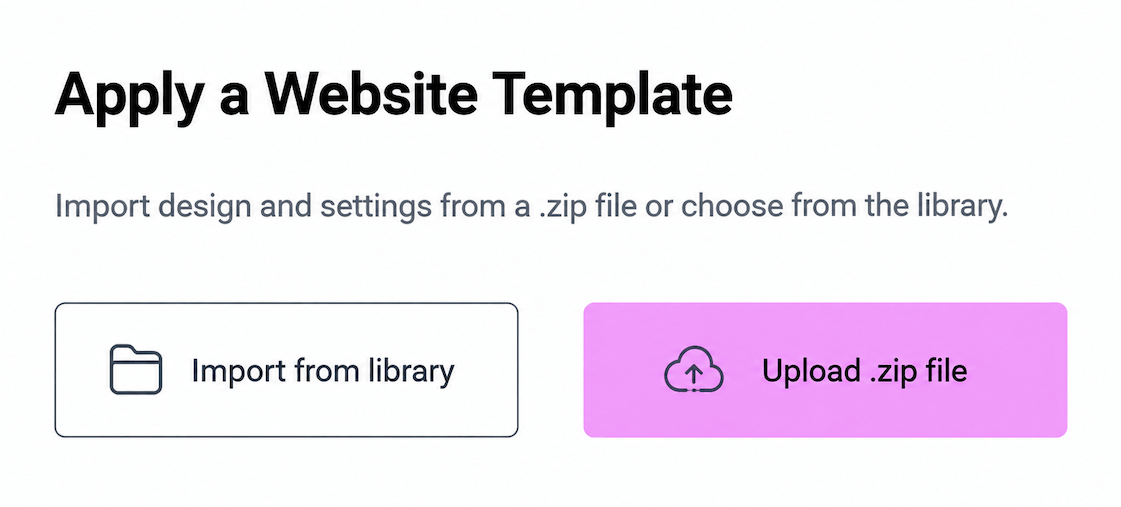
- In WordPress, go to Elementor > Tools > Website Templates > Apply a Website Template
- Upload the .zip and choose which content to import
- Every page, setting, and layout is ready to edit.

Global settings
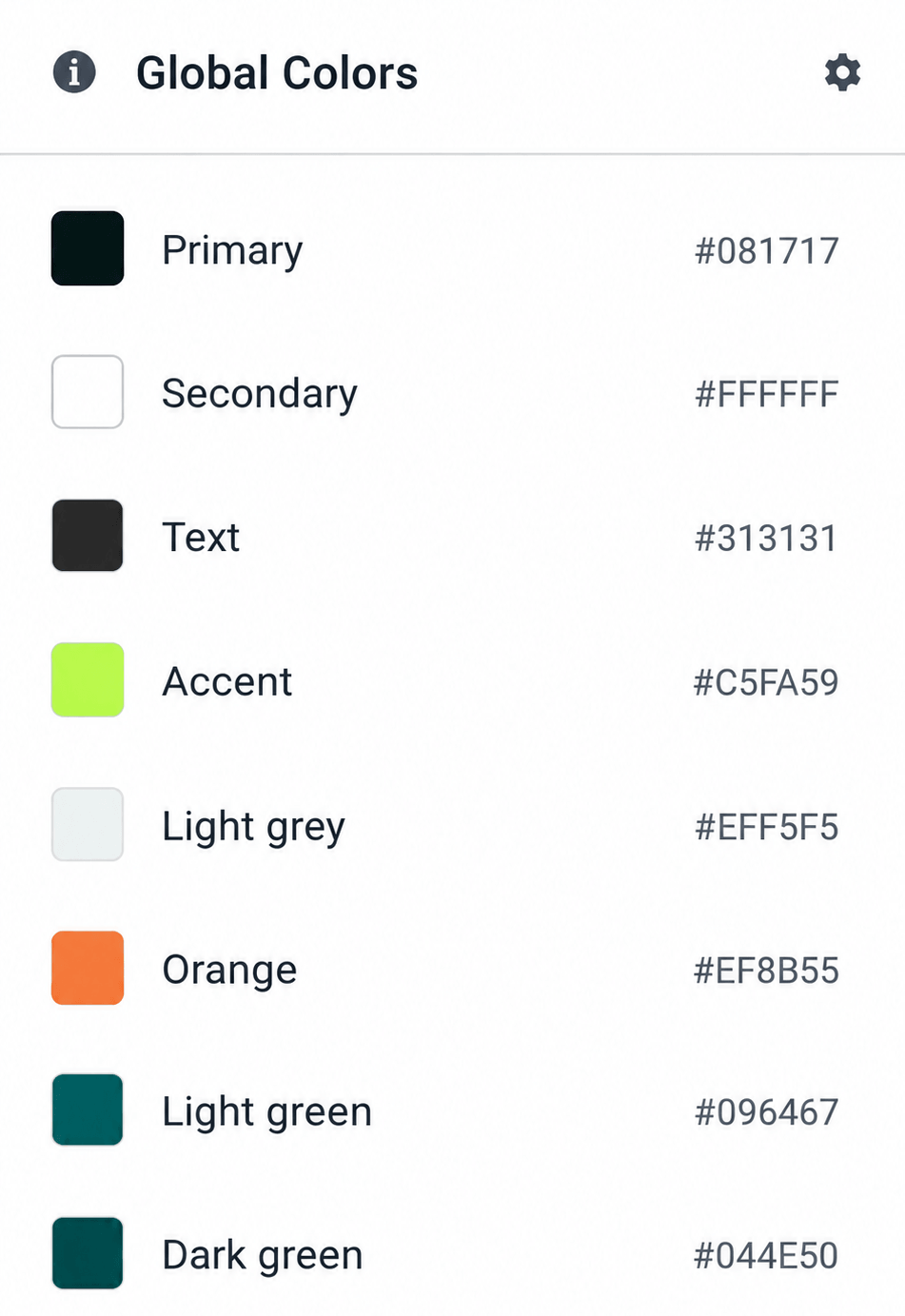
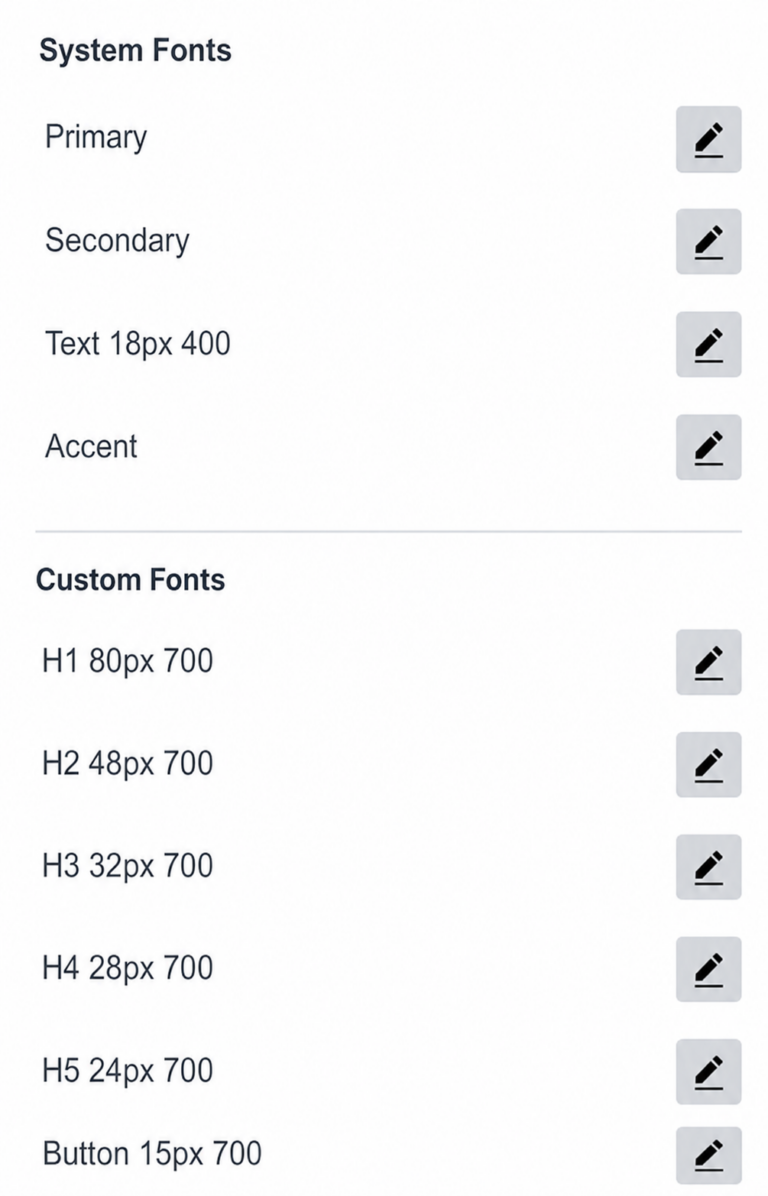
This template comes with global site settings already configured, including colors, fonts, button styles, and responsive breakpoints. To customize these:
- Go to Elementor > Site Settings
- Update Global Colors and Global Fonts to match your brand
- Styles and typography will update across all pages automatically


Single User License
Use this template on as many websites as you like, including personal and client projects. You cannot resell, redistribute, or share this template in its original or modified state. Sharing or selling this template in any form is strictly prohibited.
Questions about this template?
We’re here to help you with anything, just contact us below.
Can I customize this template?
Yes, all Templates are fully customizable. You can adjust colors, fonts, images and more to match your brand.
Is there a live demo available for this template?
Yes! You can view a live demo by clicking the button ‘Preview in Browser’ to explore the full design, page layouts, and features before you download. The demo lets you experience exactly how the template looks and functions in a real website.
How do I import a template into Elementor?
On the left navigation menu in WordPress, click Elementor > Tools > Website Templates. Simple guide to install an Elementor website template here.
Can I use this template on an existing website?
Absolutely. When installing the template you can choose what parts to install. If you want everything, including site settings to override all your existing settings, leave the Templates, Content and Site Settings boxes checked. If you just want everything apart from the site settings, then just select Templates and Content checkboxes.
Does this template include images or assets?
All images in this template are placeholder assets, included to help you visualize the layout. You can keep them or easily replace them with your own visuals directly inside Elementor.
Does Element UI include the latest Elementor features?
Yes, we frequently update the template library to be up to date with the latest Elementor features and design trends.
Do I need Elementor Pro to use this template?
Yes. Templates use Elementor Pro features such as the header and footer builder and forms. You can still import a template with the free version if you don’t need those features. Downloading ZenPay needs an Element UI Pro membership.
Images: The images included with Eradica set the visual tone and direction for the template. Use them as a starting point or swap in your own photography in just a few clicks.
Font: This template uses Cabinet Grotesk which is a free font from Fontshare, already installed and ready to use in Elementor. No extra setup needed.
More templates