
Elementor Header Sections

Navigation that works on every device
Headers are deceptively complex to build correctly. Desktop menus need to collapse into mobile hamburgers. Responsive behaviour needs to work without widgets jumping around the page. Logo, navigation, and CTA buttons all need to align properly across breakpoints.
Our header sections handle the structural complexity upfront. Menu containers, mobile toggles, and structure are already configured. Paste one in, add the navigation links, and the hardest part of the header is already done.
Headers built to perform
Built with Flexbox containers
Consistent design system
Lightly styled
Clean, minimal styling that adapts to any brand. Apply global colours and fonts and the header matches your site instantly.
Fully responsive

Built by an Elementor expert
Created by Paul, an Elementor developer with tons of experience. These layouts are built to help you build websites professionally.
Each layout is meticulously crafted, pixel-perfect, responsive, and ready to accelerate your development process from day one.
The exact system behind hundreds of successful Elementor websites is now at your fingertips, allowing you to build professional Elementor websites, faster than ever.
How it works
Add a professionally built header to your site in minutes.



Browse the library
Find a header style that you want. From minimal navbars, headers with CTAs or multi-row layouts.

Click copy
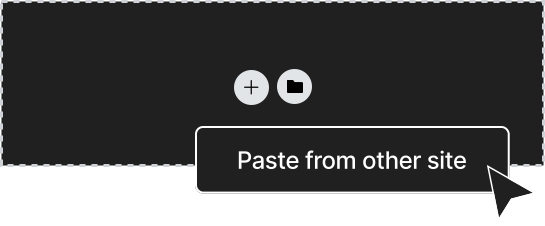

Paste into Elementor
Right-click in the Elementor editor, select “Paste from other site”, and the header drops into your template. Add your links, logo and brand colours.
The go-to library for Elementor professionals
Freelancers, agencies and solo builders rely on Element UI to streamline their builds. Here’s what they’re saying.
“Launching marketing sites for each of our app releases is a breeze with Element UI. We can maintain brand consistency while rolling out feature-rich sites in record time.”
“Speed to market is critical for us. With Element UI, our small team was able to launch a complete marketing site in just a few days, which was crucial for our product launch. The ease of making changes and updating content means we can adapt our strategies on the fly without delays.”
“I needed a way to improve my website without spending thousands on a web agency. Element UI was the perfect solution—within a day, I had a polished, modern site that feels totally custom to my brand.”
“As someone new to Elementor, Element UI has been a fantastic learning tool. It’s one thing to study best practices, but to see them implemented in these components has accelerated my learning curve tremendously.”
“I’m still pretty new to web design, but Element UI has given me so much confidence. The components are easy to use, and I’ve learned a ton just by seeing how everything is set up.”
“Element UI has transformed our digital marketing agency. The ability to rapidly deploy websites has allowed us to take on more projects and scale our business. It feels like a superpower!“
“This library has saved me countless hours. I just copy, paste, and everything falls into place. It’s like having a secret weapon that makes every project look more professional without the extra work.”
“As a freelancer, time is money – and Element UI has easily paid for itself over and over again. The design system keeps everything clean, and I can focus on delivering results faster than ever.”
“I run a small SEO/Paid Ads business and came across Element UI Kit when searching for pre-built Elementor solutions. I’ve been using the tool for a few months and it’s easily saved 20+dev hours plus the cost of a dev. We’ve used it on landing pages and will soon use the pre-built websites. The components are easy to use and there is lots of variety. Support from Paul was also fast and helpful. Recommended!”
“I wanted to start a food blog but had no idea where to begin with the website part. Element UI was the perfect starting point. It’s amazing how quickly I was able to get it up and running and start sharing my recipes.”
“I’m relatively new to web design, but Element UI made it feel like I’ve been doing this for years. My website looks sleek, professional, and functions beautifully.”
“I can’t emphasize enough how much time I save with Element UI. Building sites from scratch used to take up most of my schedule, but now I can launch professional sites much faster, allowing me to take on more clients and projects.”
“The easy copy-and-paste feature has cut my project time in half. The pre-built sections are designed with a professional touch that aligns perfectly with my high standards.”
“Starting with Element UI was like finding a mentor. The pre-built layouts taught me about structure, spacing, and responsive design as I built. It’s more than a tool; it’s a learning experience that has rapidly advanced my Elementor skills.”
Explore more free Elementor sections
Headers are just the starting point. Element UI includes 400+ Elementor sections across every category. All built to the same professional standards and attention to detail.

Hero Sections
Services

Feature Layouts
Footers
Pricing
FAQ Layouts

Testimonials
Contact Layouts
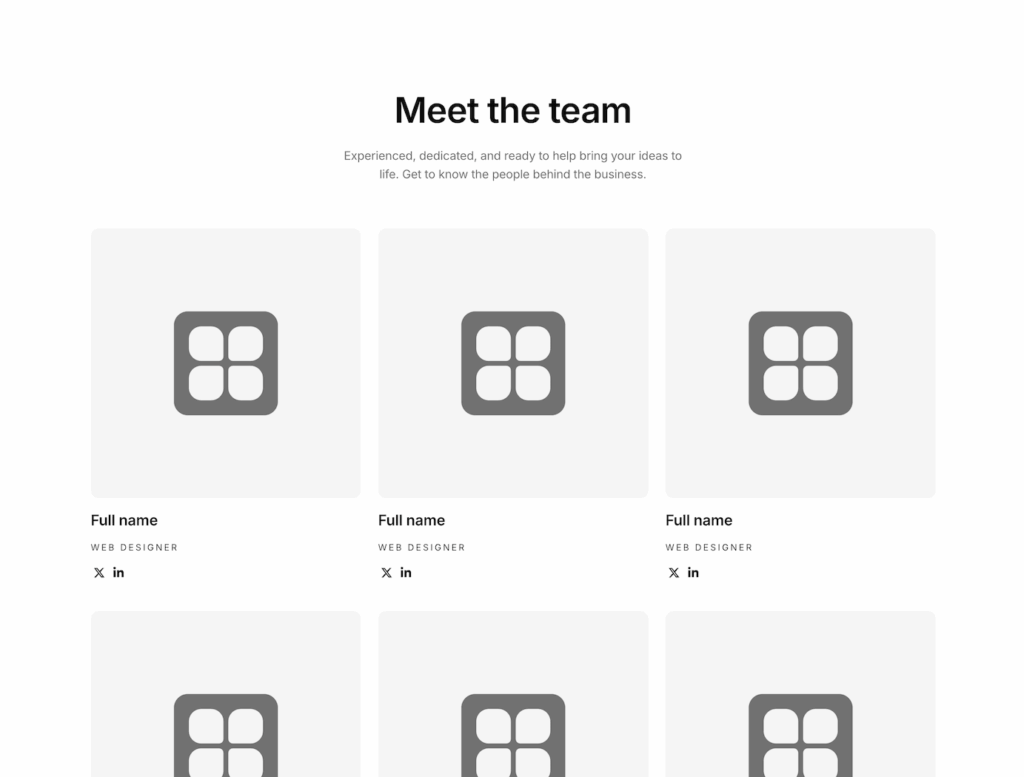
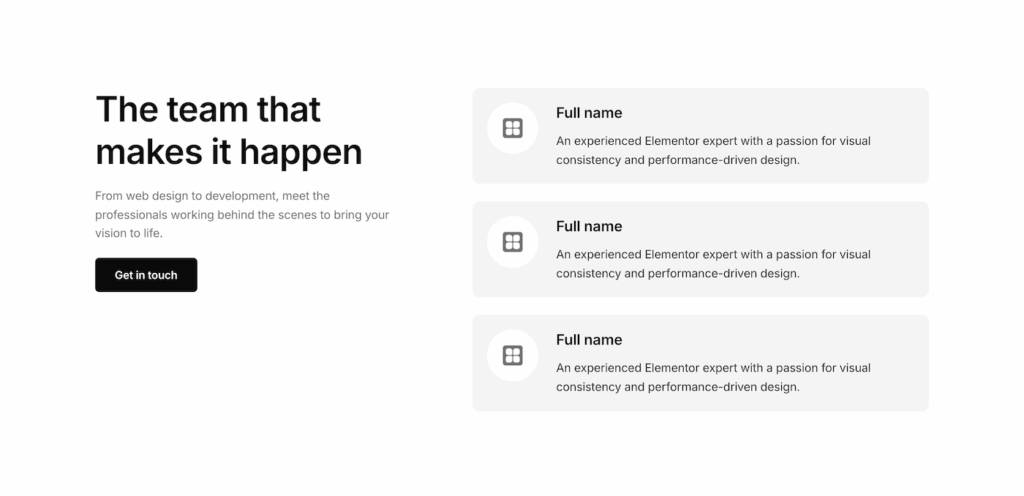
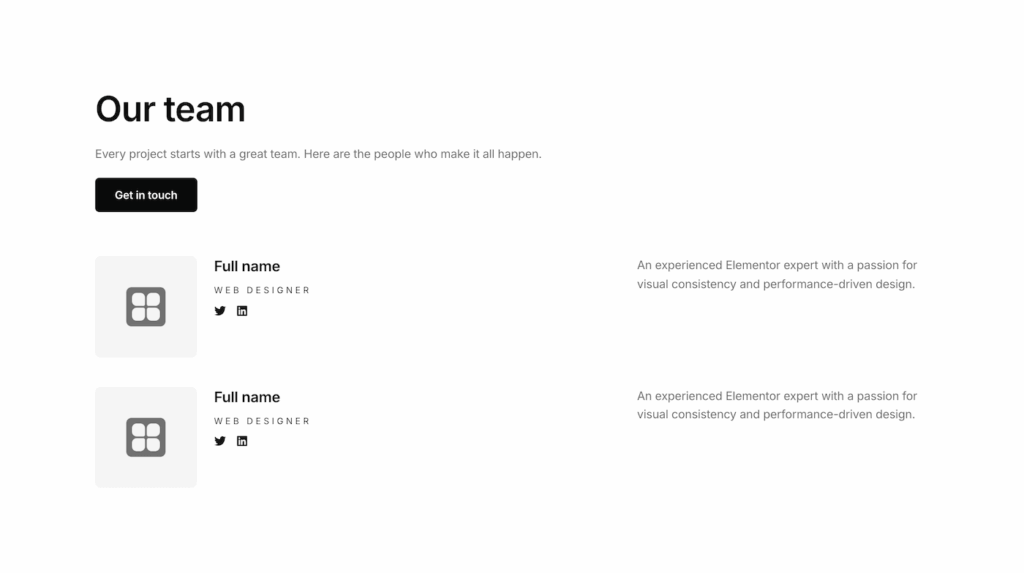
Professional layouts for introducing team members with photos, roles, and bios.