
Elementor testimonial templates
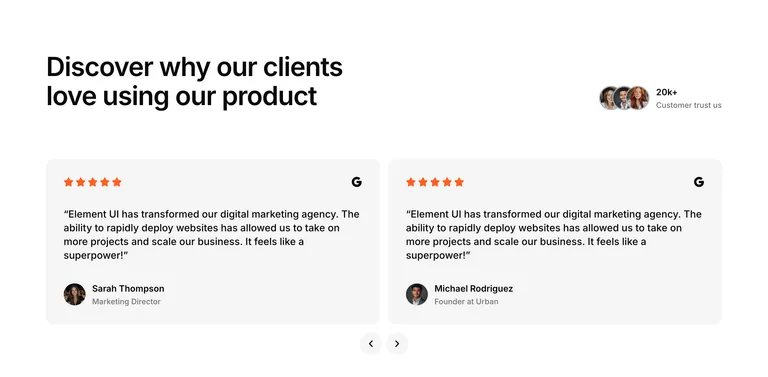
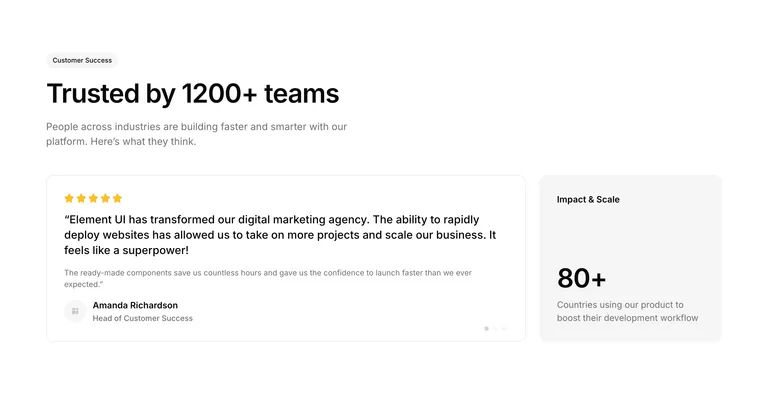
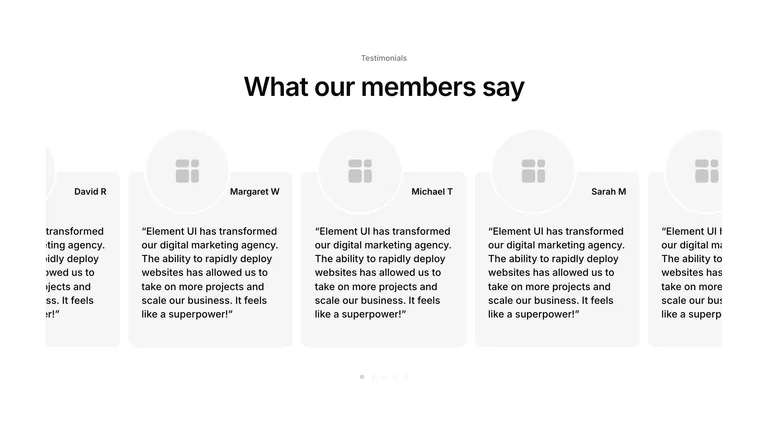
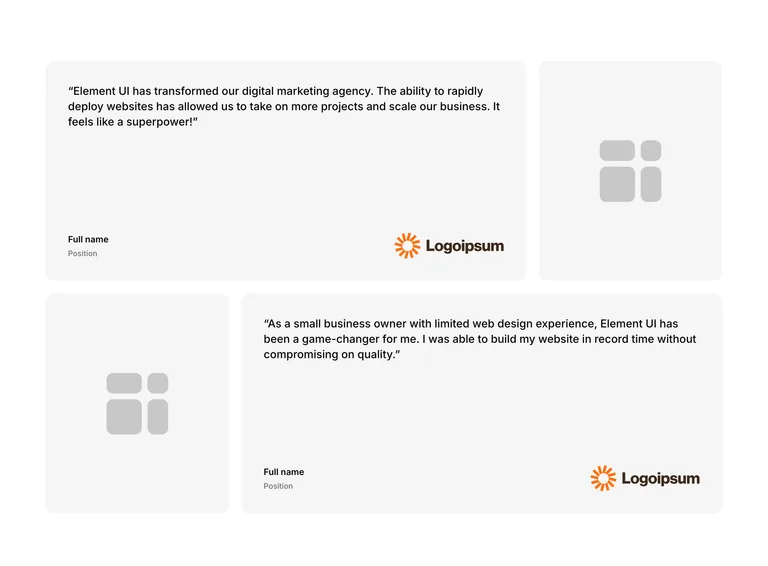
36 testimonial templates for V3 and V4, 2 of them free. Show one featured quote, a grid of reviews with photos, a carousel or your star ratings, each ready for your customers’ words.
Testimonials
Social proof that looks professional
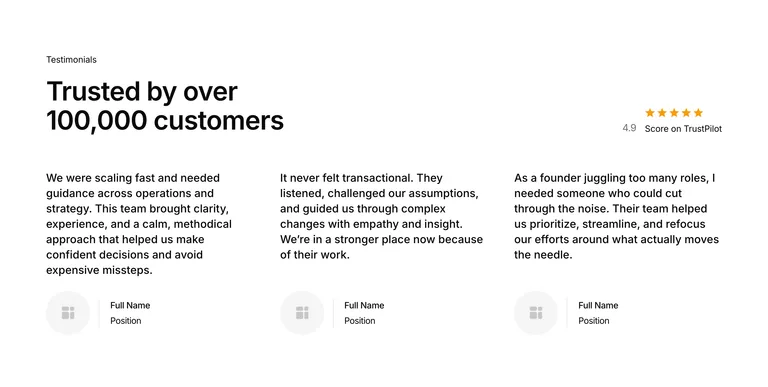
Your testimonials deserve better than a plain text block with quotation marks. These layouts give you proper structure for displaying social proof, whether that’s a single featured quote, a grid of client reviews, or a carousel showcasing the best reviews.
Every layout handles the tricky parts: icon placement, avatar alignment, star ratings, and company logos. The responsive behavior is already sorted. Pick a layout, drop in your testimonials, and let your happy customers do the selling.
Features
What makes this library different
Built for V3 and V4
V3 testimonial sections use Flexbox containers and widgets. V4 testimonial sections use Elementor V4’s atomic elements. No legacy sections or outdated column structures slowing your pages down.
Consistent design system
Every testimonial section, V3 or V4, follows the same spacing rules. Add them alongside other Element UI sections and everything aligns automatically.
Lightly styled
Minimal design that’s ready for your brand. Change the fonts and colors in Elementor after pasting. On V4, keep the local styles or connect your own variables and classes.
Fully responsive
Quote cards and grids that reflow properly on tablets and phones. No broken layouts or overlapping text at smaller breakpoints.
A note from the founder
What makes a good testimonial
A good testimonial is specific. A real name, a role or company and a photo make a quote believable, and a line about a result does more than a line of praise.
Keep quotes short: trim a long review to the sentence that matters. Then place them near the decision they support, like beside pricing or a sign-up button, instead of saving them all for the bottom of the page.
The layouts here have the structure and spacing done, so all that’s left is your customers’ words.
How it works
Add testimonials to any page in seconds
No plugins to install. No theme requirements. Just copy and paste directly into the Elementor editor.
- 01
Browse the library
Explore the testimonial sections and find a layout that fits your project.
- 02
Click copy
One click copies the entire section to your clipboard. Structure, spacing, and placeholder content included.
- 03
Paste into Elementor
Right-click in the empty area at the bottom of the Elementor editor and select “Paste from other site.” The testimonial layout drops straight onto your page, ready to customize.
Your clients said great things about you. Now display them in a layout that does those words justice.
Reviews
Trusted by Elementor professionals
Freelancers, agencies, and businesses from across the globe use Element UI to build faster. Here’s what they have to say.
“What impressed me most about Element UI was how the expert utilization of flexbox containers has helped to speed up our sites, which is crucial for ranking well. The structures are also clean and easy to navigate.”
Jonathan SEO expert
“Introducing Element UI into my micro agency has been a no-brainer for us. The flexbox containers ensure that everything is streamlined and responsive.”
James Agency founder
“Element UI has become an indispensable resource for our agency. The copy and paste feature is brilliant!“
David Agency owner
“Element UI has been a game-changer for me. I’ve halved my development time and can take on more projects each month.”
Adam W Freelancer
“This component library has revolutionized my development workflow. I’m now able to deliver websites in record time.”
Joshua Elementor developer
“Element UI has streamlined our entire production process. No more starting from scratch or struggling with mismatched sections. Everything just works together perfectly, right out of the box.”
Vanessa Project Manager
What I really like is all of the elements are perfectly aligned and with appropriate spacing and responsive for desktop/ tablet/ mobile. Saves a lot of time!
Dave W. Freelancer
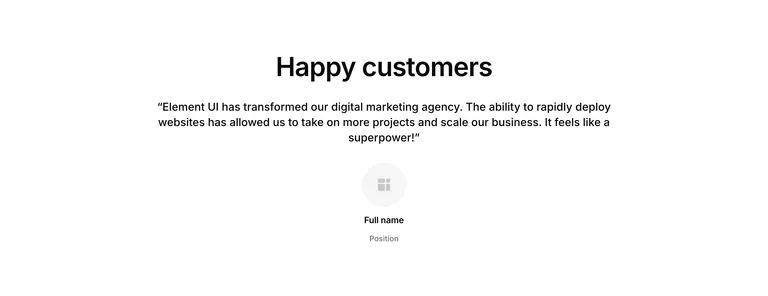
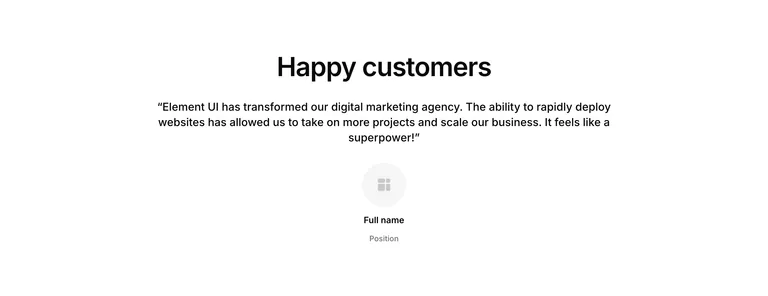
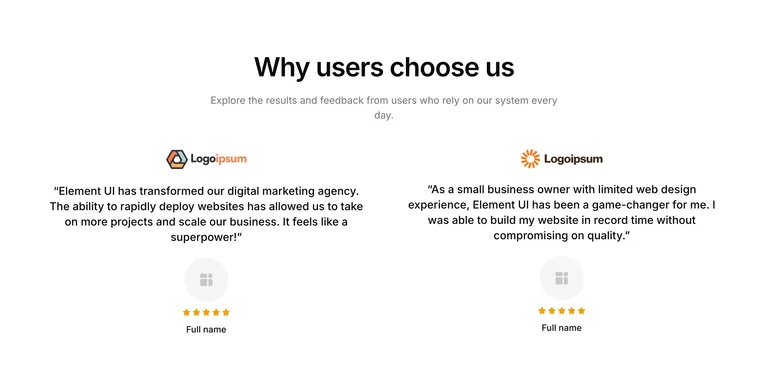
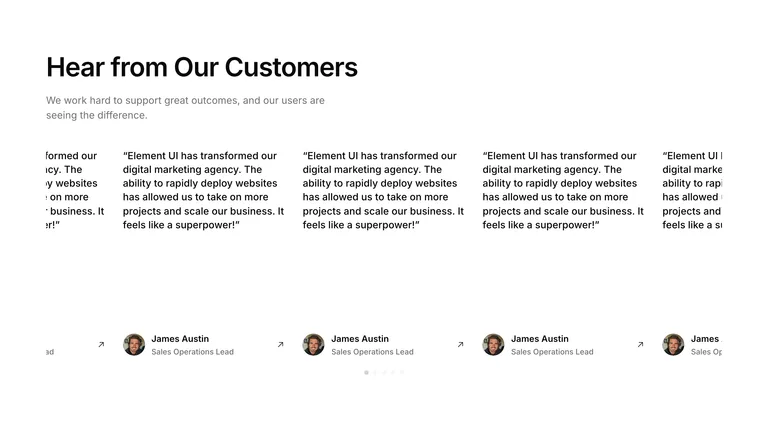
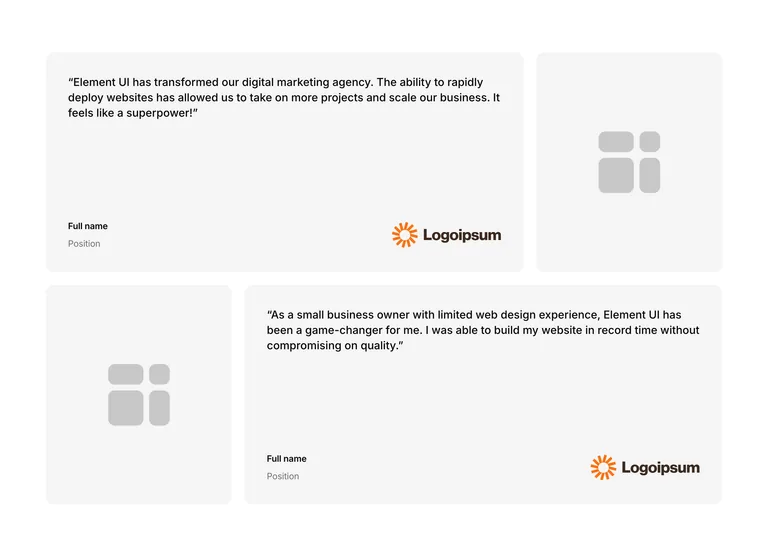
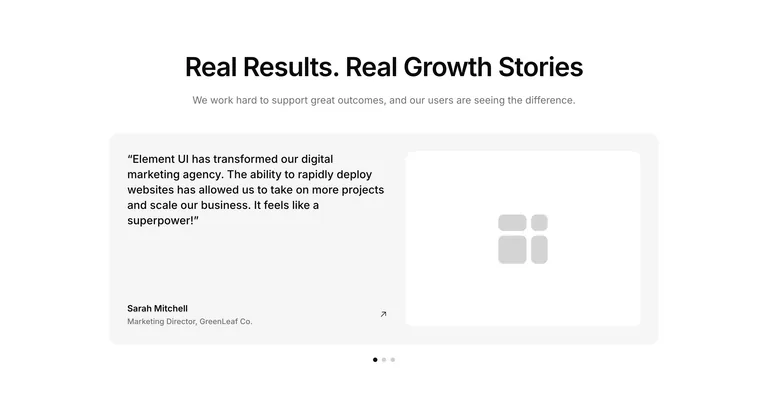
“Element UI has transformed our digital marketing agency. The ability to rapidly deploy websites has allowed us to take on more projects and scale our business. It feels like a superpower!“
Mary Agency founder
“We’ve integrated Element UI into our agency’s workflow, and the impact has been incredible. Our team now delivers projects faster, with higher consistency, and clients are thrilled with the designs.”
Alex W. Creative Agency Director
Components
Explore more Elementor sections
Testimonials are just one piece of the puzzle. Element UI includes 700+ Elementor sections for V3 and V4 across every category, all following the same design system and ready to copy and paste.
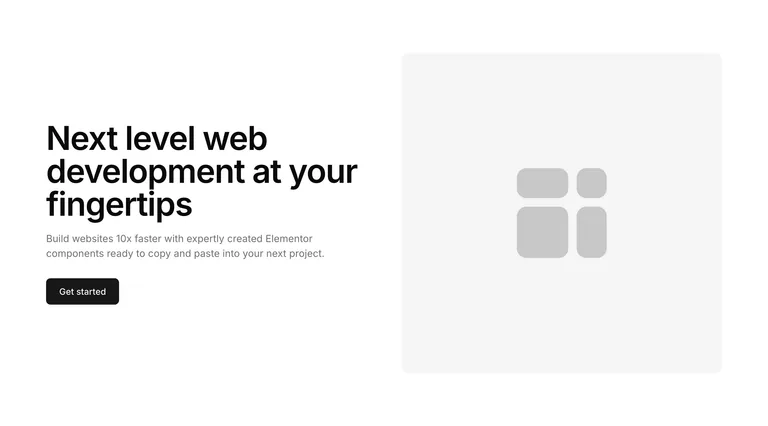
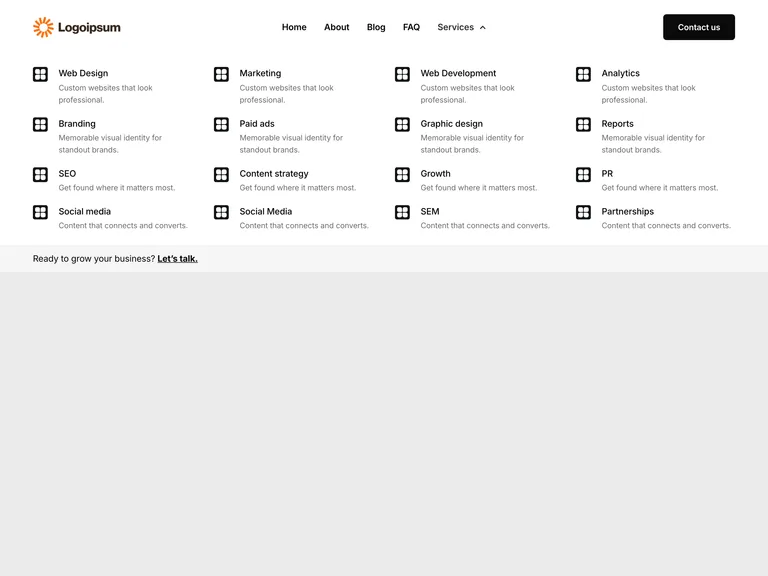
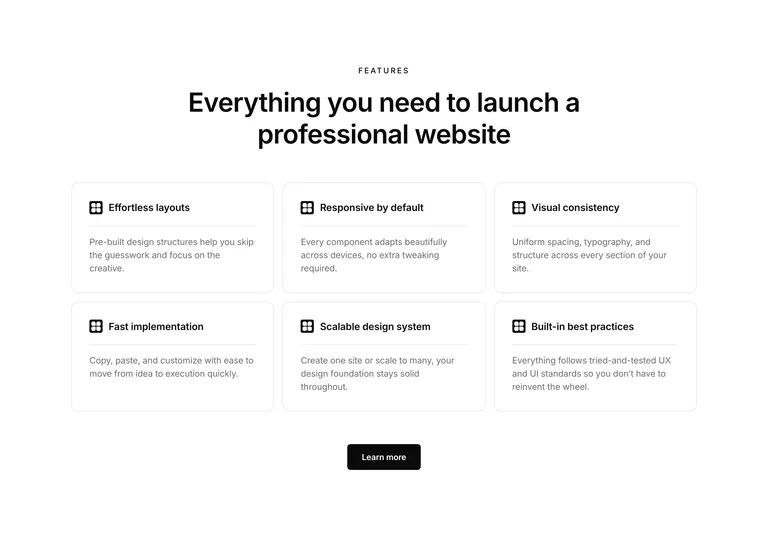
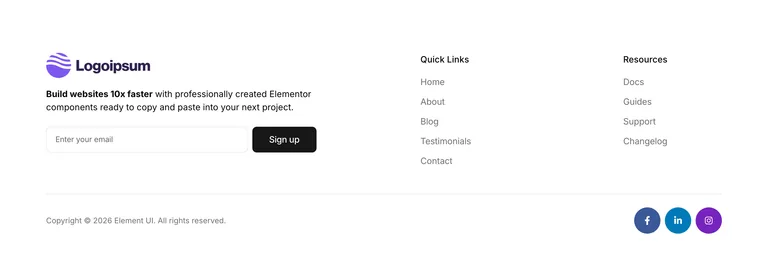
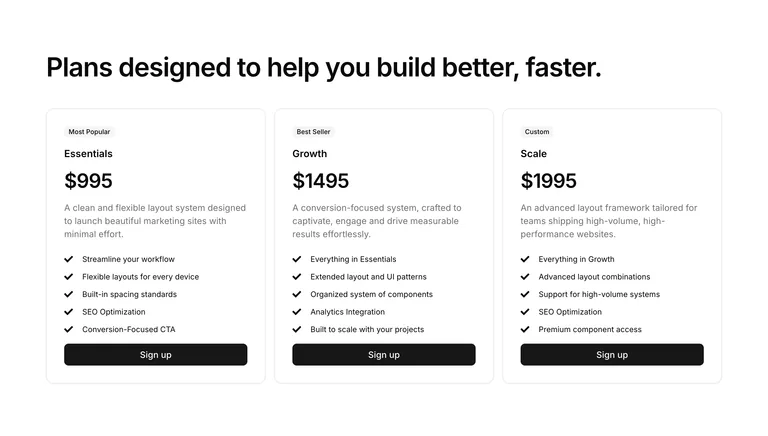
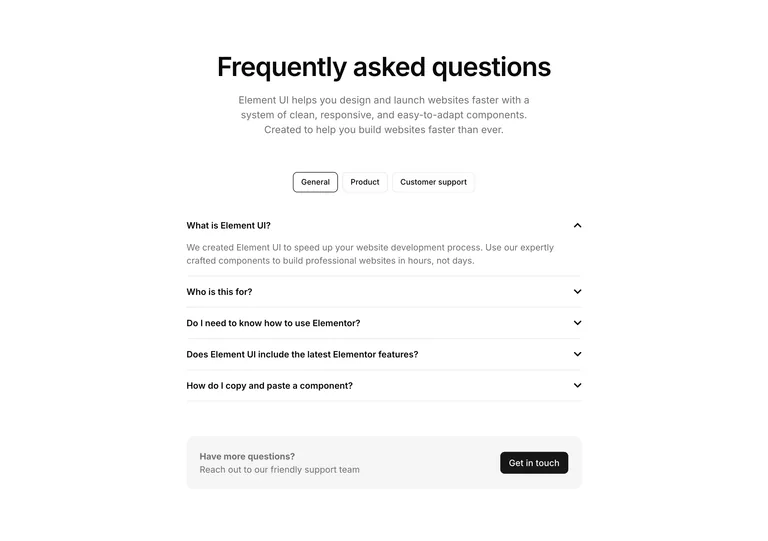
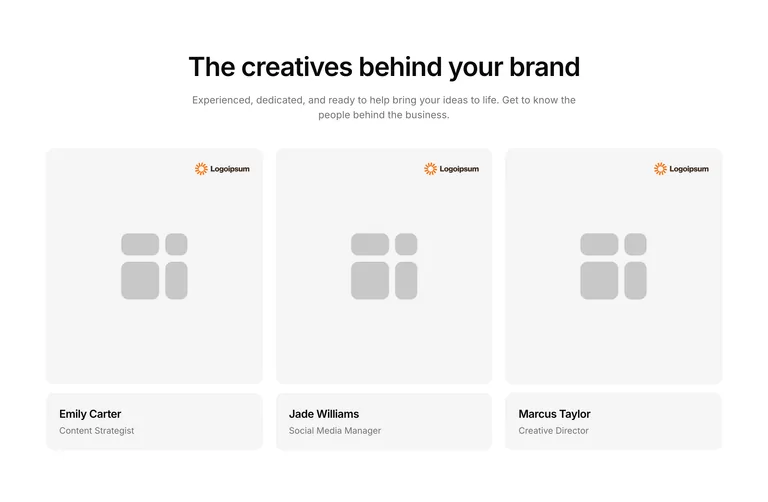
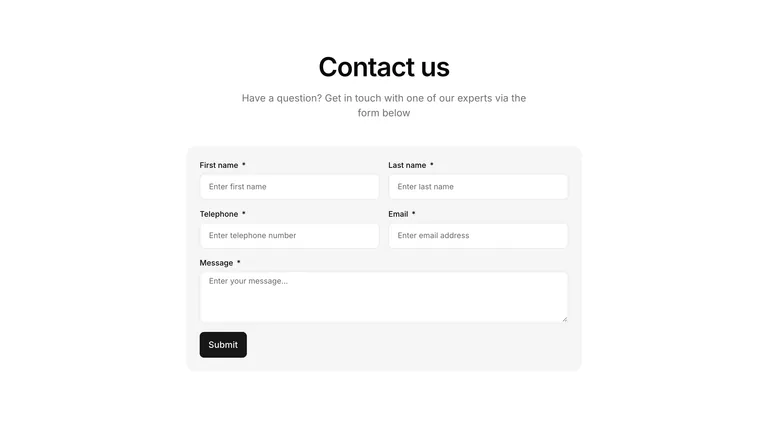
Every section is built with consistent spacing and fully responsive behavior: Flexbox containers on V3, atomic elements on V4. Copy and paste to build complete pages in minutes.
Are any of the Elementor testimonial templates free?
Yes. 2 testimonial templates are free with a free account, and they copy and paste exactly like the Pro ones. Pro unlocks every testimonial template in the library.
How do I add testimonials in Elementor?
Click Copy on a testimonial template. In the Elementor editor, right-click in the empty area at the bottom of the page and choose “Paste from other site”. Then swap in your customers’ quotes, names and photos.
Should I use a testimonial carousel or a grid?
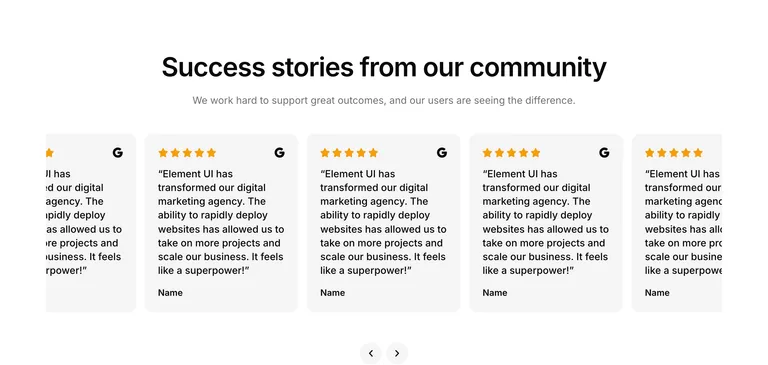
A grid shows several reviews at once, which works best with a few strong ones. A carousel fits a longer list into less space, but most visitors only see the first slide, so put your best review first. The carousel layouts are V3 for now; V4 carousels are coming soon.
Can I show star ratings?
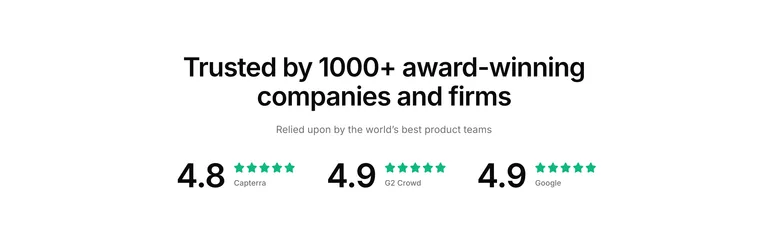
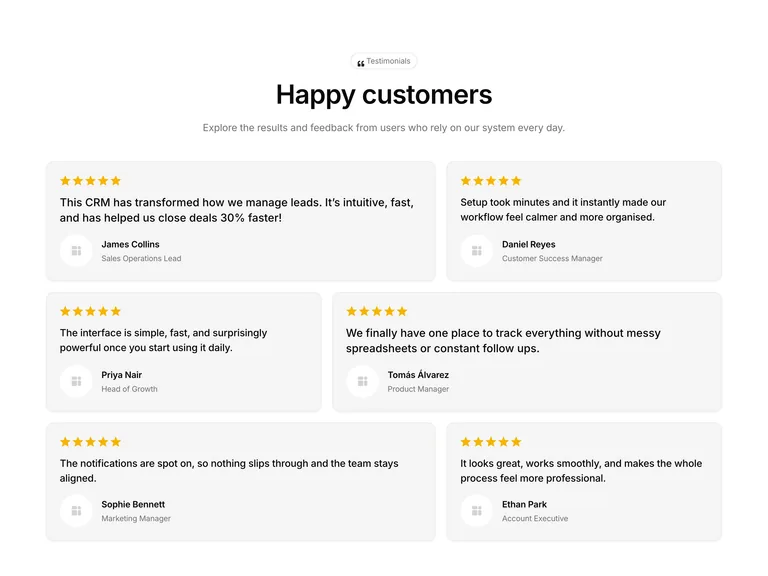
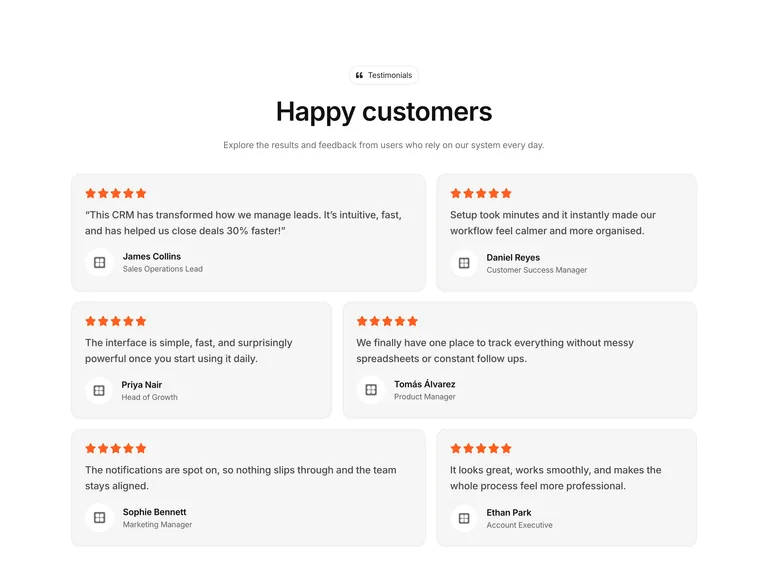
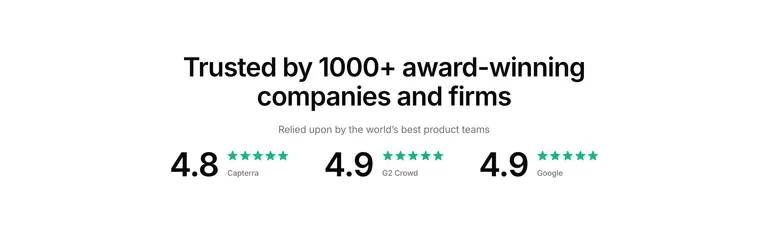
Yes. Several layouts include star ratings, and some show review scores side by side. Change the rating, or remove it, in Elementor after pasting.
Are there V4 testimonial templates?
Yes. Testimonial templates come in V3, built with Flexbox containers, and V4, built with Elementor V4’s atomic elements. The V4 ones use local styles only, so they paste without adding global classes or variables to your site.
Get started
Start building websites 10x faster with Element UI
36 Elementor testimonial templates, 2 of them free. Professionally built, fully responsive, ready to copy and paste.